Free Collision Repair Estimate Template
Create a professional estimate in minutes
Show the collision damage, repair steps and likely cost in a clear order. Drivers can follow the plan quickly and see why your shop fits the work.
Email, print or download your estimate as a PDF.
14-day free trial. No credit card required.

Price the job. Send the estimate. Get back to work.
Collision Repair Estimate Template Examples
Browse layouts for the damage and repair plan you are pricing. Every preview opens the same estimate editor.
-
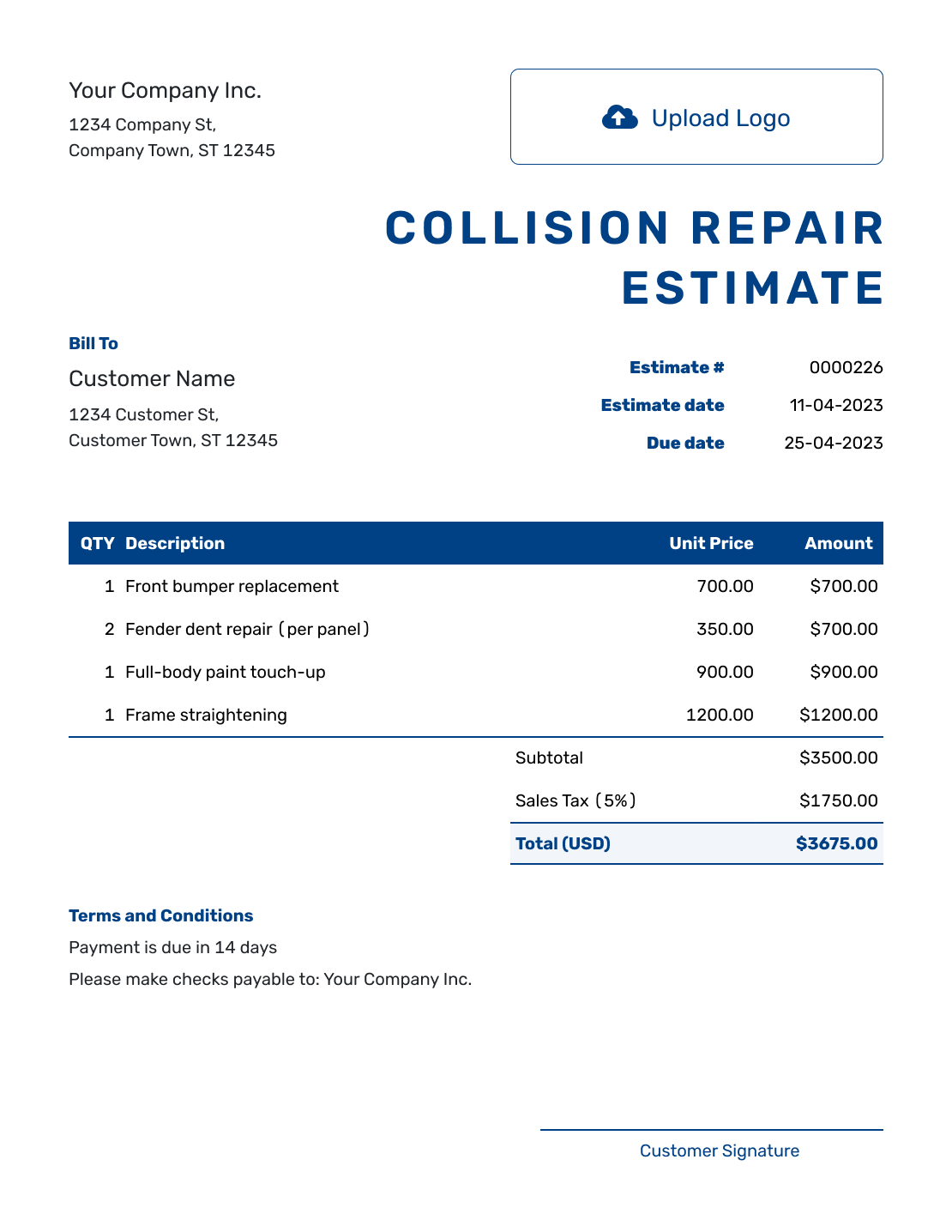
Sample Collision Repair Estimate Template
Create Free Estimate -
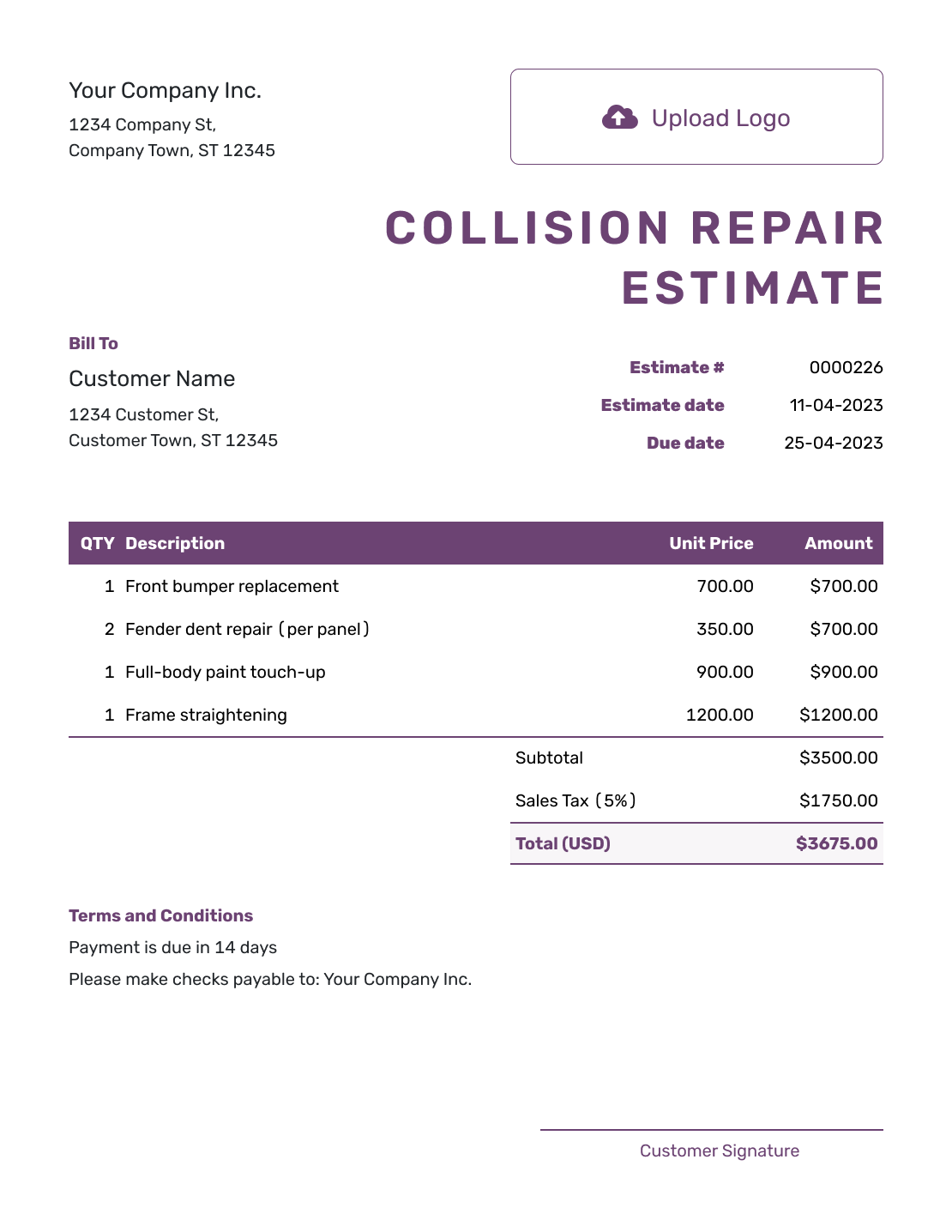
Free Collision Repair Estimate Template
Create Free Estimate -
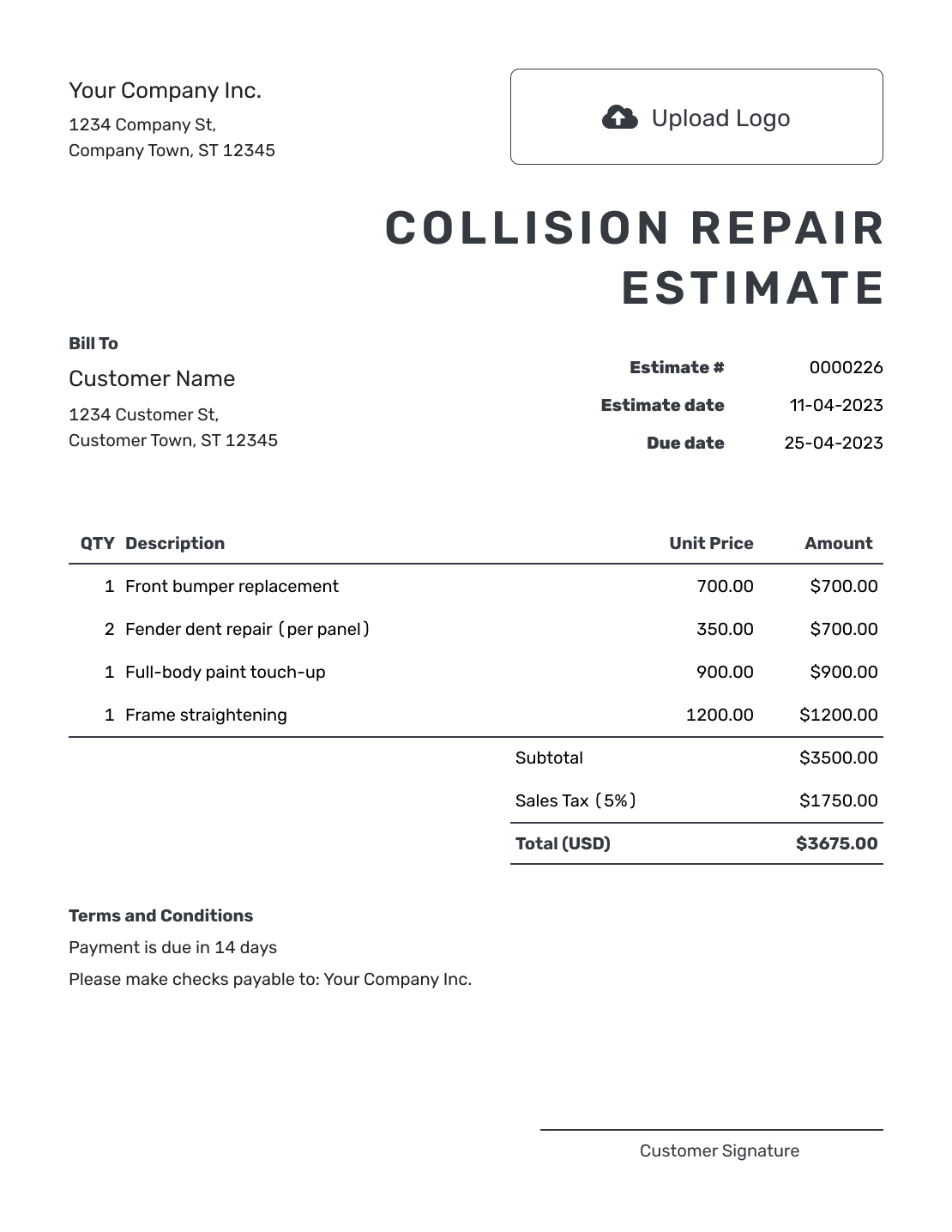
Printable Collision Repair Estimate Template
Create Free Estimate
See the other six previews below.
What Is a Collision Repair Estimate?
A collision repair estimate shows the impact damage the shop can identify, the work it expects to perform and the likely price before repairs begin. It can connect damaged areas with repair or replacement operations, parts, refinishing and labor.
Some structural, mechanical or electronic damage may not be clear until the vehicle is measured or disassembled. State the inspection limits and revise the estimate when new damage changes the repair plan.
How to Create a Collision Repair Estimate
Identify the vehicle and impact areas before adding repair operations. Keep the inspection limits with the estimate so the driver knows what the current price covers.
- Your Shop: Enter the shop name and contact details.
- Your Logo: Add the logo used on your repair documents.
- The Customer: Enter the driver's name and contact details.
- Number and Dates: Check the estimate number and issue date. Add a valid-until date if needed.
- Repair Operations: Identify the vehicle and damaged area in the descriptions. Add parts, materials and labor with quantities and rates.
- Estimated Total: Check the subtotal, applicable tax and any discount. Docelf calculates the total.
- Terms and Sending: Use Terms and Conditions for inspection limits. Review the estimate, then email it or save a PDF.
How to Price Collision Repair Operations
A damaged area can need a replacement part, removal and fitting, refinishing, and checks. List separately priced operations on their own lines so the driver can follow the cost and you can update the affected work later.
This fictional rear bumper repair is priced in US dollars. It assumes the existing mounts and sensors can be reused after inspection. An illustrative 8% tax applies only to the $430.00 in parts and paint materials.
| QTY | Description | Unit Price | Amount |
|---|---|---|---|
| 1 | Replacement rear bumper cover | $320.00 | $320.00 |
| 2 | Remove old cover and fit replacement — labor hours | $95.00 | $190.00 |
| 3 | Prepare and refinish rear bumper cover — labor hours | $95.00 | $285.00 |
| 1 | Paint and refinishing materials | $110.00 | $110.00 |
| Subtotal | $905.00 | |
| Sales Tax (8% on parts/materials, illustrative) | $34.40 | |
| Estimated Total | $939.40 |
The estimated total is $939.40 for this bumper repair. Use the repair operations your inspection supports, your own prices and the applicable tax treatment; these figures are illustrative.
What to Include in Collision Repair Estimate Terms
Use Terms and Conditions to state the inspection limits and the assumptions behind the price. For collision work, it helps to name the parts you expect to reuse and explain how you will handle new findings.
Adapt this sample to your repair plan and actual shop policies. Check local requirements for estimates and repair authorization before using it.
Example: Terms and Conditions
- Estimated total: $939.40 to replace and refinish the rear bumper cover as itemized.
- Based on the current inspection. Existing mounts and sensors are assumed reusable; concealed damage has not been priced.
- If disassembly reveals additional damage, we will provide a revised estimate for approval before carrying out the added repairs.
- Valid for 14 days from the estimate date. Repair timing will be confirmed once parts availability is known.
Create a Collision Estimate That Follows the Damage
Build the repair plan in Docelf and let it calculate the total. Send the driver an estimate that explains the work supported by the current inspection.
What to Include in a Collision Repair Estimate
Give the driver a clear path from the damaged area to the repair operation and the likely price based on the inspection so far.
Vehicle and impact areas
Add the vehicle year, make, model and VIN or license plate. Identify each impact area and the inspection date so the estimate matches the right vehicle and findings.
Operations by damaged area
Show whether each panel, part or system will be repaired, replaced, aligned, removed or inspected further. Keep separate areas on separate lines.
Parts, materials and labor
List parts, quantities, paint or materials, labor and other repair operations that help explain the likely total.
Inspection limits and files
State what could not be confirmed before disassembly or measurement. Add notes, photos or other files when they help explain the visible damage.
Keep Visible and Hidden Damage Separate
Price the damage you can support from the current inspection. Do not bury possible hidden work inside a broad line item that looks final.
Name the areas that need disassembly, measurements or more testing in Terms and Conditions. If new damage is found, revise the estimate and show both the added work and the change in price.
Collision Repair Estimate, Quote, or Invoice?
Choose the document based on how complete the damage inspection is and whether the repair is ready to bill.
Estimate
Use an estimate when the visible collision damage supports a likely repair plan but hidden damage or measurements may still change the work.
Quote
Use an auto repair quote when the collision repair scope, price and terms are specific enough for the driver to approve.
Invoice
Use an auto repair invoice when the collision repair is ready to bill and the customer needs the final amount and payment details.
More Collision Repair Estimate Previews
Choose a layout for your shop. Add your own vehicle details and repair prices in the editor.
-
Blank Collision Repair Estimate Template
Create Free Estimate -
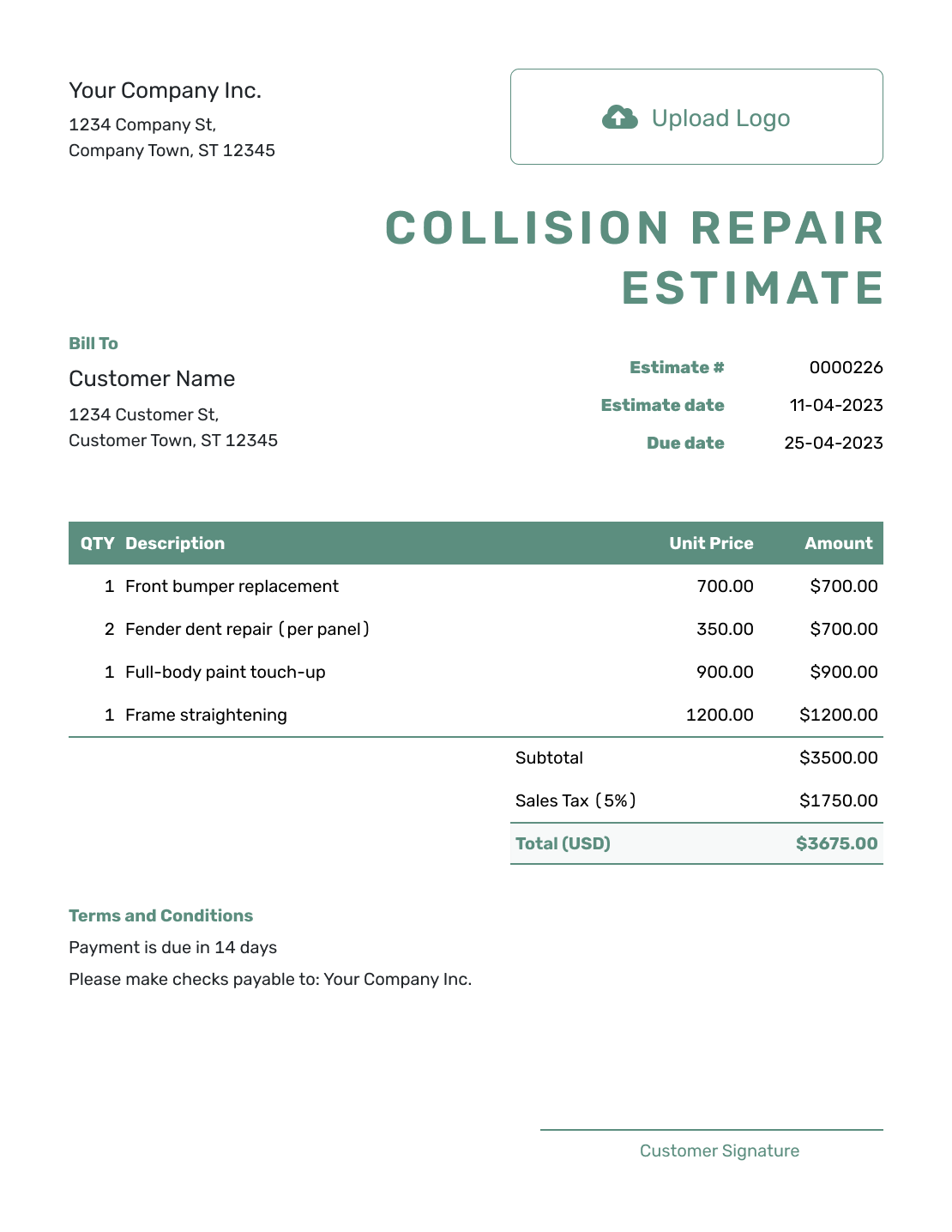
Simple Collision Repair Estimate Template
Create Free Estimate -
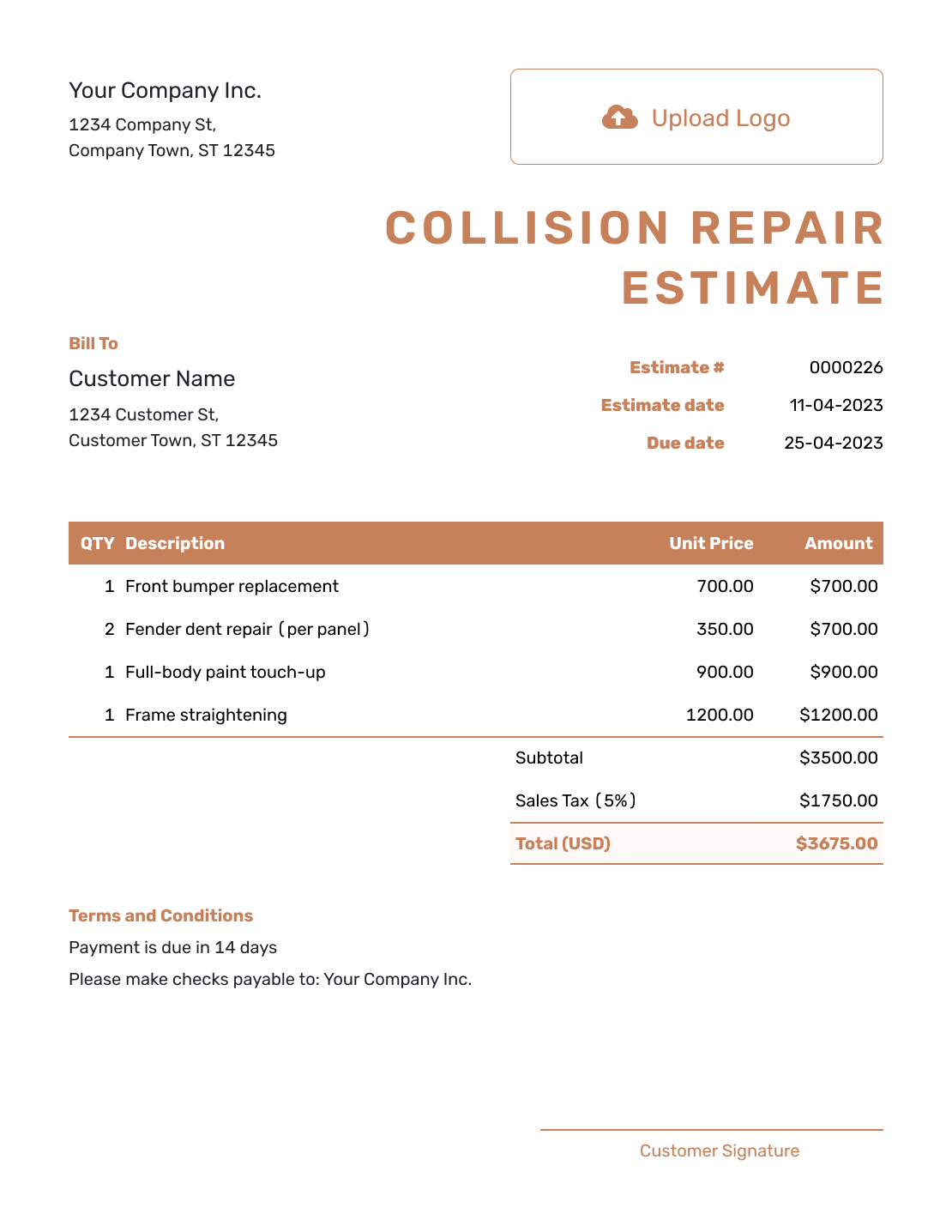
Downloadable Collision Repair Estimate Template
Create Free Estimate -
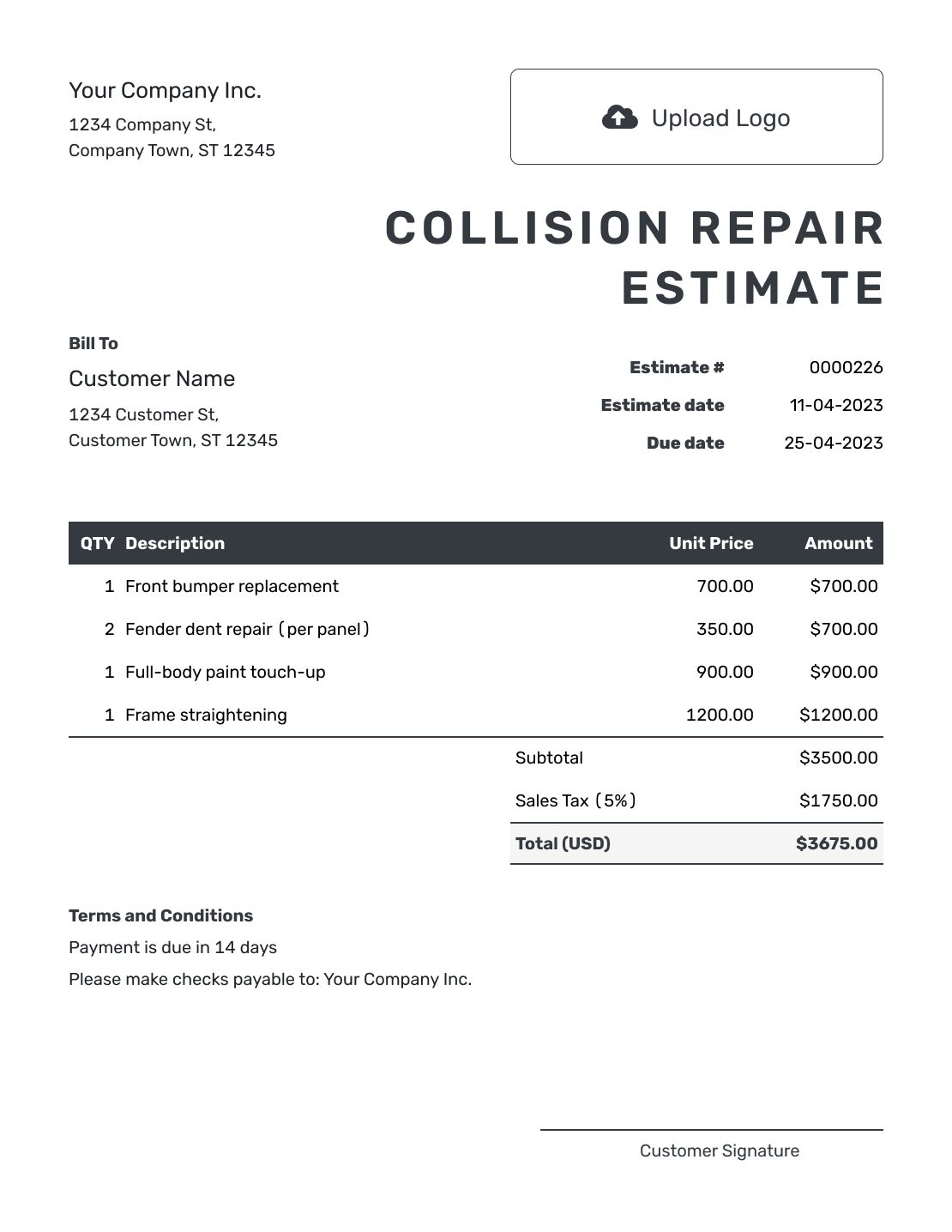
Editable Collision Repair Estimate Template
Create Free Estimate -
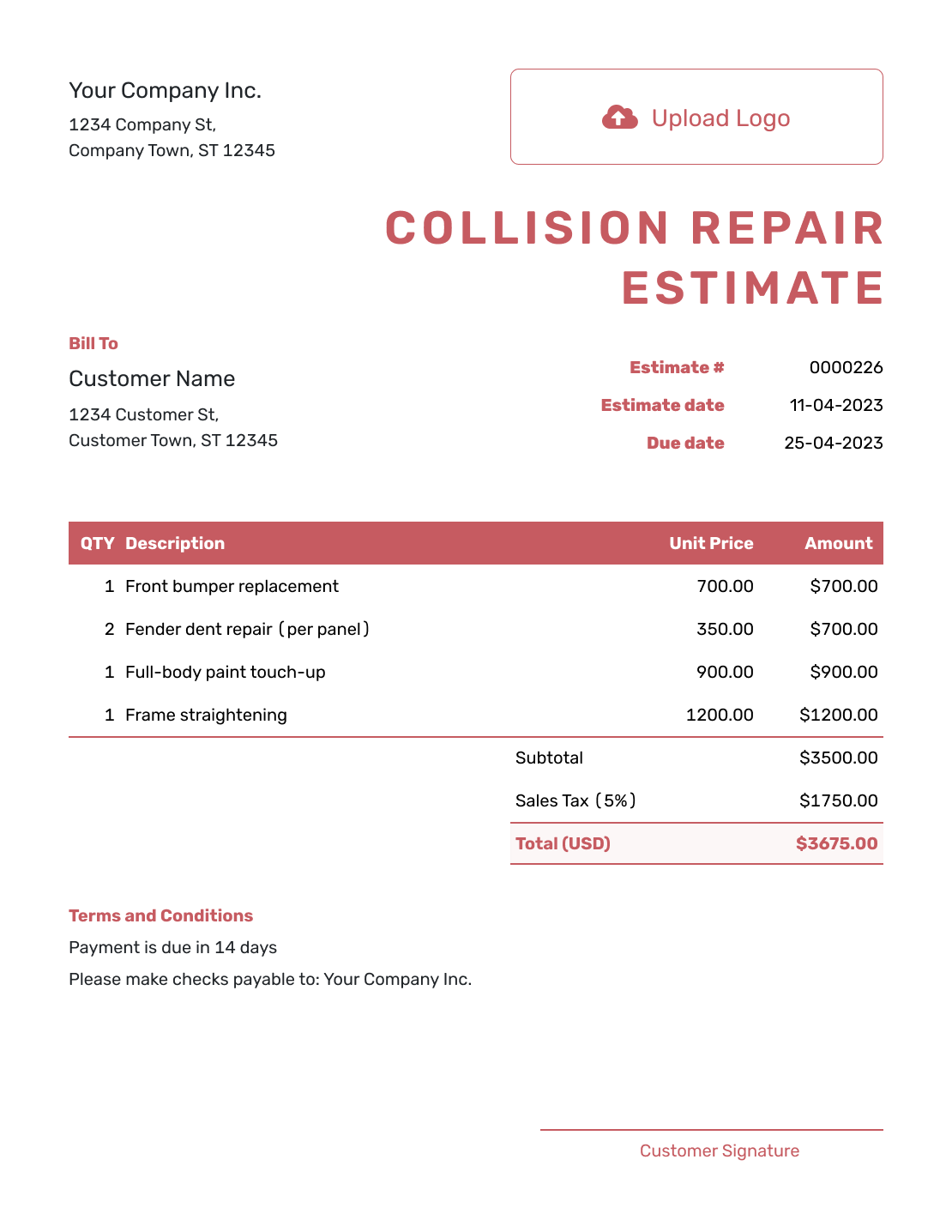
Fillable Collision Repair Estimate Template
Create Free Estimate -
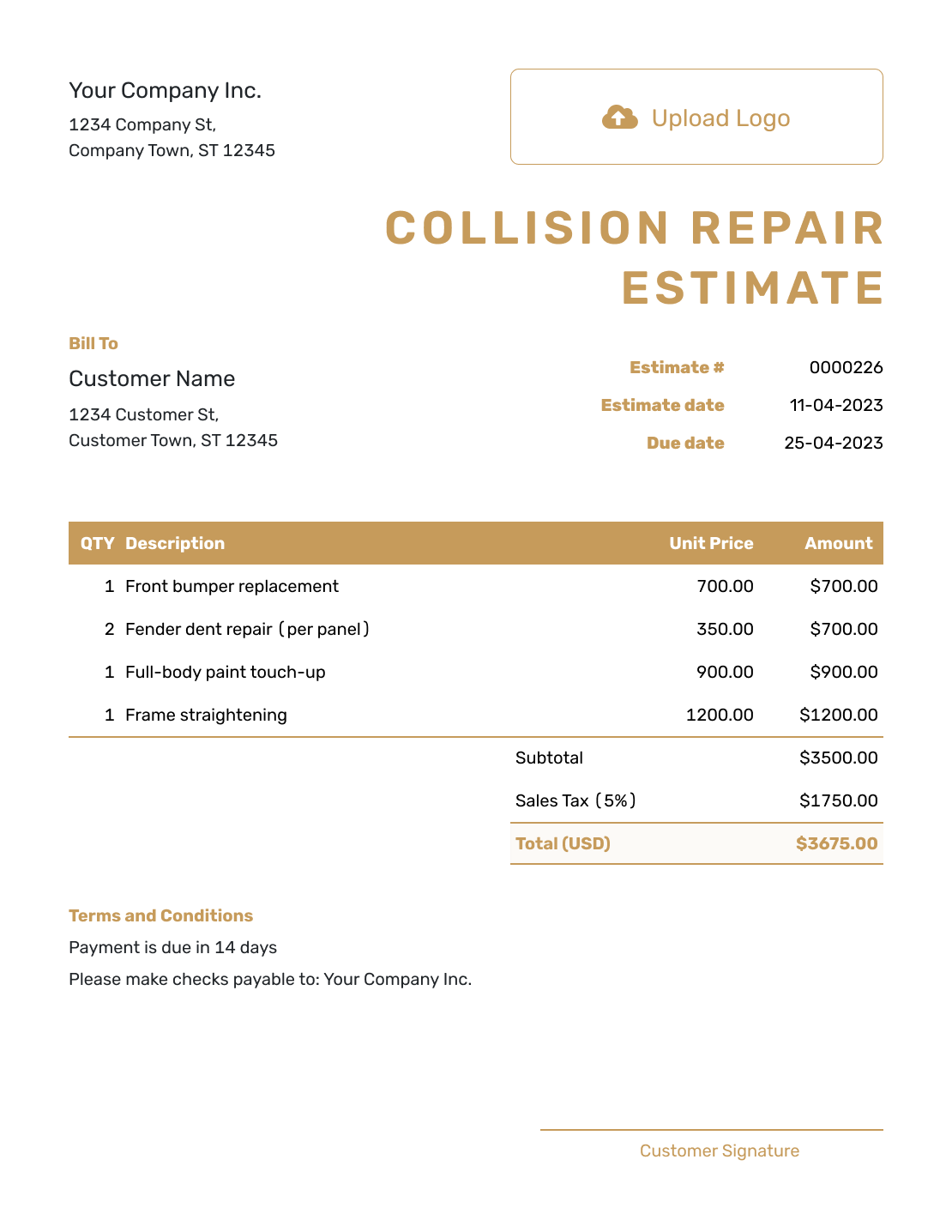
Professional Collision Repair Estimate Template
Create Free Estimate
Related Automotive Estimate Templates
Choose a related estimate when the work is mainly body repair, a broader auto repair or part of a longer restoration project.
Other Estimate Template File Formats
Use a document or spreadsheet template if that fits how your shop records the repair plan. These are separate file options; Docelf downloads the finished online estimate as a PDF.
After You Send the Estimate
- See when the driver opens or responds to the estimate
- Revise it if disassembly or measurements reveal more collision damage
- Create an invoice from the estimate when the repair is ready to bill, then check it against the work completed
Collision Repair Estimate Template FAQs
Find answers to common questions about impact damage, hidden damage, repair operations and sending this estimate.
-
What is a collision repair estimate?
A collision repair estimate shows the impact damage a shop can identify, the work it expects to perform and the likely price based on the inspection so far.
-
What should I include in a collision repair estimate?
Identify the shop, customer and vehicle, and add an estimate number and issue date. Describe the damaged areas and priced repair operations, including parts, materials and labor. Check the total and tax, then state inspection limits and any response deadline.
-
Should each damaged area be listed separately?
Yes, when separate areas need different operations. Connecting each damaged area with its repair, replacement, refinishing and labor details makes the estimate easier to follow.
-
What should I do if disassembly reveals hidden damage?
Create a revised estimate that shows the added damage, work and likely price. Explain what changed before the driver decides whether to go ahead with the extra repair.
-
Should repair and replacement operations be separate?
List them separately when both are part of the job. The driver can then see what the shop plans to repair and which parts or panels it expects to replace.
-
What is the difference between a collision repair estimate and a body shop estimate?
Both may cover body and paint work. A collision repair estimate centers on damage from an impact, while a body shop estimate can also cover other body damage and refinishing work.
-
Does a collision repair estimate equal the final bill?
An estimate shows the expected work and likely price based on the current inspection. Hidden damage, measurements or later findings can require a revised estimate before the final bill.
-
Can I attach collision photos or inspection files?
Yes. You can attach PDF, JPG, GIF, PNG or WebP files, up to 5 MB per attachment. The customer can download them with the estimate.
-
Can a driver accept a collision repair estimate online?
Yes. Customers can accept or decline estimates online without a Docelf account. Docelf updates the status and emails you when they respond.
-
Can I create an invoice from an accepted collision repair estimate?
Yes. You can create an invoice from an estimate. Docelf copies the relevant customer, item, price and document details. Review the invoice against the completed repairs and update any changed quantities or prices before sending it.
Ready to Send the Collision Repair Estimate?
Help the driver understand the repair plan before the vehicle goes into the shop.
- Keep each damaged area tied to the repair work
- Automatic totals for parts, labor, taxes and discounts
- Email the estimate or download a professional PDF




