Free Auto Repair Quote Template
Create a professional auto repair quote in minutes
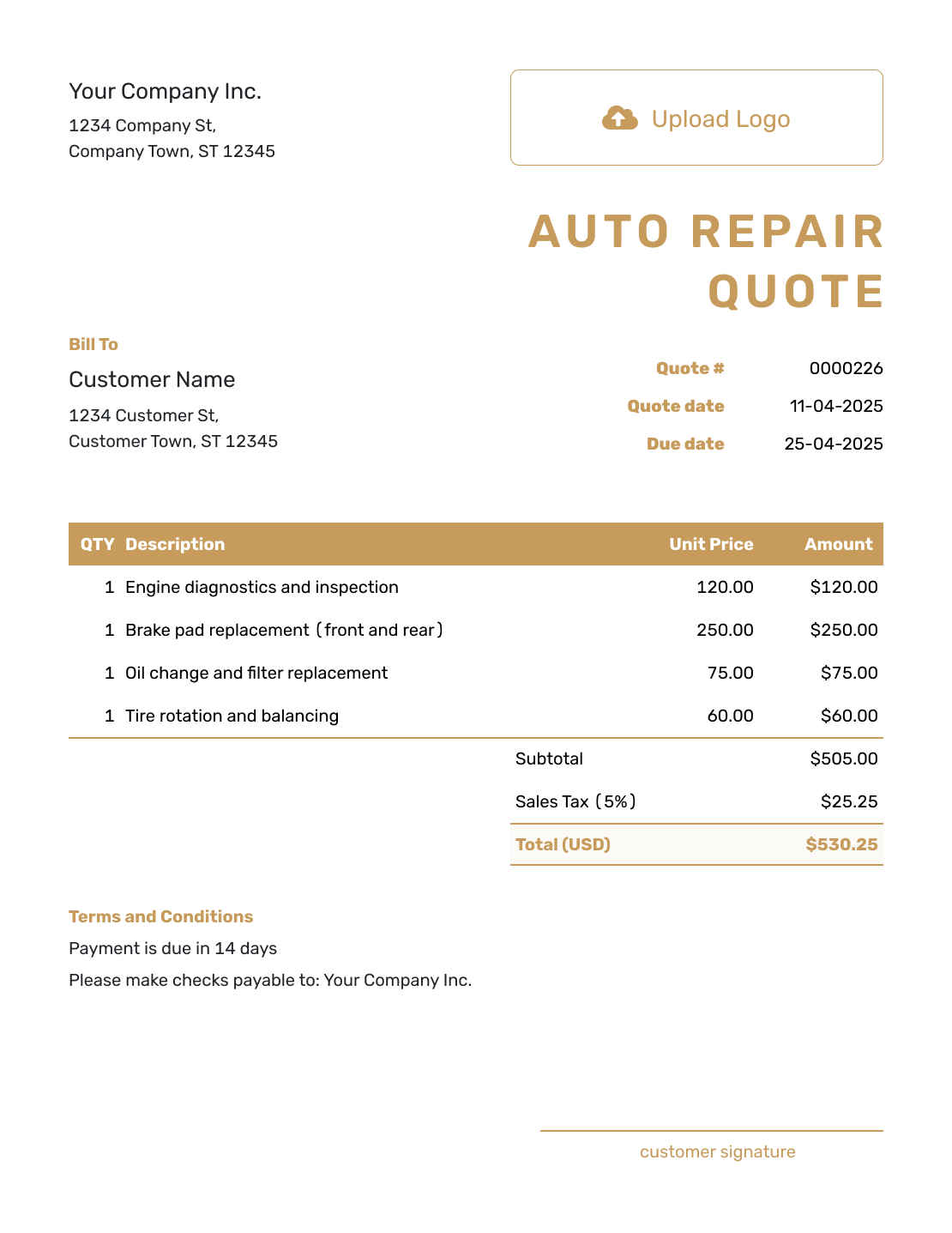
Identify the vehicle and recommended repairs, with parts, labor and diagnostic work in the total. Drivers get a clear view of the work and a reason to choose your shop.
Email, print or download your quote as a PDF.
14-day free trial. No credit card required.

Price the job. Send the quote. Get back to work.
Auto Repair Quote Template Examples
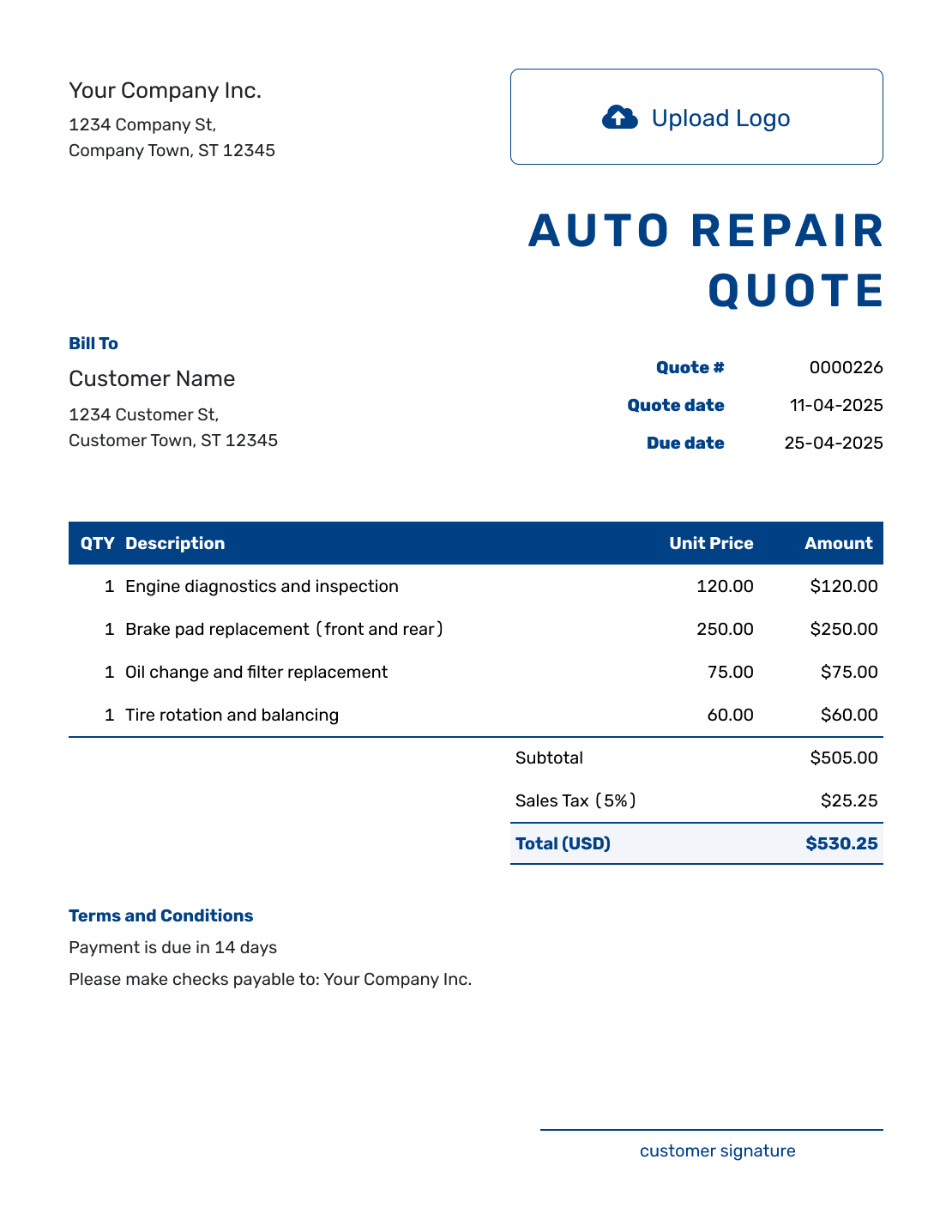
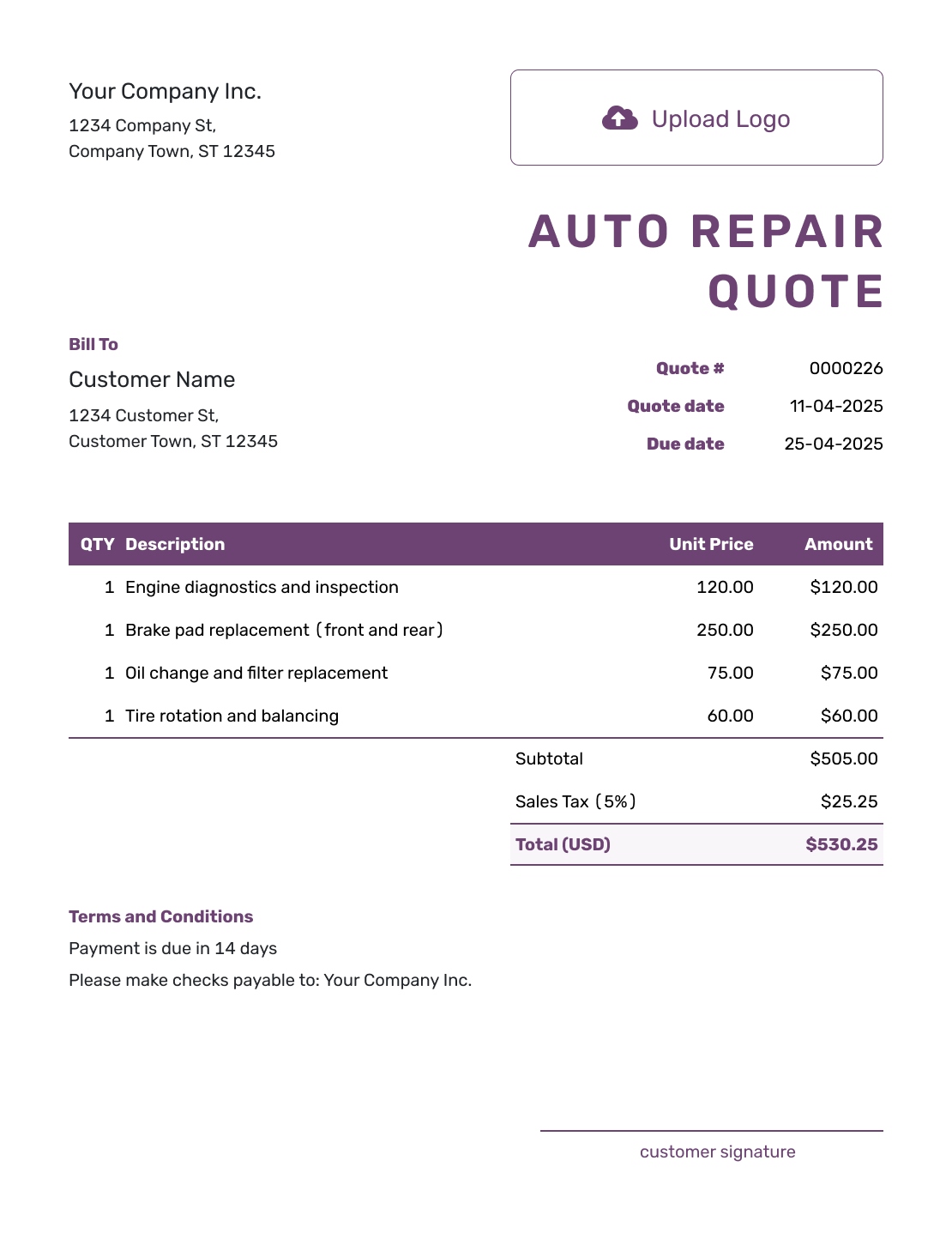
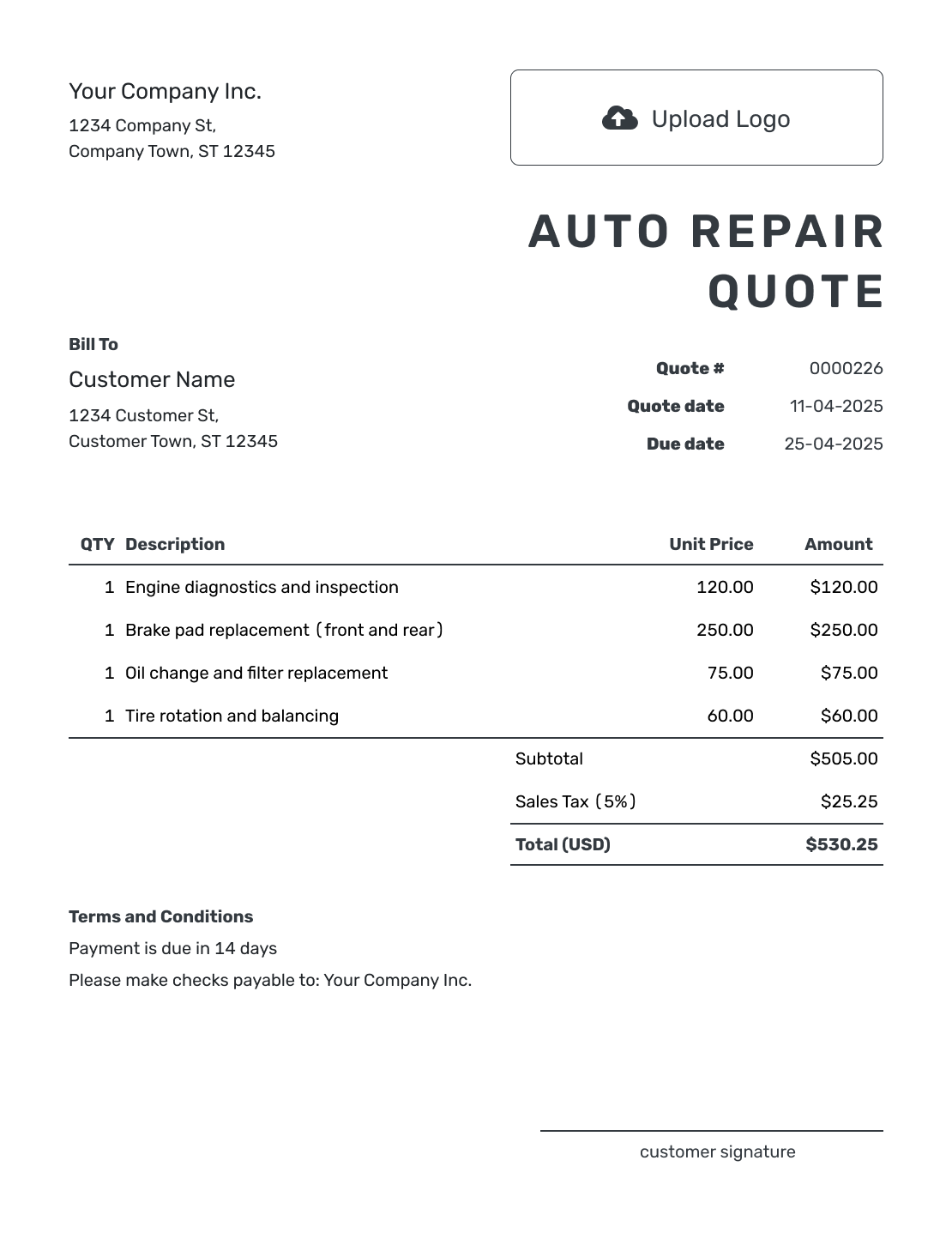
Browse these layouts before adding your own repair details. Each preview opens the same Docelf quote editor, where you can enter the vehicle, parts, labor, and shop terms.
What Is an Auto Repair Quote?
An auto repair quote is a written offer for defined repair work on a specific vehicle. It tells the customer what you plan to repair, what the quoted work costs, and which terms apply before you begin.
Use a quote once you can define and price the repair. If the problem or parts are still uncertain, use an estimate for the expected cost. An invoice requests payment when the work is ready to bill.
How to Create an Auto Repair Quote
Start with the shop and customer details, then build the repair price. The worked example below shows how parts and labor fit together.
- Shop Details: Add your repair shop name and contact details.
- Your Logo: Add the logo you use on your shop paperwork.
- Customer Details: Choose a saved customer or enter their name and contact details.
- Quote Number and Dates: Check the quote number and issue date. Set a valid-until date for the offer.
- Parts and Labor: List each part and repair operation with its quantity and price.
- Check the Total: Check the subtotal and applicable tax. Include a discount only if you offer one.
- Terms and Send: Add vehicle details and repair terms in Terms and Conditions. Review, then email the quote or download a PDF.
How to Fill In Auto Repair Quote Line Items
Name the repair operation as well as the part. “Front brake pads” tells the customer which parts are included; a separate labor line explains the fitting charge. Use hours and an hourly rate when that is how you price the work.
This fictional front-brake replacement is priced in US dollars. It includes one pad set, two rotors, and two hours of labor. The illustrative 8% tax applies only to the $240.00 in parts; use the tax treatment that applies to your own repair.
| QTY | Description | Unit Price | Amount |
|---|---|---|---|
| 1 | Front brake pad set | $90.00 | $90.00 |
| 2 | Front brake rotors — each | $75.00 | $150.00 |
| 2 | Replace front pads and rotors — labor hours | $100.00 | $200.00 |
| Subtotal | $440.00 | |
| Sales Tax (8% on parts, illustrative) | $19.20 | |
| Quote Total | $459.20 |
What to Include in Auto Repair Quote Terms
Use Terms and Conditions to connect the price to the right vehicle and repair. Include the year, make, model, and VIN or plate your shop uses. Mileage can help identify the vehicle's condition at the time of the quote.
Explain how long the price is valid, when payment is due, and how the customer can approve added work. Include scheduling or warranty details only when they apply. Adapt the sample to policies your shop actually follows, and check local requirements before adding warranty or fee terms.
Example: Terms and Conditions
- Vehicle: [year, make, model and VIN or plate].
- Quote covers the listed front brake pads, two front rotors, and fitting labor.
- Price is valid for 14 days from the quote date. We will confirm the repair appointment when you accept.
- Payment of $459.20 is due at pickup after the repair.
- Any additional repairs will be quoted for your approval before that work begins.
Put the Repair Price in Writing
Enter the parts and labor for the repair. Docelf calculates the total so you can check the offer and send it to the customer.
Keep Repair Pricing Clear When the Job Can Change
A customer may recognize a symptom without knowing which repair it needs. Once you have identified the job, explain it in terms they can match to the vehicle and price.
Identify the Vehicle
Check the VIN or plate against the vehicle before sending. This is especially useful for customers with more than one car or a fleet of similar vehicles.
Describe the Repair, Not Just the Part
Say which part of the vehicle you will work on and what you will do. “Replace front pads and rotors” is easier to check than “brake work.”
Separate Parts and Labor When Helpful
List separately charged parts and labor without charging again for work already included in a package. Give shop supplies or other applicable charges their own labeled lines.
Requote Added Work
If diagnosis finds more work, explain what changed and send the revised scope and price. Ask the customer to accept the change before you start the added repair.
More Auto Repair Quote Layouts
These six layouts give you more ways to present the same repair offer. Choose one as a starting point, then add the details and prices for your customer.
-
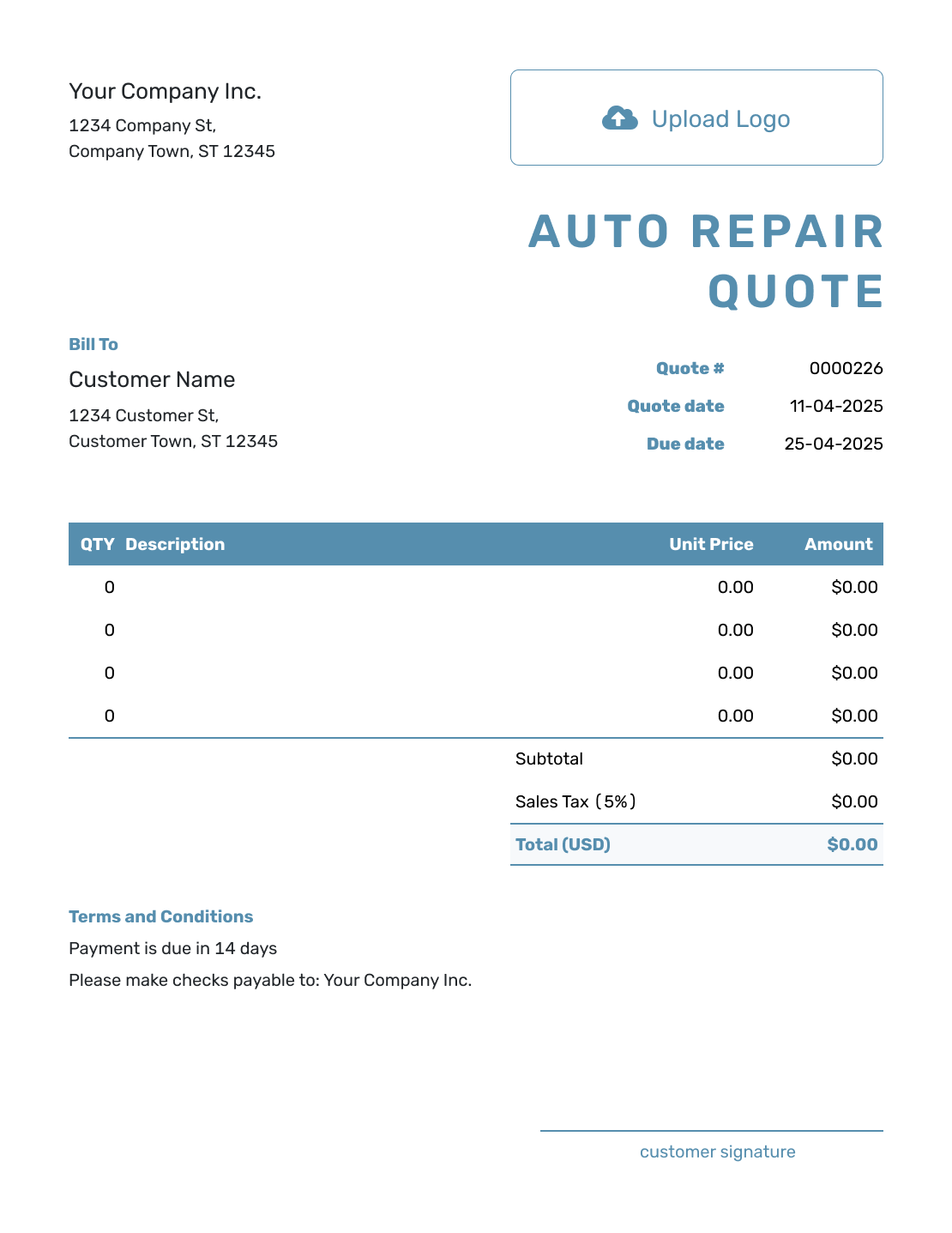
Blank Auto Repair Quote Template
Create Free Quote -
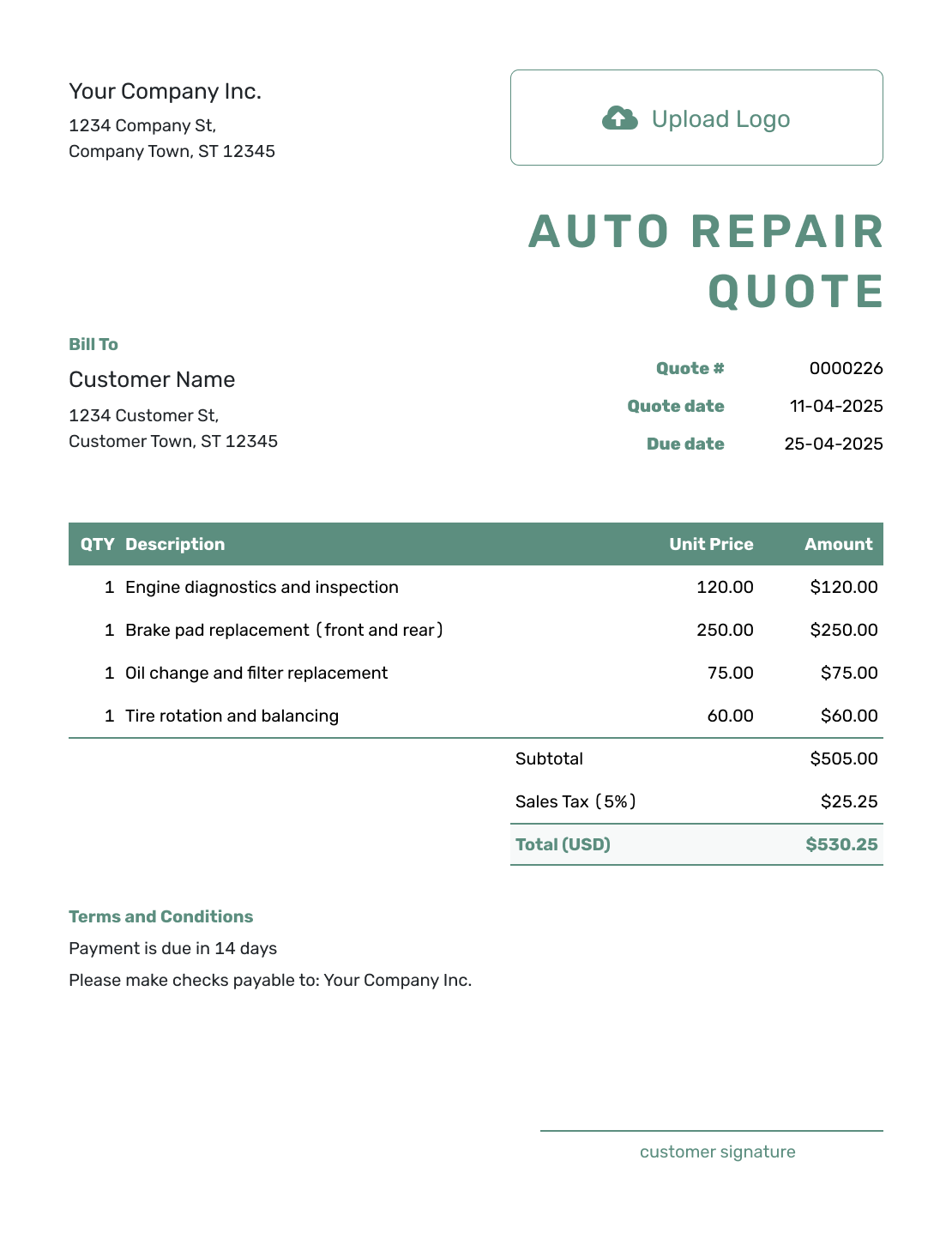
Simple Auto Repair Quote Template
Create Free Quote -
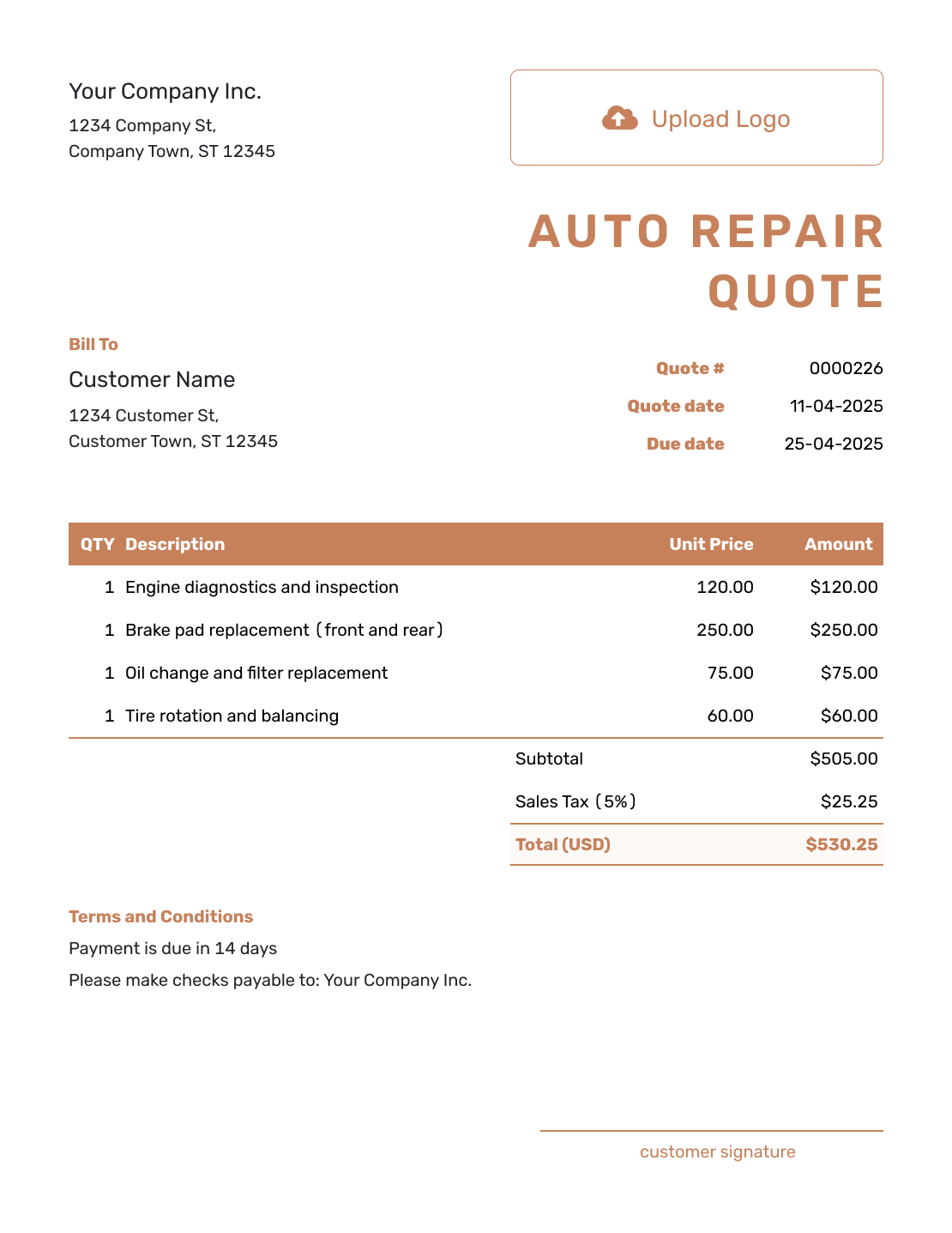
Downloadable Auto Repair Quote Template
Create Free Quote -
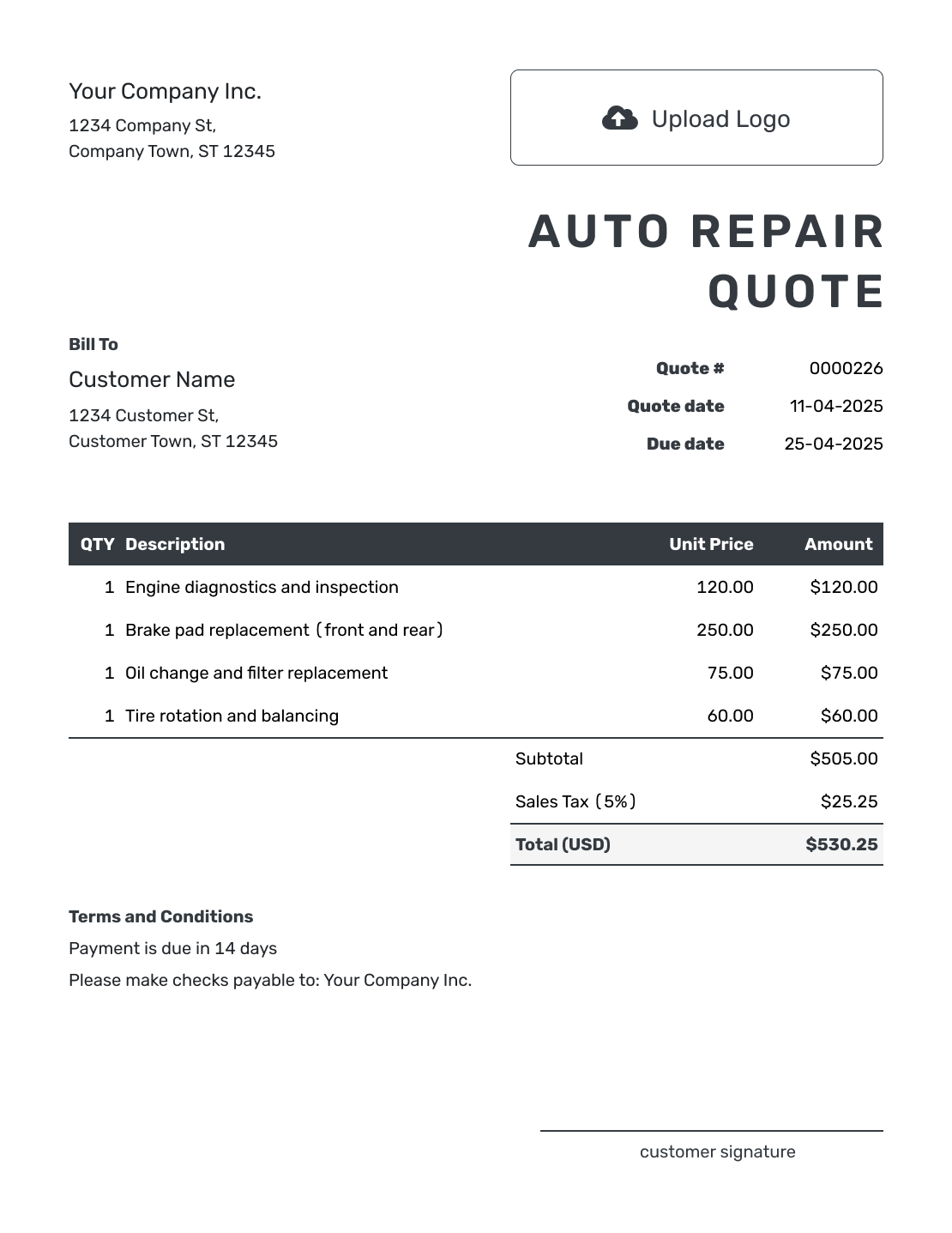
Editable Auto Repair Quote Template
Create Free Quote -
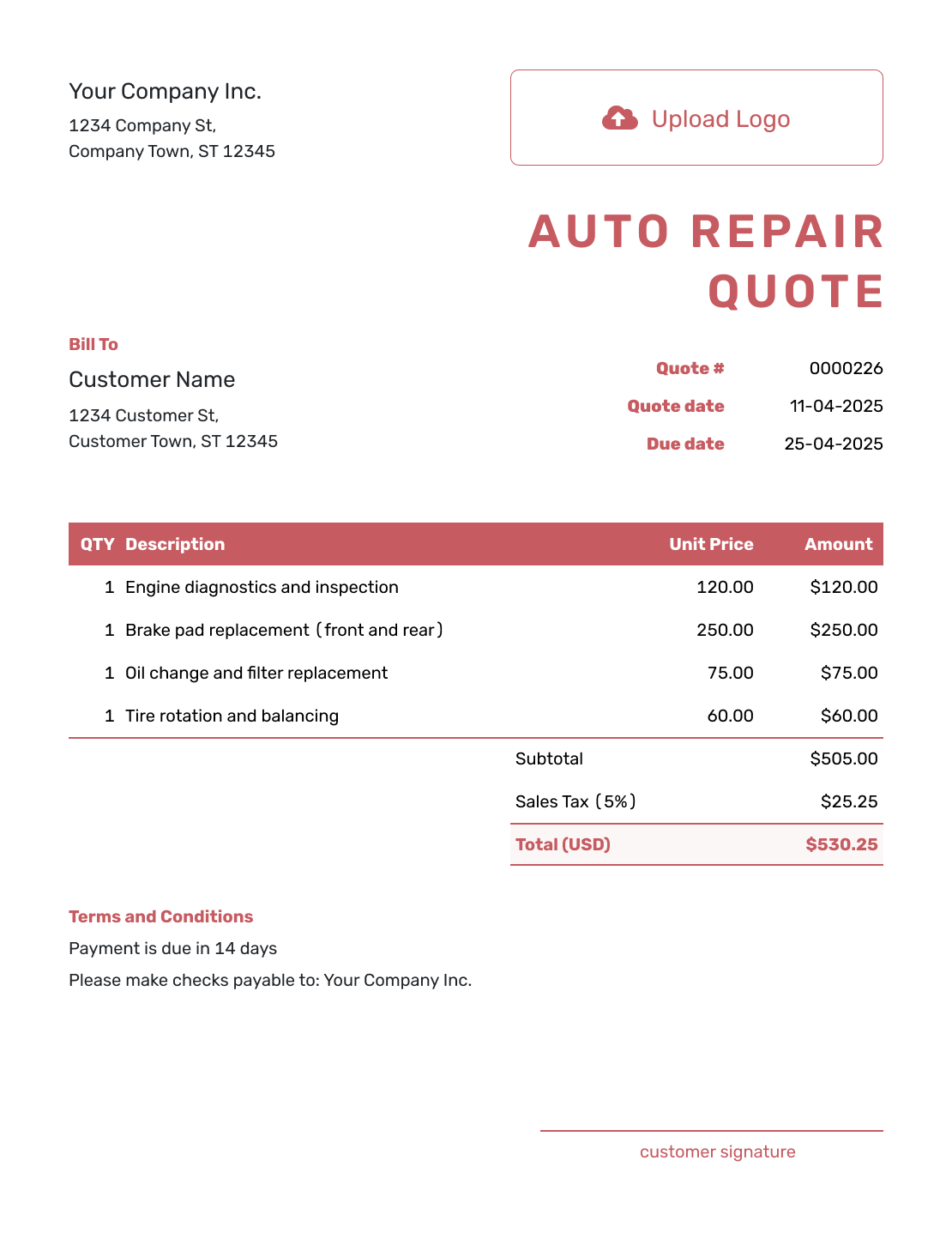
Fillable Auto Repair Quote Template
Create Free Quote -
Professional Auto Repair Quote Template
Create Free Quote
Related Automotive Quote Templates
Use the repair template for parts and repair labor. Choose a different automotive template when you are pricing detailing work or a broader vehicle offer.
Other Quote Template File Formats
Prefer to work in a document or spreadsheet? These pages offer templates in the named format. Docelf downloads your completed online quote as a PDF.
See every option on the quote templates by format page.
After You Send the Repair Quote
When you email the quote from Docelf, its history shows delivery and opening information. Your customer can accept or decline it online, and you receive an email when they respond.
When the repair is ready to bill, create an invoice from the quote. Docelf copies the customer and line items, so you can review the completed work without entering the job again. Check any agreed changes, add the due date and payment instructions, then send the invoice.
Auto Repair Quote Template FAQs
-
What is an auto repair quote?
An auto repair quote is a written offer for defined repair work on a specific vehicle. It lists the work and price the shop is offering before the customer approves the repair.
-
What should I include in an auto repair quote?
Identify the shop, customer, and vehicle. Show the repair operations, parts, labor, applicable charges, and total. Include the quote dates and the terms for payment and any added work.
-
Should I separate parts and labor on an auto repair quote?
Separate parts and labor when that helps the customer understand the price or matches how your shop normally quotes repairs. You can also show shop supplies, towing, disposal, or diagnostic charges as separate lines when they apply.
-
What vehicle details should I put on the repair quote?
Use the make, model, and year plus the identifier your shop normally uses, such as a VIN or license plate. Add mileage when it helps describe the vehicle at inspection. You can include these details in Terms and Conditions.
-
How should I handle a diagnostic fee?
List the diagnostic service and its price clearly. If the diagnosis is separate from the repair or may lead to a revised repair quote, say so in the scope or terms.
-
What is the difference between an auto repair quote and an estimate?
A quote gives a specific price for defined repair work. An estimate is a best prediction when the final cost may still change because the problem, required work, or parts are not fully known.
-
What if I find more repair work after the customer accepts the quote?
Update the repair scope and price, then send a revised quote for approval before doing the added work. This keeps the accepted offer aligned with what you plan to charge.
-
Can I send an auto repair quote online?
Yes. Email the repair quote from Docelf or download a PDF. Customers can view, download, accept, or decline an emailed quote. Saving a draft does not send it; choose to send when you are ready.
-
Can I turn an accepted auto repair quote into an invoice?
Yes. Create the invoice from the accepted quote in Docelf. The customer and line-item details carry over so you can review the final repair charges without re-entering the job.
Ready to Send Your Repair Quote?
Give the customer a repair offer they can approve before work starts.
- Identify the vehicle and the repair offered
- Separate parts, labor, diagnostics, and shop charges
- Email the auto repair quote or download a PDF




