Free Estimate Document Template
Keep the full estimate easy to follow
Keep the scope, rates and likely total together in one easy-to-follow estimate document. The full estimate stays clear, helping customers feel ready to choose you for the job.
Email, print or download your estimate as a PDF.
14-day free trial. No credit card required.

Price the job. Send the estimate. Get back to work.
Estimate Document Template Examples
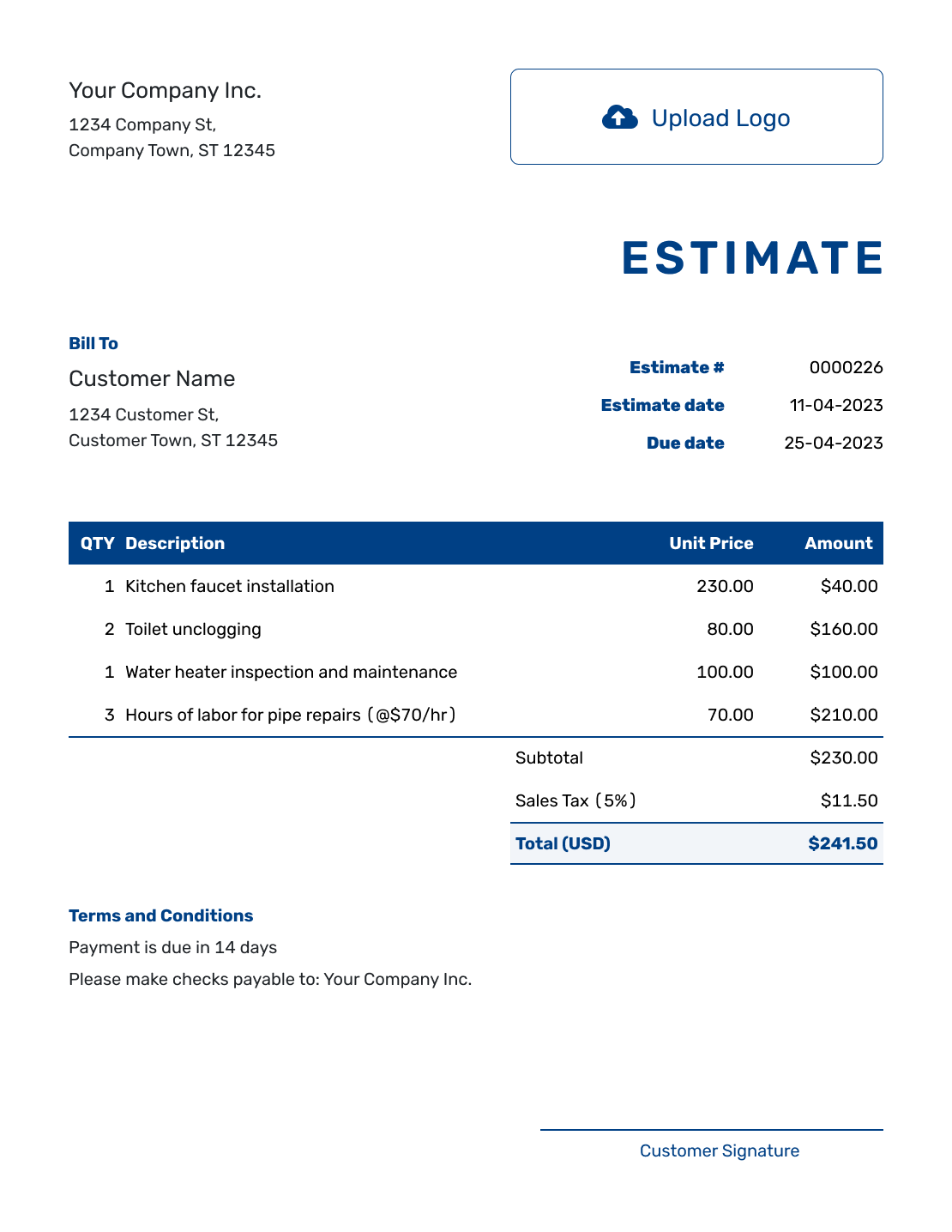
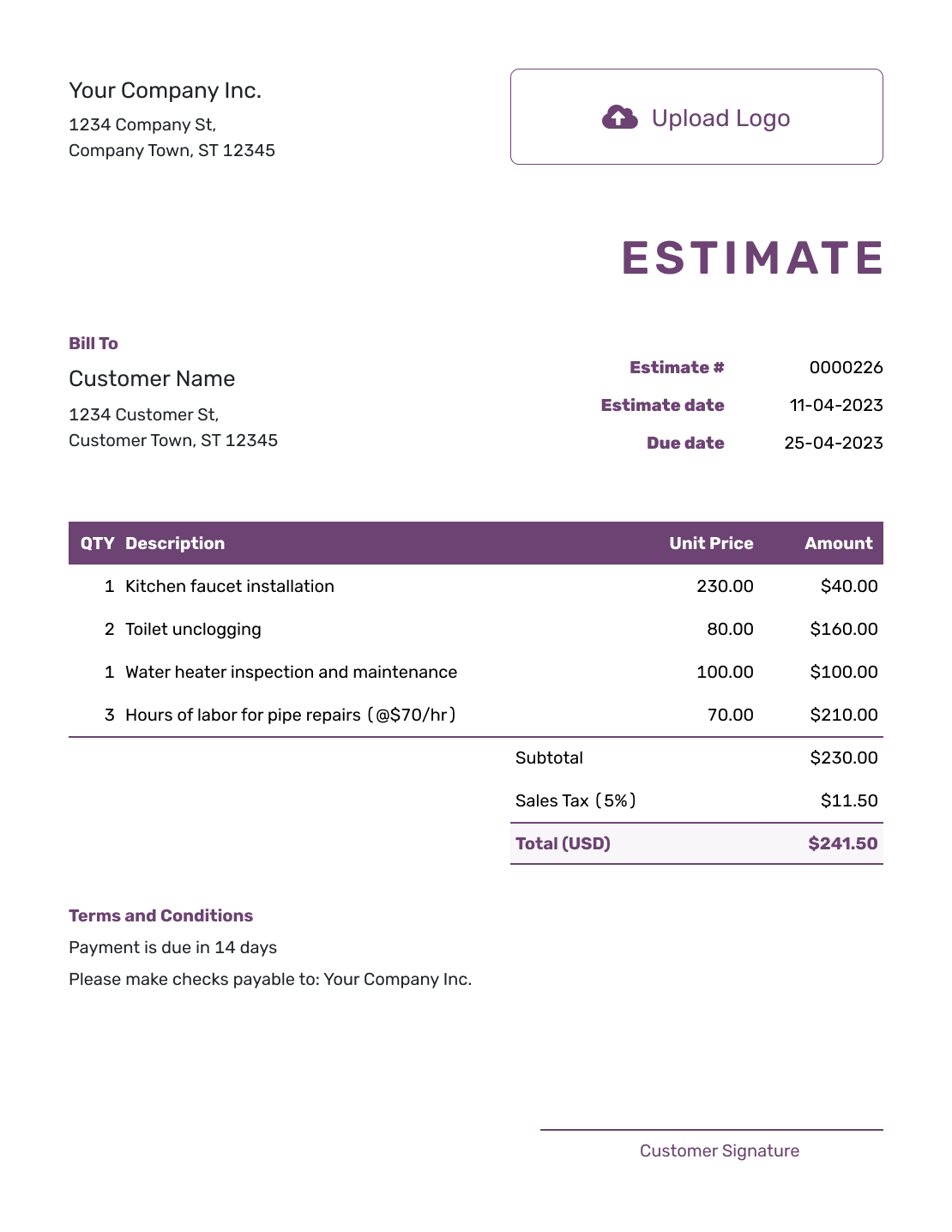
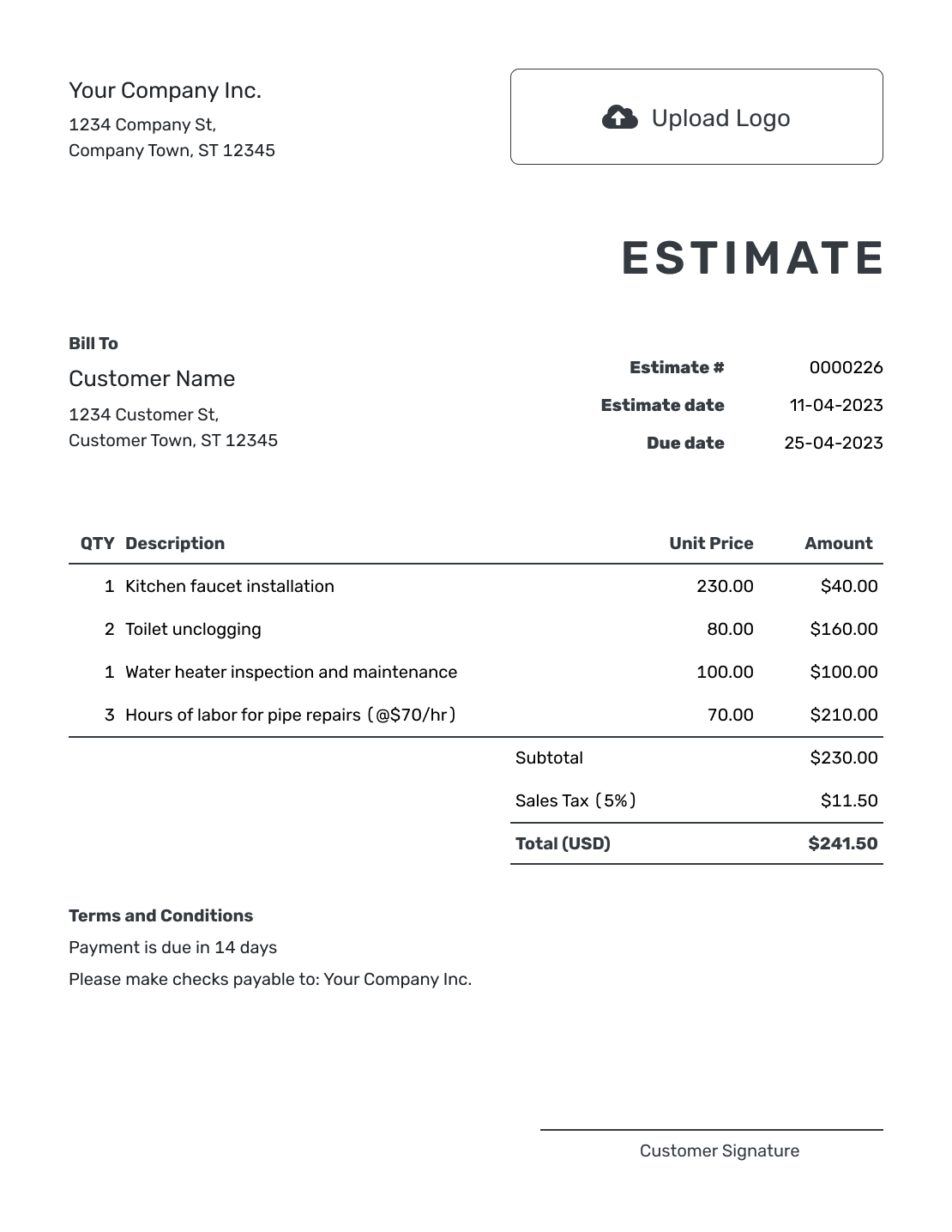
Use these previews for layout ideas. Each opens the same estimate editor, where you can add the scope, expected costs and terms for your job.
What Is an Estimate Document?
An estimate document shows the work you expect to do and what it is likely to cost. Keep the scope, pricing, assumptions and terms together so the customer can understand the job without searching through earlier emails.
A simple job may fit on one page. A project with several phases may need more detail. Use attachments for supporting drawings, photos or files, while keeping the expected work and likely total in the main estimate.
Example Estimate Document Order
Give each part of the document one job. This order works for many estimates; adjust it when a different sequence makes your project easier to follow.
| Document section | Purpose |
|---|---|
| Header | Identifies the business, customer, estimate and version |
| Job summary | Explains what is being priced and where the work will happen |
| Scope | Describes expected tasks, deliverables or phases |
| Pricing | Shows quantities, descriptions, unit prices, estimated amounts and total |
| Assumptions | Names conditions, allowances, exclusions or information still needed |
| Terms and response | Sets timing, valid-until date, questions, changes and acceptance |
How to Create a Complete Estimate Document
Work from the business and customer details through the expected work and price. Finish with the assumptions and terms that explain what could change.
- Your Business: Add your business name and the contact details the customer should use.
- Your Logo: Use your business logo if you want it on the estimate.
- The Customer: Enter the customer details. Identify the job or service location where it helps.
- Number and Dates: Check the estimate number and issue date. Set a valid-until date when needed.
- Scope and Line Items: Describe the expected work, then add quantities and unit prices.
- Estimated Total: Check the amounts, any discounts and applicable tax. Docelf calculates the total.
- Terms and Next Step: Use Terms and Conditions for assumptions, exclusions and timing. Review, then email or save a PDF.
Turn the Scope Into Estimate Line Items
Give each separately priced part of the job its own row. A description should tell the customer what the quantity measures, such as labor hours or gallons of paint. Multiply the quantity by the unit price to get the line amount.
This fictional estimate covers repainting the walls of two small offices. The prices are in US dollars, and an illustrative 8% tax applies to all three items. Use the tax treatment that applies to your own work.
| QTY | Description | Unit Price | Amount |
|---|---|---|---|
| 6 | Wall preparation — estimated labor hours | $45.00 | $270.00 |
| 2 | Interior wall paint — gallons | $42.00 | $84.00 |
| 10 | Apply two coats — estimated labor hours | $45.00 | $450.00 |
| Subtotal | $804.00 | |
| Sales Tax (8% illustrative) | $64.32 | |
| Estimated Total | $868.32 |
Explain the Assumptions Behind the Price
Use Terms and Conditions to explain what the estimate covers and what could affect the final cost. Keep optional work outside the included scope unless you have priced it into the total.
This sample goes with the office repaint above. Adapt it to your job and include only the timing, payment policies or other terms your business actually uses. You can also add company and customer signature fields when a signed response is useful.
Example: Terms and Conditions
- Includes wall preparation and two coats of paint in two offices. Ceilings and trim are excluded.
- Assumes the walls need only minor preparation. Additional repairs or changes to the scope will be discussed and priced for approval before that work begins.
- Estimate valid for 14 days from the issue date. The start date will be agreed after approval.
Create a Complete Estimate Ready to Review
Add the customer, scope and expected costs in one place. Docelf calculates the total. Review the full document, then email it or download a PDF.
Estimate Document, Form, or Letter?
Choose the structure that matches how much explanation the customer needs.
Estimate Document
Use one complete document when scope, prices, assumptions and terms all need room to be reviewed together.
Estimate Form
Use repeatable field groups when the same type of information must be completed on every estimate.
Estimate Letter
Use letter wording when a short introduction and summary need to lead into the estimate details.
Check the Complete Document Before Sending
Read the estimate from the customer's point of view. Check that the scope, line items and Terms and Conditions describe the same work. If you revise it, check the dates and total again, then make clear which version the customer should use.
More Estimate Document Layouts
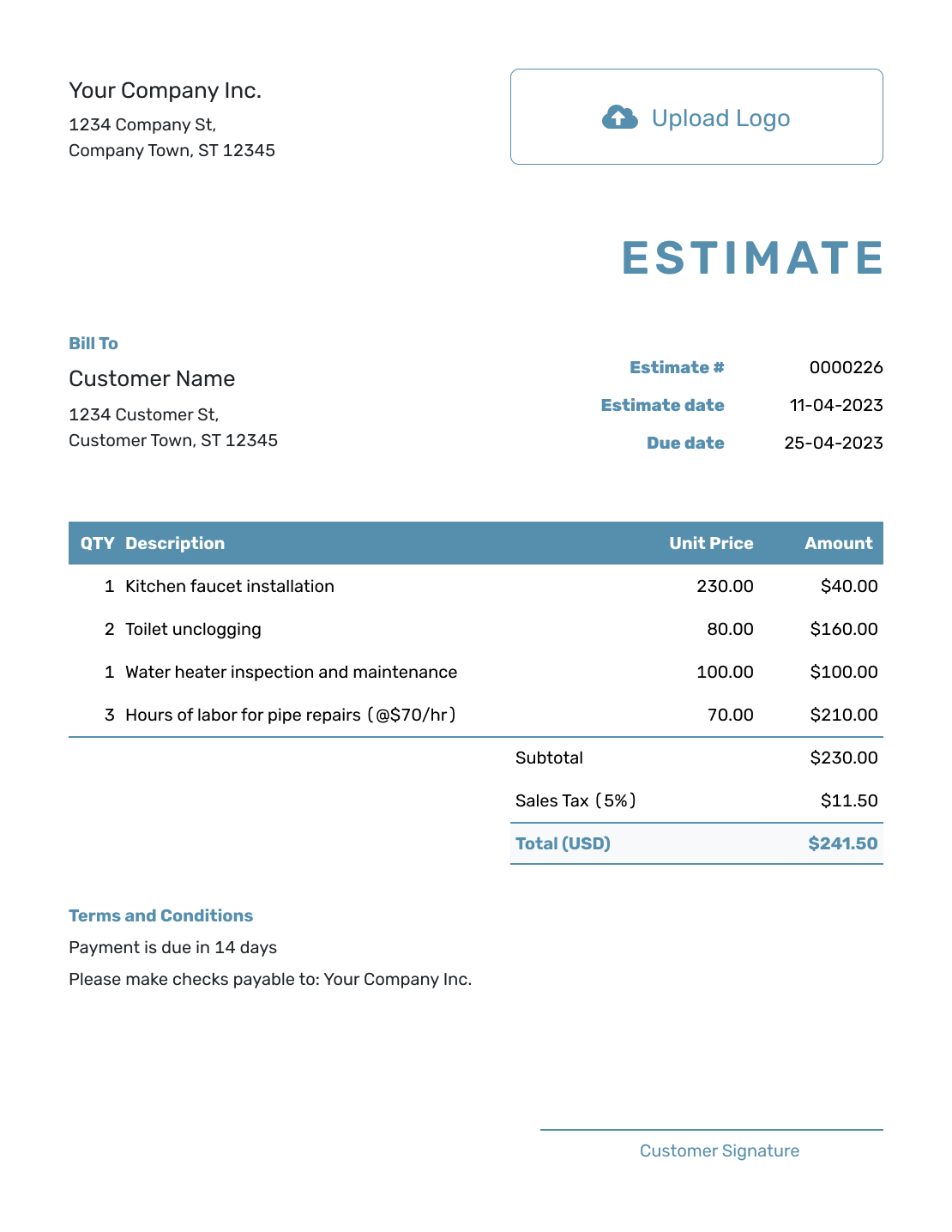
These examples offer other ways to arrange the document. Each opens the estimate editor.
-
Blank Estimate Document Template
Create Free Estimate -
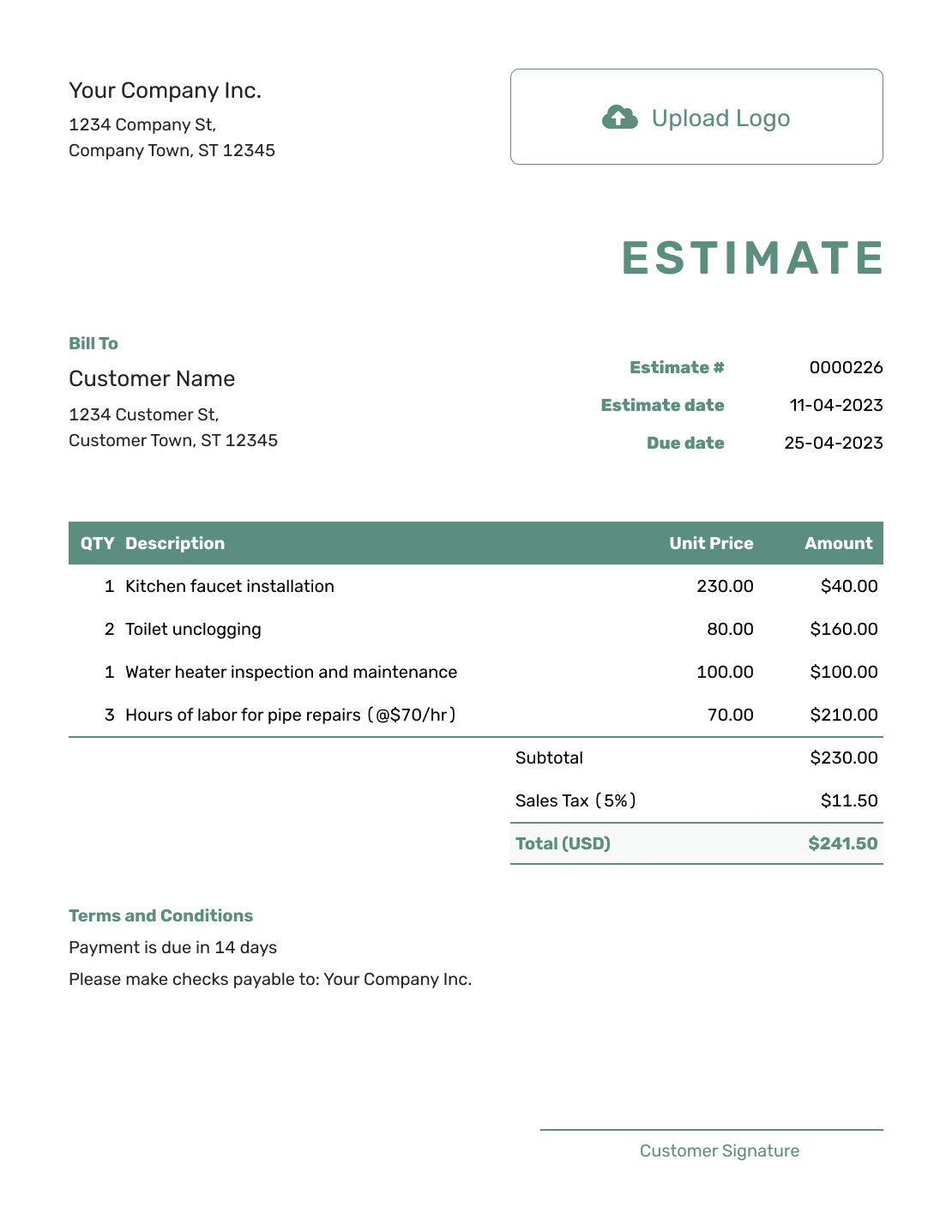
Simple Estimate Document Template
Create Free Estimate -
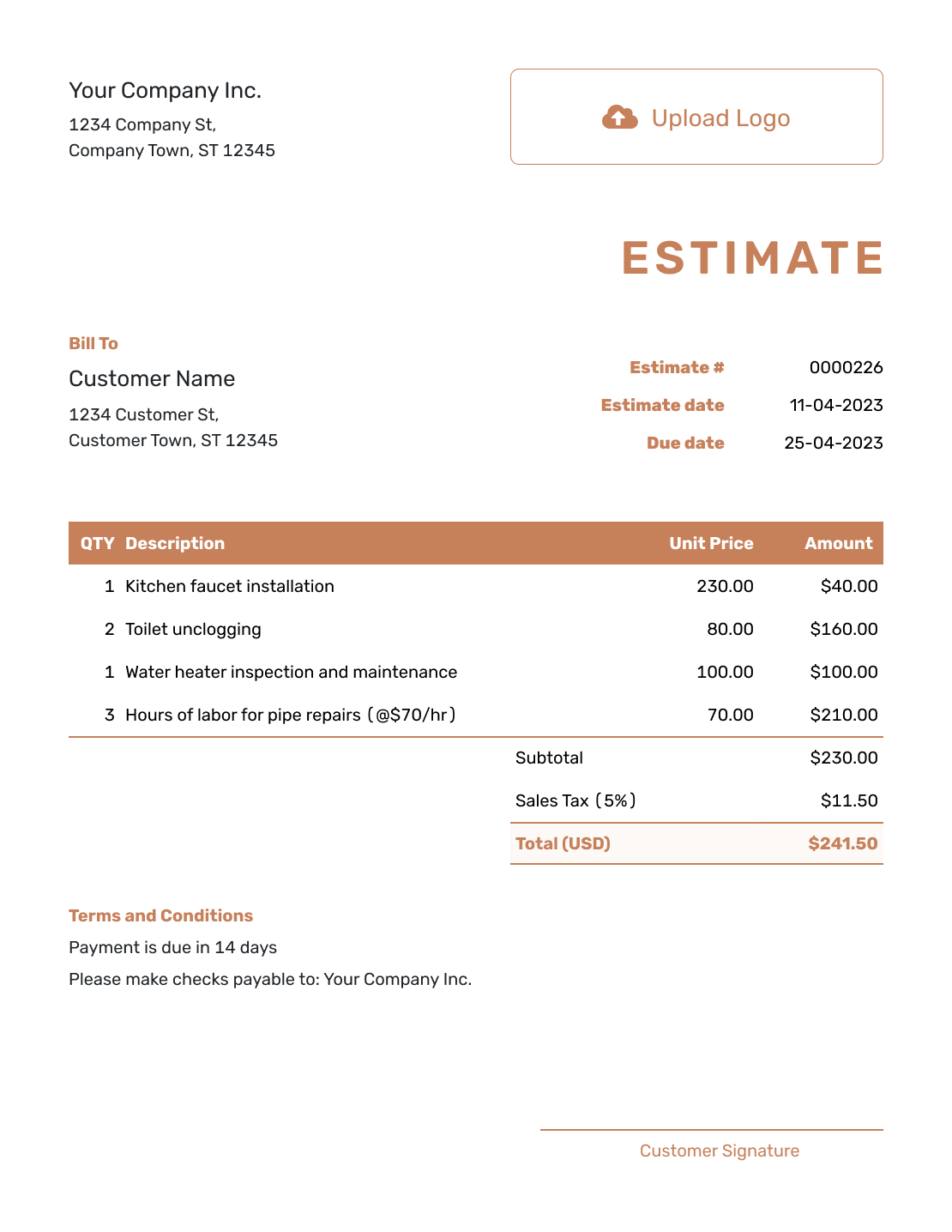
Downloadable Estimate Document Template
Create Free Estimate -
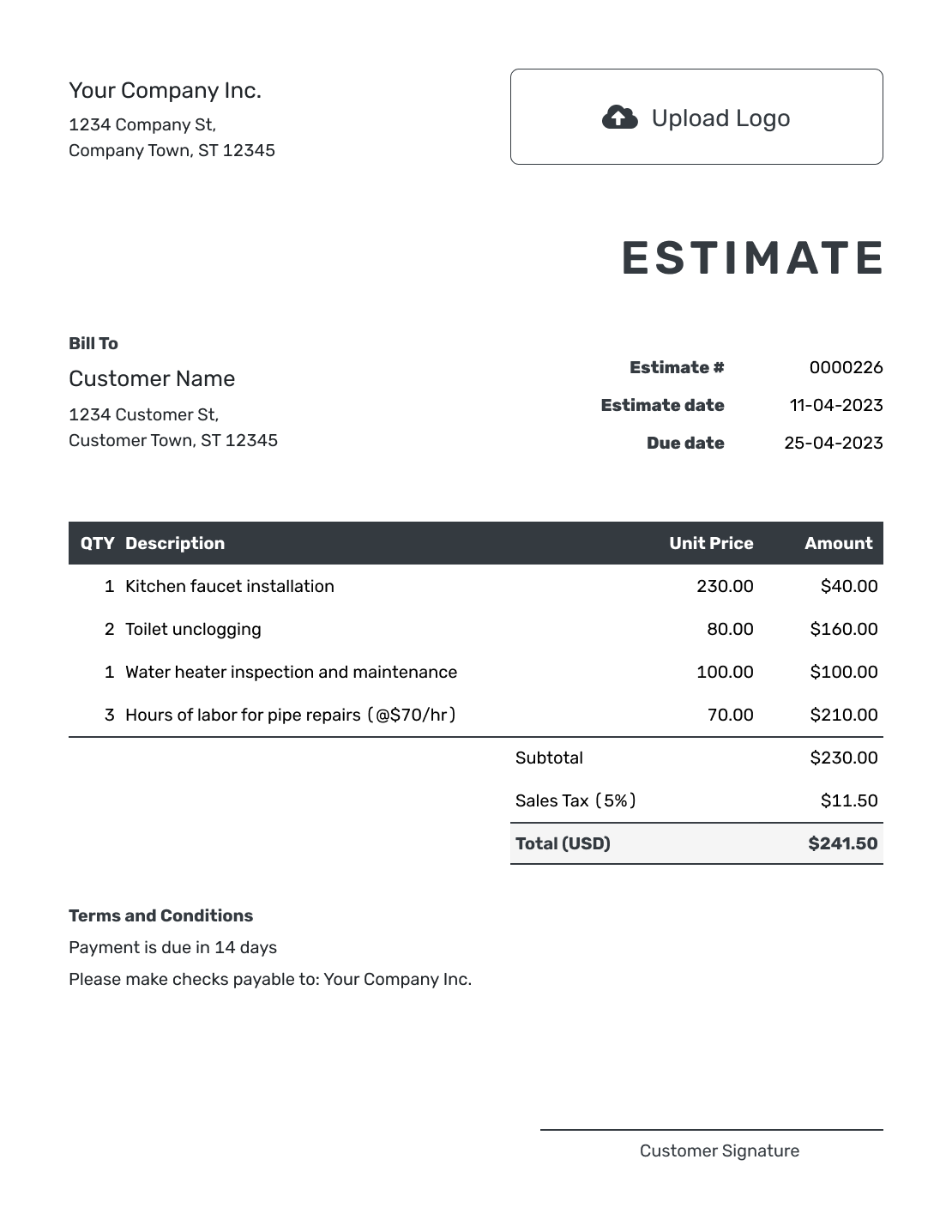
Editable Estimate Document Template
Create Free Estimate -
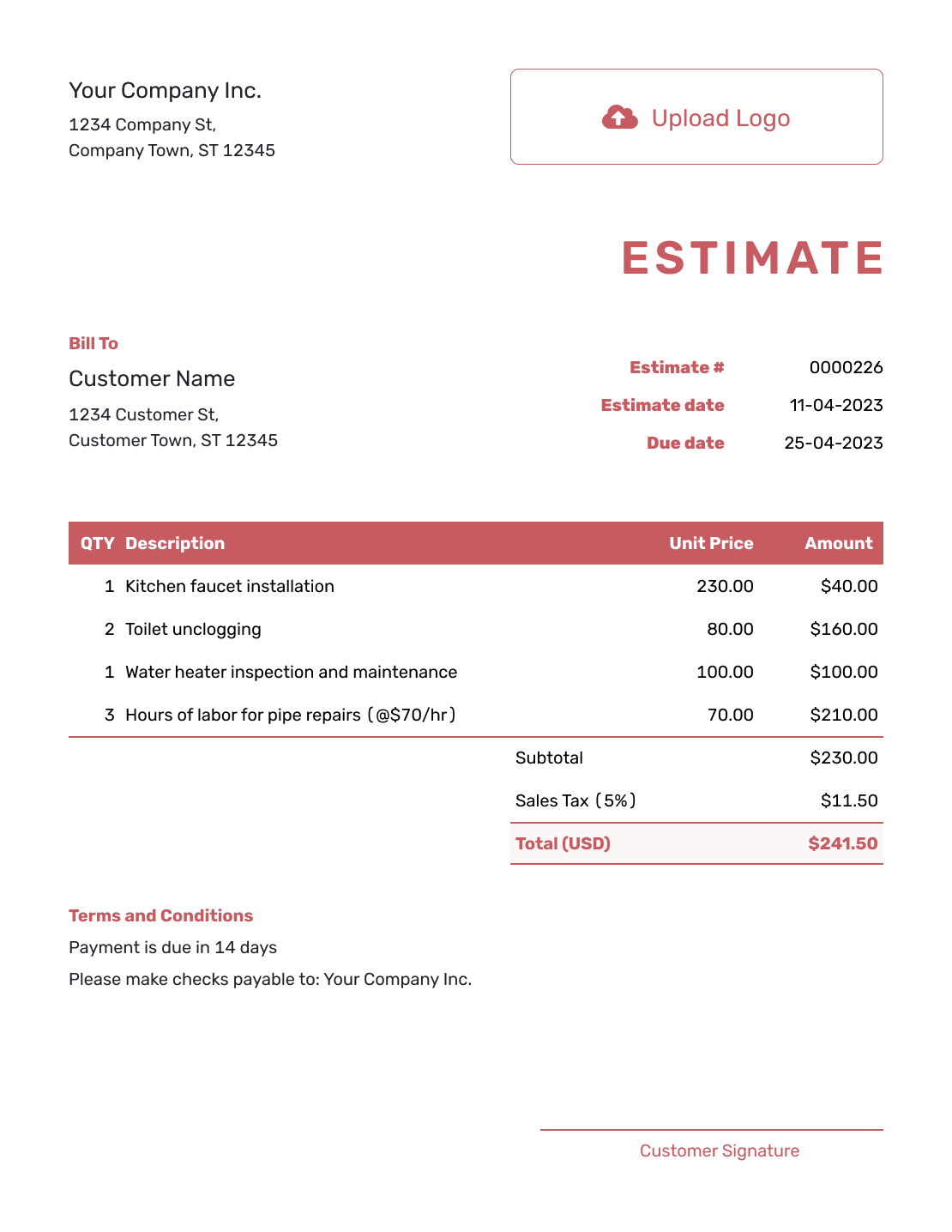
Fillable Estimate Document Template
Create Free Estimate -
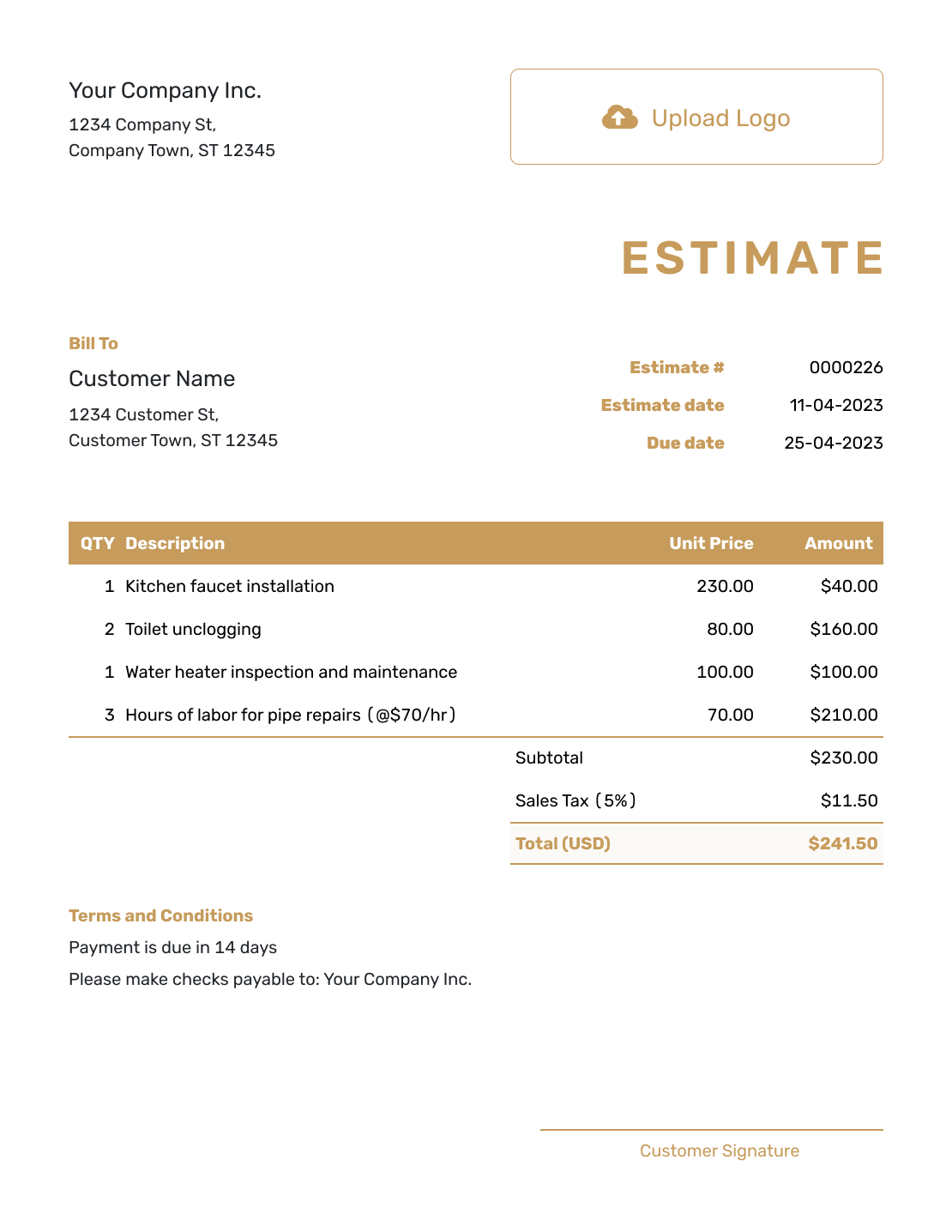
Professional Estimate Document Template
Create Free Estimate
Estimate Document File and Sending Options
Choose Word for flexible wording, PDF for a fixed finished copy, email wording for the message that goes with it, or browse every estimate format.
After You Send the Estimate Document
- See when the customer opens the estimate emailed from Docelf or responds to it
- Discuss requested changes, then revise and resend the estimate
- When billing begins, create an invoice from the estimate and check the final work and prices
Estimate Document Template FAQs
Find answers about organizing, sending and reusing a complete estimate document.
-
What is an estimate document template?
An estimate document template is a reusable structure for presenting expected work, quantities, prices, assumptions and terms in one customer-facing document before the job begins.
-
What should an estimate document include?
Start with your business, the customer, an estimate number and dates. Describe the scope and itemized costs, then show the estimated total. Add the assumptions, exclusions and timing that matter for the job, plus terms and a clear way to respond.
-
How long should an estimate document be?
Use as much space as the customer needs to understand the expected work and likely price. A simple job may fit on one page. A detailed project may need more space or attachments.
-
Is an estimate document the same as an estimate form?
A form puts repeatable fields first. A document may use the same fields but gives more room for a job summary, detailed scope, assumptions and supporting notes.
-
Can I attach supporting files to an estimate?
Yes. Docelf supports PDF, JPG, GIF, PNG and WebP attachments up to 5 MB each. The recipient can download the files with the estimate.
-
Should I send an estimate document as a PDF?
A PDF keeps the finished layout consistent when the customer opens or prints it. Review the customer, scope, prices, assumptions and final page before sending.
-
Can I create an invoice from an accepted estimate document?
Yes. In Docelf, create the invoice from the estimate and reuse the relevant customer, item, price and document details.
Ready to Put the Full Estimate in One Place?
Give your customer one clear document to review before the job begins.
- Describe the expected work and likely price
- Keep assumptions and terms with the estimate
- Email the estimate or download a PDF




