Free Estimate Letter Template
Put the estimate in a clear business letter
Put the job, likely price and next step into a clear business letter. The format helps customers follow the offer quickly and feel ready to choose you for the work.
Create the estimate in Docelf, then use the letter wording when you send it.
14-day free trial. No credit card required.

Price the job. Send the estimate. Get back to work.
Choose a Layout for the Estimate Letter
These layouts are for the estimate that accompanies your letter. Each opens the estimate editor. For the letter itself, use the sample wording below.
-
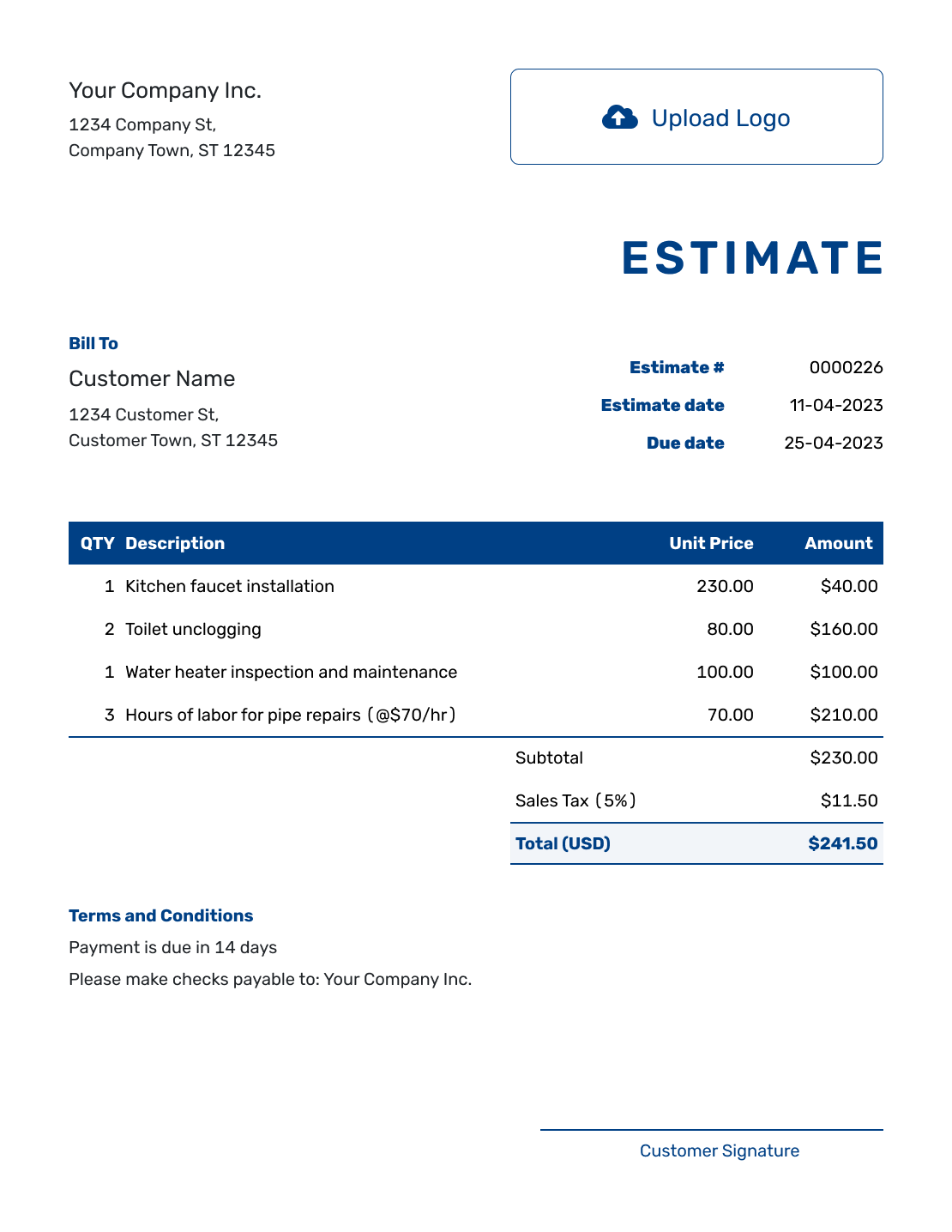
Sample Estimate Letter Layout
Create Estimate -
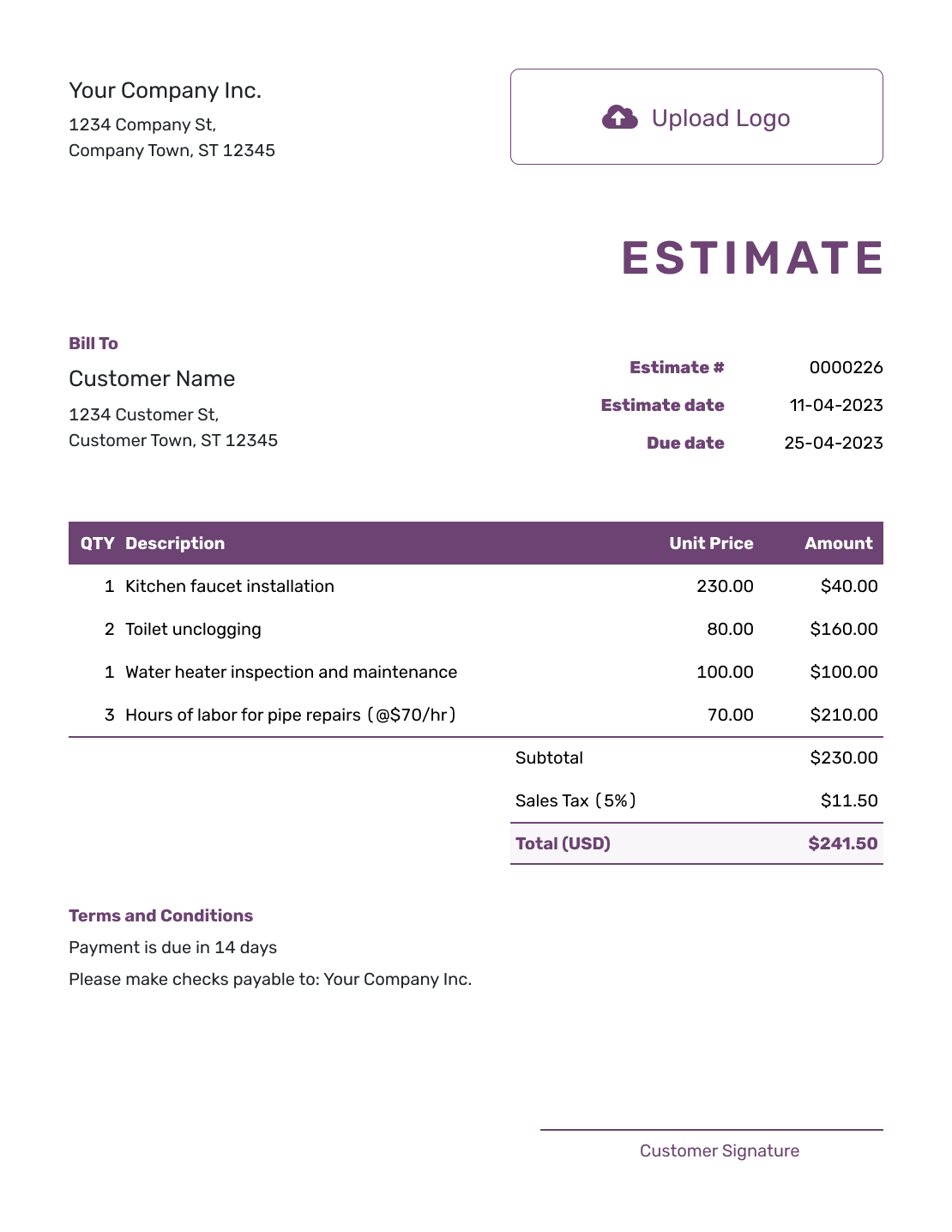
Free Estimate Letter Layout
Create Estimate -
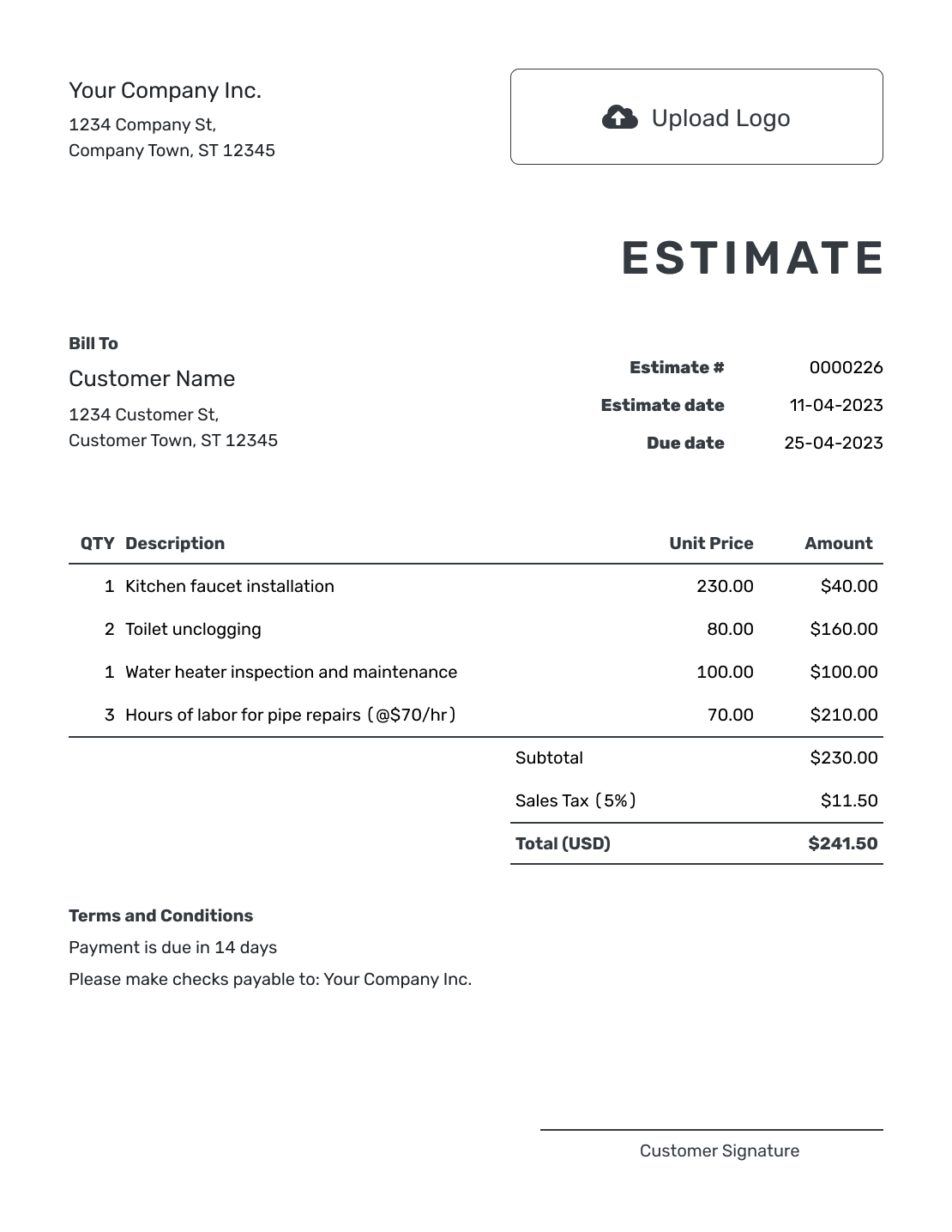
Printable Estimate Letter Layout
Create Estimate
See six more estimate layouts farther down the page.
What an Estimate Letter Should Do
An estimate letter introduces the expected work and likely price in a short business letter. It gives the customer context for the itemized estimate and tells them how to respond.
Create the estimate in Docelf, then write the letter in your usual document or email app. Keep the detailed quantities, prices and terms in the estimate so the letter is easy to read.
Estimate Letter Example You Can Adapt
This fictional letter accompanies a printed estimate for repainting a living room. Replace the bracketed contact details and change the job, reference, dates and figures to match your own estimate. The cost breakdown below shows where the example total comes from.
Sample Estimate Letter
[Your business name]
[Your business address]
[Email or phone]
September 28, 2026
[Customer name]
[Customer address]
Re: Estimate E-1048 — Living room repaint
Dear [Customer name],
Thank you for asking us to price your living room repaint. Enclosed is estimate E-1048, dated September 28, 2026, with an estimated total of USD $756.00, including the tax shown in the estimate.
The work covers minor wall preparation, two coats of paint on the living room walls, and paint materials. The price assumes the walls need only minor patching; ceiling and trim painting are excluded.
Please review the estimate by October 12, 2026. Call or email us if you would like to go ahead or discuss a change. We will confirm a start date with you before scheduling the work.
Sincerely,
[Your name]
[Business name]
Enclosure: Estimate E-1048
How to Write an Estimate Letter
Finish the estimate first so the letter describes the same work and price. A reference line and a few short paragraphs are usually enough.
- Start With the Addresses: Use your business letterhead or add your contact details. Add the date and the customer’s name and address.
- Name the Job: Put the estimate number and a recognizable job name in the reference line.
- Introduce the Estimate: Greet the customer and briefly describe the work the enclosed estimate covers.
- State the Expected Price: Use the same total and currency as the estimate. Make clear whether the stated amount includes tax.
- Mention the Key Assumption: Explain the condition most likely to affect the price. Keep fuller terms in the estimate.
- Ask for a Response: Give a response date and a contact method that works for the way you send the letter.
- Check and Send: Sign off, check both documents for matching details, and enclose or attach the correct estimate.
Show How You Reached the Letter’s Estimated Price
The letter can state one total because the accompanying estimate explains the charges. Separate labor and materials, and use descriptions that show what each price covers.
For the living room repaint above, this fictional estimate uses US dollars. The hours and materials are expected quantities. An illustrative 8% tax applies to all three lines; use the tax treatment that applies to your work.
| QTY | Description | Unit Price | Amount |
|---|---|---|---|
| 3 | Minor wall patching and preparation — hours | $50.00 | $150.00 |
| 8 | Apply two coats to living room walls — hours | $50.00 | $400.00 |
| 2 | Interior wall paint — gallons | $75.00 | $150.00 |
| Subtotal | $700.00 | |
| Tax (8% illustrative) | $56.00 | |
| Estimated Total | $756.00 |
Keep the Full Terms With the Estimate
Use the estimate’s Terms and Conditions field for the assumptions, limits and timing behind the price. The letter only needs the point that most affects the customer’s decision.
For this repaint, the condition of the walls matters more than a long list of general policies. Adapt the sample to your job and include only terms your business actually uses.
Example: Terms and Conditions
- Estimate E-1048 is valid through October 12, 2026.
- Includes minor wall preparation, two coats on the living room walls, and paint materials.
- Assumes sound walls needing only minor patching. Ceiling and trim painting are excluded.
- We will agree on any additional repairs and changes to the price with you before that work begins.
- The start date will be confirmed with the customer before scheduling.
Create the Estimate for Your Letter
Put the cost breakdown and terms in one estimate. Docelf calculates the totals as you add quantities and prices. Review it, then print it or download a PDF to send with your letter.
Adapt the Letter for Paper or Email
For a printed letter, keep the date, address blocks and enclosure line. Give the customer a phone number or email address they can use to respond.
For email, use the reference line as the subject and change “enclosed” to “attached” when you include a PDF. You can leave the postal addresses out of a short email and keep your contact details in the signature.
When you email the estimate from Docelf, you can ask the customer to open it and accept or decline online. For a letter sent with a PDF or paper copy, ask them to call or email you instead.
Estimate Letter, Estimate, or Proposal?
Choose the document based on how much detail and explanation the customer needs before deciding.
Estimate Letter
Use the letter to present or introduce the estimate, summarize the job and tell the customer how to respond.
Estimate
Use the estimate to show the expected work, line items, likely price, assumptions and terms.
Proposal
Use a proposal when the customer also needs a broader recommendation, approach or project plan before deciding.
Check the Letter Against the Estimate
Read the two documents together before sending them. A change to the estimate can leave an old figure or promise in the letter.
- The customer, job and estimate reference match
- The total, currency and tax wording agree
- The scope, exclusions and response date are consistent
- The stated start timing is something you can offer
- The contact details and enclosed, attached or linked estimate are correct
More Estimate Layouts to Send With Your Letter
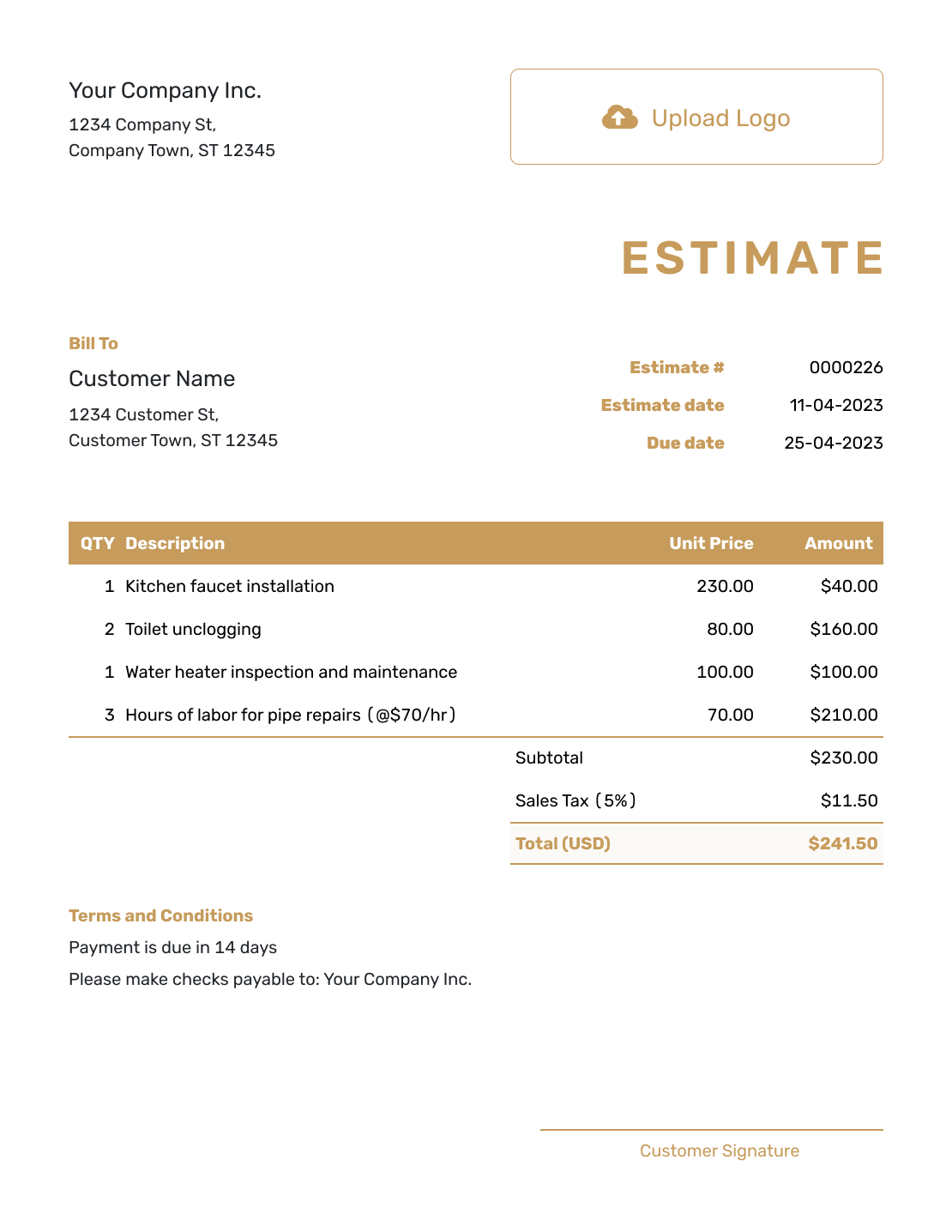
Choose a layout for the detailed estimate. Keep the letter as a separate introduction, using the same job reference and expected total.
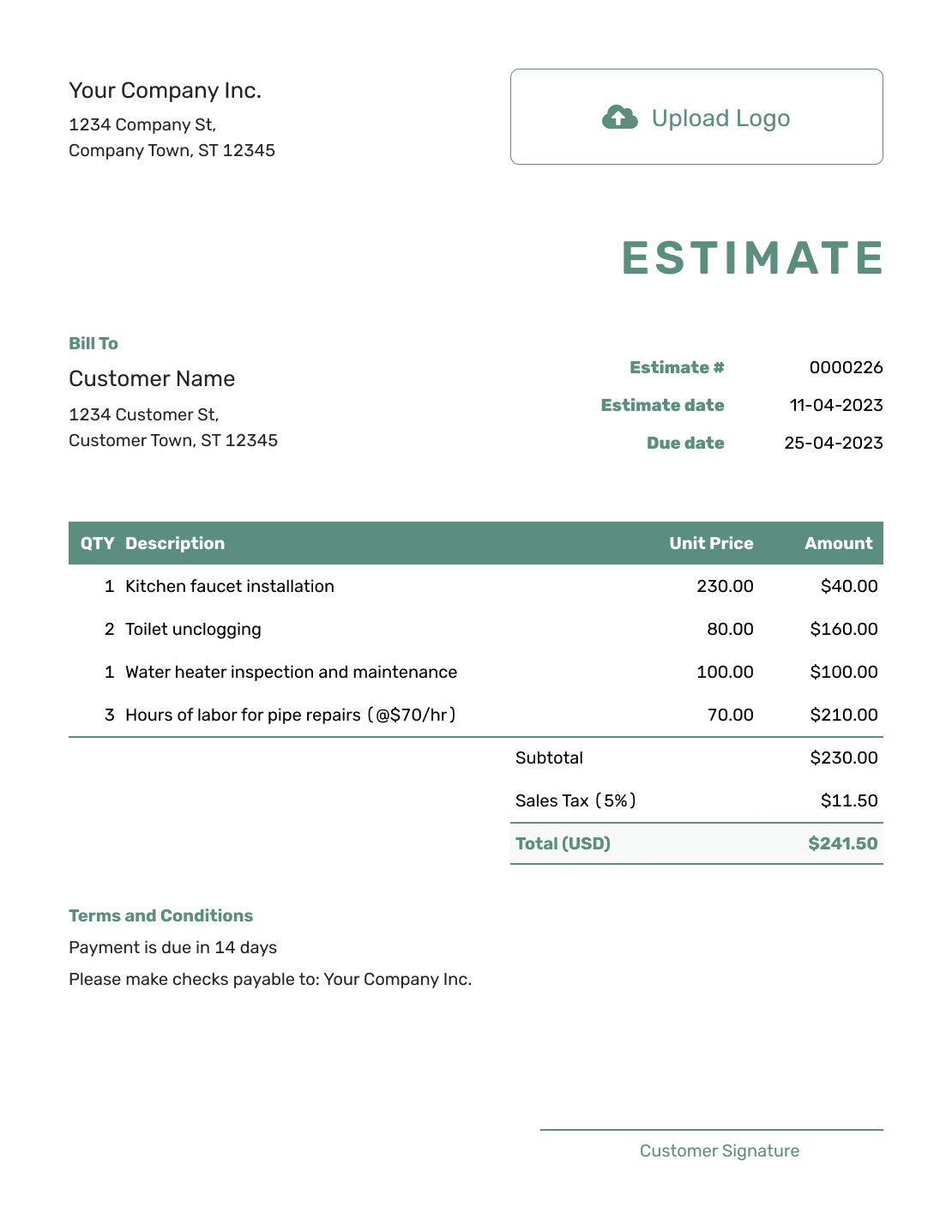
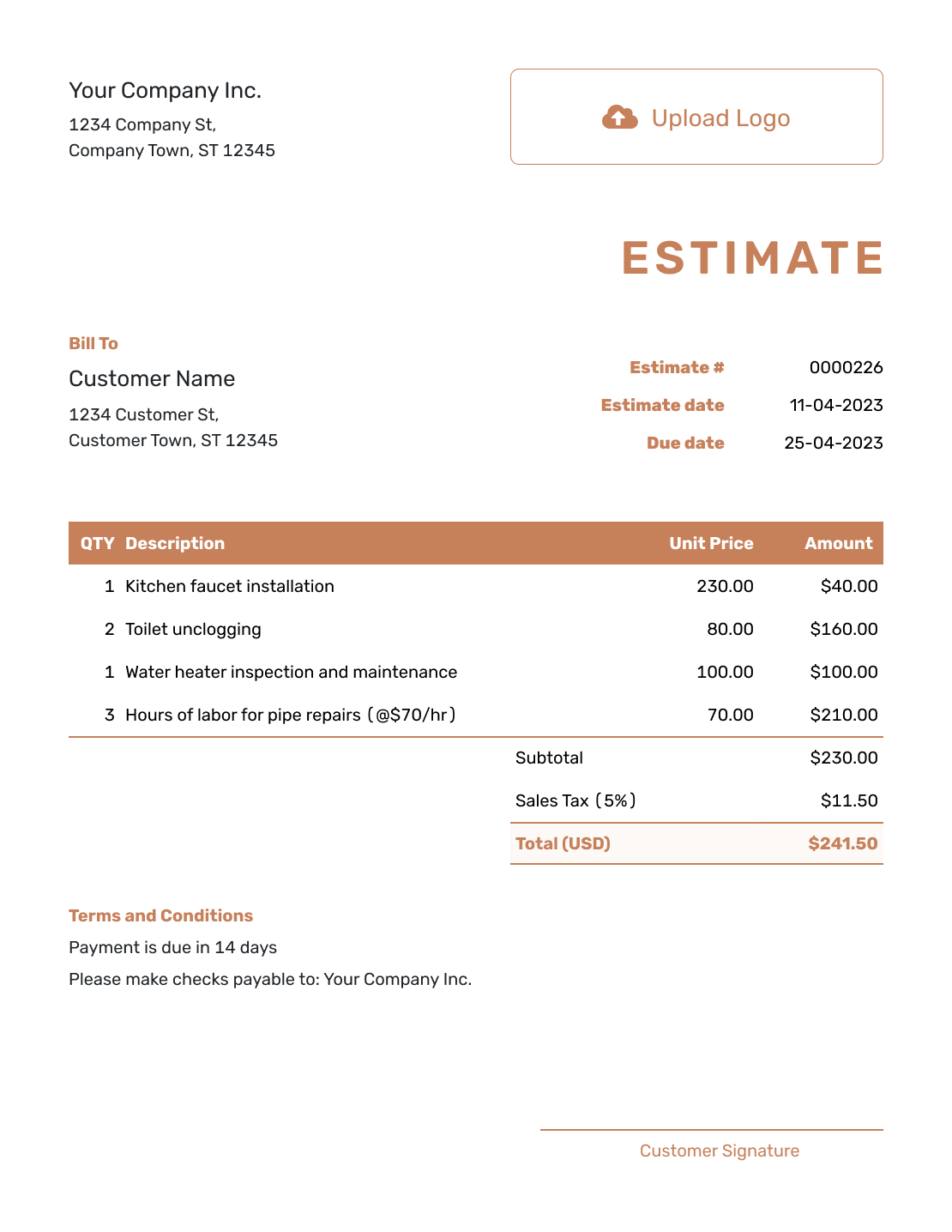
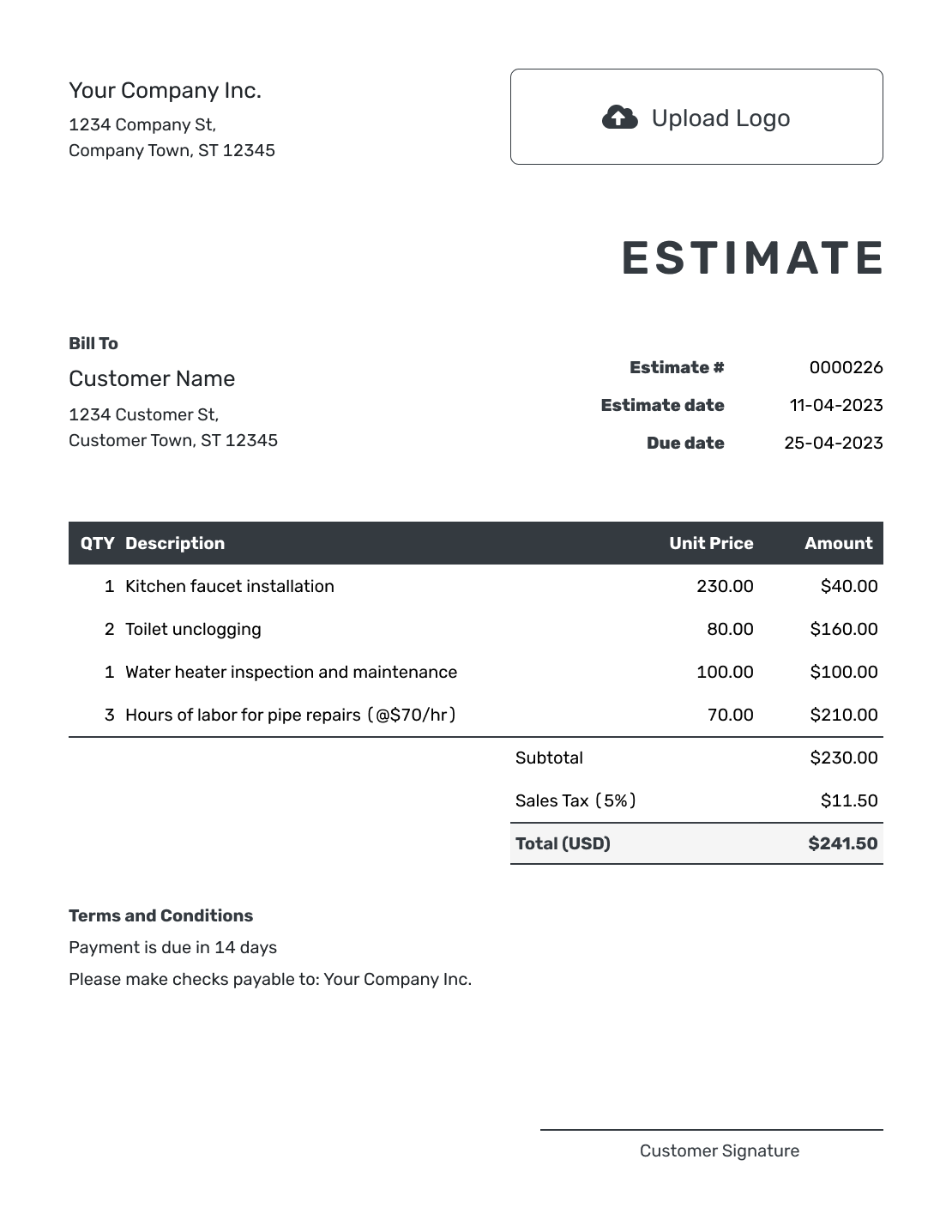
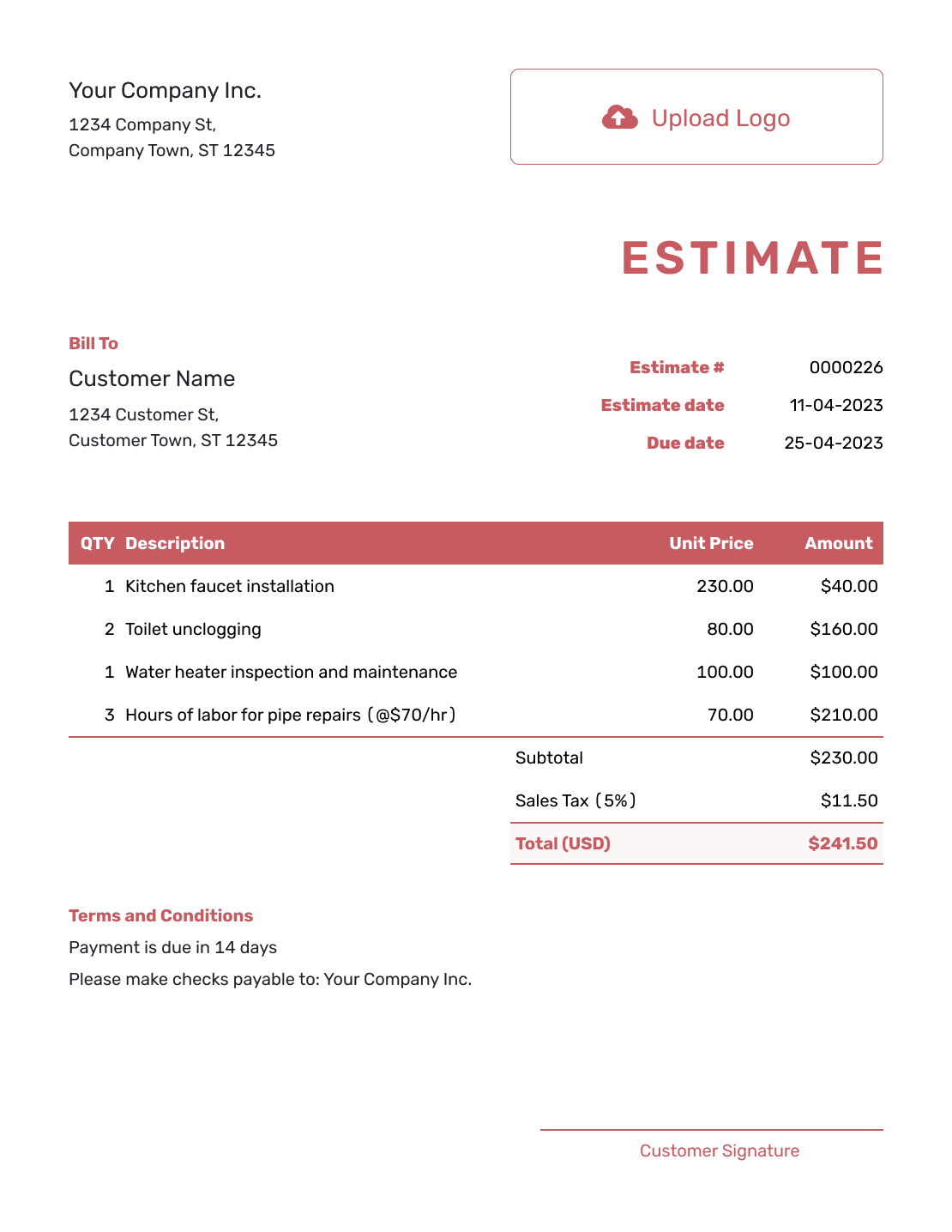
Choose Another Estimate Format
Use the email guide for a shorter message and follow-up wording, PDF for an attachment, or printable for a paper handoff.
Keep the Customer’s Response With the Estimate
When you email an estimate from Docelf, its history shows delivery and opening information. Docelf emails you when the customer accepts or declines. For a response by phone or in a separate email, you can mark the estimate as accepted or declined yourself.
If the customer asks for a change, update the estimate and any affected wording in the letter before sending the revised documents. Make clear which version they are being asked to approve.
Estimate Letter Template FAQs
-
What is an estimate letter?
An estimate letter is a business letter that presents or introduces an estimate. It names the job, summarizes the expected work and likely price, and tells the customer how to respond.
-
Is an estimate letter the same as an estimate?
Not usually. The letter gives the short business message, while the estimate carries the detailed scope, line items, likely price, assumptions and terms. You can send them together.
-
What should an estimate letter include?
For a printed letter, include your business details, the date, the customer’s name and address, and an estimate reference. Add a greeting, a short scope and price summary, a response request and your sign-off. Identify the enclosed estimate.
-
Can I send an estimate letter by email?
Yes. Use the job and estimate number in the subject line and attach the finished estimate PDF. Change “enclosed” to “attached.” If you send the estimate from Docelf instead, the customer can open it and respond online.
-
How formal should the letter be?
Use professional, natural language that fits how you normally speak with the customer. Clear wording is more useful than ceremonial or legal-sounding phrases.
-
Can an estimate include signature fields?
Yes. Docelf supports company and customer signature fields on estimates. Add them when a signed response helps make acceptance clear.
-
Can I create an invoice after the customer accepts?
Yes. In Docelf, you can create an invoice from the estimate and reuse the relevant customer, item, price and document details. Review the final work and prices before sending the invoice.
-
Does Docelf create the letter shown here?
Docelf creates the estimate. Write the accompanying letter in your document or email app using the wording on this page. Print the estimate or download its PDF to send with the letter.
Prepare the Estimate That Goes With Your Letter
The letter is easier to finish when the scope and expected price are already clear.
- Add the expected work and prices
- Keep the assumptions in Terms and Conditions
- Print or download the estimate for your letter




