Free Estimate Proposal Template
Create a professional estimate proposal in minutes
Combine the project scope, approach and likely cost in one estimate proposal. Clients see what you plan to deliver, making it easier to choose you for the project.
Email, print or download your estimate as a PDF.
14-day free trial. No credit card required.

Price the job. Send the estimate. Get back to work.
Estimate Proposal Template Examples
Browse these layouts for the pricing part of your proposal. Each preview opens the estimate editor, where you can add your own project details.
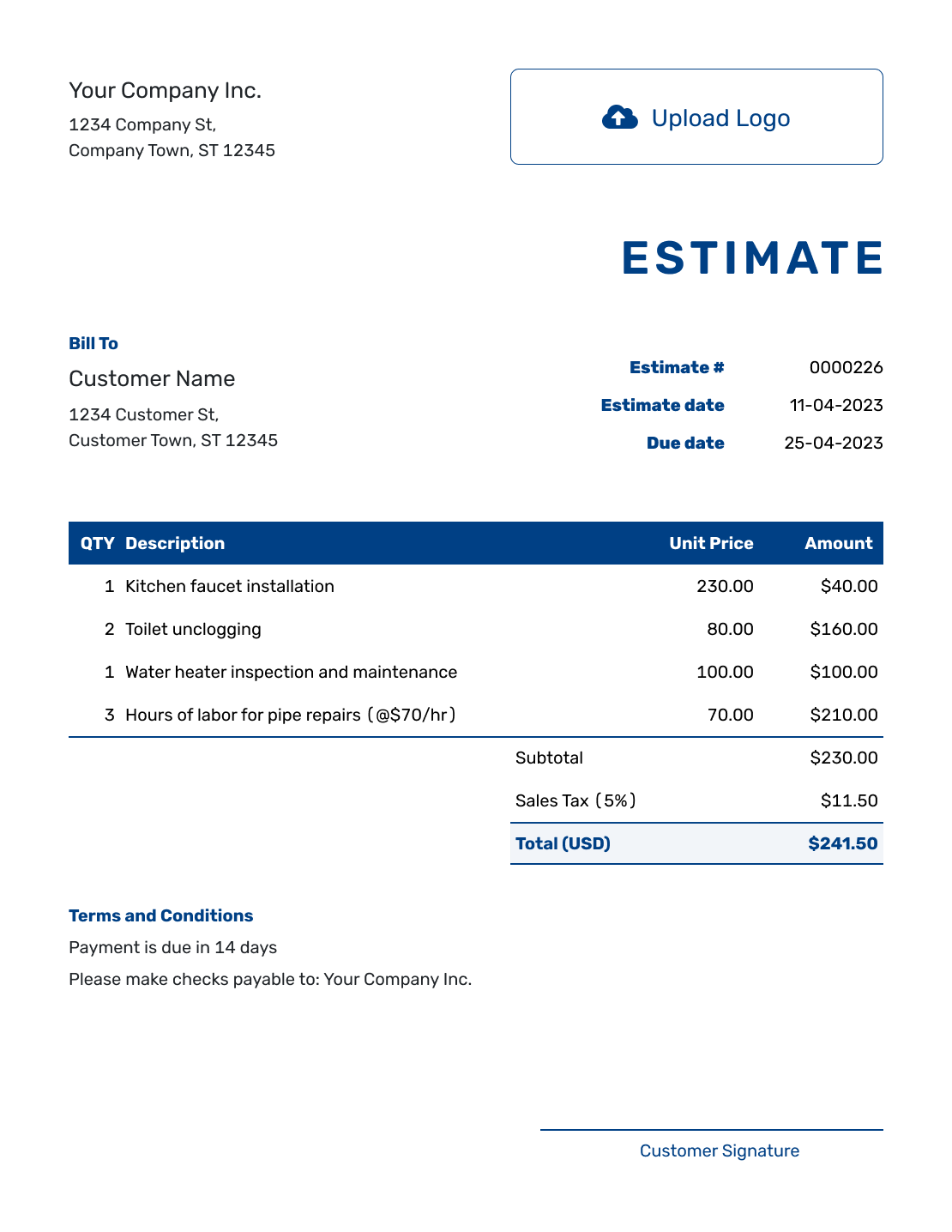
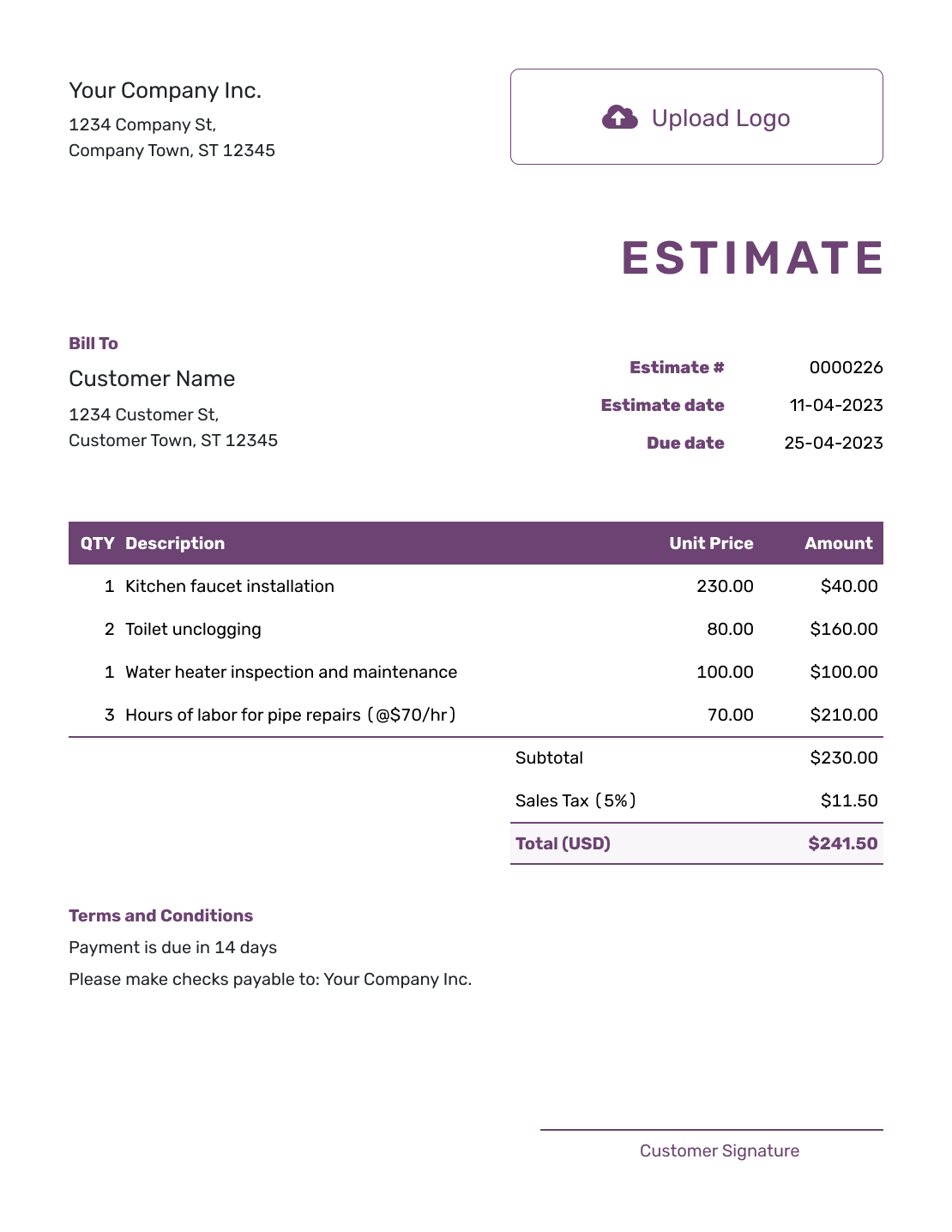
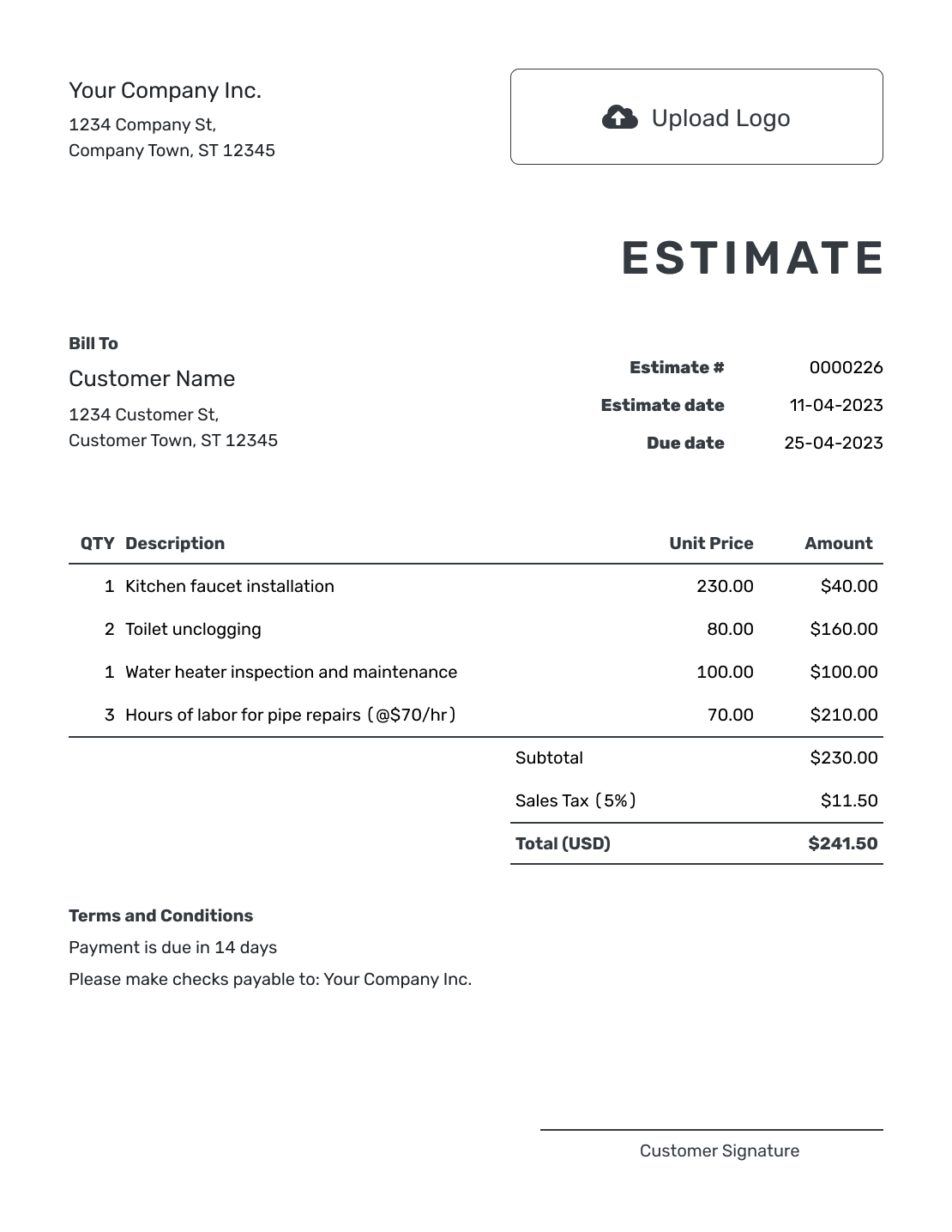
What Is an Estimate Proposal?
An estimate proposal combines a short project explanation with the expected deliverables, approach, timing and likely price. It helps a client understand what you plan to do and why your business is a good fit.
Use it when the client needs more context than a basic estimate provides. In Docelf, create an estimate with priced line items and put a brief scope in Terms and Conditions. Attach a PDF proposal when the approach, background or schedule needs more space.
How to Create an Estimate Proposal
Start with the estimate, then add the project explanation that helps the client decide. The example below shows how a short summary, priced deliverables and terms work together.
- Your Business: Add your business name and contact details.
- Your Logo: Use your logo to match the proposal to your business.
- The Client: Enter the client name and contact details.
- Number and Dates: Check the estimate number, issue date and valid-until date.
- Priced Deliverables: List the expected work with quantities and rates.
- Estimated Total: Check the subtotal, applicable tax and likely total.
- Terms and Conditions: Add scope, timing and assumptions. Attach supporting detail, then review and send.
Example Estimate Proposal Opening
A short opening can show the client that you understand the project before they reach the scope and price. Use this fictional example as the opening of an attached PDF proposal, or shorten it for Terms and Conditions.
Project Summary Example
Project: Website content refresh
Goal: Rewrite five service pages so visitors can understand the offer and take the next step.
Approach: Discovery call, first drafts, two review rounds and final web-ready copy.
Estimated timing: Three weeks from the approved start date.
Estimated service fees: $3,800.00 before any applicable tax
Connect Proposal Deliverables to the Price
The work named in the proposal should be visible in the pricing breakdown. A client should be able to see where a discovery call, writing or review round is covered, without having to guess what a single “project fee” includes.
For the five-page content refresh above, the fictional service fees are $3,800.00 in US dollars. The illustrative 8% tax applies to all three items, giving an estimated total of $4,104.00. Use the tax treatment that applies to your own work.
| QTY | Description | Unit Price | Amount |
|---|---|---|---|
| 1 | Discovery call and content plan | $400.00 | $400.00 |
| 5 | Service-page copy — first drafts, per page | $560.00 | $2,800.00 |
| 2 | Review round across all five pages; final web-ready copy included | $300.00 | $600.00 |
| Subtotal | $3,800.00 | |
| Sales Tax (8% illustrative) | $304.00 | |
| Estimated Total | $4,104.00 |
What to Include in Estimate Proposal Terms
Use Terms and Conditions for the assumptions behind the price. Explain the review limit, what you need from the client and when work can start. Include the payment timing and validity period your business actually uses.
This sample belongs to the content refresh above. Adapt it to your project; put longer schedules or background in the attachment so the estimate stays easy to read.
Example: Terms and Conditions
- Includes five service-page drafts, two combined review rounds and final web-ready copy.
- Estimated completion: three weeks from the agreed start date, with client feedback returned within two business days of each draft delivery.
- The client supplies current service information before work begins. Website design and publishing are excluded.
- Extra pages or review rounds will be estimated for approval before the additional work starts.
- Estimate valid for 14 days from its issue date. Payment is due within 14 days of the invoice issued on delivery of the final copy.
Give the Client a Price They Can Review
Add your priced deliverables and let Docelf calculate the total. Keep the project summary with the estimate, then send both for the client to review.
Keep the Proposal Focused on the Decision
Use the project summary to show that you understand the need, then move quickly to the work, timing and likely price. A proposal does not need to repeat your full company history or every service you offer.
Choose proof or background that helps this client decide. Describe optional work or future phases separately from the included work, and make clear that their prices are excluded from the estimated total. Add them to the estimate only when the client chooses them.
Keep the Estimate and Proposal Together
If your explanation needs a separate PDF, give it the same project name and estimate reference. Check that its deliverables, schedule and price agree with the estimate before attaching it.
Docelf keeps attachments with the estimate so the client can download them with the document. After a scope change, update both the estimate and its supporting proposal so the client reviews the same version of the work.
Estimate Proposal, Quote, or Invoice?
Use the document that matches whether the client needs context around a likely price, a specific offer or a payment request.
Estimate
Use an estimate proposal when the client needs the project goal, approach, deliverables and a likely price in one document.
Quote
Use a quote proposal when you are ready to present a more specific offer, price and terms for the client to approve.
Invoice
Use an invoice when a project stage or completed work is ready to bill and the client needs an amount due.
More Estimate Proposal Layouts
Use the layout that gives your scope and prices enough room. Add your logo, colors and fonts in the editor to match your business.
-
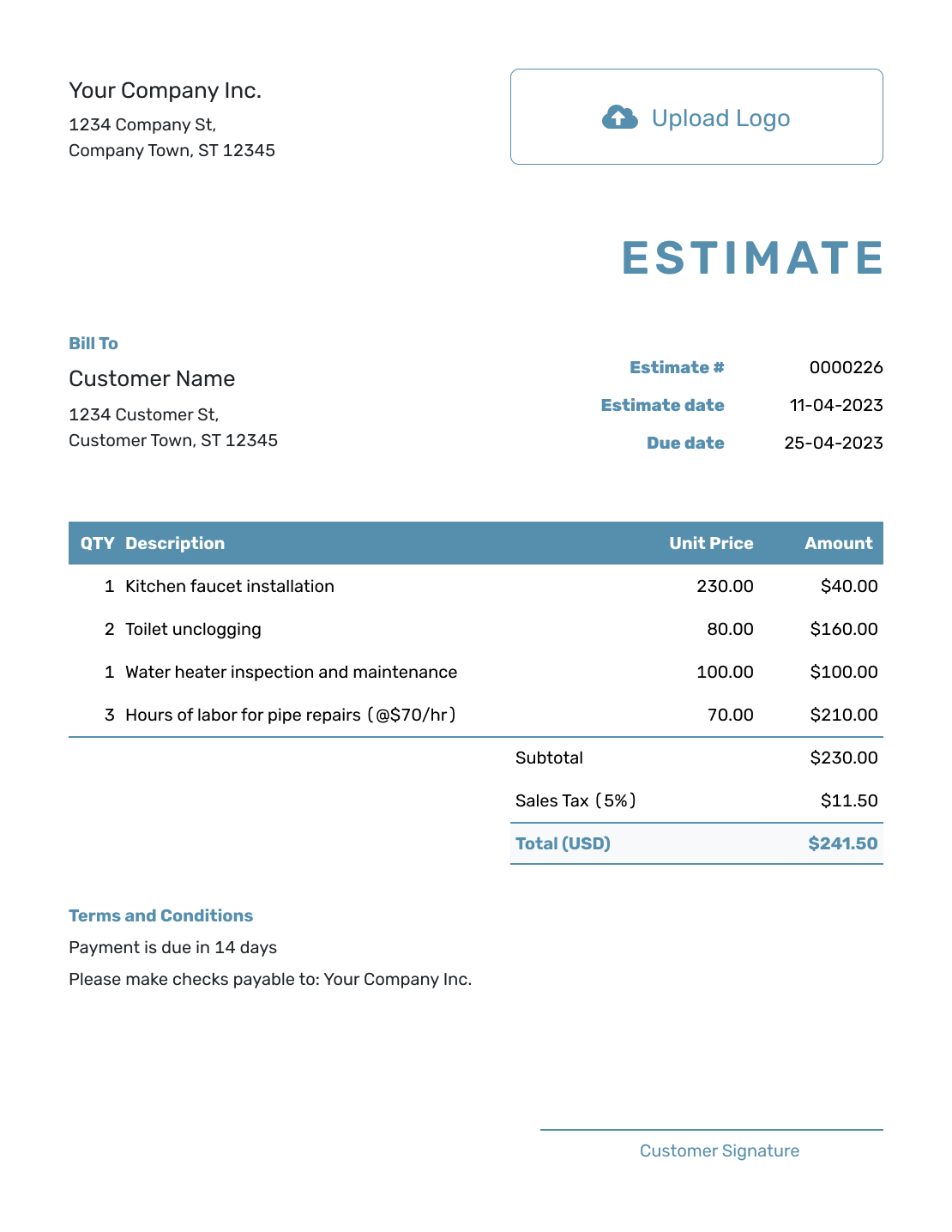
Blank Estimate Proposal Template
Create Free Estimate -
Simple Estimate Proposal Template
Create Free Estimate -
Downloadable Estimate Proposal Template
Create Free Estimate -
Editable Estimate Template
Create Free Estimate -
Fillable Estimate Template
Create Free Estimate -
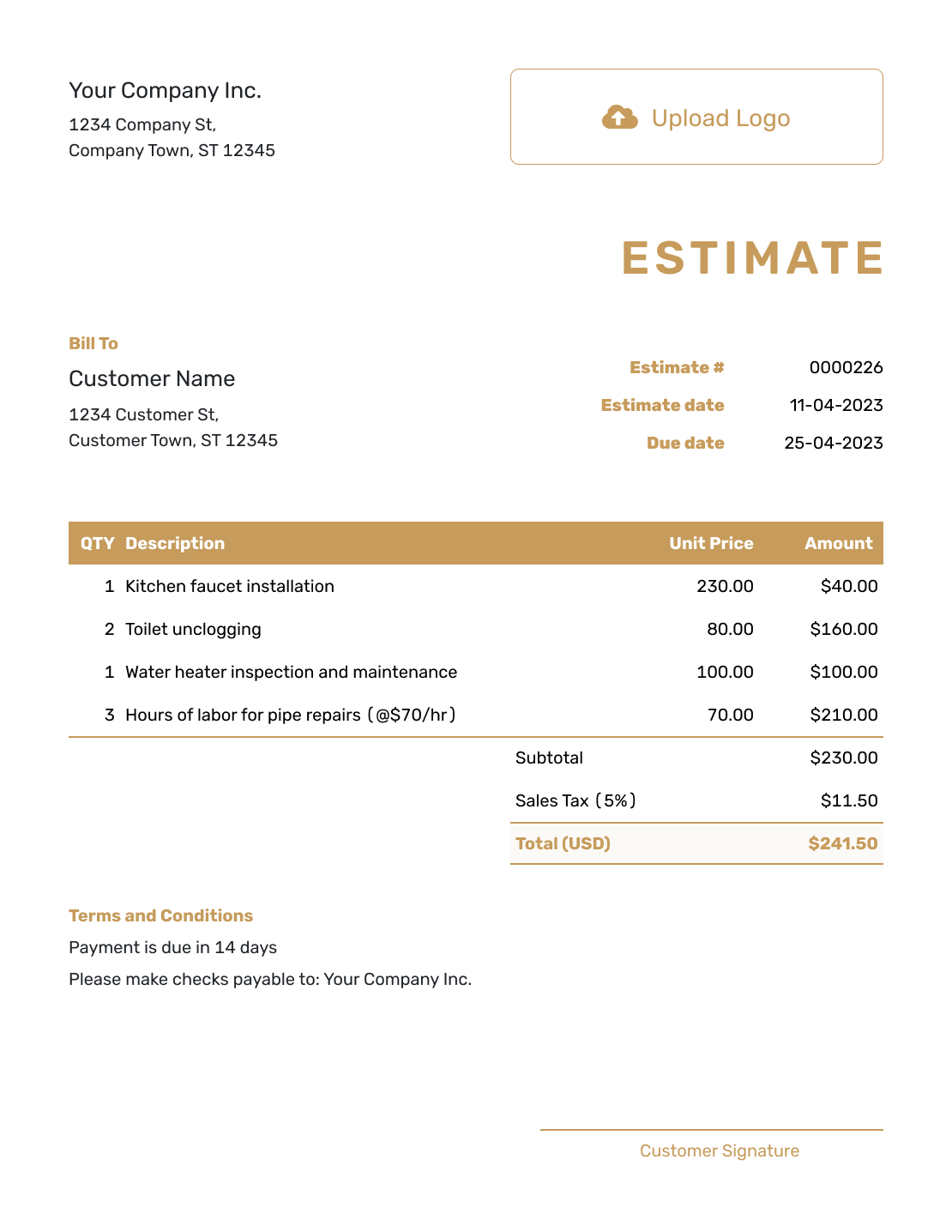
Professional Estimate Template
Create Free Estimate
Related Business Estimate Templates
Choose another business estimate when the client mainly needs a job price, cost breakdown, competitive bid or freelance scope.
Other Estimate Template File Formats
Prefer to work in a document or spreadsheet first? Choose a format below, or create the estimate online when you want automatic totals and a finished PDF without rebuilding the layout.
After You Send the Estimate
Check the estimate history to see whether the client has opened it. If they ask for a different scope, explain the revised work and price before sending the updated estimate.
Once you agree on the work, confirm the start date and the information you need from the client. Create an invoice from the estimate when it is time to bill, then review the details before sending it.
Estimate Proposal Template FAQs
Find answers to common questions about writing, pricing and sending an estimate proposal.
-
What is an estimate proposal?
An estimate proposal combines a short explanation of the project with the expected deliverables, approach, timing and likely price. It helps the client understand both the work and the offer.
-
How is an estimate proposal different from a basic estimate?
A basic estimate may focus mainly on scope and likely price. An estimate proposal adds useful context about the client goal, your approach and the value or result of the work.
-
What should I include in an estimate proposal?
Include a short project summary, the deliverables and their likely price. Add the schedule, client responsibilities and terms that affect the work. Keep the client details, estimate number, issue date and valid-until date with the estimate.
-
How long should an estimate proposal be?
Keep it as short as the decision allows. Many small projects need only a brief summary, clear scope, timeline and pricing. Use an attachment when supporting detail would make the main proposal hard to scan.
-
Should an estimate proposal include terms?
Yes. Use Terms and Conditions to explain revision limits, client responsibilities, outside costs, payment timing and how long the estimate remains valid. Include only terms your business uses, and keep them consistent with any attached proposal.
-
Can I attach supporting files to the estimate proposal?
Yes. Docelf supports PDF, JPG, GIF, PNG and WebP attachments up to 5 MB each. The client can download the files with the document.
-
Can a client accept an estimate proposal online?
Yes. Clients can accept or decline estimates online, and Docelf updates the status and emails you when they respond.
-
What happens after an estimate proposal is accepted?
You can create an invoice from the accepted estimate. Docelf copies the relevant client, item, price and document details into the invoice so you do not have to start again.
Ready to Present the Project?
Give the client enough detail to decide on the work and take the next step.
- Explain the project and deliverables
- Show the likely price and timing clearly
- Email or download a professional PDF




