Free Estimate Form Template
Keep every estimate field easy to find
Keep the customer, work and likely total in a form that is easy to scan. The clear layout helps customers review the estimate quickly and makes your business easier to choose.
Email, print or download your estimate as a PDF.
14-day free trial. No credit card required.

Price the job. Send the estimate. Get back to work.
Estimate Form Template Examples
Use these layouts to see how a completed estimate can look. Every preview opens the same online estimate editor, where you enter the job details.
-
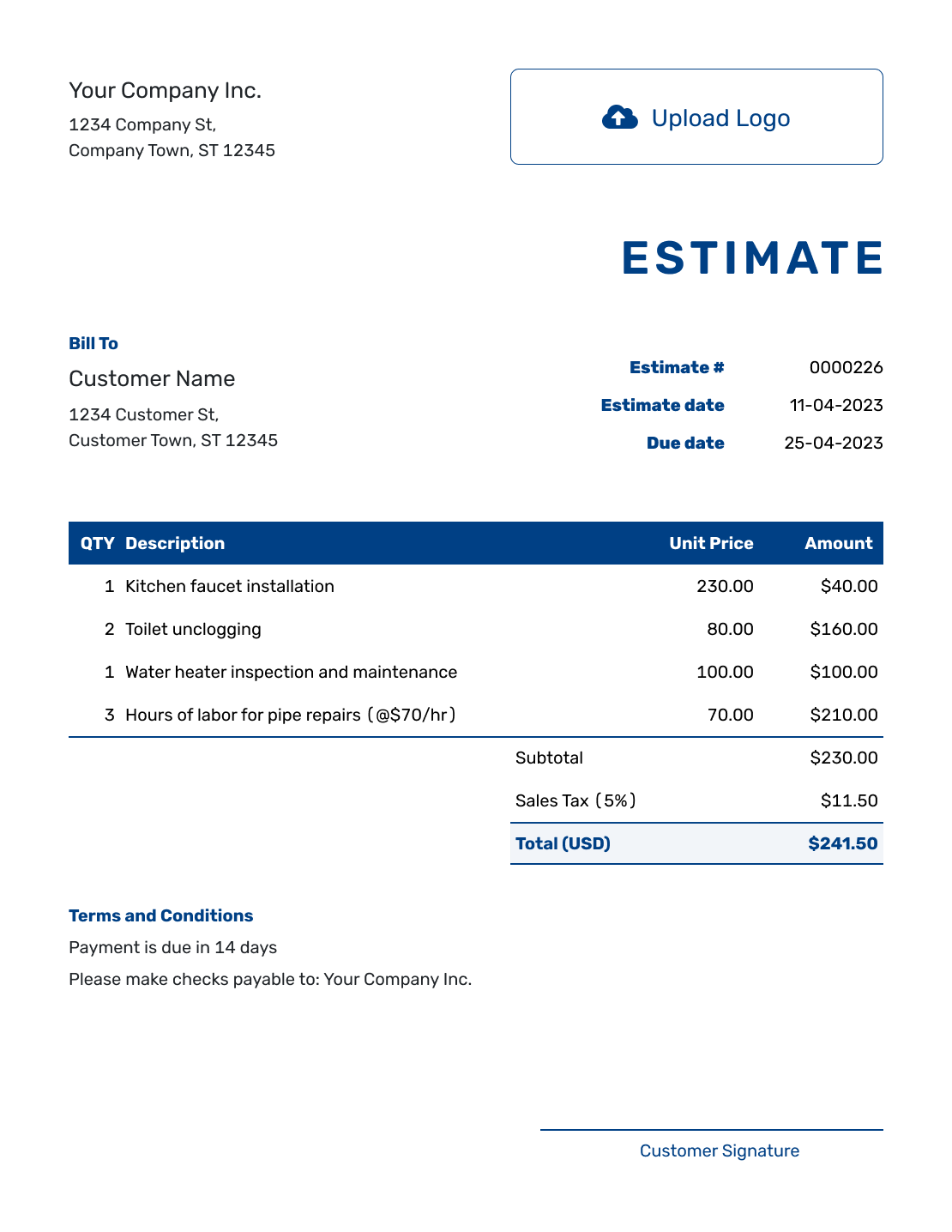
Sample Estimate Form Template
Create Free Estimate -
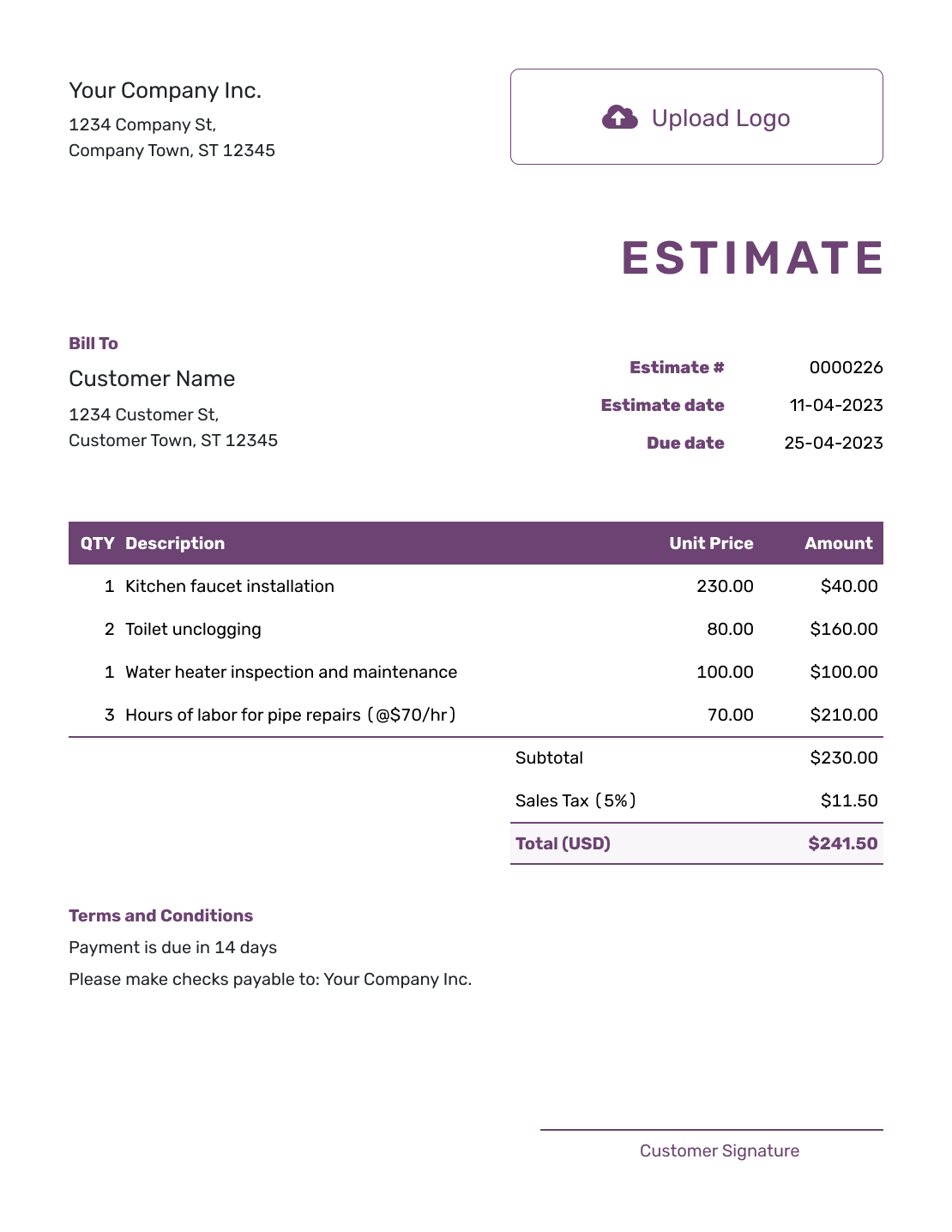
Free Estimate Form Template
Create Free Estimate -
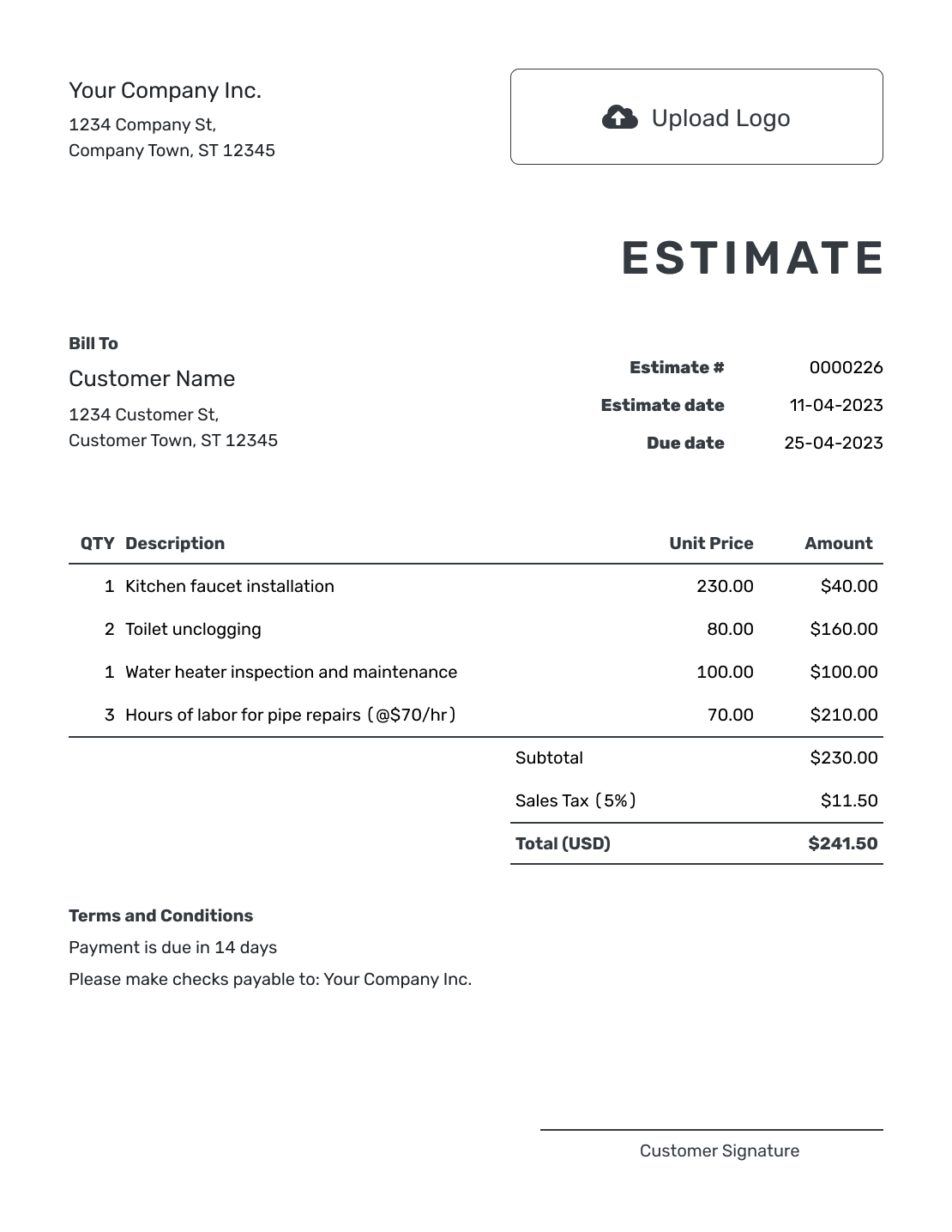
Printable Estimate Form Template
Create Free Estimate
See the other six previews below.
What Is an Estimate Form?
An estimate form is the document you complete after reviewing a customer’s job or request. It puts the expected work, likely price and terms in a familiar order so you can check the details before sending it.
You can reuse saved customer, product and service details in Docelf. Check the quantities and prices for each new job, even when the form starts with information you have used before.
Estimate Form, Request Form, or Worksheet?
These tools may use similar fields, but they belong at different points in the estimating process.
Estimate Form
You complete it to present expected work, a likely price and terms to the customer.
Request Form
The customer uses it to give you job information before you have priced the work.
Estimate Worksheet
You use it internally to work through quantities and costs before creating the customer estimate.
How to Complete an Estimate Form
Complete the customer-facing form after you have enough information to price the work. Keep the service address or job reference with the description when it differs from the customer’s contact details.
- Your Business: Enter your business name and the contact details customers should use.
- Your Logo: Add your logo to match your other business documents.
- The Customer: Choose a saved customer or enter their name and contact details.
- Estimate Details: Check the number and issue date. Set a response deadline when needed.
- Job and Pricing: Describe the expected work, including quantities and unit prices.
- The Estimated Total: Review the line amounts and applicable tax or discount. Docelf calculates the total.
- Terms and Review: Add assumptions and timing in Terms and Conditions. Check the form, then email, print or download it.
How to Complete the Pricing Table
Each row should describe something the customer can recognize and explain how you charge for it. Put the hours or quantity beside the description instead of leaving the customer to work backward from the total.
This fictional form is for move-out cleaning of a vacant two-bedroom apartment. Prices are in US dollars, with illustrative 8% tax on all charges. Check the tax treatment that applies to your service.
| QTY | Description | Unit Price | Amount |
|---|---|---|---|
| 4 | General move-out cleaning — estimated hours | $45.00 | $180.00 |
| 1 | Oven and refrigerator interior cleaning — package | $55.00 | $55.00 |
| 6 | Interior window cleaning — panes | $8.00 | $48.00 |
| Subtotal | $283.00 | |
| Sales Tax (8% illustrative) | $22.64 | |
| Estimated Total | $305.64 |
What to Include in Estimate Terms
The Terms and Conditions field explains the assumptions that do not belong in the pricing table. It can also tell the customer how long the estimate is valid and what happens if the job changes.
Keep only terms you use in your business. This sample connects the likely price to the size and condition of the cleaning job.
Example: Terms and Conditions
- Covers move-out cleaning of a vacant two-bedroom apartment, with oven, refrigerator and six interior window panes as listed.
- Allows four hours for general cleaning. Water, electricity and access to the rooms must be available.
- Carpet shampooing and exterior windows are excluded. Additional work or time requires customer approval.
- Estimate valid for 14 days from the issue date. The cleaning date will be agreed after acceptance.
Complete the Estimate Form Without Starting Over
Choose a saved customer and add the work you expect to do. Docelf calculates the total. Review every field, then email or download the estimate.
Choose How You Will Complete the Form
Choose the format you can update and check comfortably. The previews above open the online editor; separate document and spreadsheet templates are available under Estimate Templates by Format.
- Fillable document: Useful for a fixed printable layout. You may still need to calculate totals and manage revisions yourself.
- Spreadsheet: Useful when formulas are the main concern. Check the finished layout before sending a PDF.
- Docelf: Reuse saved details and calculate the total. Email the estimate or download the finished PDF when it is ready.
More Estimate Form Previews
The remaining six examples offer more layouts for the same estimate task.
-
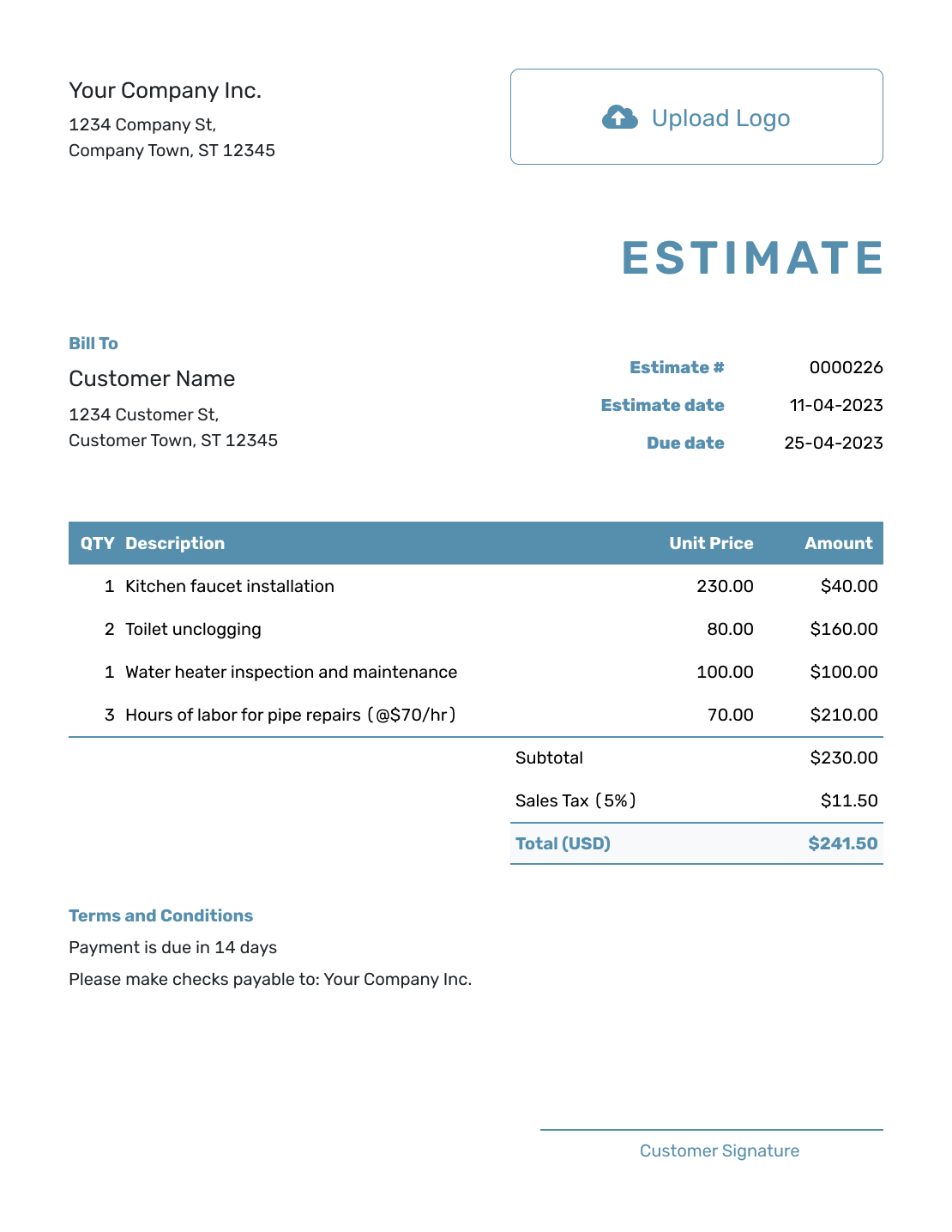
Blank Estimate Form Template
Create Free Estimate -
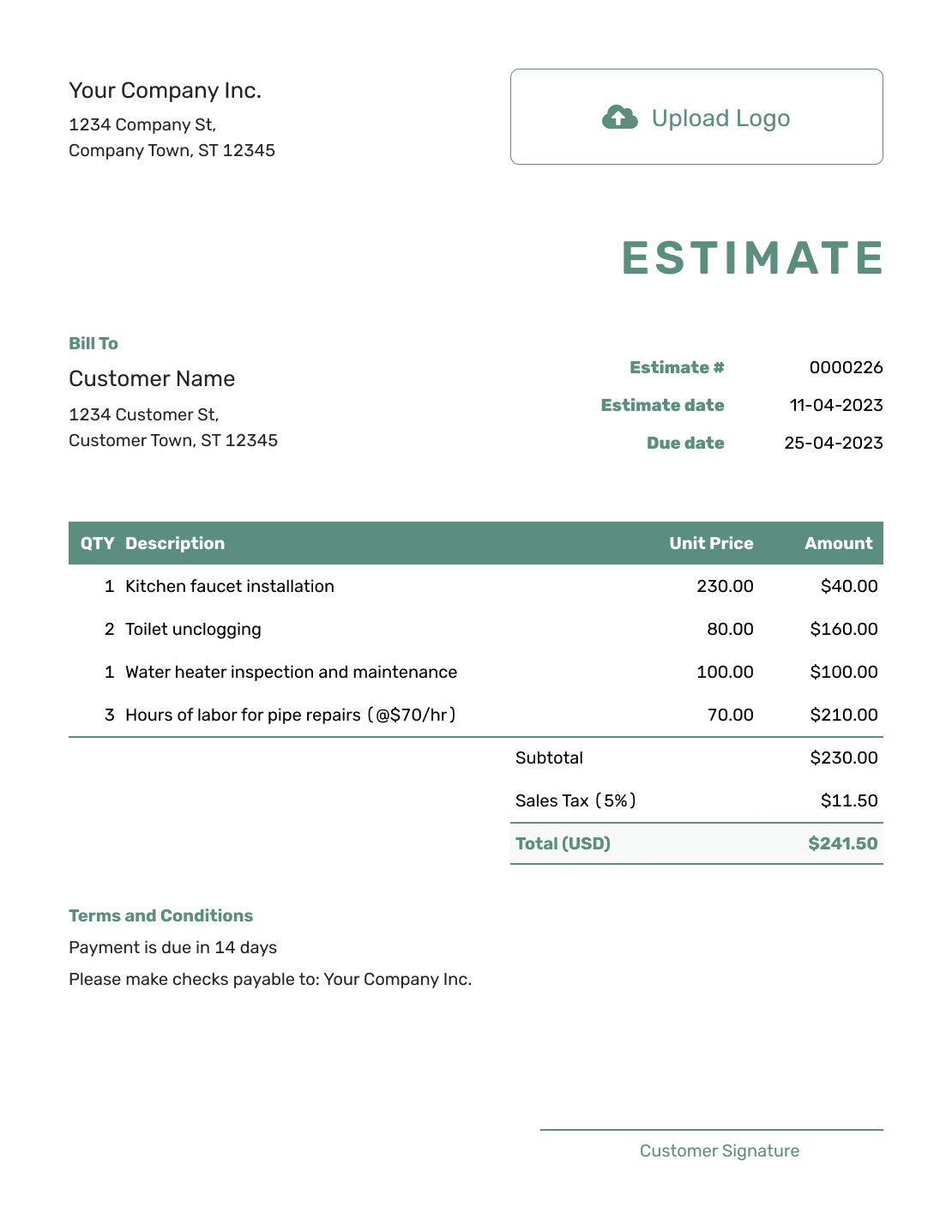
Simple Estimate Form Template
Create Free Estimate -
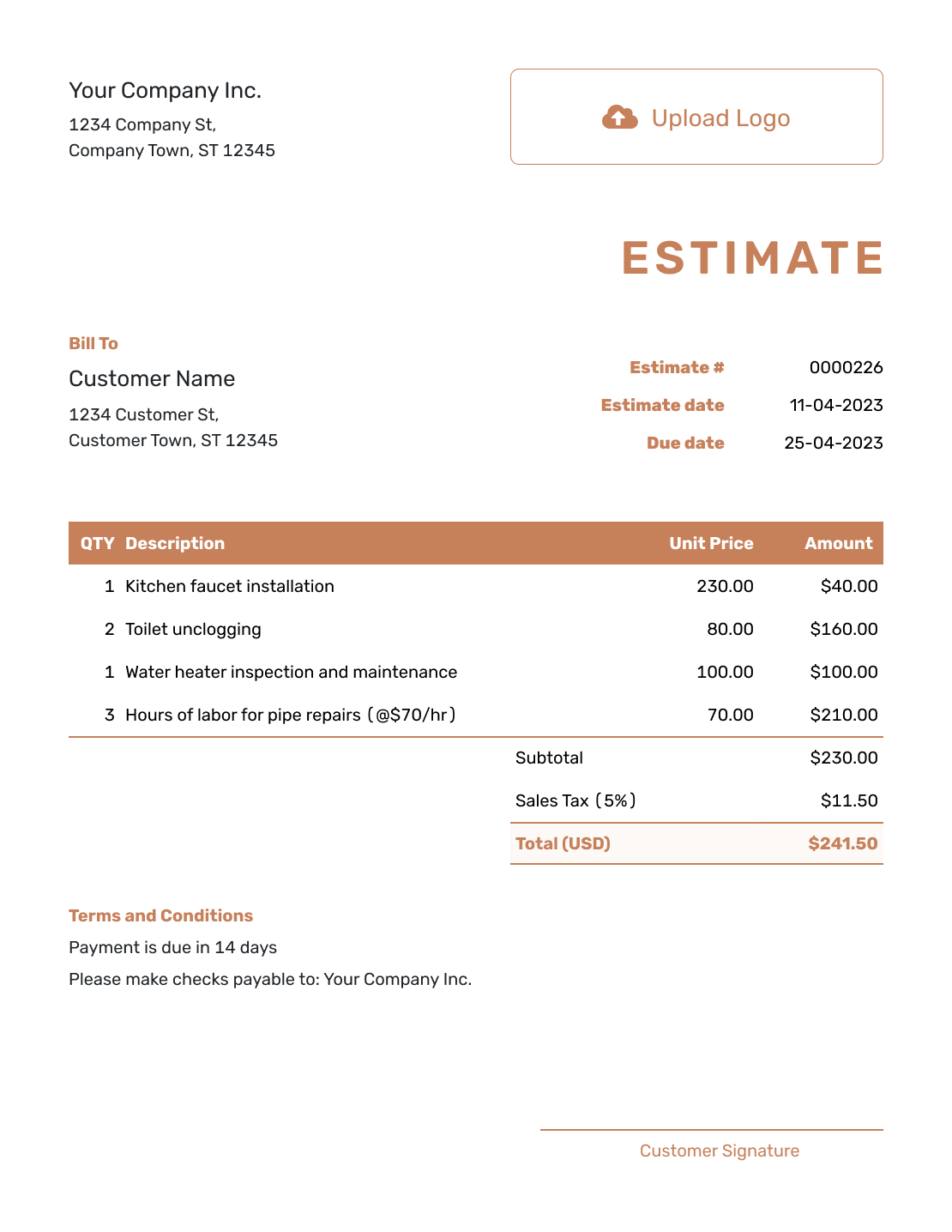
Downloadable Estimate Form Template
Create Free Estimate -
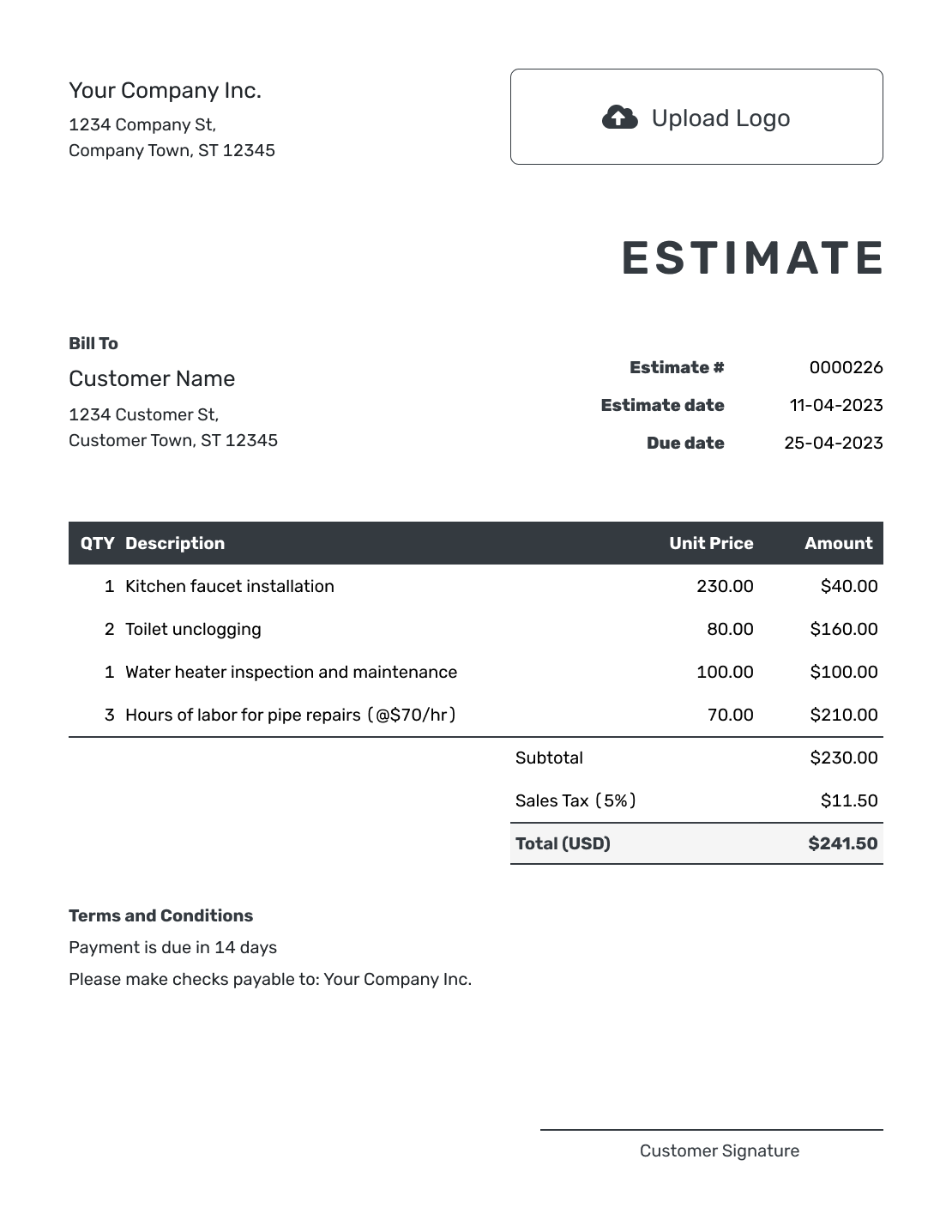
Editable Estimate Form Template
Create Free Estimate -
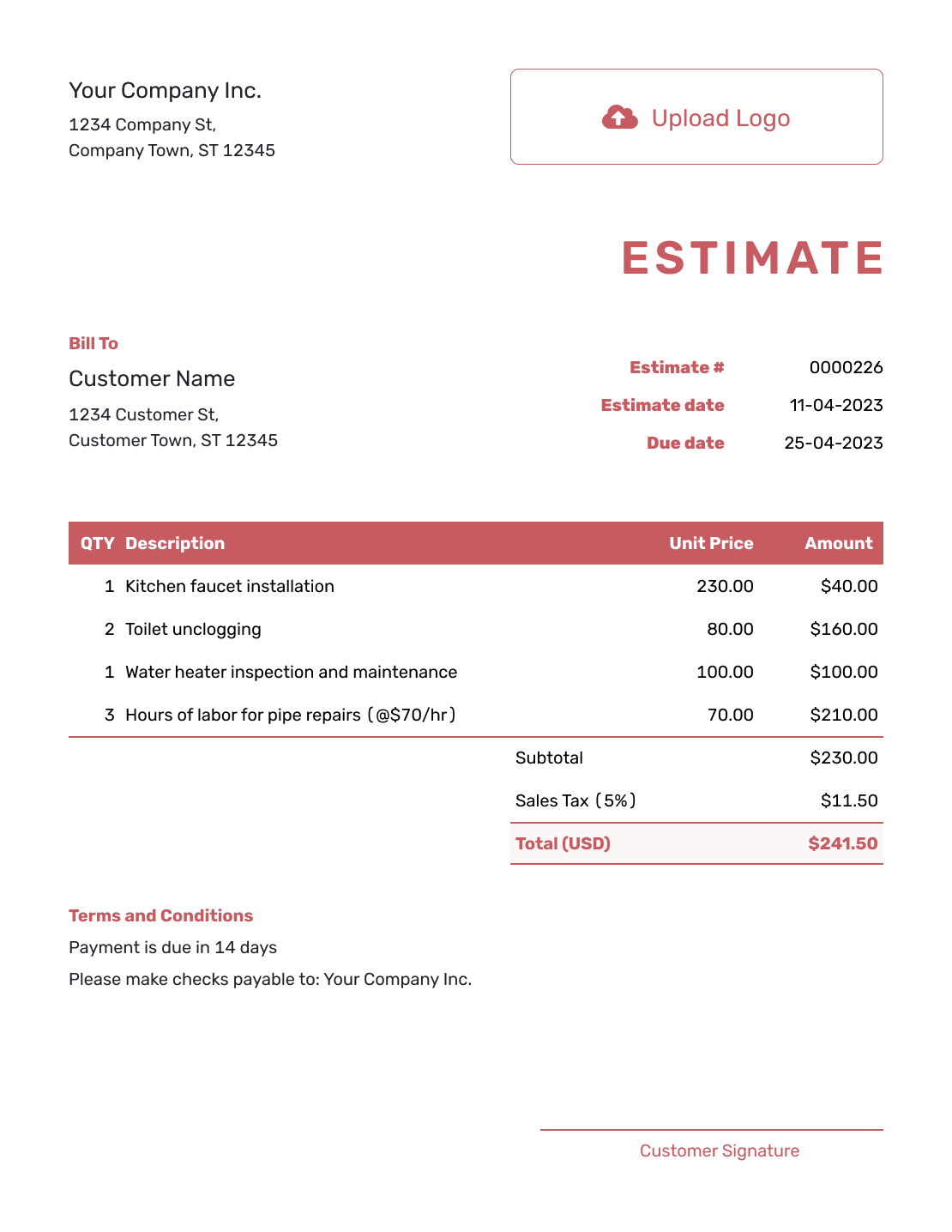
Fillable Estimate Form Template
Create Free Estimate -
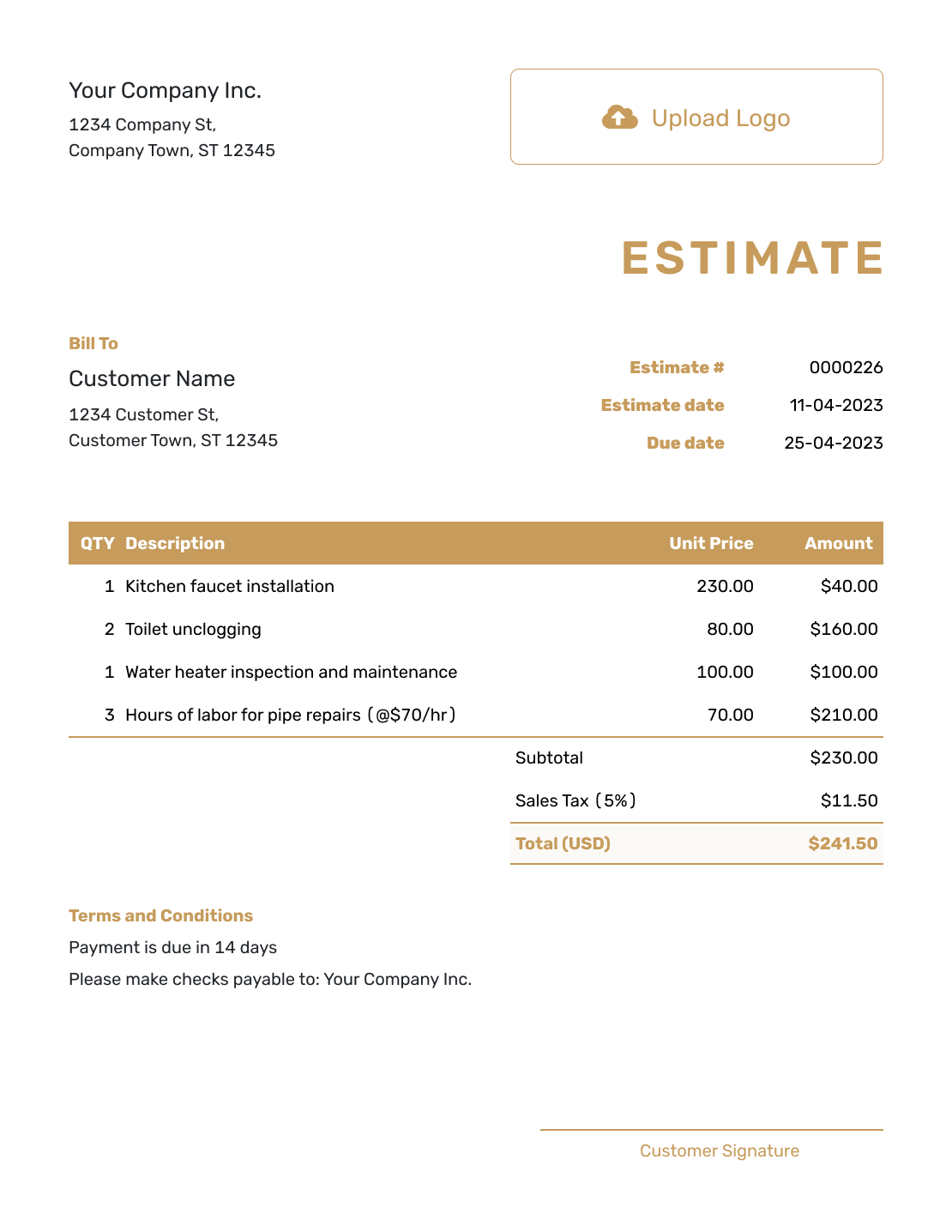
Professional Estimate Form Template
Create Free Estimate
Other Structured Estimate Templates
Use a blank layout for more freedom, a worksheet for internal cost planning, an itemized layout for a detailed price breakdown, or browse every estimate format.
After You Send the Estimate Form
After emailing the estimate from Docelf, check whether the customer has opened it. They can accept or decline online without a Docelf account, and you receive an email when they respond.
If the job changes, update the scope, likely price and terms together before sending the revision. When it is time to bill, create an invoice from the estimate and check the copied details against the work you provided.
Estimate Form Template FAQs
Find answers about form fields, calculations, customer use and the next document.
-
What is an estimate form template?
An estimate form template is a repeatable field layout for showing expected work and a likely price. It keeps business, customer, job, line-item, total and term details in predictable places.
-
What is the difference between an estimate form and an estimate request form?
You complete an estimate form to present expected work and a likely price. A request form gathers information from a customer before you have priced the work.
-
What fields should an estimate form include?
Include your business and customer details, the estimate number and dates, and a description of the job. Show quantities, unit prices and the estimated total. Use Terms and Conditions to explain assumptions, timing and the customer’s next step.
-
Do I need to fill every estimate form field?
No. Complete the details needed to identify and price the job. Remove unused item rows, and include optional information only when it helps the customer understand the work. Explain an undecided detail if it could affect the likely price.
-
Can I fill out the estimate form online?
Yes. Enter and edit the estimate in Docelf, then preview it before emailing, printing or downloading the finished PDF. The online editor is where you update the details; the downloaded PDF is the customer copy.
-
Does an estimate form calculate totals automatically?
Docelf calculates line amounts, subtotal, discounts, taxes and the total while you work. With a separate document or PDF form, check whether the totals update before you send it.
-
How do I keep an estimate form easy to review?
Group related fields, use clear descriptions, avoid empty line items and place the scope and likely total where the customer can find them quickly.
-
Can I create an invoice from an accepted estimate form?
Yes. Create the invoice from the estimate in Docelf and reuse the relevant customer, item, price and document details.
Ready to Complete the Estimate Form?
Finish the form with a clear scope and likely price the customer can review.
- Saved customer and item details
- Automatic line and total calculations
- Email the form or download a PDF




