Free Estimate Worksheet Template
Work through the costs before you send them
Work through quantities, labor and material costs before you present the likely total. That makes it easier to check the numbers and build an estimate that helps you get the job.
Use the worksheet to plan the costs, then create the estimate in Docelf.
14-day free trial. No credit card required.

Price the job. Send the estimate. Get back to work.
Estimate Previews for Your Finished Worksheet Figures
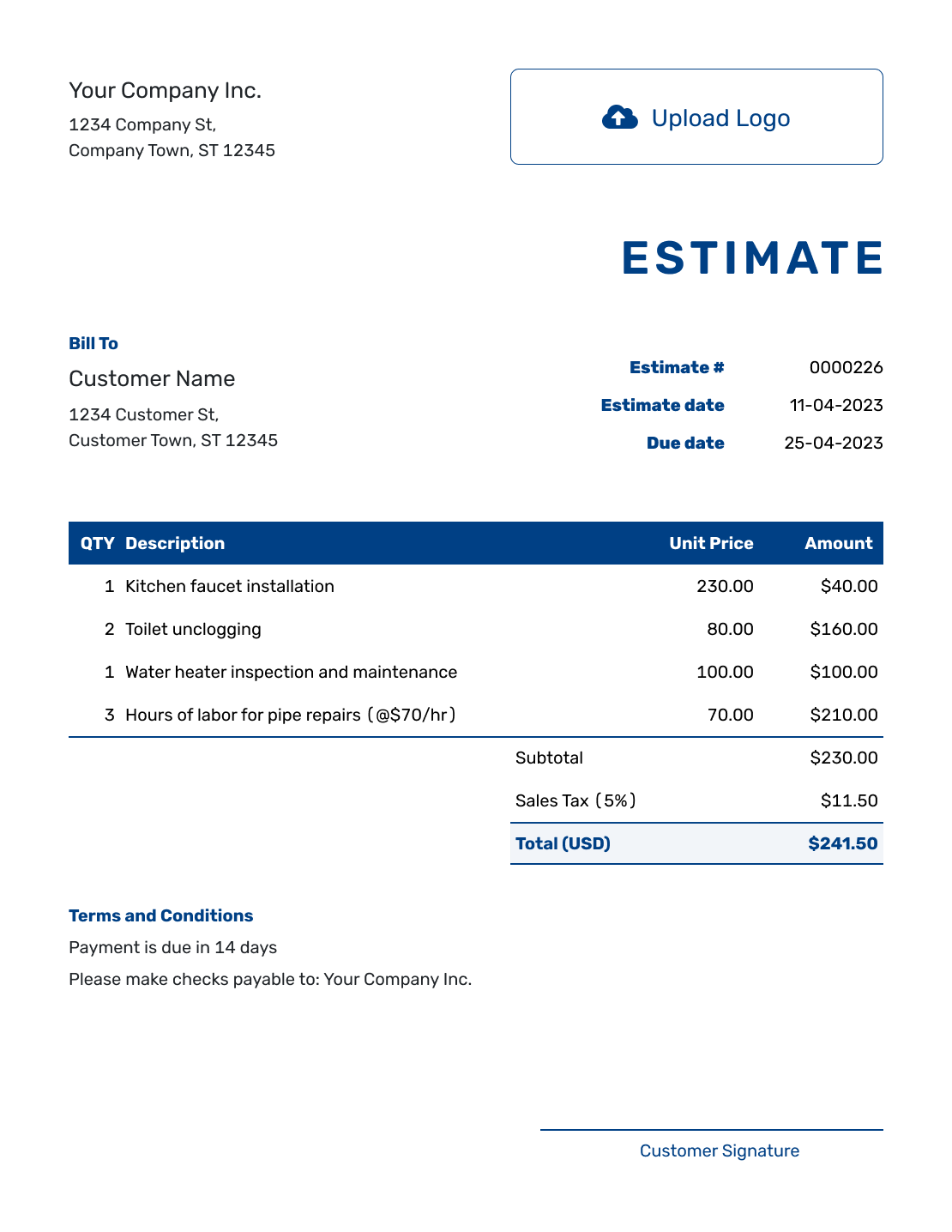
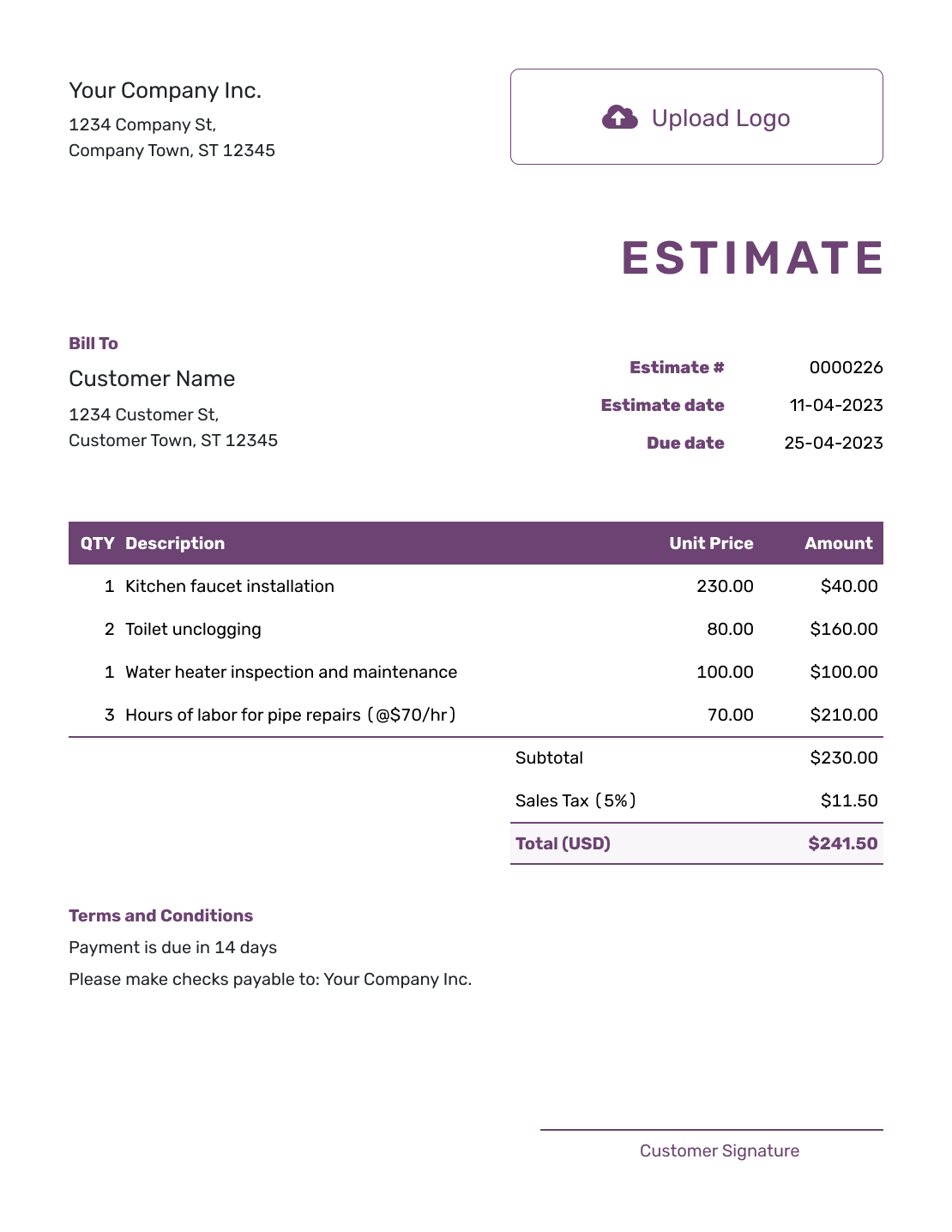
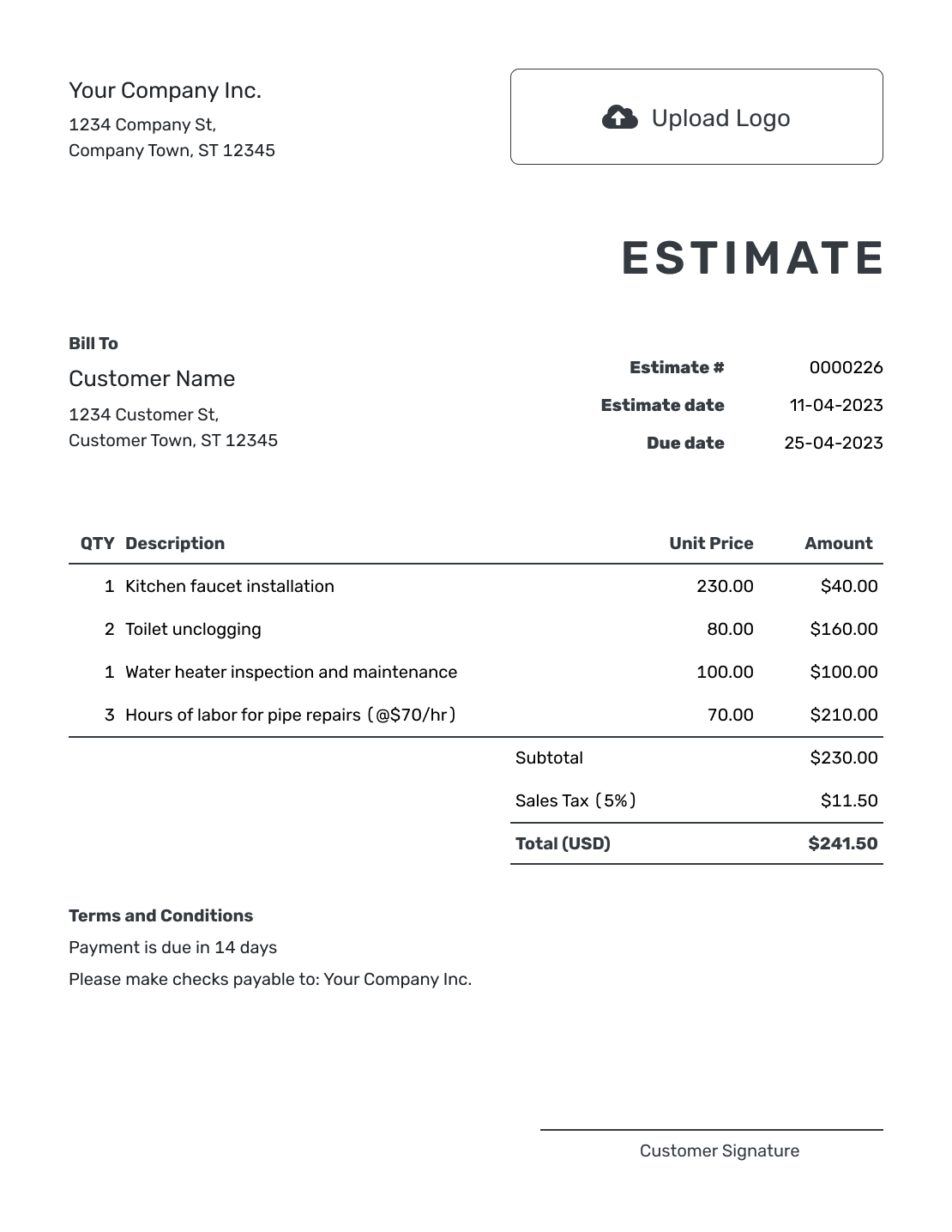
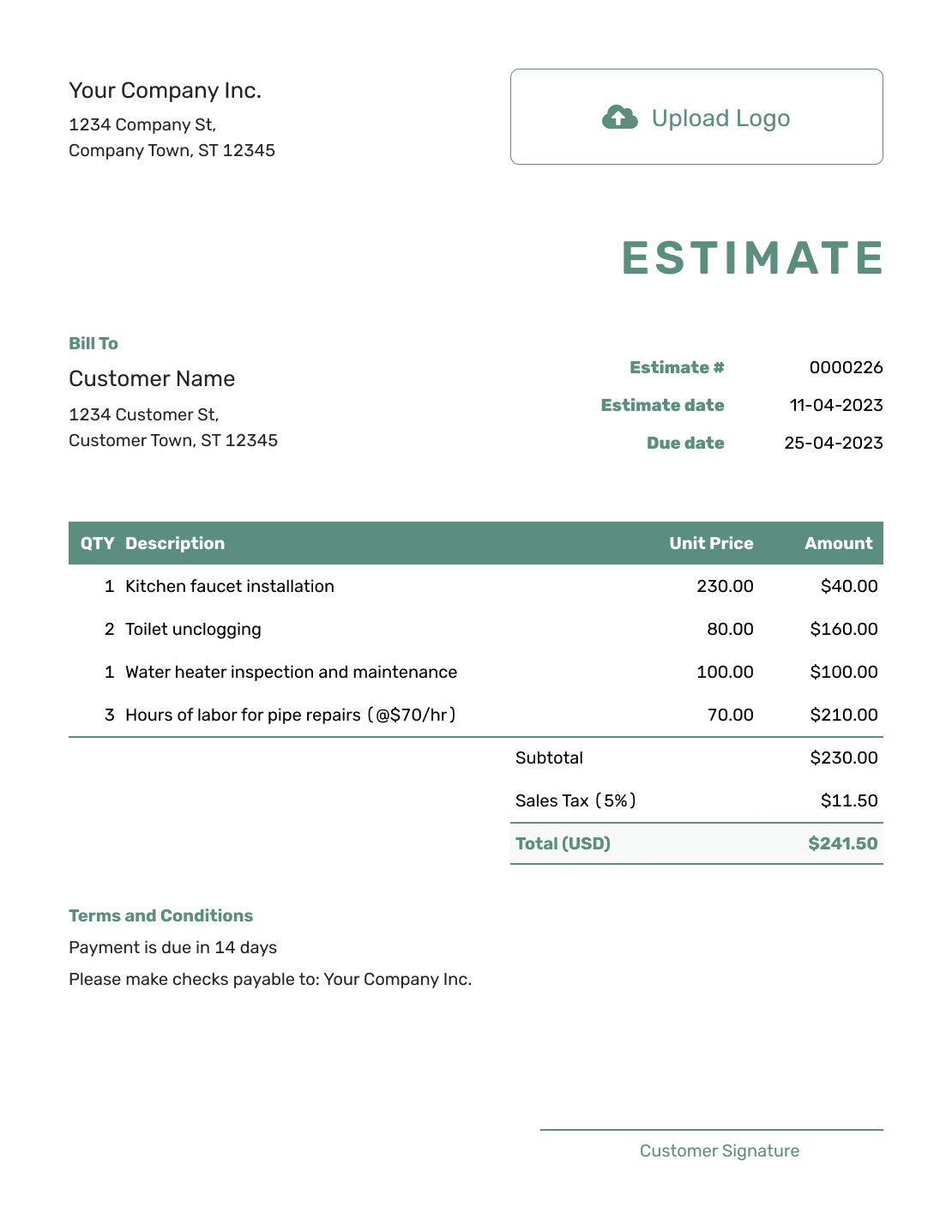
These previews show customer estimates. Each opens the same estimate editor; for your own costing worksheet, copy the example headings below into a spreadsheet or notebook.
What Is an Estimate Worksheet?
An estimate worksheet is a working page for organizing the quantities, rates, materials, and other costs behind a likely price. It helps you build and check the number before you present it to the customer.
Keep your worksheet in a spreadsheet or notebook, where you can record supplier prices, time estimates, and private calculations. The estimate you send should show the scope, likely price, assumptions, and terms the customer needs to decide.
Separate what the job costs your business from what you plan to charge. For example, a customer labor rate may cover overhead as well as wages. Use the planned customer prices in the estimate. You can add internal cost and supplier-reference columns to your own worksheet without including them in the customer copy.
Work Through the Numbers in a Useful Order
Start with the customer, job address, and work to be done. Give each separately priced task, material, or service its own line so you can check what a changed quantity does to the price.
Quantities and Units
Count the work in a way that fits the job. Keep the quantity numeric and put units such as hours, visits, square feet, or loads in the description.
Labor and Time
Use total worker-hours: two people working eight hours each is 16 hours. Include setup, travel, or cleanup when those costs belong in the price, and avoid counting them again in another line.
Materials and Allowances
Use current supplier prices when possible. If a selection is still open, label its provisional amount as an allowance and note what it covers. Update it when you know the chosen material and quantity.
Other Job Costs
Check equipment, disposal, delivery, subcontractor work, and permits. Include only costs that apply. A separately charged delivery belongs on an item line and contributes to the subtotal.
How to Create the Estimate From Your Worksheet
Once you have checked the working figures, enter the customer prices in the estimate. The illustration shows the customer document; keep internal costs and private notes in your separate worksheet.
- Your Business: Enter the business name and contact details the customer should use.
- Your Logo: Add your logo if you want it on the estimate.
- The Customer: Choose the customer and check their contact details.
- Number and Dates: Check the estimate number and issue date. Add a valid-until date if needed.
- Work and Prices: Copy the checked descriptions, quantities, and customer prices from the worksheet.
- The Total: Review the calculated amounts and any tax or discount that applies.
- Terms and Review: Add assumptions in Terms and Conditions. Preview the estimate, then choose to send it.
Check the Worksheet Line by Line
Copy these four column headings into your own worksheet. Multiply each quantity by its unit price, then add the line amounts. Here, the unit prices are the amounts the business plans to charge the customer.
This fictional flooring job includes preparation, installation, a materials allowance, and equipment and disposal. Prices are in US dollars. For this example only, 8% tax applies to the $480.00 materials allowance; use the tax treatment that applies to your job.
| QTY | Description | Unit Price | Amount |
|---|---|---|---|
| 6 | Site preparation labor (hours) | $65.00 | $390.00 |
| 16 | Installation labor (hours) | $65.00 | $1,040.00 |
| 1 | Materials allowance | $480.00 | $480.00 |
| 1 | Equipment and disposal allowance | $185.00 | $185.00 |
| Subtotal | $2,095.00 | |
| Tax (8% on materials, illustrative) | $38.40 | |
| Estimated Total | $2,133.40 |
The two labor lines total 22 worker-hours. The $480.00 materials allowance is a provisional price, so confirm the flooring choice before treating that amount as settled. Keep a note of the supplier price and the date you checked it in your worksheet.
Explain the Assumptions Behind the Estimate
Use the estimate's Terms and Conditions field for assumptions that affect the customer's likely price. Explain what each allowance covers, what the work excludes, and how you will agree to changes.
This sample belongs to the flooring example above. Adapt it to the job and include only terms your business uses. Add a valid-until date or payment timing when you need them.
Example: Terms and Conditions
- Estimate covers 6 worker-hours of site preparation and 16 worker-hours of installation for the agreed flooring area.
- Materials allowance: $480.00 before tax, subject to the customer's flooring selection.
- Equipment and disposal allowance: $185.00. Subfloor repairs are excluded.
- We will discuss changes to the scope or expected price and obtain approval before carrying out the extra work.
Turn Checked Costs Into a Clear Estimate
Enter the checked prices in Docelf and let it calculate the totals. Add the assumptions your customer needs, then email the estimate or download a PDF.
Worksheet, Estimate, or Invoice?
Use each document for a different part of the job. The worksheet helps you build the price, the estimate presents it, and the invoice asks for payment.
Worksheet
Work through quantities, rates, costs, allowances, and internal checks before the customer sees the price.
Estimate
Show the customer the expected work, likely price, assumptions, and terms before billing begins.
Invoice
Ask for payment when the work, deposit, product, service, or completed stage is ready to bill.
More Layouts for the Customer Estimate
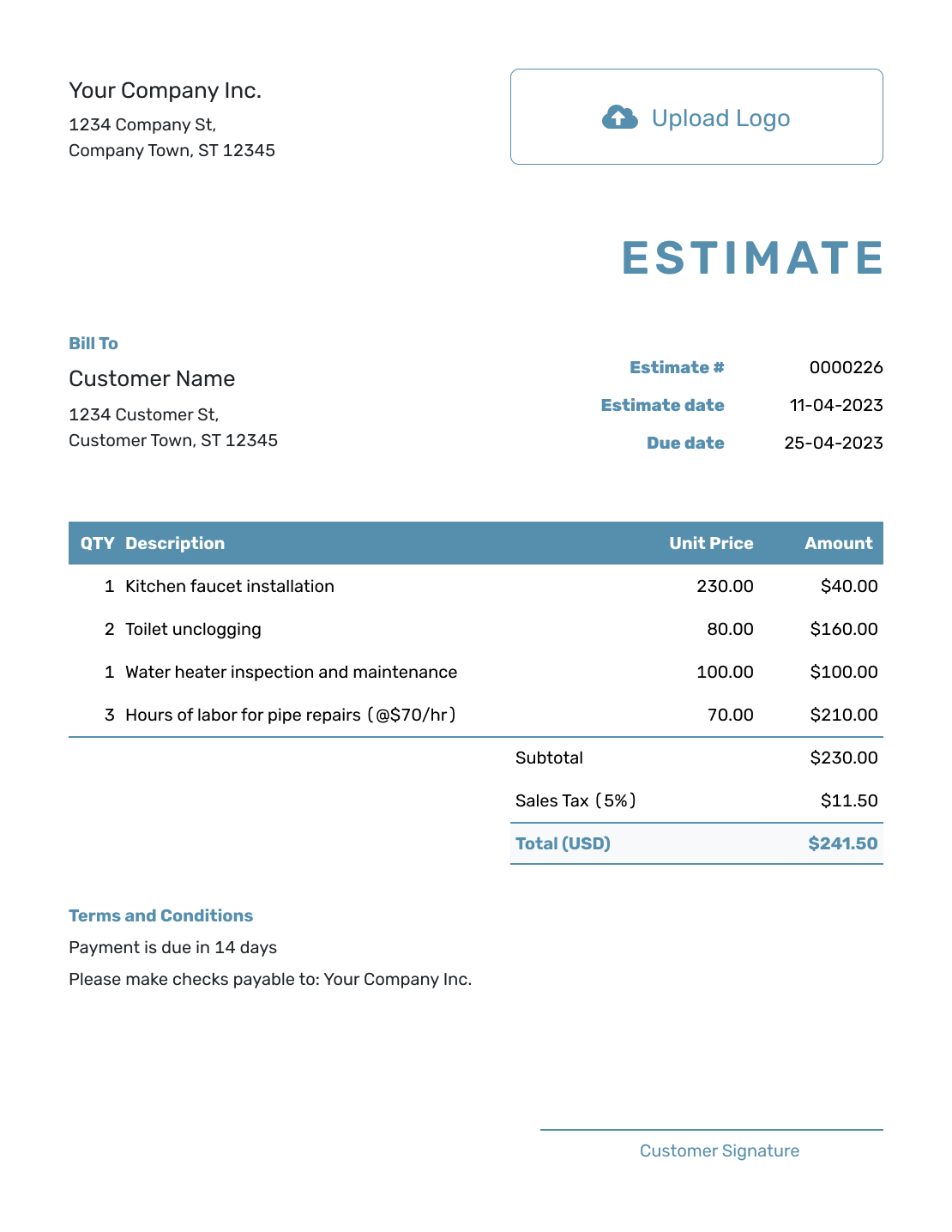
These six previews also open the estimate editor. Use your worksheet to check the figures before adding them to the customer document.
-
Blank Estimate Worksheet Template
Create Free Estimate -
Simple Estimate Worksheet Template
Create Free Estimate -
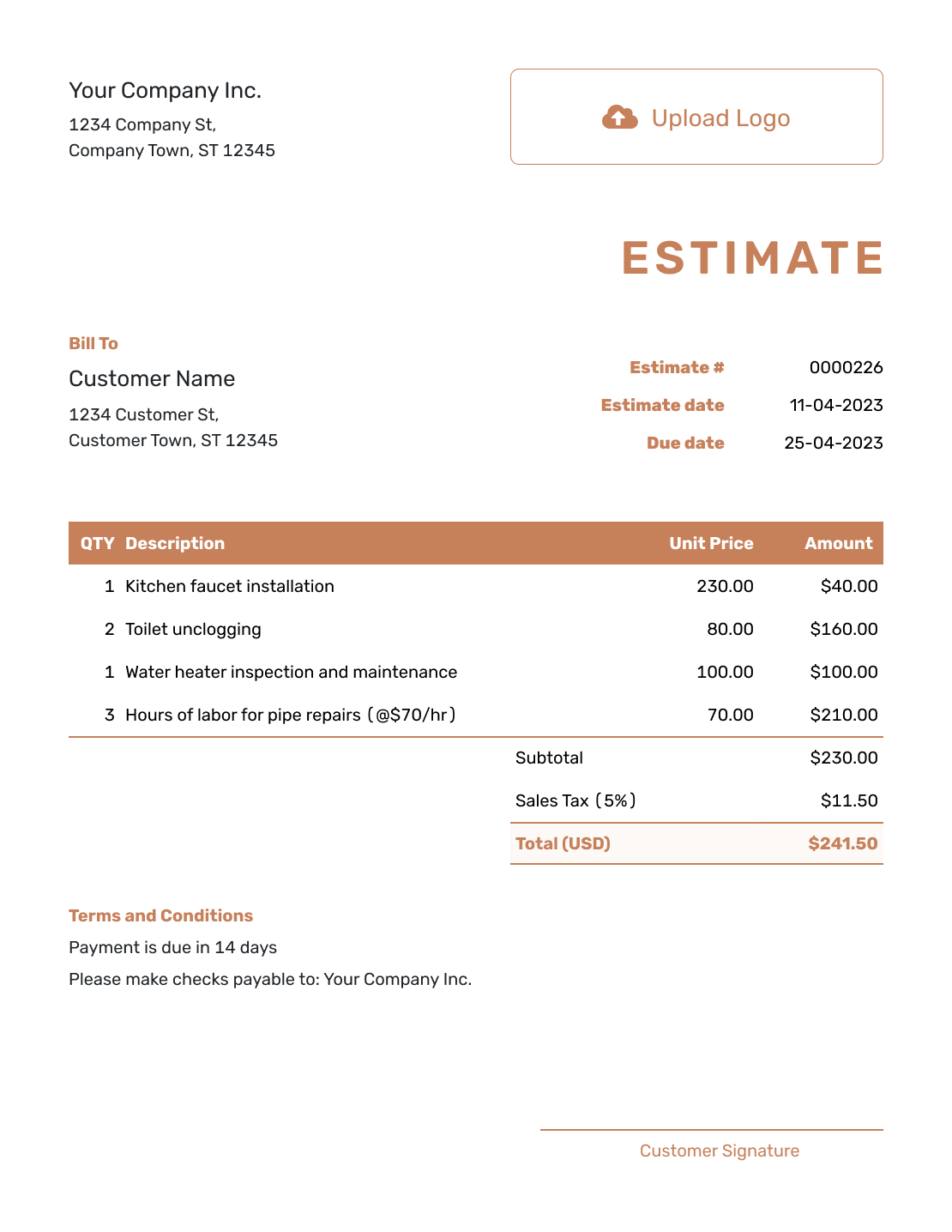
Downloadable Estimate Worksheet Template
Create Free Estimate -
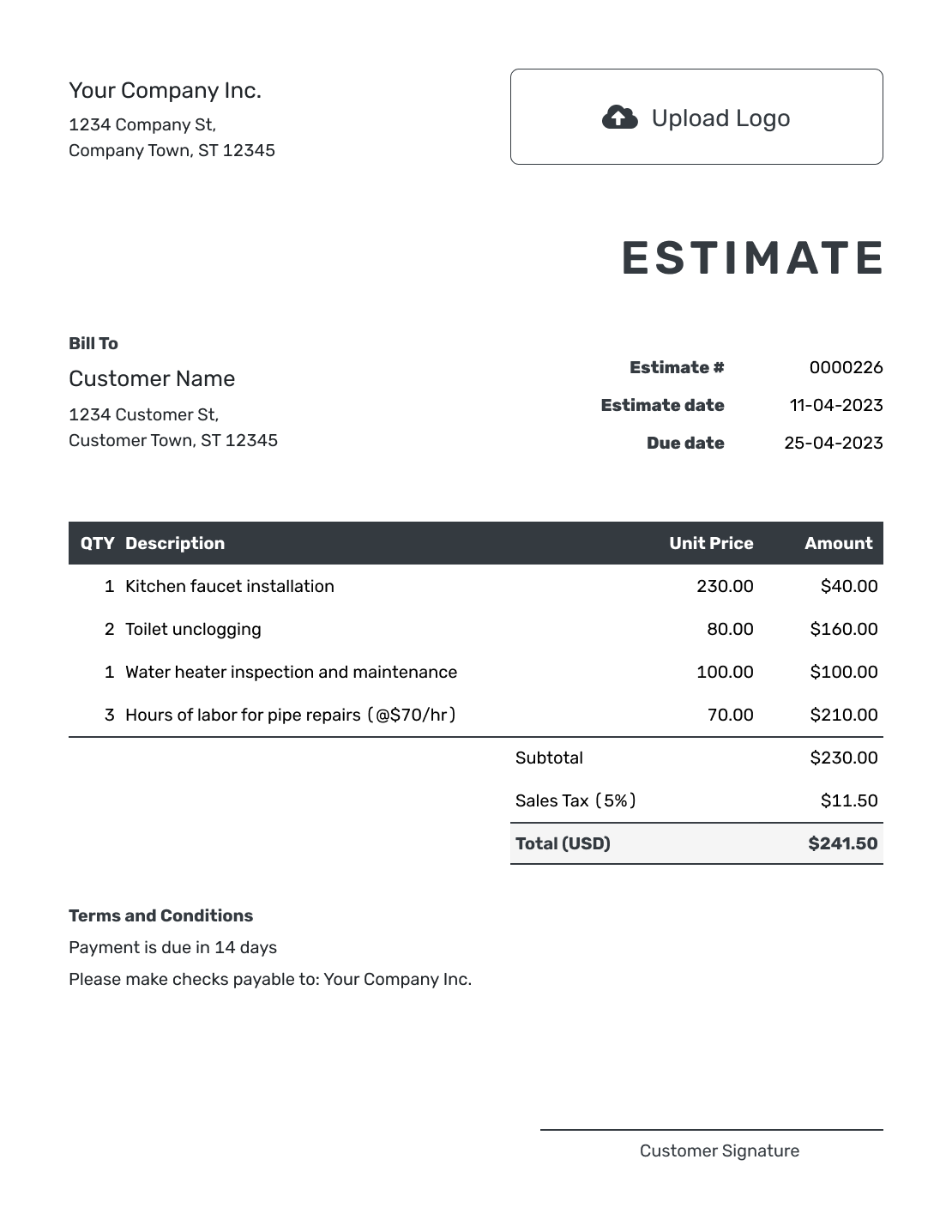
Editable Estimate Worksheet Template
Create Free Estimate -
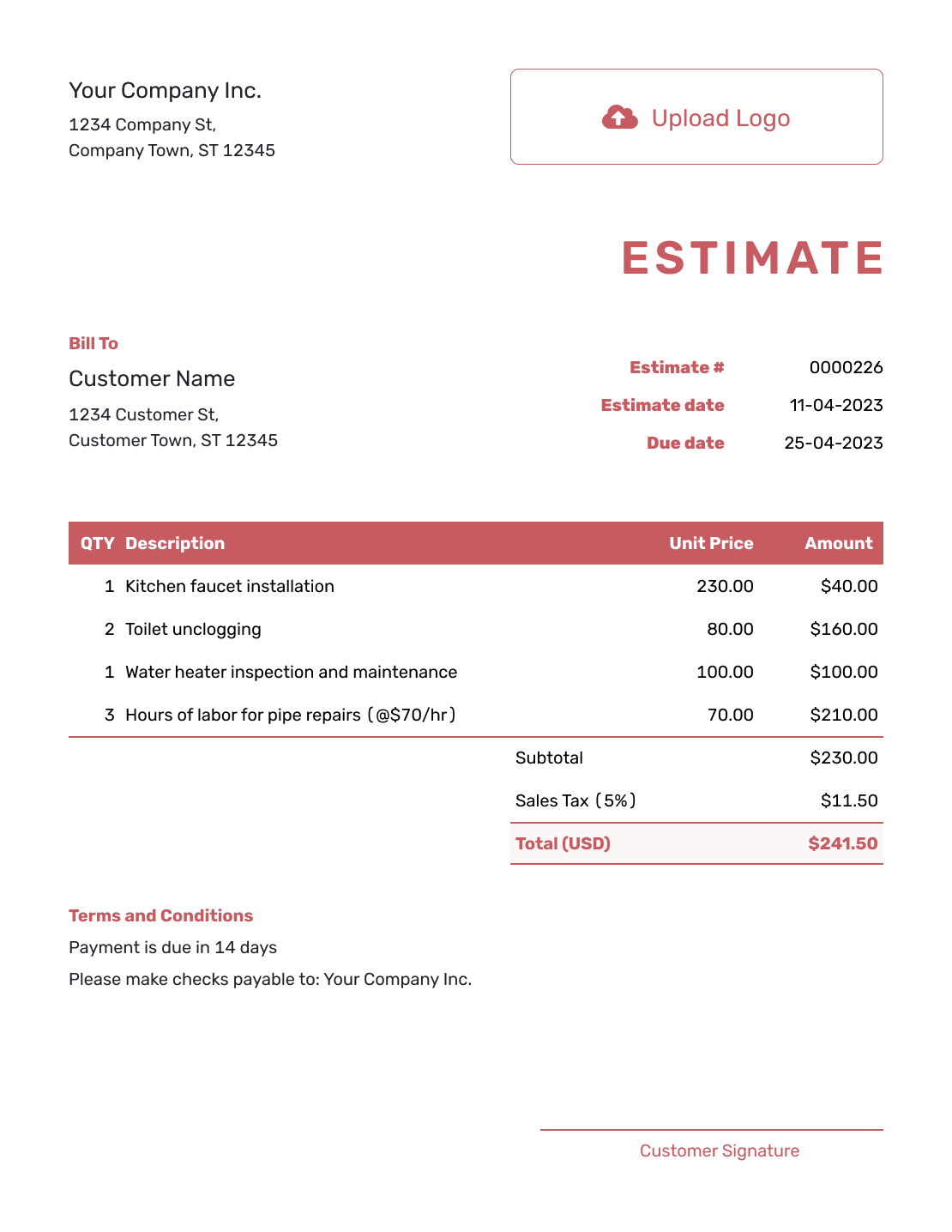
Fillable Estimate Worksheet Template
Create Free Estimate -
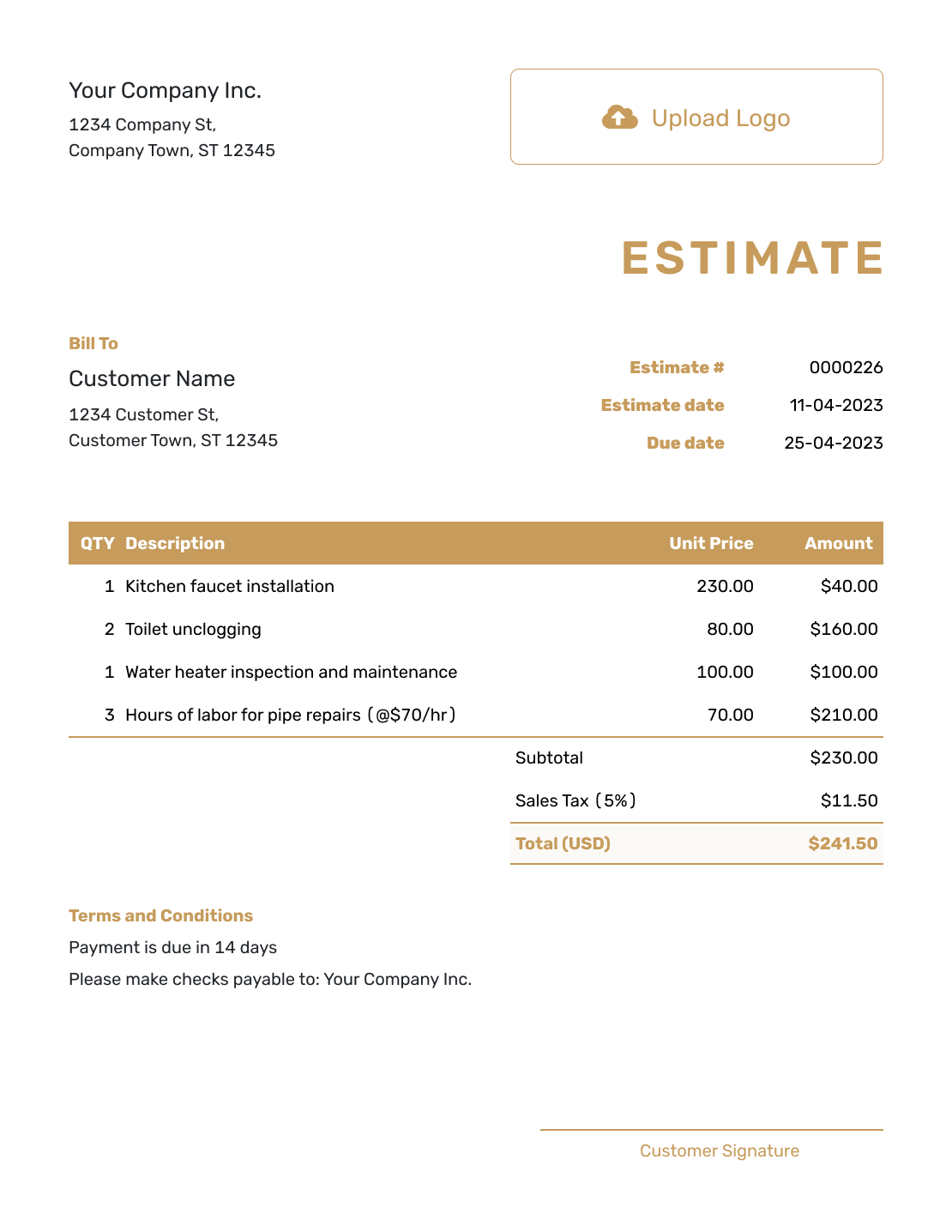
Professional Estimate Worksheet Template
Create Free Estimate
Estimate Formats and Examples
Prefer to work in a spreadsheet? The Excel and Google Sheets pages offer estimate templates you can adapt. The format guide explains the customer document, and the example page shows a completed estimate.
After You Send the Estimate
Check the document history to see whether the emailed estimate was delivered and opened. Customers can accept or decline it online, and Docelf emails you when they respond.
If the scope or expected price changes, update your worksheet first, then revise the estimate and send the new version for review. Keeping both current makes it easier to explain where the revised price came from.
Estimate Worksheet Template FAQs
-
What is an estimate worksheet?
An estimate worksheet is a working page for organizing the quantities, rates, materials, and other costs behind a likely price. It helps you build and check the figures before you present them to the customer.
-
Is an estimate worksheet the same as the estimate I send?
Not always. Many businesses keep the worksheet as an internal costing tool and send a cleaner estimate that shows the scope, line items, likely total, assumptions, and terms the customer needs to review.
-
What costs should I put on the worksheet?
Include labor, materials, equipment, subcontractors, travel, delivery, disposal, and permits when they apply. Keep internal costs distinct from customer prices, and check that a cost included in one rate has not been counted again.
-
Where should I put units such as hours or square feet?
Keep the quantity field numeric. Put the unit in the description, such as “Installation labor (hours)” or “Flooring area (square feet),” so the line stays clear and easy to calculate.
-
Does Docelf have a separate estimating worksheet?
The preview links on this page open the estimate editor. For your internal worksheet, copy the example headings into your own spreadsheet or notebook, then enter the checked customer prices and scope in a Docelf estimate.
-
Will Docelf calculate the estimate totals?
Yes. Docelf calculates line amounts, subtotal, discounts, taxes, and the total on the estimate. Review the quantities, unit prices, and assumptions before you send it.
-
Can the customer accept an estimate online?
Yes. Customers can accept or decline estimates online in Docelf. The estimate status updates when they respond, and Docelf sends you an email notification.
-
Can I create an invoice from the finished estimate?
Yes. When you are ready to bill, create an invoice from the estimate. Docelf copies the relevant customer, item, price, and document details. Check the actual work and final charges before sending the invoice.
Ready to Turn the Worksheet Into an Estimate?
Your worksheet has done the number checking. Give the customer an estimate that explains the work and the likely price.
- Add the checked scope and prices
- Let Docelf calculate the totals
- Email the estimate or download a PDF




