Free Software Development Estimate Template
Create a professional estimate in minutes
Estimate the software by feature or stage, with expected time and likely cost for each. Clients see how you plan the build, which helps them choose you for the work.
Email, print or download your estimate as a PDF.
14-day free trial. No credit card required.

Price the job. Send the estimate. Get back to work.
Software Development Estimate Template Examples
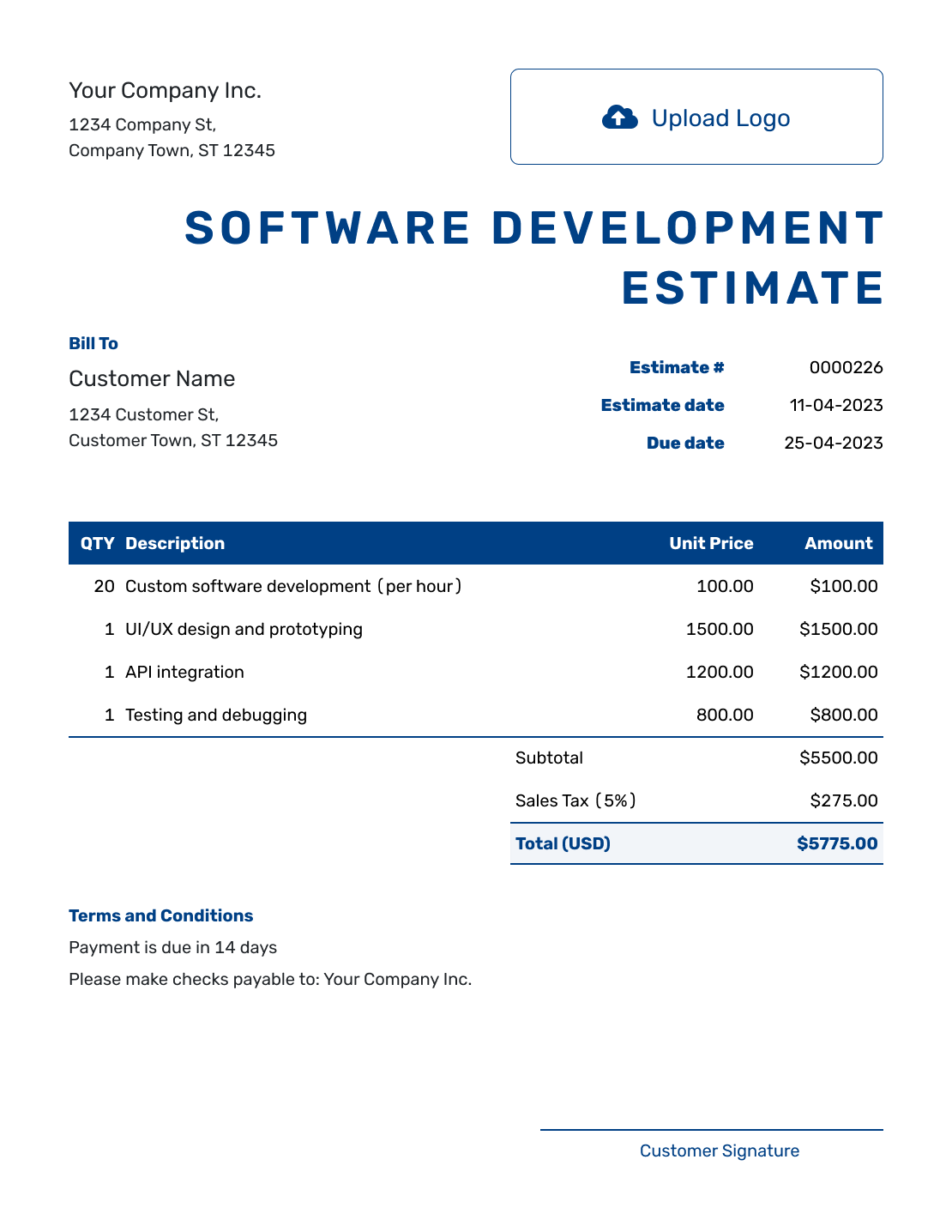
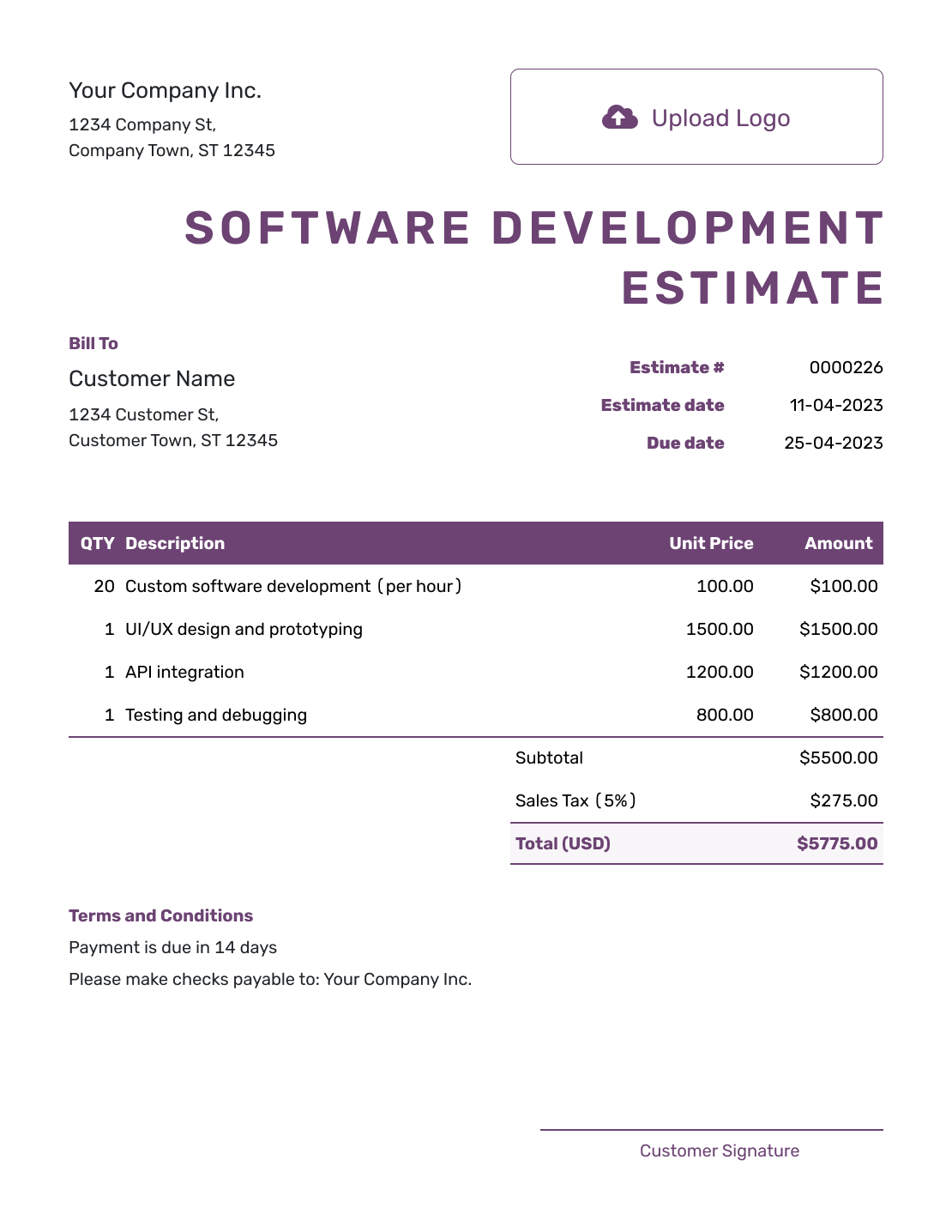
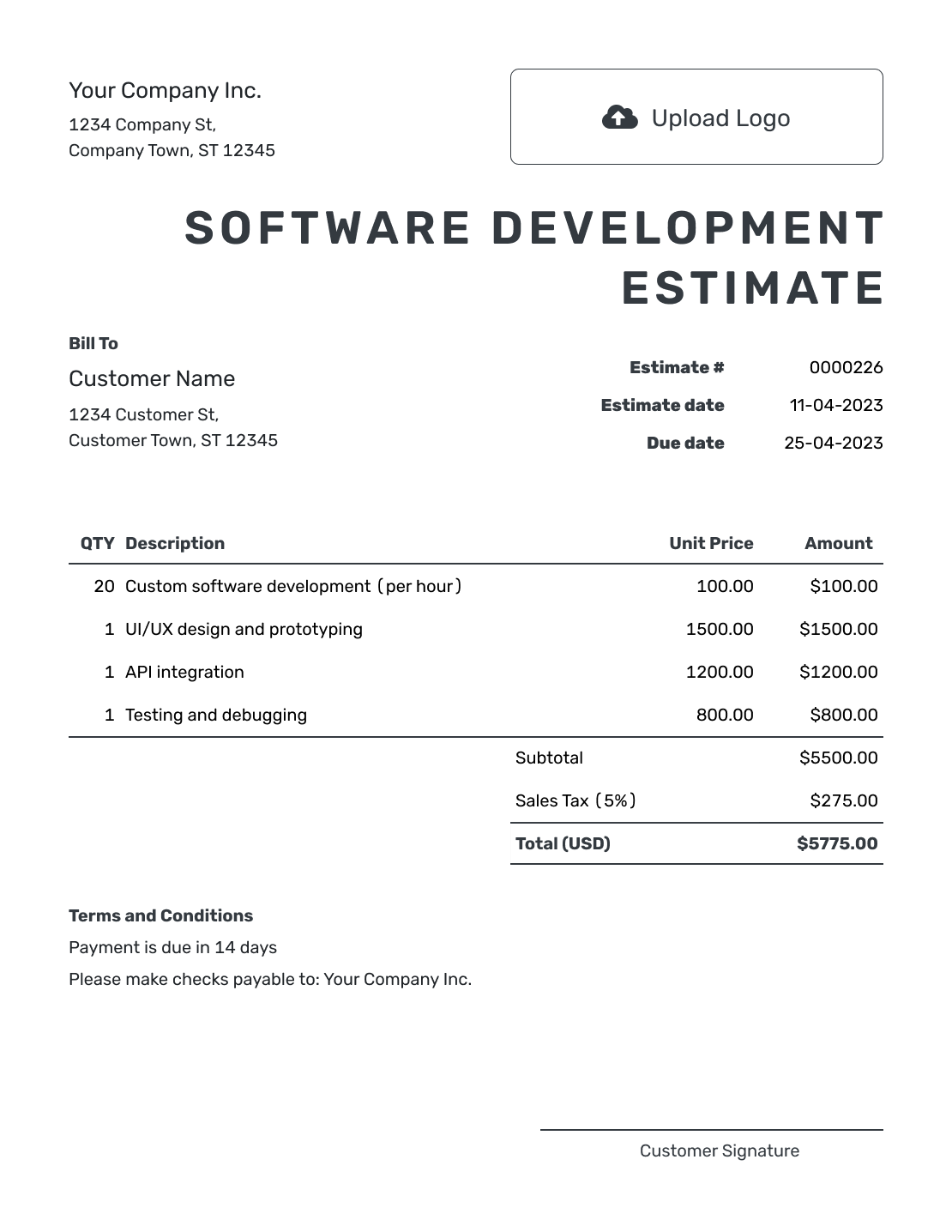
Browse these layouts for an app, internal tool, integration or custom software project. Every preview opens the same estimate editor, where you can add your own features, stages and prices.
What Is a Software Development Estimate?
A software development estimate shows the features, stages and technical work you expect to deliver and what the project is likely to cost.
Breaking the price into discovery, design, development, testing and launch helps the client see what each stage covers. Include the stages that fit the project, with integrations, data migration or optional support listed separately when they have their own price.
Software Development Estimate, Quote, or Invoice?
Use the document that matches how settled the requirements, price and terms are.
Estimate
Use an estimate when features, integrations or technical details may still change and the client needs a likely project cost.
Quote
Use a quote when the feature list, delivery stages, price and terms are ready for the client to approve.
Invoice
Use an invoice when a development phase, milestone or approved feature set is ready to bill.
How to Create a Software Development Estimate
Start with the client and the software you expect to build. Use the item descriptions for features and stages, then explain the assumptions behind the price in Terms and Conditions.
- Your Business: Enter your business name and contact details.
- Your Logo: Add the logo used on your proposals and invoices.
- The Client: Choose a saved client or enter their name and contact details.
- Number and Dates: Check the estimate number and issue date. Add a valid-until date if needed.
- Work and Prices: List features or stages with estimated hours and rates, or a fee per stage.
- Review and Send: Check the total and your Terms and Conditions. Review the estimate, then email it or download a PDF.
How to Fill In Software Development Estimate Line Items
Name the result of each stage so the client can see what they are paying for. For hourly work, enter the estimated hours as the quantity and your hourly rate as the unit price. For a stage fee, use a quantity of one and describe what the fee covers.
This fictional example covers a small staff dashboard with sign-in, record search and CSV export from an existing database. It uses 50 estimated hours at $100 per hour. All amounts are in USD, with an illustrative 8% tax on the full subtotal; use the tax treatment that applies to your work.
| QTY | Description | Unit Price | Amount |
|---|---|---|---|
| 8 | Requirements and existing database review — hours | $100.00 | $800.00 |
| 32 | Dashboard build: sign-in, record search and CSV export — hours | $100.00 | $3,200.00 |
| 10 | Feature testing, deployment and handover notes — hours | $100.00 | $1,000.00 |
| Subtotal | $5,000.00 | |
| Tax (8% illustrative) | $400.00 | |
| Estimated Total | $5,400.00 |
What to Include in Software Development Estimate Terms
Use Terms and Conditions to explain what the price assumes and how you will handle changes. Mention client access, review points, likely timing and any support or outside costs that are not included.
Adapt this sample to the dashboard example above. Include only conditions you actually use, and add your agreed payment timing when relevant.
Example: Terms and Conditions
- Estimate valid for 30 days. The likely cost is based on the listed 50 hours of work.
- Work starts after the client supplies database access and confirms the fields to search and export. The client reviews the dashboard before deployment.
- Additional reports, new integrations, data migration, hosting and ongoing maintenance are outside this estimate.
- If the database review or requested changes affect the hours or schedule, we will send a revised estimate for approval before continuing with the affected work.
Put the Feature Breakdown Into an Estimate
Add the stages and estimated hours in Docelf. The totals update as you adjust the rates or quantities. Review the scope, then send the estimate to your client.
Use Phases When the Requirements Are Still Developing
If you need to inspect existing code or test an integration before pricing the build, estimate discovery as its own phase. Say what the client will receive, such as a feature list and technical findings, and what you will estimate after that review.
Keep optional maintenance, hosting, licenses and ongoing support separate from the build cost. Show whether each cost is included in the total, optional or paid directly by the client. Development hours also differ from calendar time: client reviews and access to outside systems can affect the delivery schedule.
What to Include in a Software Development Estimate
Use the project details to make the likely price useful to the person approving it. A short scope description is enough when the requirements are already recorded elsewhere.
Product and users
Add the client, product goal, intended users, platforms and the main result the software should deliver.
Features and deliverables
List the features, interfaces, integrations, data work, documentation and other outputs included.
Testing and launch
State the testing, deployment, training and support included. Add the points when the client will review the work.
Pricing, assumptions and terms
Show estimated hours and rates or stage fees, with any outside costs and tax. State the expected schedule, response deadline and assumptions that could change the price.
Did the Client Add a Feature or Integration?
Revise the estimate when the client adds a feature, changes a platform, requests a new integration or expands data migration, testing or launch support.
Show what changed and how it affects the hours, schedule and likely total. Ask the client to approve the revision before you start the added work.
More Software Development Estimate Layouts
These six remaining previews offer other layouts for the same project details. Choose one to open the estimate editor, then review your own scope and prices before sending.
-
Blank Software Development Estimate Template
Create Free Estimate -
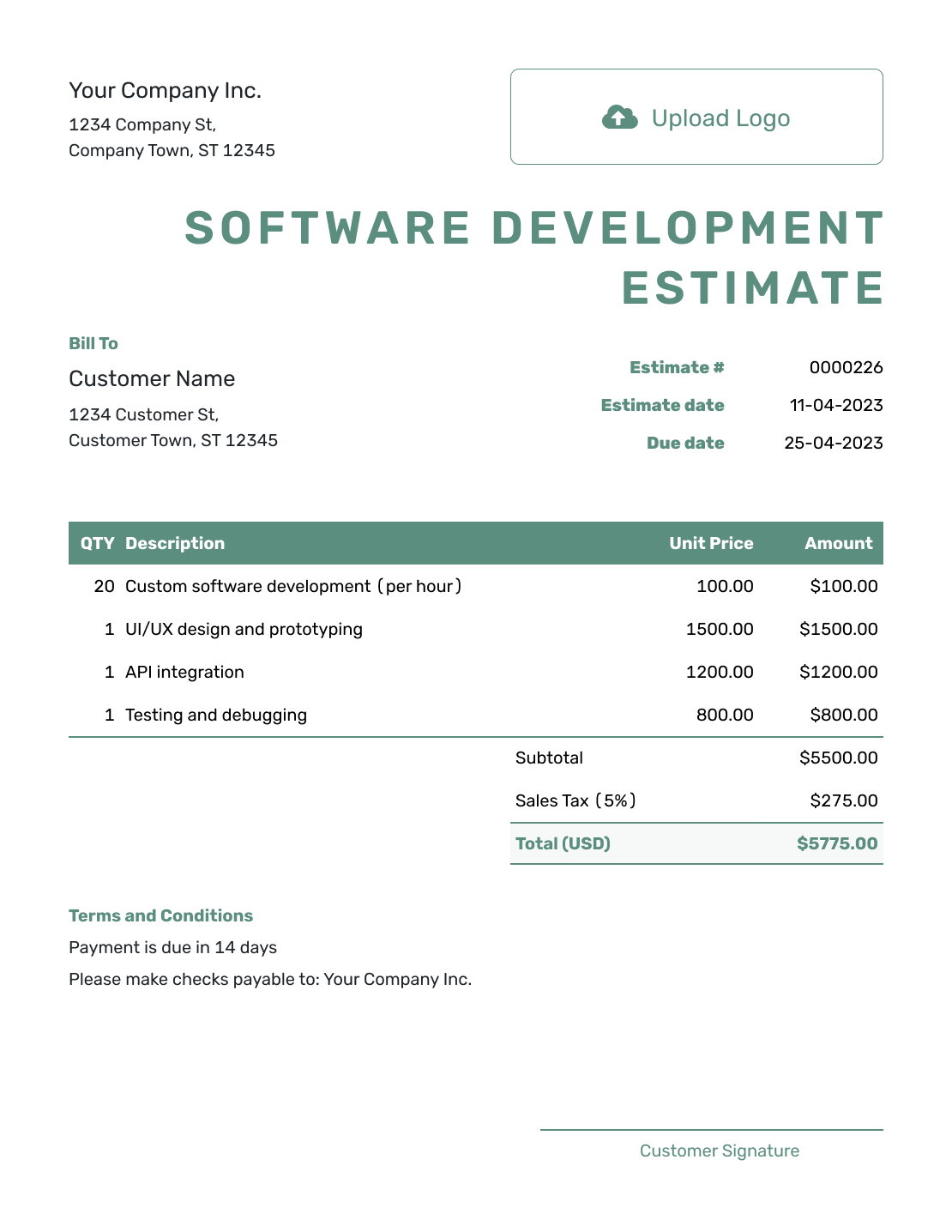
Simple Software Development Estimate Template
Create Free Estimate -
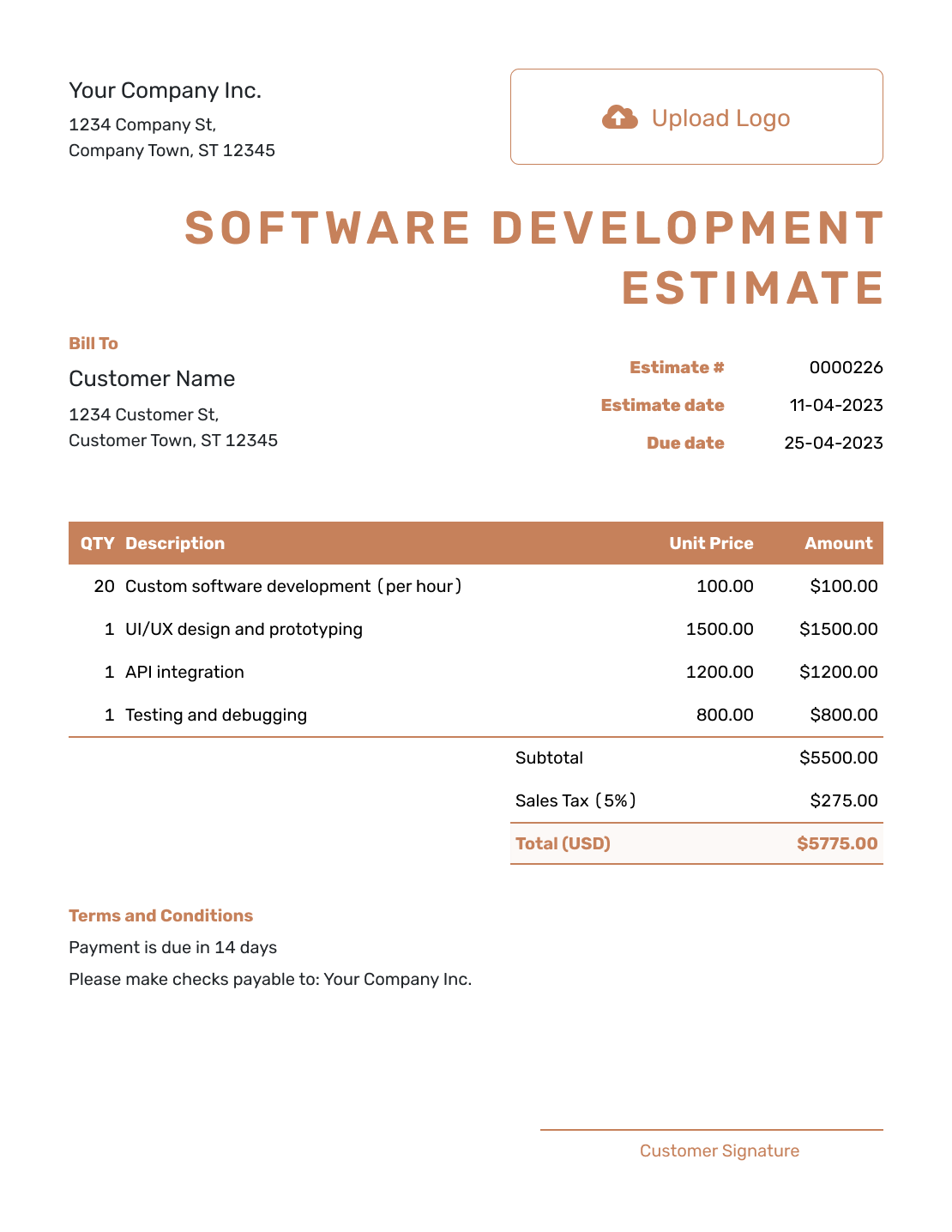
Downloadable Software Development Estimate Template
Create Free Estimate -
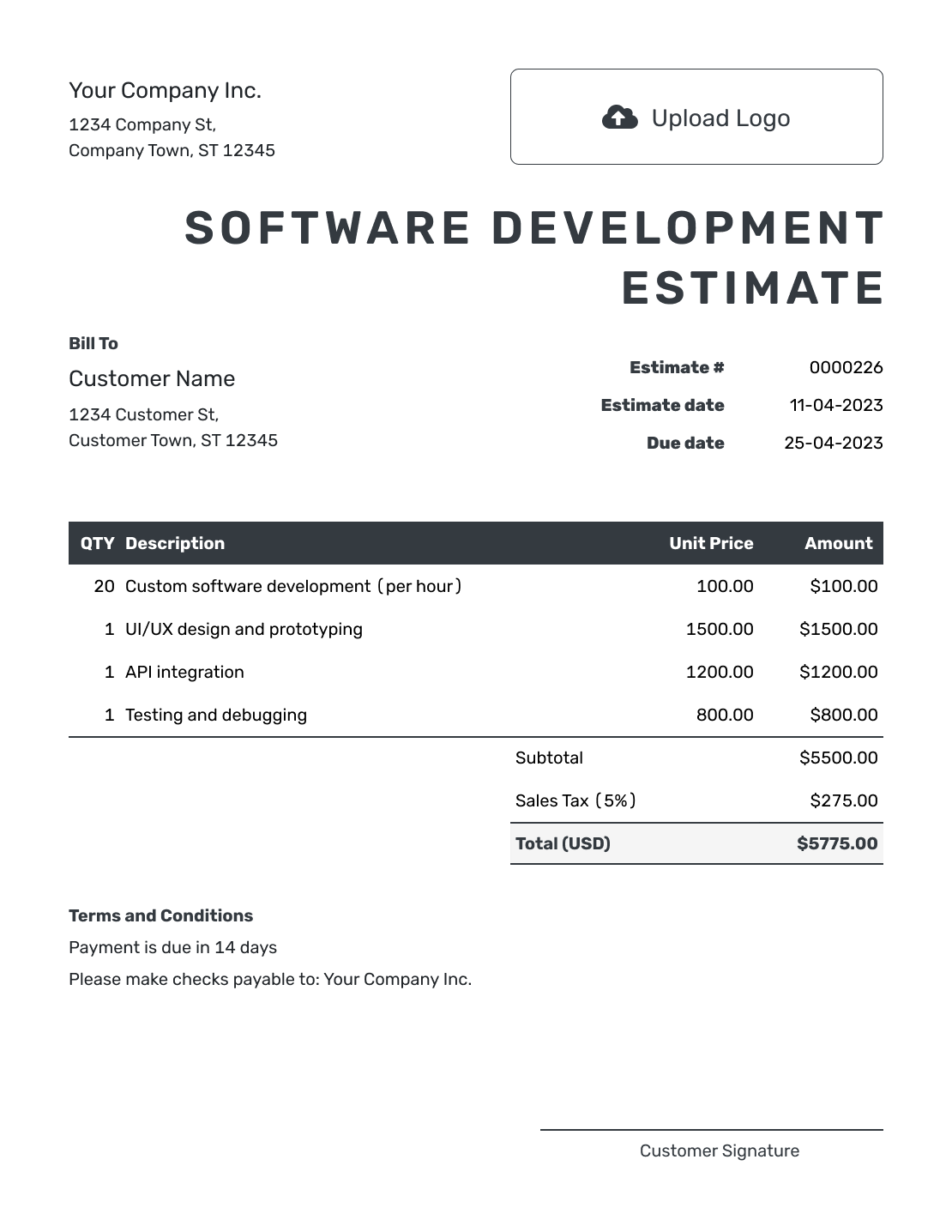
Editable Software Development Estimate Template
Create Free Estimate -
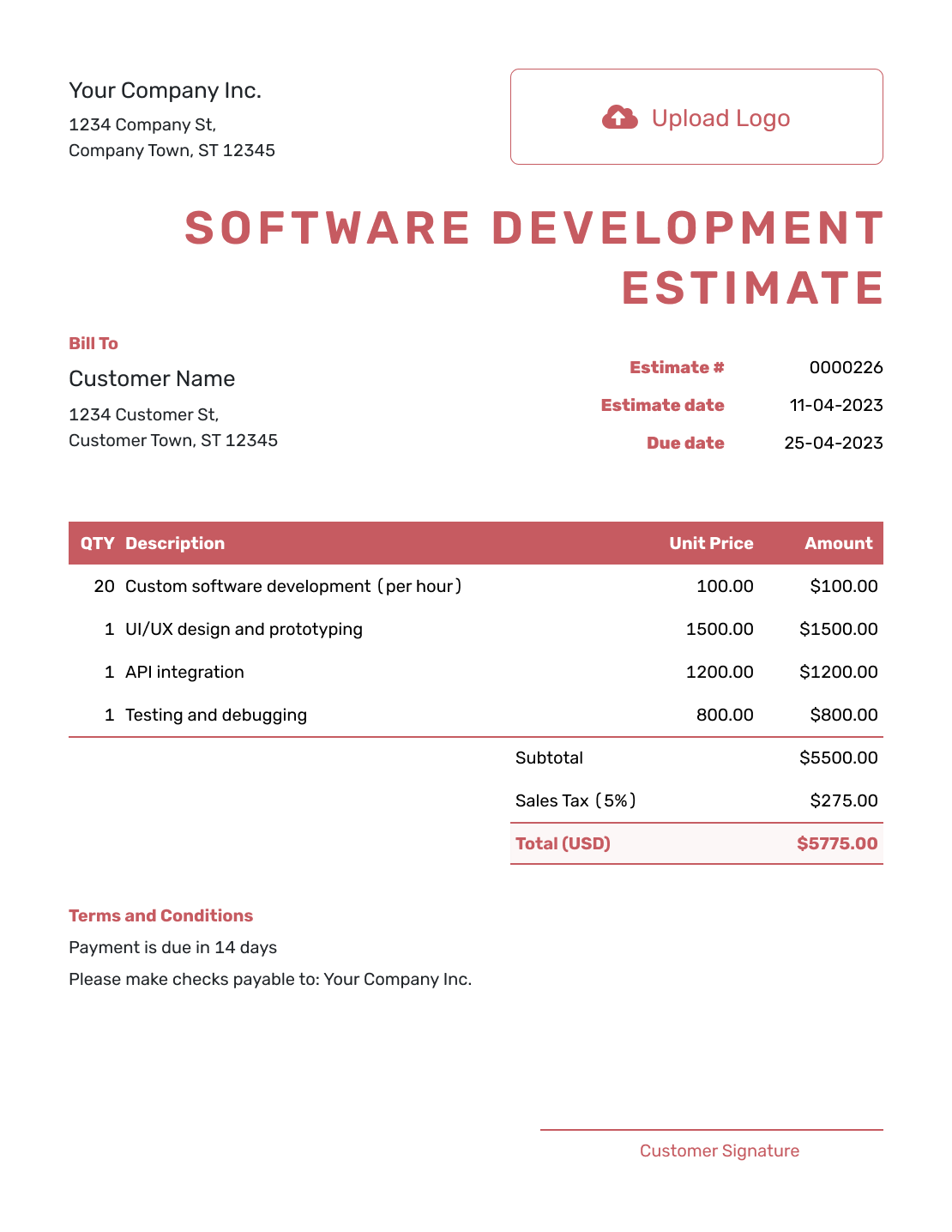
Fillable Software Development Estimate Template
Create Free Estimate -
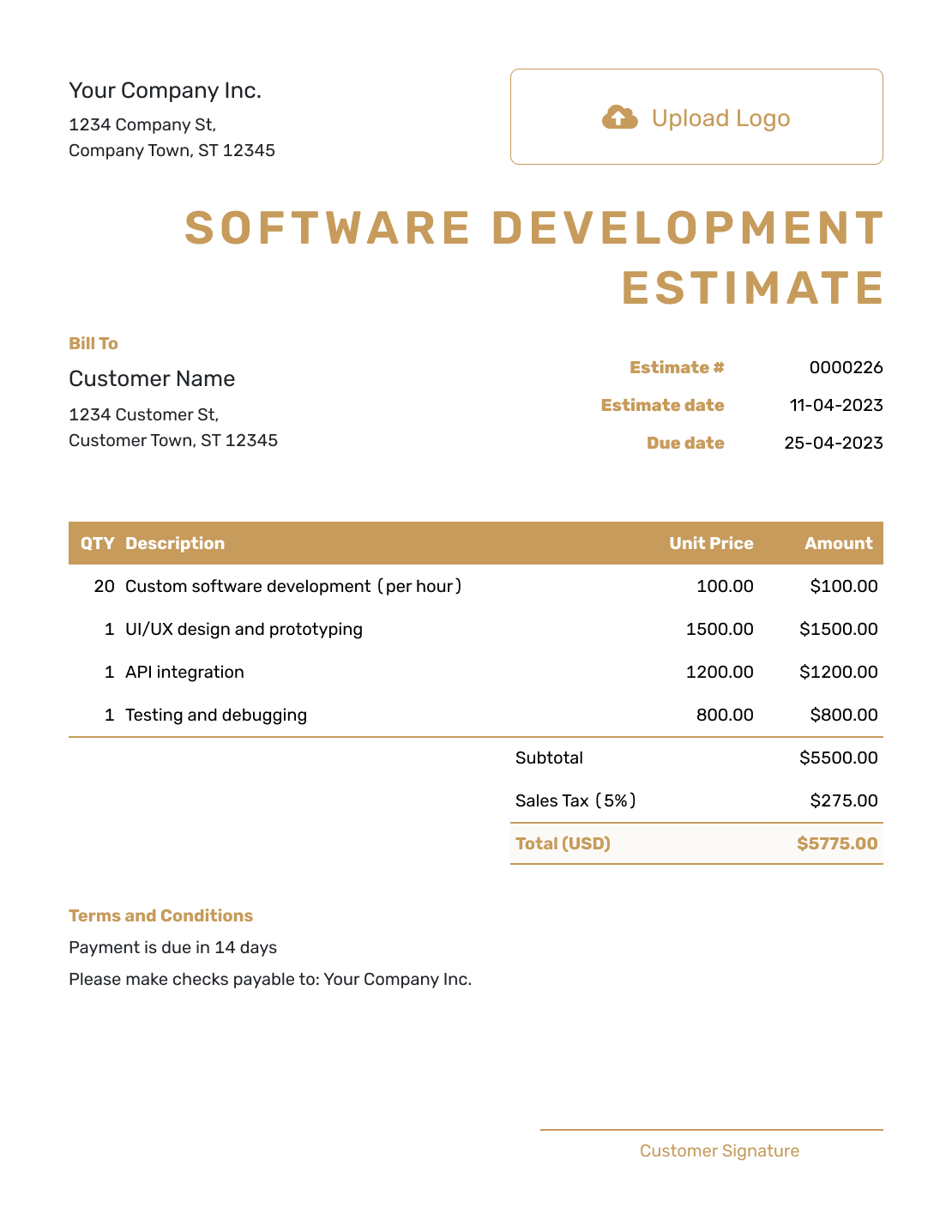
Professional Software Development Estimate Template
Create Free Estimate
Other Estimate Template File Formats
Prefer to work in a document or spreadsheet? These pages offer separate templates in the named formats. In Docelf, you can edit the estimate online and download the finished document as a PDF.
Related Estimate Templates for Software and Web Projects
Use a related template when the work is broader IT consulting, visual web design, a complete website build or multidisciplinary design.
After You Send the Software Development Estimate
Check the delivery and opening history after emailing the estimate. When the client accepts or declines it, Docelf updates the status and emails you.
When it is time to bill, create an invoice from the estimate. Review the copied items and prices for the milestone or work you are billing, then add the due date and send it.
Software Development Estimate Template FAQs
-
What is a software development estimate?
A software development estimate shows the features, stages and technical work you expect to deliver and what the project is likely to cost.
-
What should I include in a software development estimate?
Identify the client, product goal and users, then describe the features and stages you expect to deliver. Show estimated hours and rates or stage fees. Explain the technical assumptions, client responsibilities, schedule and how long the estimate is valid.
-
How should I estimate a software development project?
Break the work into features and stages, then estimate the time or fee for each. State the technical assumptions and separate optional or recurring costs.
-
Should software development be priced hourly or as a project?
An hourly estimate shows expected effort and the rate used to price it. A stage or project fee can suit a clearly defined set of deliverables. If you still need to inspect the existing system, price a discovery phase first and use its findings to estimate the build.
-
How should I handle integrations or data migration?
Give each integration or migration task its own description and likely cost. Explain the access and data condition you have assumed: for example, an integration estimate might depend on the client supplying working API credentials and current documentation. State whether data cleanup or mapping is included.
-
Is a software development estimate the same as a quote?
A software development estimate is useful while features or integrations are still developing. A quote is more specific once the deliverables, price and terms are defined.
-
What should I do when the client adds a feature?
Show the new feature and any related testing or integration work. Update the expected hours, schedule and likely total, then ask the client to approve the revision before you start the added work.
-
Can a client accept a software development estimate online?
Yes. Clients can accept or decline estimates online, and Docelf updates the status and emails you when they respond.
-
Can I email or download a software development estimate?
Yes. You can email the estimate from Docelf, print it or download it as a PDF. You can also see when an emailed estimate is delivered and opened.
-
Can I create an invoice from an accepted software development estimate?
Yes. Docelf copies the relevant client, item, price and estimate details into the invoice so you do not have to enter them again.
Ready to Price the Software Project?
Give your client a clear basis for deciding how to move the project forward.
- Show features and project stages clearly
- Automatic totals as hours or phase prices change
- Email or download a professional PDF




