Free House Painting Estimate Template
Create a professional estimate in minutes
List the rooms or exterior areas, preparation and likely cost for the project. Homeowners see what the work covers, which helps your business stand out for the project.
Email, print or download your estimate as a PDF.
14-day free trial. No credit card required.

Price the job. Send the estimate. Get back to work.
House Painting Estimate Template Examples
Compare the layouts, then add the rooms and surfaces from your own project. Each preview opens the same estimate editor.
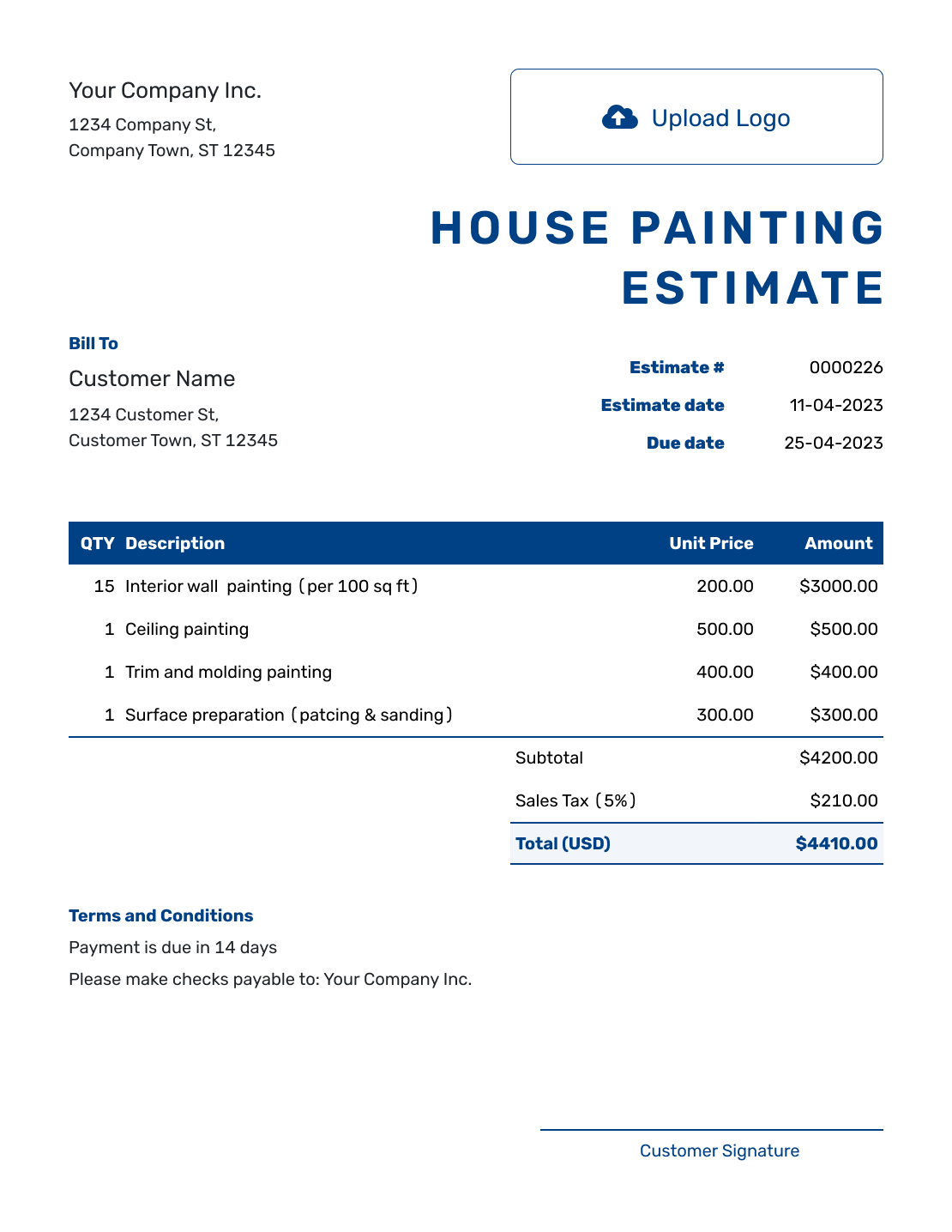
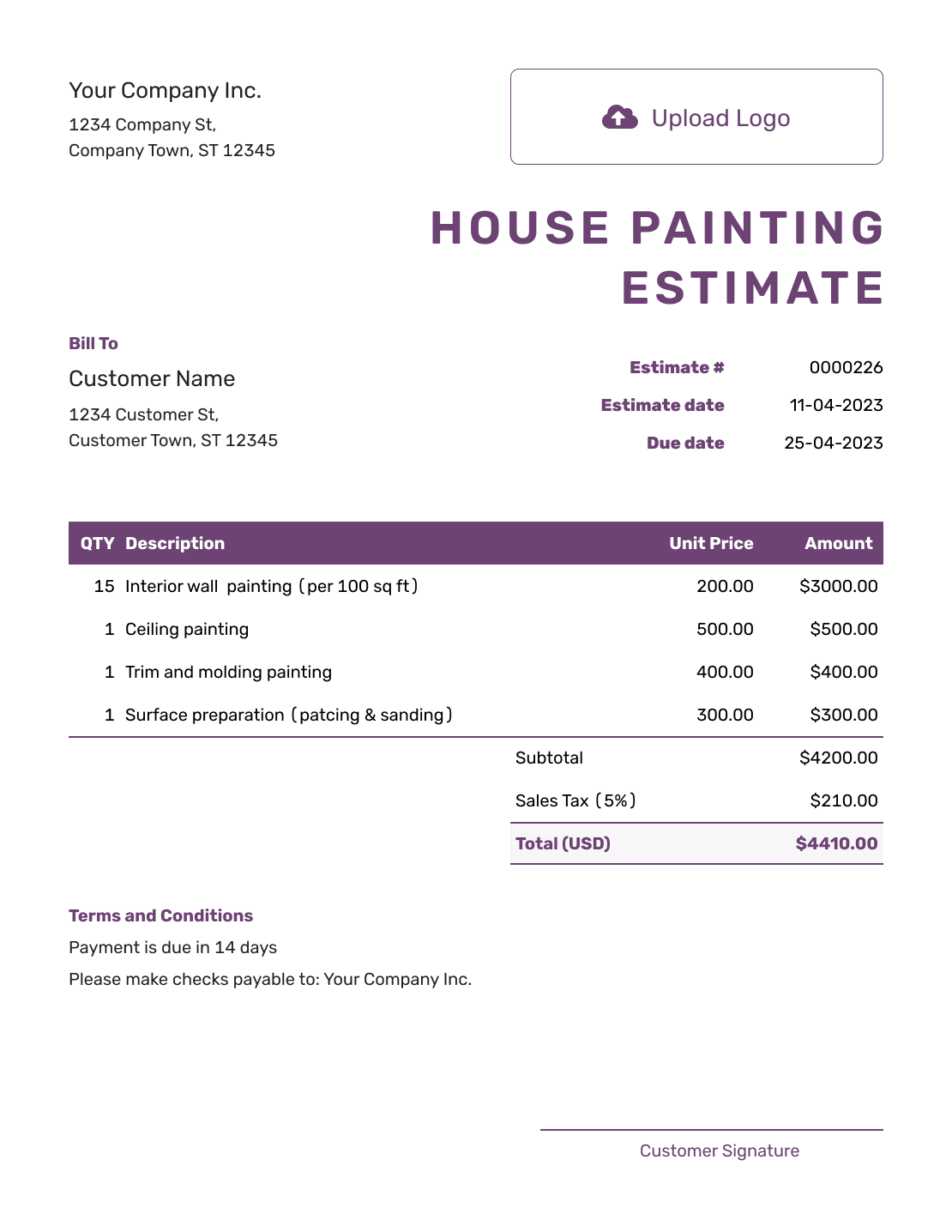
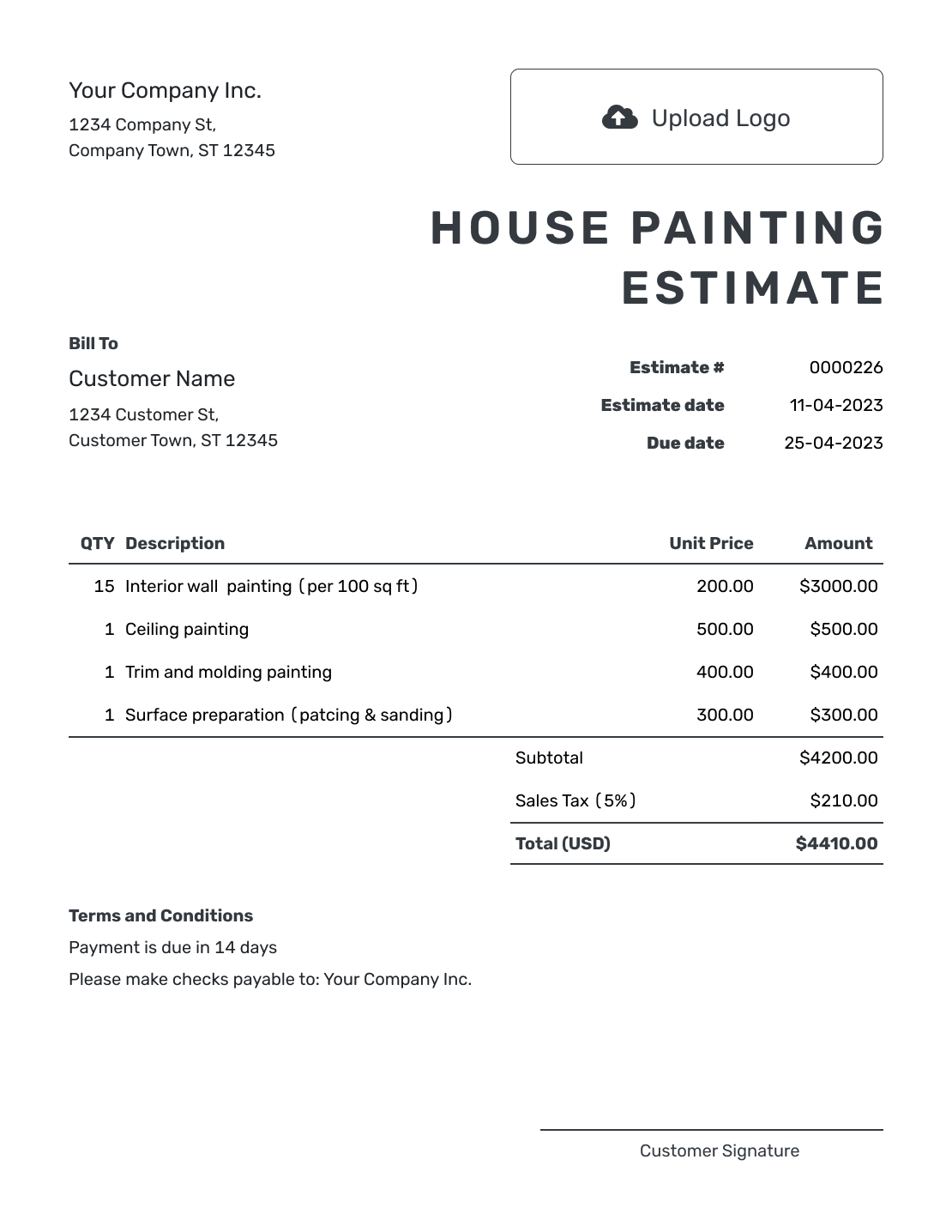
What Is a House Painting Estimate?
A house painting estimate brings the rooms and exterior areas included in the project into one clear plan before the work begins. It shows the preparation, paint, coats, labor and likely price for the home.
A room name alone may leave the scope open to interpretation. Say whether that room includes walls, ceilings, trim and doors, and name any surfaces left out. Keep unchosen areas outside the base estimate total.
How to Create a House Painting Estimate
Use your walkthrough notes and measurements to fill in the estimate. The room and surface details belong in the item descriptions; access and scope assumptions belong in Terms and Conditions.
- Your Business: Enter your painting business and contact details.
- Your Logo: Add your logo and choose colors to match your business.
- The Homeowner: Choose a saved customer or add the homeowner’s details. Identify the property being painted.
- Number and Dates: Check the estimate number, issue date and valid-until date.
- Painting Work: Name the room and surface. Add measured quantities and prices.
- The Likely Total: Check the line amounts, applicable tax and estimated total.
- Terms and Sending: Add access and scope assumptions in Terms and Conditions. Review, then send.
How to Fill In House Painting Estimate Line Items
Show the surface and pricing unit on each line. Wall and ceiling square feet mean the area being painted, not the home's floor area. If one room needs more repair work, give that work a separate description rather than hiding it in the whole-home rate.
This fictional interior repaint uses the measured walls, ceilings, trim and doors of one home. Painting rates include paint, labor and the preparation described; home protection is priced separately. The US-dollar example applies an illustrative 8% tax to all five items. Use the rates and tax treatment that apply to your work.
| QTY | Description | Unit Price | Amount |
|---|---|---|---|
| 1 | Home setup plus floor and furniture protection | $600.00 | $600.00 |
| 3,200 | sq ft — Interior walls: prepare and apply two coats | $1.75 | $5,600.00 |
| 850 | sq ft — Ceilings: spot-prepare and apply two coats | $1.45 | $1,232.50 |
| 420 | linear ft — Baseboards and trim: prepare and paint | $3.10 | $1,302.00 |
| 12 | doors — Prepare and paint both sides | $95.00 | $1,140.00 |
| Subtotal | $9,874.50 | |
| Sales Tax (8% illustrative) | $789.96 | |
| Estimated Total | $10,664.46 |
What to Include in House Painting Estimate Terms
Use Terms and Conditions to explain the assumptions behind your painting price. Furniture access, included preparation and the agreed colors matter as much as the number of rooms.
Adapt this sample to the walkthrough. Include only the work and policies you actually offer, and state any separate payment or scheduling arrangements you have agreed with the homeowner.
Example: Terms and Conditions
- Estimate valid for 30 days from the issue date. Start date to be agreed with the homeowner.
- Includes the interior surfaces listed above, standard preparation, paint and labor. Walls and ceilings receive two coats; trim and doors receive the agreed finish.
- Homeowner clears small items and provides access to each room. The setup line covers floor and furniture protection.
- Exterior work, cabinets and repairs beyond the listed preparation are excluded. Changes to areas, colors or preparation will be priced and approved before that extra work starts.
Create a House Painting Estimate Room by Room
Bring your walkthrough notes into one estimate the homeowner can follow. Docelf calculates the total as you add quantities and prices. Review the scope, then send it for a decision.
Give Homeowners a Room-by-Room View
Whole-home painting is easier to approve when each part of the property has a clear place in the estimate.
Rooms and exterior areas
Name the spaces included in the base scope. Group walls, ceilings, trim, doors and exterior areas in a way the homeowner can check.
Preparation and repairs
Show furniture and floor protection, patching, sanding, caulking, washing and priming where they affect the work.
Colors and product choices
State the assumed colors, finishes, product level and coats. Keep specialty finishes or customer-supplied paint clear.
Occupancy and schedule
Note who moves furniture, which areas need access, working hours, project sequence and any return visits included in the price.
Attach walkthrough photos or a paint specification when they help the homeowner check the agreed surfaces and finishes. The files stay with the estimate for the homeowner to view and download.
Use Options for Rooms and Areas Not Yet Approved
Homeowners may want a price for an extra bedroom, cabinets, closets or an accent wall before deciding. Describe those alternatives in Terms and Conditions or a separate estimate, with a clear statement that they are excluded from the base total. A priced item row contributes to the total, even if its description says “optional.”
Once the homeowner chooses the extra work, add it to the included scope and check the revised total. They should be able to tell which version covers the work they want.
House Painting Estimate, Quote, or Invoice?
Use an estimate while the homeowner is still choosing rooms, colors, repairs or optional work.
Estimate
Use a house painting estimate when the main scope is known but areas, colors, repairs or options may still change.
Quote
Use a painting quote when the rooms, products, price and terms are specific enough to present as an offer for approval.
Invoice
Use a painter invoice when completed or billable house painting work is ready for payment.
More House Painting Estimate Previews
These remaining layouts use the same estimate editor. Choose a presentation, then enter the scope and prices for your own job.
-
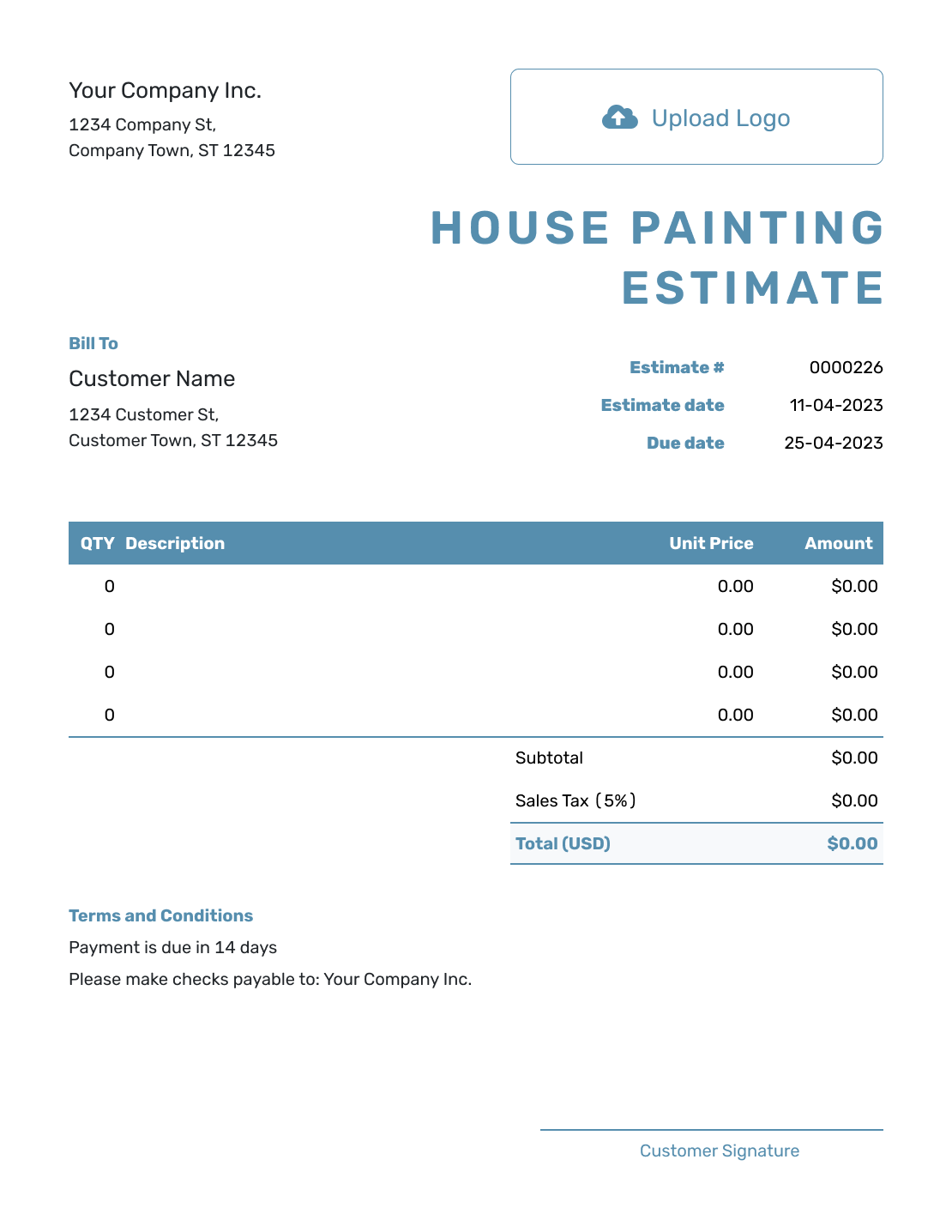
Blank House Painting Estimate Template
Create Free Estimate -
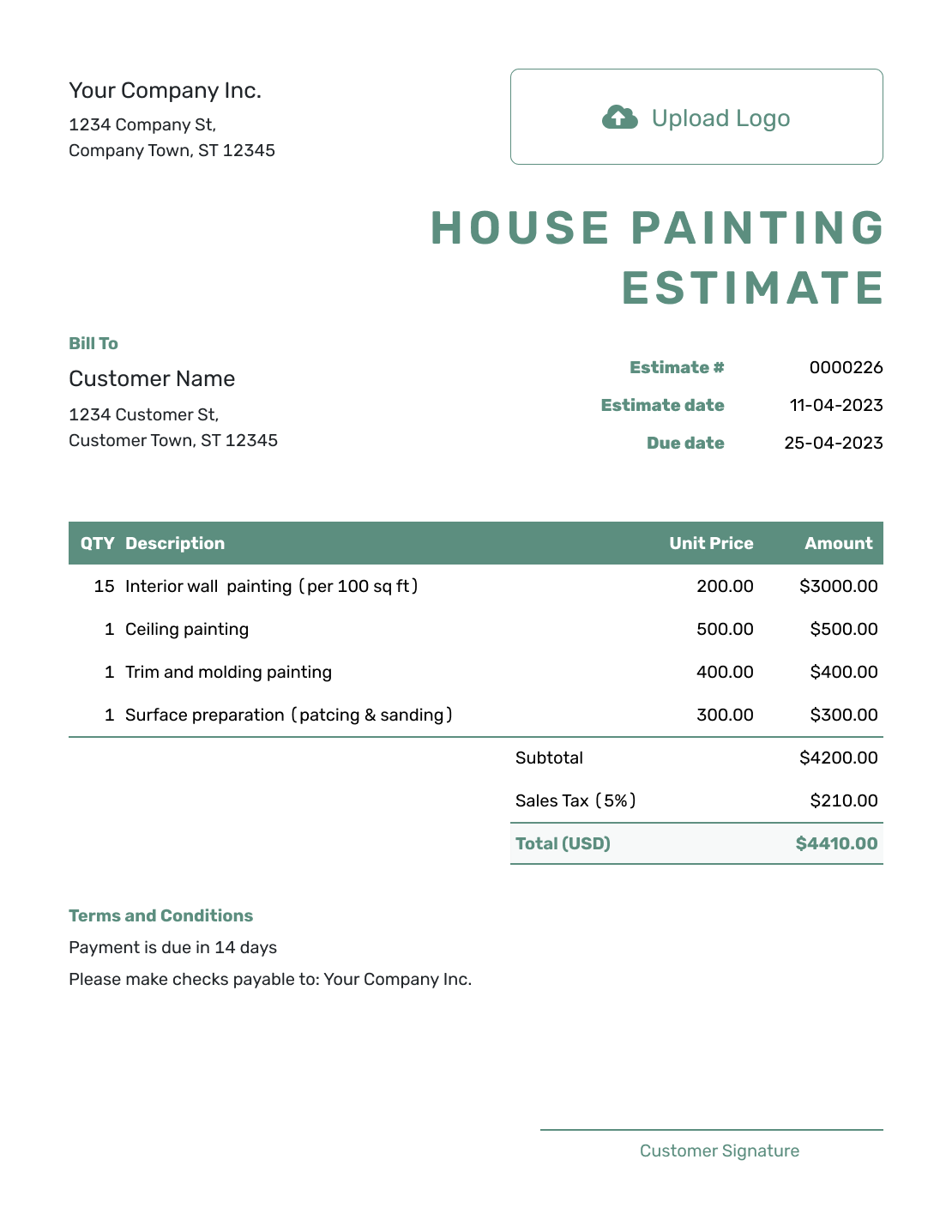
Simple House Painting Estimate Template
Create Free Estimate -
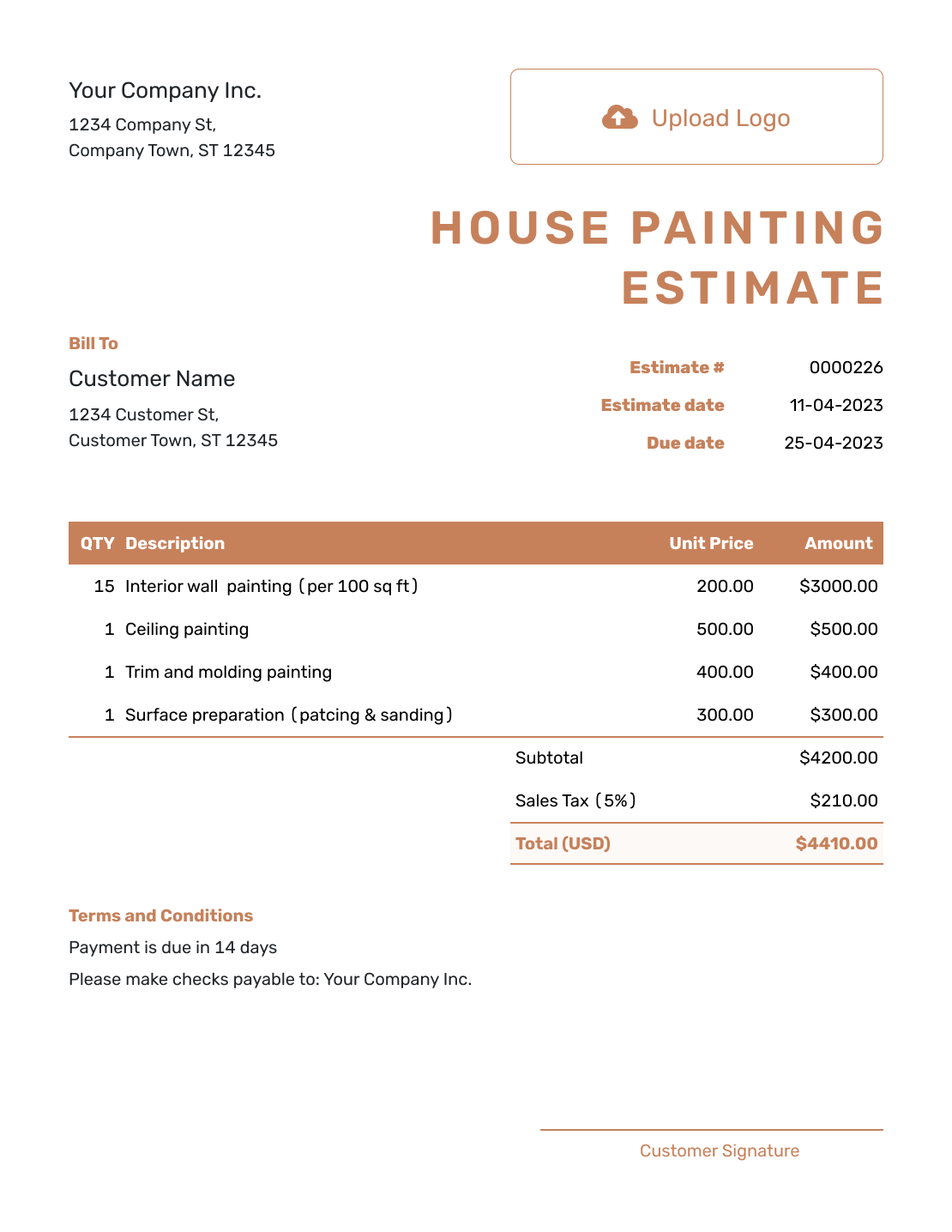
Downloadable House Painting Estimate Template
Create Free Estimate -
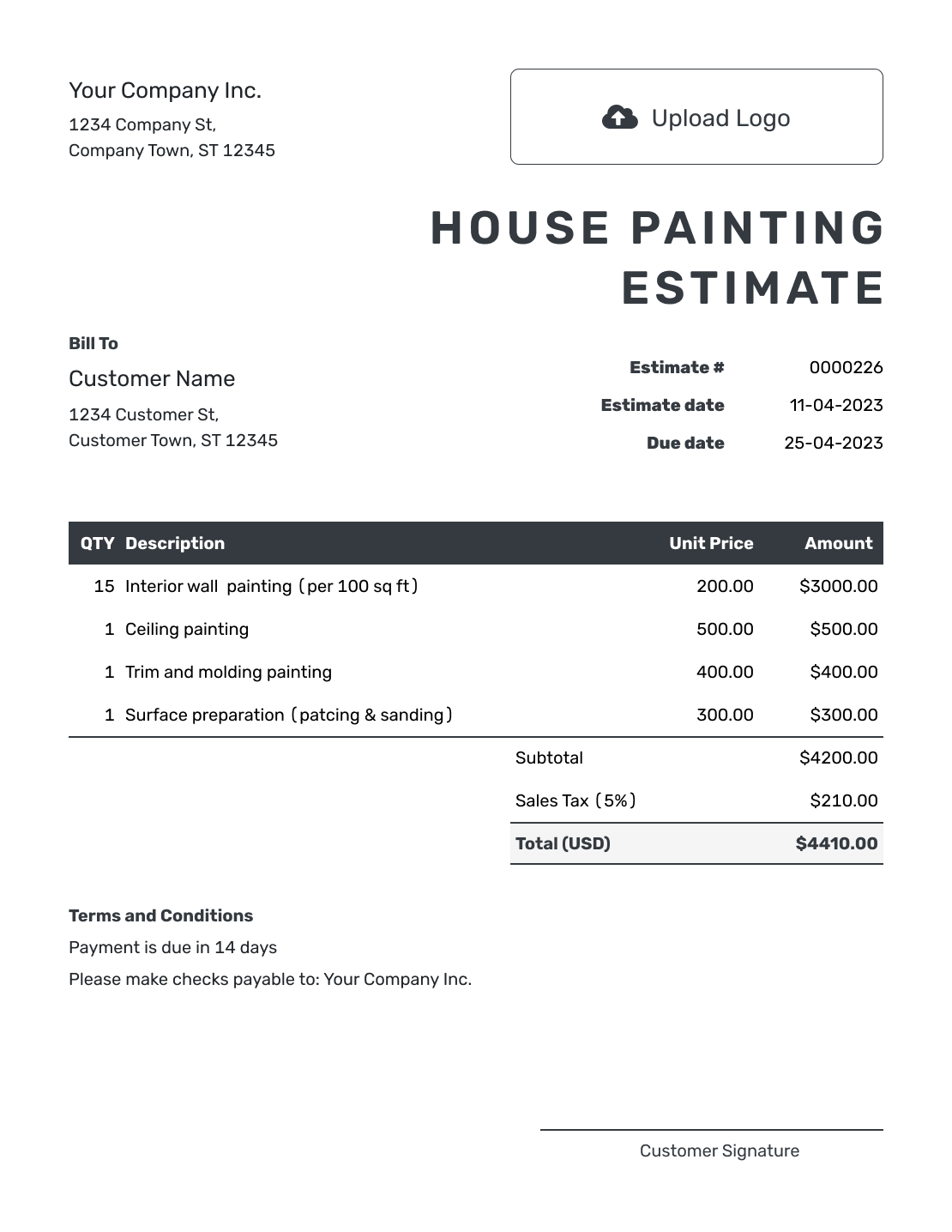
Editable House Painting Estimate Template
Create Free Estimate -
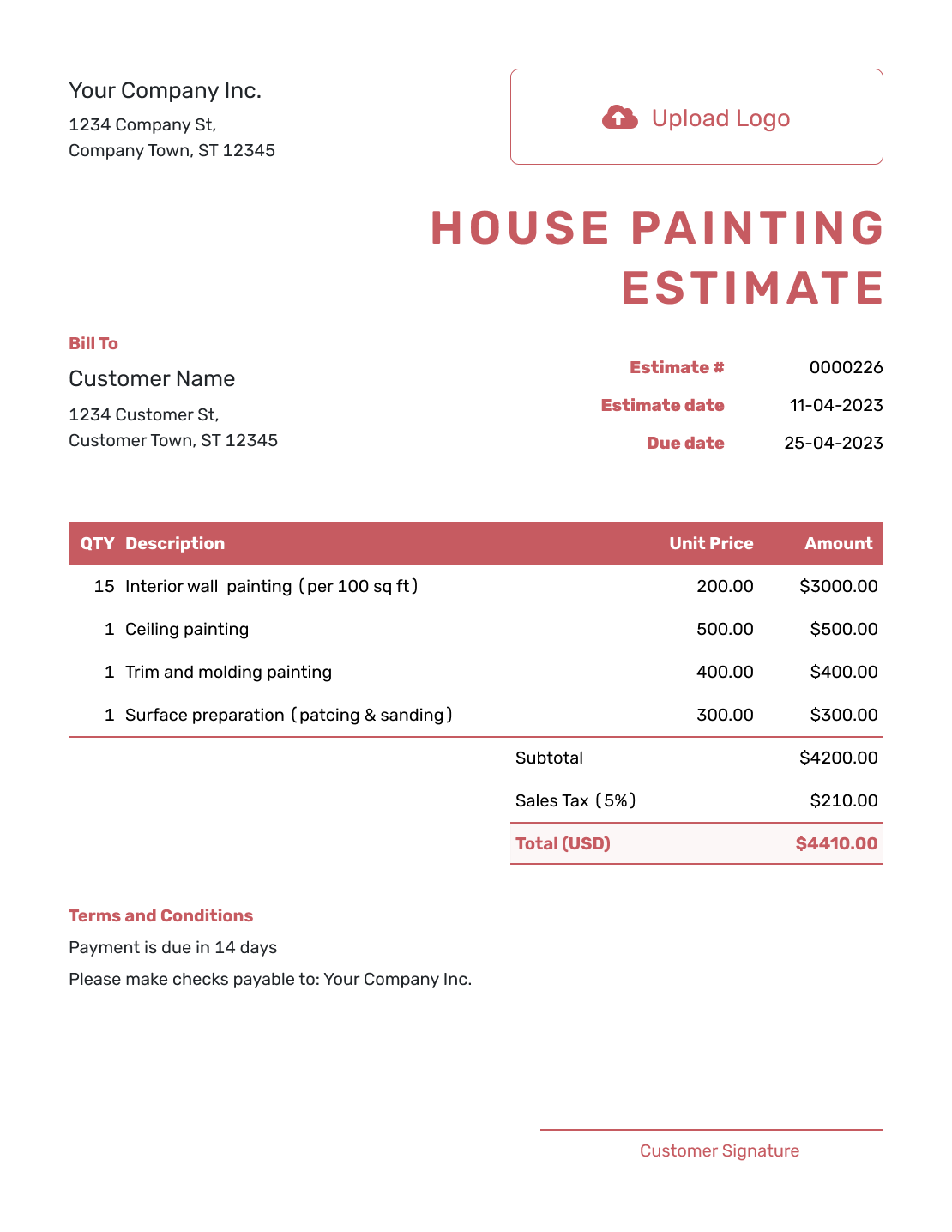
Fillable House Painting Estimate Template
Create Free Estimate -
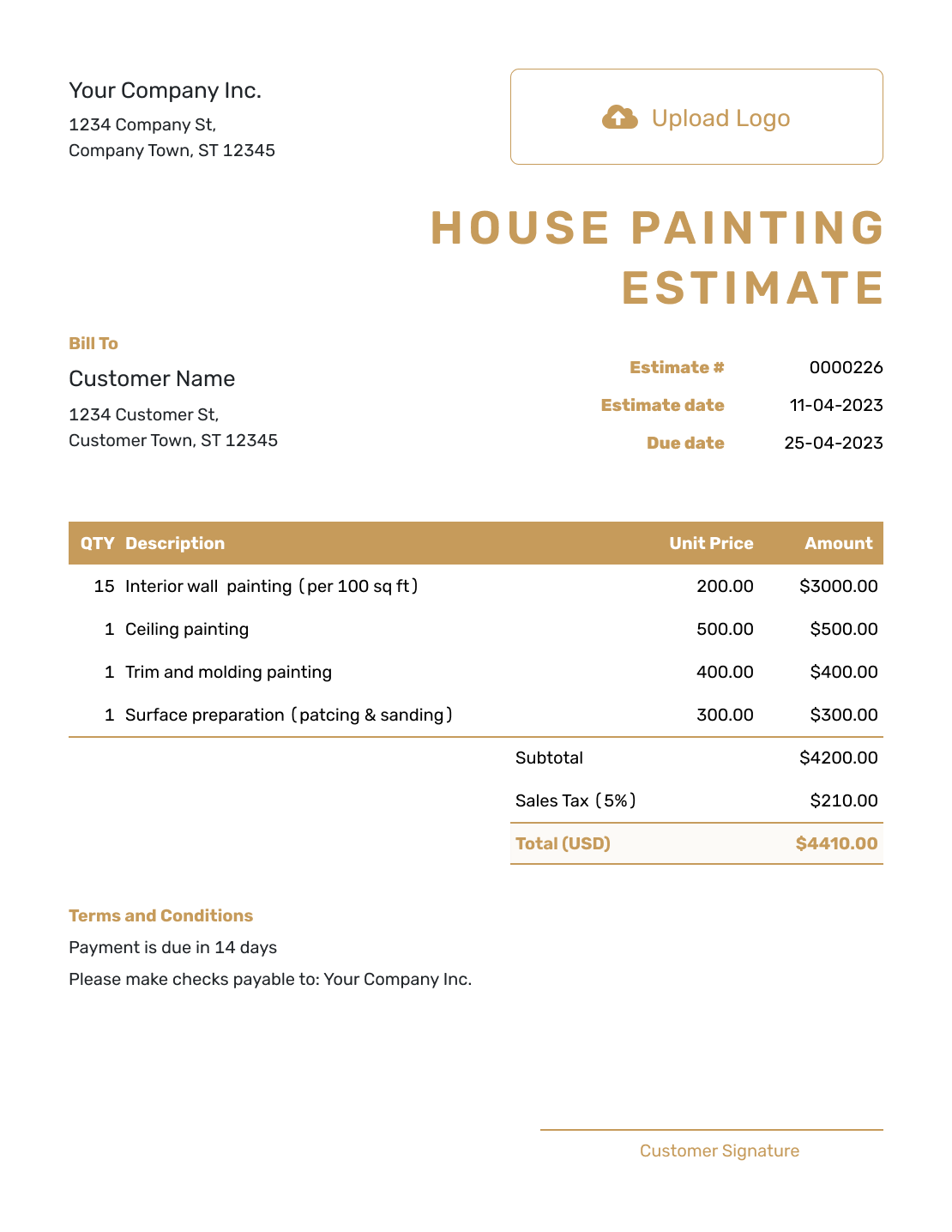
Professional House Painting Estimate Template
Create Free Estimate
Need a More Focused Painting Estimate?
Use the house painting estimate when one project covers several spaces or both inside and outside work. Choose a narrower template when the scope is limited to one type of area.
Other Estimate Template File Formats
Prefer a document or spreadsheet? Word and Google Docs suit room-by-room descriptions, while Excel and Google Sheets suit measured quantities and rates. These links provide separate file templates; Docelf downloads the finished online estimate as a PDF.
- Word Estimate Template
- Google Docs Estimate Template
- Excel Estimate Template
- Google Sheets Estimate Template
See every option on the estimate templates by format page.
After You Send the Estimate
- See when the homeowner opens or accepts the estimate
- Explain changes to rooms, colors or price, then send the revised estimate for approval
- Create the invoice from the accepted estimate when it is time to bill
House Painting Estimate Template FAQs
Find answers about pricing by room, showing optional work and handling furniture or scope changes.
-
What is a house painting estimate?
A house painting estimate shows the rooms or exterior areas you expect to prepare and paint. It gives the likely cost based on the measured surfaces, their condition and the paint and labor included.
-
What should I include in a house painting estimate?
Identify the homeowner and property, then name the rooms and surfaces included. Show measurements, preparation, repairs, paint, finishes and planned coats with the likely total. Add protection, access, scheduling and other scope assumptions in Terms and Conditions.
-
Should I price house painting by room or square foot?
Use the method that explains the work best. Room-by-room pricing helps homeowners compare spaces, while surface area or trim length makes measured work easy to check. If you price by square foot, say whether you mean paintable wall or ceiling area so it is not confused with floor area.
-
Should ceilings, trim and doors be separate?
Separate them when the homeowner may choose only some of those surfaces or when their preparation and finish work differs from the walls. Clear lines make options easier to review.
-
Who should move furniture before painting?
State whether the homeowner clears the rooms or your crew moves and protects furniture. Include the labor or limits in the estimate so the responsibility is clear.
-
How should I show optional rooms or add-ons?
Keep unchosen rooms and add-ons outside the base total. Describe them in Terms and Conditions or send a separate estimate. Once the homeowner chooses them, update the included scope and total; a priced item row contributes to the total even when labeled optional.
-
Can a customer accept a house painting estimate online?
Yes. Customers can accept or decline estimates online. Docelf updates the status and emails you when they respond.
-
Can I turn an accepted house painting estimate into an invoice?
Yes. Create an invoice from the estimate in Docelf. Docelf copies the relevant customer, item, price and document details into the invoice, and you can adjust it for the work being billed.
-
Can I email or download a house painting estimate?
Yes. You can email the estimate from Docelf, print it or download it as a PDF. You can also see when the emailed estimate is delivered and opened.
Ready to Price the House Painting Project?
Give the homeowner a price they can match to the work you discussed during the walkthrough.
- Organize work by room or exterior area
- Automatic line amounts, tax and estimated total
- Email the estimate or download a PDF




