Free Paint Quote Template
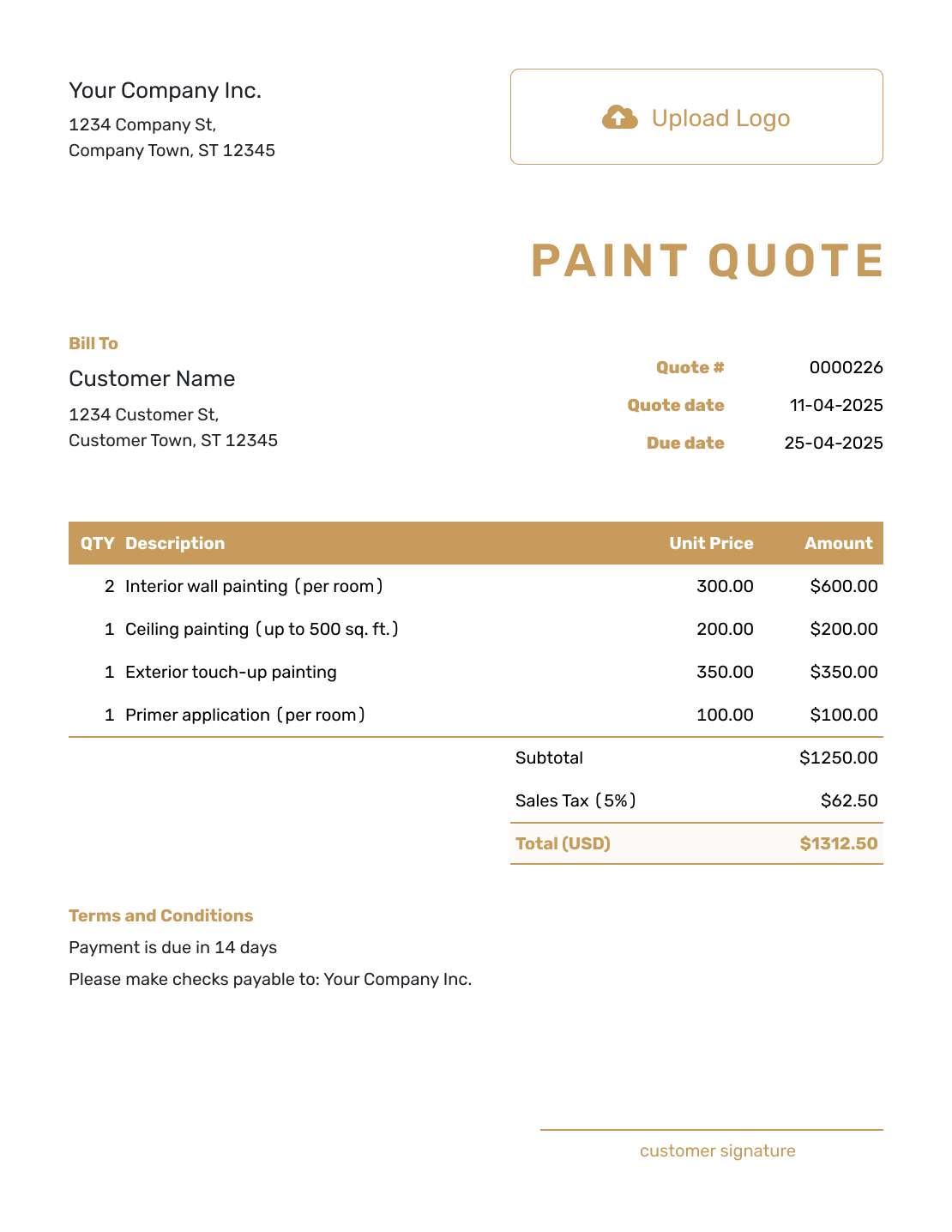
Create a professional paint quote in minutes
Describe the surfaces, preparation, coats and finish included in the job. The clear scope makes it easier for customers to compare offers and choose you for the job.
Email, print or download your quote as a PDF.
14-day free trial. No credit card required.

Price the job. Send the quote. Get back to work.
Paint Quote Template Examples
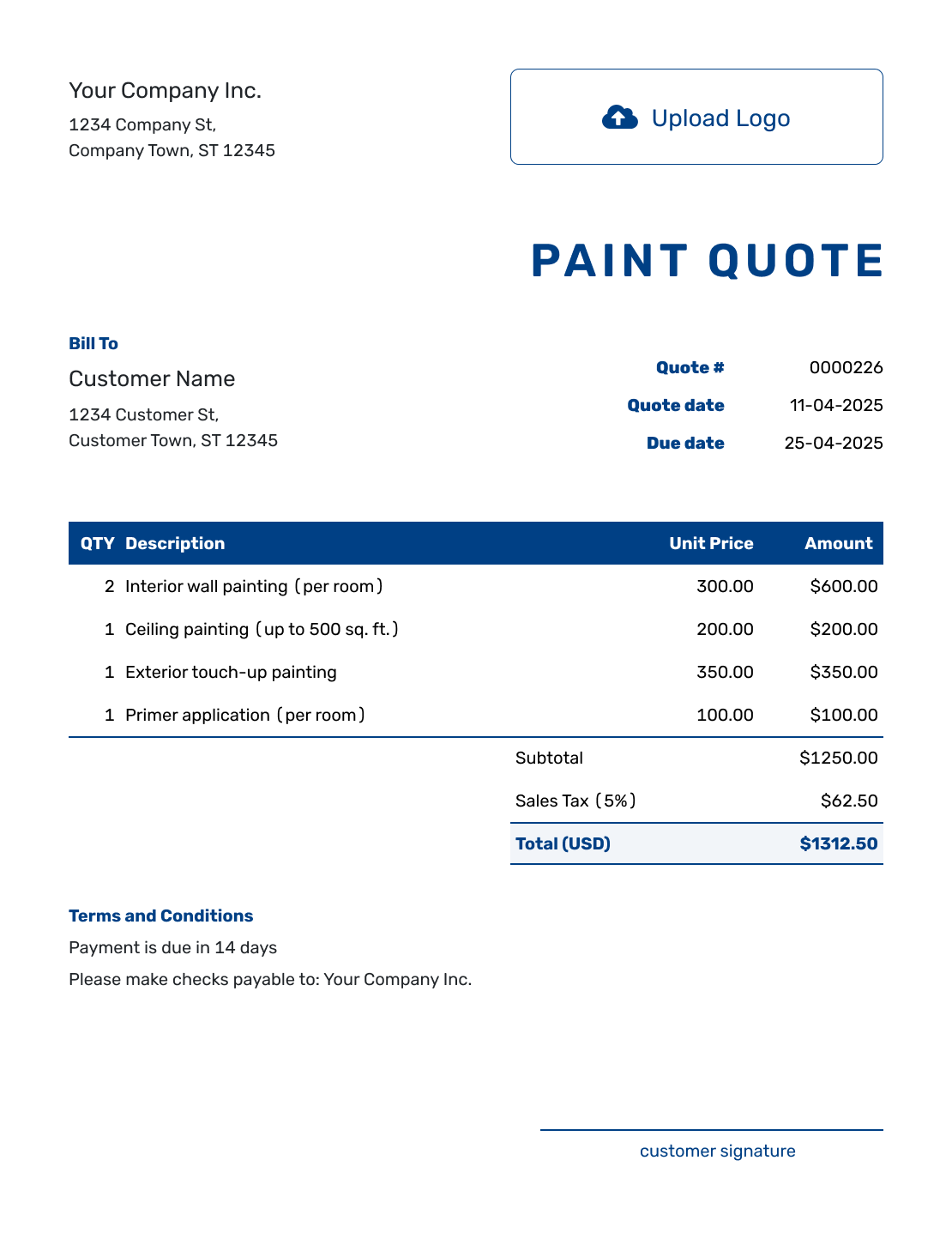
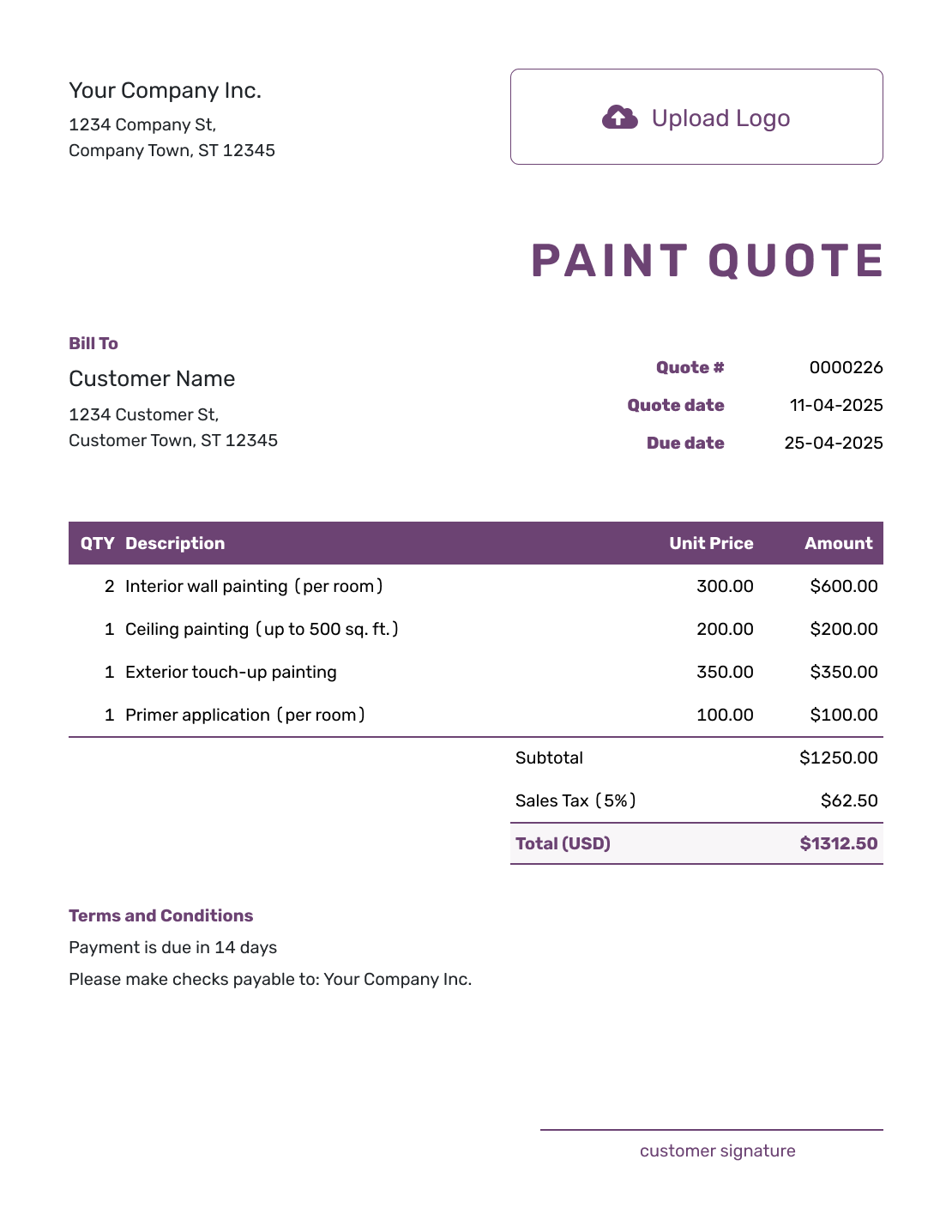
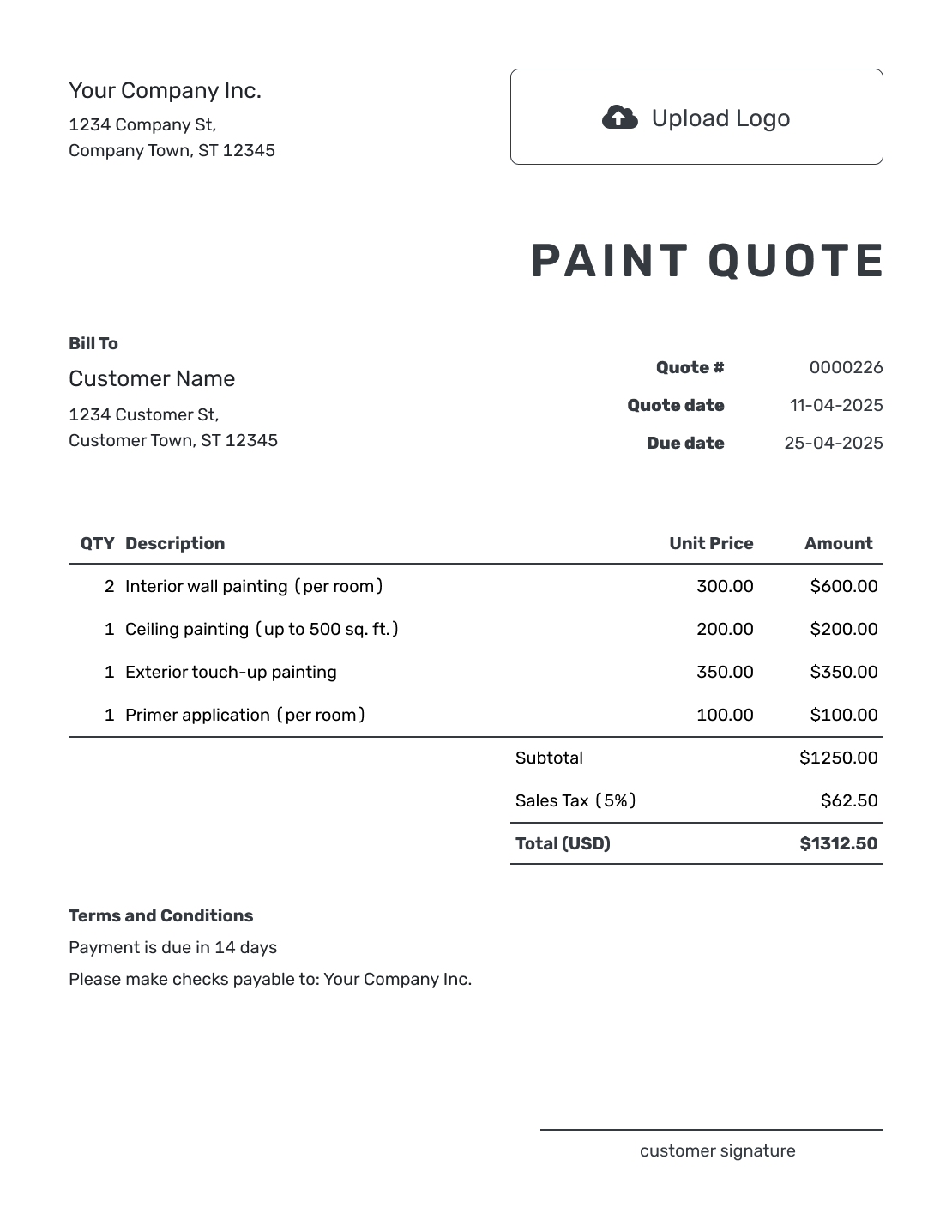
Browse these nine previews for layout and wording ideas. Each opens the same quote editor, where you can describe the surfaces and finishes for your own painting job.
What Is a Paint Quote?
A paint quote is a written offer for a defined painting job. It explains which surfaces you will prepare and paint, the finish the customer will get, and the price for that work.
Use it once you have inspected enough of the job to price the preparation and coating work. A wall that only needs cleaning is a different offer from one that needs filling, sanding, and priming, even if the finished color is the same.
This template suits interior, exterior, or mixed work. For indoor surfaces only, see the interior painting quote template. Use a construction quote when painting is one part of a larger renovation.
Paint Quote, Estimate, or Invoice?
Choose the document based on how well the surfaces and finish are defined and whether payment is due.
Paint Quote
Use a quote when the surfaces and finish are clear enough to price. State the preparation and coat count in the offer.
Construction Estimate
Use an estimate when repairs, access, or surface conditions still need checking. The construction estimate page also covers work whose final cost is uncertain.
Construction Invoice
Use an invoice to request payment for the work. The construction invoice page provides a starting point for painting within a building project.
How to Create a Paint Quote
Use the room or surface notes from your inspection to build the offer. Docelf can reuse saved customer, paint, supply, and service details; check each one against this job.
- Your Business: Add your painting business and contact details.
- Your Logo: Add your logo and choose colors to match your other business documents.
- Customer and Property: Add the customer and identify the painting address in the quote.
- Number and Dates: Check the quote number, issue date, and valid-until date.
- Preparation and Paint: List the surfaces, preparation, products, and coat count with quantities and prices.
- Job Arrangements: Use Terms and Conditions for access, timing, payment, and exclusions.
- Review and Send: Check the finish and total. Add a signature field if useful, then email or save a PDF.
How to Fill In Paint Quote Line Items
Keep the quantity tied to a clear unit, such as hours, gallons, or square feet. When you charge a fixed price for a room or surface, describe the preparation and coats included. List paint separately only when its cost is not already included in the labor or package price.
This fictional exterior quote covers cleaning, light sanding, and repainting 400 square feet of timber siding with two coats of the agreed exterior paint. The existing coating is sound and needs no repairs. Prices are in US dollars, with an illustrative 8% tax on all three lines. Use the tax treatment that applies to your work.
| QTY | Description | Unit Price | Amount |
|---|---|---|---|
| 8 | Clean, lightly sand, and mask timber siding — labor hours | $45.00 | $360.00 |
| 4 | Agreed exterior paint — gallons | $55.00 | $220.00 |
| 400 | Apply two coats to prepared siding — square feet; labor only | $1.50 | $600.00 |
| Subtotal | $1,180.00 | |
| Sales Tax (8% illustrative) | $94.40 | |
| Quote Total | $1,274.40 |
What to Include in Paint Quote Terms
Use Terms and Conditions for arrangements that affect the whole job. Explain who provides access, what you will protect and clean up, and how you will agree on changes to colors or surfaces.
The sample below follows the siding quote above. Adapt it to the property and use only terms your business follows; product choice and preparation should match the surfaces you inspected.
Example: Terms and Conditions
- This quote is valid until [date] for the listed timber siding at [property address]. The agreed paint is [product], [color], [sheen], applied in two coats.
- Cleaning, light sanding, masking, and the listed paint are included. Trim, doors, repairs, and removal of failing coatings are not included.
- The customer will clear access to the siding. We will protect adjacent surfaces, remove masking, and clean the work area. Remaining paint will be left with the customer.
- We will agree on dates after acceptance, allowing for suitable weather and drying conditions. Payment is due on completion. Added surfaces or changes to the agreed finish require an approved revised price before that work starts.
Give the Customer a Paint Price They Can Compare
Show the preparation behind the finished paintwork. Docelf adds up the quantities and prices. Check the offer, then send it for your customer to review.
Make the Paint Scope Easy to Compare
Two painting prices can cover very different work. These details help the customer compare the finish they will receive, rather than the total alone.
Name Every Surface
Name the rooms, elevations, or surfaces you will paint and the measurements used for pricing. Say whether ceilings, trim, doors, and repairs are included.
Describe the Preparation
Describe cleaning, scraping, sanding, filling, caulking, and priming where the job needs them. State any limits on repairs, rather than letting a broad “prep included” line carry the whole explanation.
Specify the Paint System
Name the primer and finish products, color, sheen, and coat count. If the customer supplies paint, identify the agreed product and quantity so both of you know what needs to be ready.
Explain Protection and Cleanup
Say who moves furniture or clears access, which nearby surfaces you will cover, and what cleanup includes. Agree on what happens to leftover paint and note any access equipment included in the price.
Check the Paint Quote Before Sending
Read the finished offer as your customer will. Check these details against your job notes:
- The rooms or exterior surfaces match your inspection notes and measurements.
- Products, colors, sheen, coat count, and preparation are clear for each included surface.
- The total includes the intended labor, materials, equipment, discounts, and applicable tax.
- Access, protection, cleanup, timing, payment, and exclusions match the offer.
More Paint Quote Layouts
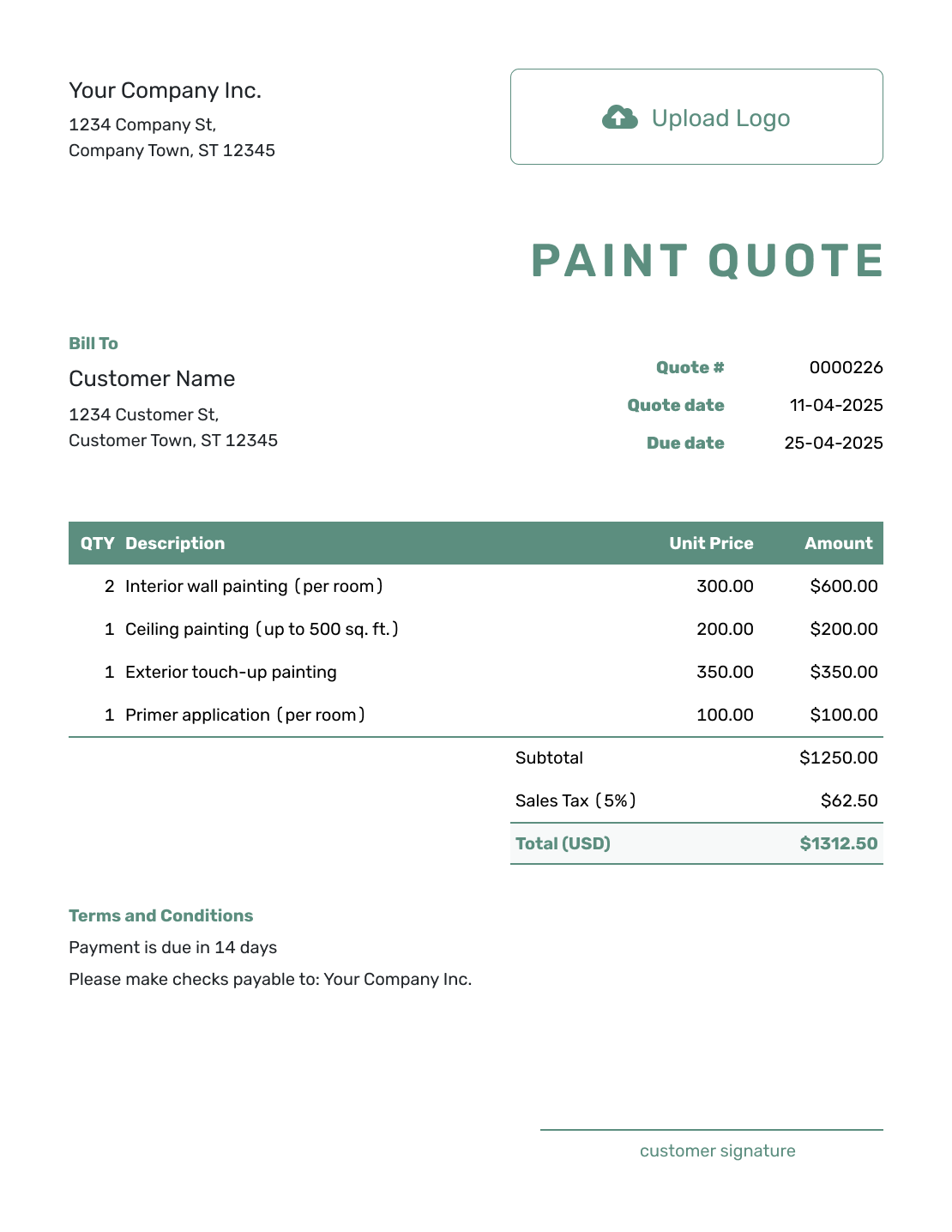
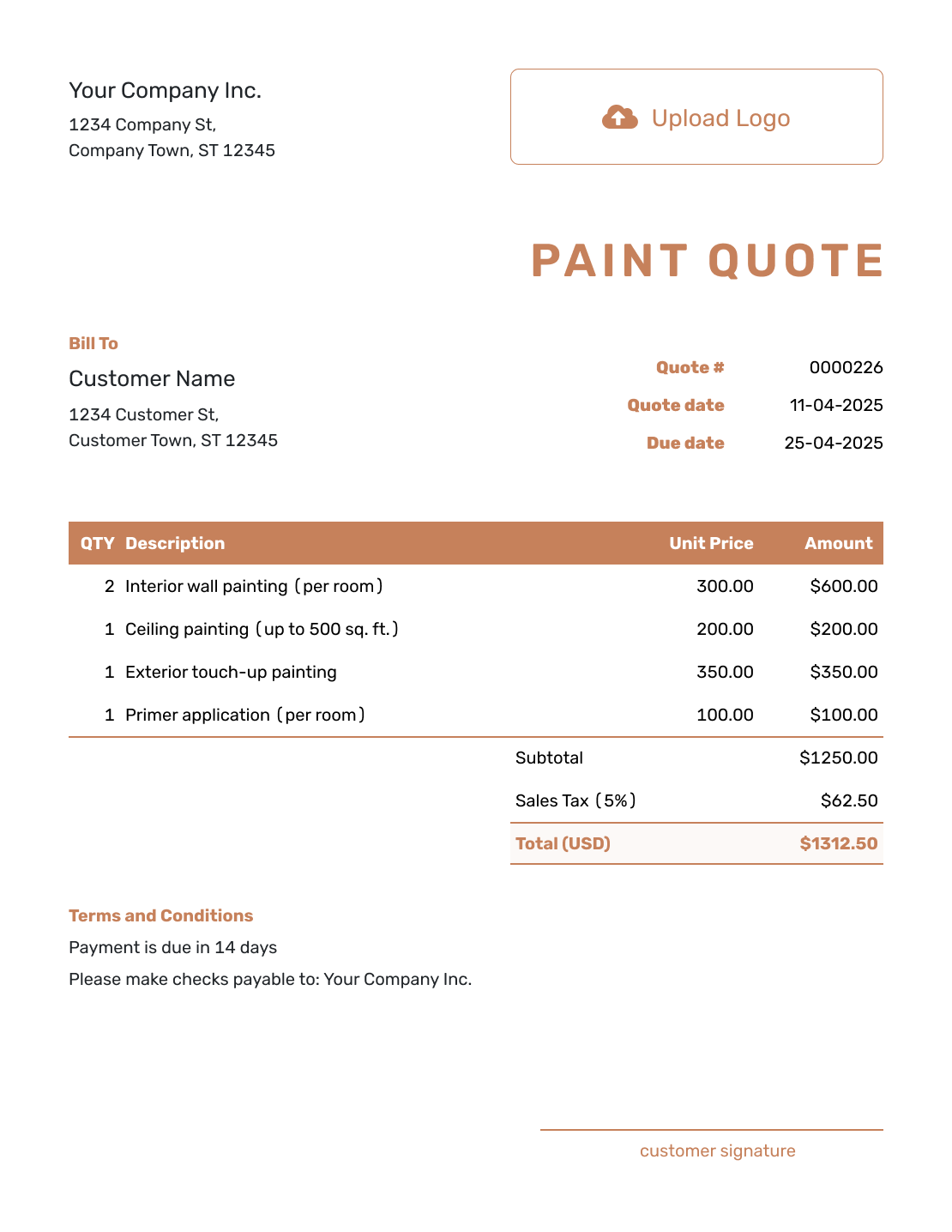
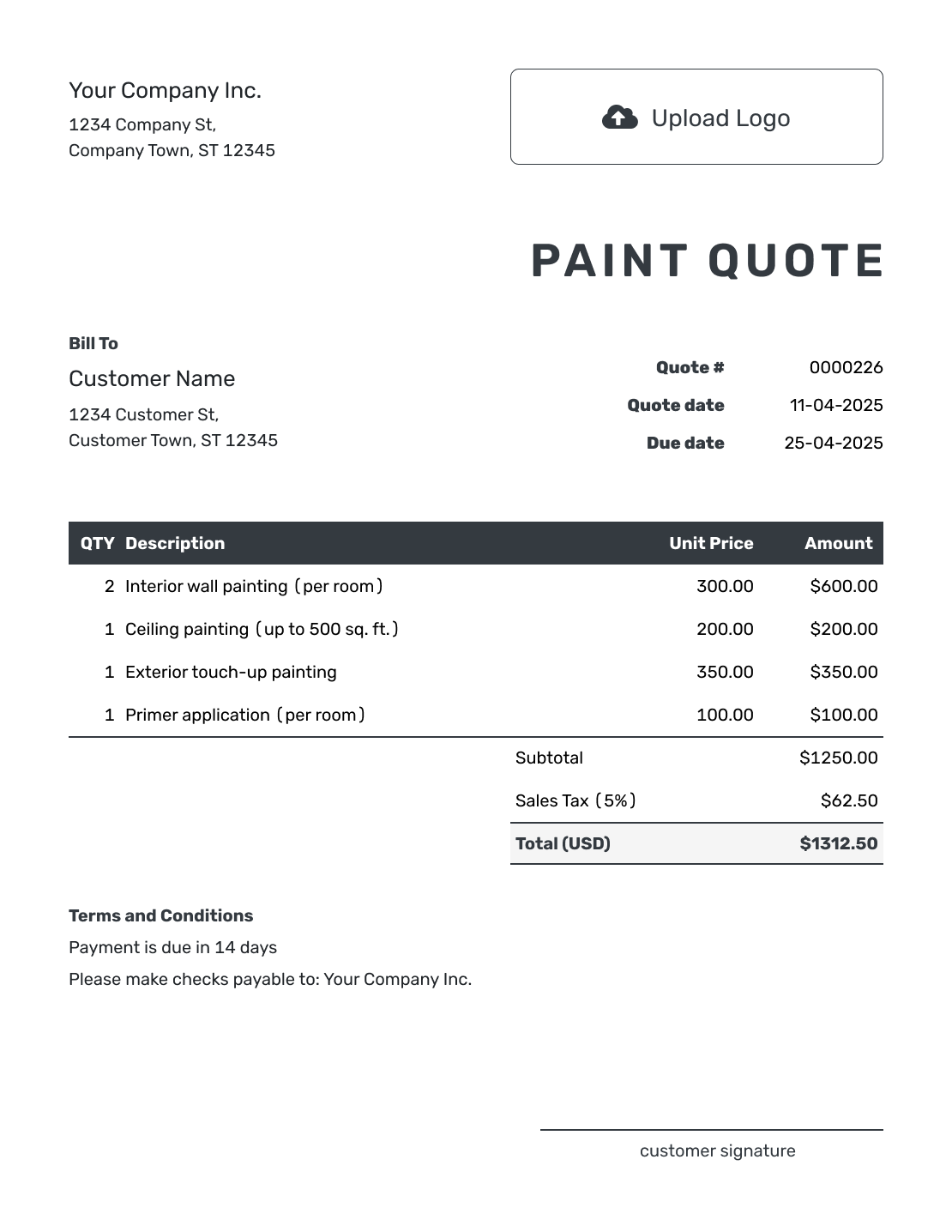
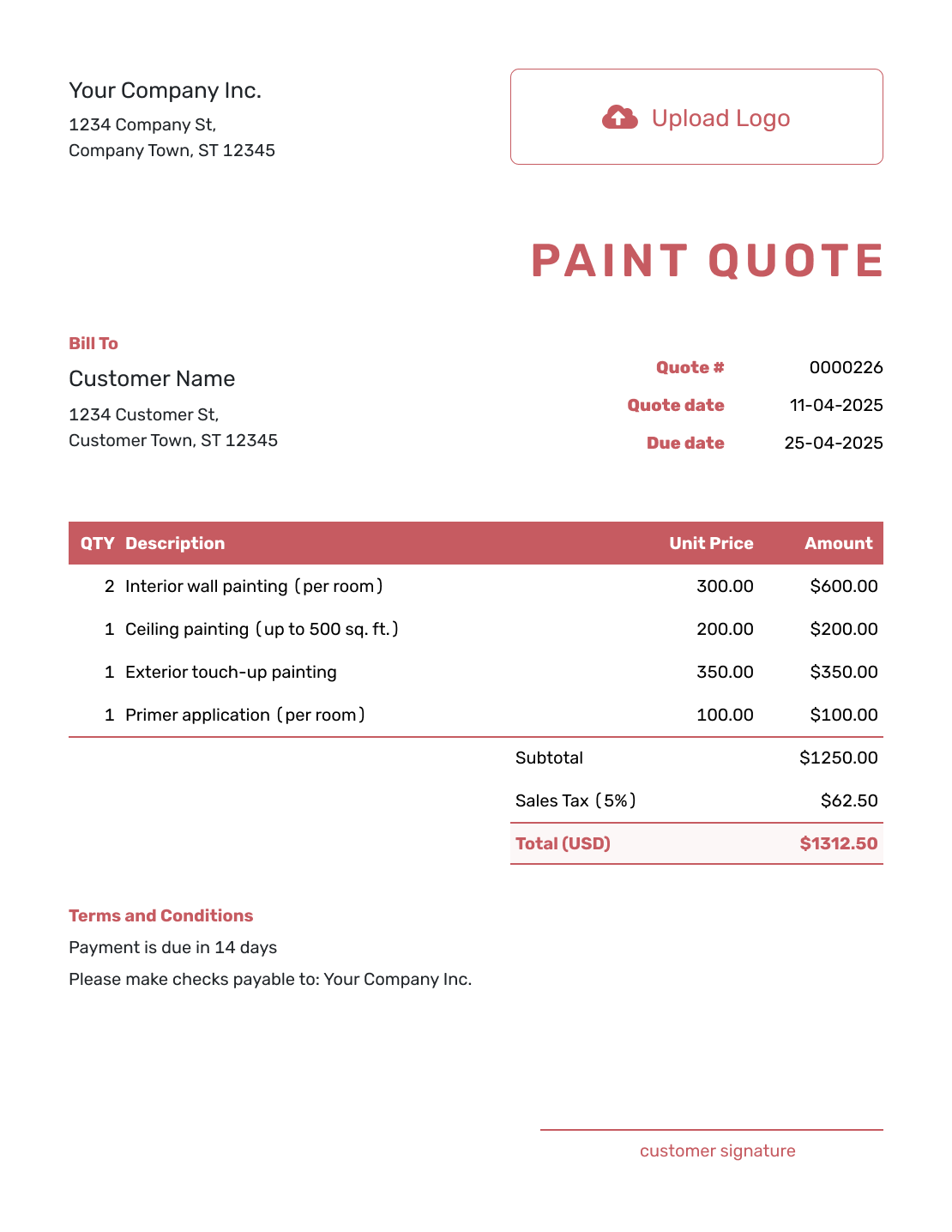
Other Quote Template File Formats
Choose Word or Google Docs for working on the scope and terms, or Excel or Google Sheets for a pricing table. These pages provide separate file templates; Docelf downloads a finished online quote as a PDF.
See every option on the quote templates by format page.
More Quote Templates for Painting and Renovation Work
Use this page for a general interior, exterior, or mixed paint job. Choose a more focused template when the painting is part of a specific room or construction project.
After You Send the Paint Quote
Check the document history to see when the emailed quote was delivered and opened. Your customer can accept or decline it online; Docelf updates the status and emails you when they respond.
If surfaces, colors, products, or pricing change, revise and resend the quote before doing the changed work. When payment is due, create an invoice from the quote. The customer, item, and price details carry over for you to review.
Paint Quote Template FAQs
-
What is a paint quote?
A paint quote is a written offer for painting work at a stated price. It identifies the surfaces, preparation, products, and coats included, with terms and a valid-until date the customer can review.
-
What should I include in a paint quote?
Identify the customer and property, then describe the surfaces and finish you are offering. Quantities and prices explain the total. Use the terms for timing, payment, access, and work that is excluded.
-
Should paint and materials be included in the quote?
Say whether your price includes paint and preparation products. If the customer will buy them, identify the agreed products and quantities. Keep their purchases out of your quoted total unless you are supplying and charging for them.
-
Should surface preparation be a separate line item?
It can be, especially when preparation makes up a significant part of the work. You can also include it in a room or surface price, provided the description explains what is covered. Do not price the same preparation in both places.
-
Can I price painting by room, square foot, or labor hour?
Yes. Name the unit beside the quantity and describe what that rate covers. A square-foot application rate might cover labor only, while a room price might include labor and paint. The customer should not have to guess which method you used.
-
How should I handle extra coats or color changes?
State the agreed products, colors, and coat count in the quote. If a color change, coverage issue, or added surface needs more work, explain any price and timing change and get the revised offer approved before continuing.
-
What is the difference between a paint quote and an estimate?
A paint quote gives a specific price for defined surfaces and preparation. An estimate is an expected cost when repairs, access, product choices, or surface conditions still need checking.
-
How do I create a paint quote online?
Enter the customer, surfaces, and prices in Docelf, which calculates the total. Review the preparation and finish details before emailing the quote or downloading a PDF. Saving or editing it does not email it; you choose when to send.
-
Can I turn an accepted paint quote into an invoice?
Yes. When payment is due, create an invoice from the quote. Docelf copies the customer, item, and price details. Check the invoice against the agreed painting work and add its due date before sending.
Ready to Send Your Paint Quote?
Connect the preparation, coating system, and price in one clear paint offer.
- Group the scope by room, elevation, or surface
- State the preparation, finish, and coat requirements
- Email the paint quote or download a PDF




