Free Labor Quote Template
Create a professional labor quote in minutes
Show the hours, crew or hourly rate and exactly what the labor price covers. The total stays easy to review, helping customers hire you with confidence.
Email, print or download your quote as a PDF.
14-day free trial. No credit card required.

Price the job. Send the quote. Get back to work.
Labor Quote Template Examples
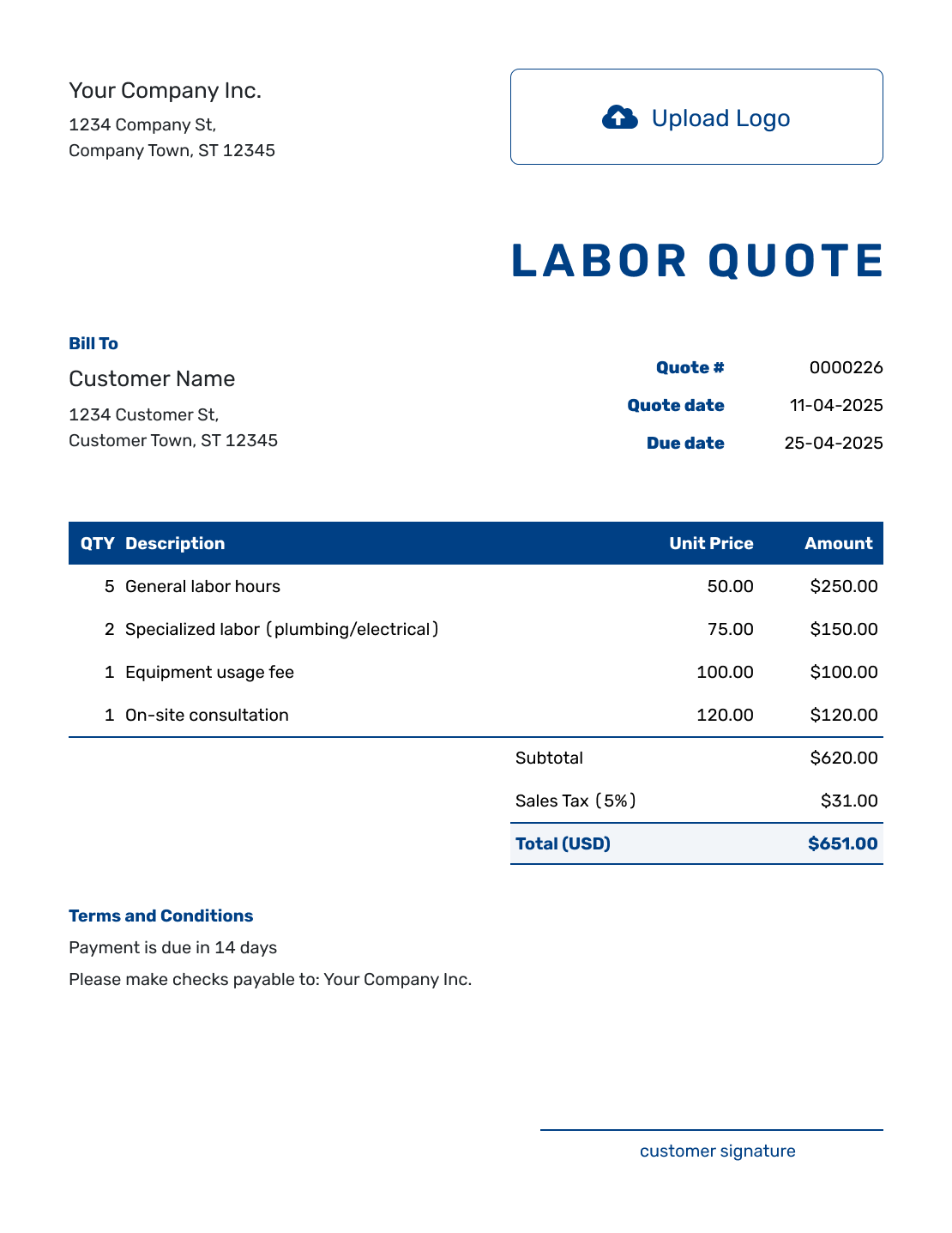
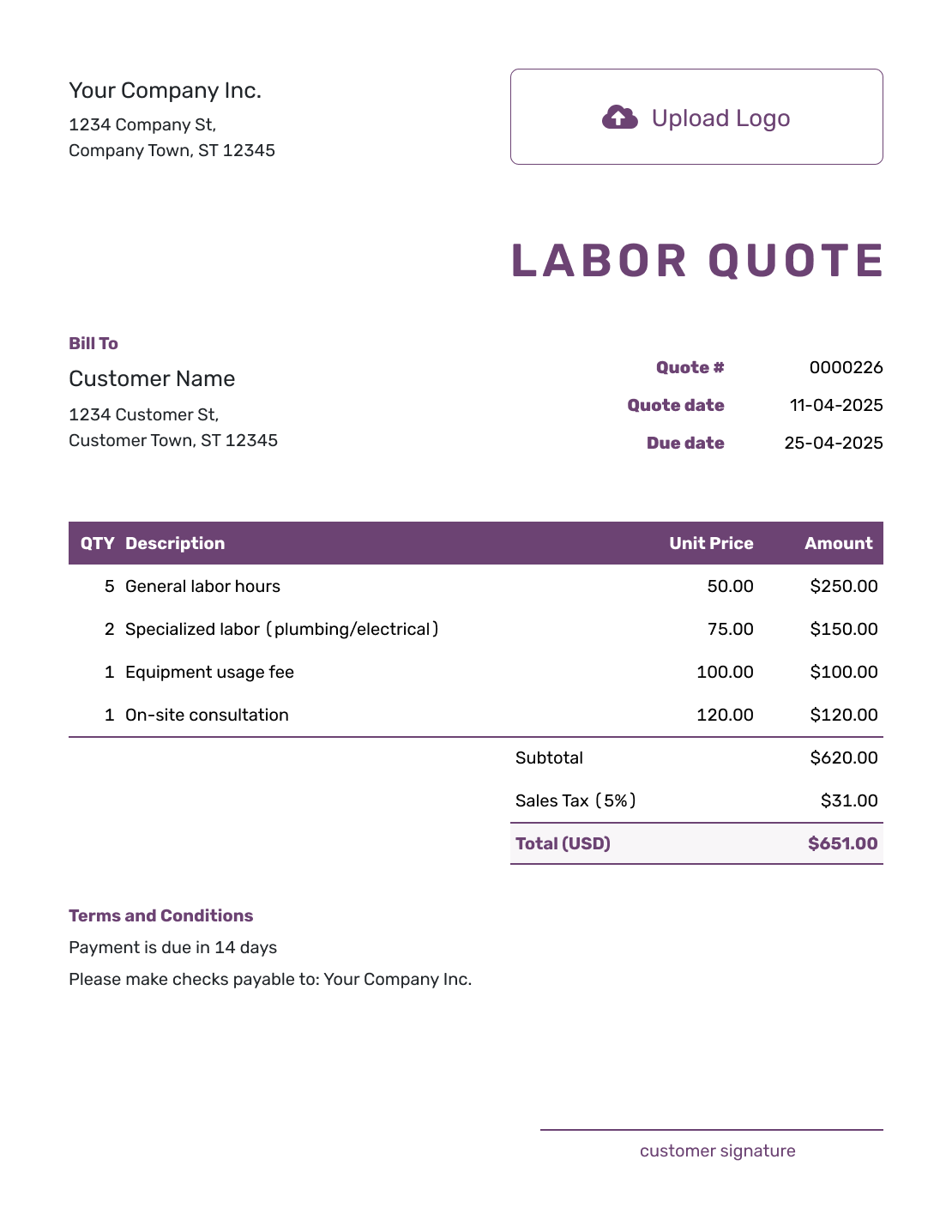
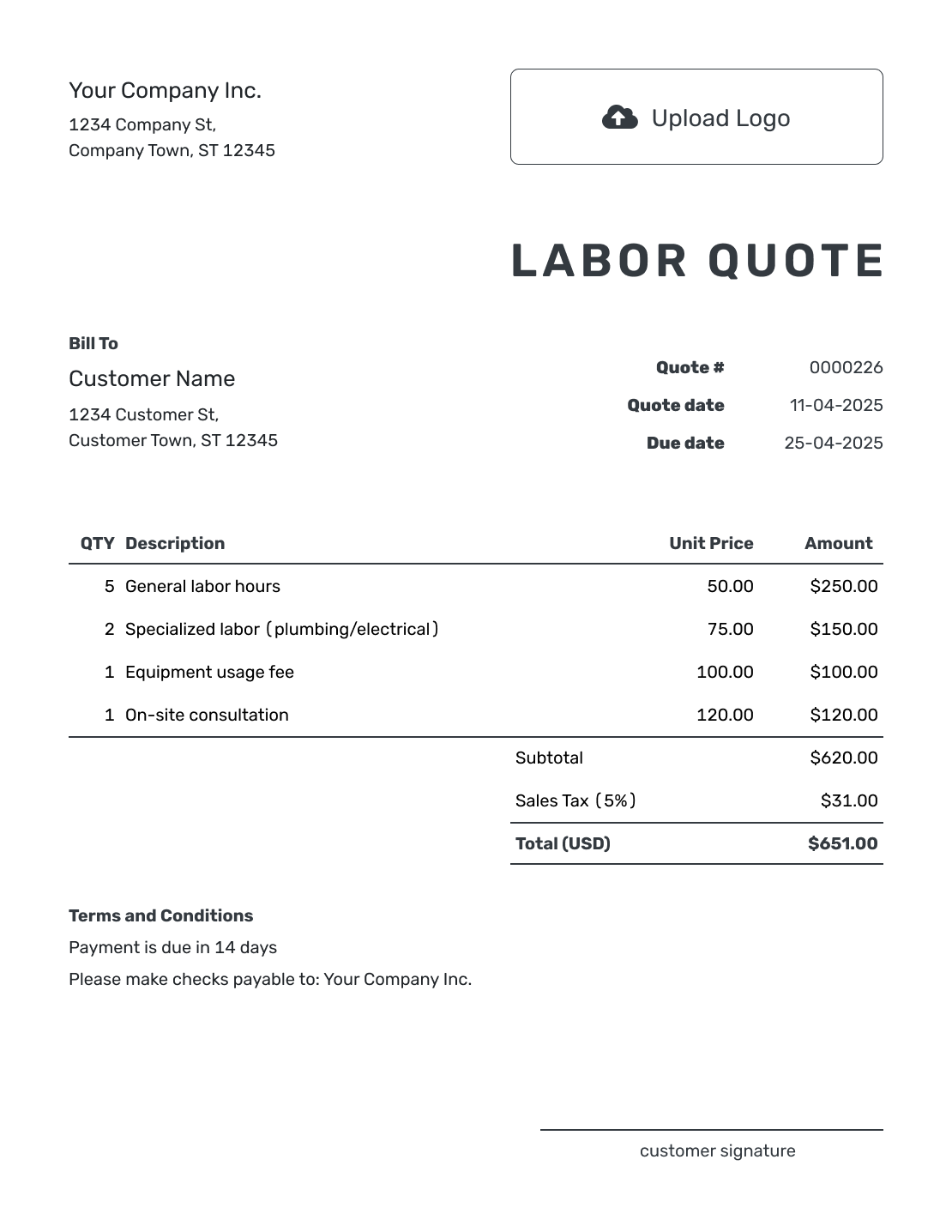
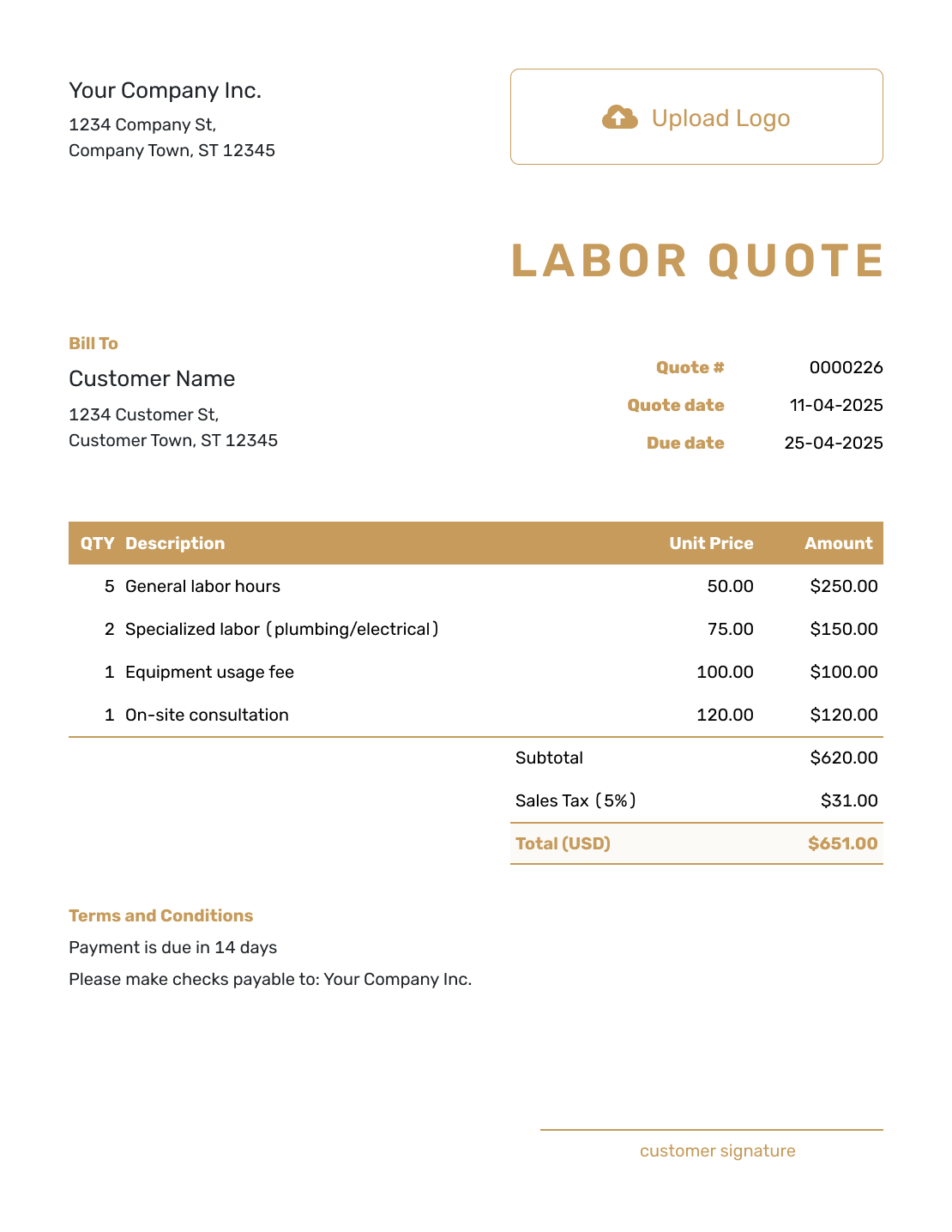
Browse these labor quote layouts before adding your own tasks and rates. Every preview opens the same Docelf quote editor, where you can add your logo and choose colors to match your business.
What Is a Labor Quote?
A labor quote is a written offer for work where time and skill make up most of the price. It tells the customer which tasks you will do and how you have priced them, without turning the quote into a timesheet.
Be clear about what the customer is accepting. A fixed labor price covers the stated work. An hourly offer sets the rate, but the total depends on the hours used. Label a time-based total as estimated when it can change, and explain how extra hours will be agreed.
Use a labor estimate when the time or scope is still uncertain. A construction quote is a better starting point when materials, equipment and several trades make up a larger project.
How to Create a Labor Quote
Decide how you are offering the work before entering the quantities. Use the steps below to turn that pricing decision into a quote the customer can review.
- Business Details: Add your business name and the contact the customer should use.
- Your Logo: Add the logo you use on your work documents.
- Customer and Location: Enter the customer details and the work location.
- Number and Dates: Check the quote number, issue date and valid-until date.
- Labor Items: Describe the tasks and state whether each rate is per worker, crew or fixed task.
- Check the Total: Review quantities, rates and applicable tax. Say whether the price is fixed or estimated.
- Terms and Sending: Add timing and extra-work rules in Terms and Conditions. Review, then email or download a PDF.
How to Fill In Labor Quote Line Items
Label the unit beside the work description. Two workers on site for three hours provide six worker-hours, not three. If you charge one combined crew rate instead, use three crew-hours and do not multiply by the number of workers again.
This fictional quote offers a fixed labor price for installing four customer-supplied shelving units. The worker-hours show how the price was built; they are not a promise of how long the visit will last. Prices are in US dollars, with an illustrative 8% tax on all labor.
| QTY | Description | Unit Price | Amount |
|---|---|---|---|
| 2 | Protect work area and mark shelving positions — worker-hours | $60.00 | $120.00 |
| 6 | Assemble and secure four shelving units — worker-hours | $60.00 | $360.00 |
| 2 | Final adjustments and cleanup — worker-hours | $60.00 | $120.00 |
| Subtotal | $600.00 | |
| Sales Tax (8% illustrative) | $48.00 | |
| Quote Total | $648.00 |
The ten worker-hours add up to $600.00 before tax. If you prefer to price each task as a package, enter a quantity of one and the agreed task price. Use the tax treatment that applies to your own job.
What to Include in Labor Quote Terms
Use the Terms and Conditions field to explain what the labor price covers and what must be ready when you arrive. State the payment timing and how the customer will approve additional work. Include only minimums, travel charges or overtime policies you actually use, and check local requirements where they apply.
The sample below keeps the shelving job at a fixed price for the defined tasks. It also makes clear that the customer supplies the materials.
Example: Terms and Conditions
- Quote valid for 30 days from the issue date.
- Fixed total of $648.00 covers the three listed labor tasks for four shelving units.
- Customer supplies the shelving units and suitable fixings before the agreed work date.
- Price assumes clear access and suitable mounting surfaces. Repairs to walls or flooring are excluded.
- Changes to the listed tasks will be priced and approved before extra work begins.
- Payment is due on completion of the listed work.
Choose a Labor Pricing Method the Customer Can Follow
The unit should match how you sell the job. A customer should be able to tell whether the price buys a worker’s time, the whole crew’s time or a finished task.
Hourly or Daily Rate
Name the role and rate per worker. For a day rate, state how many hours make up a day. If the total depends on actual time, show the expected time and explain how extra hours are approved.
Fixed Labor Price
Use a fixed price for defined tasks, as in the shelving example. The agreed scope sets the price; extra time on the same work is not automatically an extra charge.
Crew or Visit Rate
State how many workers the crew rate includes and whether it is per hour or day. For a visit rate, name the tasks or time included in one visit.
Minimums and Extra Charges
Show a minimum charge before acceptance and explain what it buys. Add separately charged travel, equipment or materials as item rows. State any agreed overtime rate and when it applies.
What to Include in a Labor Quote
Use the checklist to make the work and labor pricing method clear before the customer accepts it.
- Your business name, contact details, and logo
- Your customer's name, contact details, and work location when needed
- A unique quote number, issue date, and valid-until date
- A clear description of each task, service, trade, or crew role
- Estimated hours, days, visits, crew size, quantities, and rates when they apply
- Minimum charges, travel, overtime, equipment, materials, or other costs included in the quote
- Discounts, sales tax, and the total quoted price
- Schedule assumptions, payment terms, exclusions, and a clear way to accept
Keep the detail useful. The customer should understand what the labor price covers without having to decode an internal time sheet.
Explain the Labor Price Clearly
Choose the rate method that fits the job. Add the work it covers and the expected time. Review the labor total in Docelf, then email the quote or download a PDF.
Labor Quote, Estimate, or Invoice?
Choose the document that matches the stage of the job.
Labor Quote
Use a quote when the tasks, rate structure, and price are clear enough to put the offer in writing.
Labor Estimate
Use an estimate when the hours, crew size, or final scope may still change.
Labor Invoice
Send an invoice when payment is due. In Docelf, create it from the accepted labor quote and review the copied details before sending.
More Labor Quote Layouts
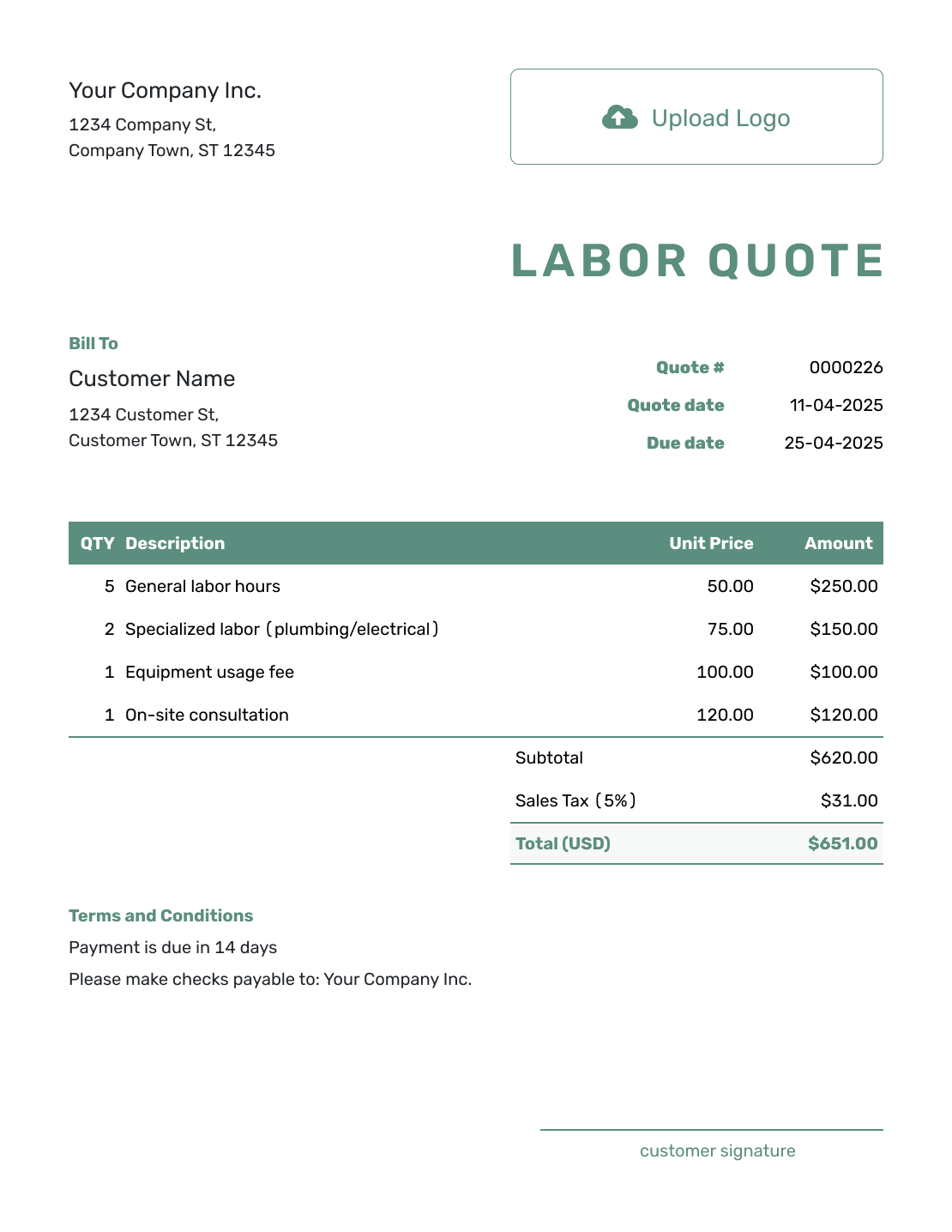
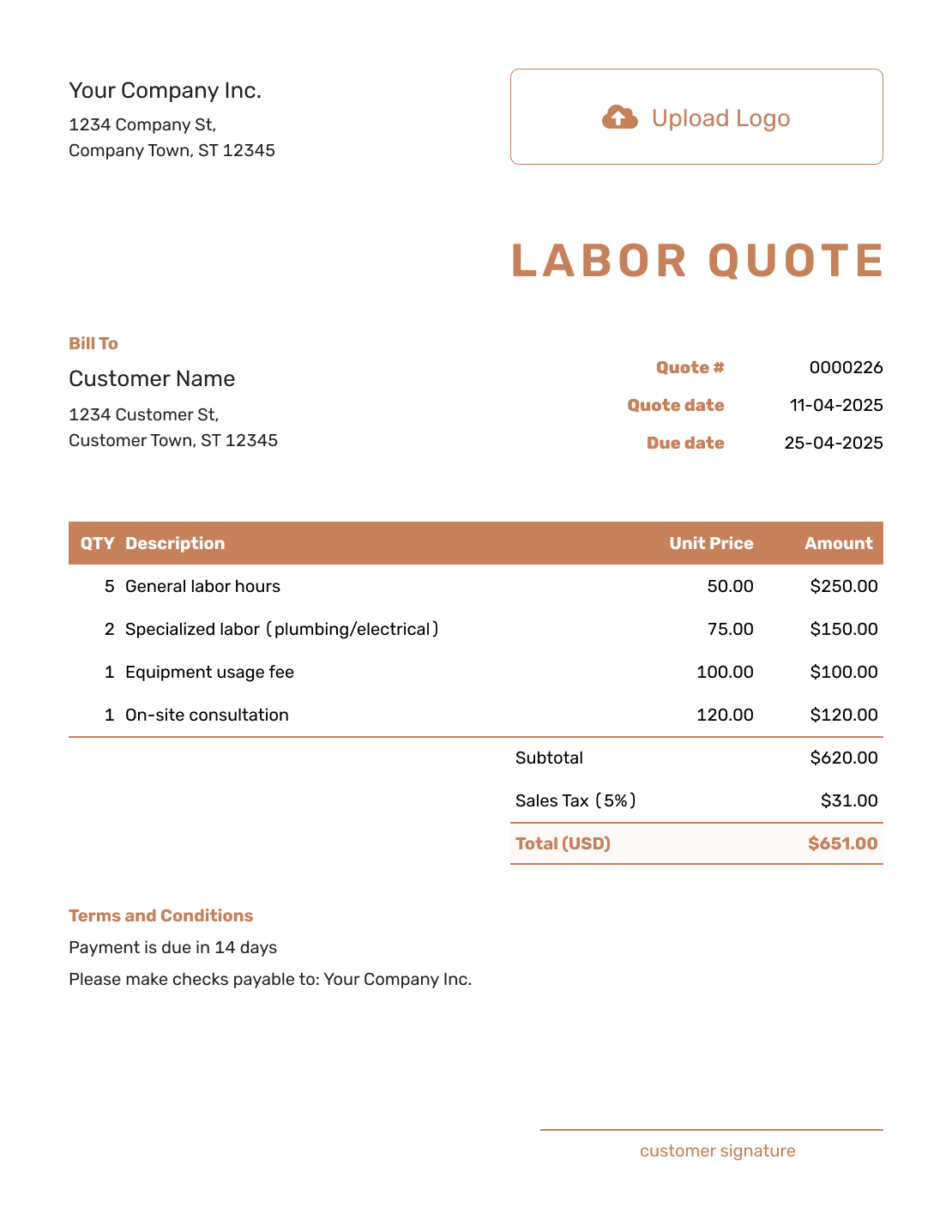
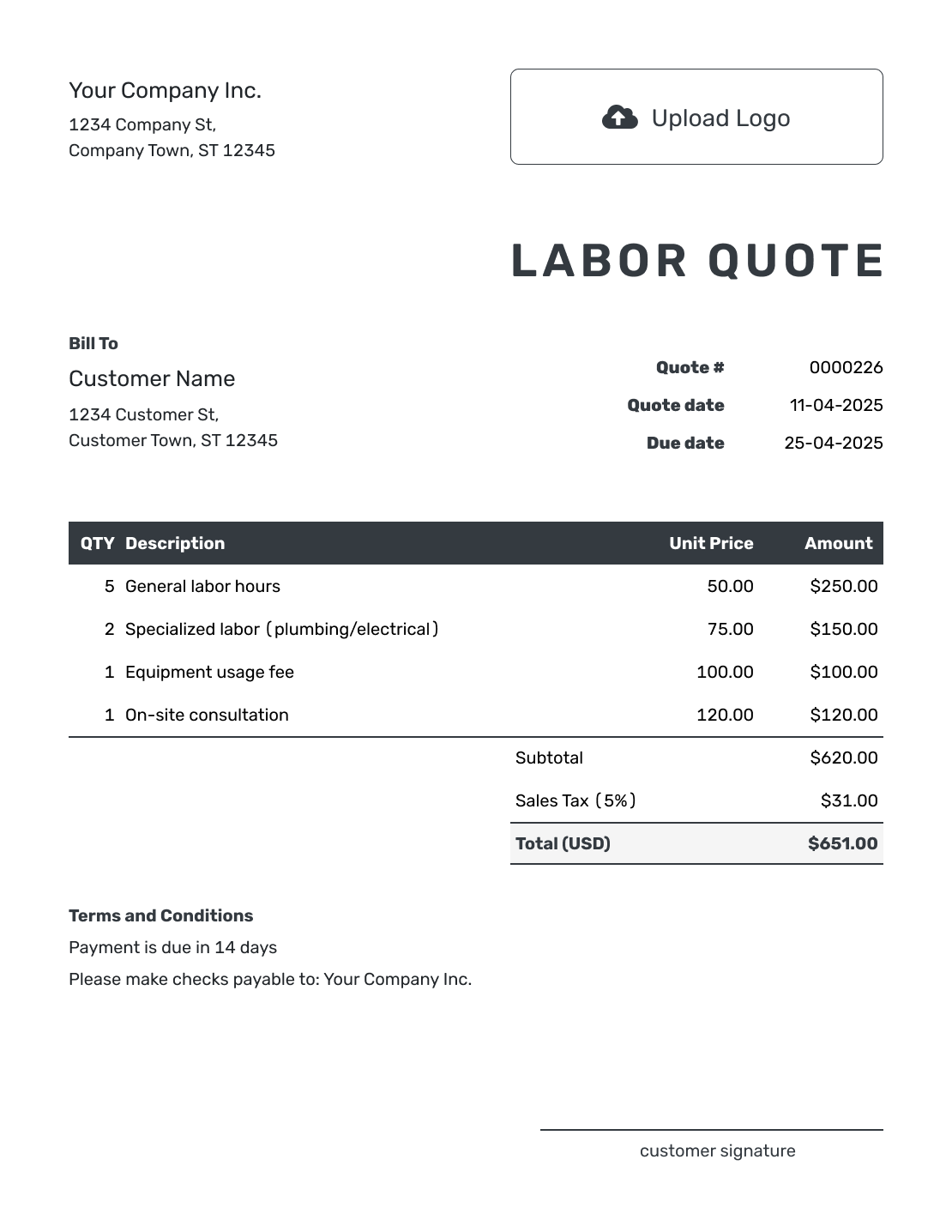
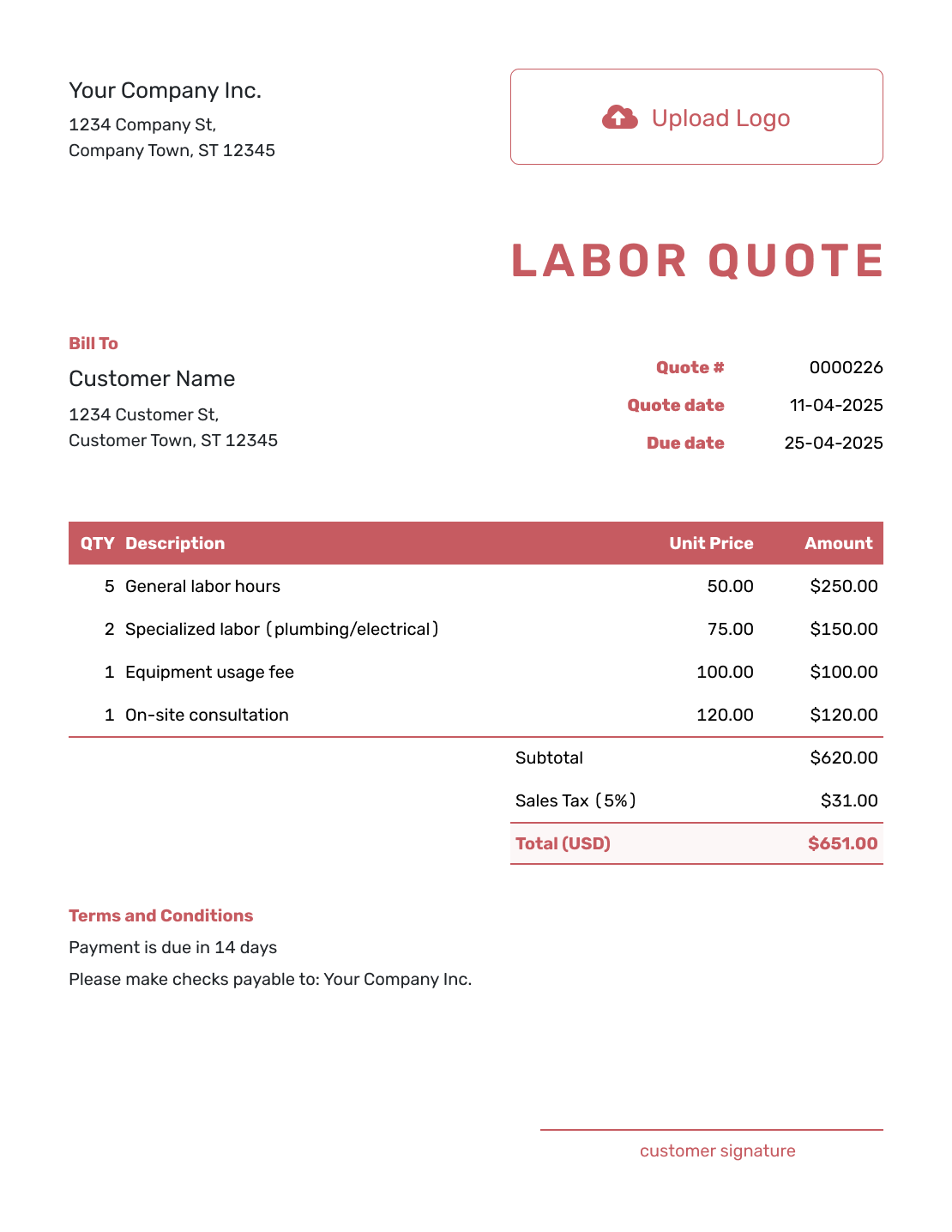
These six previews offer more layout ideas. Add your own scope and prices in the editor; the preview labels do not change what your quote includes.
Other Quote Template File Formats
Prefer a document or spreadsheet file? These pages provide separate templates in the named formats. Docelf downloads a finished quote as a PDF.
See every option on the quote templates by format page.
Related Quotes for Labor and Contract Work
Choose a related template when the work needs a more specific trade or project quote.
After You Send the Labor Quote
Your customer can accept or decline the quote online without a Docelf account. Docelf updates the status and emails you when they respond. Delivery and opening information is available in the document history.
If the crew, rate or scope changes, revise the offer and send it for review. Editing or saving does not email the quote. For later jobs, reuse saved customer details and labor items, then check that the rates and quantities still fit.
Labor Quote Template FAQs
-
What is a labor quote?
A labor quote is a written offer that explains the work and how you priced the labor. It gives the customer a total or rate method to approve before work begins.
-
When should I use a labor quote template?
Use it when labor is the main part of the price and the customer needs to approve the work first. It can fit many service or crew-based jobs.
-
How do I price labor on a quote?
Choose an hourly, daily, crew, visit or fixed-task price. Name the unit and what it covers. For example, two workers for three hours is six worker-hours, or three crew-hours at a combined crew rate. Use one method so you do not count the crew twice.
-
Should I show estimated hours and hourly rates?
Yes, when they explain the offer. Say whether the total is fixed or an estimate based on expected hours. For a fixed price, the stated work determines the charge; for hourly work, explain how actual time and any extra hours will be agreed.
-
What should I include in a labor quote?
Start with the customer and work location. Describe each task and its pricing unit, show the total, and state what the customer supplies. Add any applicable travel or minimum charge, then explain timing, payment and approval of changes.
-
How do I handle overtime or extra labor?
For time-based work, state any extra-hour or overtime rate and how the customer approves it. For fixed-price work, extra time on the agreed tasks does not automatically change the price. Price added tasks and get approval before starting them.
-
What is the difference between a labor quote and a labor estimate?
A labor quote gives a specific price or rate structure for defined work. A labor estimate predicts the likely labor cost when the hours, crew, or scope are not fully known yet.
-
Can I create a labor quote online?
Yes. Create the labor quote in Docelf and let Docelf calculate the total. Email the quote or download a PDF when it is ready.
-
Can I turn an accepted labor quote into an invoice?
Yes. Create an invoice from the quote when payment is due. Docelf copies the relevant customer, item and price details. Check any approved changes before sending the invoice.
Ready to Send Your Labor Quote?
Give the customer a labor offer they can approve before the job starts.
- Describe the work covered by the labor price
- Show hours, rates, minimums, and travel charges clearly
- Email the labor quote or download a PDF




