Free Handyman Quote Template
Create a professional handyman quote in minutes
Group the repairs by room or task and show what each part costs. The full job is easy to grasp, giving customers a clear reason to hire you.
Email, print or download your quote as a PDF.
14-day free trial. No credit card required.

Price the job. Send the quote. Get back to work.
Handyman Quote Template Examples
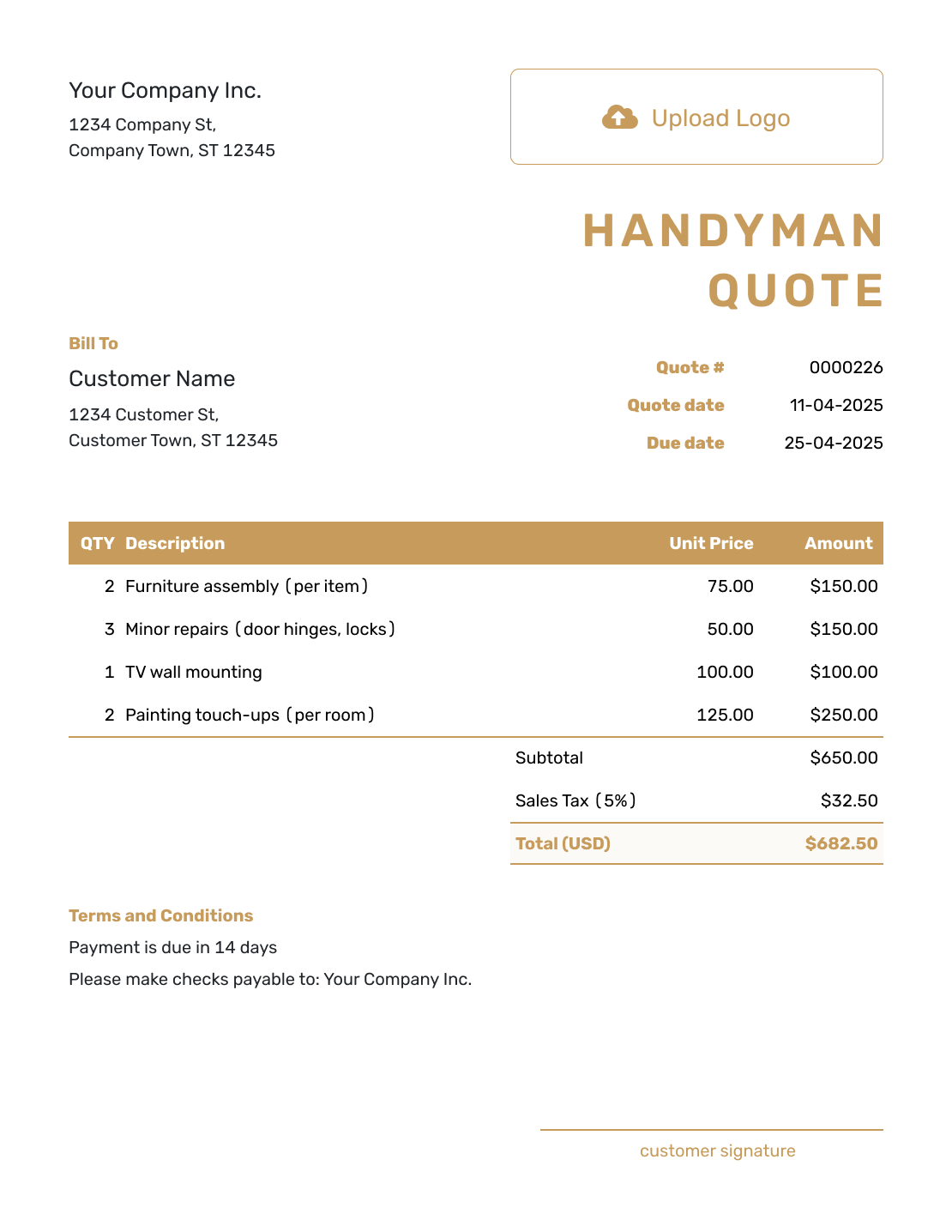
These layouts show ways to present a mixed task list. Each preview opens the same quote editor; add your own tasks, prices, logo, and colors there.
-
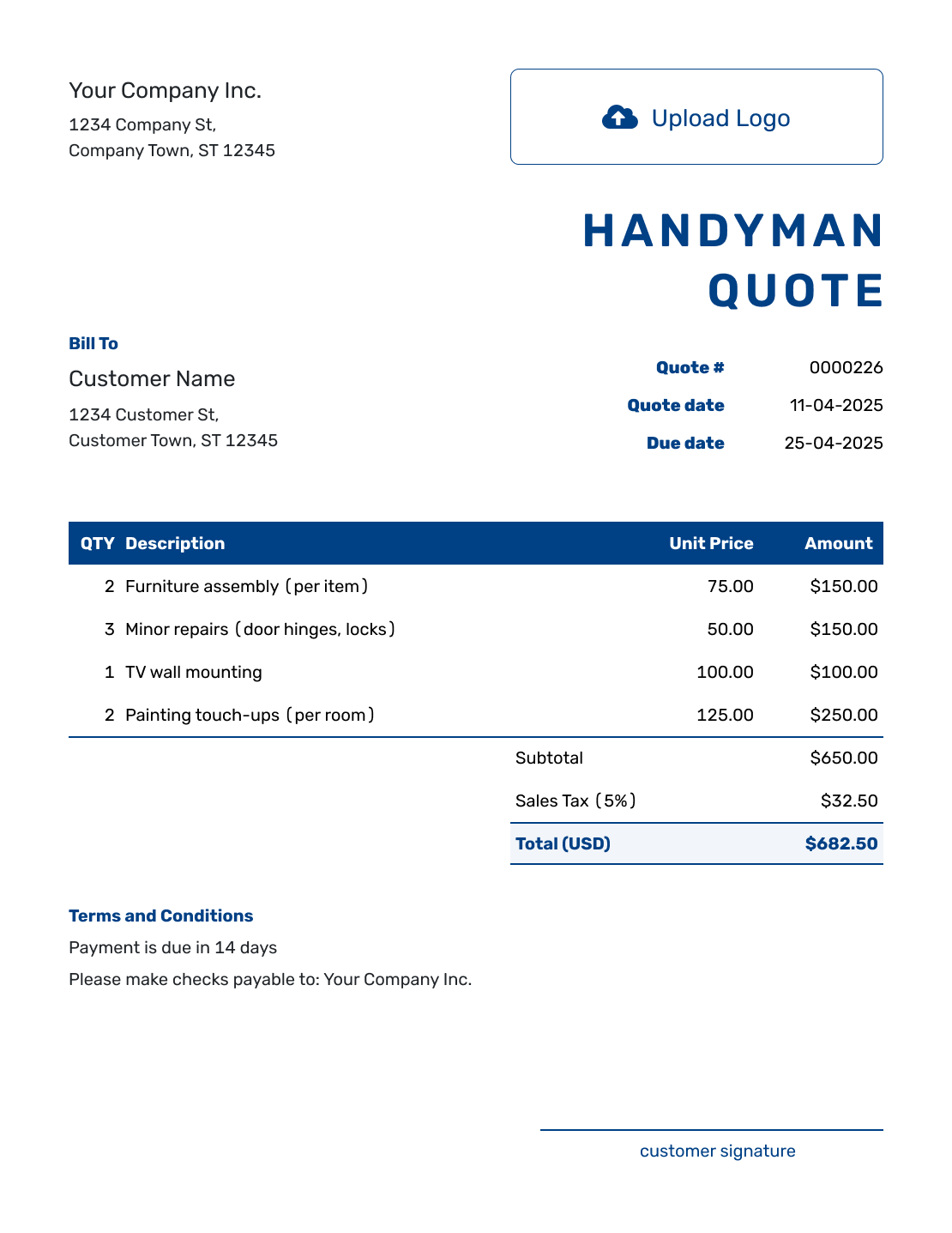
Sample Handyman Quote Template
Create Free Quote -
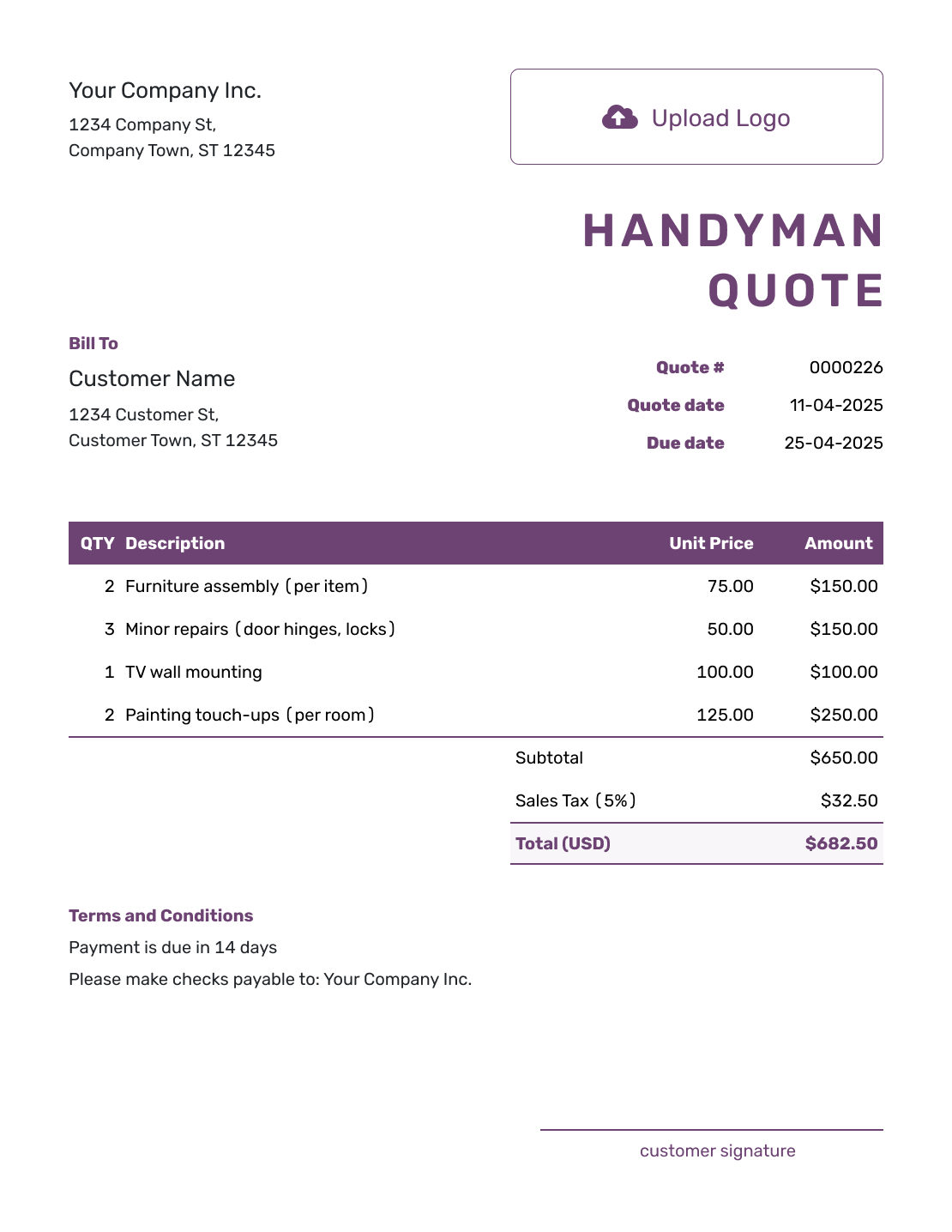
Free Handyman Quote Template
Create Free Quote -
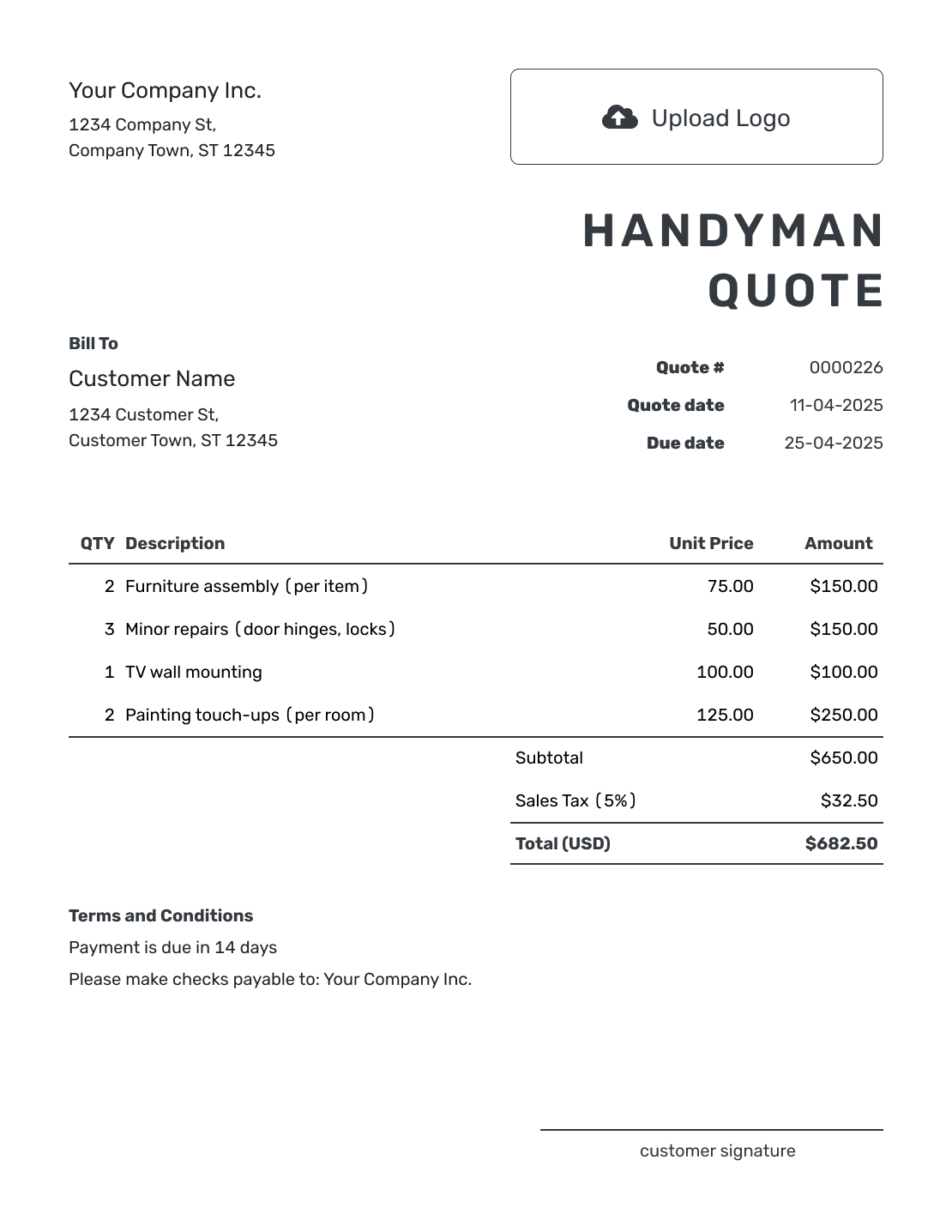
Printable Handyman Quote Template
Create Free Quote
See six more handyman quote layouts after the pricing guidance.
What Is a Handyman Quote?
A handyman quote brings the small jobs at one property into a single offer. A customer might need a sticking door adjusted, a curtain rod installed, and a flat-pack bookshelf assembled in the same visit. Each needs a description and a price the customer can recognize.
Use a fixed price where the work is clear, or state an hourly rate when time is uncertain. For a larger fault-finding job, use the repair quote template to explain the problem and proposed fix.
Handyman Quote, Hourly Rate, or Invoice?
Choose the document that matches what you can promise before the visit.
Handyman Quote
Use a quote when the task list, materials, and price are ready for the customer to approve.
Hourly Rate Quote
Use an hourly-rate quote when you know the rate but cannot know the final labor time before opening or testing the repair.
Invoice Template
Send an invoice when payment is due. Docelf can create it from the accepted handyman quote.
How to Create a Handyman Quote
Work from the task list you agreed with the customer. Saved customer, part, and service details can give you a starting point; check them against this visit before sending.
- Business Details: Add your business name and contact details.
- Your Logo: Use your logo to identify the business doing the work.
- Customer and Property: Add the customer and work address.
- Number and Dates: Check the quote number, issue date, and valid-until date.
- Tasks and Materials: Price each task and any parts or travel you charge separately.
- Check the Total: Check the quantities, prices, and tax for the visit.
- Terms and Sending: Add access, payment, and change arrangements in Terms and Conditions. Review, then email or save a PDF.
Make a Mixed Task List Easy to Approve
A short description should tell the customer what gets done and what the price covers. These choices matter most when several jobs share one visit.
Group Tasks by Room or Area
“Adjust bedroom door latch” identifies the job more clearly than “door repair.” Group tasks by room, visit, or priority so the customer can check the list at the property.
Say Whether Labor Is Fixed or Hourly
A flat price suits a defined task. With hourly work, state the rate, expected hours, and any minimum or spending limit. Make clear whether a visit charge includes the first hour so it is not charged twice.
Identify Who Supplies Materials
Name the items you bring and those the customer provides. Keep a materials allowance clearly labeled until the choice is settled. Customer-supplied items need a labor-only description, rather than a charge for the item itself.
Plan for Unknown Repairs
A loose fitting may reveal a bigger problem when removed. Explain how you will agree on the extra work and price before proceeding; include any access needs, cleanup, and exclusions for the visit.
How to Fill In Handyman Quote Line Items
Give each task a row so the customer can see what a change would add or remove. For a fixed task, a quantity of 1 can mean one completed job; for repeated tasks, use the actual count. Hourly work needs hours and a rate instead.
This fictional US-dollar quote is for one visit. It uses fixed labor prices for three jobs and a separate charge for two handle sets. The customer supplies the curtain rod and bookshelf. An illustrative 8% tax applies to all four items here; the tax treatment for your work may differ.
| QTY | Description | Unit Price | Amount |
|---|---|---|---|
| 2 | Replace passage door handles — labor per door | $45.00 | $90.00 |
| 1 | Install customer-supplied curtain rod — labor | $65.00 | $65.00 |
| 1 | Assemble customer-supplied bookshelf — labor | $95.00 | $95.00 |
| 2 | Passage handle sets — supplied parts | $25.00 | $50.00 |
| Subtotal | $300.00 | |
| Sales Tax (8% illustrative) | $24.00 | |
| Quote Total | $324.00 |
What to Include in Handyman Quote Terms
Terms and Conditions is where you explain the visit arrangements and the limits of the price. The item table answers what the work costs; this field covers what needs to be ready and how you will agree on changes.
The sample below belongs to the $324.00 visit above. Adapt it to the property and use only policies you actually follow.
Example: Terms and Conditions
- Valid for 14 days from the quote date. One visit at the quoted property; date and access time to be agreed after acceptance.
- Two passage handle sets are supplied. Customer provides the curtain rod and bookshelf, with all parts ready before the visit.
- Prices include the listed labor and cleanup. Wall repairs, painting, and work outside the listed tasks are excluded.
- If supplied items are unsuitable or further repairs are needed, a revised price must be approved before extra work or another visit.
- Payment is due when the listed tasks are completed.
Check the List Before Booking the Visit
One missing part can change a small job into another visit. Check the practical details with the customer before agreeing on a time.
- The customer, work address, quote number, and dates identify the right visit
- Each task has a location and price, with any hourly limit, materials allowance, or separate visit charge explained
- Customer-supplied items, access, exclusions, and payment timing are agreed
Turn the Task List Into One Clear Quote
Keep the small jobs together without burying their individual prices. Enter the task list in Docelf, check the calculated total, and send the customer one offer for the visit.
After You Send the Handyman Quote
The customer can accept or decline the quote online without a Docelf account. Docelf emails you when they respond, and the document history shows when the emailed quote was delivered and opened.
For an added task or a larger repair, agree on a revised quote before going beyond the accepted list. When payment is due, create an invoice from the quote so you do not have to type the customer and task details again.
More Handyman Quote Layouts
These six previews offer more layout ideas for the same quote editor.
-
Blank Handyman Quote Template
Create Free Quote -
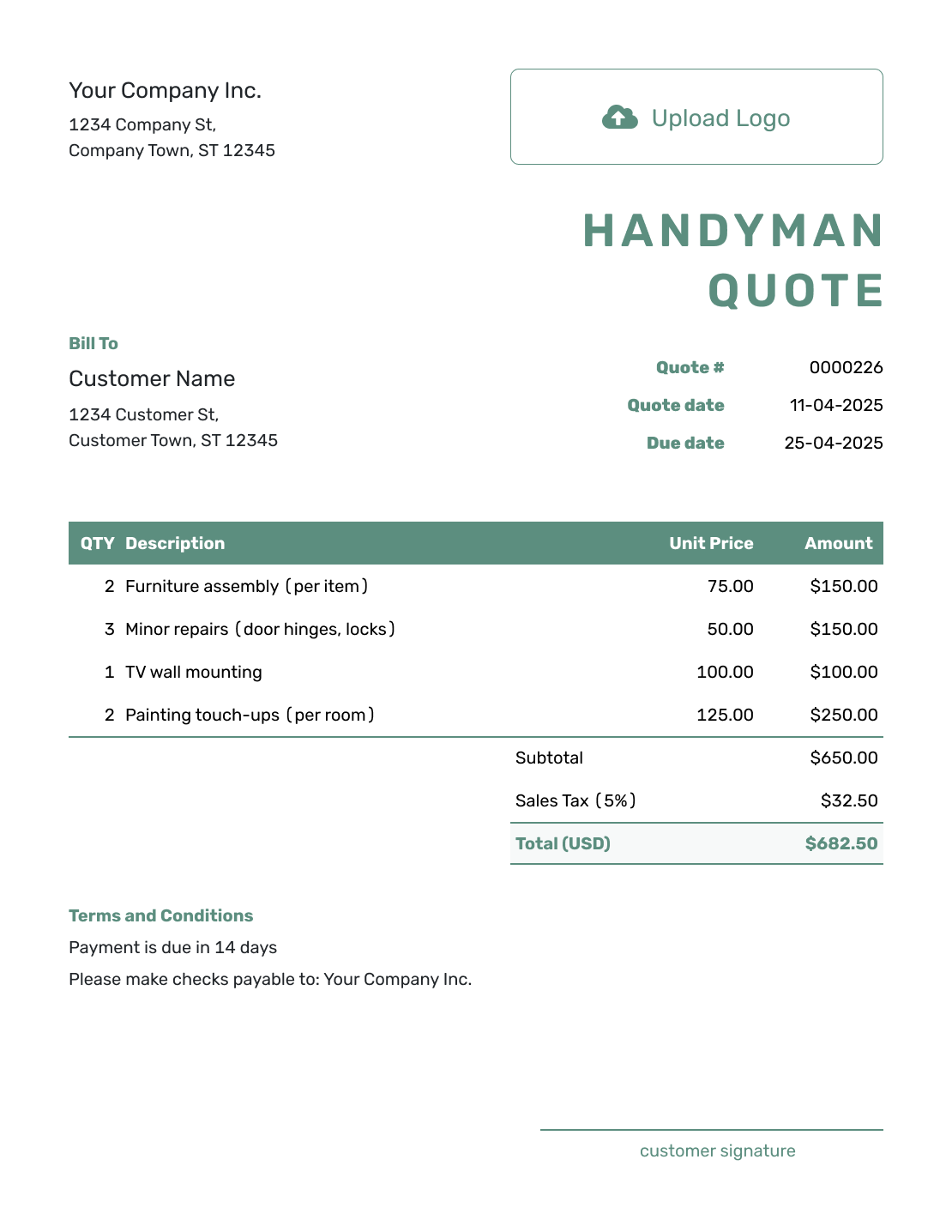
Simple Handyman Quote Template
Create Free Quote -
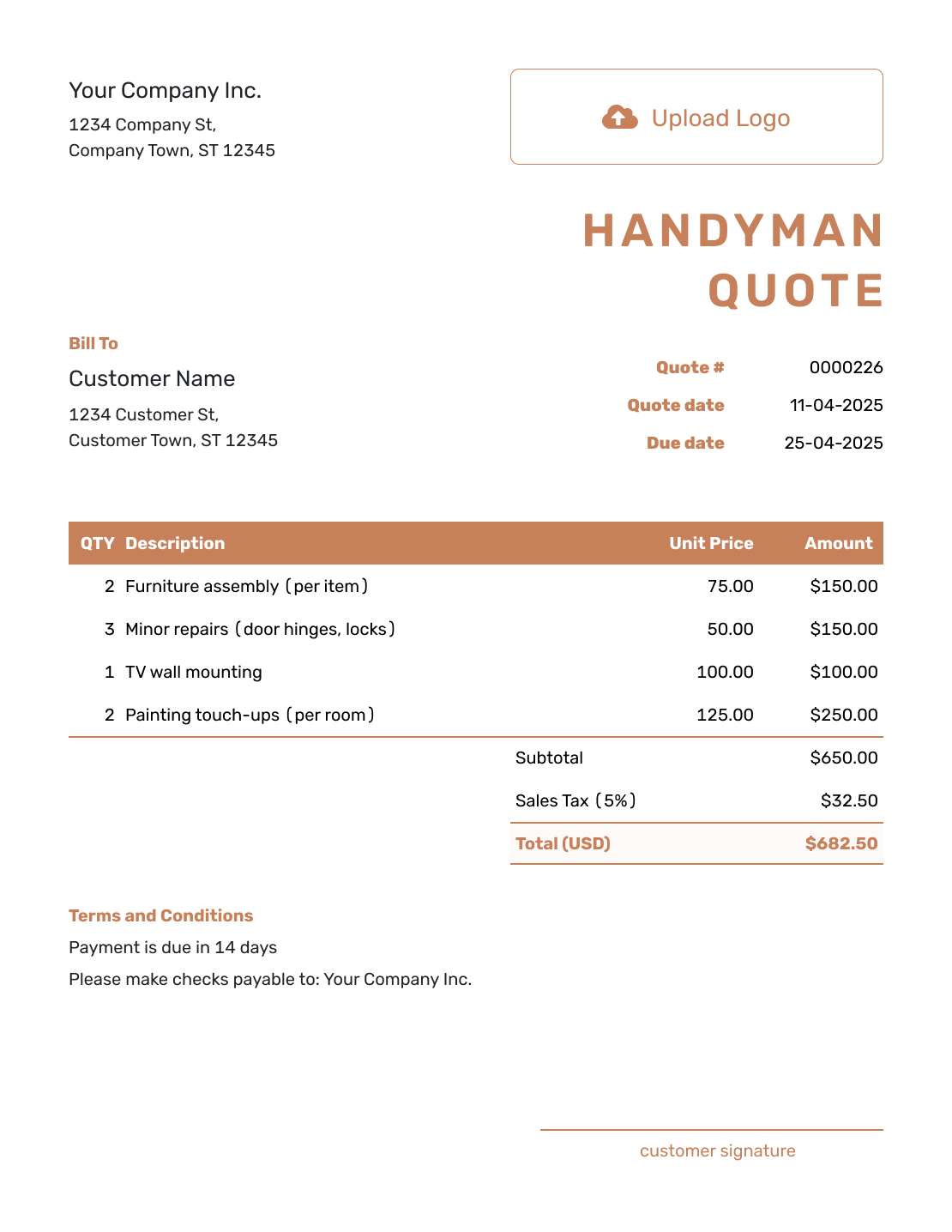
Downloadable Handyman Quote Template
Create Free Quote -
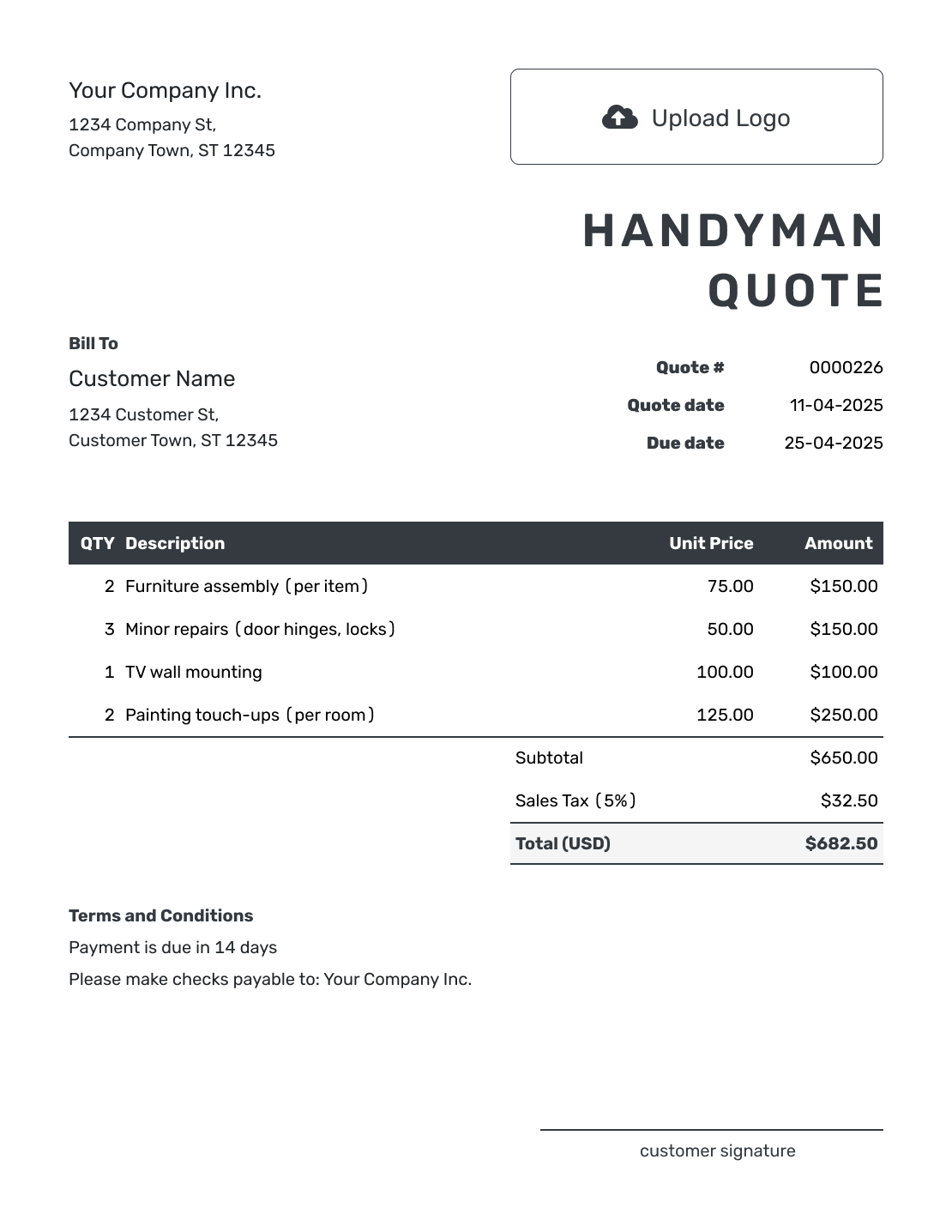
Editable Handyman Quote Template
Create Free Quote -
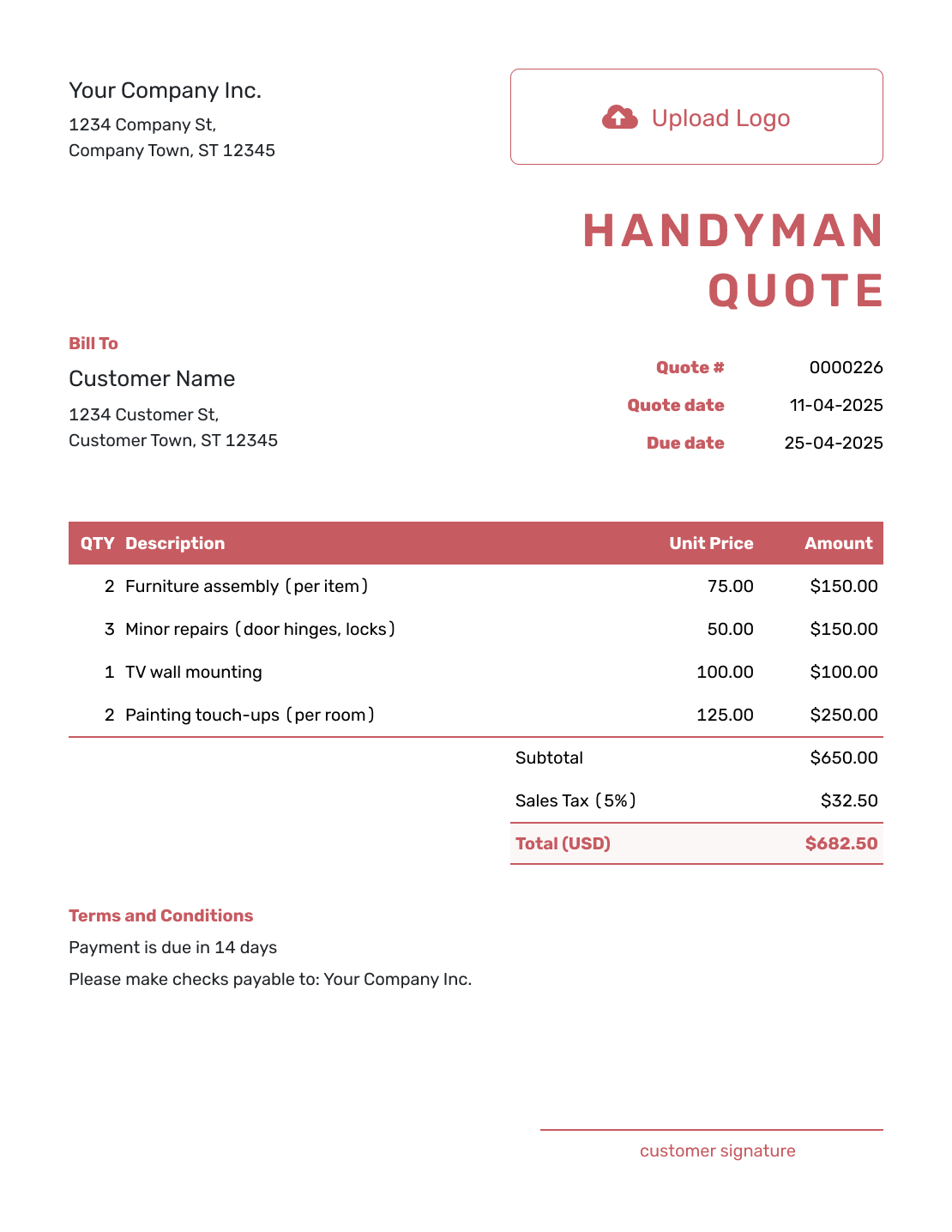
Fillable Handyman Quote Template
Create Free Quote -
Professional Handyman Quote Template
Create Free Quote
Other Quote Template File Formats
Prefer to work in a document or spreadsheet? These pages offer separate file templates. Docelf downloads the finished online quote as a PDF.
See every option on the quote templates by format page.
Need a More Specific Repair or Trade Quote?
Use this page for a mixed list of small jobs. Choose a related template when one trade becomes the main scope.
Handyman Quote Template FAQs
-
What is a handyman quote?
A handyman quote is a written offer for a defined list of small jobs. It gives the customer one price or pricing method for the tasks you plan to complete.
-
What should I include in a handyman quote?
Start with the customer and work address. Give each task a clear description and price, including parts or travel only where they apply. State how hourly work or added repairs will be approved, then add payment terms.
-
Should I use flat prices or an hourly rate?
Use the method that fits the task. A flat price works when the scope and time are predictable. An hourly rate works when troubleshooting or hidden conditions make the final time uncertain. State any minimum time or not-to-exceed amount.
-
How should customer-supplied materials appear?
Name the item the customer will provide and state what your price covers. Explain any extra visit or charge that applies if the item is missing or unsuitable.
-
Should I include a service-call, minimum, or travel charge?
Include the charge when it applies and label it clearly. State whether it covers travel, the first amount of labor, diagnosis, or a minimum visit so the customer knows what the charge means.
-
How do I quote several handyman tasks at one property?
Group the tasks by room, area, or visit. Give each task a short description and price. This lets the customer review the full list and makes it easier to remove, add, or approve individual items.
-
What if I find a larger repair after work begins?
Stop before doing work outside the accepted scope. Explain what you found, update the task and price, and ask the customer to approve the revised quote before continuing.
-
Can I create a handyman quote online?
Yes. Enter the task list, materials, and prices in Docelf, then review the total. Saving the quote does not email it: choose to send it when it is ready, or print it or download a PDF.
-
Can I turn an accepted handyman quote into an invoice?
Yes. Open the accepted quote in Docelf and create the invoice. Docelf reuses the customer and task details, so you do not have to enter the repair list again.
Ready to Send Your Handyman Quote?
Get the task list agreed before you pack the tools for the visit.
- Price each task by room, visit, or labor method
- State who supplies materials and how added work is approved
- Email the handyman quote or download a PDF




