Free Repair Quote Template
Create a professional repair quote in minutes
Show the problem, recommended repair and price for each practical option. The side-by-side choices help customers pick the right fix and feel comfortable hiring you for the repair.
Email, print or download your quote as a PDF.
14-day free trial. No credit card required.

Price the job. Send the quote. Get back to work.
Repair Quote Template Examples
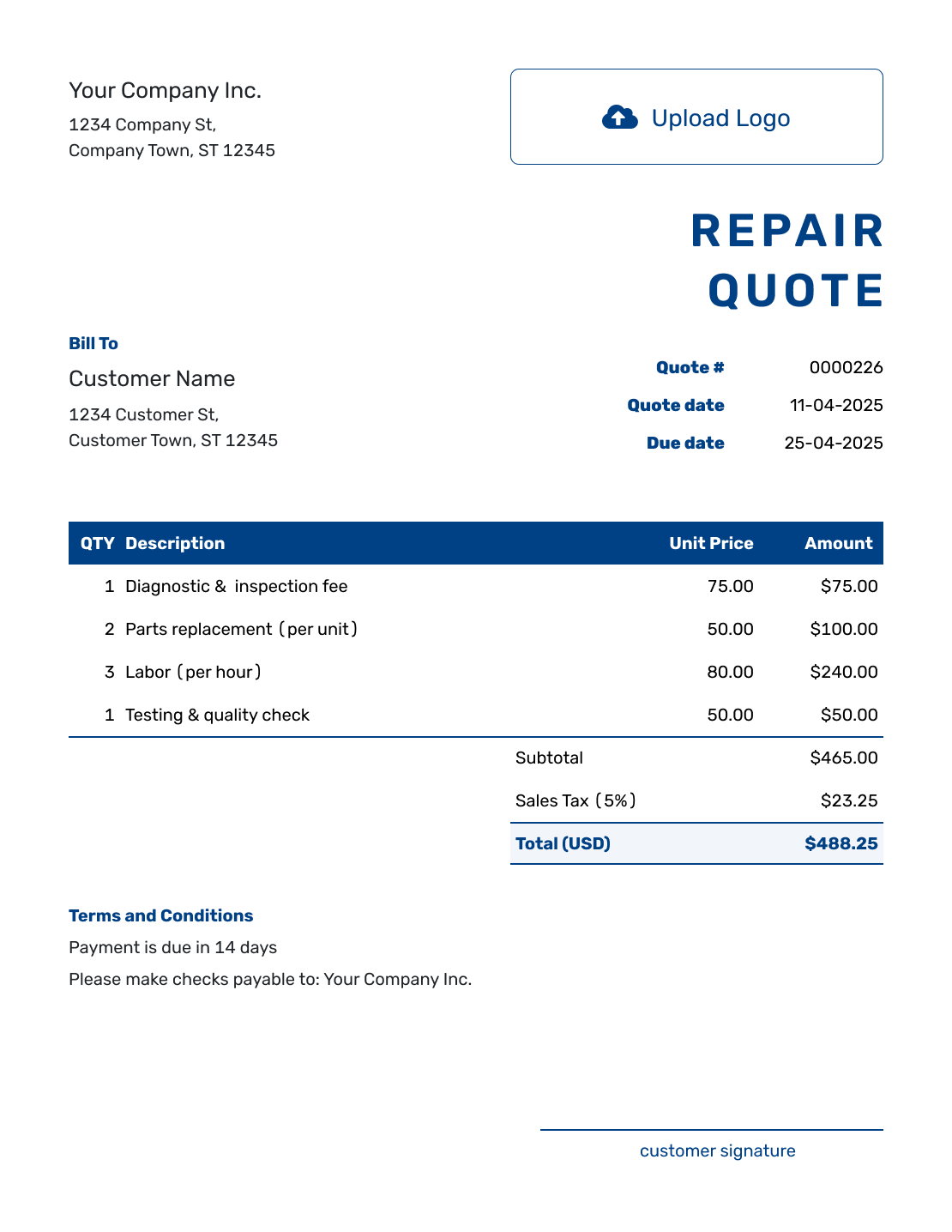
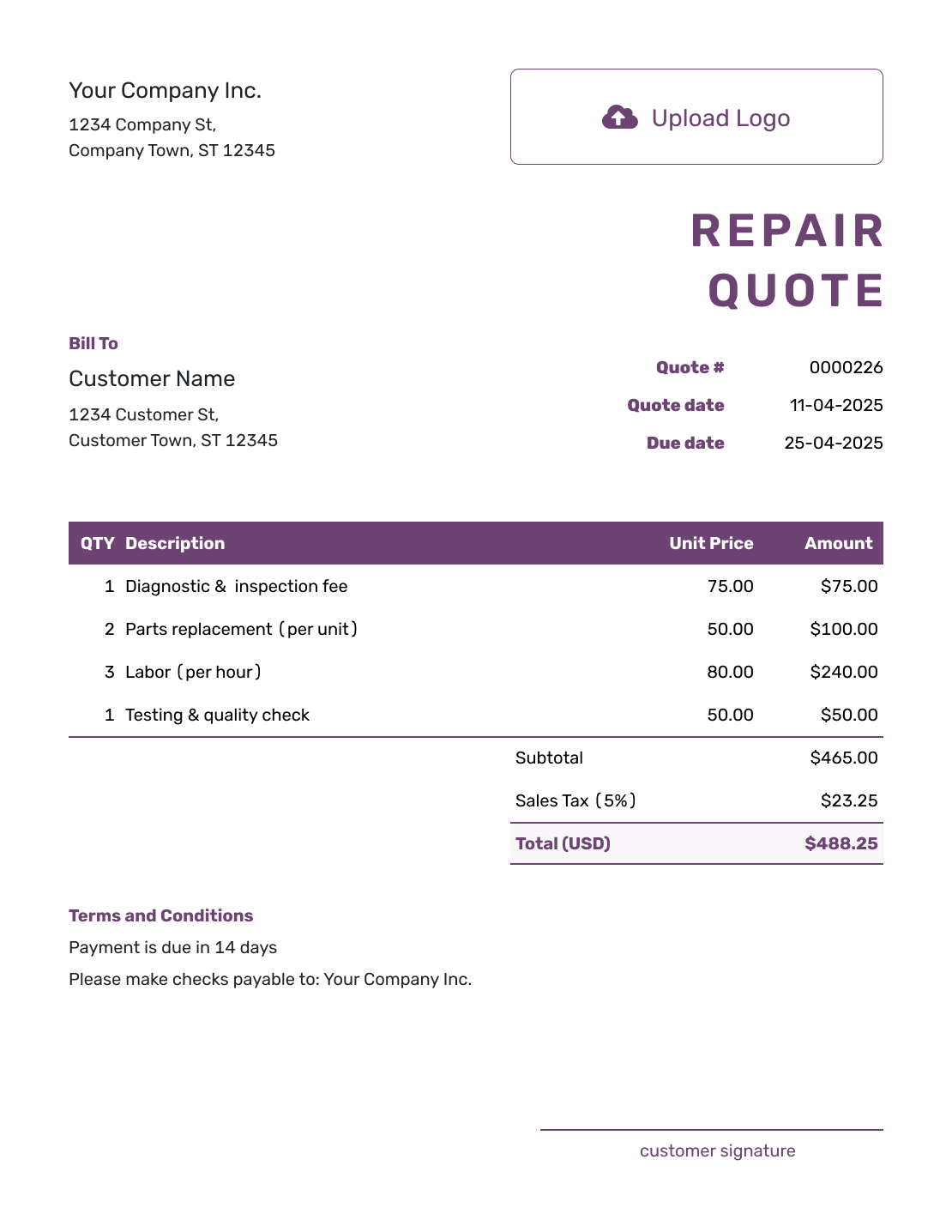
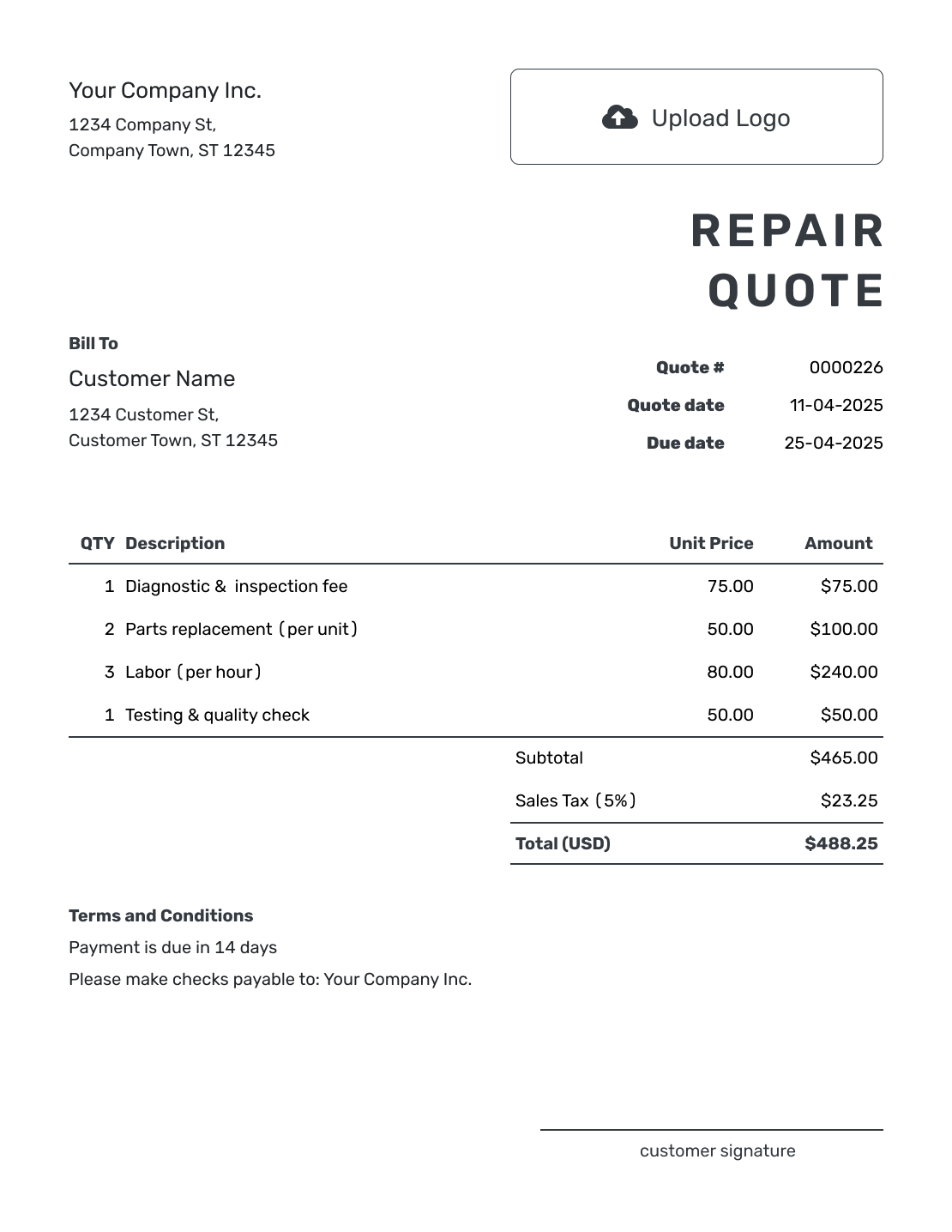
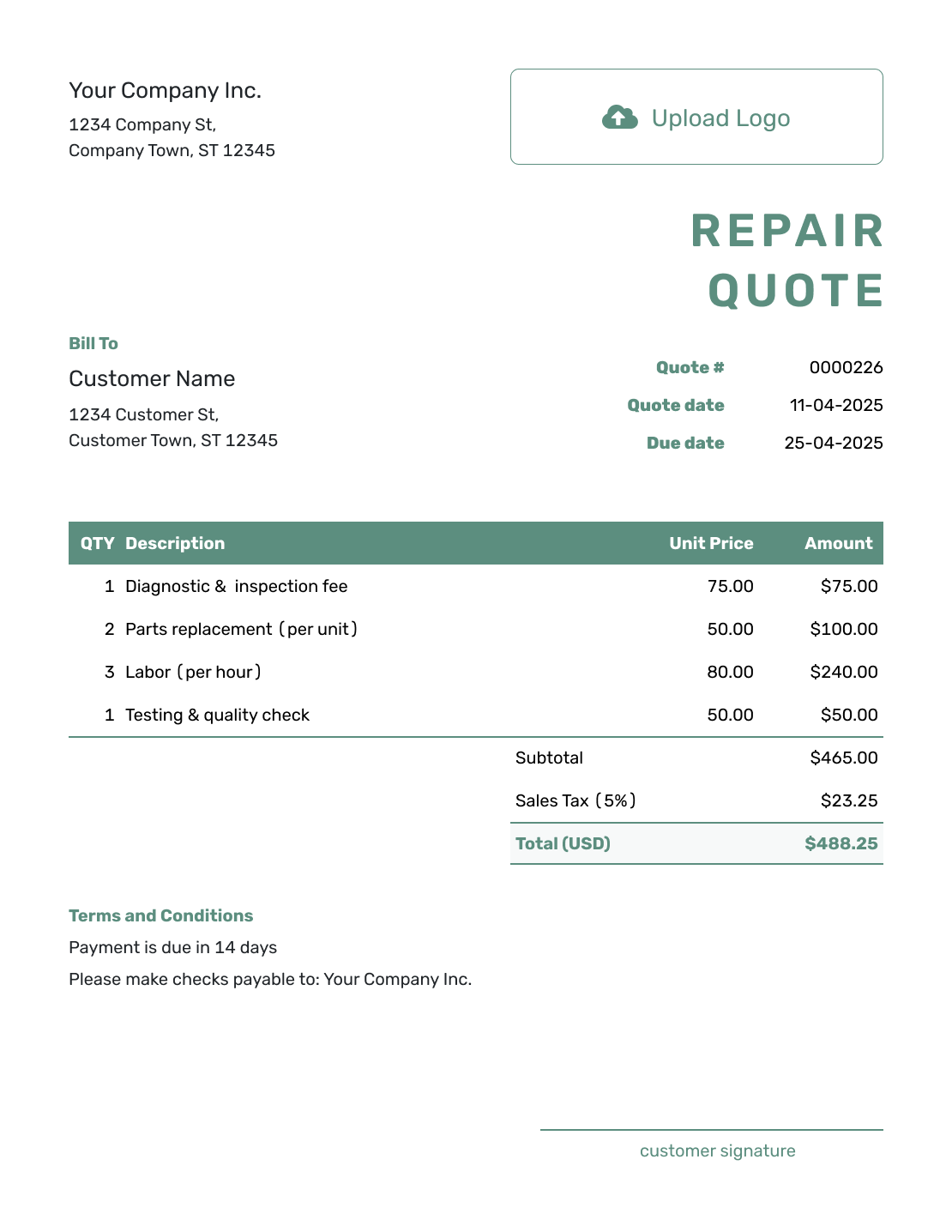
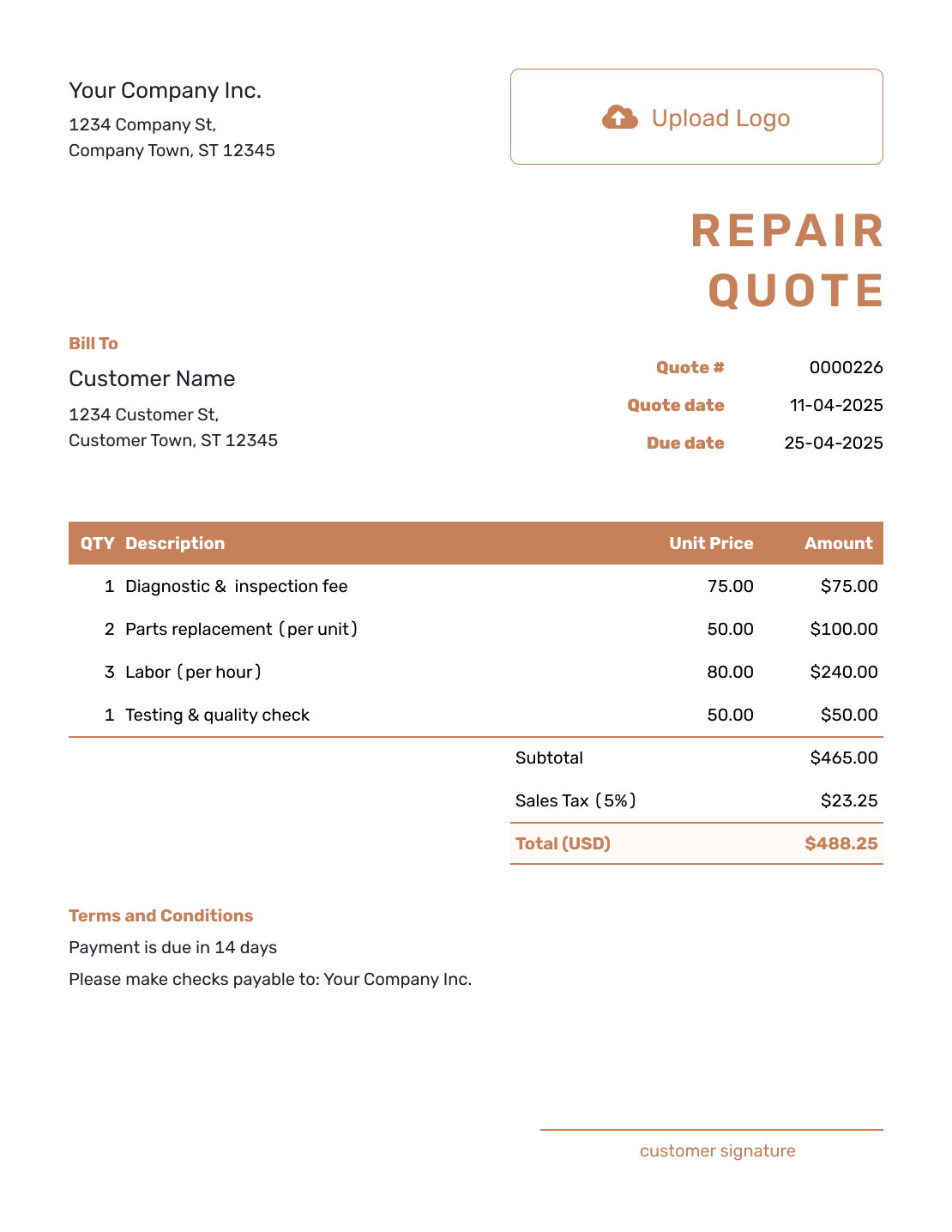
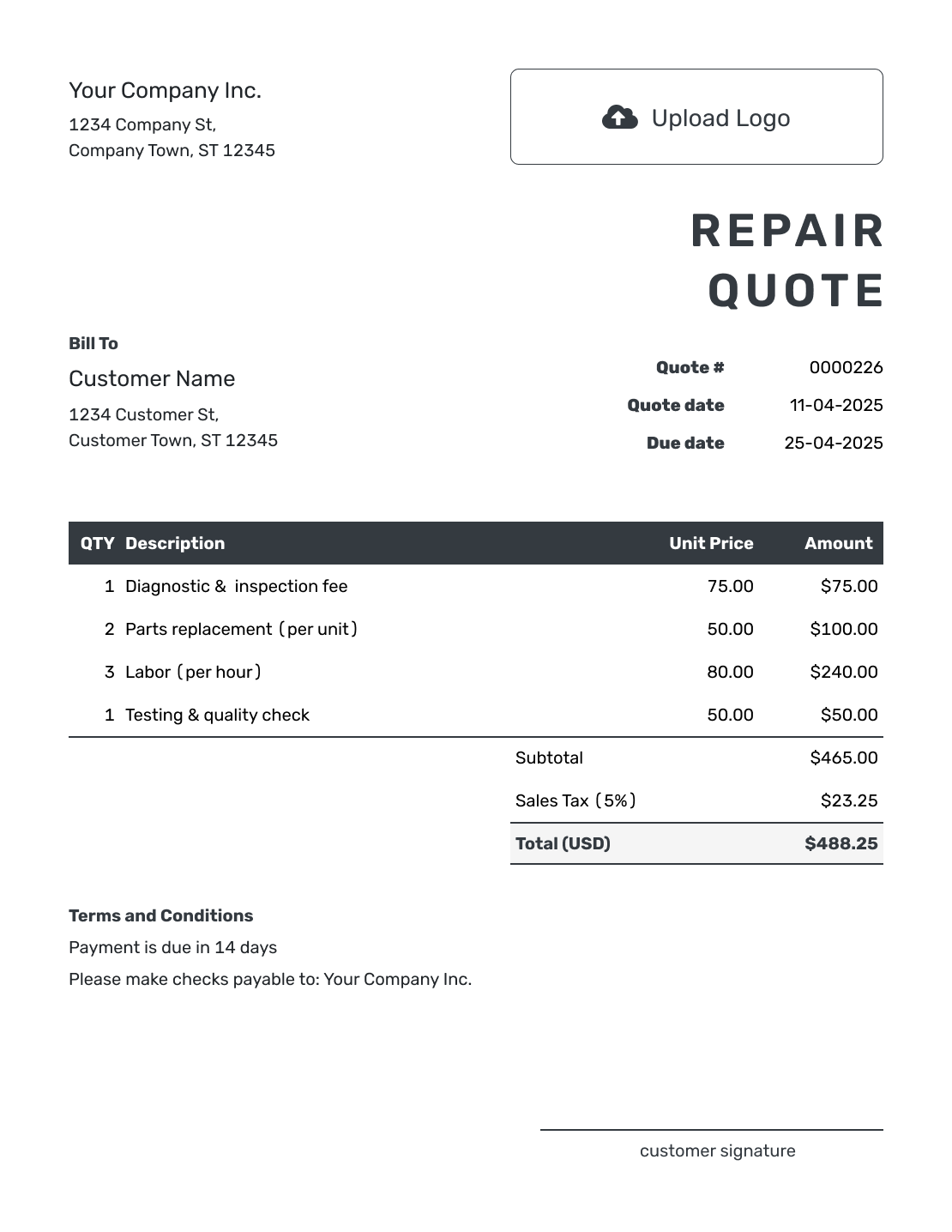
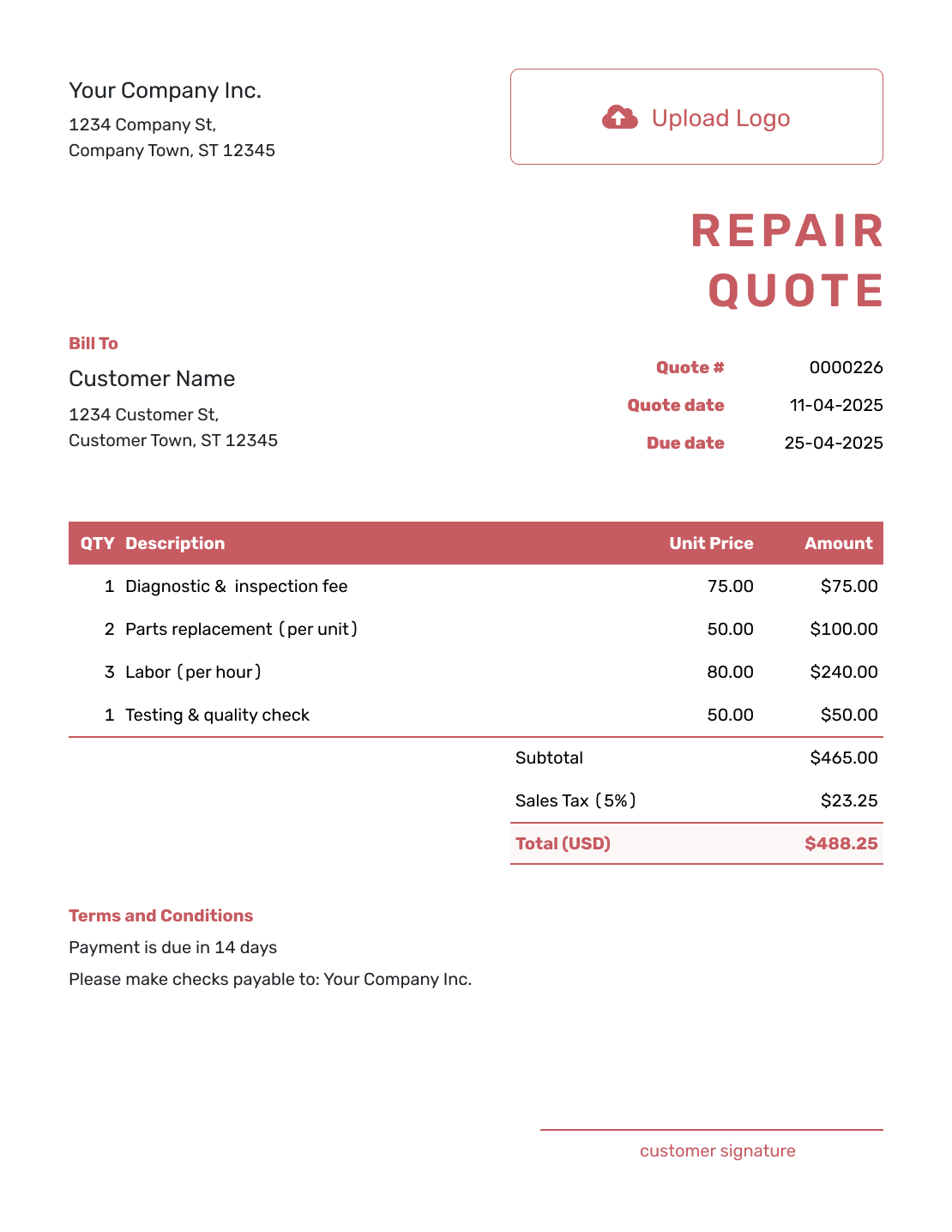
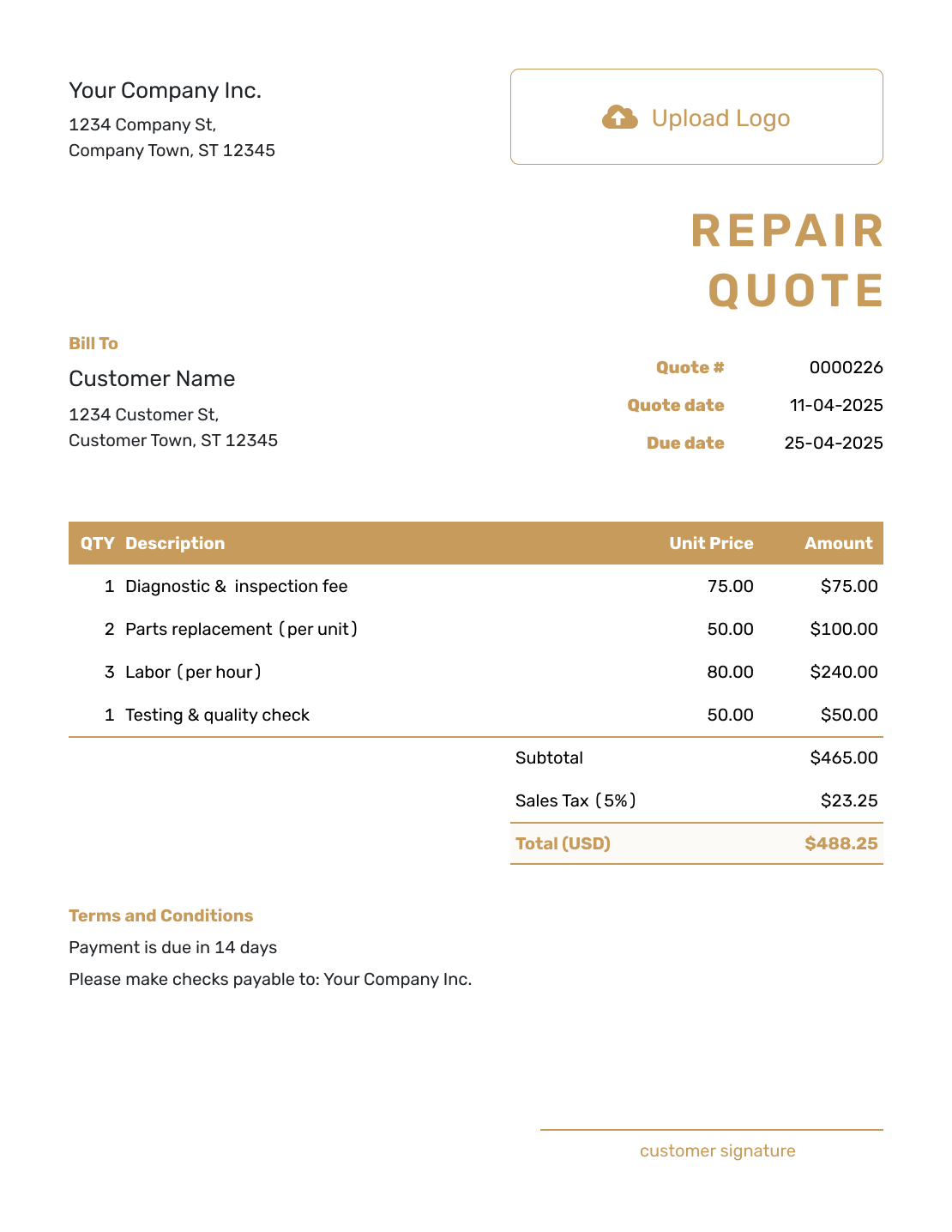
Browse these layouts before adding your own repair details and prices. Every preview opens the same Docelf quote editor; it does not load the pictured job. Add your logo and business colors as you edit.
What Is a Repair Quote?
A repair quote is a written offer for a defined fix. It explains the condition you found, the work you recommend, and the price the customer is being asked to approve.
Use a quote once diagnosis gives you enough information to price the repair. A repair estimate is more suitable while parts or labor are still uncertain. A work order records authorized work in progress; an invoice requests payment.
How to Create a Repair Quote
Identify the item and the fault before pricing the fix. Reuse saved customer and service details in Docelf, then check that they match this repair.
- Your Business: Add your repair business and contact details.
- Your Logo: Add your logo to match your other service documents.
- Customer and Repair Item: Enter the customer and identify the item or service location.
- Quote Number and Dates: Check the quote number, issue date, and valid-until date.
- Repair Work and Prices: Describe the fix and list diagnostic work, parts, and labor with quantities and prices. Apply any discount you offer.
- Terms and Conditions: Use Terms and Conditions for timing, payment, and extra-work approval.
- Review and Send: Check the offer, tax, and total. Add a signature field if needed, then email or save a PDF.
How to Fill In Repair Quote Line Items
Connect each charge to the fault you are fixing. Name the major replacement part and say whether it is new, rebuilt, or customer-supplied. Show labor in hours or label a fixed repair charge clearly.
This fictional US-dollar quote is for a washing machine with a confirmed drain-pump fault. The diagnostic visit is chargeable and remains in the offer. A new pump and installation are separate items, with an illustrative 8% tax on all charges; use your own rates and applicable tax treatment.
| QTY | Description | Unit Price | Amount |
|---|---|---|---|
| 1 | Diagnostic visit — confirm washing-machine drain-pump fault | $65.00 | $65.00 |
| 1 | New drain pump — compatible with the identified machine model | $95.00 | $95.00 |
| 1.5 | Drain-pump replacement and drain-cycle test — labor hours | $70.00 | $105.00 |
| Subtotal | $265.00 | |
| Sales Tax (8% illustrative) | $21.20 | |
| Quote Total | $286.20 |
What to Include in Repair Quote Terms
Use the Terms and Conditions field to explain what the repair price covers and what happens if the work changes. Include a valid-until date, parts availability, expected timing, payment terms, and your process for approving additional work.
Include warranty coverage only when you actually offer it, with the duration and limits stated accurately. Check local requirements before using warranty or fee wording. This sample covers the pump repair above; adapt the item reference and dates before sending.
Example: Terms and Conditions
- This quote covers the diagnostic visit, one new drain pump, replacement labor, and drain-cycle test for [washing-machine make, model, and serial number].
- The quote is valid until [date]. We will confirm the repair appointment after acceptance and confirmation of part availability.
- The diagnostic fee is included in the quoted total and is not credited against the repair.
- Other faults and replacement parts are not included. If testing reveals additional damage, we will explain the findings and obtain approval for any extra work and price.
- Payment is due when the quoted repair and test are complete.
Give the Customer a Clear Repair Choice
Turn your diagnosis into an offer the customer can act on. Docelf calculates the repair total from the parts and labor you enter. Review the quote, then email it or download a PDF.
Make the Repair Decision Easy to Understand
Write for the person deciding whether to go ahead. A short explanation of what failed and what the repair will restore is more useful than internal part codes or technician shorthand.
Describe the Condition
Explain the reported problem and what you found in plain language. Identify the affected part or area.
Separate Diagnosis and Repair
Show a diagnostic or teardown fee separately when it is not included in the repair price.
Offer Clear Options
Explain what each repair, rebuild, replacement, or upgrade would achieve. State any warranty you actually offer, along with the price and expected timing.
Explain Additional Damage
State how hidden damage will be documented after disassembly. Get approval before the extra repair begins.
Give Each Repair Option Its Own Total
A repair and a replacement are usually alternatives. Adding both as ordinary line items would add both prices to the total, leaving the customer unsure what they are accepting.
In Docelf, duplicate the quote to create a new numbered draft for the alternative. Update its parts, labor, timing, and terms, then label the options clearly in their descriptions. Keep one complete price for each choice and confirm which quote the customer accepts.
Repair Quote, Estimate, or Invoice?
Choose the document that matches what you know about the repair and the decision you need from the customer.
Repair Quote
Use a quote to present the recommended repair, included parts, price, and terms before the customer approves.
Repair Estimate
Use an estimate while diagnosis, parts, hidden damage, or the final repair time are still uncertain.
Invoice Template
Use the invoice template to list the repair charges and request payment under the accepted terms.
More Repair Quote Layouts
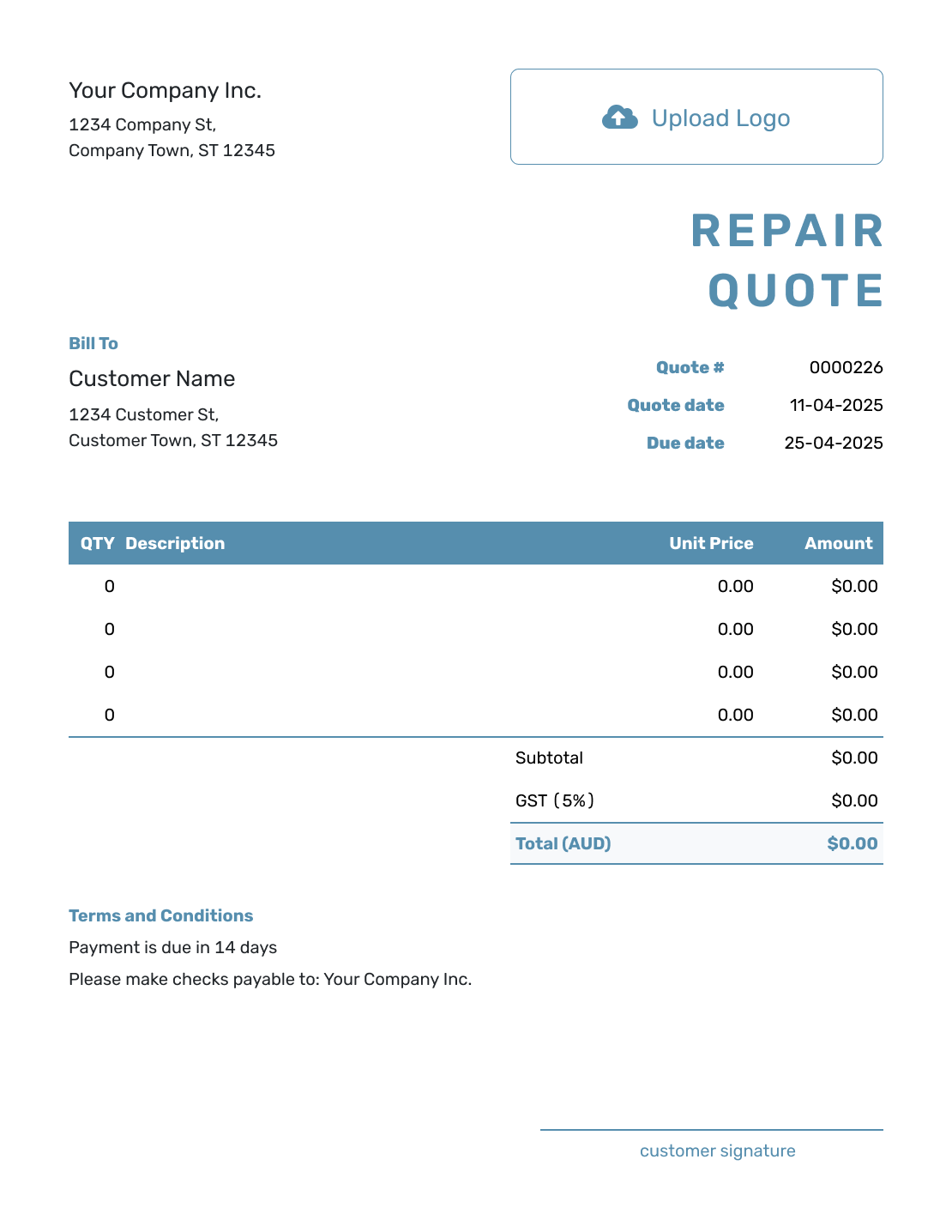
These layouts offer more ways to present the same repair offer. Choose the wording and level of detail that suit your job.
Other Quote Template File Formats
Use Word or Google Docs for descriptions and terms, or Excel or Google Sheets for quantities and prices. These pages provide separate file templates; Docelf downloads your completed online quote as a PDF.
See every option on the quote templates by format page.
Related Quotes for Repair and Service Work
Choose a related template when the repair belongs to a specific trade or service type.
After You Send the Repair Quote
Use the document history to check delivery and viewing information. Your customer can accept or decline the quote online, and Docelf updates its status and emails you when they respond.
If disassembly reveals extra damage, explain the findings and agree the additional work and price before continuing. When it is time to bill, create an invoice from the quote and check that it reflects the accepted repair.
Repair Quote Template FAQs
-
What is a repair quote?
A repair quote is a written offer for a defined fix or replacement option. It explains the condition and the price the customer is being asked to approve.
-
What should I include in a repair quote?
Identify the customer, service location, and item or area being repaired. Describe the fault and proposed fix, then show the parts, labor, and total. Include the quote number and dates, timing, payment terms, any warranty you offer, and how extra work is approved.
-
Should I charge separately for diagnosis?
Show a diagnostic, inspection, or teardown fee separately when it is not included in the repair price. Explain whether the fee is credited if the customer accepts the repair.
-
How do I quote a repair before I know the full damage?
Quote the work you can define and state the assumptions. Explain that additional damage found during testing or disassembly will be documented, priced, and approved before extra work begins.
-
Should I list parts and labor separately?
List them separately when that helps the customer understand the price or compare options. Name major parts or assemblies and their condition. Group small materials if useful; show callout, transport, or disposal as separate line items when you charge for them.
-
Can I include more than one repair option?
Yes. Give each alternative its own description and total. In Docelf, duplicate the quote as a new draft for a repair, rebuild, replacement, or upgrade option, then update its details. Do not add mutually exclusive options into one total.
-
What is the difference between a repair quote and an estimate?
A repair quote gives a specific price for a defined repair and stated assumptions. An estimate predicts the likely cost while diagnosis, parts, or hidden damage are still uncertain.
-
What should I do when more damage is found after acceptance?
Document the additional damage, explain the added work and price, and ask the customer to approve the change before continuing. Keep the original accepted scope separate from the new work.
-
Can I turn an accepted repair quote into an invoice?
Yes. Open the accepted quote in Docelf and create the invoice. Docelf reuses the accepted repair details so you do not have to enter them again.
Ready to Send Your Repair Quote?
Help your customer decide whether the proposed fix is right for them.
- Connect the diagnosis to the recommended work
- Separate parts, labor, and alternatives clearly
- Email the repair quote or download a PDF




