Free Carpenter Quote Template
Create a professional carpenter quote in minutes
Describe the finished carpentry, materials and installation, plus any site condition that affects the work. The finished quote shows the value clearly and helps customers feel ready to hire you.
Email, print or download your quote as a PDF.
14-day free trial. No credit card required.

Price the job. Send the quote. Get back to work.
Carpenter Quote Template Examples
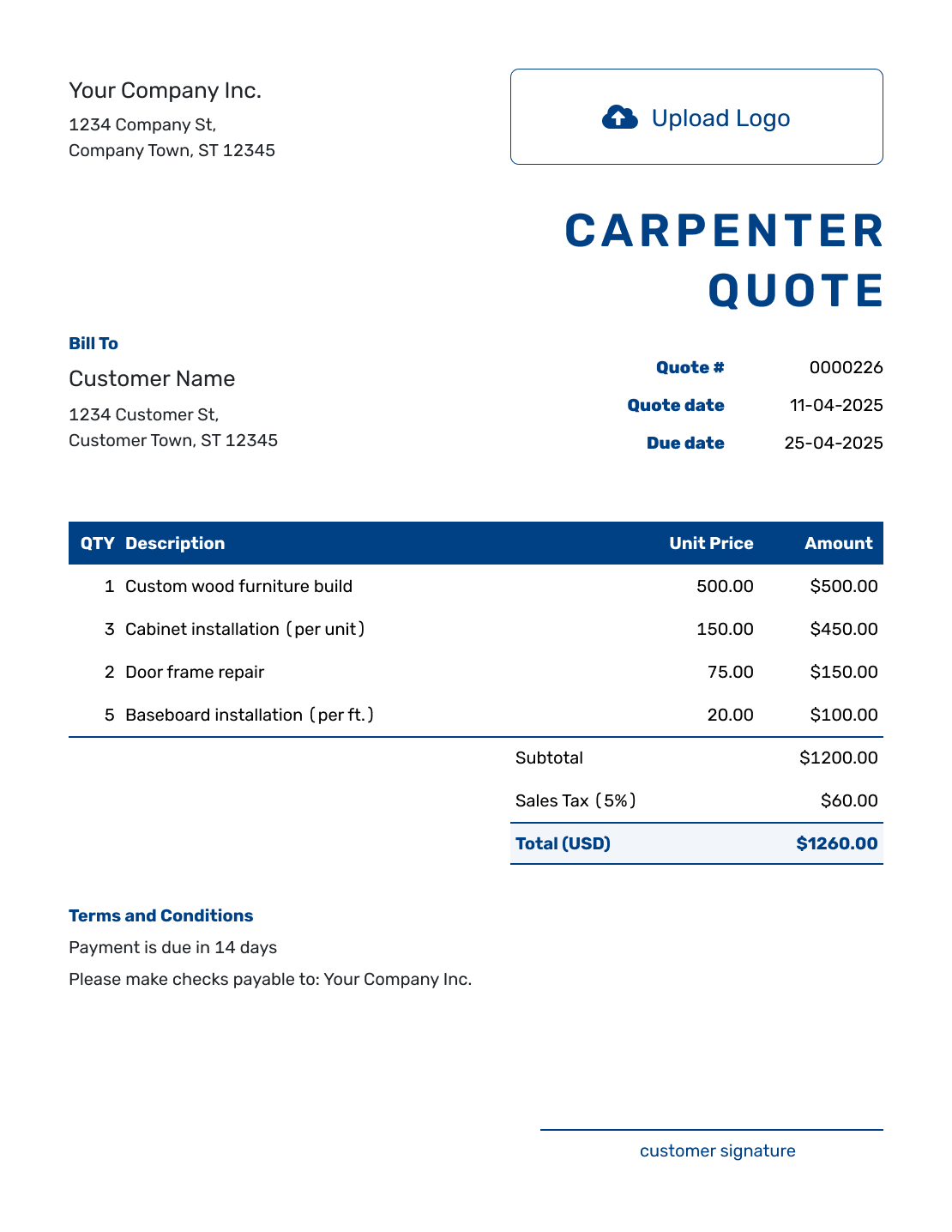
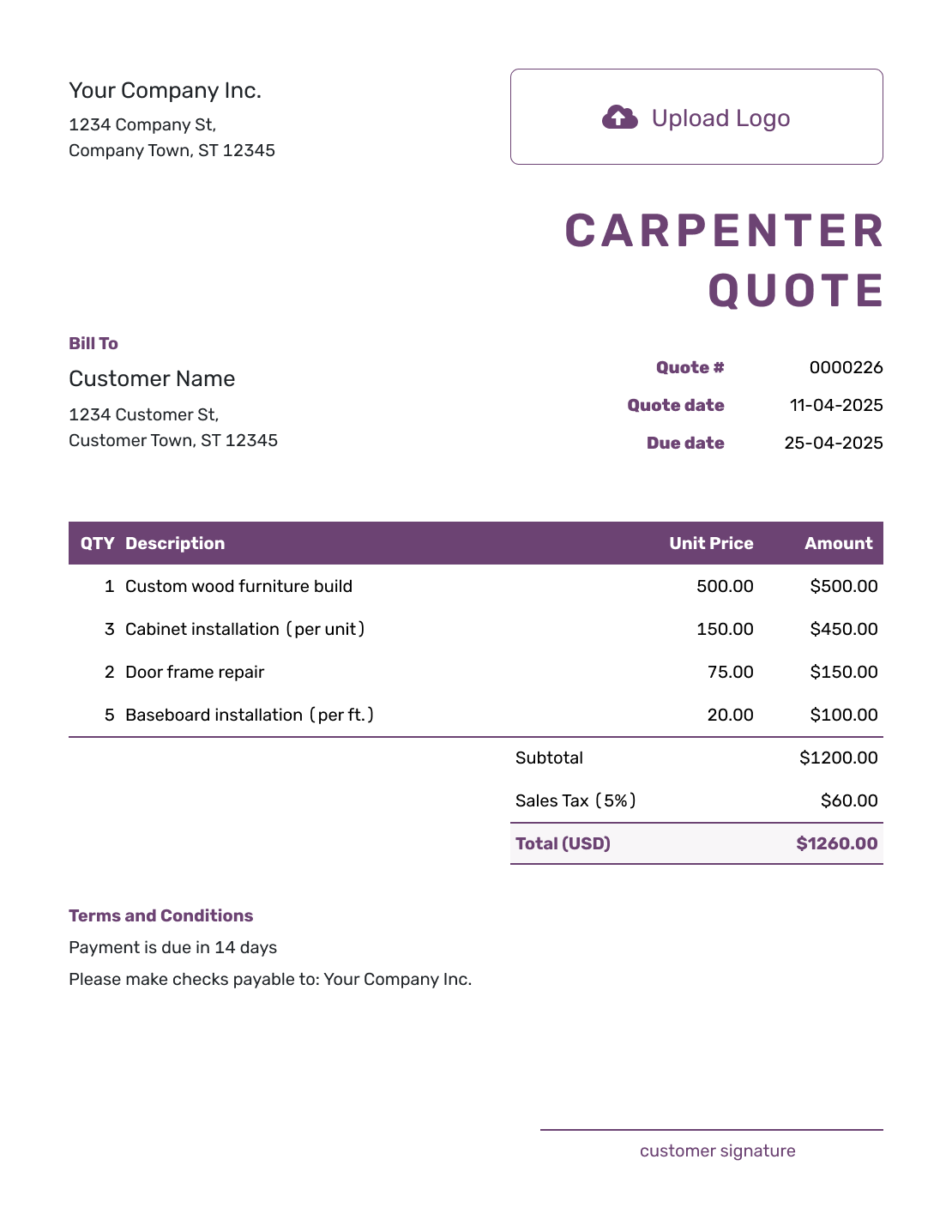
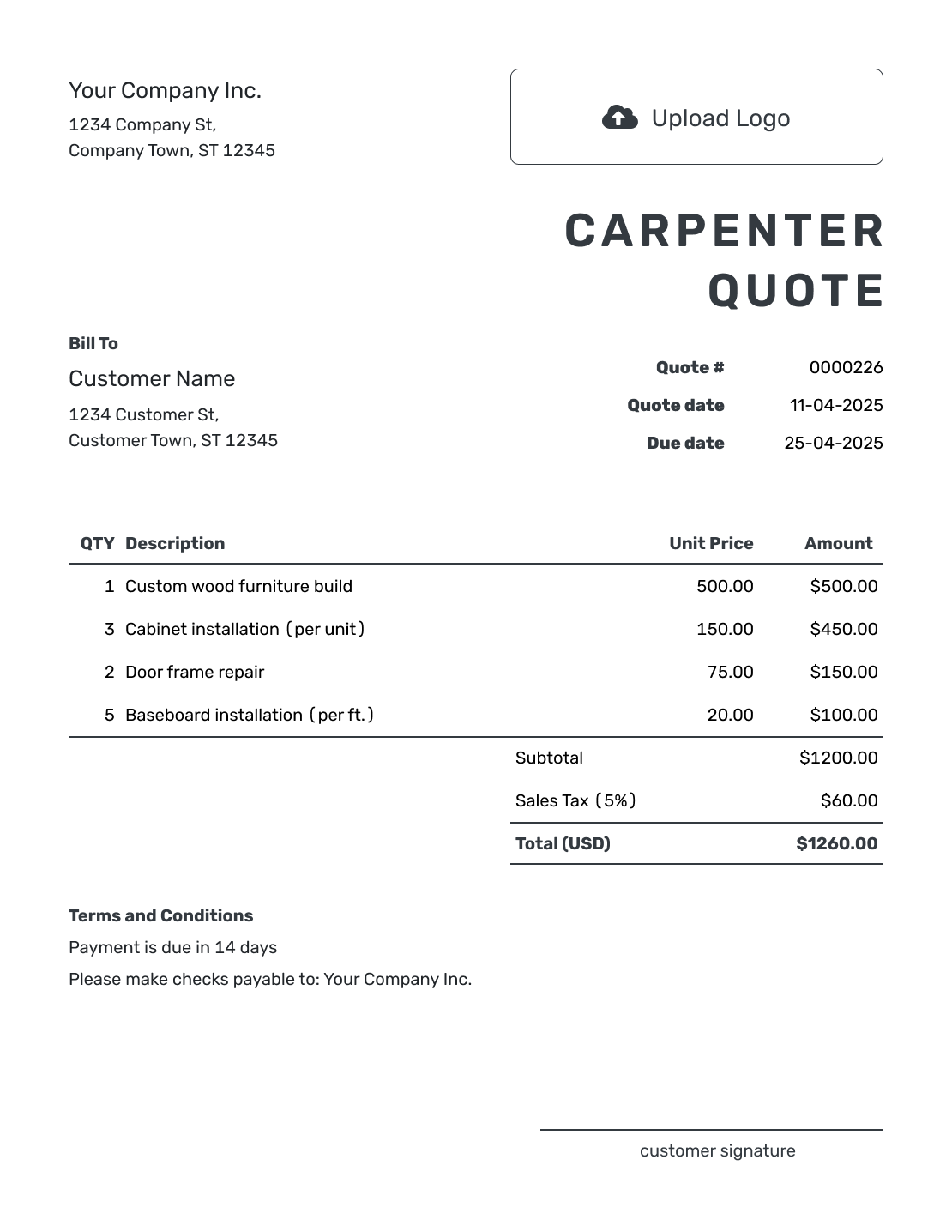
Browse these layouts before adding your own carpentry details and prices. Each preview opens the same Docelf quote editor.
What Is a Carpenter Quote?
A carpenter quote is a written offer for defined carpentry or woodworking. It describes the finished work, who supplies the materials, and the price for providing and installing it.
Start with the result the customer will receive, such as fitted shelving, repaired trim, or a new door surround. Dimensions, materials, and finish make that result specific enough to price. If the design or existing condition is still uncertain, a construction estimate can show the expected cost.
Use the cabinet quote template for cabinet-focused work, or the construction quote template for a larger renovation involving several trades.
Carpenter Quote, Estimate, or Invoice?
Choose the document based on how defined the carpentry work is and whether payment is due.
Carpenter Quote
Use a quote when the finished work and dimensions are clear. State the material, finish, installation, and price.
Carpentry Estimate
Use an estimate when hidden damage, field measurements, design details, or material choices may still change the final cost.
Carpentry Invoice
Use an invoice to request payment for the carpentry work, with the amount due and due date.
How to Create a Carpenter Quote
Use your measurements and the agreed design as the starting point. Saved customer, material, and service details can save typing, but check the descriptions and prices for this job.
- Carpentry Business: Add your business name and contact details.
- Your Logo: Use the logo from your other business documents.
- Customer and Job Site: Enter the customer details and identify the room or work area.
- Number and Dates: Check the quote number, issue date, and valid-until date.
- Work and Materials: Describe the finished item, quantities, materials, and labor prices.
- Timing and Terms: Use Terms and Conditions for lead time, site assumptions, and payment.
- Review and Send: Compare the quote with your measurements, then email it or download a PDF.
How to Fill In Carpenter Quote Line Items
Describe the finished work before breaking down the cost. Separate shop labor from installation when they have different rates or responsibilities. Materials, finishing, delivery, and removal can have their own rows when they are separately priced.
This fictional US-dollar quote is for three clear-finished oak alcove shelves, each 36 inches wide, 10 inches deep, and 1 inch thick. The material package includes concealed brackets. The illustrative 8% tax applies to all items; use the tax treatment that applies to your work.
| QTY | Description | Unit Price | Amount |
|---|---|---|---|
| 1 | Oak and concealed brackets for three shelves | $240.00 | $240.00 |
| 4 | Shelf fabrication — shop hours | $65.00 | $260.00 |
| 1 | Clear finish on three shelves | $120.00 | $120.00 |
| 3 | Shelf installation — site hours | $70.00 | $210.00 |
| Subtotal | $830.00 | |
| Sales Tax (8% illustrative) | $66.40 | |
| Quote Total | $896.40 |
What to Include in Carpenter Quote Terms
Use Terms and Conditions for the details that apply to the whole job: the drawing or specification, expected timing, payment, and any site assumptions. If you offer a warranty or require a deposit, describe your actual policy and check the local requirements that apply.
The sample below belongs to the three-shelf quote above. Replace the placeholders and agree on the finish and installation details before work begins.
Example: Terms and Conditions
- The price covers three oak alcove shelves, each 36 × 10 × 1 inches, with a clear finish and concealed brackets, installed in [room] at [job address].
- The price assumes suitable existing wall supports and clear access to the alcove. Wall repairs, decorating, and removal of existing fittings are not included.
- This quote is valid until [date]. Fabrication begins after the measurements and finish are confirmed; we will agree on the installation date. Payment is due on completion.
- Changes to dimensions, materials, finish, or site work require a revised quote for approval before the changed work begins.
Make Custom Carpentry Easy to Price and Approve
A customer may know how they want the finished piece to look without knowing the work behind it. These details connect their choice to your price.
Define the Finished Work
Use dimensions and a drawing reference to identify the finished item. A photo or trim profile is useful for matching existing work; attach the relevant PDF or image to the quote.
Separate Shop and Site Labor
Group work by room, opening, item, or phase when that makes the job easier to follow. Separate design and fabrication from installation, and identify any equipment, delivery, or cleanup you charge for.
Name Materials and Finish
Name the lumber or sheet material, finish, color, and hardware that affect the result. Say who supplies them. Keep an unselected upgrade outside the base total so the customer can see what the main offer buys.
Address Existing Conditions
State the site conditions your price assumes. Explain how hidden damage will be documented and approved before the extra work begins.
Create a Carpenter Quote Ready to Send
Bring the drawing, material choices, and price into one quote. Docelf calculates the total as you add the items. Check the offer, then send it for the customer to review.
More Carpenter Quote Layouts
These six previews offer more layout ideas for your woodworking offer. Add your own logo, colors, and fonts when you create the quote.
-
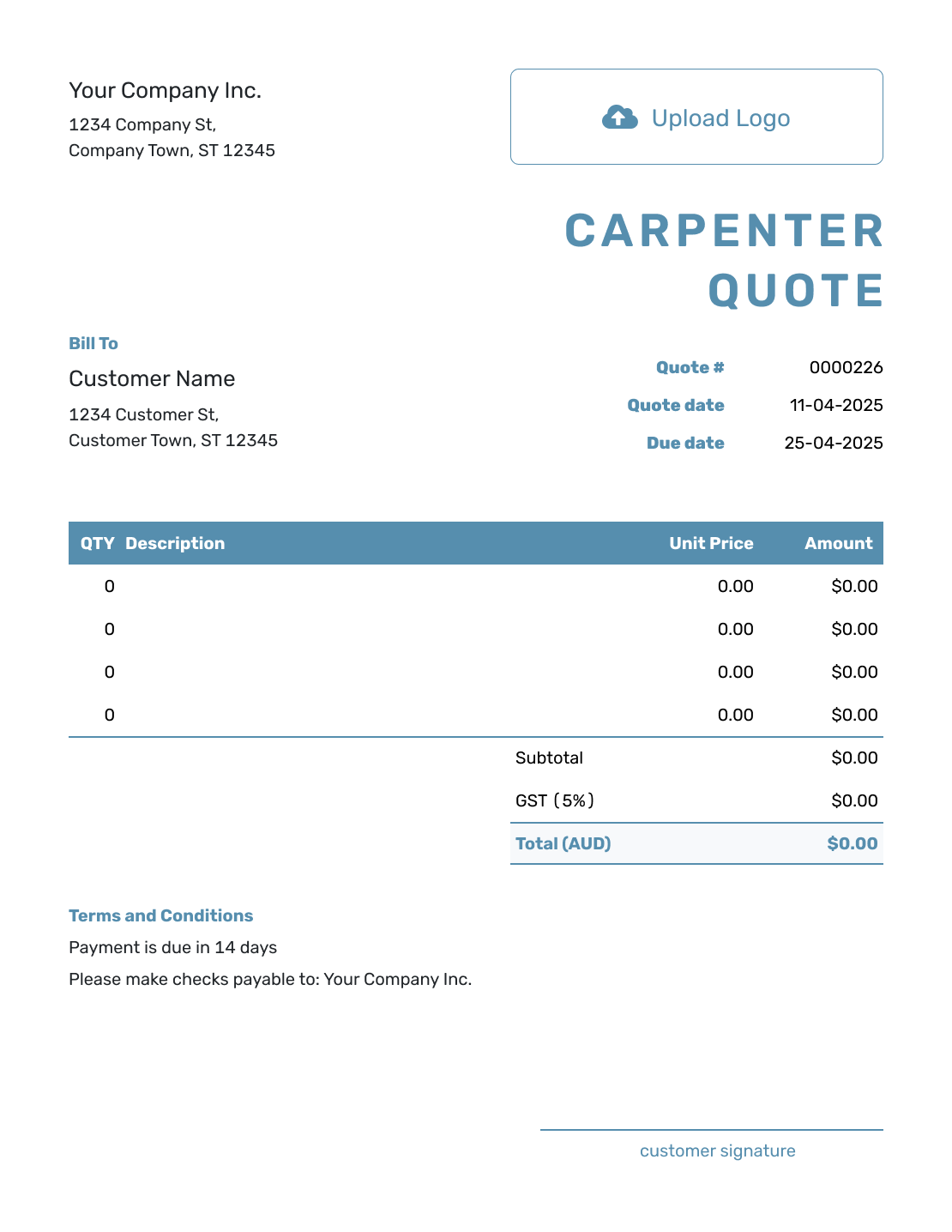
Blank Carpenter Quote Template
Create Free Quote -
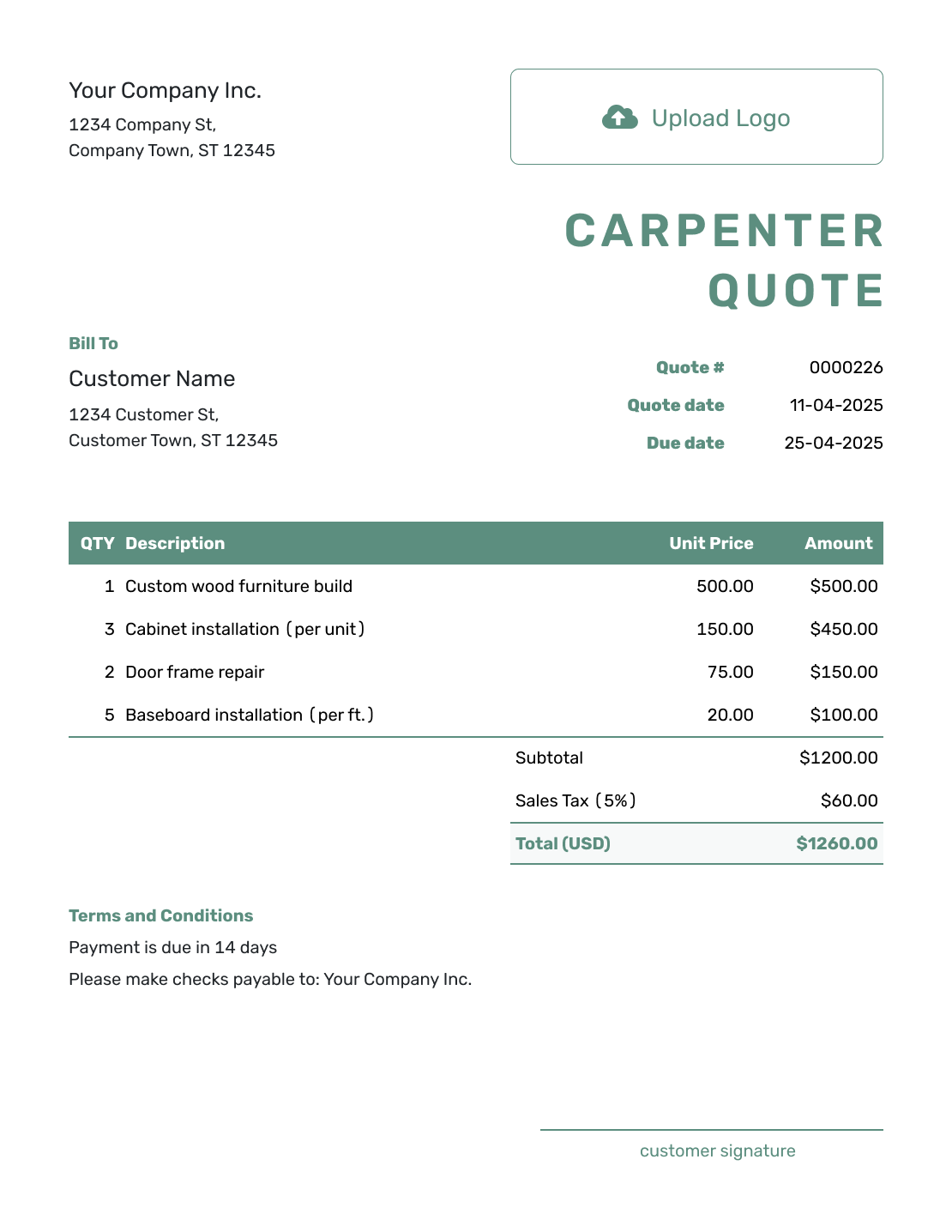
Simple Carpenter Quote Template
Create Free Quote -
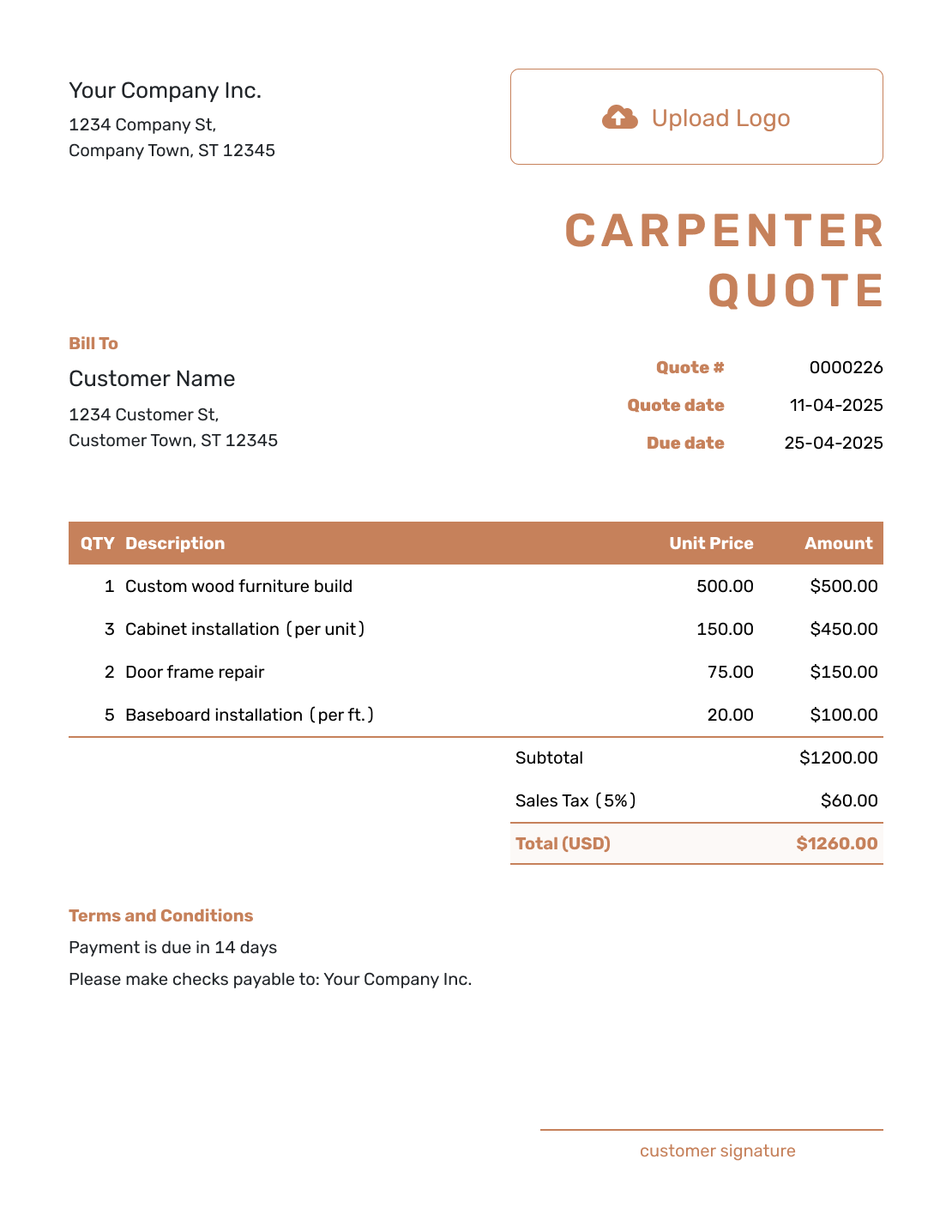
Downloadable Carpenter Quote Template
Create Free Quote -
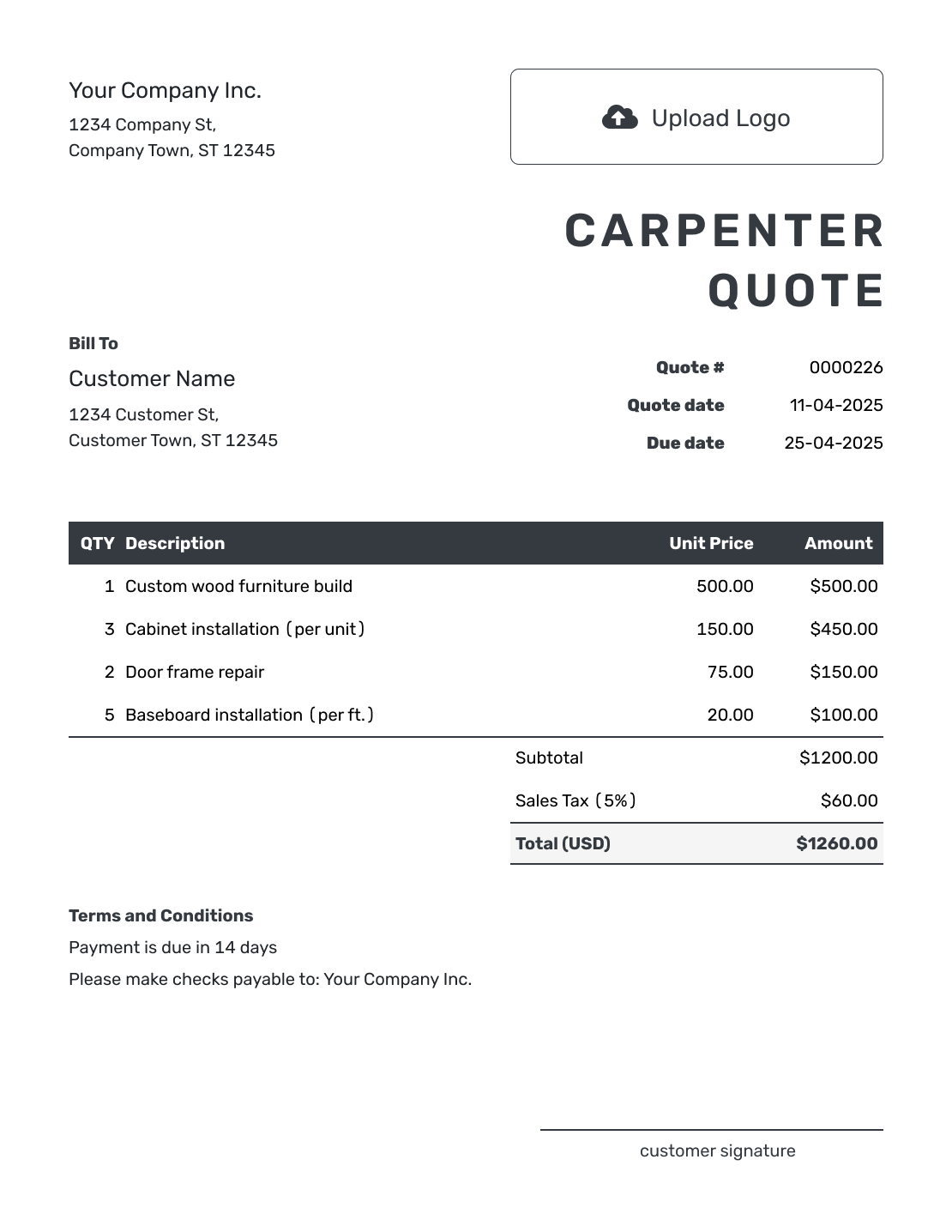
Editable Carpenter Quote Template
Create Free Quote -
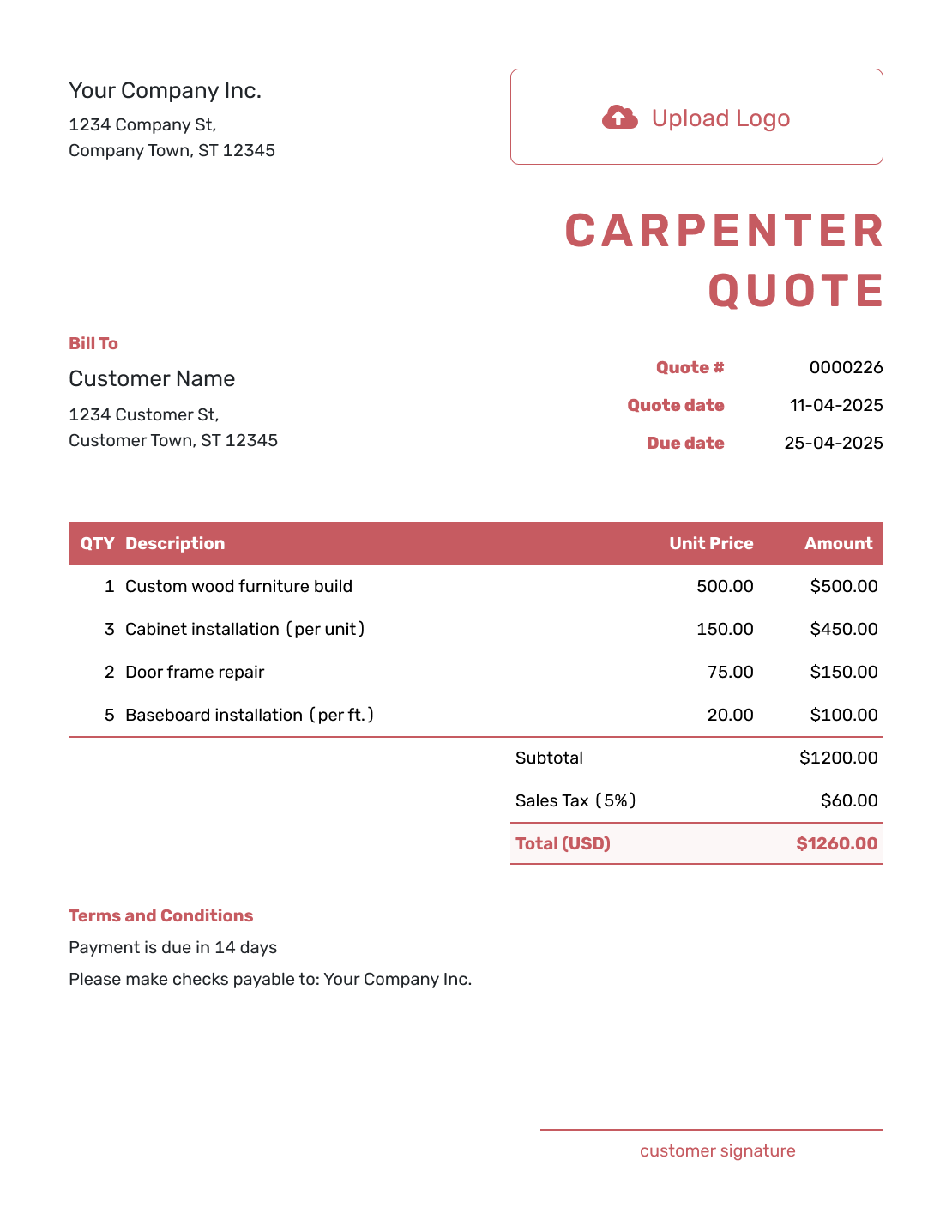
Fillable Carpenter Quote Template
Create Free Quote -
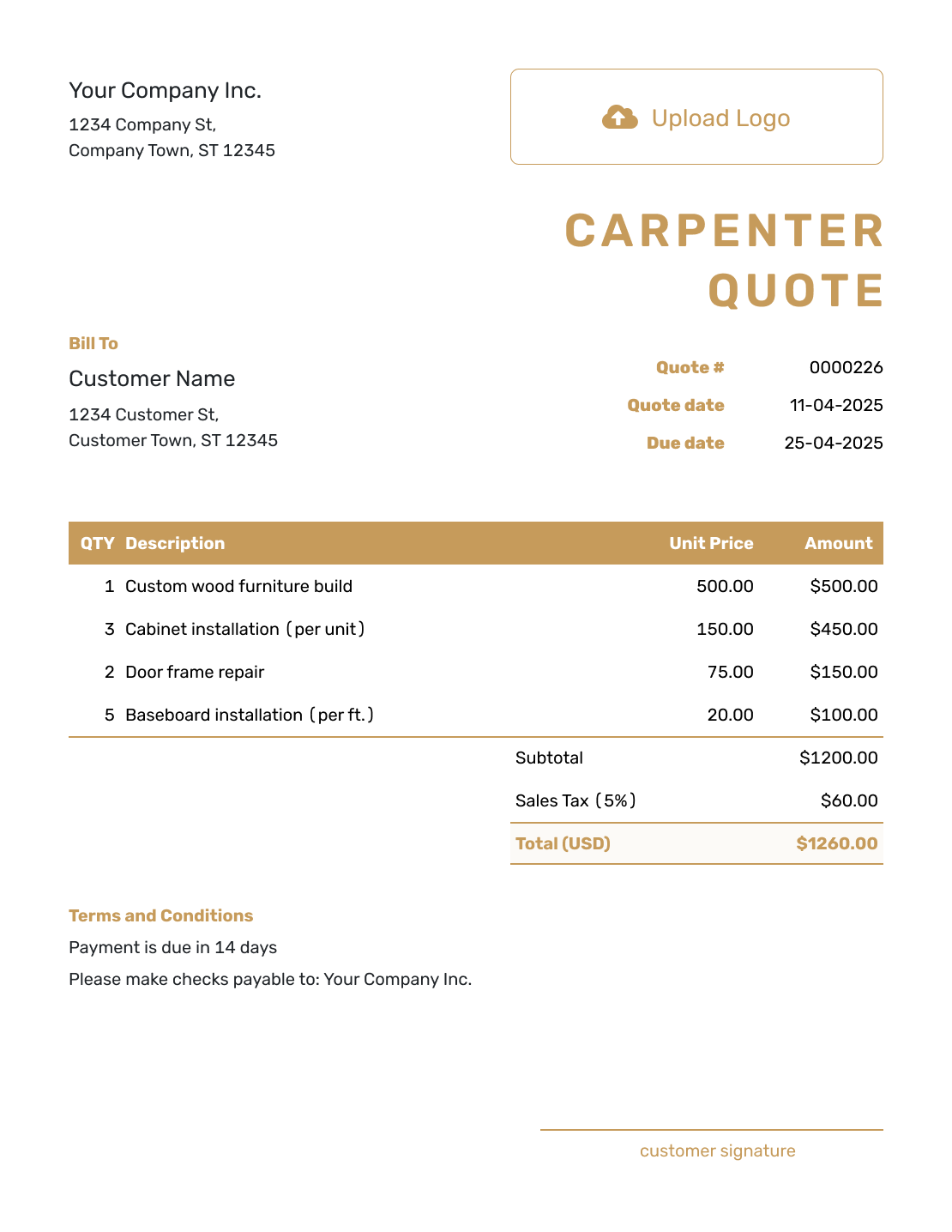
Professional Carpenter Quote Template
Create Free Quote
Other Quote Template File Formats
Use Word or Google Docs to edit descriptions and terms, or Excel and Google Sheets to work with quantities and rates. These pages provide separate file templates; Docelf downloads your finished online quote as a PDF.
See every option on the quote templates by format page.
More Quote Templates for Carpentry and Finish Work
Use the carpenter page for custom woodworking, trim, repairs, and installation. Choose a focused template when the project centers on one product or construction type.
After You Send the Carpenter Quote
Your customer can accept or decline the emailed quote without a Docelf account. Check the document history for delivery and viewing information. Docelf updates the status and emails you when the customer responds.
Confirm measurements, selections, and access before scheduling fabrication or installation. If the customer changes the design, revise and resend the quote so the agreed price covers the updated work. When it is time to bill, create an invoice from the quote and review the copied details before sending.
Carpenter Quote Template FAQs
-
Can I use this quote for repairs as well as new carpentry?
Yes. Identify the item or area being repaired and describe the finished result. State which existing materials remain and what replacement work is included, so the customer can compare the offer with the repair they need.
-
What should I check before sending a carpenter quote?
Compare the dimensions, material choices, and finish with your measurements and the current drawing. Check who supplies the products and whether delivery, removal, installation, and cleanup are included. Then check the quote number, dates, terms, tax, and total.
-
Should labor and materials be separate on a carpentry quote?
Separate them when it helps explain the price, as in the shelving example. A fixed price for a finished item can also work if its description makes the included materials and labor clear. Avoid listing an included service again as an extra charge.
-
How do I quote custom woodworking?
Agree on the dimensions, material, hardware, and finish, then price the design, fabrication, and site work needed to deliver it. Refer to the drawing or specification in the quote and state which design revisions are included. A separately charged delivery belongs in the item table.
-
What if I find hidden damage during a repair?
State the existing condition your price assumes. If you uncover damage that changes the work, document it and explain the added scope and price. Get the revised work approved before proceeding with it.
-
Should finish and hardware be named in the quote?
Name the finish and hardware that affect appearance or performance. State any product choice that changes the lead time or price, and identify customer-supplied products so responsibility is clear.
-
Should a carpenter quote include a timeline?
Give the expected lead time for design and fabrication, with delivery and installation timing where relevant. Explain what must be confirmed first, such as measurements, selections, a required deposit, or site access. Use dates you can support rather than an unconditional start promise.
-
What if the design is not ready for a fixed quote?
Use an estimate for the expected cost while dimensions, materials, or existing conditions remain open. Once those details are settled, a quote can state the specific work and price the customer is being asked to accept.
-
What should I review when creating the invoice from the quote?
Docelf copies the relevant customer, item, and price details. Check that the invoice reflects the carpentry and changes the customer approved, then add the invoice due date and payment instructions before sending.
Ready to Send Your Carpenter Quote?
Turn the drawings and measurements into a customer-ready carpentry offer.
- Define the finished work and dimensions
- Separate fabrication, delivery, and installation where useful
- Email the carpenter quote or download a PDF




