Free Cabinet Quote Template
Create a professional cabinet quote in minutes
Separate the base cabinet package from installation and upgrades. Each option shows exactly what changes, helping customers feel ready to hire you for the cabinet project.
Email, print or download your quote as a PDF.
14-day free trial. No credit card required.

Price the job. Send the quote. Get back to work.
Cabinet Quote Template Examples
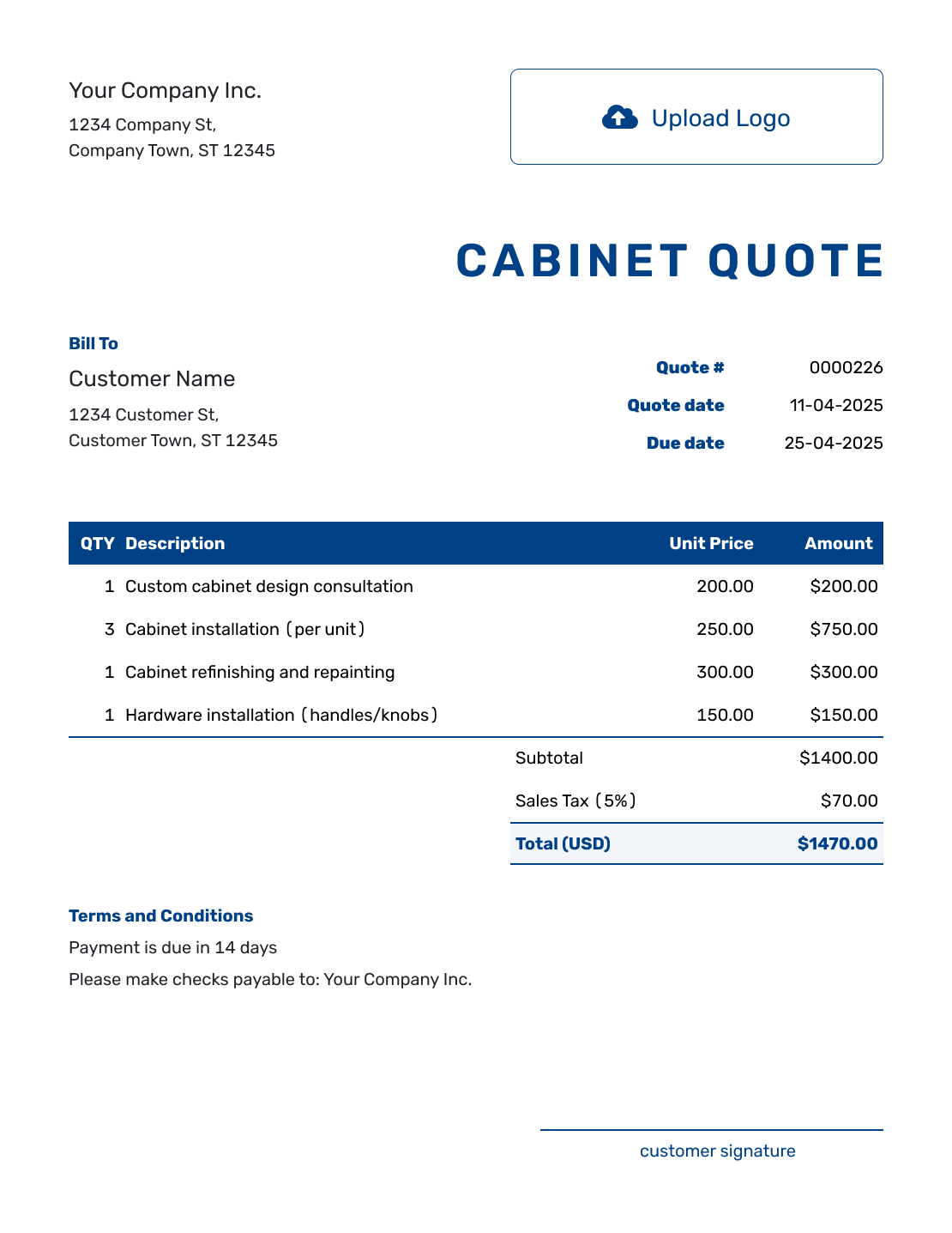
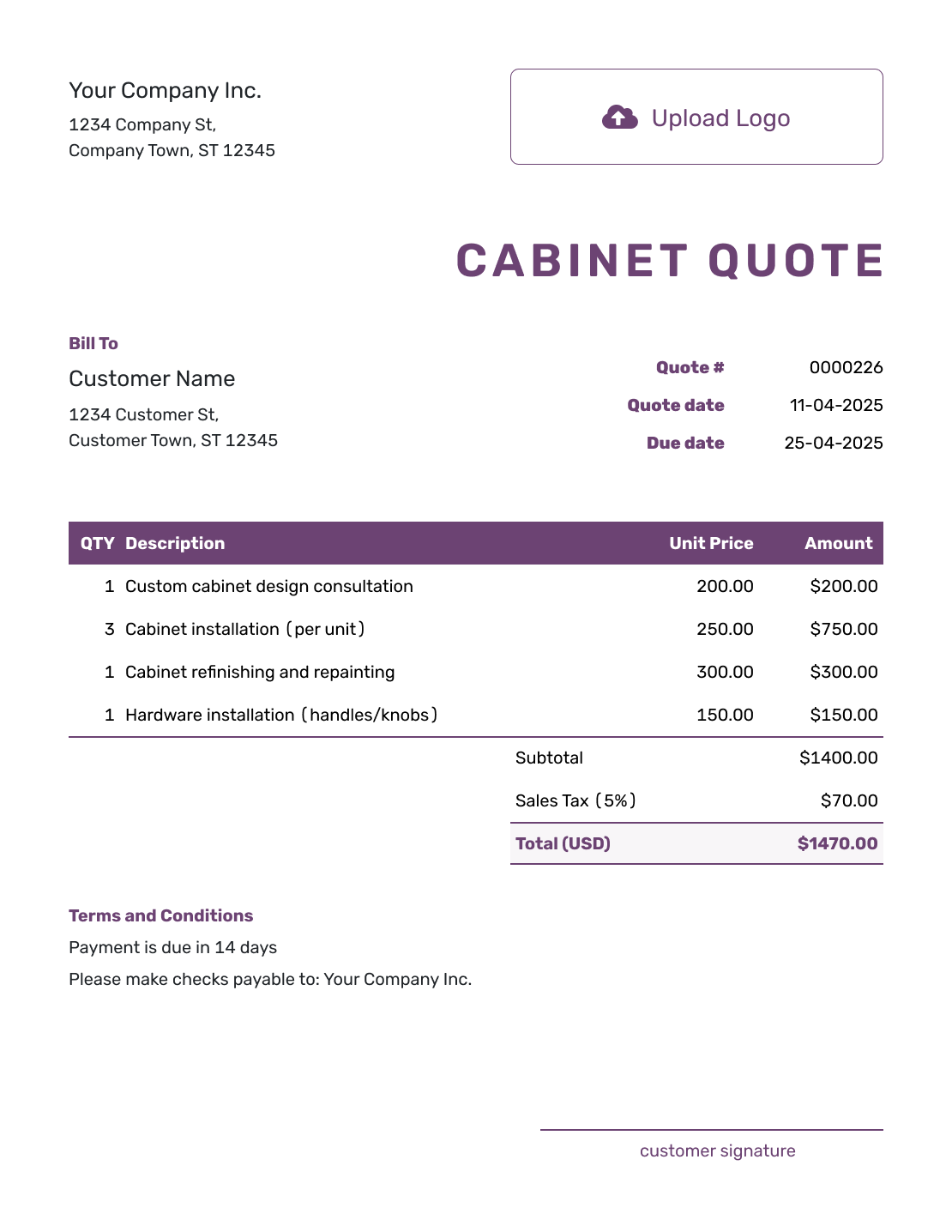
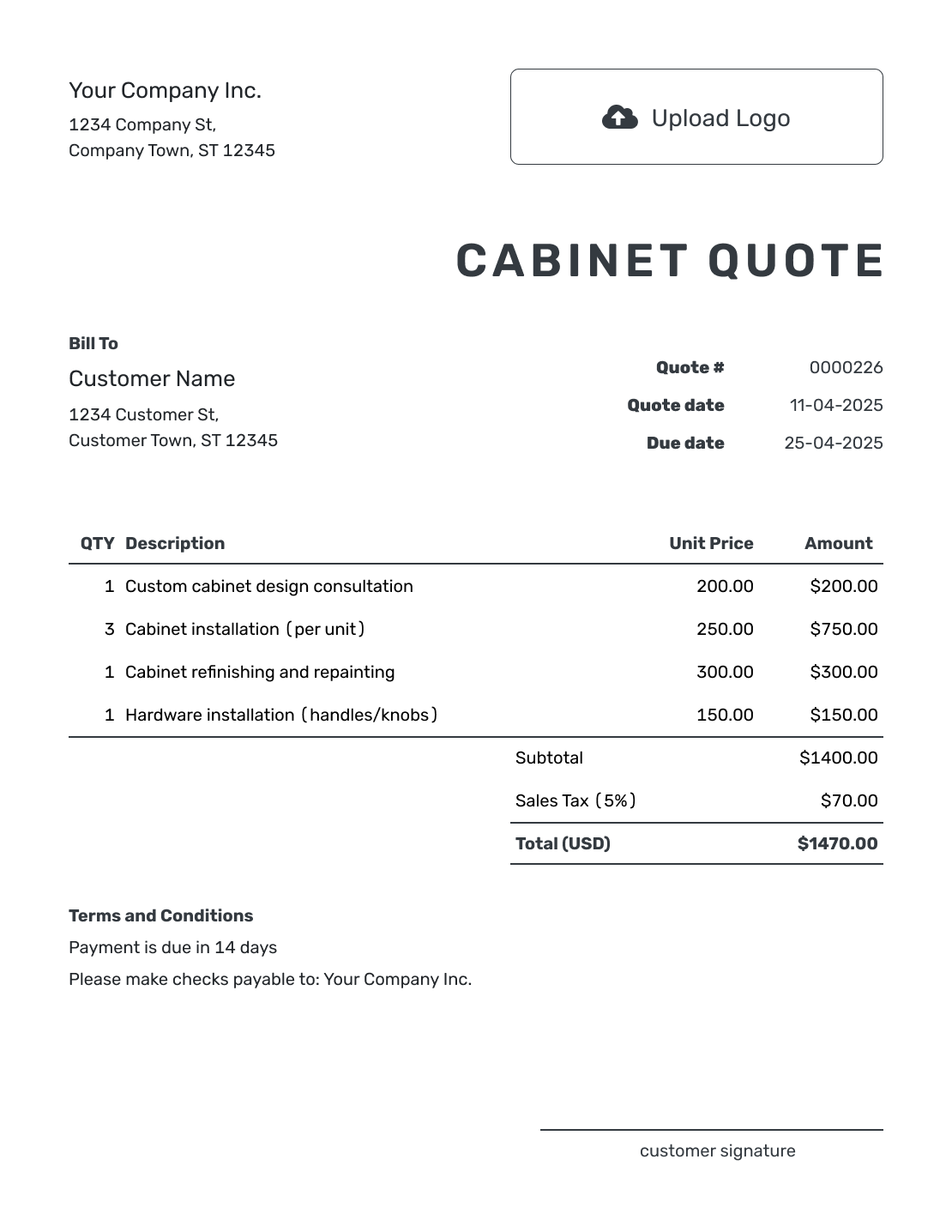
Browse the layouts, then add the cabinet package and installation you are offering. Every preview opens the same quote editor; it does not select a prefilled cabinet specification.
What Is a Cabinet Quote?
A cabinet quote is a written offer for a defined cabinet package. It connects the price to the layout, construction, finish, and services the customer is choosing.
Reference the current drawing and say whether measurements have been checked on site. A construction estimate is more useful while the layout or material choices are still changing. Use a carpenter quote when cabinets are part of a wider woodworking job.
How to Create a Cabinet Quote
Start with the drawing revision and finish choices you have agreed with the customer. Keep the quoted package identifiable when those details change later.
- Your Business: Enter your cabinet business name and contact details.
- Your Logo: Add the logo used on your drawings and project documents.
- Customer and Room: Enter the customer and identify the installation address and room.
- Number and Dates: Check the quote number, issue date, and valid-until date.
- Cabinet Package: List cabinets and services with quantities and prices. Reference the drawing and selected finish.
- Total and Terms: Check tax and total. Add lead time and payment timing in Terms and Conditions.
- Review and Send: Check the drawing revision and selected options. Add signature fields if useful, then email or save a PDF.
How to Fill In Cabinet Quote Line Items
Group identical cabinets only when they share the same specification and price. Reference cabinet numbers on the drawing so the customer can match each row to the room. A complete cabinet price can include boxes, fronts, drawers, and standard hardware; list an extra only when it has a separate charge.
This fictional US-dollar quote covers utility-room cabinets U1–U4 on drawing UT-12, revision C. The package uses plywood boxes, painted Shaker fronts, and soft-close hardware. Delivery and installation are separate items. An illustrative 8% tax applies to all four charges here; check the treatment that applies to your work.
| QTY | Description | Unit Price | Amount |
|---|---|---|---|
| 2 | Base cabinets U1–U2 — 30-inch width, specified finish and hardware | $750.00 | $1,500.00 |
| 2 | Wall cabinets U3–U4 — 30-inch width, specified finish and hardware | $525.00 | $1,050.00 |
| 1 | Local delivery of cabinets U1–U4 | $150.00 | $150.00 |
| 1 | Install U1–U4, including shown fillers and trim | $800.00 | $800.00 |
| Subtotal | $3,500.00 | |
| Sales Tax (8% illustrative) | $280.00 | |
| Quote Total | $3,780.00 |
What to Include in Cabinet Quote Terms
The Terms and Conditions field connects the price to the drawing, selections, and schedule. Explain what starts the lead time, what the room must be ready for, and when payment is due. Include a deposit or warranty policy only if your business uses it, with any applicable local requirements checked.
This sample continues the four-cabinet utility-room offer. Replace its timing and exclusions with the arrangements you actually agree with your customer.
Example: Terms and Conditions
- Package: cabinets U1–U4 on drawing UT-12, revision C, with plywood boxes, painted Shaker fronts, and soft-close hardware. Price: $3,780.00 including the illustrative tax shown.
- Includes local delivery, installation, and the fillers and trim shown on the drawing. Countertops, electrical work, plumbing, and removal of existing cabinets are excluded.
- Production lead time: four weeks after final field measurements, drawing approval, and paint-color approval. Delivery and installation dates will then be agreed with the customer.
- Customer provides a cleared room with finished walls and floor and suitable delivery access before installation. Changes to dimensions, finish, or accessories require a revised price and approval before production.
- Offer valid for 30 days from the quote date. Invoice payable within seven days of completing the listed installation.
Create a Cabinet Quote Ready to Send
Start with the approved layout, then price the cabinet package and installation. Docelf calculates the total from the items you enter. Check the specifications, then email the quote or save a PDF.
Keep Optional Upgrades Out of the Base Total
A customer comparing standard drawers with pull-out organizers should be able to see the additional cost without paying for both choices. Describe an unselected upgrade as an optional additional price in the terms or an attached specification. Add it to the priced items only when the customer chooses it, then send the revised quote for acceptance.
For different door styles, finishes, or hardware packages, name what each alternative replaces. If a selection is still open, label any allowance and explain how the final choice changes the price. Do not describe an undecided finish as approved.
A cabinet schedule can carry details that would crowd the item table: box material, door style, drawer system, dimensions, panels, fillers, moldings, finish, and hardware. Reference its revision in the quote and attach a PDF or image when useful. Docelf supports PDF, JPG, GIF, PNG, and WebP files up to 5 MB each.
Keep shop work and site work clear. State who handles removal, delivery access, trim, touch-up, cleanup, and site preparation. That makes a supply-only offer easy to distinguish from a fully installed package.
Cabinet Quote, Estimate, or Invoice?
Choose the document based on how complete the cabinet design is and whether payment is due.
Cabinet Quote
Use a quote when the measurements and cabinet design are approved. State the options, installation, and price in the offer.
Construction Estimate
Use an estimate while the layout or measurements are still changing. It can also cover choices that are not final.
Construction Invoice
Send an invoice when payment is due. It states the amount due for the cabinet work you are billing.
More Cabinet Quote Layouts
-
Blank Cabinet Quote Template
Create Free Quote -
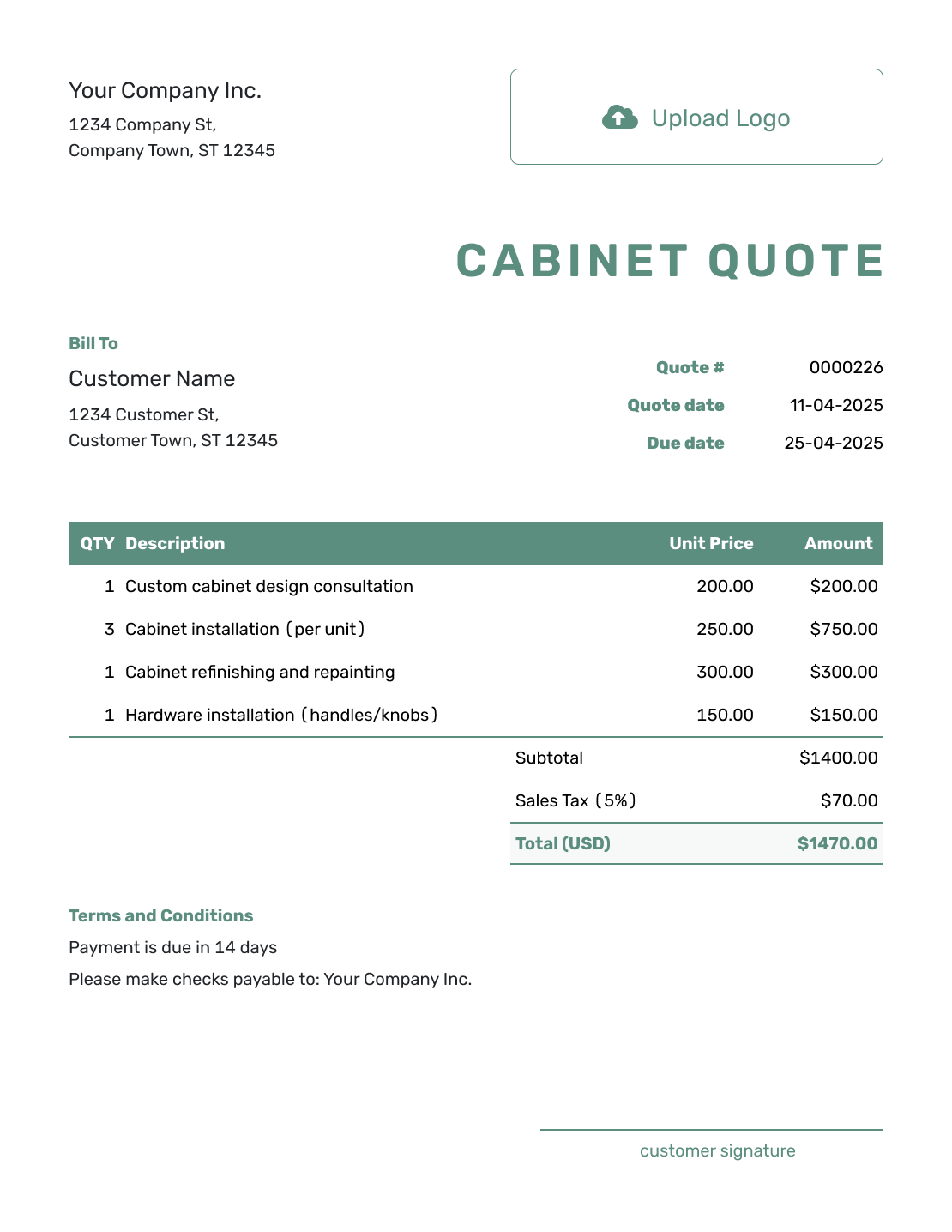
Simple Cabinet Quote Template
Create Free Quote -
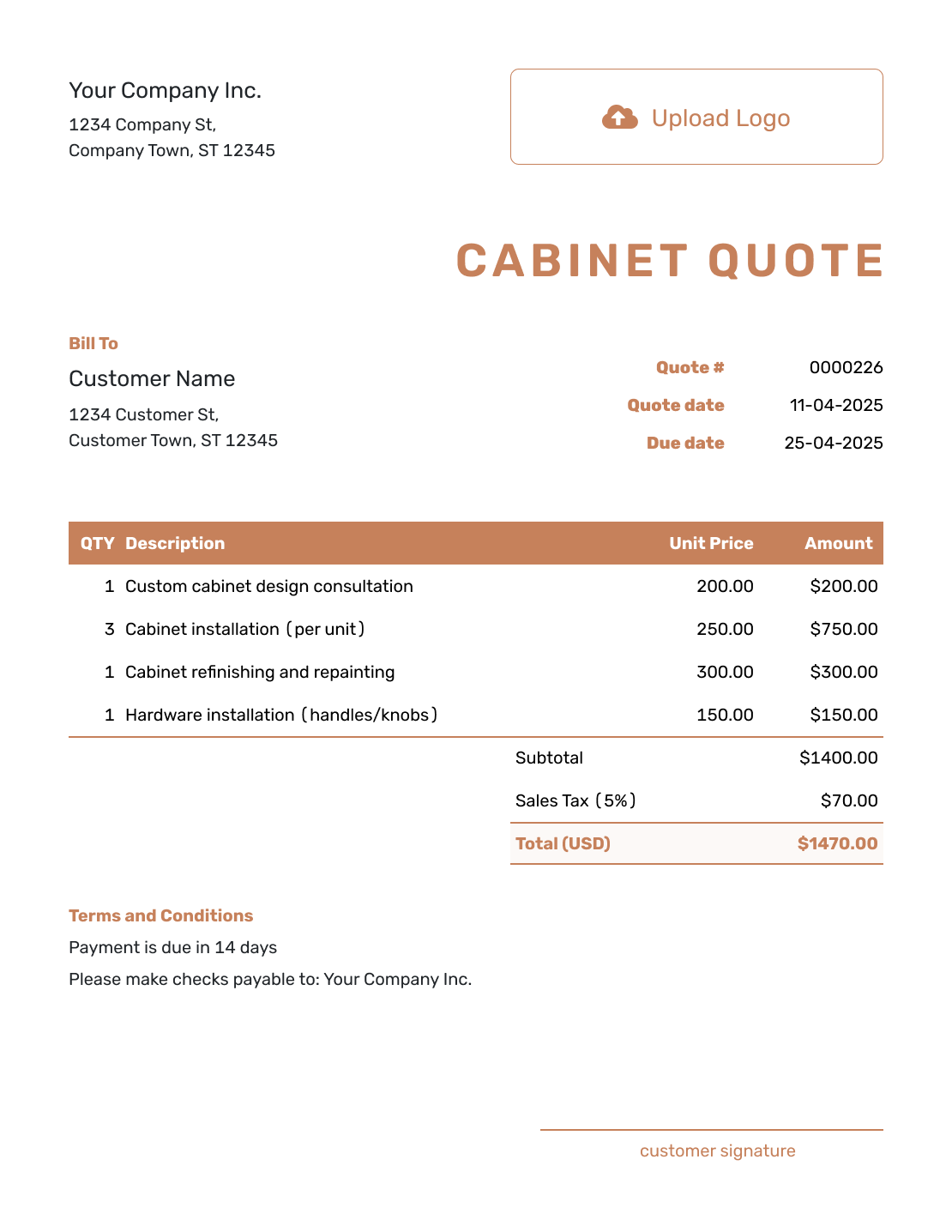
Downloadable Cabinet Quote Template
Create Free Quote -
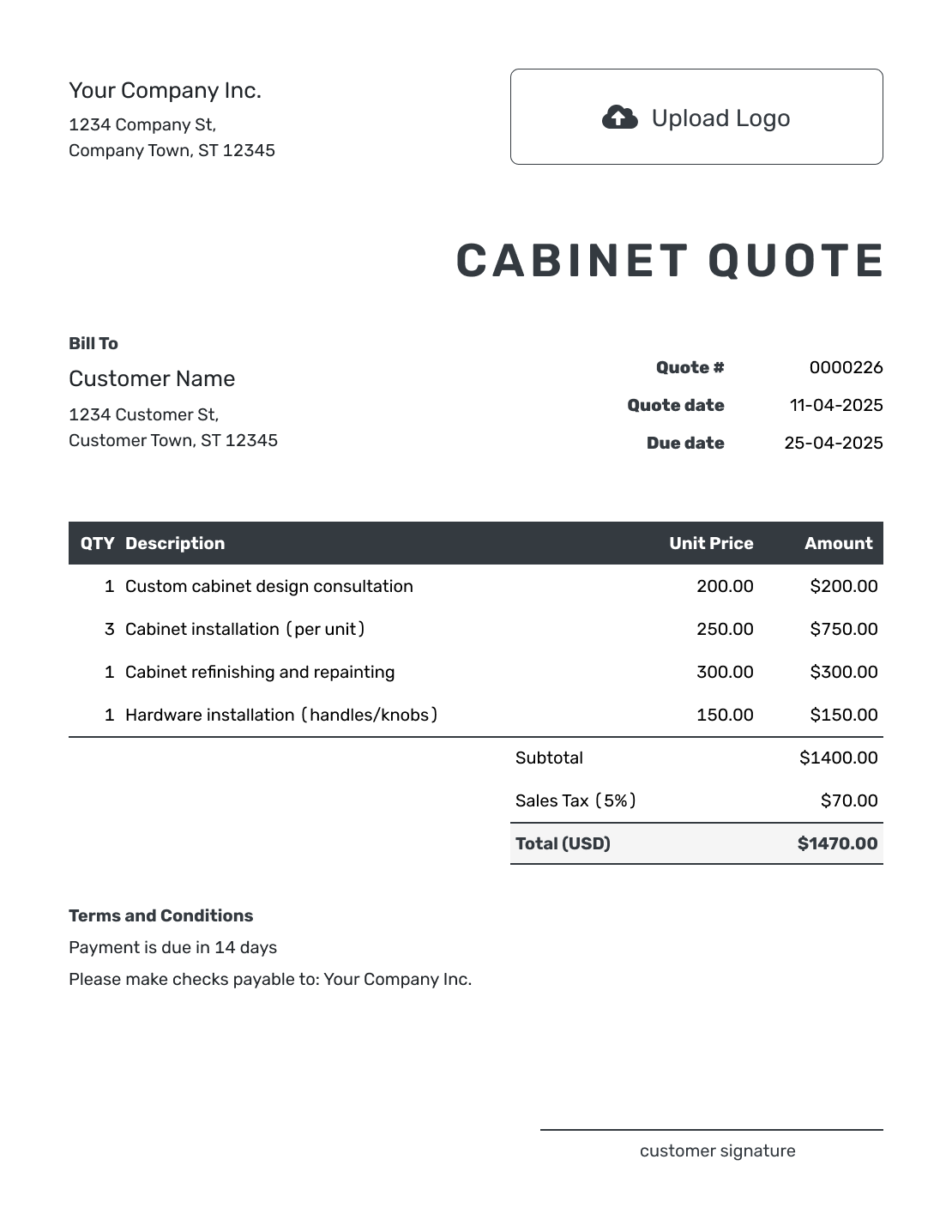
Editable Cabinet Quote Template
Create Free Quote -
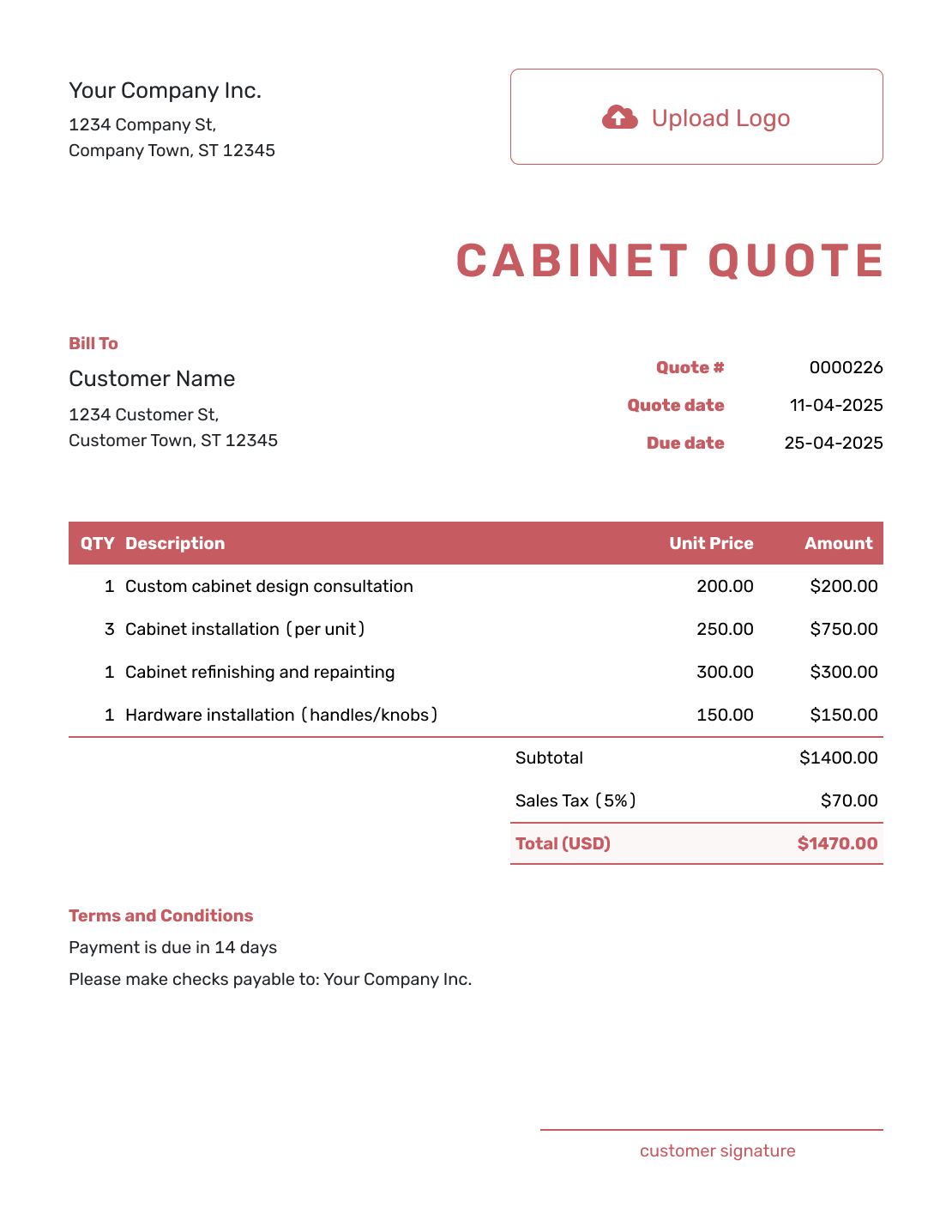
Fillable Cabinet Quote Template
Create Free Quote -
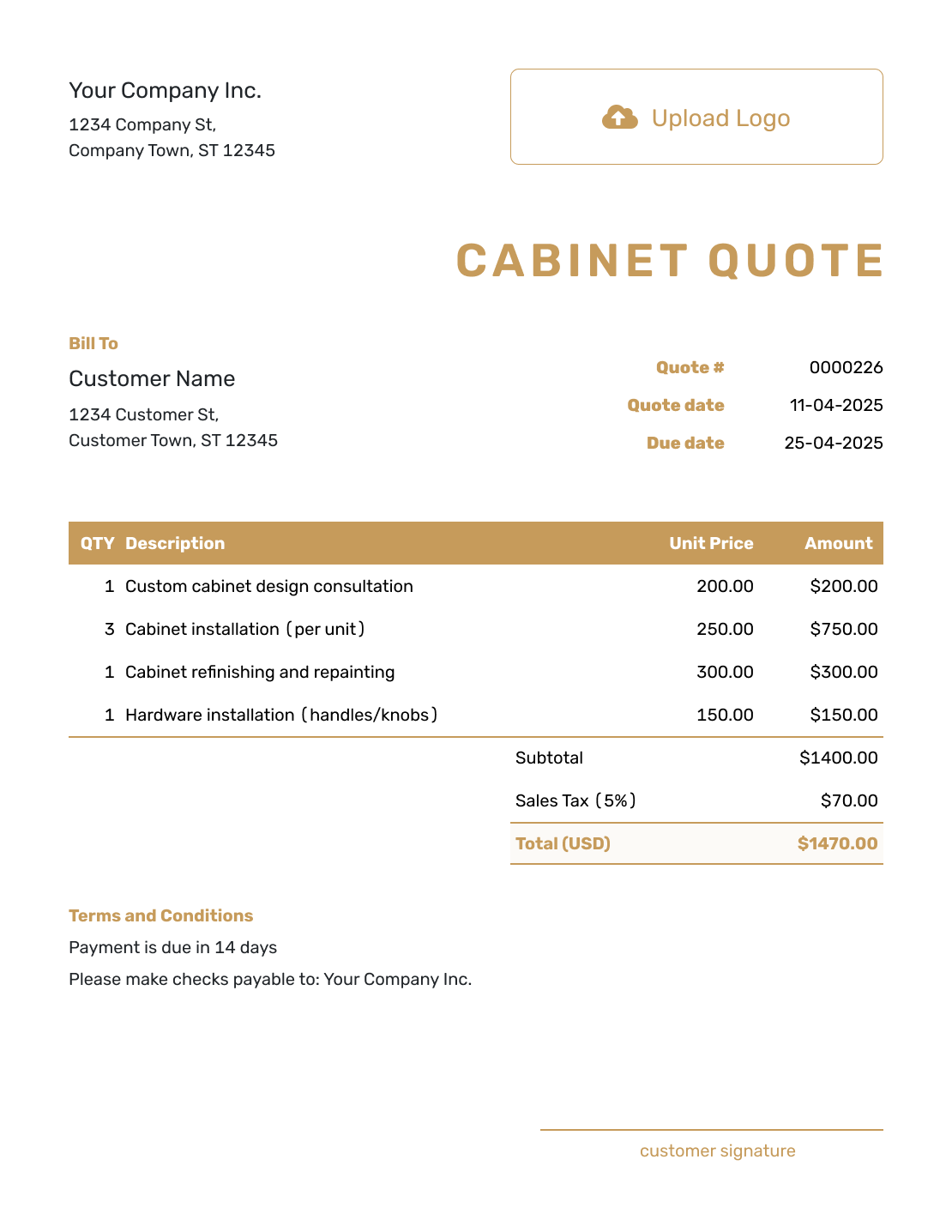
Professional Cabinet Quote Template
Create Free Quote
Other Quote Template File Formats
These pages offer separate document and spreadsheet templates. Choose a familiar format if you prefer to edit there; Docelf downloads the finished quote as a PDF.
See every option on the quote templates by format page.
More Quote Templates for Cabinet and Woodwork Projects
Use the cabinet page for cabinet production, supply, refinishing, or installation. Choose another template when cabinets are part of a wider room or carpentry project.
After You Send the Cabinet Quote
Use the quote history to see when the emailed offer is delivered and opened. Your customer can accept or decline it online without a Docelf account, and you receive an email when they respond.
If the design or selections change, update the drawing reference, price, and lead time before resending the offer. When payment is due, create an invoice from the quote. Docelf copies the relevant customer, item, price, and document details; review them before sending.
Saved customer and product or service details can shorten the next quote. A duplicated quote becomes a new numbered draft, so replace the previous project address, drawings, quantities, selections, and dates.
Cabinet Quote Template FAQs
-
What is a cabinet quote?
A cabinet quote is a written offer for a defined cabinet package. It ties the price to the layout and specifications. It also states installation, lead time, terms, and a valid-until date.
-
What should I include in a cabinet quote?
Identify the customer, room, and current drawing, then describe the cabinet package and selected finish. Show the quantities and prices, including delivery and installation when offered. The terms explain the lead time, payment timing, exclusions, and how the customer can accept.
-
Should cabinet measurements be included in the quote?
Include the dimensions, cabinet schedule, elevation, or drawing revision the price is based on. State whether measurements are preliminary or field-verified and what happens if the site dimensions change.
-
How detailed should cabinet materials and hardware be?
Name the construction, door style, drawer system, and finish when they affect the price. Show standard hardware and upgrades separately so the customer can compare them.
-
How should I handle design changes after the quote?
Update the drawings, specifications, price, and lead time. Send a revised quote and get it accepted before ordering materials or starting production for the changed design.
-
Should delivery and cabinet installation be separate?
Separate delivery and installation when they have different costs or responsibilities. State whether removal, trim, touch-up, or site preparation is included.
-
Should a cabinet quote include a deposit and lead time?
State the expected production and delivery timing, and explain what starts the schedule. Include a deposit or payment milestones only when they are part of your actual payment policy. A deposit term does not reduce the full quoted price or mean a payment has been received.
-
What is the difference between a cabinet quote and an estimate?
A cabinet quote gives a specific price for an approved design and installation. It should name the finish and selected options. An estimate is a best prediction while the design, selections, measurements, or site conditions are still changing.
-
Can I turn an accepted cabinet quote into an invoice?
Yes. Create the invoice from the quote in Docelf. The relevant customer, item, price, and document details are copied into the invoice. Review the cabinet descriptions, selected options, due date, and payment instructions before sending it.
Ready to Send Your Cabinet Quote?
Turn the approved cabinet layout into an offer the customer can review and accept.
- Reference the current drawing and field measurements
- Separate the base package from hardware and finish upgrades
- Email the cabinet quote or download a PDF




