Free Deck Quote Template
Create a professional deck quote in minutes
Show the deck size, main materials and included work, with repairs or removal priced clearly. Homeowners can understand the offer quickly and feel confident choosing you.
Email, print or download your quote as a PDF.
14-day free trial. No credit card required.

Price the job. Send the quote. Get back to work.
Deck Quote Template Examples
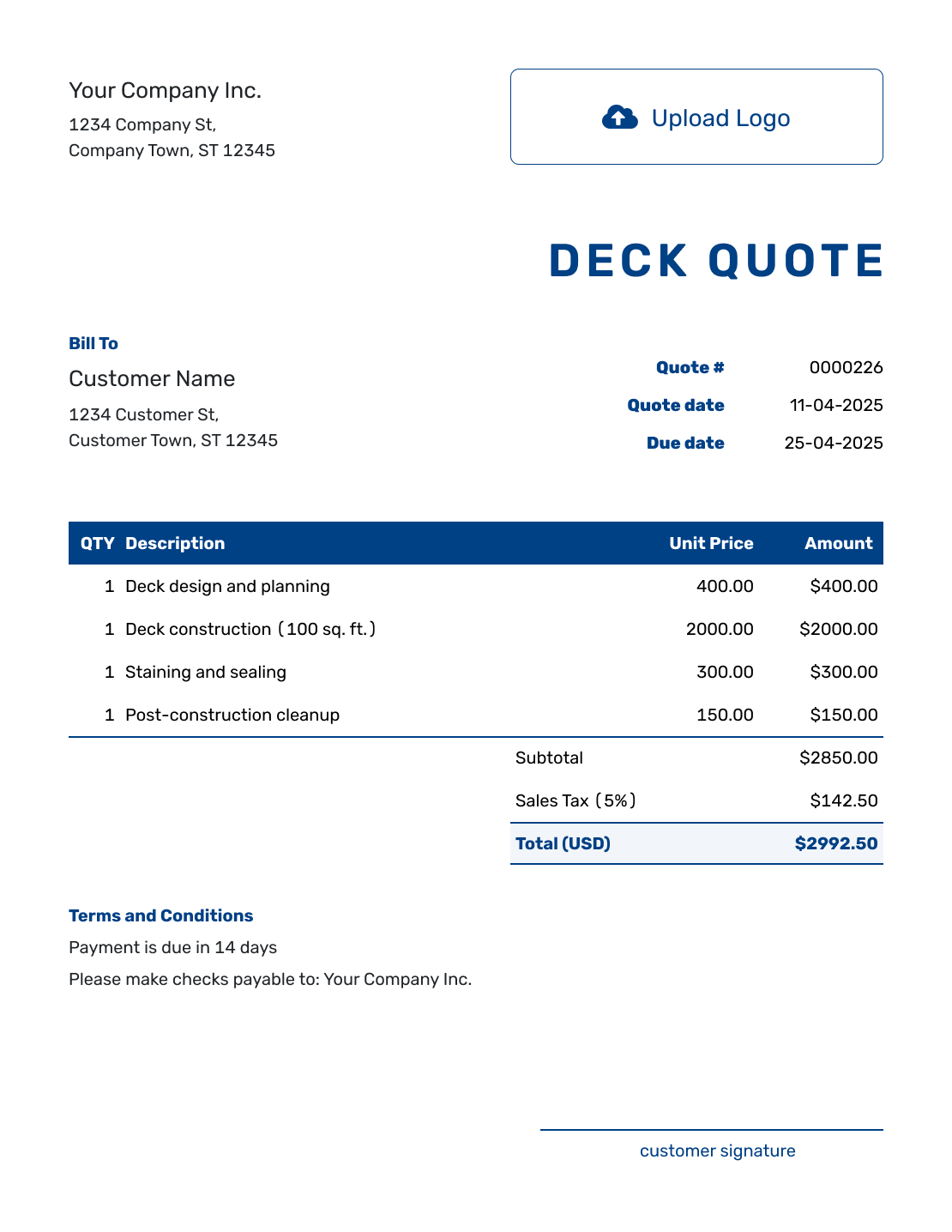
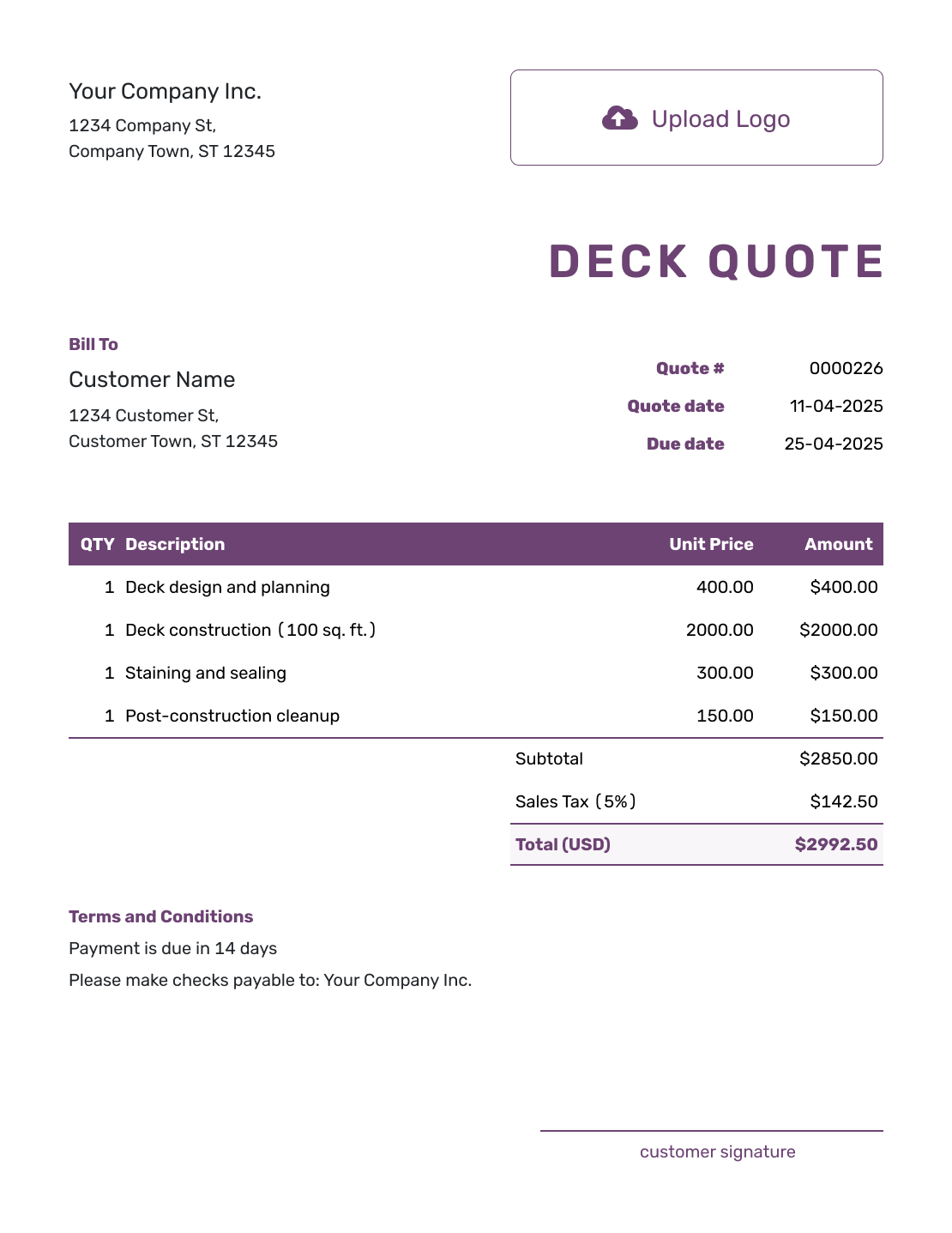
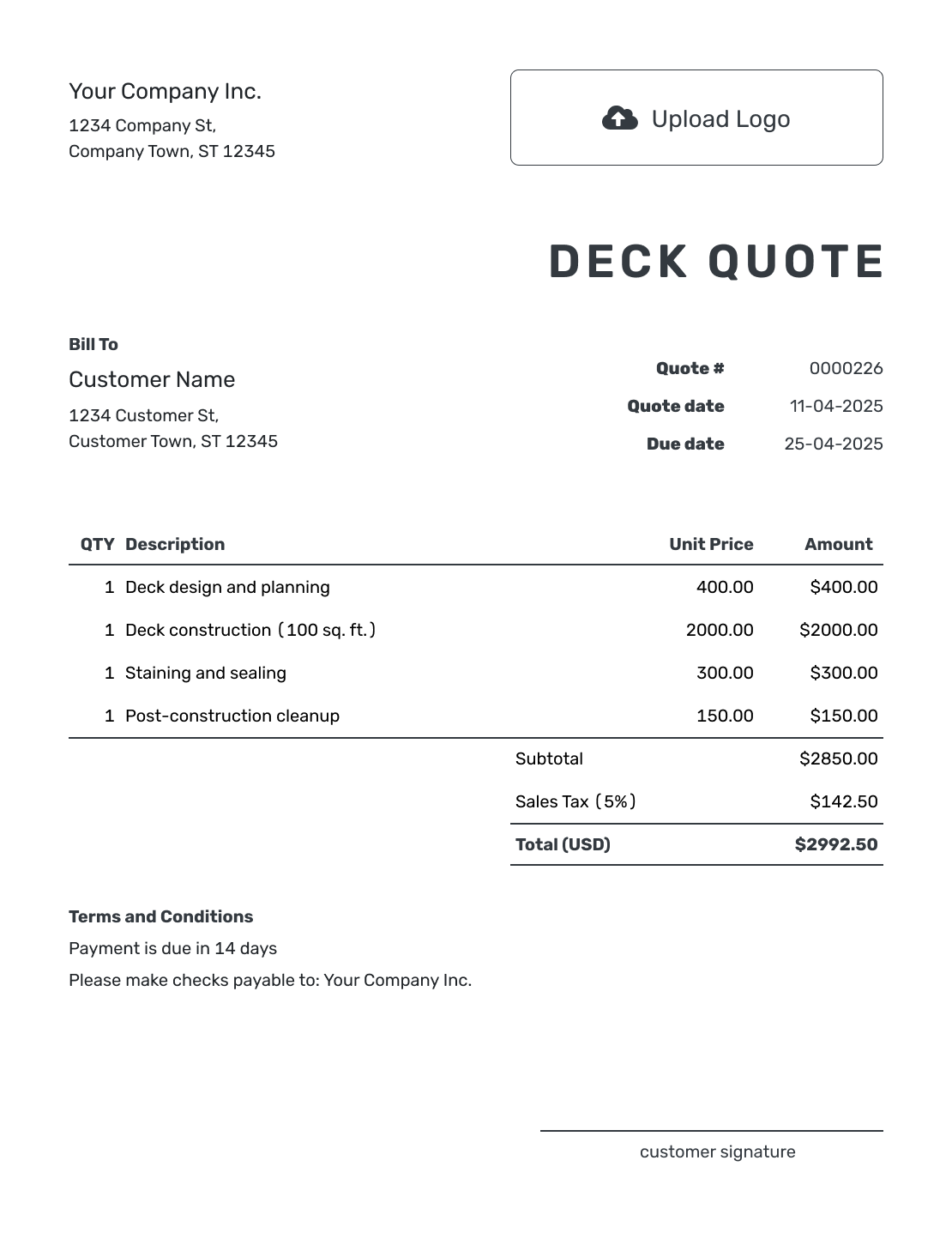
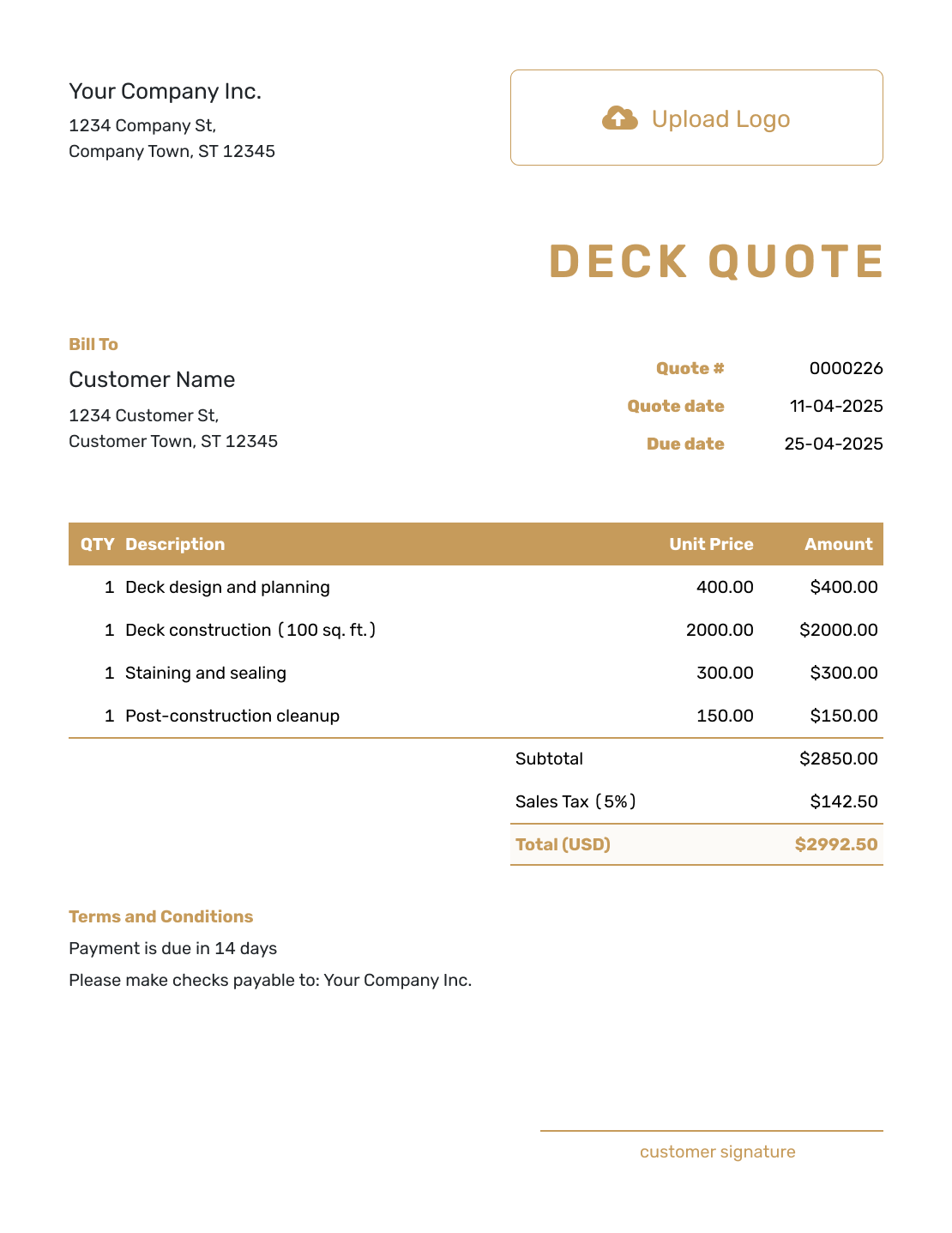
Browse these deck quote layouts before entering your own measurements and material choices. Each preview opens the same quote editor.
What Is a Deck Quote?
A deck quote is a written offer for a defined design, selected materials, and price. It works best when the site has been checked and the homeowner has chosen the deck they want.
The same area can produce very different prices once you add height, stairs, railings, and footing work. Tie the offer to a plan or sketch, and name the products you will supply. A deck estimate is more useful while hidden damage or final selections could still change the cost.
For work beyond the deck, use a carpenter quote template or a construction quote template. The construction quote collection covers other trades and projects.
How to Create a Deck Quote
Start with your measured plan and site notes. Reuse saved customer, product, and service details where they fit, then check the quantities and prices for this deck.
- Business Details: Add your deck business details and the contact the homeowner should use.
- Branding: Add your logo to match your other business documents.
- Customer and Job Site: Choose a saved customer or add their details and the deck address.
- Quote Number and Dates: Check the quote number, issue date, and valid-until date.
- Deck Work and Prices: List included removal, materials, and labor with quantities and prices.
- Scope and Terms: Use Terms and Conditions for site assumptions, timing, payment, and exclusions.
- Review and Send: Check the plan, material choices, tax, and total. Email the quote or download a PDF.
How to Fill In Deck Quote Line Items
Use units the homeowner can follow: square feet for decking, linear feet for railing, and hours or a fixed price for labor. When a package already includes materials or removal, describe those inclusions without charging for them again.
This fictional US-dollar quote replaces the surface of a 12 ft × 16 ft deck: 192 sq ft. The existing frame and railing stay in place after inspection. For this example only, 8% tax applies to the $1,536.00 materials line.
| QTY | Description | Unit Price | Amount |
|---|---|---|---|
| 1 | Remove existing deck boards and dispose of debris | $480.00 | $480.00 |
| 192 | Pressure-treated decking and fasteners — per sq ft | $8.00 | $1,536.00 |
| 16 | Install replacement deck boards — labor-hours | $65.00 | $1,040.00 |
| Subtotal | $3,056.00 | |
| Sales Tax (8% on materials, illustrative) | $122.88 | |
| Quote Total | $3,178.88 |
What to Include in Deck Quote Terms
The Terms and Conditions field connects the price to the deck you inspected. Explain the included work, how long the offer stays valid, and what happens if exposed framing needs repairs. State who handles permits, drawings, or engineering when the job needs them.
Adapt this wording to the resurfacing example above and use only policies you actually offer. Check local requirements before setting tax, permit, or warranty terms.
Example: Terms and Conditions
- Offer valid for 14 days from the quote date for resurfacing the 12 ft × 16 ft deck described above.
- Includes old-board removal, disposal, pressure-treated decking and fasteners, and installation. Existing framing and railing are retained; stairs and structural repairs are excluded.
- If removal reveals hidden rot, we will document it and obtain approval for a separate repair price before that additional work begins.
- We will agree on the start date after acceptance and material availability is confirmed. The quoted $3,178.88 is payable on completion.
Put the Measured Deck Into a Clear Offer
Enter the work and materials you are offering. Docelf calculates the total as you add the prices. Review the finished quote, then send it to the homeowner.
Keep Deck Alternatives Separate From the Accepted Price
A homeowner may ask what composite decking, lighting, or a privacy screen would add. Describe the alternative and its price difference in Terms and Conditions, outside the included line items, so the base total still covers one defined deck.
For a complete second offer, duplicate the quote as a new numbered draft and replace the relevant materials and prices. Name the product or grade, color, railing system, and finish in each version. When the homeowner chooses, send a quote that includes only the selected build.
Check the Details Against the Deck Plan
Use the final review to catch details that are easy to miss when you price the surface alone. Include only the work you are offering:
- Footprint, height, levels, stair location, and attachment points
- Footings, posts, beams, joists, ledger, flashing, and any framing repairs
- Decking grade or product, fasteners, railing, gates, skirting, lighting, and finishing
- Removal, disposal, equipment, permits, and any separate site work
- Access, expected schedule, payment timing, and warranty details you actually offer
Match those details to the line items and Terms and Conditions. The homeowner should be able to see which deck the total covers without piecing together earlier emails.
Deck Quote, Estimate, or Invoice?
Choose the document based on how certain the deck design and scope are and whether payment is due.
Deck Quote
Use a quote when the dimensions, materials, features, and price are defined.
Deck Estimate
Use an estimate when hidden damage or final selections may still change the cost.
Construction Invoice
Use an invoice to request the payment agreed for the deck work.
More Deck Quote Layouts
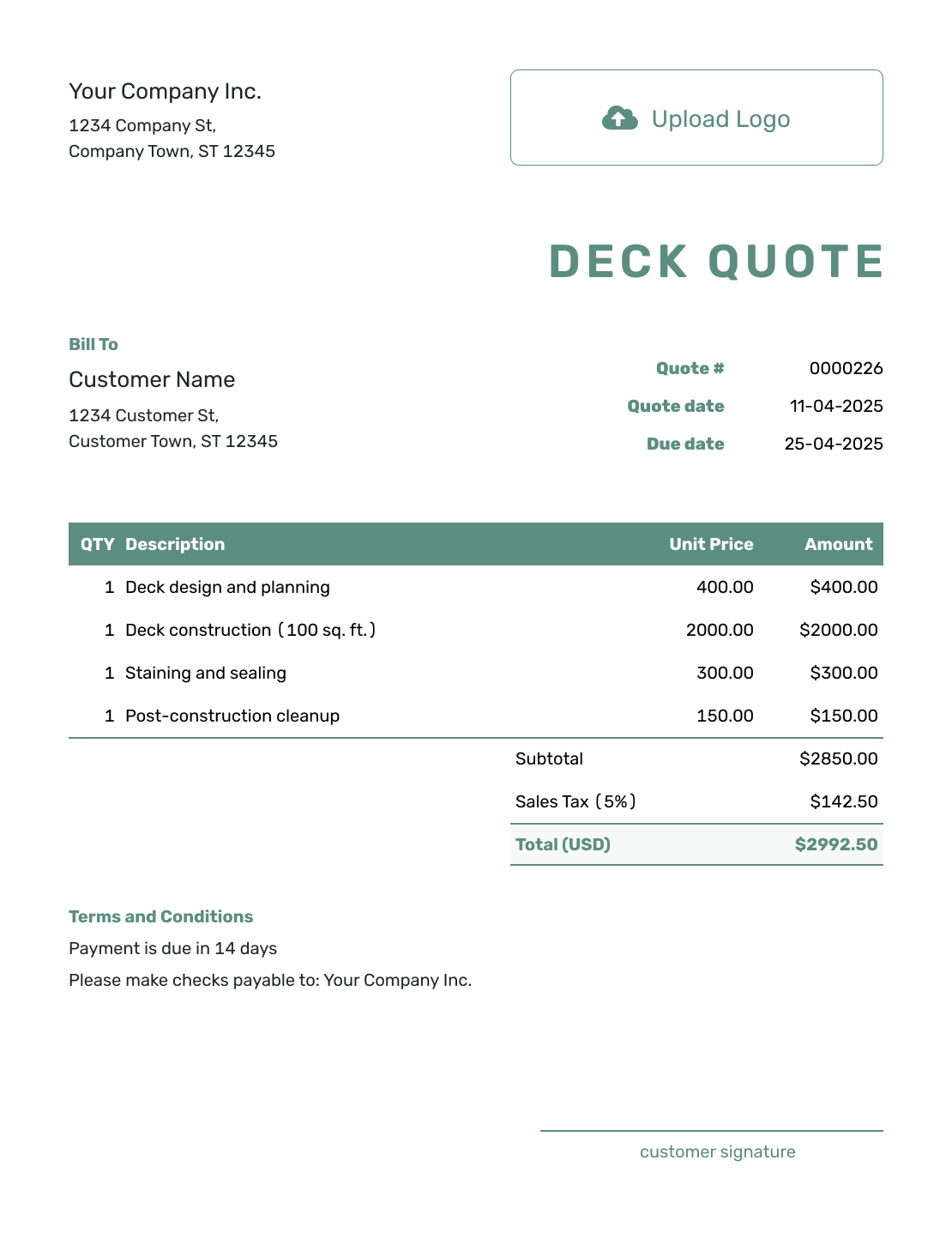
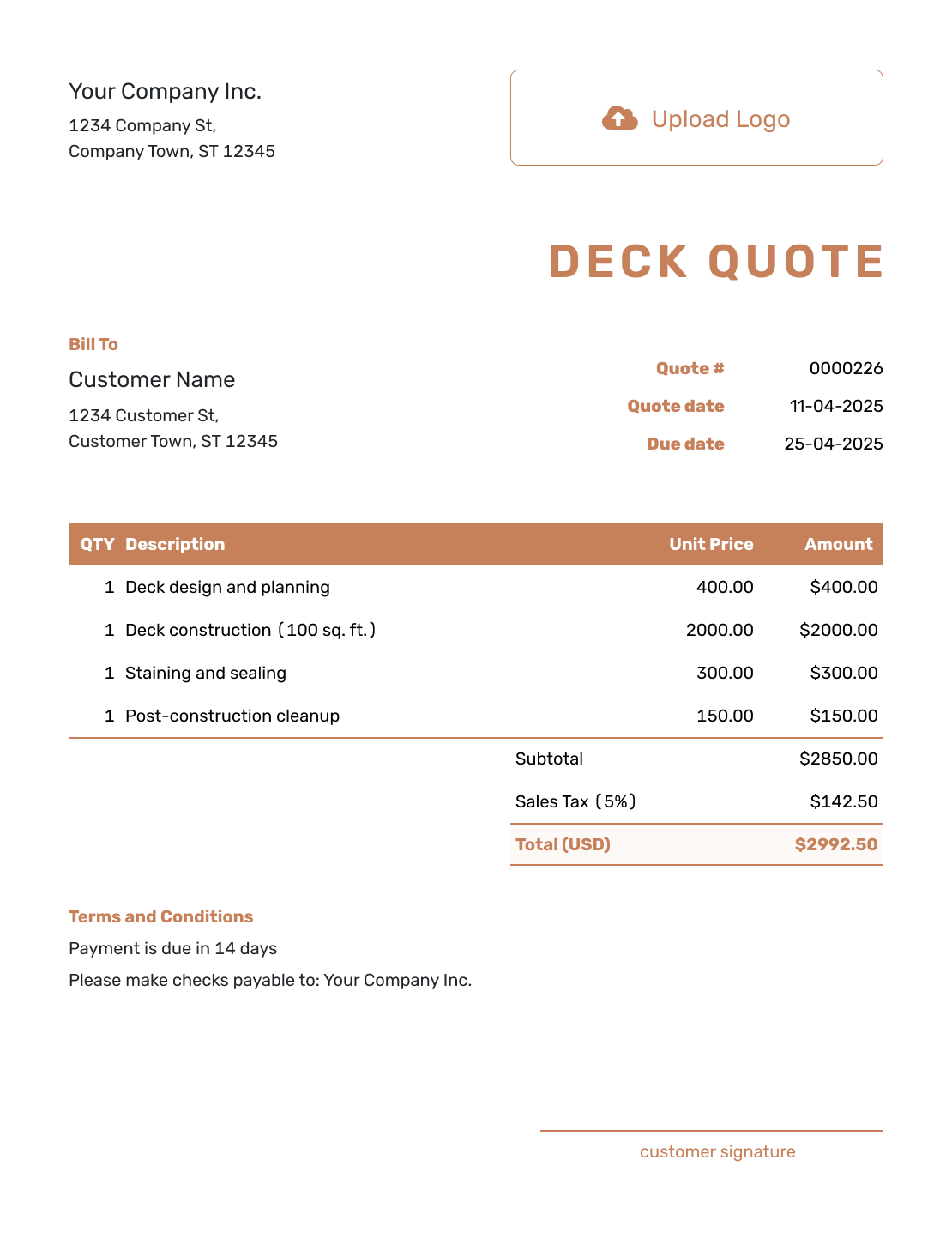
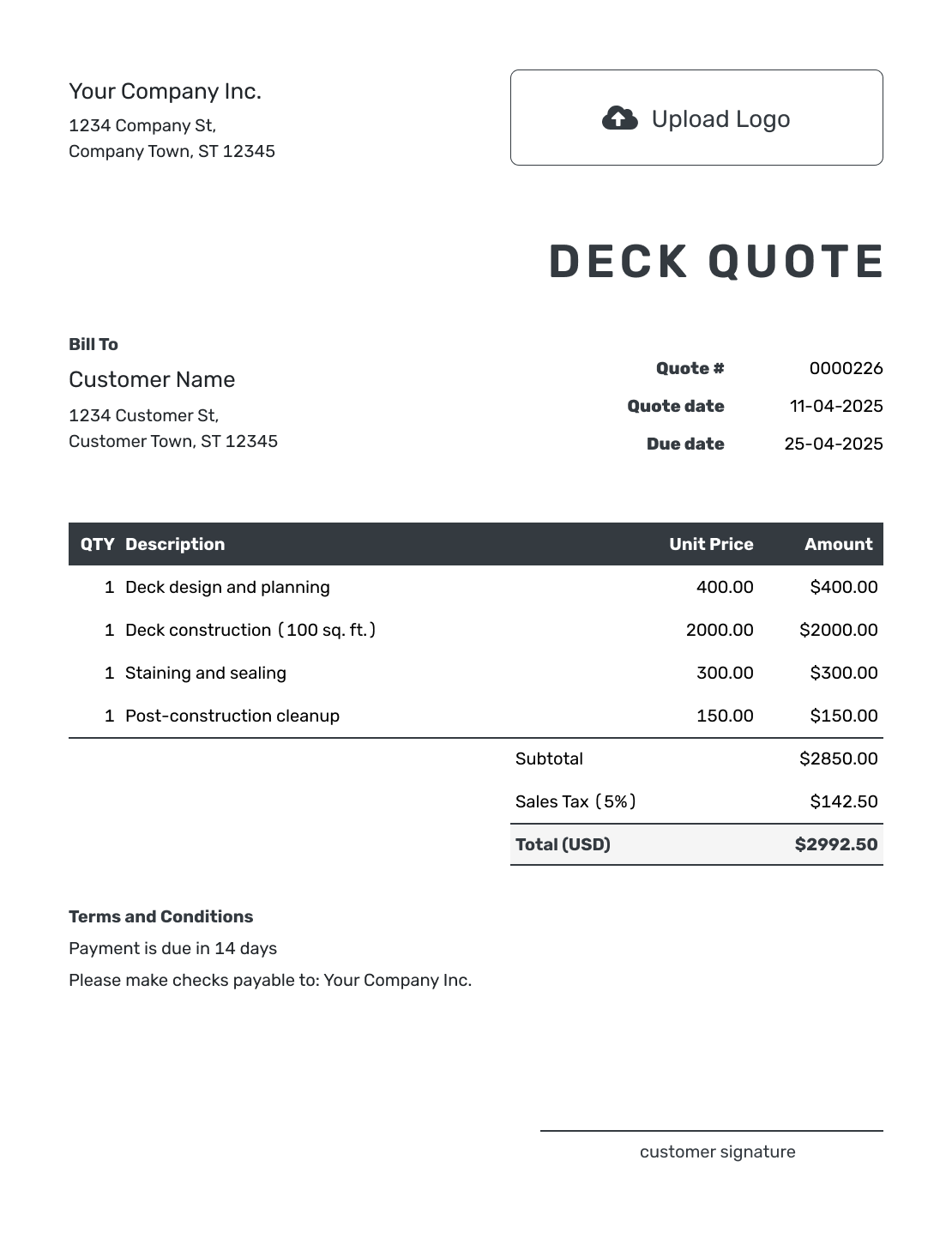
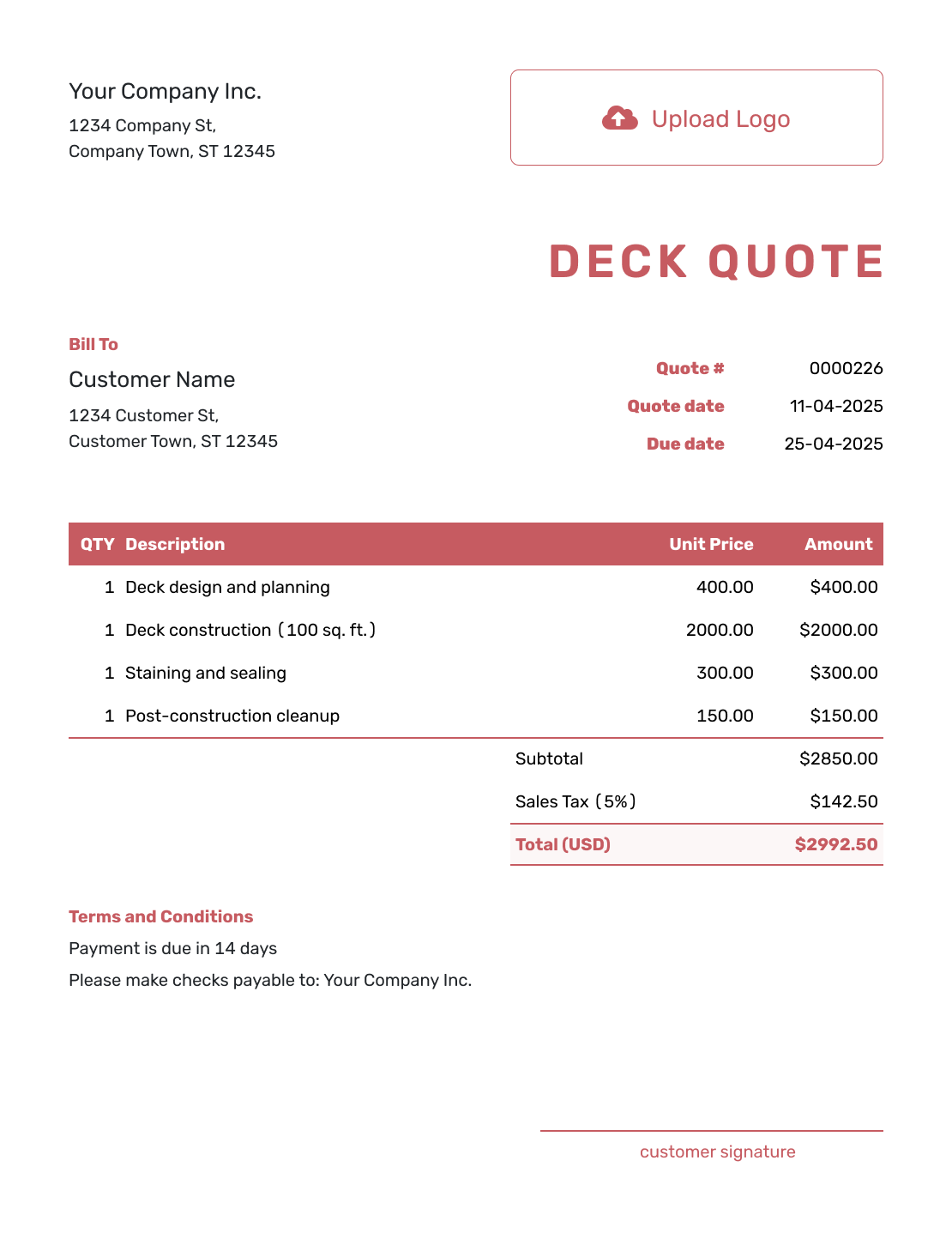
These six layouts offer more ways to present the same defined deck project. Keep the chosen materials and included work clear whichever layout you use.
Other Quote Template File Formats
Prefer to prepare the deck offer in a document or spreadsheet? These pages provide separate file templates. Docelf downloads the finished online quote as a PDF.
See every option on the quote templates by format page.
Related Deck and Construction Quote Templates
Use the deck template for deck-focused work. Choose the matching trade or general construction template when the scope reaches beyond the deck.
After You Send the Deck Quote
Check the document history to see when the emailed quote was delivered and opened. The homeowner can accept or decline it online without a Docelf account, and Docelf emails you when they respond.
If they choose a different material or ask for more work, revise and resend the offer so they can approve the new scope and price. When payment is due, create an invoice from the quote and review it against the accepted work.
Deck Quote Template FAQs
-
What is a deck quote?
A deck quote is a written offer for defined deck work. It states the design, chosen decking, and who supplies the materials. It also shows the price, options, terms, and valid-until date.
-
What should I include in a deck quote?
Include the customer, job site, quote dates, and the deck design being priced. Name the materials and included work, with quantities and prices that lead to one clear total. Use Terms and Conditions for the schedule, payment timing, exclusions, and change approval.
-
Should I quote a deck by square foot?
A square-foot rate can help with an early price. For a final quote, account for the structure and site conditions as well as the deck area. Give included removal its own price when useful, and keep optional upgrades outside the accepted total until the customer chooses them.
-
How should I show wood and composite options?
Name the product or grade, color, and included features for each choice. Keep alternative prices outside the included line items, or prepare separate quotes for the two versions. The quote you send for acceptance should total only the selected materials and work.
-
What if I find hidden rot after demolition?
-
Should permits be included in a deck quote?
State whether the permit fee is included. Do the same for drawings, inspections, or engineering. The customer should know who is responsible for each item.
-
How long should a deck quote stay valid?
Choose a valid-until date that fits lumber, composite, railing, and hardware pricing. If material prices move quickly, use a shorter validity period and state it clearly.
-
Can I create a deck quote online?
Start a quote in Docelf and add the job site and deck plan. Price the structure and selected materials. Docelf calculates the total so you can email the quote or download a PDF.
-
Can I turn an accepted deck quote into an invoice?
Yes. Open the accepted quote in Docelf and create the invoice. Docelf reuses the customer details and line items, so you do not have to enter the same project again.
Ready to Send Your Deck Quote?
Give the homeowner a deck offer they can match to the plan and approve.
- Define the footprint, structure, railing, and stairs
- Keep removal work and upgrades separate
- Email the deck quote or download a PDF




