Free Concrete Quote Template
Create a professional concrete quote in minutes
Use the measured quantities to price the concrete, preparation and finish. The pricing shows what drives the total and helps customers choose your crew with confidence.
Email, print or download your quote as a PDF.
14-day free trial. No credit card required.

Price the job. Send the quote. Get back to work.
Concrete Quote Template Examples
Browse layouts for your concrete offer. Each preview opens the same Docelf quote editor, ready for your quantities and prices.
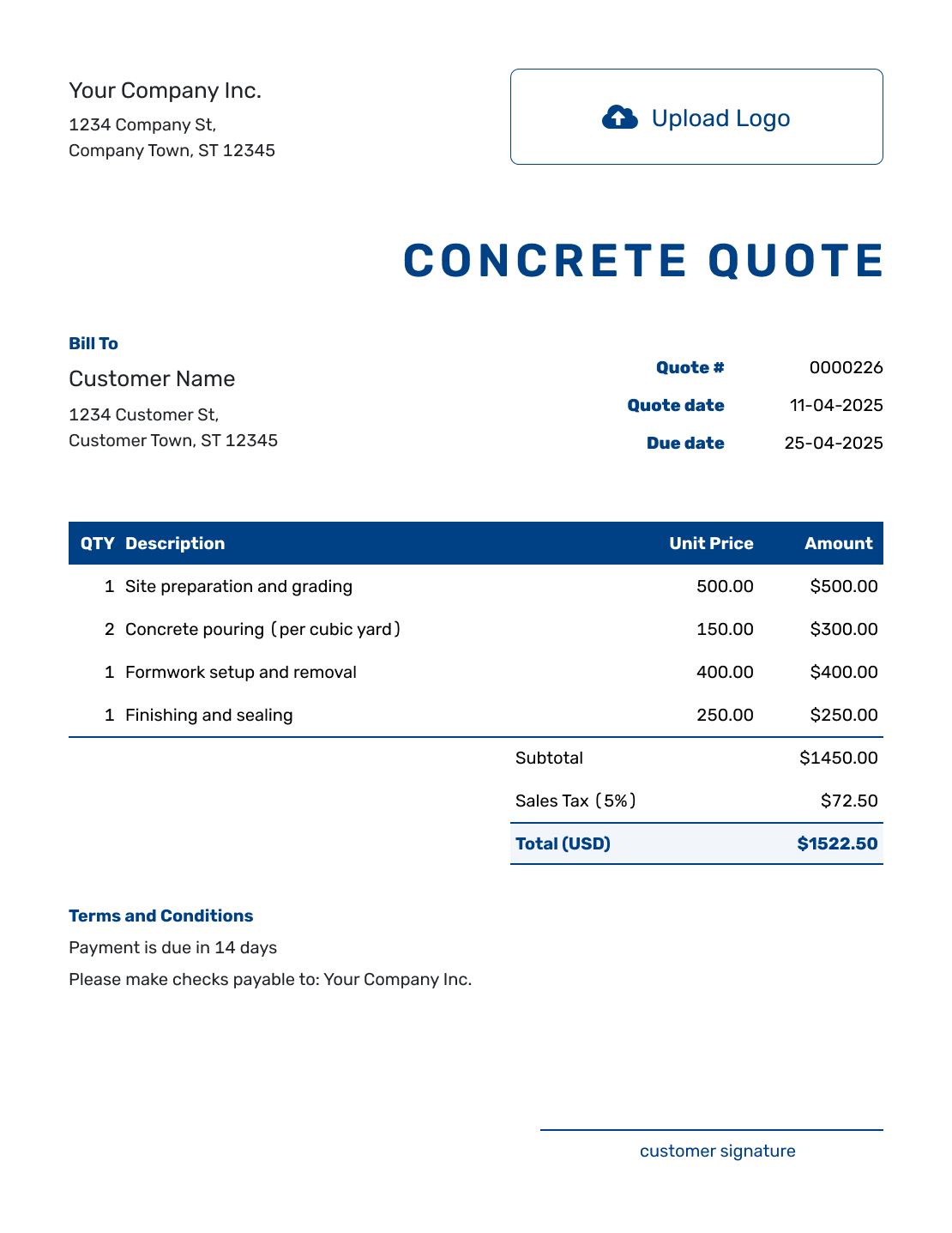
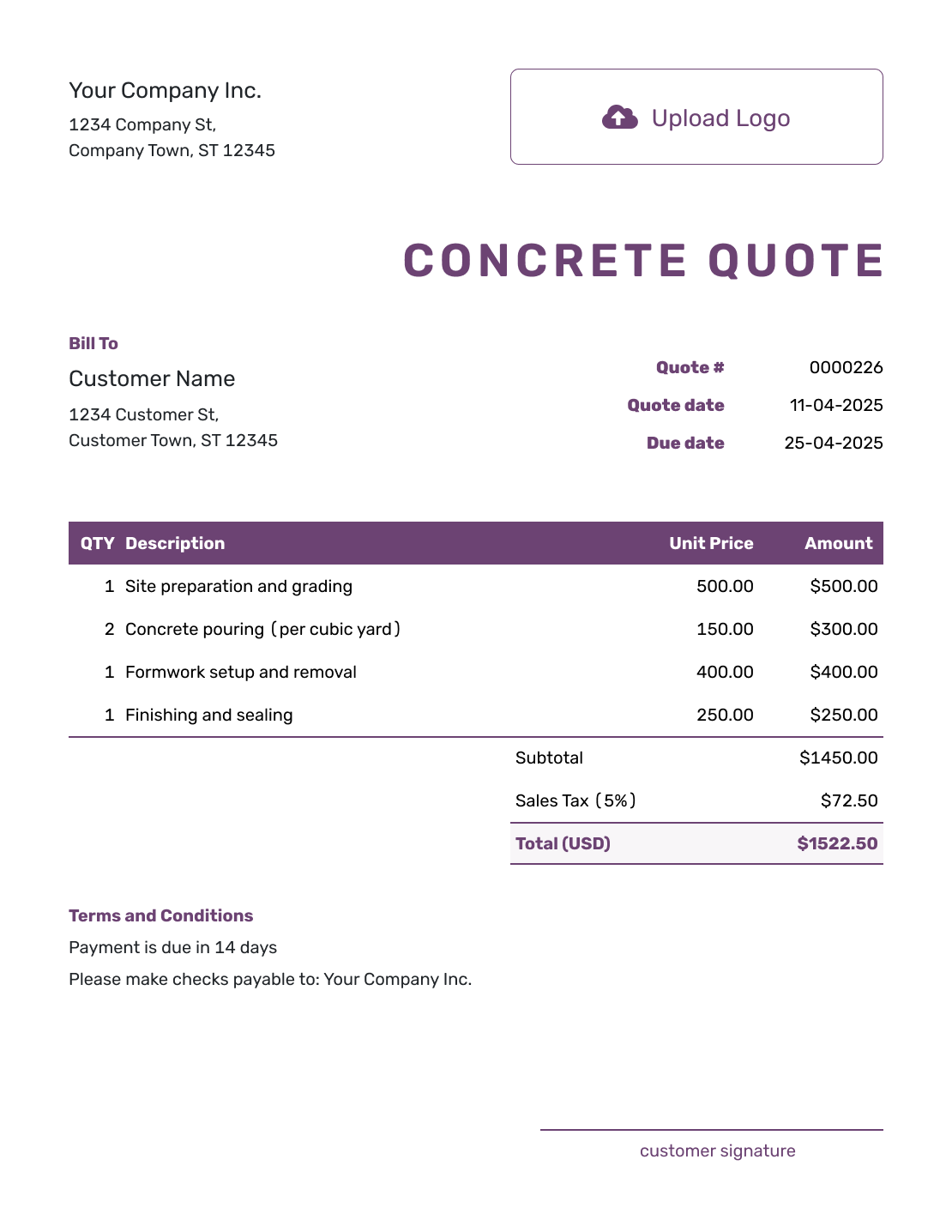
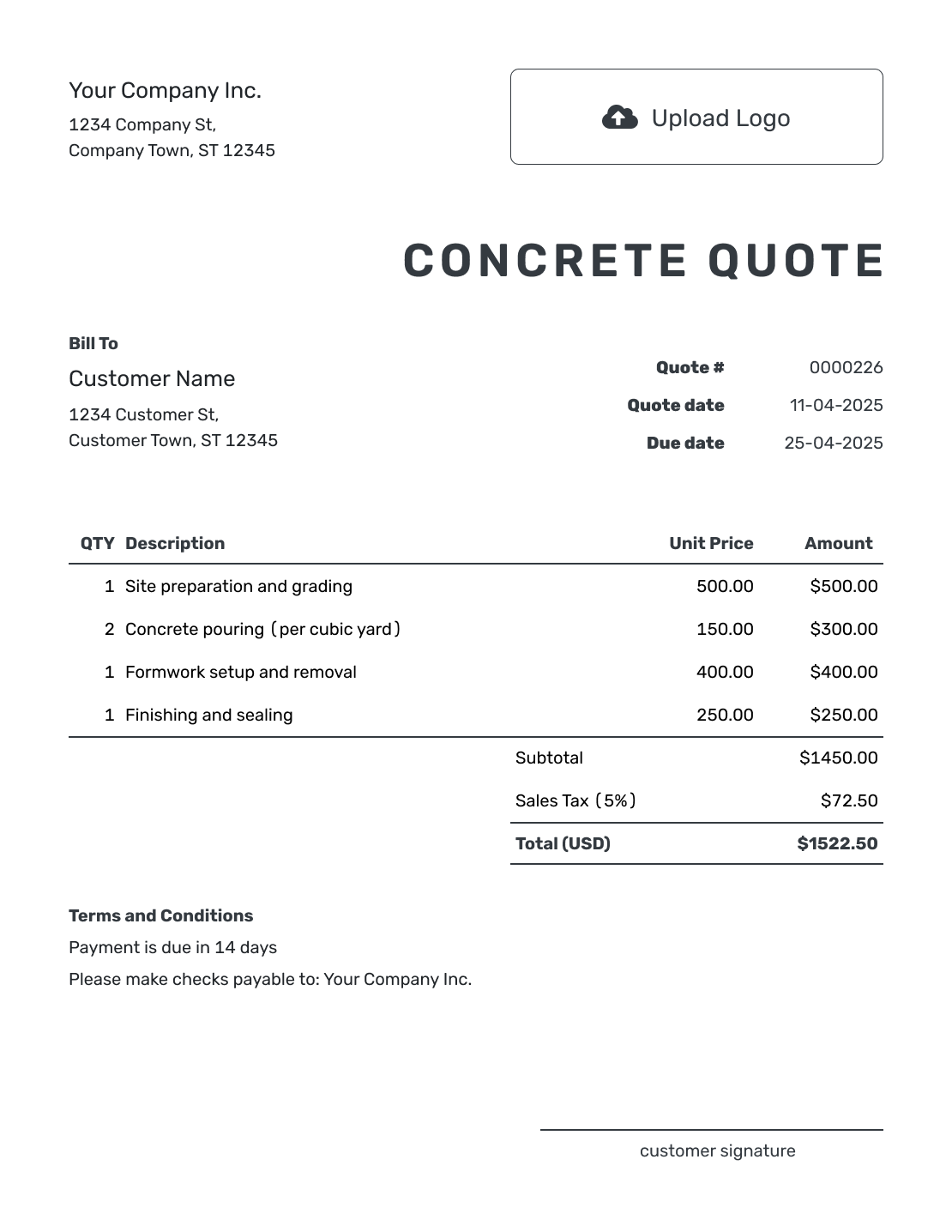
Price Every Part of the Pour
A concrete quote is a written offer for defined concrete work. It connects the preparation and finished pour to measured quantities, a price and terms the customer can review.
Use a quote when the dimensions and site conditions are clear enough to set the price. A concrete estimate is useful while those details remain uncertain. For a wider building project, use the construction quote template or browse construction quotes by trade and project.
The concrete volume is only part of the price. Include the preparation, placement, finishing and cleanup you will provide, with pump, equipment, delivery, disposal or travel charges where they apply.
Concrete Quote, Estimate, or Invoice?
Choose the document based on how certain the concrete scope is and whether payment is due.
Concrete Quote
Use a quote when the dimensions, work, materials, and price are defined.
Concrete Estimate
Use an estimate when quantities or site conditions may still change the final cost.
Construction Invoice
Send an invoice when payment is due for the agreed concrete work.
How to Create a Concrete Quote
Keep your measurements and site notes beside you as you write. Reuse saved customer and service details, then check that each quantity and price fits this pour.
- Your Business: Enter your concrete business name and contact details.
- Your Logo: Add the logo from your other business documents.
- Customer and Pour Site: Choose a saved customer or enter their details and the job site.
- Quote Number and Dates: Check the number and issue date. Set the date through which the price is valid.
- Work and Quantities: Describe the measured pour, preparation, reinforcement, mix and finish with quantities and prices.
- Terms and Conditions: Explain site access, timing, weather conditions, payment and exclusions.
- Review and Send: Check the scope, tax and total. Add a signature field if needed, then email or save a PDF.
How to Fill In Concrete Quote Line Items
Name the unit in each description so the customer can follow the quantity. Concrete supply may use cubic yards, while placement and finishing use square feet. Other charges can use hours, loads or a flat price. If a square-foot package already includes concrete, do not charge for that supply again.
This fictional patio is 15 by 20 feet, or 300 square feet, at a specified 4-inch thickness. Its calculated volume is about 3.70 cubic yards; the offer includes 4 cubic yards to allow for placement variation. Confirm the quantities and specification for your own job.
The example prices are in US dollars, with an illustrative 8% tax on all lines. Use the tax treatment that applies to your work.
| QTY | Description | Unit Price | Amount |
|---|---|---|---|
| 1 | Base preparation, forms and reinforcement for the specified patio | $1,200.00 | $1,200.00 |
| 4 | Specified ready-mix concrete supply — cubic yards | $185.00 | $740.00 |
| 300 | Place concrete, broom finish and control joints — square feet | $4.00 | $1,200.00 |
| 1 | Concrete delivery to accessible pour site | $150.00 | $150.00 |
| 1 | Remove forms and clear work area | $150.00 | $150.00 |
| Subtotal | $3,440.00 | |
| Sales Tax (8% illustrative) | $275.20 | |
| Quote Total | $3,715.20 |
What to Include in Concrete Quote Terms
Use Terms and Conditions to explain the site access and scope behind the price. State the offer’s validity, expected timing, payment terms and how quantity or scope changes need approval.
The sample below belongs to the patio example above. Adapt it to your job and the terms your business actually uses; check any local requirements and keep the valid-until date consistent.
Example: Terms and Conditions
- The price covers the 300-square-foot patio at [job address], with the specified 4-inch thickness, base, reinforcement, concrete mix and broom finish. The offer includes 4 cubic yards of concrete.
- The price assumes clear access for delivery and an unobstructed work area. Removal of an existing slab and pump rental are not included; either requires a separate price for approval.
- This quote is valid until [date]. We will agree on the pour date after acceptance, subject to suitable weather and concrete availability. Payment is due on completion.
- Changes to the area, thickness, access or work require an updated price for approval before the changed work starts.
Turn the Site Measurements Into a Quote
Bring your site measurements and priced work into Docelf. It calculates the line amounts and total. Review the offer, then send it to the customer.
Make the Concrete Scope Easy to Check
Use the site visit to check the assumptions behind the price. Permits, testing, curing and sealing may also need a description or separate charge when they are part of your job.
Show the Measurements
Record length, width and thickness together. Explain any quantity allowed beyond the calculated volume and how a change will be priced and approved.
Describe the Base and Reinforcement
Specify the excavation, base material and compaction included, with the forms and reinforcement required for the job. Describe excluded ground repairs clearly.
Name the Mix and Finish
Use the agreed mix specification and name the finish. Identify color, joints, curing and sealing where they are included so the finished surface matches the offer.
Explain Access and Extra Charges
Confirm truck access and whether pumping is needed. Put separately charged delivery, pump rental or short-load fees in the item table so they contribute to the subtotal.
More Concrete Quote Layouts
-
Blank Concrete Quote Template
Create Free Quote -
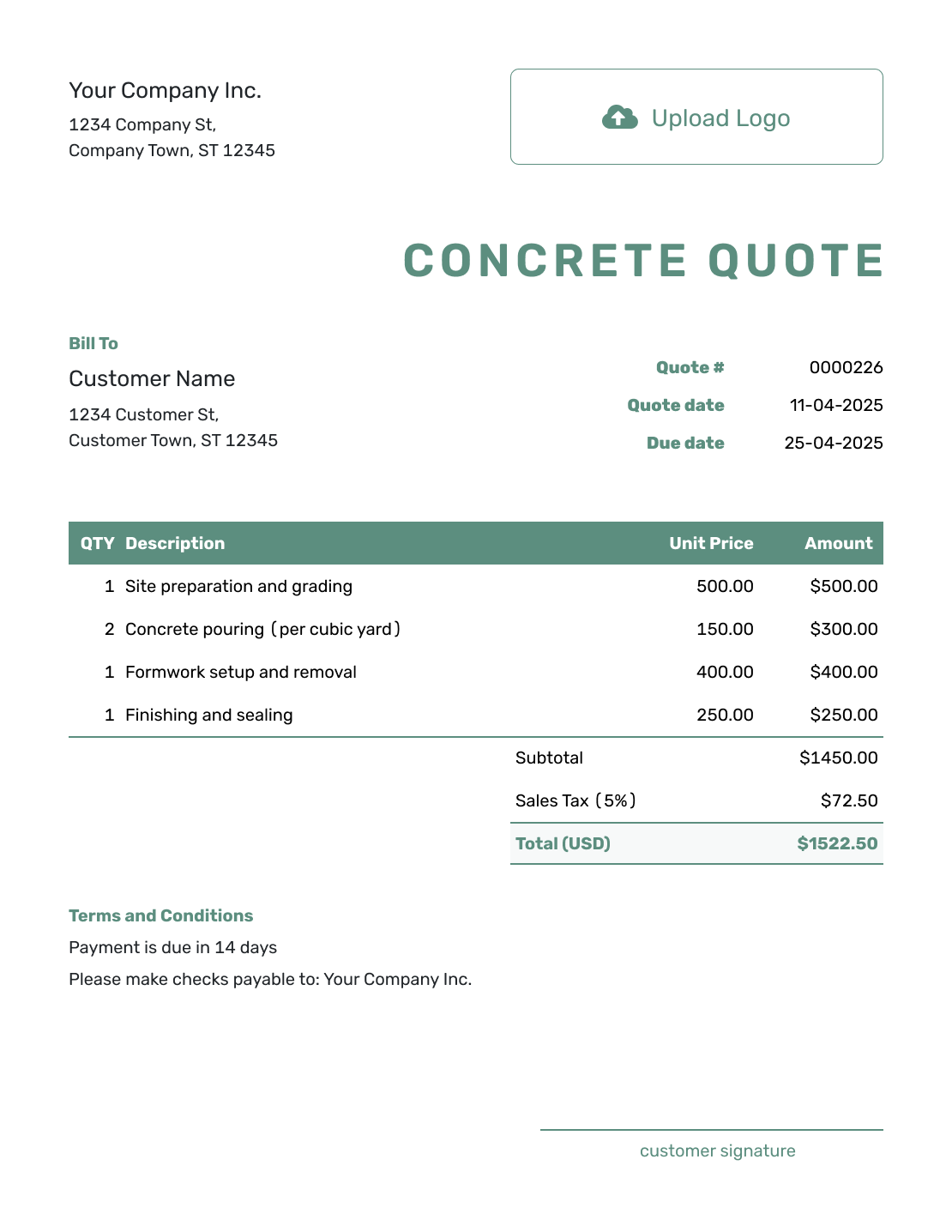
Simple Concrete Quote Template
Create Free Quote -
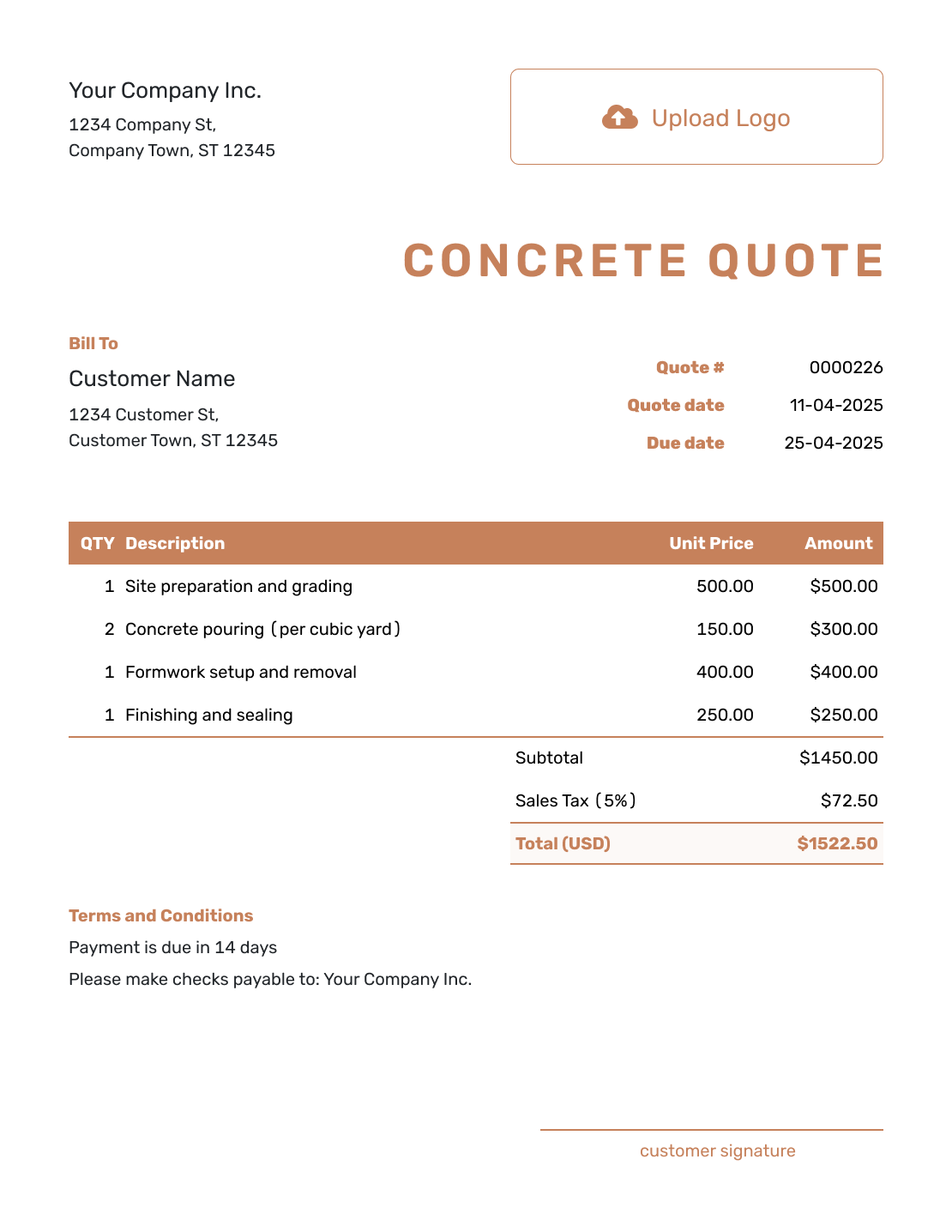
Downloadable Concrete Quote Template
Create Free Quote -
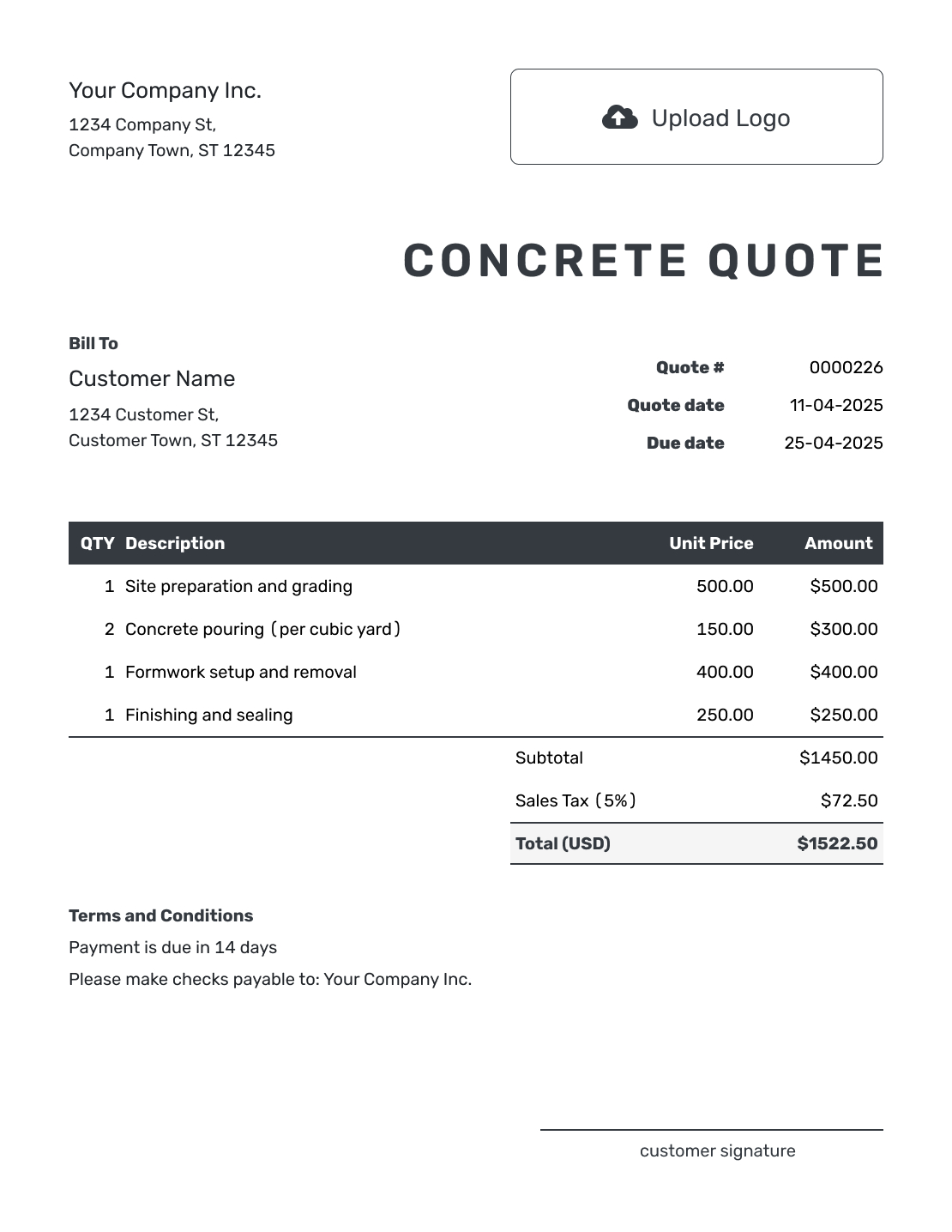
Editable Concrete Quote Template
Create Free Quote -
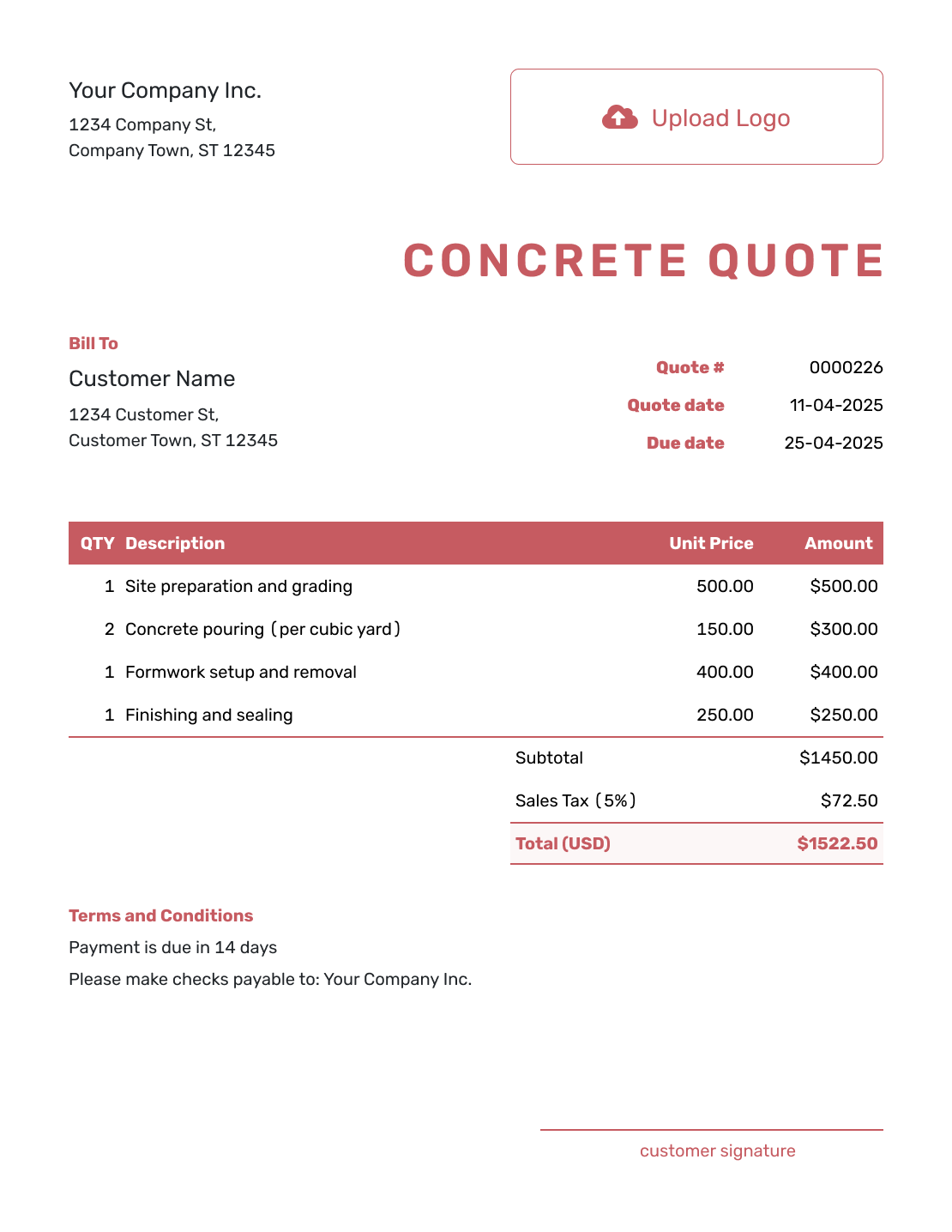
Fillable Concrete Quote Template
Create Free Quote -
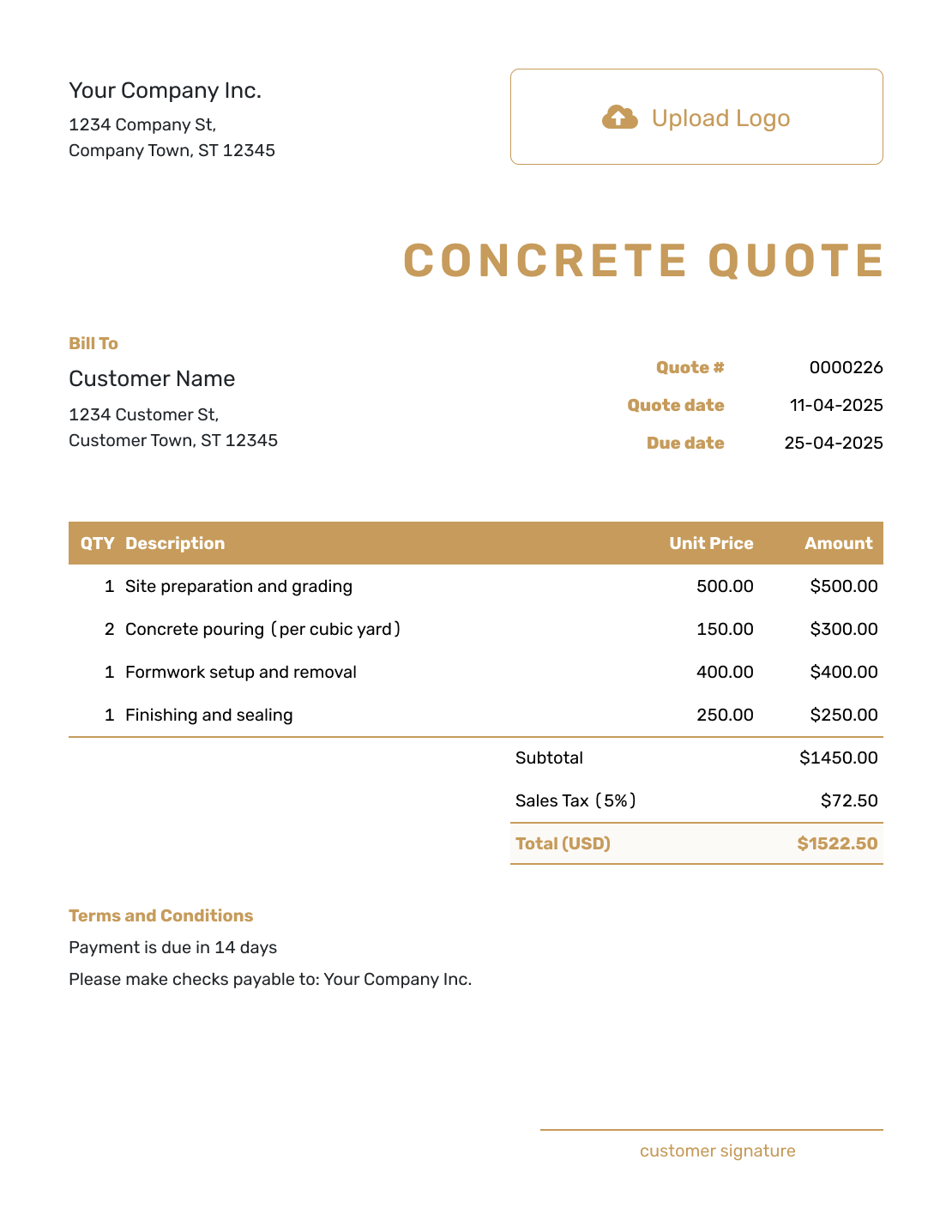
Professional Concrete Quote Template
Create Free Quote
Other Quote Template File Formats
Use Word or Google Docs to work on descriptions and terms, or Excel or Google Sheets for quantities and rates. These pages provide separate file templates; Docelf downloads your finished online quote as a PDF.
See every option on the quote templates by format page.
Related Concrete and Construction Quote Templates
Use the concrete template for a concrete-focused job. Choose a broader or related template when the work also includes excavation, demolition, building, or several trades.
After You Send the Concrete Quote
The customer can accept or decline the emailed quote online. Check delivery and viewing information in the document history; Docelf updates the status and emails you when they respond.
After acceptance, agree on the pour date and confirm that the access assumptions still hold. Revise the quote for approval if the measurements or scope change. When payment is due, create the invoice from the quote and check the copied customer, item and price details before sending.
Concrete Quote Template FAQs
-
What is a concrete quote?
A concrete quote is a written offer for defined concrete work. It ties the price to the measured quantity and site preparation. It also states the mix, finish, terms, and valid-until date.
-
What should I include in a concrete quote?
Identify the customer and job site, then show the dimensions and concrete quantity behind the price. Describe the preparation, reinforcement, mix and finish you will provide. Include the labor and equipment charges, timing, payment terms and acceptance details.
-
Should I price concrete by square foot or cubic yard?
Use the unit that matches the offer. Concrete supply may be priced by cubic yard and placement by square foot, as in the patio example. A complete square-foot package can include both; make that clear so supply is not charged twice.
-
What if the actual concrete quantity is different?
State the quantity covered and how any change affects the price. If you use a unit price for extra concrete, explain what that price includes and when approval is needed. Otherwise revise the offer for approval when measurements or site conditions change.
-
Should excavation and site preparation be separate line items?
Separate them when they are meaningful parts of the price. Listing the excavation and base work helps the customer understand what happens before the pour. Add forms or disposal as separate lines when useful.
-
How should I handle weather delays in a concrete quote?
Add a short term explaining that the schedule may move because of rain, temperature, site conditions, or concrete availability. Keep the price and schedule terms separate so each is easy to understand.
-
How long should a concrete quote stay valid?
Choose a valid-until date that fits your material and delivery pricing. If concrete, fuel, or reinforcement prices change quickly, use a shorter validity period and state it clearly.
-
Can I create a concrete quote online?
Start a quote in Docelf and add the job site and measurements. Describe the preparation and finish. Docelf calculates the total so you can email the quote or download a PDF.
-
Can I turn an accepted concrete quote into an invoice?
Yes. Create the invoice from the quote in Docelf when you are ready to bill. The customer, item and price details carry over, so you can check them against the agreed job instead of entering them again.
Ready to Send Your Concrete Quote?
Give your customer a concrete price they can match to the planned job.
- Show the area and thickness behind the price
- Name the base, reinforcement, mix, and finish
- Email the concrete quote or download a PDF




