Free Excavation Quote Template
Create a professional excavation quote in minutes
Describe the site work and quantities, including equipment, hauling and disposal. The full price is clear up front, giving customers a reason to hire your crew for the job.
Email, print or download your quote as a PDF.
14-day free trial. No credit card required.

Price the job. Send the quote. Get back to work.
Excavation Quote Template Examples
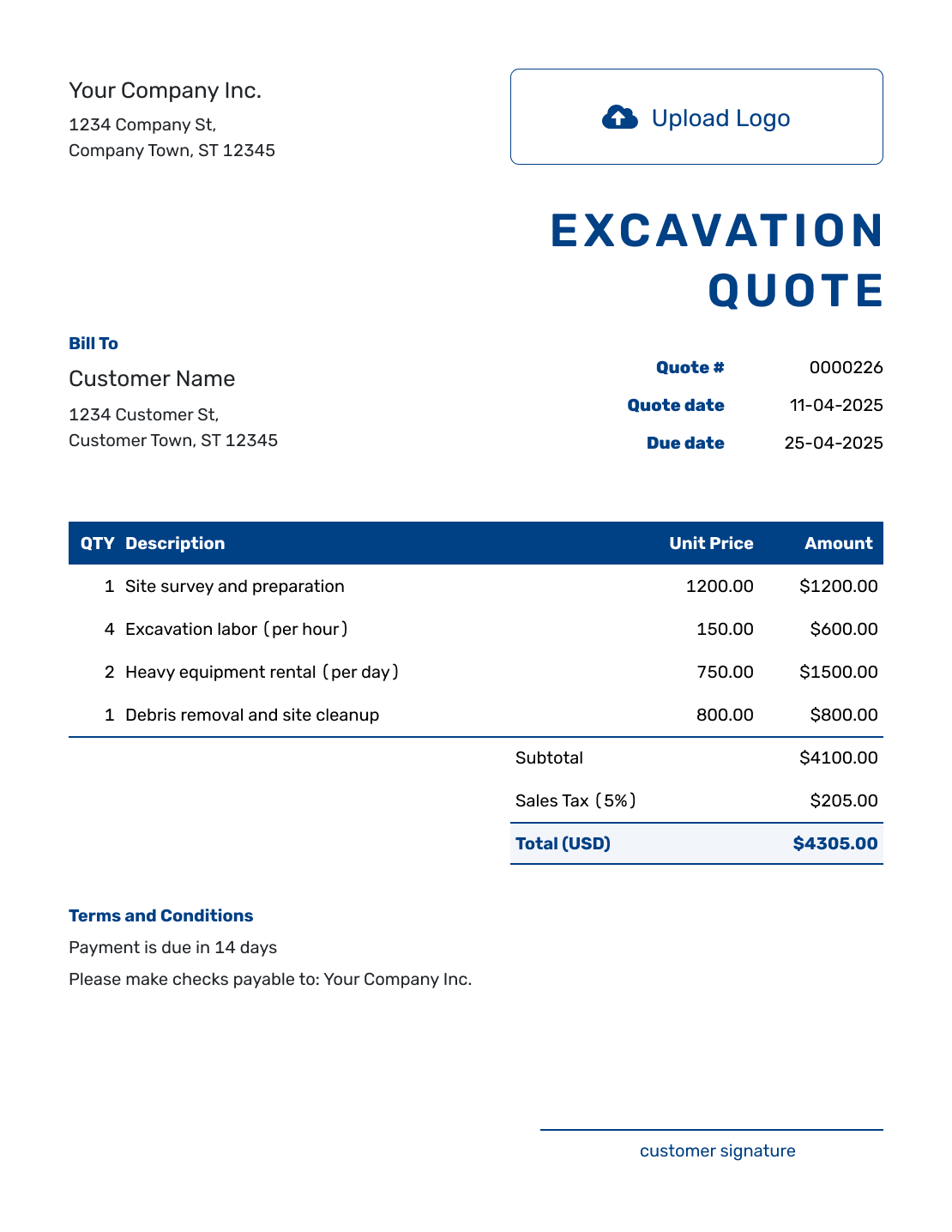
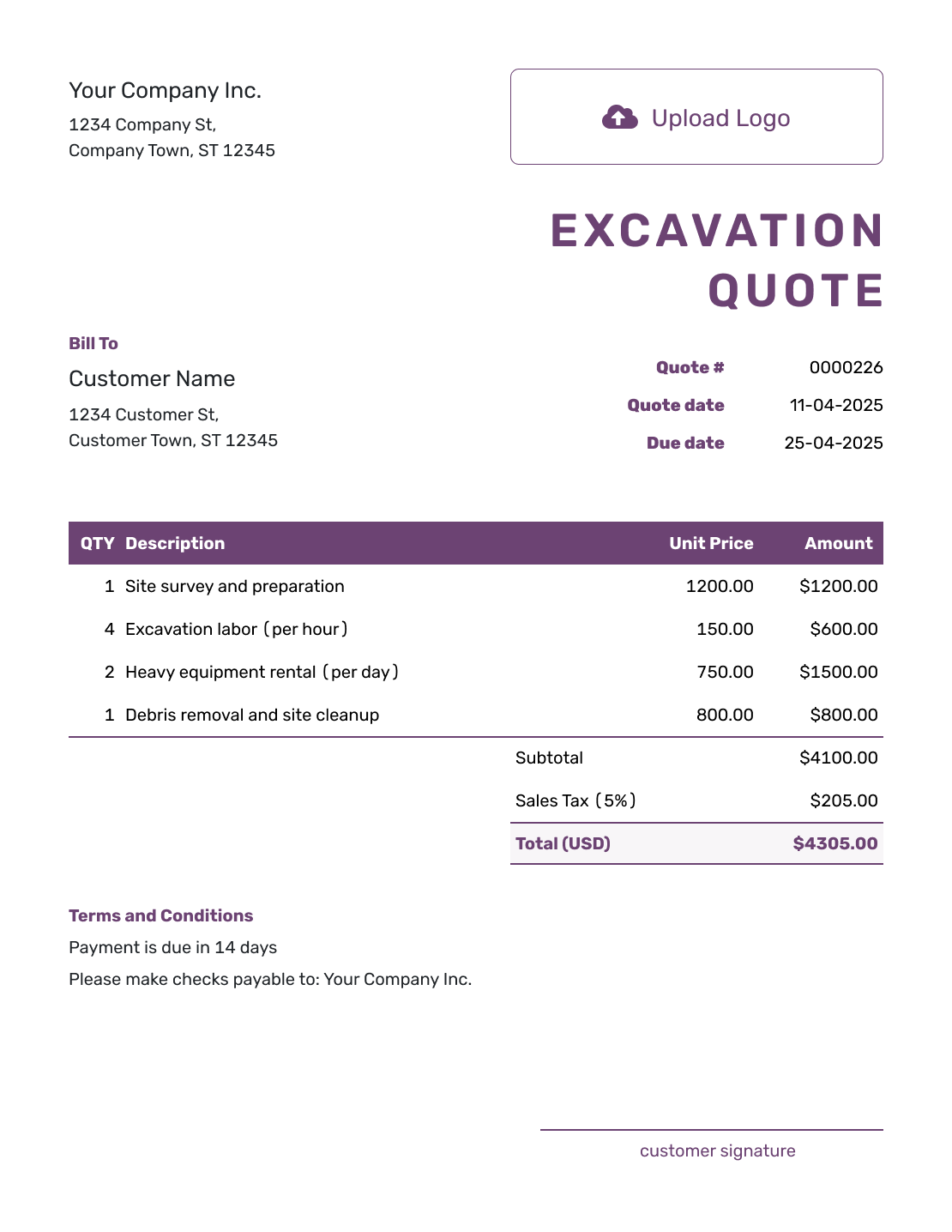
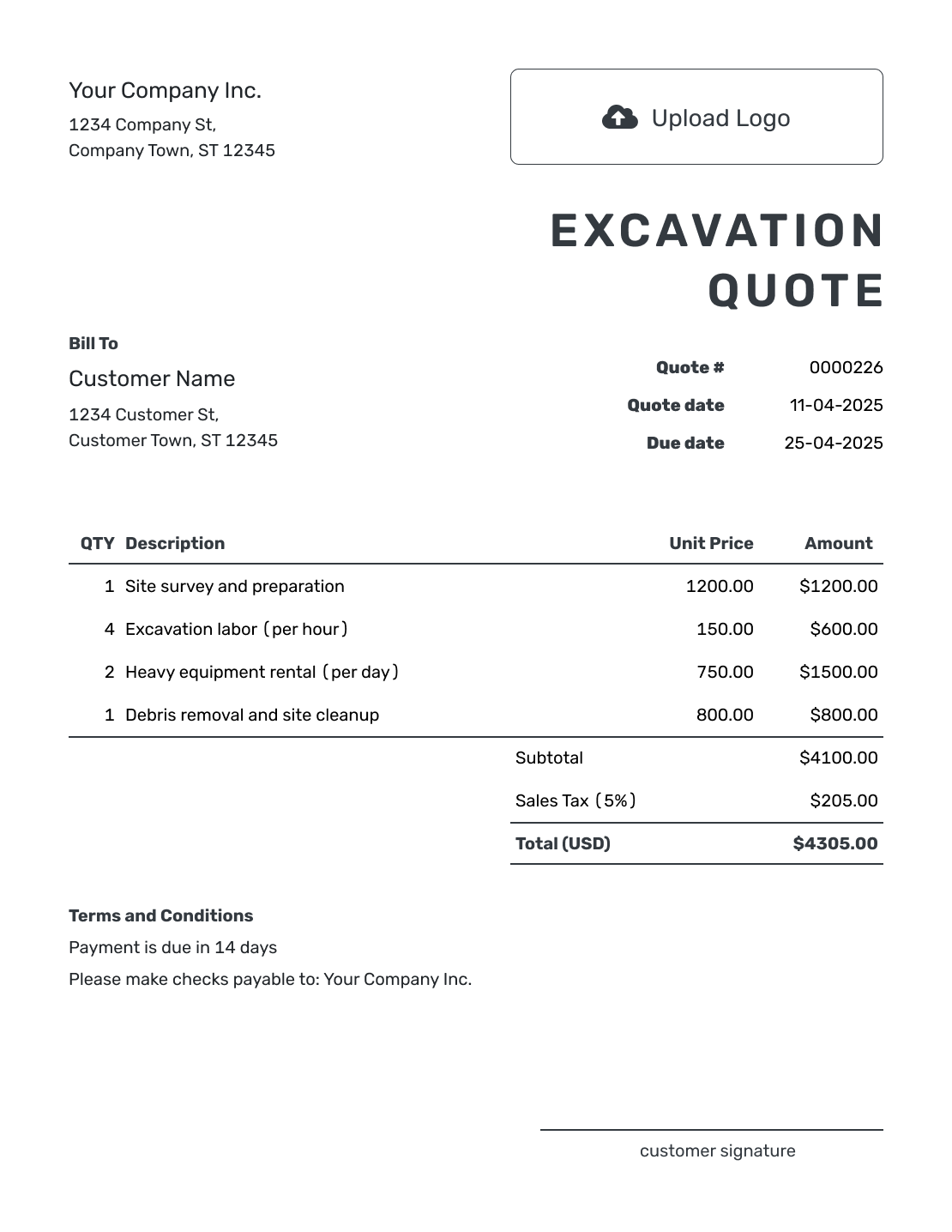
These examples show ways to lay out an excavation offer. Every preview opens the same quote editor, where you can add your measured work, prices, logo, and colors.
What Is an Excavation Quote?
An excavation quote is a written offer for defined site work. It shows the area or quantities included, the price, and the ground conditions used to prepare it.
Use a quote when you have enough site information to price the job. If quantities or underground conditions are still too uncertain, a construction estimate gives the customer an expected cost while those details are settled. For a job covering several trades, use the broader construction quote template.
How to Create an Excavation Quote
Have the site measurements and your inspection notes beside you. The quote should describe the finished work as well as the equipment and time needed to do it.
- Your Business: Add your excavation business name and contact details.
- Your Logo: Use your logo to match the quote to your business.
- Customer and Site: Enter the customer. Identify the work-site address and area in the scope.
- Number and Dates: Check the quote number, issue date, and valid-until date.
- Measured Work: List tasks with their quantities and rates. Show what equipment, hauling, and disposal include.
- Total and Terms: Check tax and total. Add site assumptions and payment timing in Terms and Conditions.
- Review and Send: Check the measurements and scope. Add signature fields if useful, then email or download the PDF.
How to Fill In Excavation Quote Line Items
Use the unit that matches each charge: hours for machine time, cubic yards for measured excavation, or loads for hauling. Describe what the rate includes so an operator or disposal fee is not counted twice.
This fictional US-dollar quote prepares a 20-by-20-foot shed pad to the levels on drawing SP-04, revision B. The six excavator hours include the operator. Each hauling load allows up to six cubic yards and includes disposal of clean spoil; all four charges use an illustrative 8% tax rate. Use the tax treatment that applies to your job.
| QTY | Description | Unit Price | Amount |
|---|---|---|---|
| 1 | Clear vegetation from the marked 20-by-20-foot pad | $300.00 | $300.00 |
| 6 | Excavator and operator — hours | $150.00 | $900.00 |
| 2 | Haul clean spoil — up to 6 cu yd per load, including disposal | $225.00 | $450.00 |
| 1 | Final rough grading of the pad | $250.00 | $250.00 |
| Subtotal | $1,900.00 | |
| Sales Tax (8% illustrative) | $152.00 | |
| Quote Total | $2,052.00 |
What to Include in Excavation Quote Terms
Use Terms and Conditions to explain what the price assumes and when payment is due. Access, soil, groundwater, utility locating, and the final surface condition can all affect the work. Include only the conditions relevant to the site you inspected.
The sample continues the shed-pad quote above. Adapt the scope, responsibilities, timing, and payment policy to your job. Check applicable local requirements for permits and utility locating; a note on the quote does not replace them.
Example: Terms and Conditions
- Scope: prepare the marked 20-by-20-foot pad to drawing SP-04, revision B. Price: $2,052.00 including the illustrative tax shown.
- Includes vegetation clearing, six excavator-and-operator hours, two loads of clean spoil, up to six cubic yards per load, with disposal, and final rough grading. Imported fill, concrete, and landscaping are excluded.
- Assumes clear equipment access and ordinary soil without rock or standing groundwater. Added work or changed quantities will be priced and agreed in writing before it begins.
- Contractor arranges utility locating before digging; customer provides access to the marked work area. Any required permits will be confirmed before a start date is agreed.
- Offer valid for 30 days from the quote date. Schedule agreed after acceptance and site checks. Invoice payable within seven days of completing the listed work.
Price the Site Work Before You Send
Add the customer and measured site work. State the ground and access assumptions behind the price. Review the total in Docelf, then email the quote or download a PDF.
Explain the Site Conditions Behind the Price
The customer needs to know where the quoted work stops. Reference a marked plan or measured area, and describe whether you are leaving a rough grade, compacted fill, or a restored surface. Keep clearing, trenching, backfill, and compaction distinct when they are separately priced.
A cubic-yard quantity should say whether it describes soil in place or material being hauled. If you charge by the load, state the load size or other agreed basis. Equipment transport, imported materials, trucking, disposal, surveys, and permit fees belong in the item table when they are separate charges.
Your inspection notes give the assumptions a basis. Record access width, soil and groundwater observations, and any limits on what you could inspect. If rock, buried debris, or another unexpected condition changes the job, explain the proposed work and price before asking the customer to approve it.
Excavation Quote, Estimate, or Invoice?
Use a quote when the site work is defined well enough to price. Use an estimate when unknown ground conditions could change the cost. Send an invoice when payment is due.
Excavation Quote
Use a quote when the site-work scope, quantities, assumptions, and price are ready for the customer to approve.
Construction Estimate
Use an estimate when unknown ground conditions or final quantities may still change the cost.
Construction Invoice
Send an invoice when payment is due. It states the amount due for the work you are billing.
More Excavation Quote Layouts
-
Blank Excavation Quote Template
Create Free Quote -
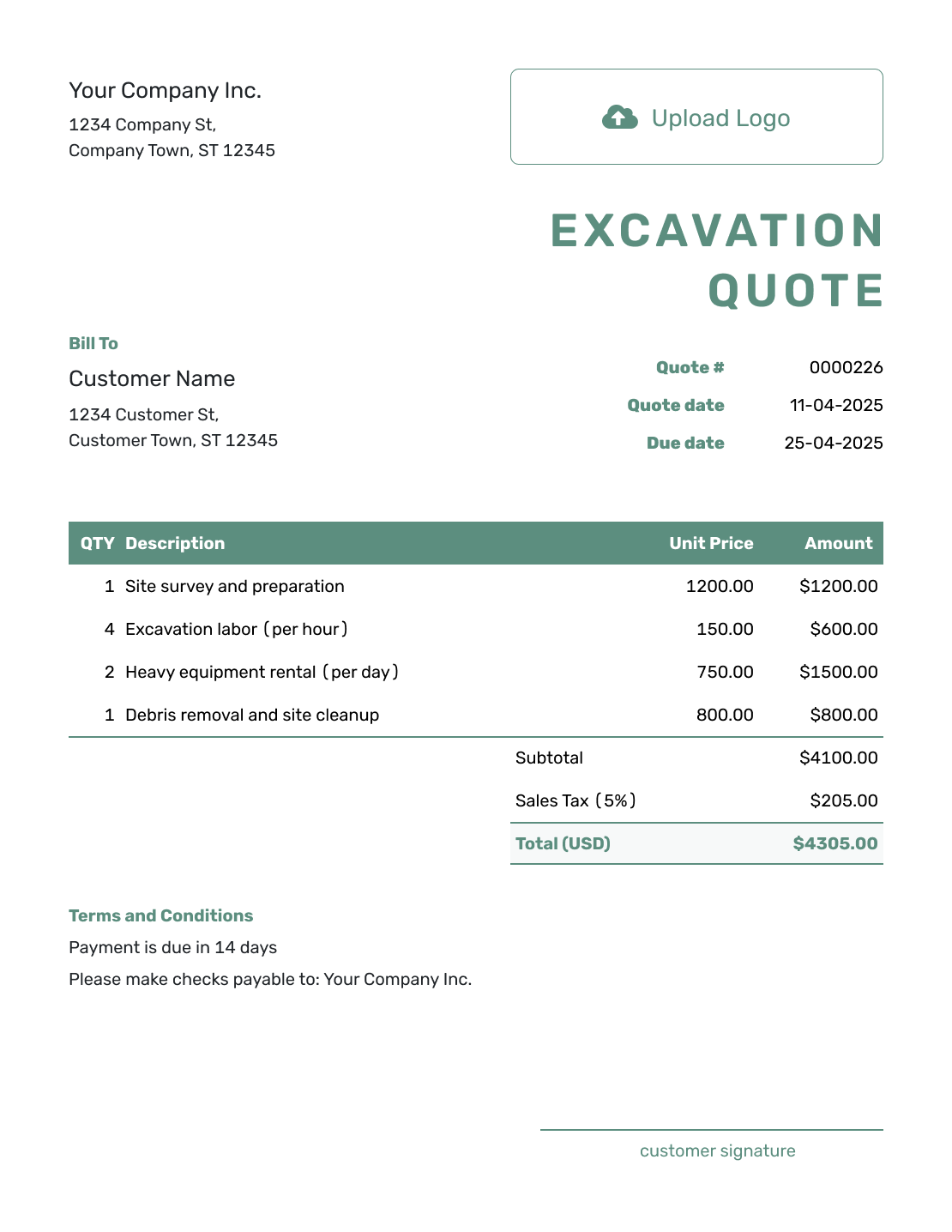
Simple Excavation Quote Template
Create Free Quote -
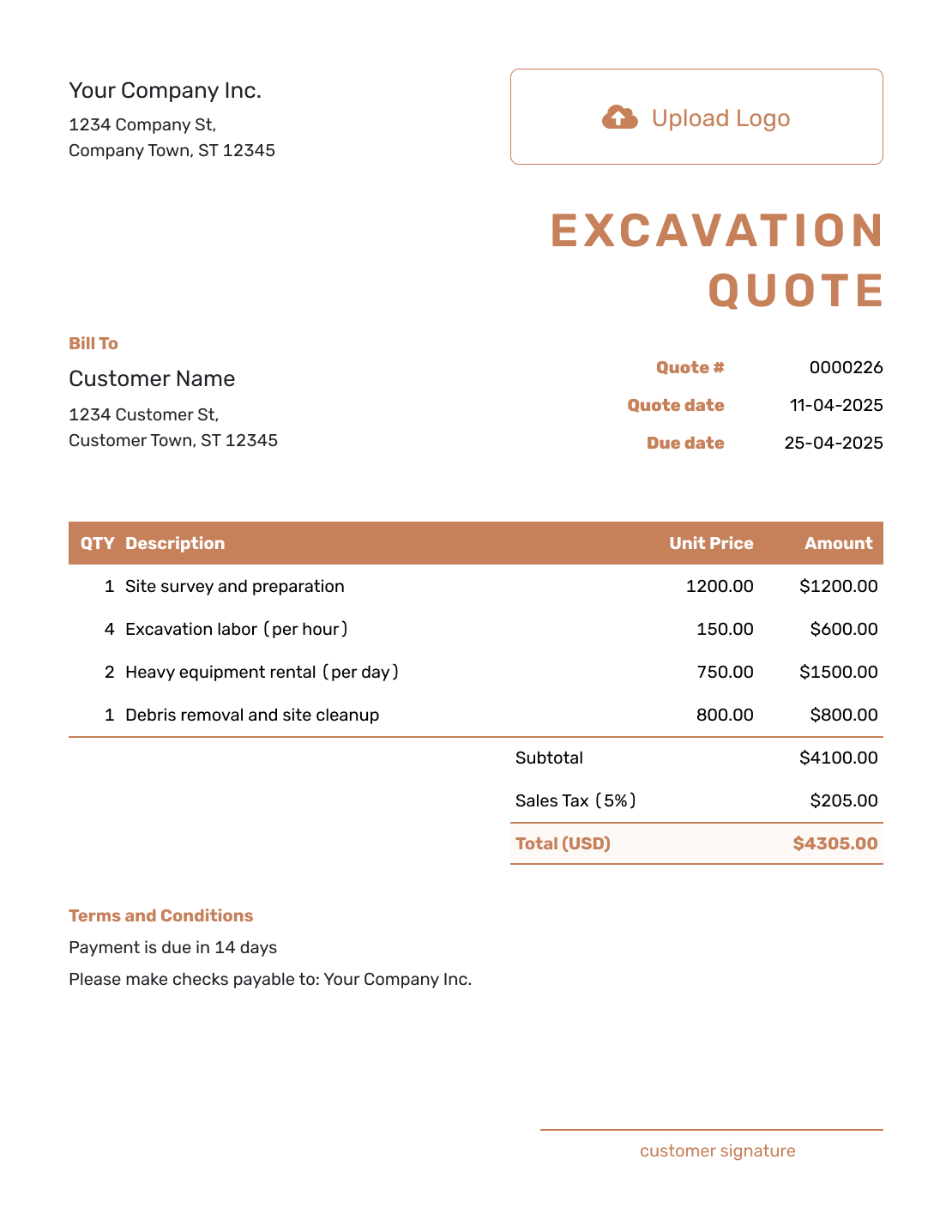
Downloadable Excavation Quote Template
Create Free Quote -
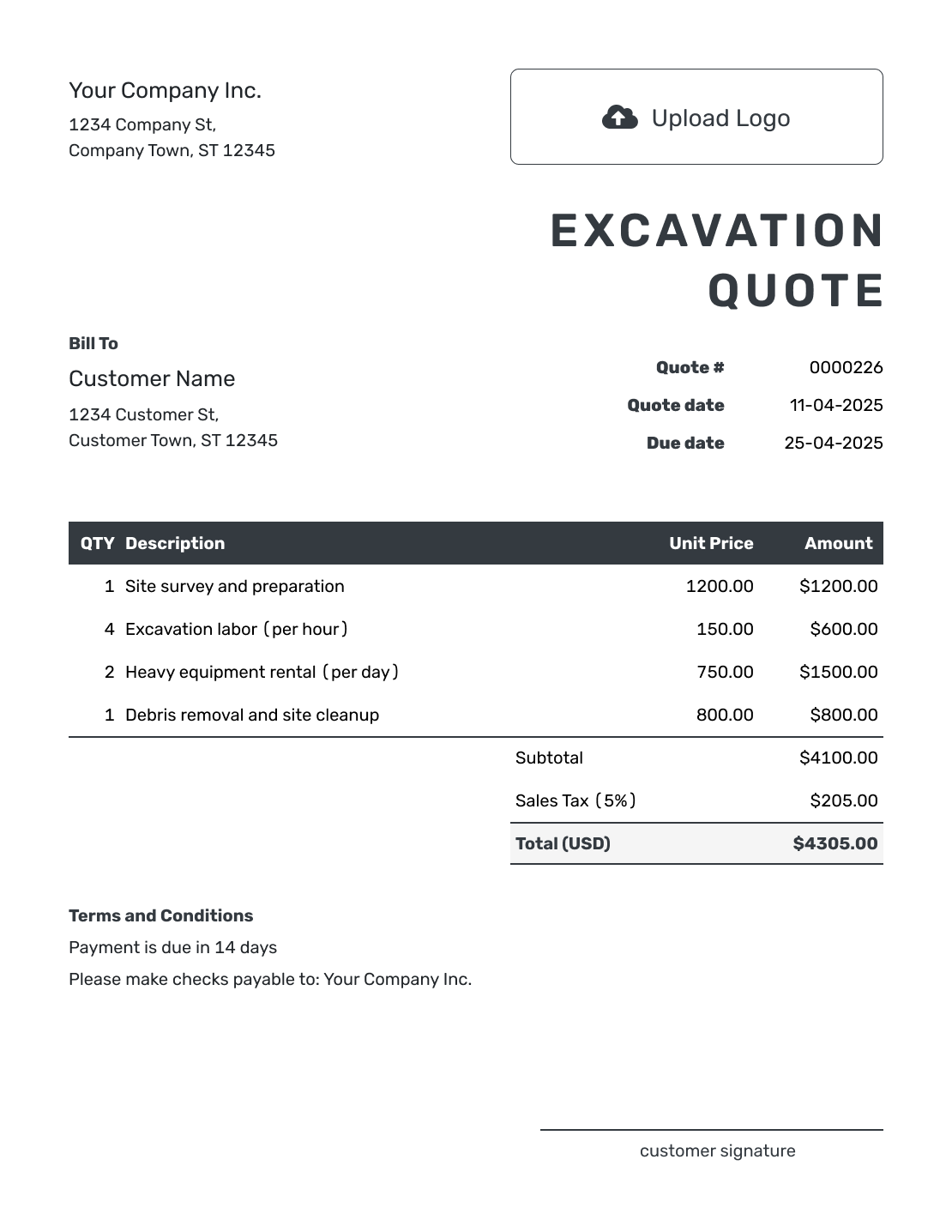
Editable Excavation Quote Template
Create Free Quote -
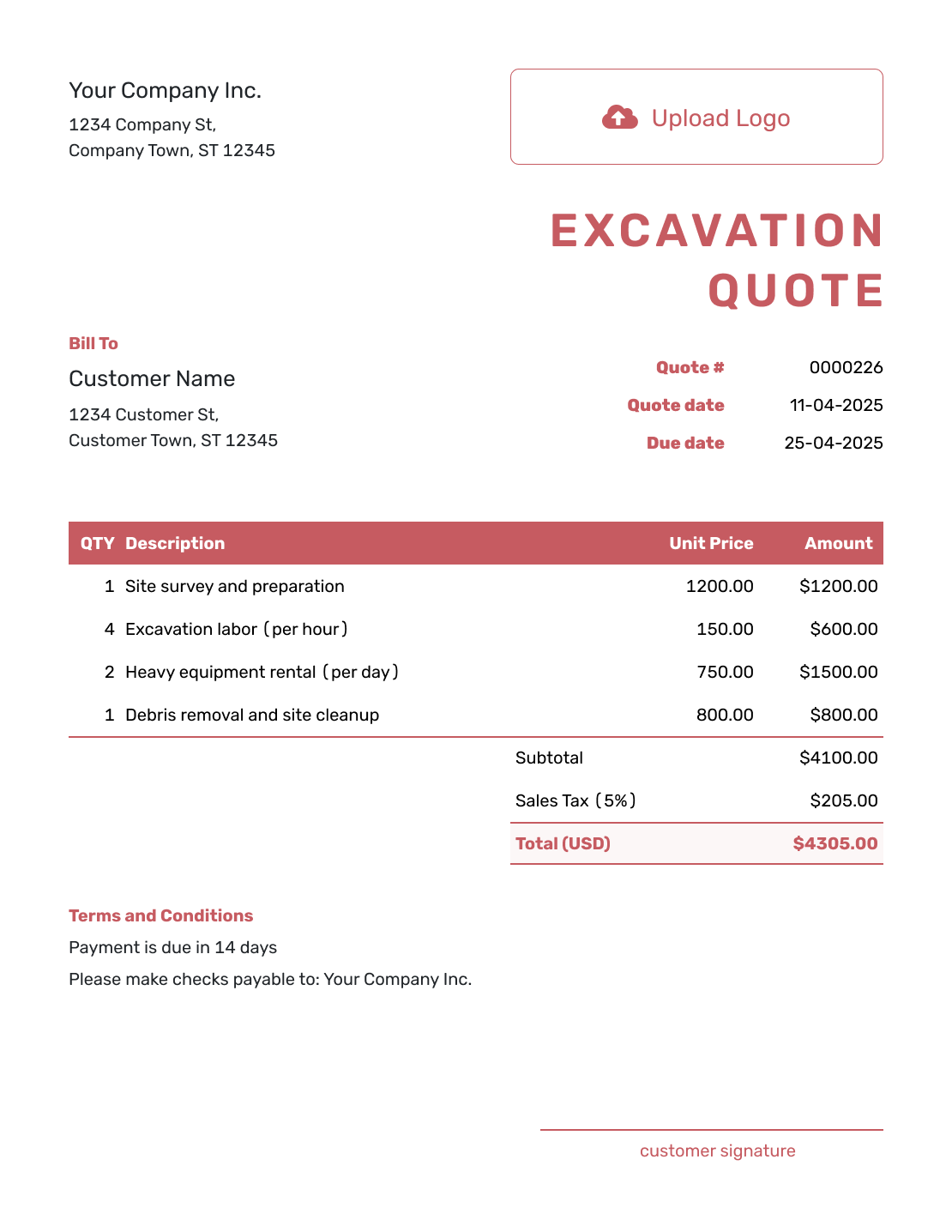
Fillable Excavation Quote Template
Create Free Quote -
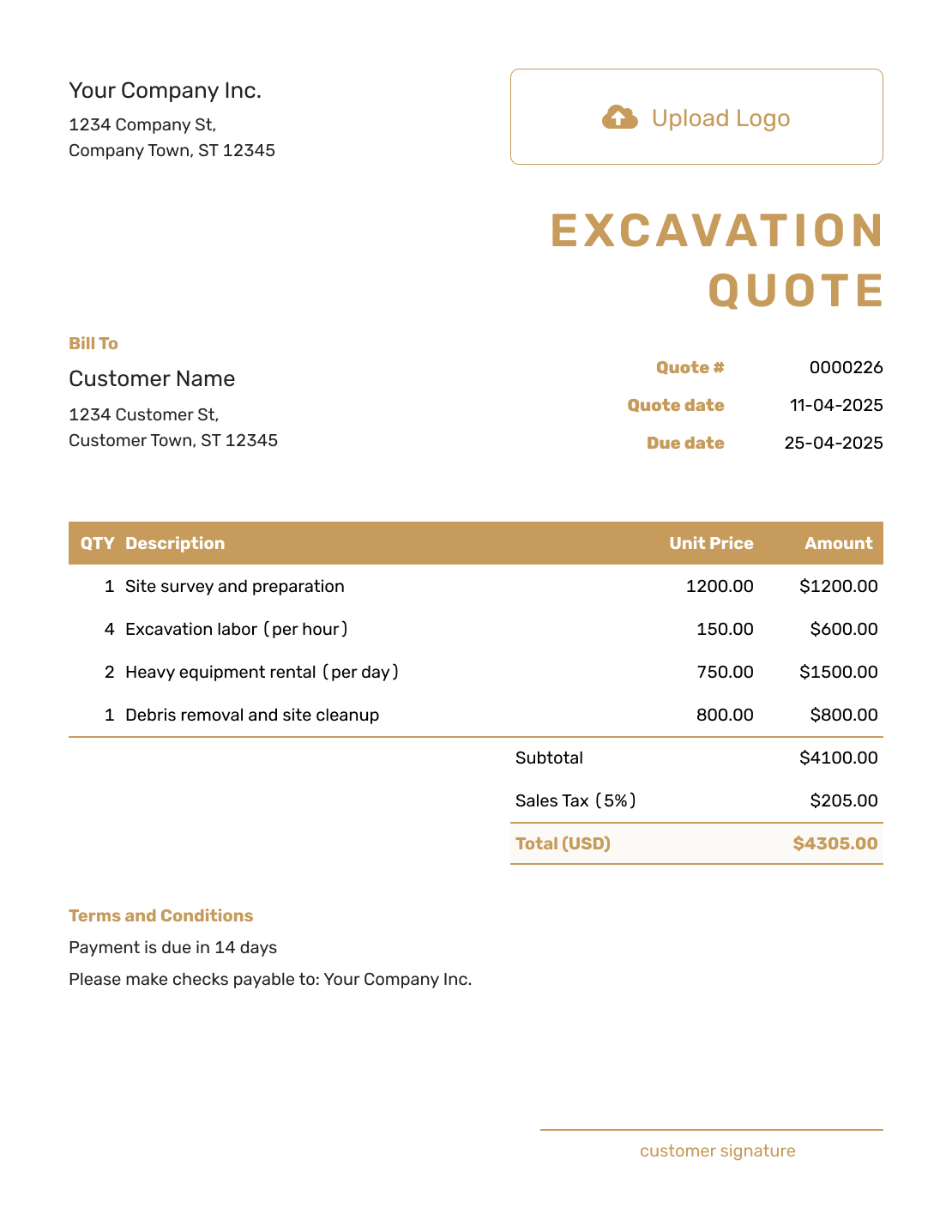
Professional Excavation Quote Template
Create Free Quote
Other Quote Template File Formats
These pages offer separate document and spreadsheet templates. Choose a familiar format if you prefer to edit there; Docelf downloads the finished quote as a PDF.
See every option on the quote templates by format page.
Related Quotes for Site Work and Construction
Choose a related template when another construction trade becomes the main part of the job.
After You Send the Excavation Quote
Docelf shows delivery and opening information in the quote history. Your customer can accept or decline the quote online without a Docelf account, and you receive an email when they respond.
If quantities, hauling, or site conditions change the offer, revise and resend the quote for acceptance. When payment is due, create an invoice from the quote and review the copied customer, item, and price details before sending.
For the next job, reuse saved customer and service details or duplicate the quote as a new numbered draft. Replace the old site measurements, assumptions, dates, and prices before sending it.
Excavation Quote Template FAQs
-
What is an excavation quote?
An excavation quote is a written offer for defined site work. It shows the scope, price, and assumptions the customer is being asked to accept.
-
What should I include in an excavation quote?
Start with your business and customer details, the job site, and the quote dates. Describe the measured site work and how each item is priced. Add the assumptions that could change the job, then state payment terms and a clear way to accept.
-
How do I price excavation work on a quote?
Use the pricing method that matches the work, such as hours, cubic yards, loads, linear feet, days, or a fixed task price. Put the unit in the description and the quantity beside the rate. If a machine rate includes the operator, say so instead of adding the same labor again.
-
Should hauling and disposal be separate line items?
They can be separate when trucking, dump fees, disposal locations, or imported fill make up a meaningful part of the price. Separate line items also make it easier to update the quote if the volume or destination changes.
-
How should I handle rock, groundwater, or unknown soil?
State the site conditions you used to prepare the quote and explain that unknown rock, water, buried debris, or unsuitable soil may require a revised scope and price. Update the quote and get approval before the extra work begins.
-
Should an excavation quote mention utility locating and permits?
Yes, when they affect the job. State who handles utility locating and permits. Add any inspection or access responsibility that could delay the work.
-
What is the difference between an excavation quote and an estimate?
An excavation quote gives a specific price for defined site work and stated assumptions. An estimate gives your best prediction when quantities or underground conditions are still uncertain and the final cost may change.
-
Can I create an excavation quote online?
Yes. Create and review the quote in Docelf, then choose to email it, print it, or download a PDF. Creating or saving the quote does not email it; you choose when to send it.
-
Can I turn an accepted excavation quote into an invoice?
Yes. Open the accepted quote in Docelf and create the invoice. Docelf reuses the customer details and line items, so you do not have to enter the site work again.
Ready to Send Your Excavation Quote?
Tie the site measurements and assumptions to one clear excavation price.
- Show quantities, equipment, and hauling separately
- State utility, access, soil, and groundwater assumptions
- Email the excavation quote or download a PDF




