Free Labor Invoice Template
Create a professional labor invoice in minutes
Show the labor provided, hours worked and agreed rate without burying the total. A clear breakdown helps the customer verify the charge and pay the correct amount.
Email, print or download your invoice as a PDF.
14-day free trial. No credit card required.

Create the invoice. Send it. Get back to work.
Choose a Layout for Billing Labor
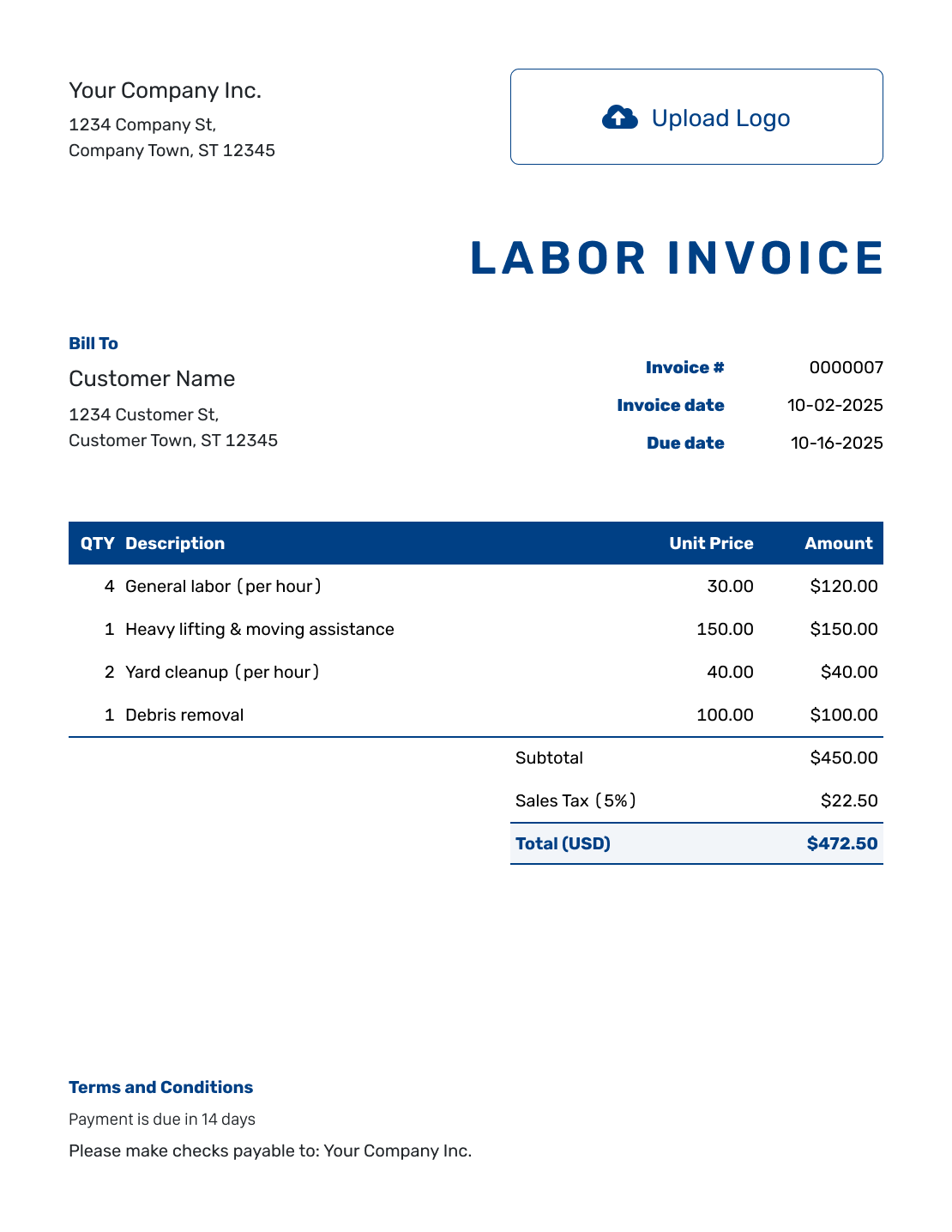
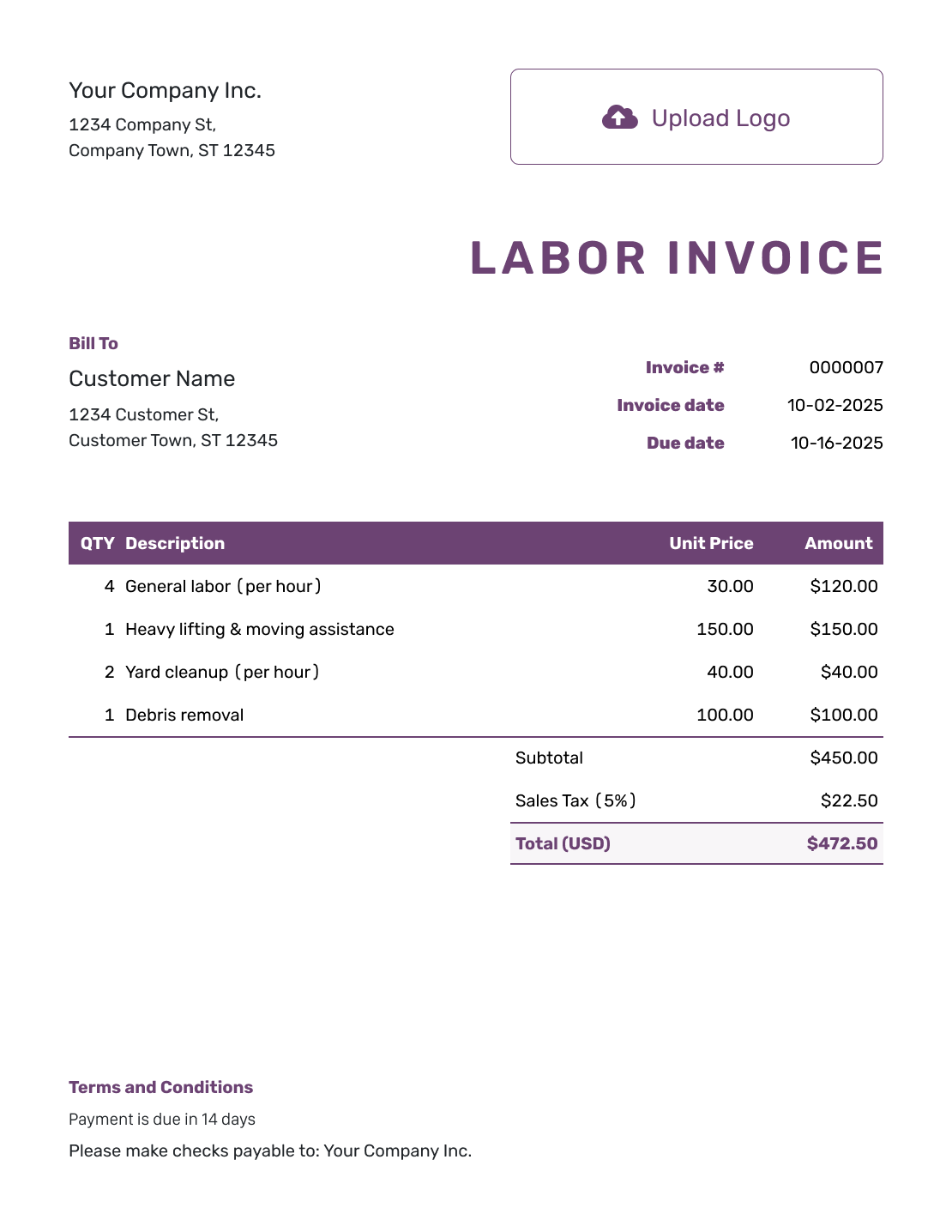
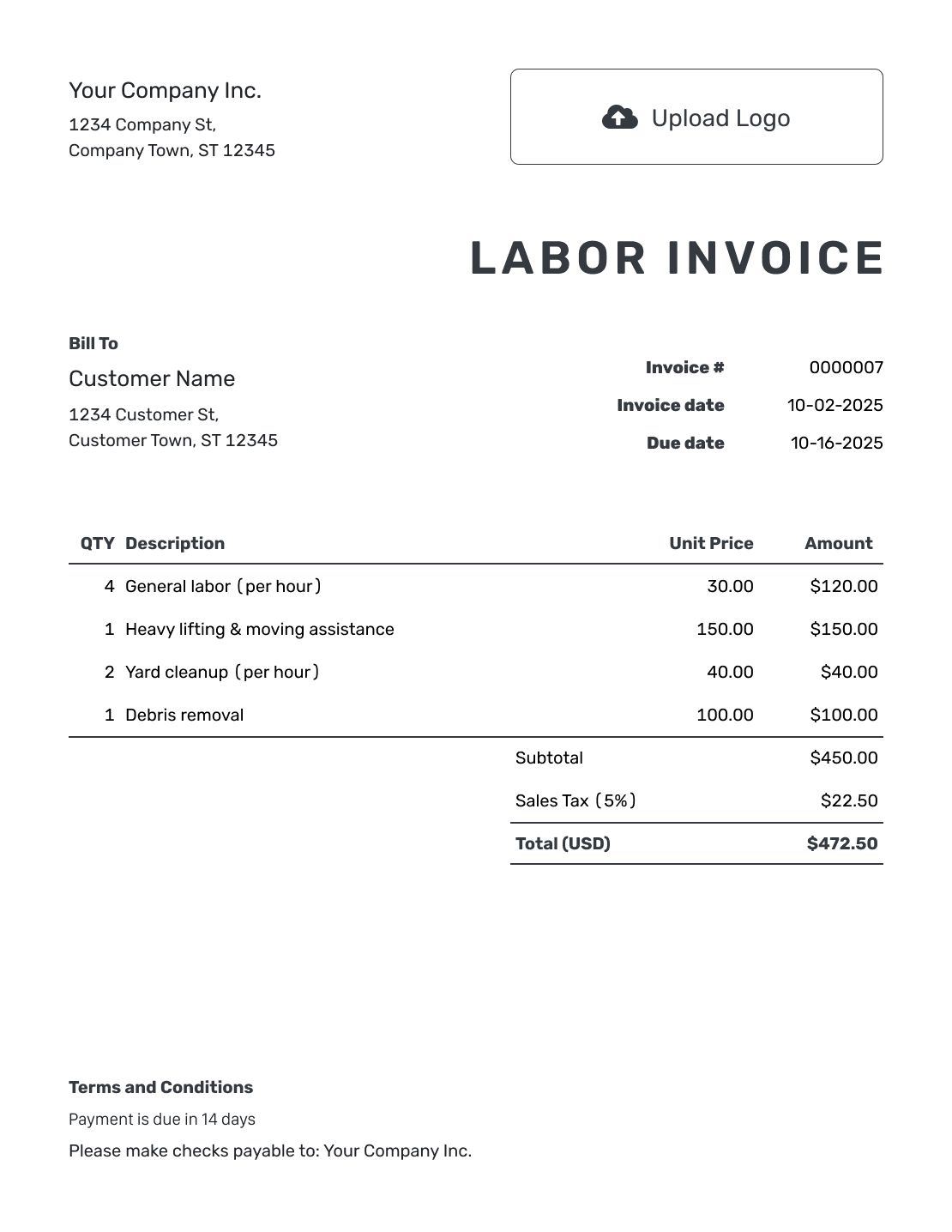
Show the work and how you charge for it. Use one of these invoice layouts for hourly labor, a day rate or an agreed job fee.
Show Whether You Charge by the Hour, Day or Job
A labor invoice shows the work provided and how you charged for it. An hourly bill needs hours and a rate. For a day rate or fixed fee, name the unit in the description.
Use separate lines for work charged at different rates. Keep materials on their own lines when they are part of the bill. Do not describe a materials charge as labor.
How to Create a Labor Invoice
Start with the work record and the rate you agreed. Use the same billing unit in the quantity and description.
- Identify Your Business: Add the name and contact details the customer uses for your services.
- Add Your Logo: Use your logo and a readable design for the bill.
- Select the Customer: Choose the customer responsible for paying for the labor.
- Check the Number and Dates: Review the invoice number and issue date. Set the agreed payment due date.
- List the Work and Rate: List hours, days or fixed tasks with the agreed rate for each.
- Review Labor Totals: Add any applicable tax or discount. Docelf calculates the line amounts and total.
- Add Work and Payment Details: Add work dates, payment instructions and agreed terms in Terms and Conditions. Review the invoice, then email it or download a PDF.
How to Fill In Labor Invoice Line Items
For hourly work, enter decimal hours and label the unit. Put work charged at a different rate on a separate line. Enter the time from your own work records; Docelf calculates the charges from the quantity and price.
This fictional moving job shows two crew members working 3.5 hours each: 7 total labor hours. Assembly and cleanup take additional time, billed separately below. Prices are in USD, with an illustrative 8% tax on all three labor charges.
| QTY | Description | Unit Price | Amount |
|---|---|---|---|
| 7 | Moving crew — total labor hours | $45.00 | $315.00 |
| 1.5 | Furniture assembly — hours | $70.00 | $105.00 |
| 0.75 | Final cleanup — hours | $45.00 | $33.75 |
| Subtotal | $453.75 | |
| Sales Tax (8% example) | $36.30 | |
| Total | $490.05 |
The labor amounts are $315.00, $105.00 and $33.75. Their $453.75 subtotal plus $36.30 example tax gives $490.05. The 8% rate is only an example. Check whether tax applies to your services and use the appropriate rate.
What to Include in Labor Invoice Terms
Use Terms and Conditions to explain how you bill for labor and when payment is due. For a crew, say whether the rate is per person or for the whole crew.
Include minimum charges, travel time or higher rates only when they were agreed and actually apply. Check local requirements before using fee or penalty wording. Adapt this example to your own billing arrangement.
Example: Terms and Conditions
- Labor is billed for the tasks and work dates shown on the invoice at the agreed rates.
- Moving crew hours represent the combined hours worked by both crew members.
- The moving crew hours do not include the separately billed assembly and cleanup.
- Payment is due within 14 days of the invoice date using the details shown.
Let the Hours and Rates Explain the Bill
Enter the billable time and agreed rate. Docelf calculates each labor charge. Review the work descriptions, then send the invoice.
Use Decimal Hours, Not Clock Notation
Use 1.5 for one hour and 30 minutes. Use 0.75 for 45 minutes. Do not enter 1.30 for one hour and 30 minutes.
Keep enough detail in your time record to explain the invoice. You can attach a PDF or image of the relevant work summary when the customer needs it.
Choose Worker-Hours or a Crew Rate
Two people working 3.5 hours each provide 7 worker-hours. At a per-person hourly rate, enter 7 as the quantity. At a rate for the whole crew, enter 3.5 hours instead.
Do not multiply by the number of workers again when the rate already covers the whole crew. Name the billing basis in the description so the customer can check it.
Keep Fixed Fees and Materials Distinct
For a day rate, name the unit as days. For a fixed task, use quantity 1 with the agreed fee and a description of what it covers. Separate any materials you charge for instead of treating them as extra labor hours.
Add your logo, colors and fonts to make the bill recognizable. An industry name can appear before “Invoice,” and the footer can hold your billing contact. Choose the agreed currency from USD, EUR, GBP, CAD or AUD.
Keep Track of the Labor Bill After Sending
Check the invoice history to see when your emailed invoice was delivered and opened. If the customer asks about the amount, use the work description and billing unit to explain the charge.
Record each payment when it arrives. Docelf tracks the remaining balance, and you can create a receipt from the invoice after recording payment.
More Layouts for Your Labor Invoice
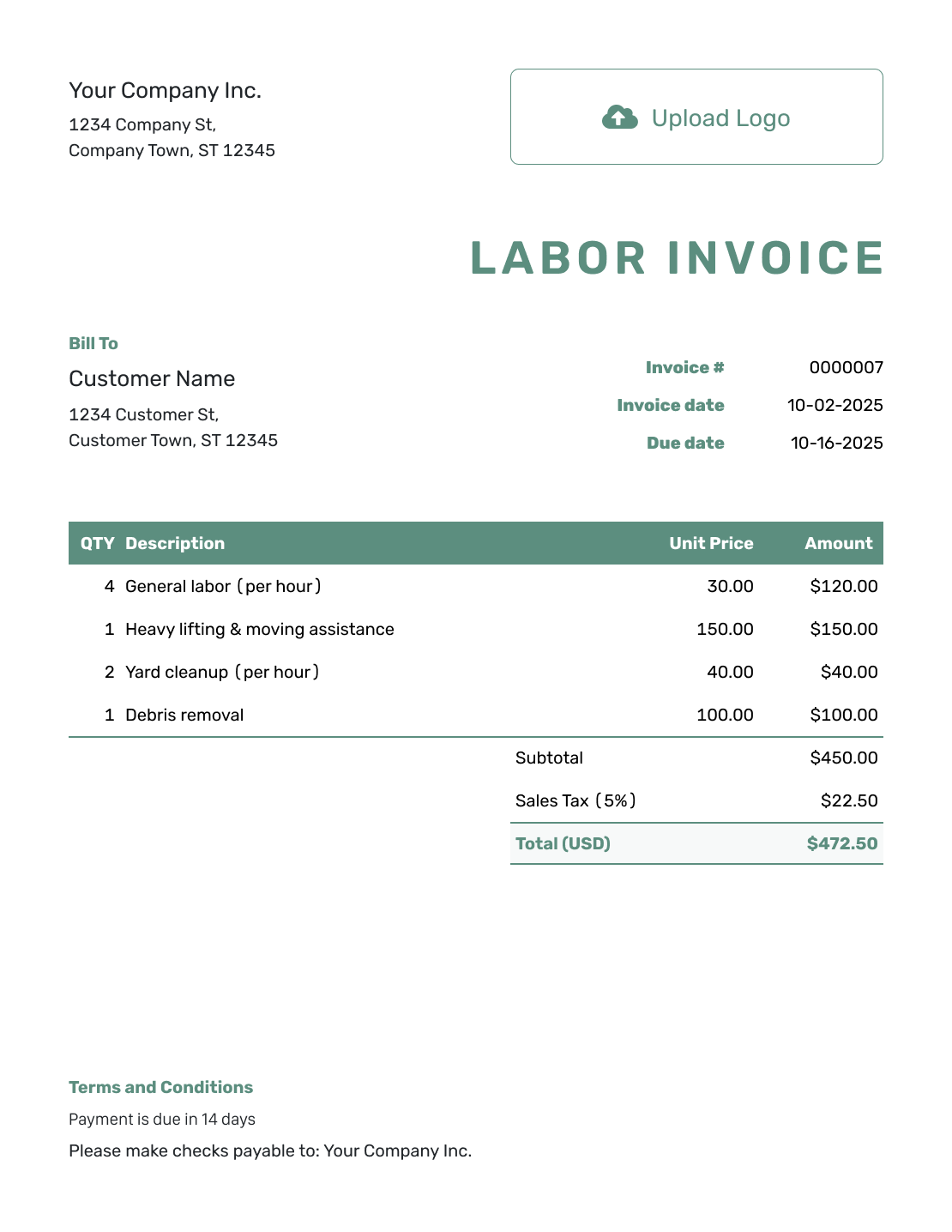
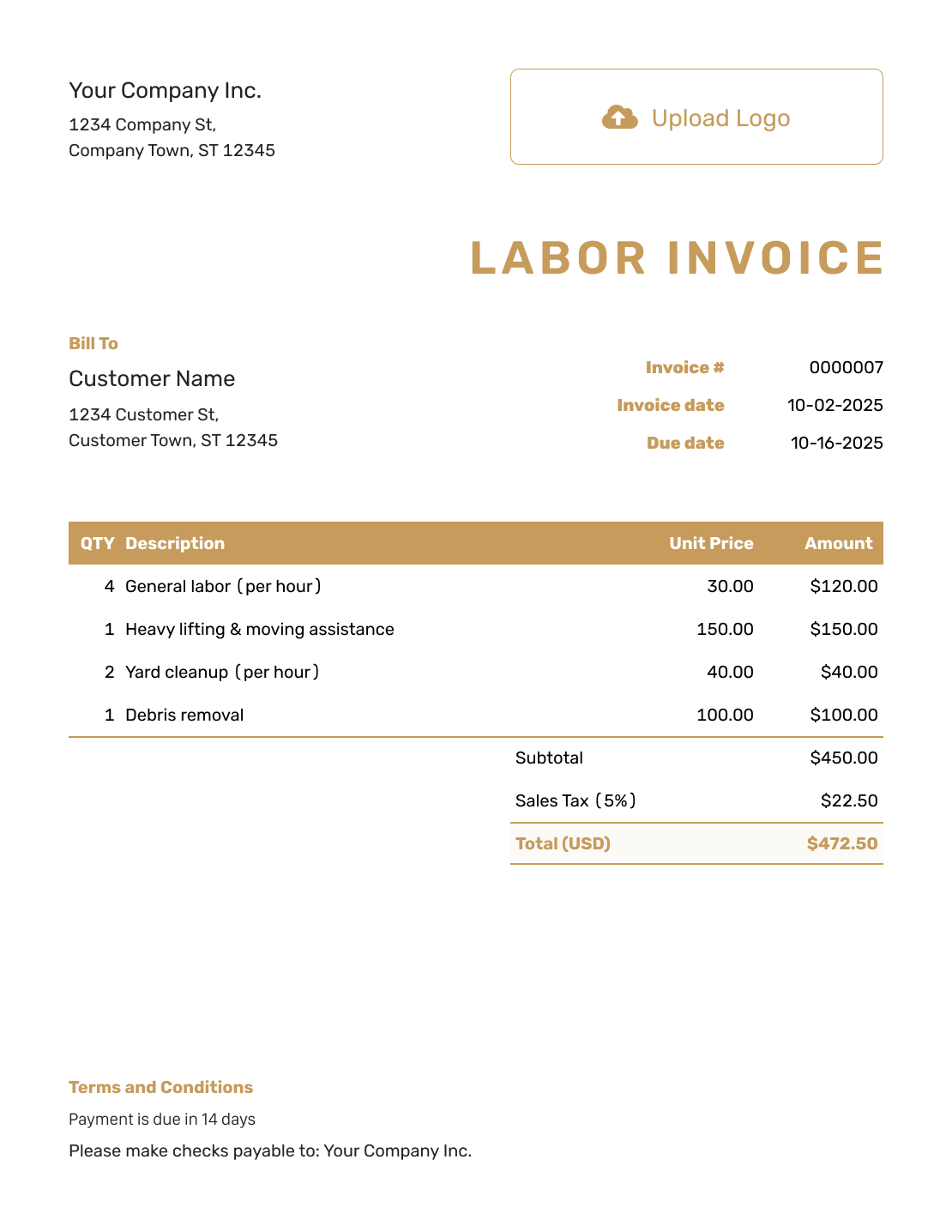
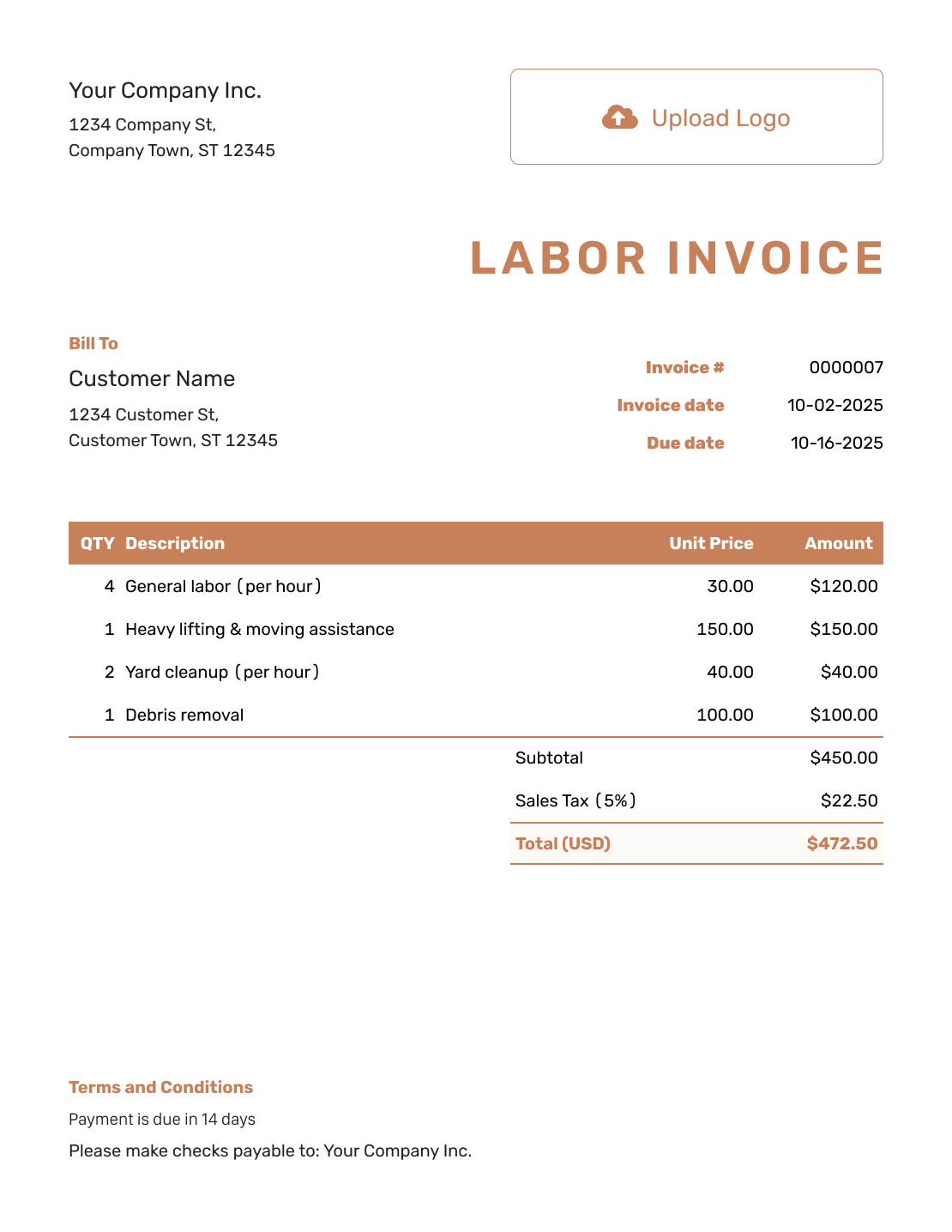
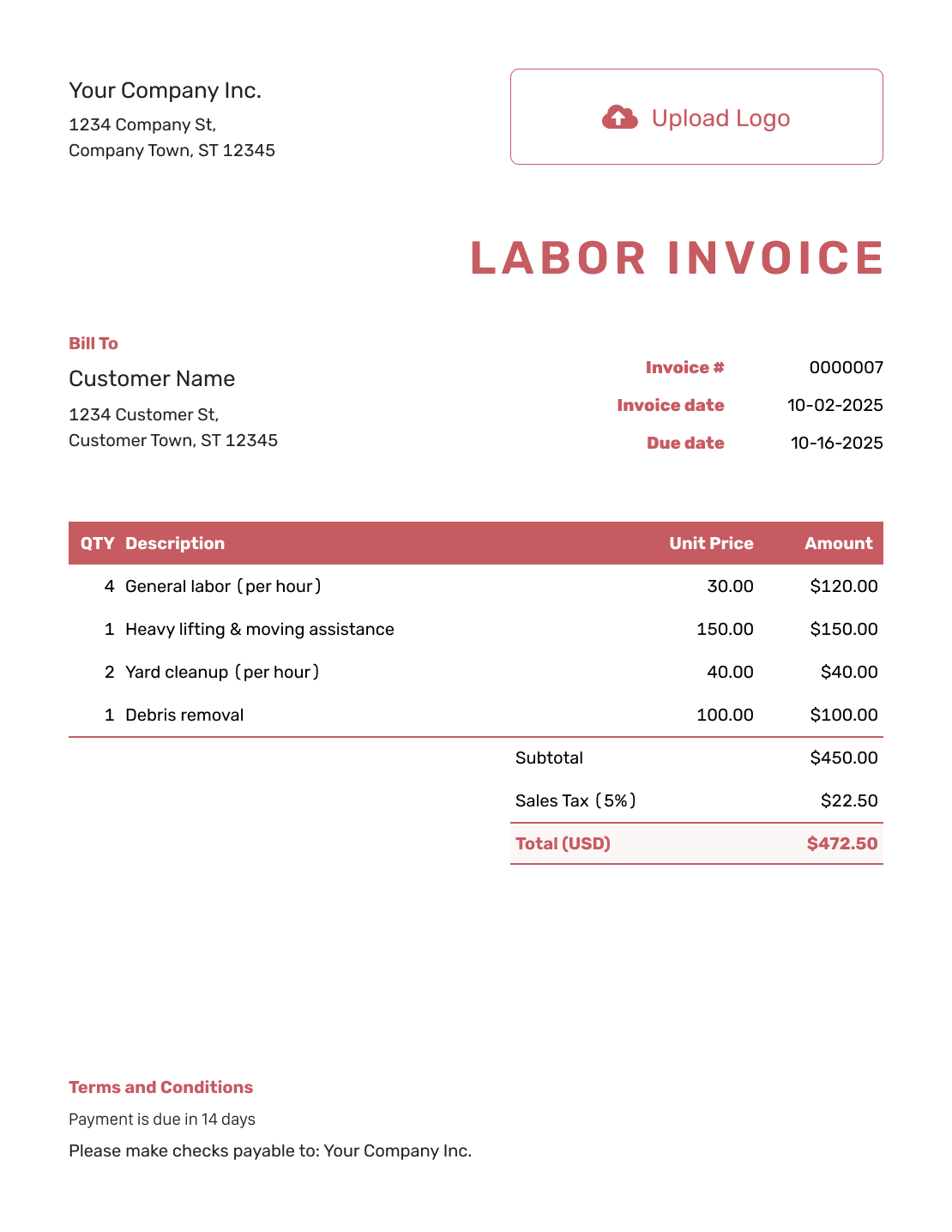
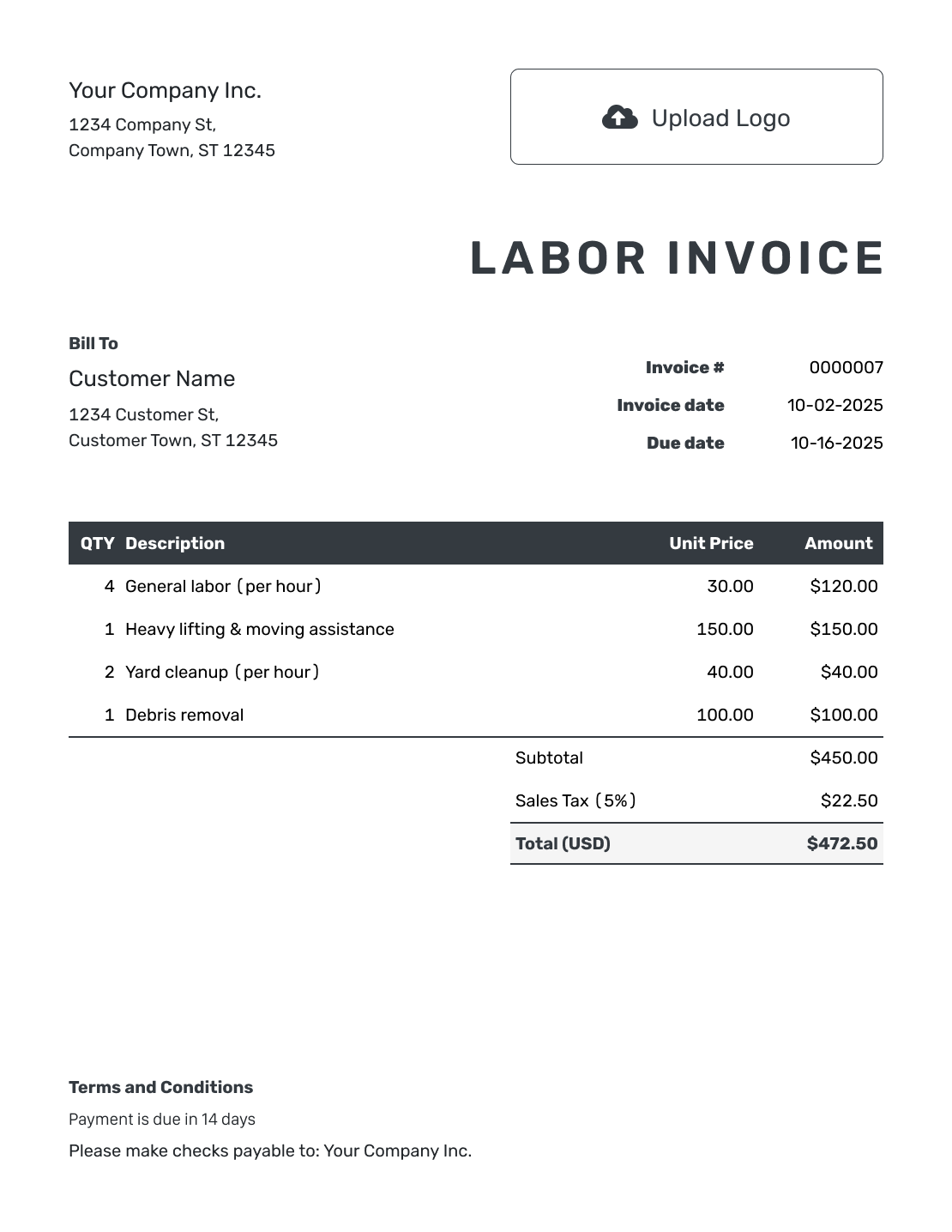
These previews open the same invoice editor, where you can enter your own charges and payment details.
Use a File for Your Hours and Rates
Choose a general invoice template in a format you know. On a spreadsheet, check that the quantity is the intended number of hours or days before relying on its totals.
Labor Invoice FAQs
-
What should a labor invoice show?
Describe the work and the dates covered. State whether the quantity means hours, days or a fixed task. Show the agreed rate and amount for each line. Include the total due and payment instructions.
-
How do I enter one hour and 30 minutes?
Enter 1.5 hours, not 1.30. For 45 minutes, enter 0.75 hours. Label the description with hours so the quantity and rate use the same unit.
-
How do I bill for more than one worker?
Use total worker-hours if the rate is per person. For example, two workers at 3.5 hours each give 7 worker-hours. If the agreed rate covers the whole crew, use the hours the crew worked instead.
-
Can I use a fixed labor fee instead of hours?
Yes. Use quantity 1 and the agreed fee for the task, or enter days for a day-rate arrangement. Describe what the fee covers. Do not add an hourly charge for work already included in the fixed fee.
-
Does Docelf track the hours I work?
Use your own work records to track time. Enter those hours and the agreed rates on the invoice. Docelf calculates the line amounts and total.
-
Should materials go on a labor line?
Use a separate line for materials when they are charged separately. Give the item quantity and price. Keep them out of the labor hours so the customer can see what each charge covers.
Ready to Bill for the Labor You Provided?
Show the customer how you calculated the labor charge.
- Enter the agreed hours, days or task fee
- Let Docelf calculate the labor charges
- Keep the due date with the invoice




