Free Job Invoice Template
Create a professional job invoice in minutes
Bill for one completed job or defined piece of work with a clear service breakdown. The breakdown shows the customer what the charge covers and helps you collect payment.
Email, print or download your invoice as a PDF.
14-day free trial. No credit card required.

Create the invoice. Send it. Get back to work.
Choose a Layout for One Completed Job
Use an invoice layout that lets the customer recognize the job. Add the work reference, completed services and the balance due for that visit or piece of work.
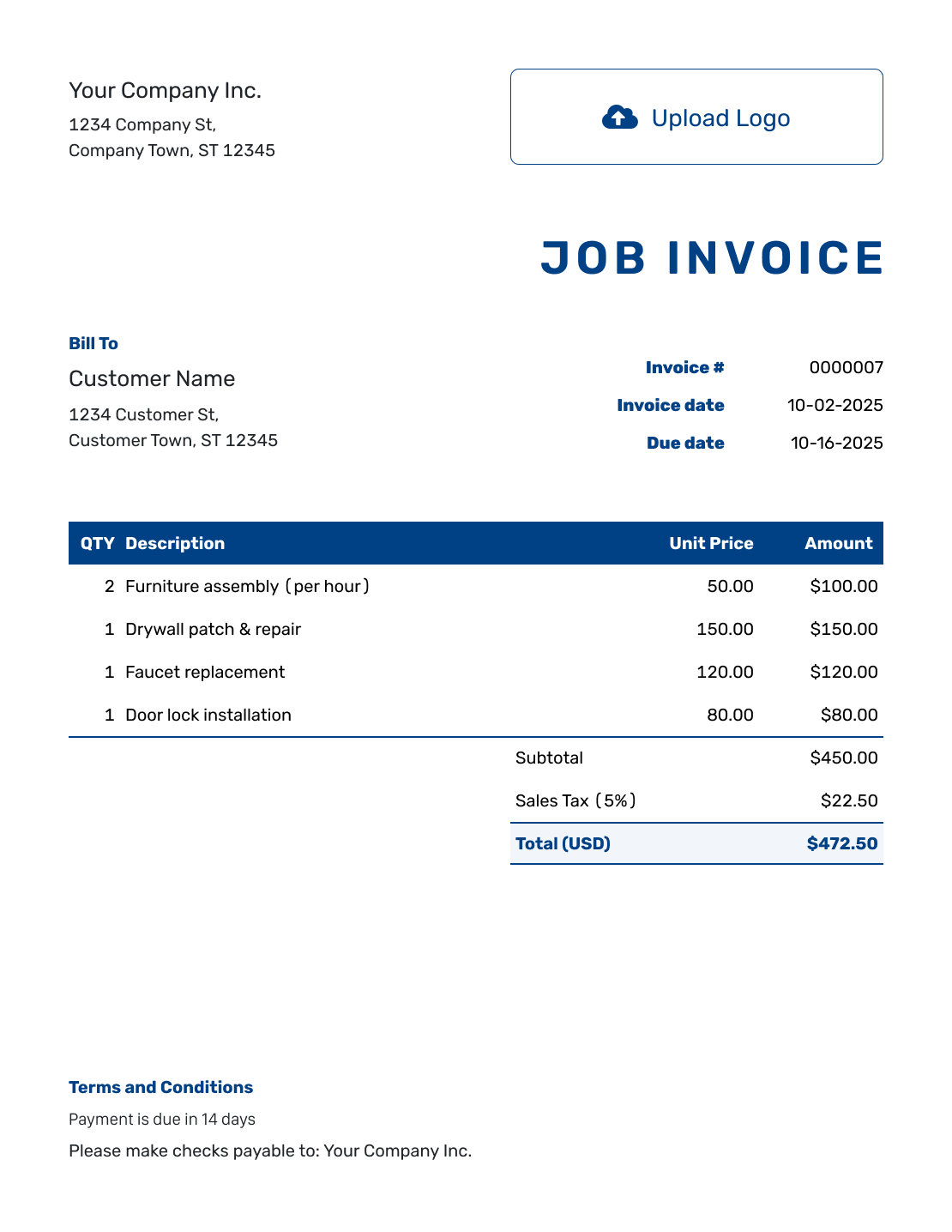
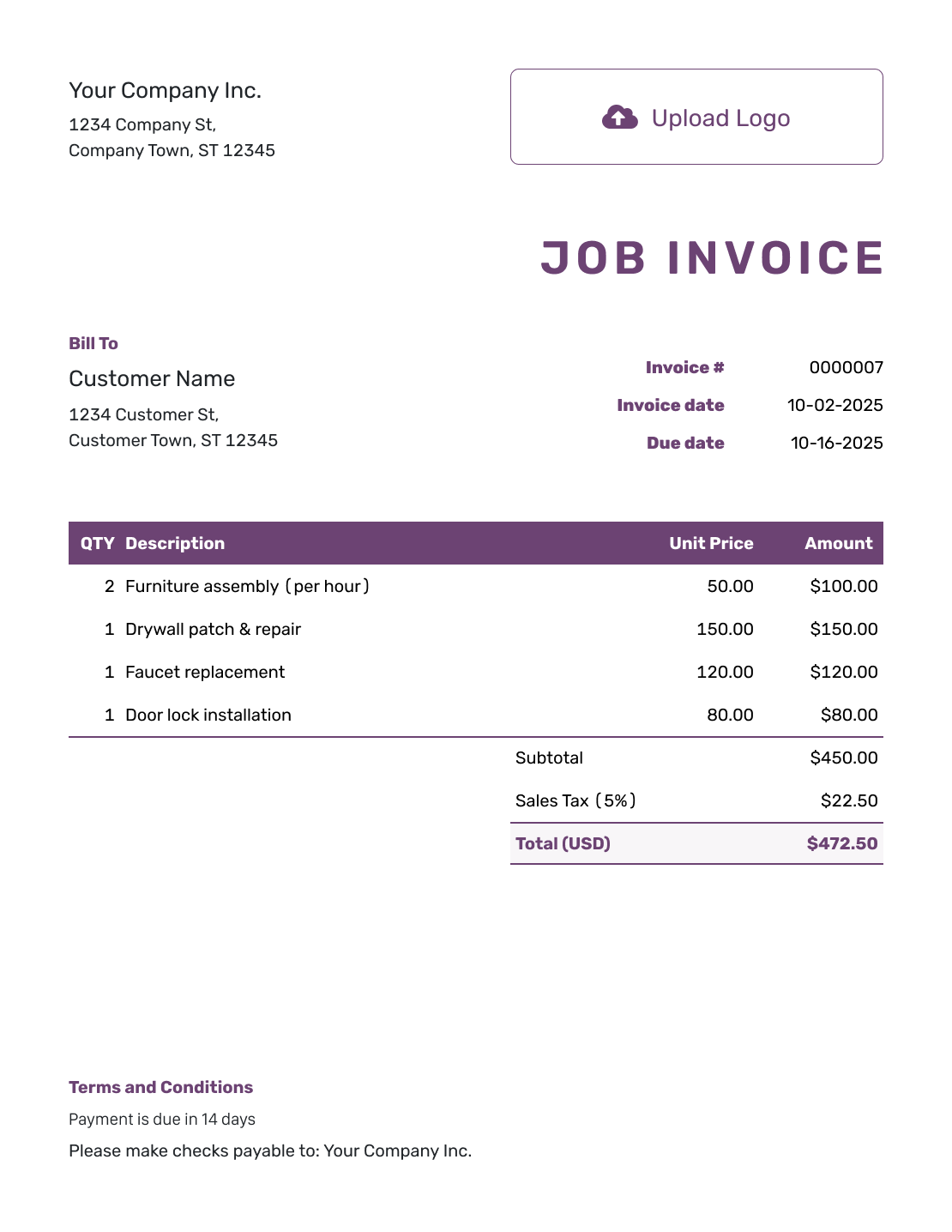
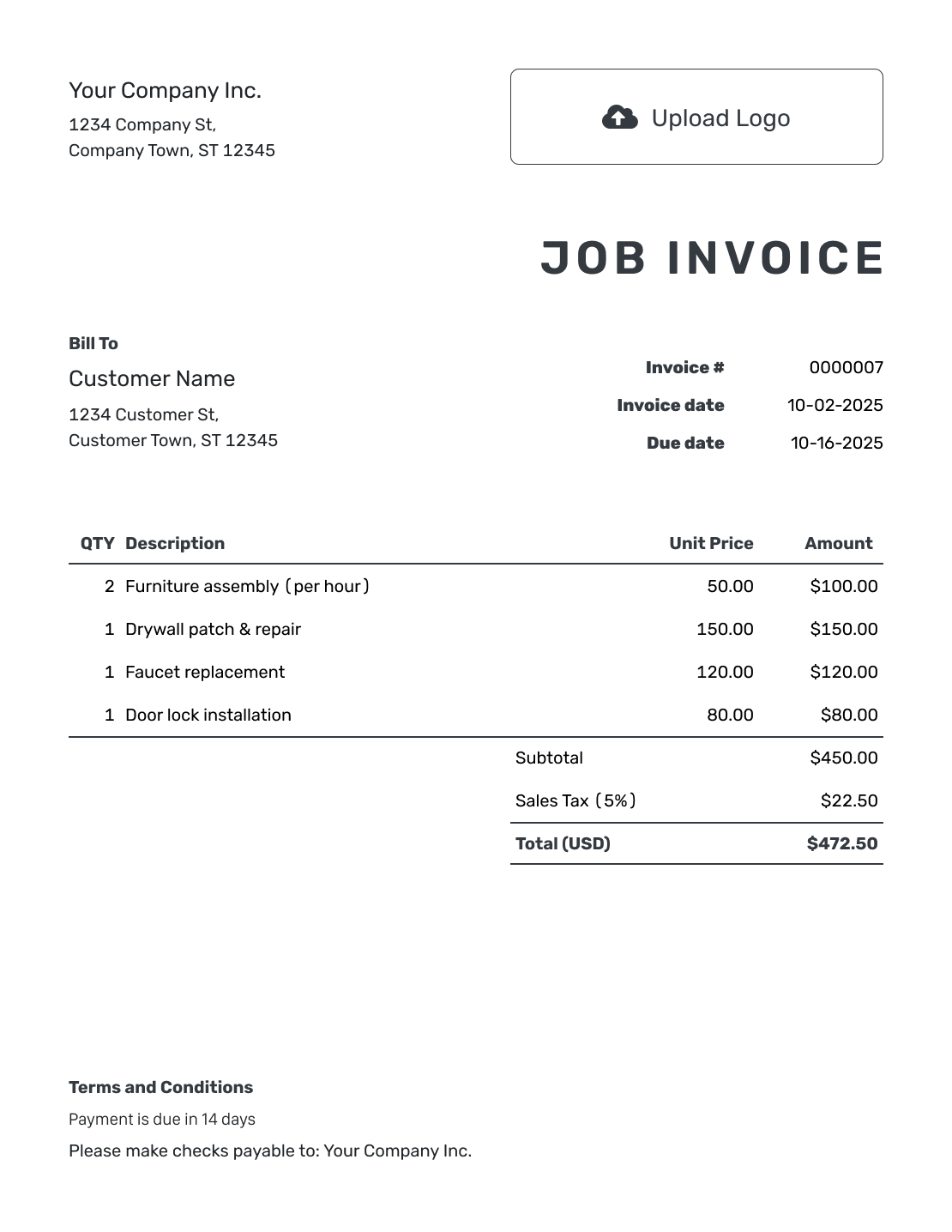
Keep This Job Separate From the Next One
A job invoice brings the charges for one completed task together. Name the work and include a job number, location or service date that the customer recognizes. This is especially helpful when you do several jobs for the same customer.
Show labor, materials and any agreed extras clearly. For fixed-price work, use the agreed fee. Do not switch to hourly charges unless the customer agreed to that change.
How to Create a Job Invoice
Use your job notes to identify what was completed. Keep the invoice focused on this task and the amount due.
- Add Your Business: Add your business name and a contact email or phone number.
- Add Your Logo: Use your logo to make the bill recognizable.
- Choose the Customer: Select the paying customer, even when the work happened at another address.
- Set the Number and Dates: Check the invoice number. Add the invoice date and agreed due date.
- Describe the Finished Job: List the services and materials. Add the agreed quantities and prices.
- Check the Charges: Add applicable tax or discounts. Docelf calculates the invoice total.
- Add Terms and Send: Use Terms and Conditions for the job reference and payment instructions. Review the invoice, then email it or download a PDF.
How to Fill In Job Invoice Line Items
Name the work rather than writing only “job completed.” Use separate lines for materials you charge for. Label quantities as hours, packs or pairs so the customer can check the amounts.
This fictional shelf-fitting job uses USD. Labor and materials have separate prices, with an illustrative 8% tax on all three charges.
| QTY | Description | Unit Price | Amount |
|---|---|---|---|
| 3 | Shelf fitting — labor hours | $65.00 | $195.00 |
| 2 | Wall anchors — pack | $9.50 | $19.00 |
| 2 | Shelf brackets — pair | $18.00 | $36.00 |
| Subtotal | $250.00 | |
| Sales Tax (8% example) | $20.00 | |
| Invoice Total | $270.00 |
Three hours at $65.00, two packs at $9.50 and two pairs at $18.00 give a $250.00 subtotal. The illustrative $20.00 tax brings the invoice total to $270.00. Use the tax treatment that applies to the actual job.
What to Include in Job Invoice Terms
Use Terms and Conditions to identify the completed job and explain how and when to pay. Keep the due date consistent with your agreement and give the customer a contact for questions about the work.
Adapt the sample below to your job and payment method. Add warranty or late-fee wording only when it reflects your actual policies and meets local requirements.
Example: Terms and Conditions
- This invoice covers completed shelf fitting under job J-418 at [Service Address].
- Payment of $270.00 is due within 7 days of the invoice date.
- Please pay by bank transfer using the details supplied with this invoice.
- Please use the invoice number as your payment reference. For questions about job J-418, contact [Billing Contact].
Finish the Job’s Paperwork
Put the completed work on an invoice while the details are fresh. Docelf keeps the bill and its payment record together. Send it to the person responsible for payment.
Use a Job Reference the Customer Recognizes
The service address may differ from the customer’s billing address. Name the paying customer in the customer details and put the work location in the description or terms. Add a job number when you use one.
For repeat customers, avoid a vague description such as “repair work.” A task name and completion date help the customer identify this job.
Check What Is Still Owed
The invoice total is the price of the job, including applicable tax. The remaining balance is what is left after payments you have received. Keep those amounts distinct.
If the customer pays part now and part later, record each payment on the invoice. Use the payment recording guide to keep the amount and date with the bill.
Add the Details That Help Explain the Job
You can attach a PDF work summary or a photo when it helps the customer understand what was completed. Keep the charge descriptions useful on their own rather than relying entirely on the attachment.
Use your logo, fonts and colors. You can add an industry name before “Invoice” when it fits. Put a billing contact in the footer. Docelf supports USD, EUR, GBP, CAD and AUD; choose the currency agreed for the job.
After You Send the Job Invoice
Use the document history to check whether the customer opened your emailed invoice. It also shows delivery details. If payment is late, use the job reference when you follow up so the customer knows which bill you mean.
Record the payment when it arrives. Then create a receipt from the invoice to confirm what the customer paid.
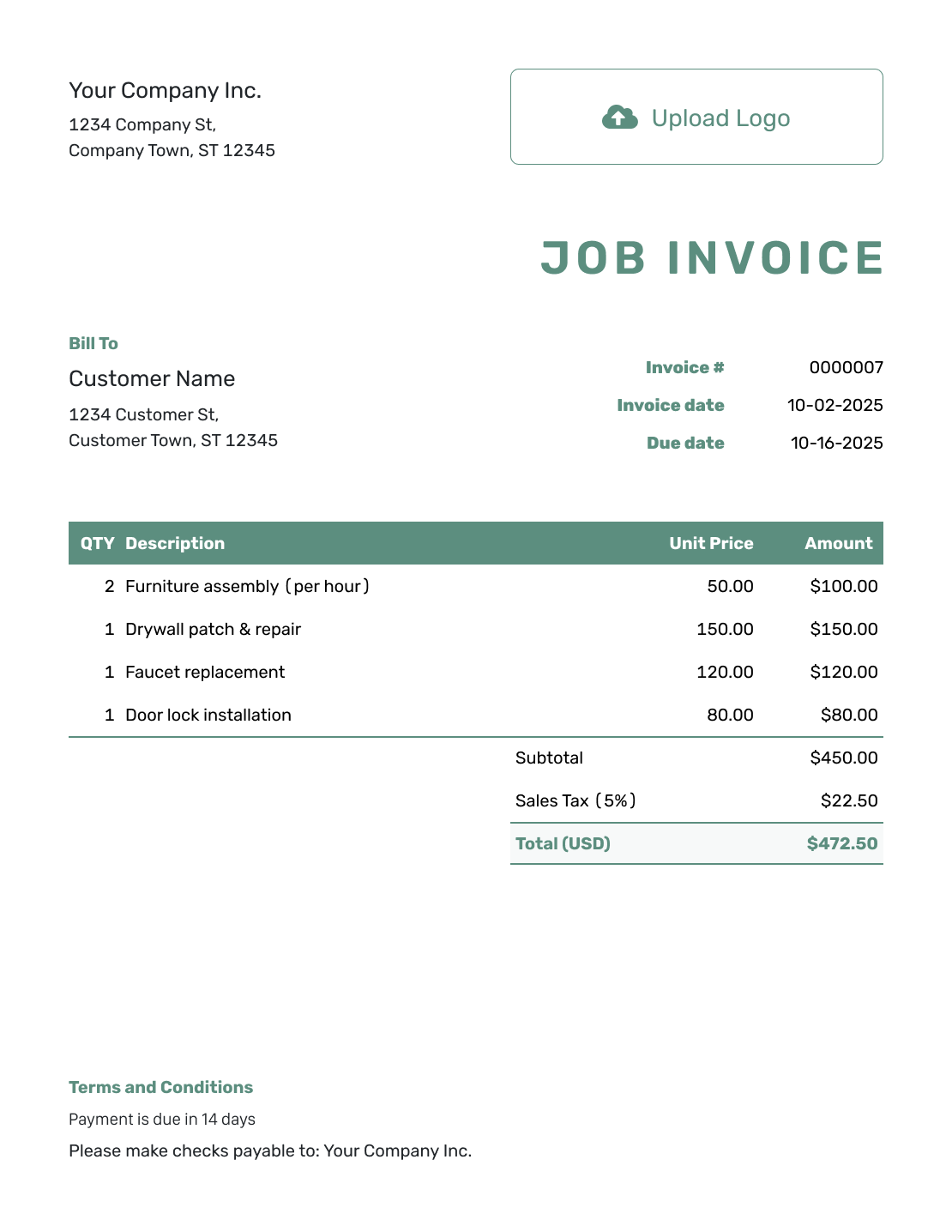
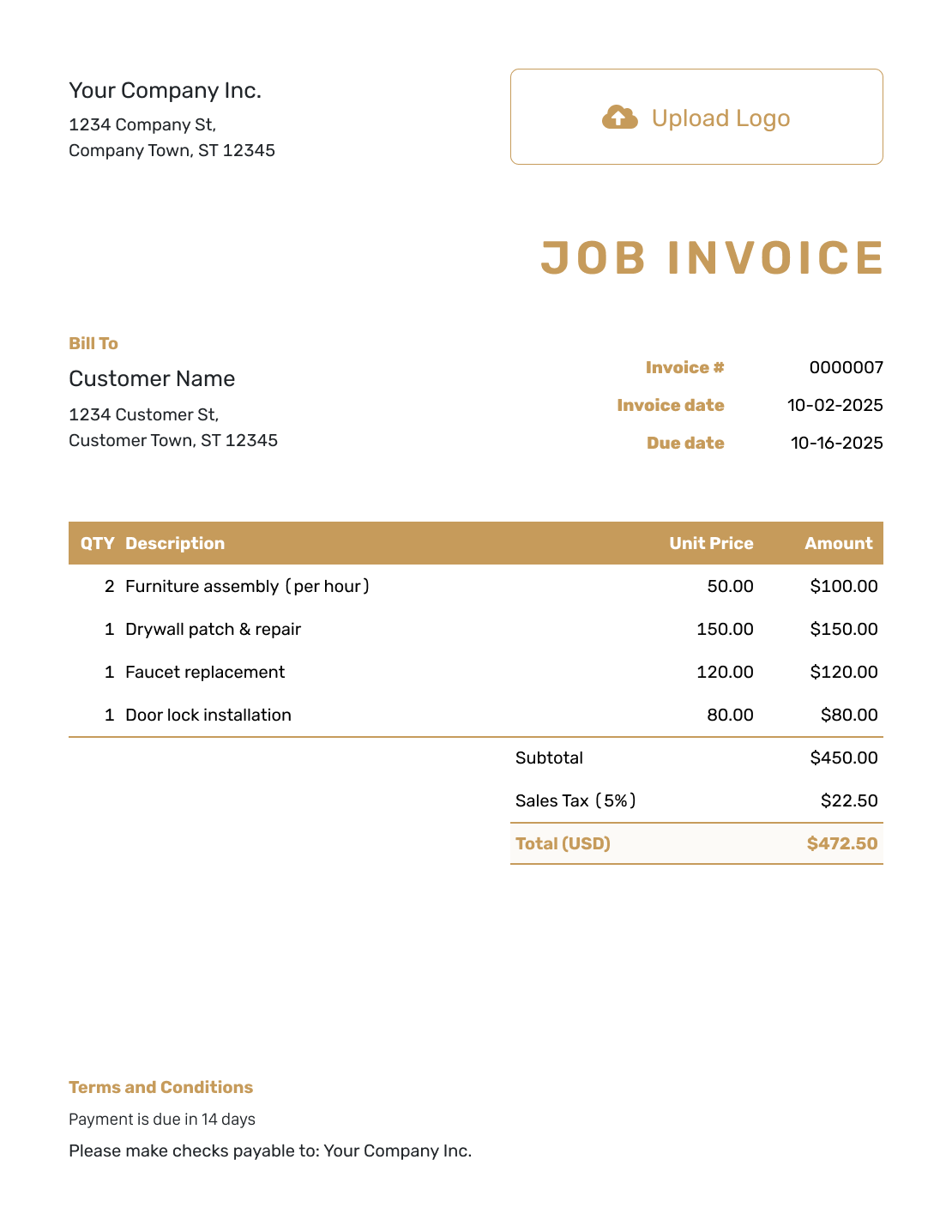
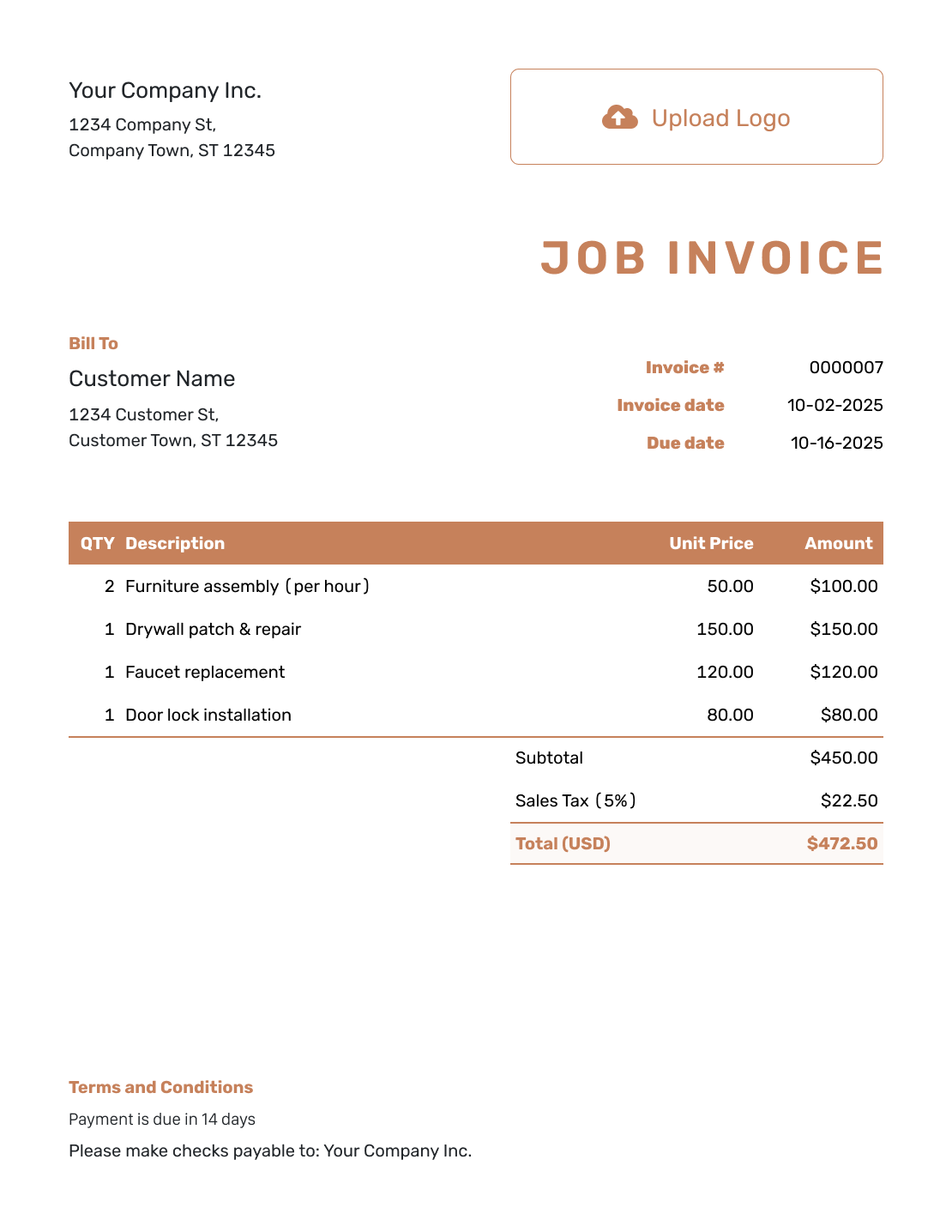
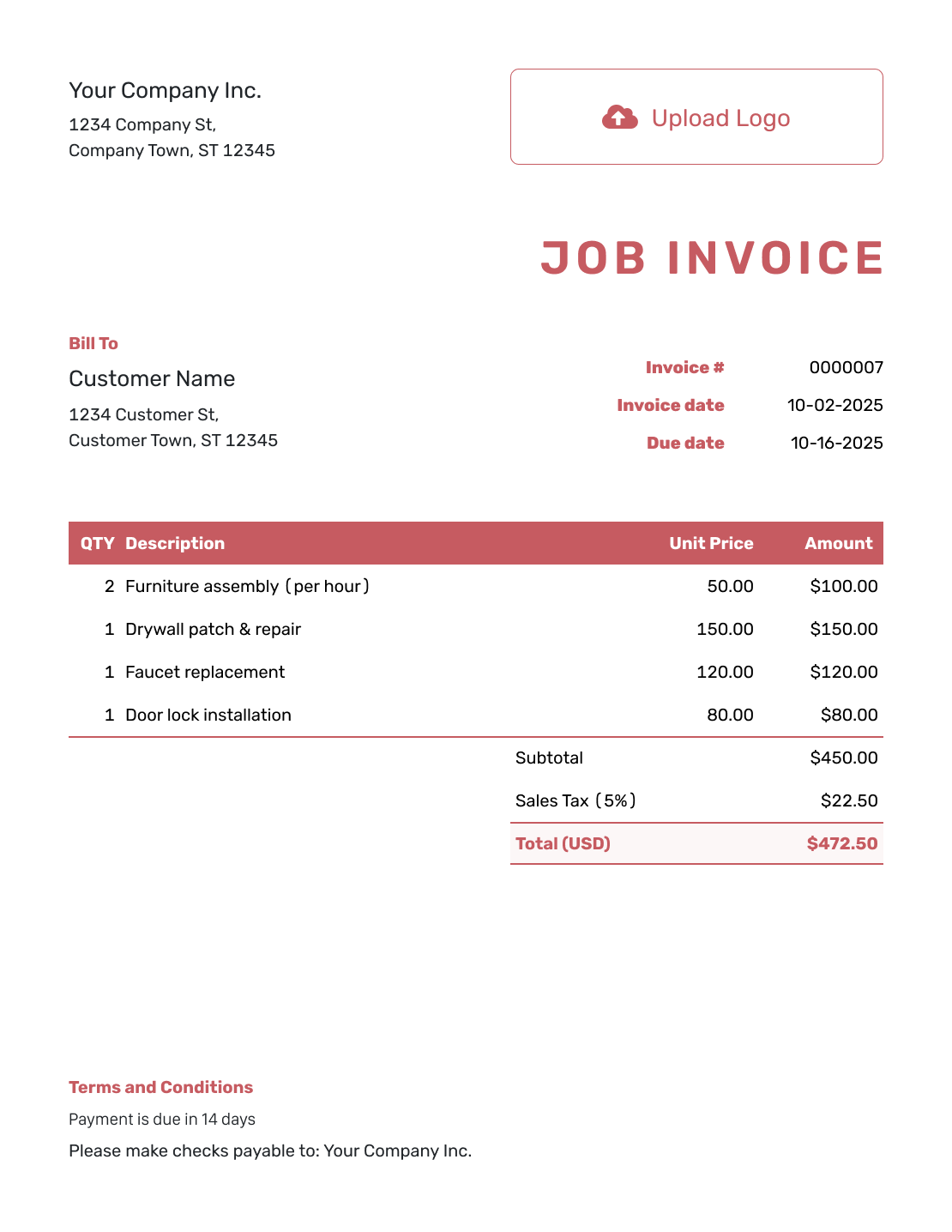
More Job Invoice Previews
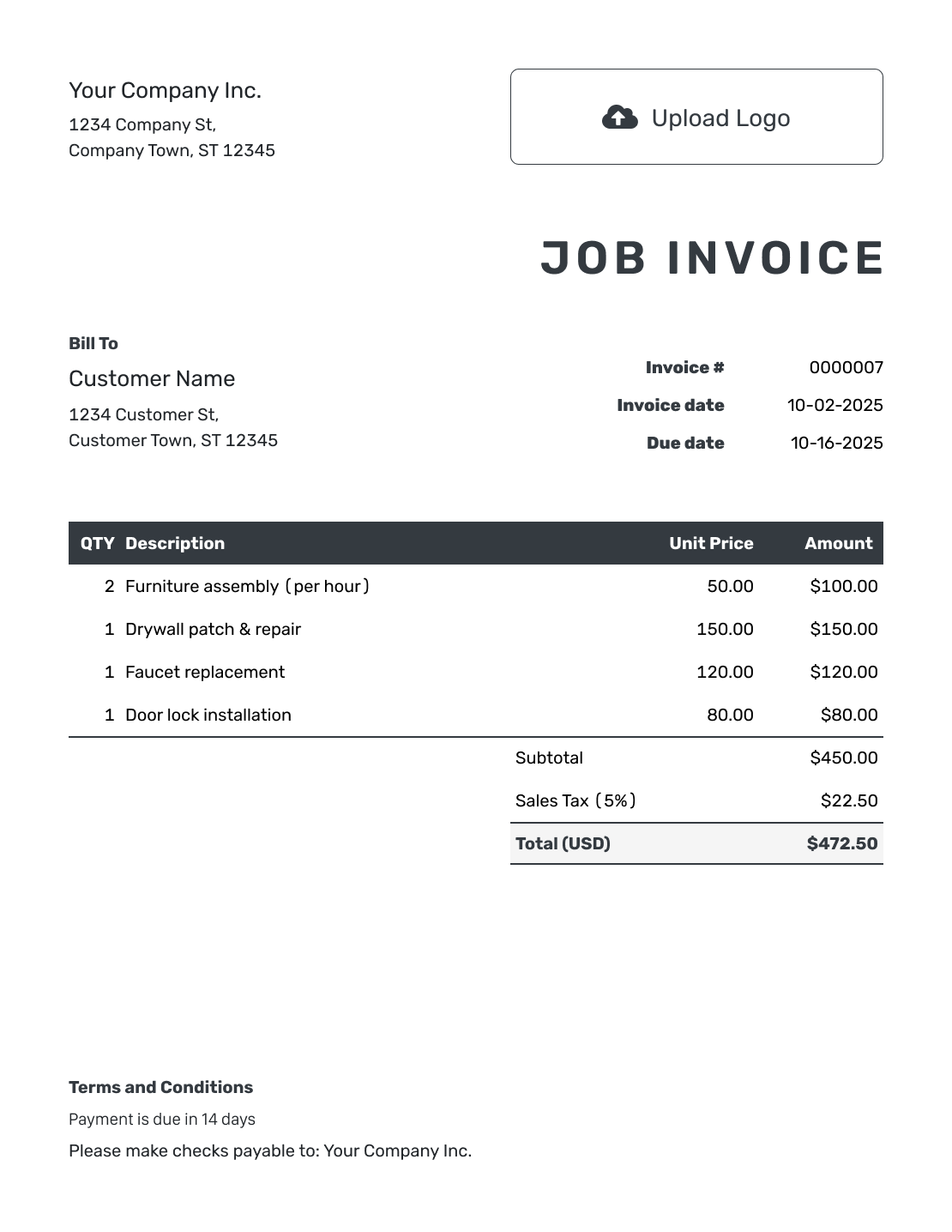
These six layouts open the same invoice editor. Choose one, then add the details for this job.
Prefer to Fill In a Job Invoice File?
Start with a general invoice file below. Add the job reference and service details, then check the charges and any payment already received before sending it.
Job Invoice FAQs
-
What makes a job invoice different from a general invoice?
It focuses on one job or defined piece of work. A job number, service date or location helps the customer identify the charge. The invoice still needs customer details, prices, a due date and payment instructions.
-
Should the work address replace the billing address?
Not when they differ. Use the paying customer’s billing details in the customer section. Put the service location in the job description or terms so both addresses have a clear purpose.
-
Can I list labor and materials separately?
Yes. Use separate lines when you charge for them separately. State the hours or quantities and the agreed price. For a fixed job fee, describe what it covers rather than adding a second charge for included work.
-
How do I show a partial payment for the job?
Record the amount and date of the payment received on the invoice. Docelf tracks the remaining balance. Keep the original job charges. Record the payment as money received, not as a discount.
-
Can I attach a completed-work photo?
Yes. Docelf accepts JPG, GIF, PNG and WebP images, as well as PDF files. Each attachment can be up to 5 MB. Include only images that help explain the work on this invoice.
-
Can I prepare the invoice from the job site?
Yes. Docelf works on phones, tablets and desktop computers. Create and review the invoice at the job site. Email it or download a PDF when it is ready.
Ready to Send the Bill for This Job?
Finish the job with a payment request the customer can recognize and act on.
- Name the job and completed work
- Let Docelf calculate the total
- Set the due date and explain how to pay




