Free HVAC Estimate Template
Create a professional HVAC estimate in minutes
Name the equipment and main work included in each repair or installation option. The clear options help customers compare the likely cost and choose your company for the job.
Email, print or download your estimate as a PDF.
14-day free trial. No credit card required.

Price the job. Send the estimate. Get back to work.
HVAC Estimate Template Examples
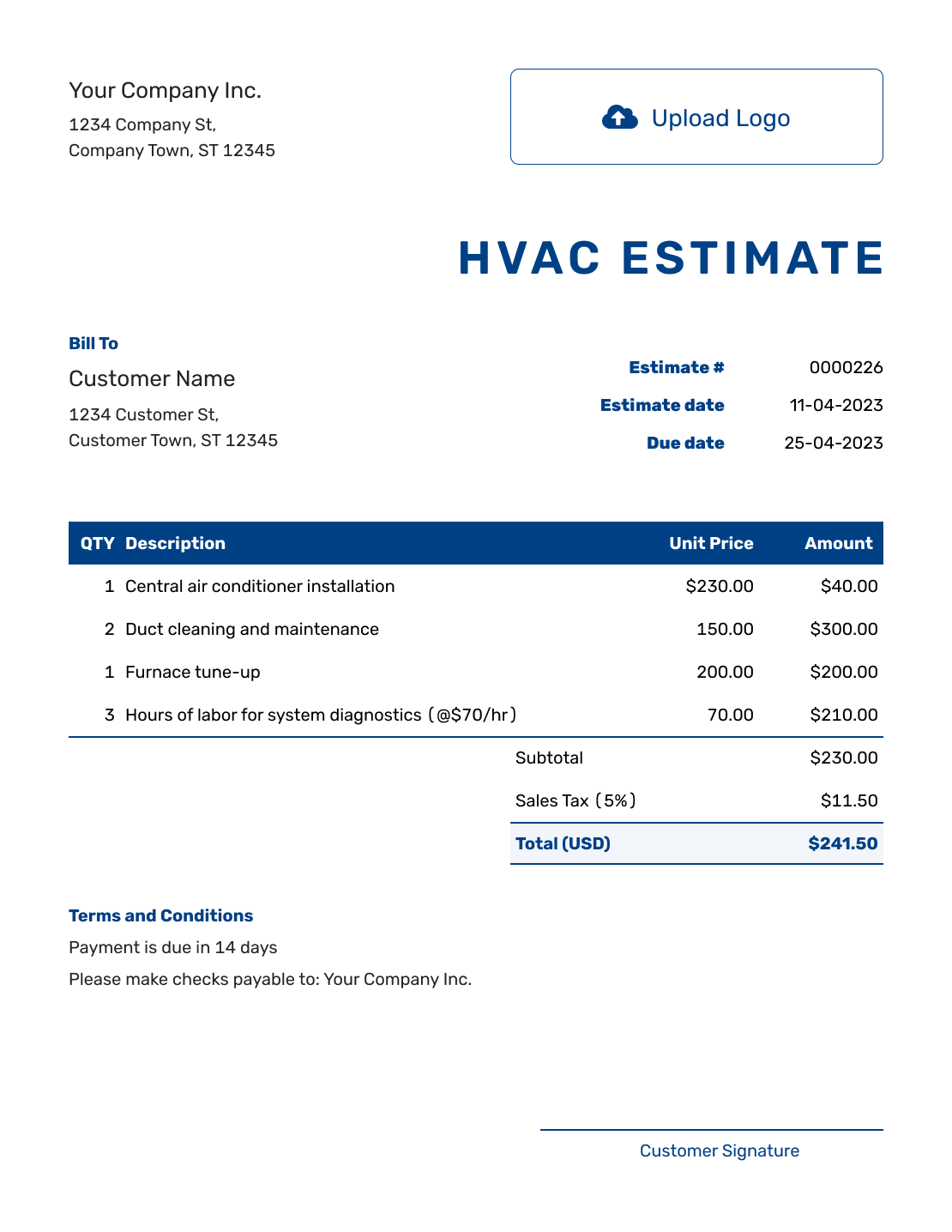
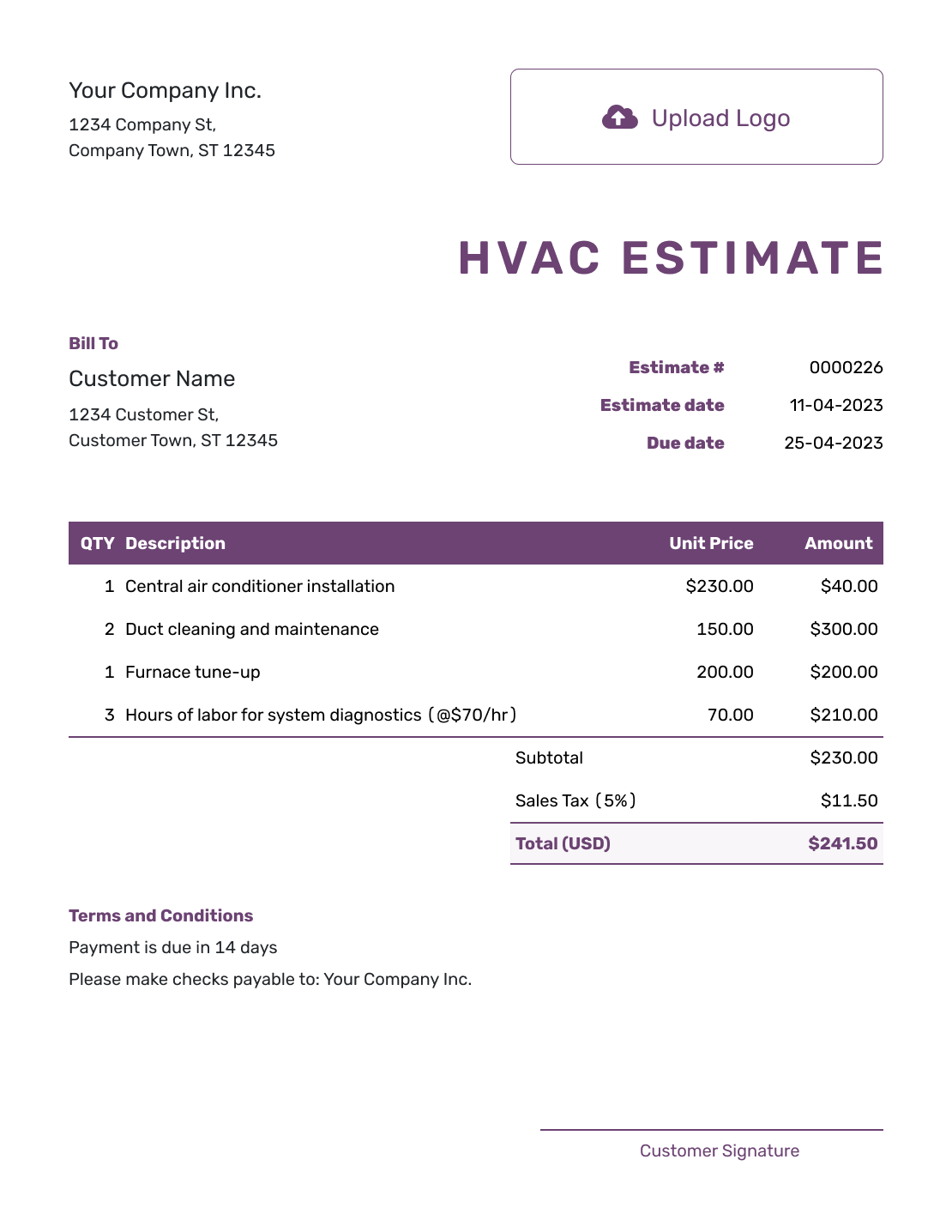
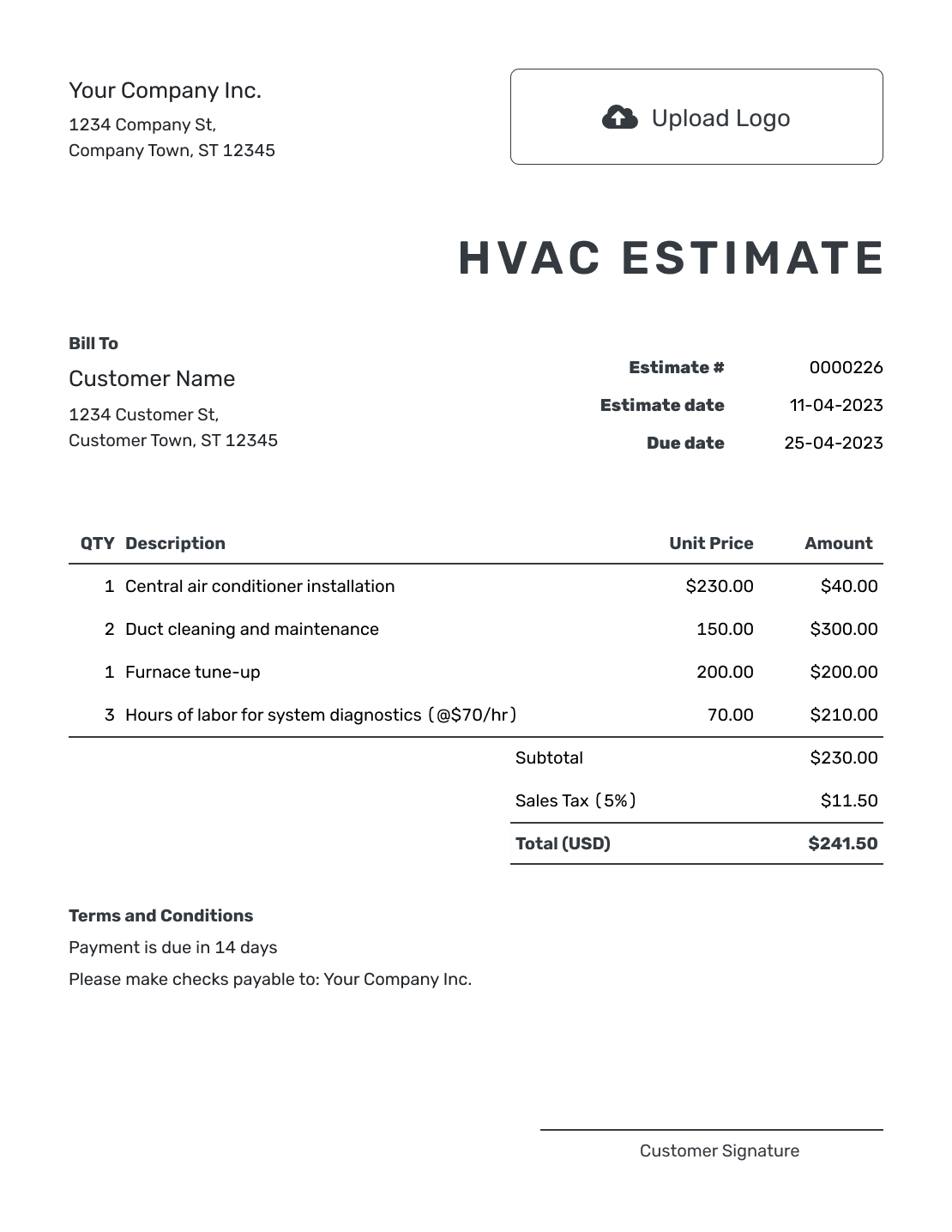
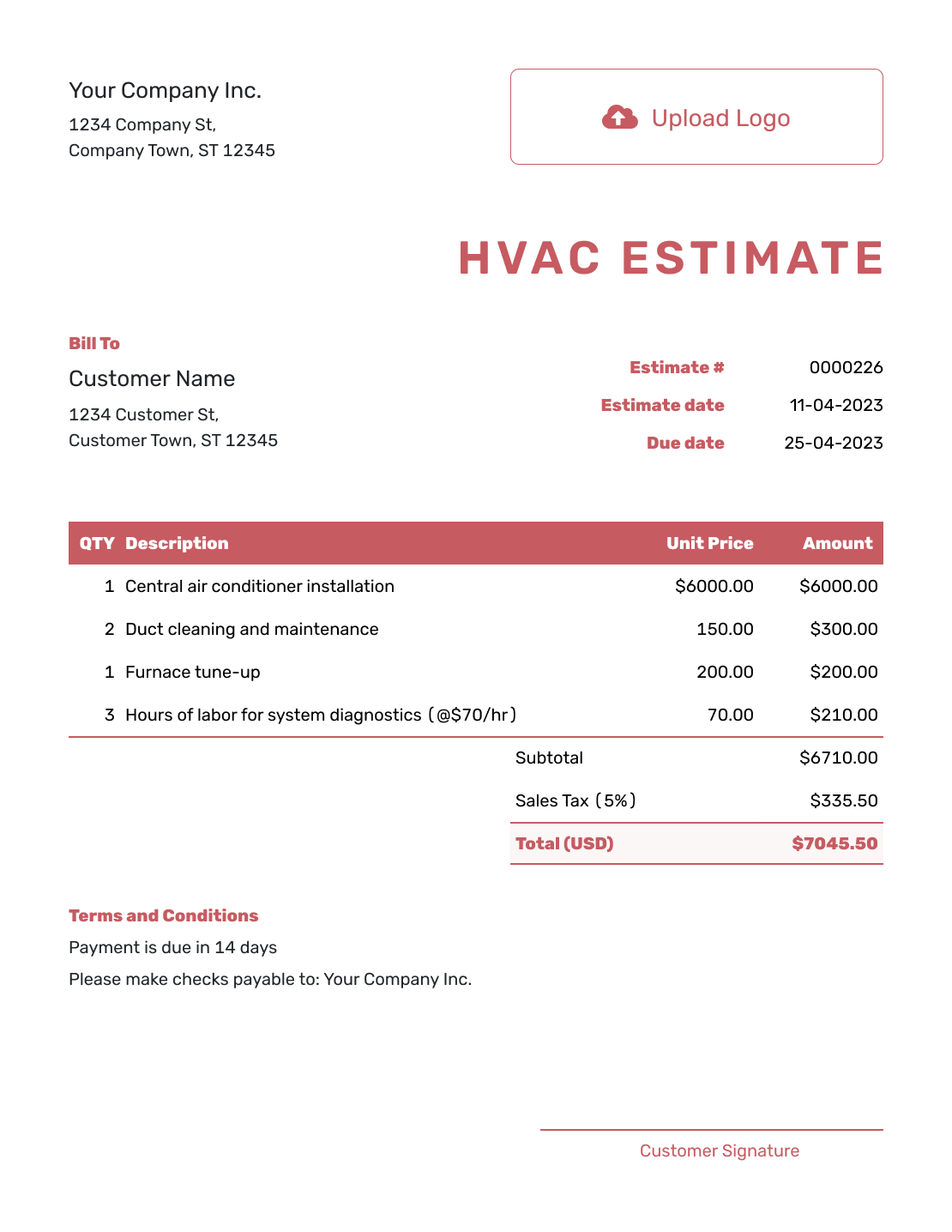
Browse these layouts before adding your equipment and installation details. Every preview opens the same estimate editor.
What Is an HVAC Estimate?
An HVAC estimate shows the repair, maintenance, replacement or installation work you expect to complete and the likely cost before the final bill is known.
The estimate can include equipment, controls, accessories, labor, duct or electrical changes, permits and disposal. State the main assumptions when diagnosis, access or product availability can change the job.
How to Create an HVAC Estimate
Start with your site notes and the equipment you plan to supply. Use the steps below to turn those details into an estimate the customer can review.
- Your Business: Add your HVAC business name and contact details.
- Your Logo: Add the logo used on your other business documents.
- The Customer: Enter the customer details and identify the service address.
- Number and Dates: Check the estimate number and issue date. Set a valid-until date if needed.
- Equipment and Work: List equipment, accessories and installation work with quantities and prices.
- Check the Total: Review the line amounts, applicable tax and estimated total.
- Terms and Send: Add assumptions and timing in Terms and Conditions. Review, then email or download a PDF.
How to Fill In HVAC Estimate Line Items
Name the equipment you expect to supply, then show the work needed to install it. For hourly labor, use total technician-hours: two technicians working six hours each means 12 hours. Keep included accessories within the equipment price so you do not charge for them twice.
This fictional furnace replacement uses US dollars. The existing duct connections and electrical supply are assumed suitable. The illustrative 8% tax applies only to the $2,400.00 equipment line; use the tax treatment required for your job.
| QTY | Description | Unit Price | Amount |
|---|---|---|---|
| 1 | Replacement furnace — equipment supply | $2,400.00 | $2,400.00 |
| 12 | Installation and startup — technician-hours | $95.00 | $1,140.00 |
| 1 | Old furnace removal and disposal | $180.00 | $180.00 |
| Subtotal | $3,720.00 | |
| Sales Tax (8% on equipment, illustrative) | $192.00 | |
| Estimated Total | $3,912.00 |
What to Include in HVAC Estimate Terms
Use Terms and Conditions to explain the assumptions behind the price. State how long the estimate is valid, when installation can be scheduled and how you will agree on any additional work.
Adapt this sample to the job and the policies you actually use. Name the selected equipment model in the item description before sending the estimate.
Example: Terms and Conditions
- Estimate valid for 30 days from the issue date.
- Includes the listed furnace, installation, startup and disposal of the old unit.
- Assumes the existing duct connections and electrical supply can be reused. Permit fees and changes to these connections are excluded.
- Installation timing will be confirmed after equipment availability is checked.
- Any additional work and revised price will be agreed with the customer before proceeding.
Put the HVAC Job Into a Clear Estimate
Add the proposed system and installation work. Docelf calculates the total so you can review the estimate and send it to your customer.
Give the Customer Enough Detail to Compare the HVAC Work
The equipment price is only part of the decision. Show the included installation work and the conditions that can change the likely total.
Existing system and service address
Identify the current system, affected area and service address. Note the problem or comfort goal that led to the estimate.
Equipment and accessories
Name the equipment, capacity, efficiency rating and important accessories when known. Keep meaningful upgrades easy to compare.
Installation changes
Call out duct, electrical, drain, pad, line set, control or access work that is included in the likely price.
Warranty and exclusions
Distinguish the manufacturer's equipment warranty from any labor warranty you offer. State the coverage you actually provide and what work is excluded, checking applicable local requirements.
Keep Repair and Replacement Prices Separate
When both choices are realistic, give the customer a separate estimate for each option. You can duplicate an estimate in Docelf to reuse the customer details, then replace the items and terms for the other option. The duplicate is a new draft with a new estimate number.
Compare what each option includes, such as controls, duct changes, disposal and startup. Keep an optional upgrade out of the base estimate until the customer chooses it, so the total reflects the work they are considering.
HVAC Estimate, Quote, or Invoice?
Choose the document based on how certain the HVAC scope and price are, and whether the work is ready to bill.
HVAC Estimate
Use an HVAC estimate when diagnosis, equipment selection, ductwork or other installation details can still change the likely cost.
HVAC Quote
Use an HVAC quote when the equipment, installation scope, price and terms are defined as a specific offer.
HVAC Invoice
Use an HVAC invoice when completed or billable service, repair or installation work is ready for payment.
Keep Duct, Electrical, and Permit Assumptions Visible
A system price can change when the existing ductwork, electrical service, condensate route, access or code requirements need more work.
State what you inspected and what you assumed. You can attach photos or specifications in Docelf when they help explain the proposed equipment or installation.
More HVAC Estimate Previews
Use any of these layouts as a starting point, then add your own business details and job prices.
-
Blank HVAC Estimate Template
Create Free Estimate -
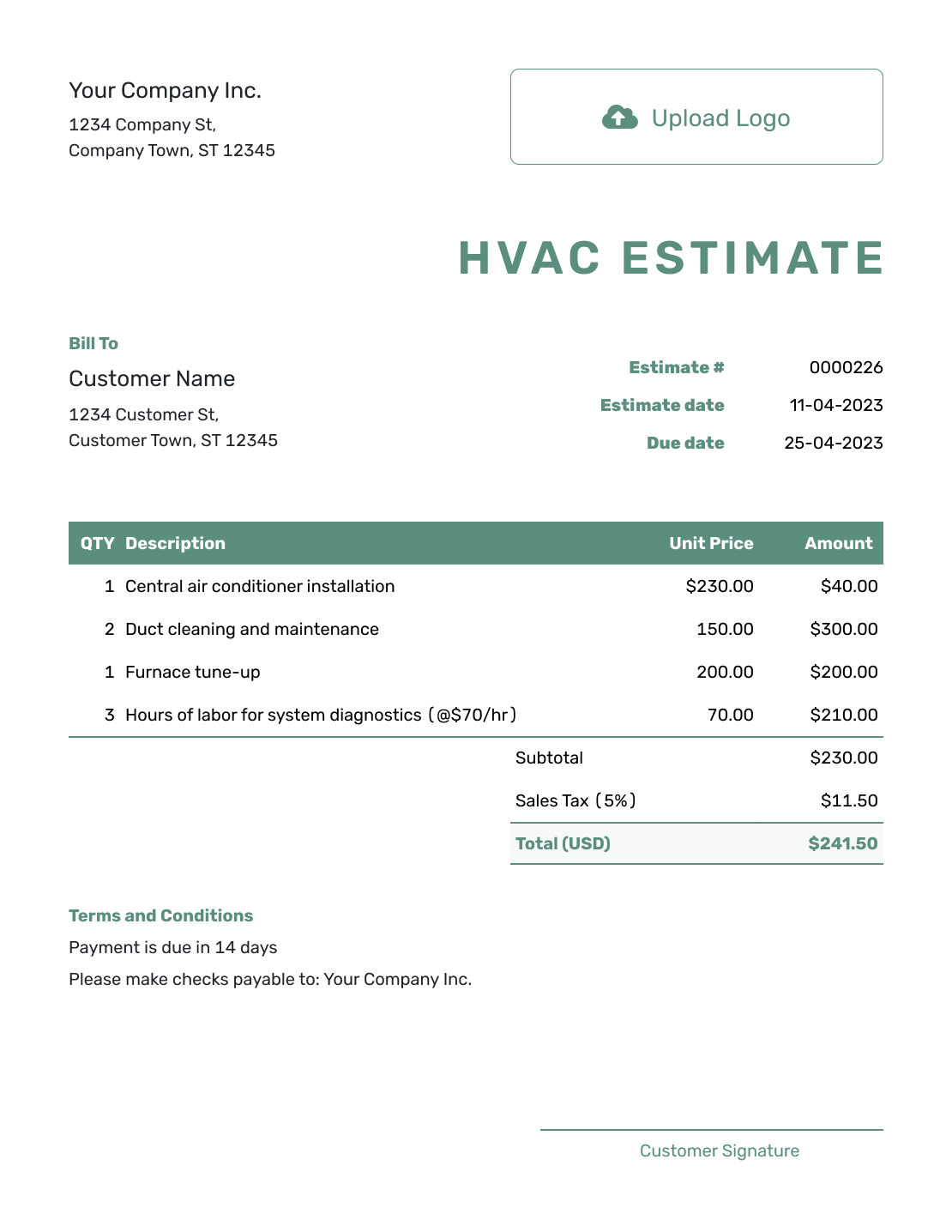
Simple HVAC Estimate Template
Create Free Estimate -
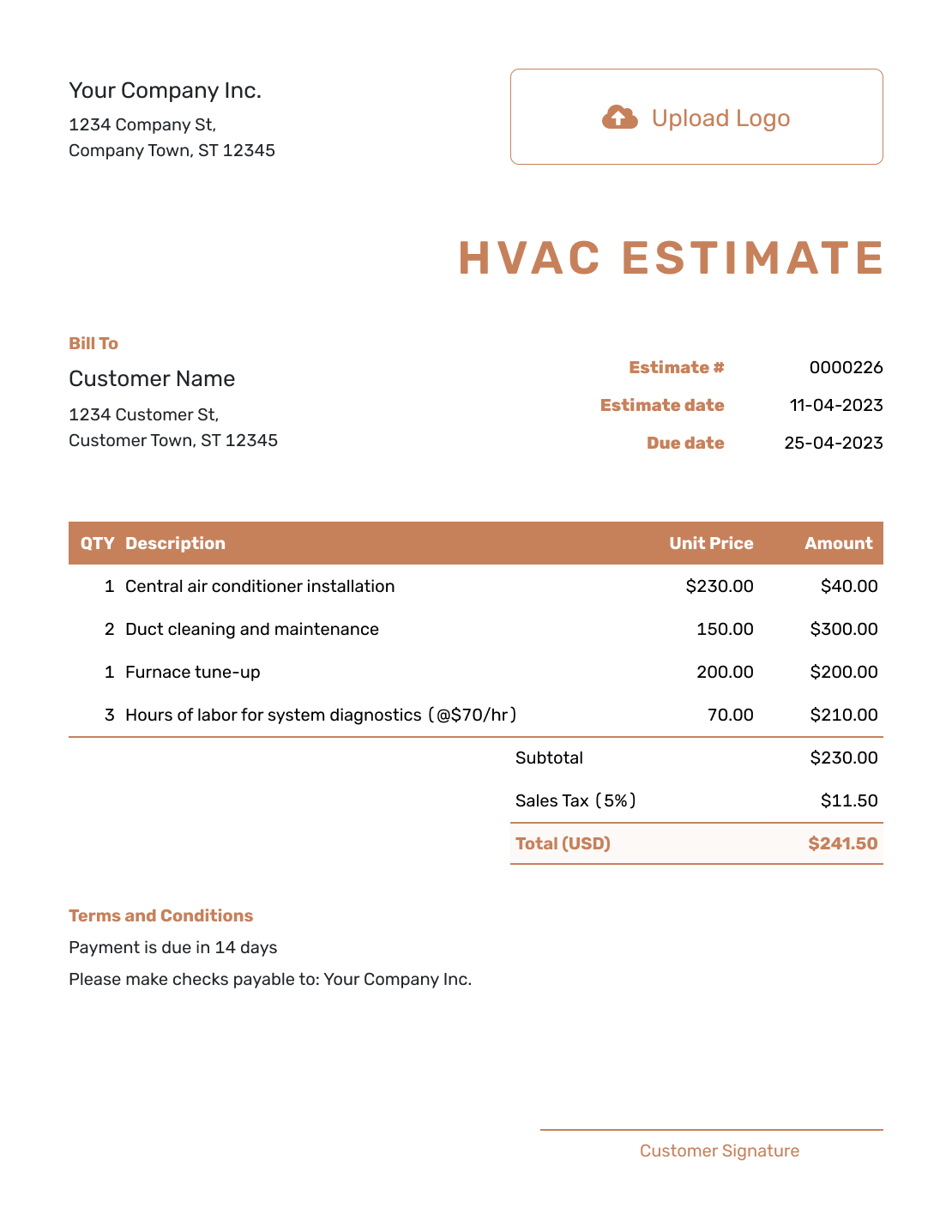
Professional HVAC Estimate Template
Create Free Estimate -
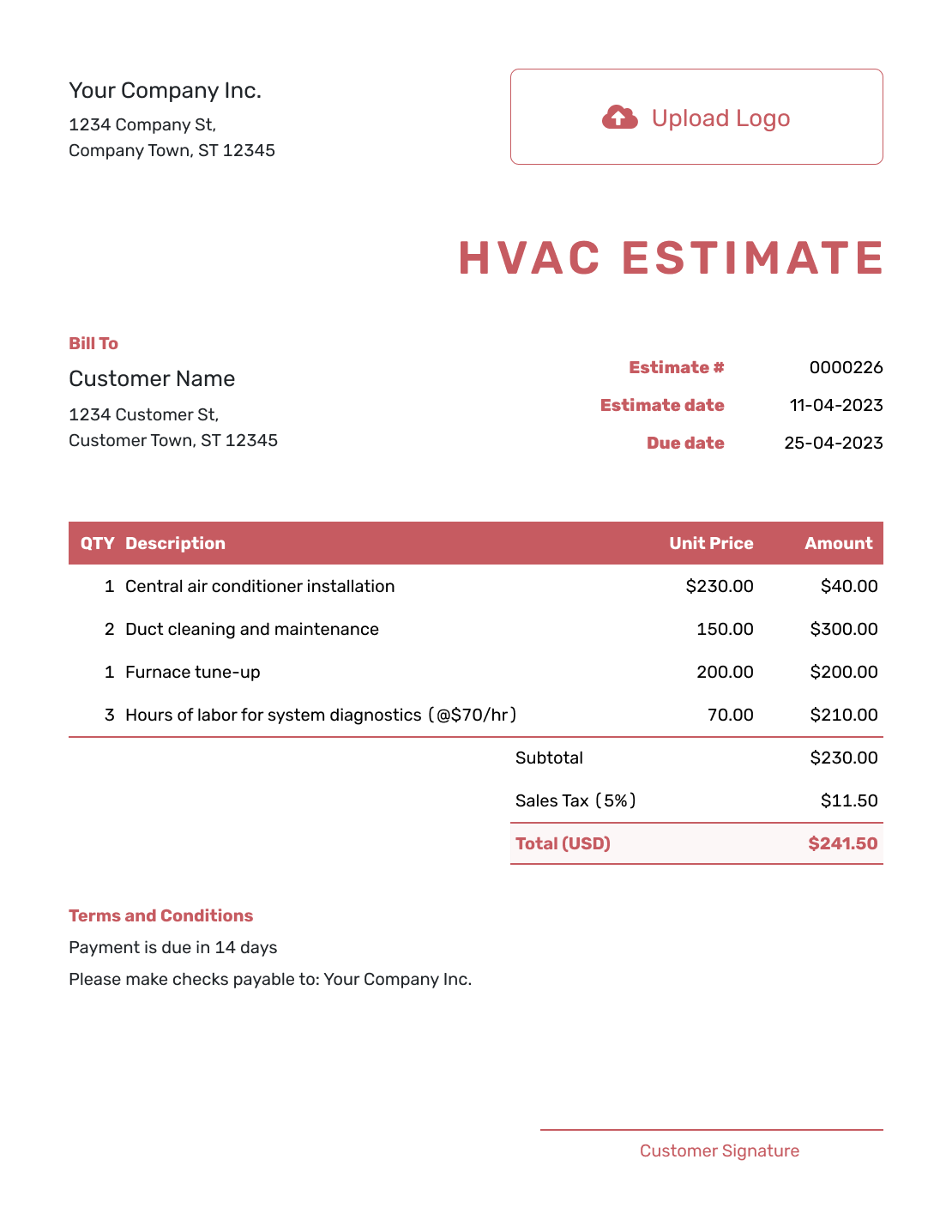
Downloadable HVAC Estimate Template
Create Free Estimate -
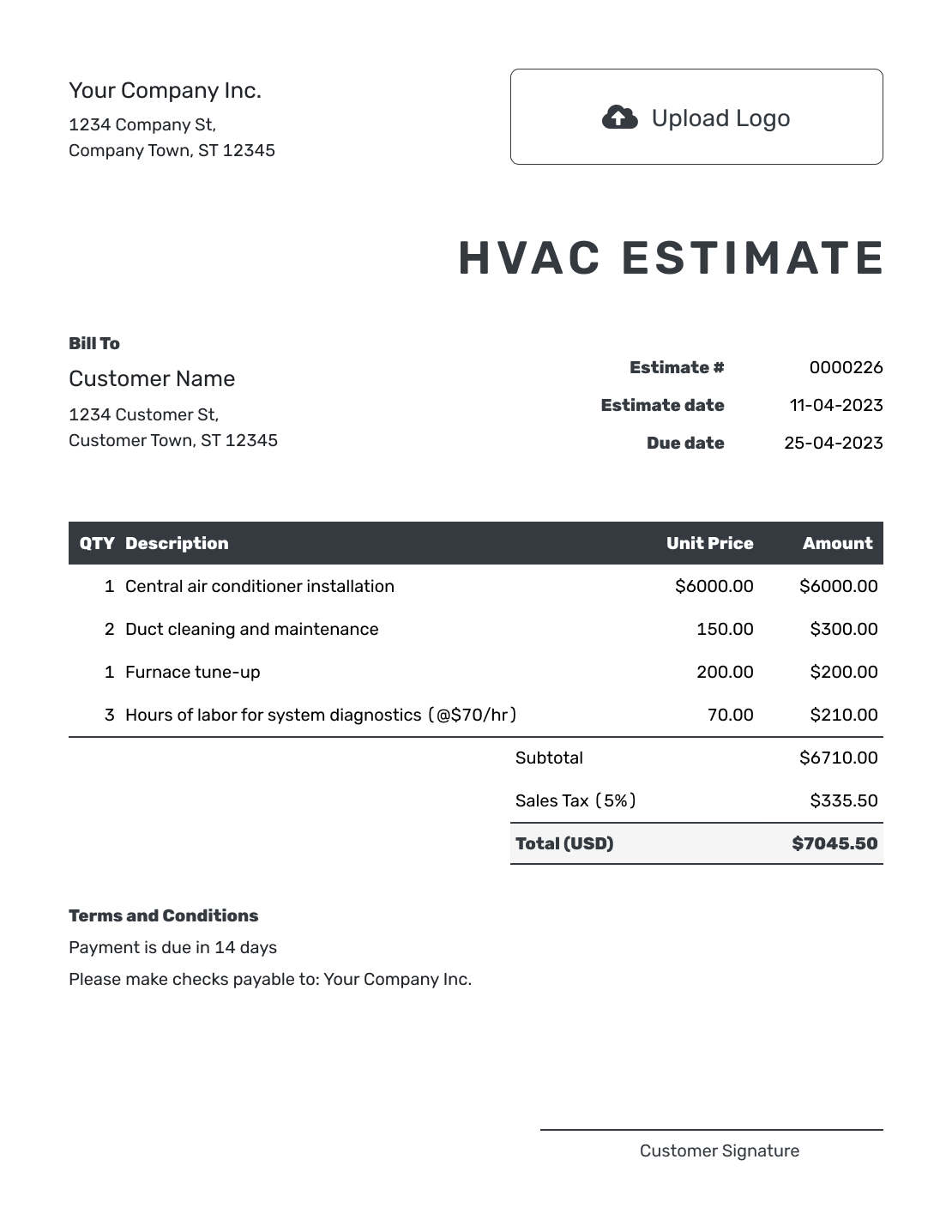
Editable HVAC Estimate Template
Create Free Estimate -
Fillable HVAC Estimate Template
Create Free Estimate
Related HVAC and Construction Estimate Templates
Choose a related estimate when another trade or a larger property project becomes the main scope.
Other Estimate Template File Formats
Prefer to prepare the estimate in a document or spreadsheet? These pages offer file-format templates. The online editor provides automatic totals and downloads your finished estimate as a PDF.
After You Send the Estimate
- Check whether the estimate was delivered, opened, accepted or declined
- Revise and resend the estimate if diagnosis or equipment availability changes the work
- When the work is ready to bill, create an invoice from the estimate and check the final charges
HVAC Estimate Template FAQs
Find answers about equipment details, repair and replacement options, installation assumptions and sending the estimate.
-
What is an HVAC estimate?
An HVAC estimate shows the repair, maintenance, replacement or installation work you expect to complete and the likely cost based on the equipment, labor and site conditions known at the time.
-
What should I include in an HVAC estimate?
Start with the customer, service address and existing system. List the proposed equipment and installation work with quantities and prices. Explain any duct or electrical changes, permits and disposal charges, then add the estimated total and relevant warranty, exclusions and terms.
-
Should an HVAC estimate name the equipment model and efficiency?
Include the manufacturer, model, capacity and efficiency rating when they are known and help the customer compare the proposed system. Use a clear allowance or update when the final model is not available yet.
-
How should I show repair and replacement choices?
Use a separate estimate for each option, with its own included work and estimated total. You can duplicate the first estimate in Docelf, then change the items and terms for the alternative.
-
What should I do if diagnosis or equipment availability changes?
Update the affected equipment, installation work and price, then send the revised estimate to the customer. Explain what changed and agree on the revised scope before proceeding.
-
What is the difference between an HVAC estimate and a quote?
Use an estimate when diagnosis, equipment selection or installation details can still change the likely cost. Use a quote when you are ready to present a specific system, scope, price and terms.
-
Can a customer accept an HVAC estimate online?
Yes. Customers can accept or decline estimates online. Docelf updates the status and emails you when they respond.
-
Can I turn an accepted HVAC estimate into an invoice?
Yes. Create an invoice from the estimate in Docelf. The relevant customer, item, price and document details copy into the invoice, and you can adjust it for the work being billed.
-
Can I email or download an HVAC estimate?
Yes. You can email the estimate from Docelf, print it or download it as a PDF. You can also see when an emailed estimate is delivered and opened.
Ready to Price the HVAC Job?
Give your customer a clear starting price for the HVAC work you discussed.
- Separate equipment from installation work
- Let Docelf calculate line amounts, tax and the total
- Email or download a professional PDF




