Free Cost Estimate Template
Create a professional cost estimate in minutes
Break down the expected labor, materials and other costs behind the likely total. Customers see how the price was built and feel more confident hiring you.
Email, print or download your estimate as a PDF.
14-day free trial. No credit card required.

Price the job. Send the estimate. Get back to work.
Cost Estimate Template Examples
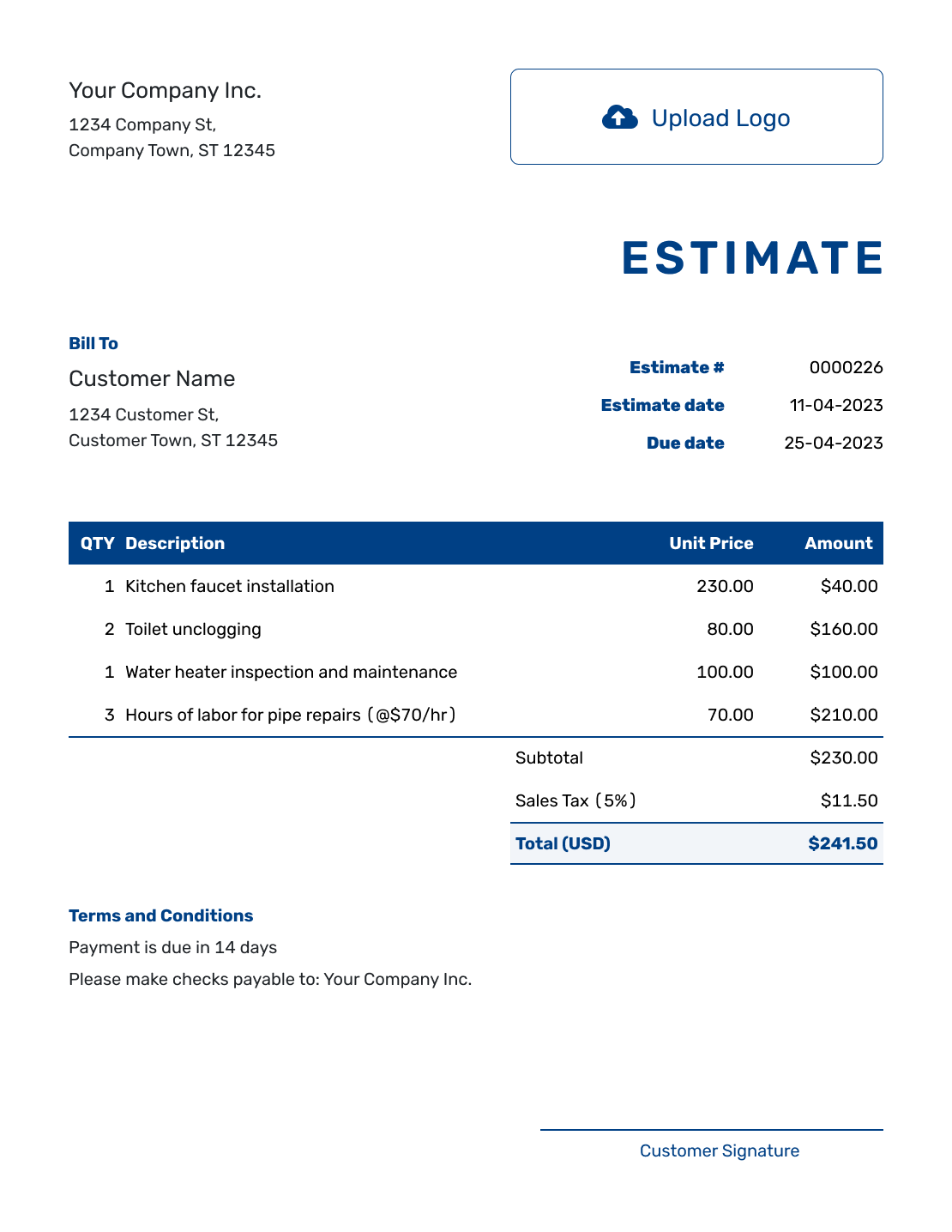
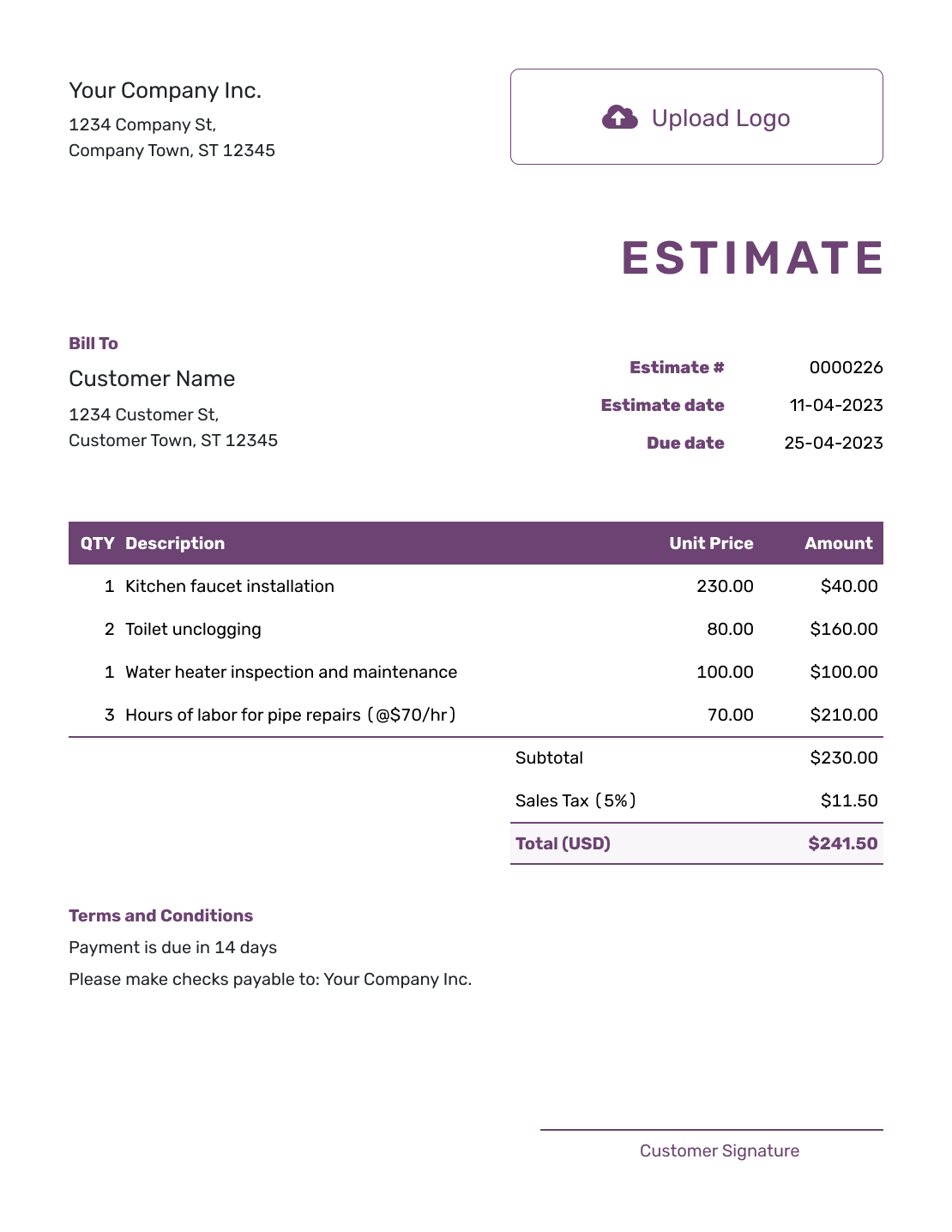
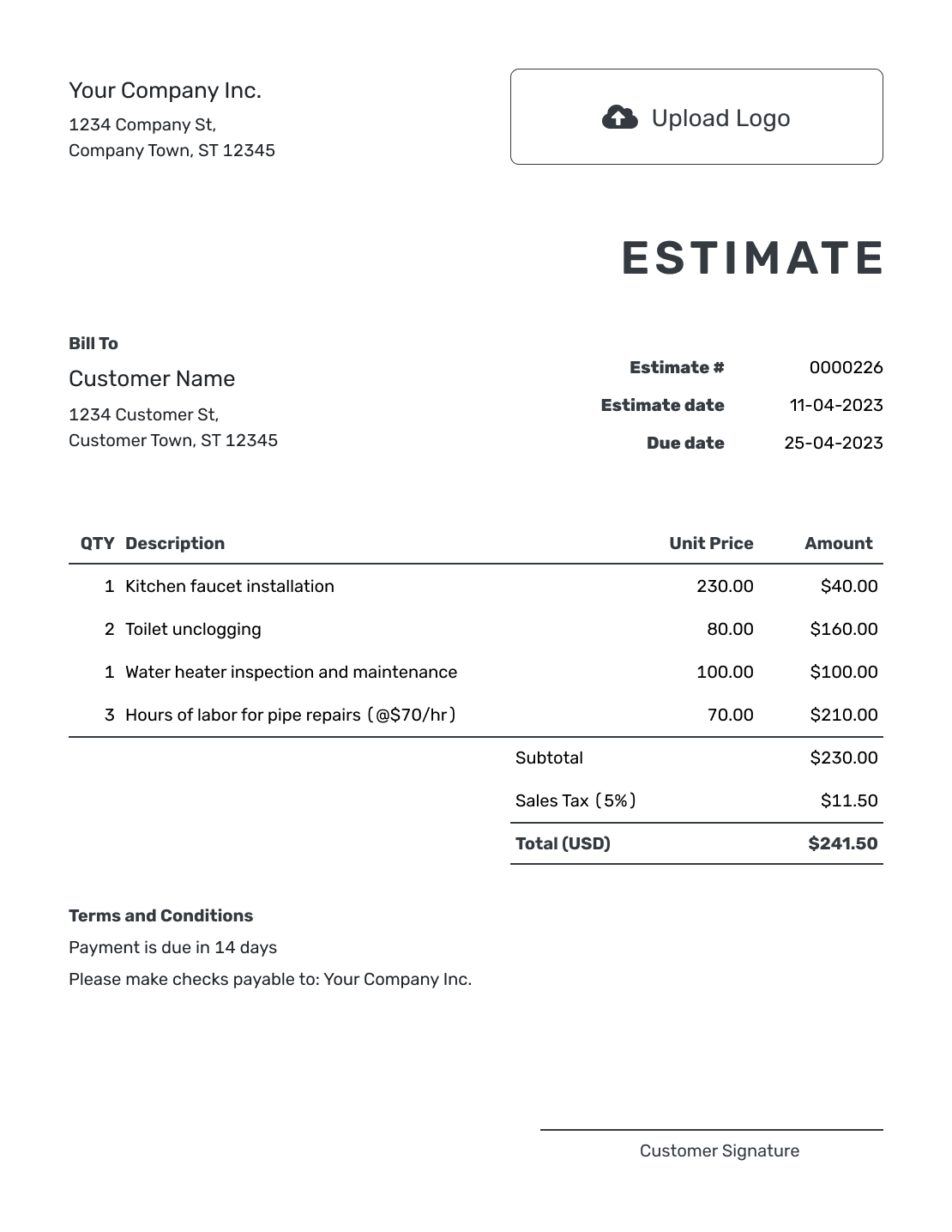
Choose a layout for your cost breakdown. Each preview opens the same estimate editor, where you can enter your own quantities and prices.
What Is a Cost Estimate?
A cost estimate breaks down the expected labor, materials, equipment, fees and other amounts behind a likely total. It helps the customer see how you reached the price before the work begins.
The final amount may still change when quantities, conditions or customer choices change. Use allowances and assumptions for costs that are not yet certain instead of presenting every amount as fixed.
How to Create a Cost Estimate
Start with the scope and measurements available now. Enter the expected charges, then explain the assumptions that could change them.
- Your Business: Add your business name and contact details.
- Your Logo: Use the logo from your other customer documents.
- Customer: Add the customer who needs to review the expected cost.
- Number and Dates: Check the estimate number, issue date and valid-until date.
- Quantities and Rates: List labor, materials and other charges with clear units and prices.
- Check the Total: Review the line amounts, applicable tax and estimated total.
- Assumptions and Terms: Explain allowances and the job scope in Terms and Conditions. Review, then email or download the estimate.
How to Fill In Cost Estimate Line Items
Show the quantity and rate behind each charge. Put units such as hours or section kits in the description, and name any allowance so the customer knows it is a provisional amount.
This fictional fence project separates installation labor, fence materials, equipment and a permit allowance. Prices are in US dollars. The example applies 8% tax to materials only; actual taxable charges and rates depend on the job and location.
| QTY | Description | Unit Price | Amount |
|---|---|---|---|
| 12 | Fence installation labor — hours | $90.00 | $1,080.00 |
| 4 | Cedar fence section kits — panels, posts and hardware | $280.00 | $1,120.00 |
| 1 | Post-hole auger rental | $350.00 | $350.00 |
| 1 | Permit allowance | $225.00 | $225.00 |
| Subtotal | $2,775.00 | |
| Sales Tax (8% on materials, illustrative) | $89.60 | |
| Estimated Total | $2,864.60 |
What to Include in Cost Estimate Terms
Use Terms and Conditions to explain the assumptions that matter to the price. Say what an allowance covers and what will happen when you have the confirmed amount. This keeps an uncertain cost visible without making the customer guess what it includes.
Adapt this sample to the fence estimate above. Use your actual scope, validity period and change process, and check which permits and tax rules apply to the work.
Example: Terms and Conditions
- Pricing covers the listed fence work, based on 12 labor hours and four fence section kits. Final quantities will be checked before work begins.
- The $225.00 permit allowance is provisional. We will confirm any permit requirement and cost before proceeding.
- Pricing is valid for 30 days from the estimate date. Work assumes clear access to the fence line.
- Changes to quantities or allowances will be explained and approved before the affected work begins.
Create a Cost Estimate That Explains the Total
Add the expected work and costs. Let Docelf calculate the line amounts and total. Review it, then email it or download a PDF.
What to Include in a Cost Estimate
A cost estimate should show what drives the likely total without filling the page with numbers that only matter inside your business.
Labor
Show the type of work, expected time and rate when those details help explain the likely amount.
Materials and equipment
List the main materials, products, rentals or equipment that materially affect the price.
Outside costs and allowances
Add permits, delivery, travel, outside services or allowances when they are part of the customer price.
Tax, discounts and terms
Show taxes and discounts when they apply, then state the valid-until date and assumptions behind the total.
Show Certain and Uncertain Costs Differently
Use normal line items for quantities and prices you can estimate with confidence. Use an allowance or clear note when the amount depends on a selection, inspection, market price or another detail that is still open.
Explain what will cause an allowance to change. The customer should know which parts of the likely total are stable and which parts may move before the final invoice.
Keep the Customer Estimate Separate From Your Internal Budget
The estimate you send should show the work and the likely price you will charge. Keep margin calculations, supplier notes and other business-only figures in your own records.
Docelf is business document software, not accounting software. Use it to create and send the cost estimate, then keep any accounting or job-cost records in the system you use for that work.
Cost Estimate, Quote, or Invoice?
Use the document that matches whether you are showing a likely cost, presenting a specific offer or asking for payment.
Estimate
Use a cost estimate when quantities, conditions or choices may still change the expected labor, materials or total.
Quote
Use an itemized quote when you are ready to present a more specific price and terms for the customer to approve.
Invoice
Use an itemized invoice when the work or billing stage is ready and the customer needs a clear amount due.
Present the Cost Breakdown Professionally
Add your logo, colors and fonts so the estimate matches your business. Use Terms and Conditions to explain a major cost, and attach a diagram or specification when it helps the customer check the scope.
Keep the document easy to scan. The customer should be able to find the work, cost categories, assumptions and likely total quickly.
More Cost Estimate Previews
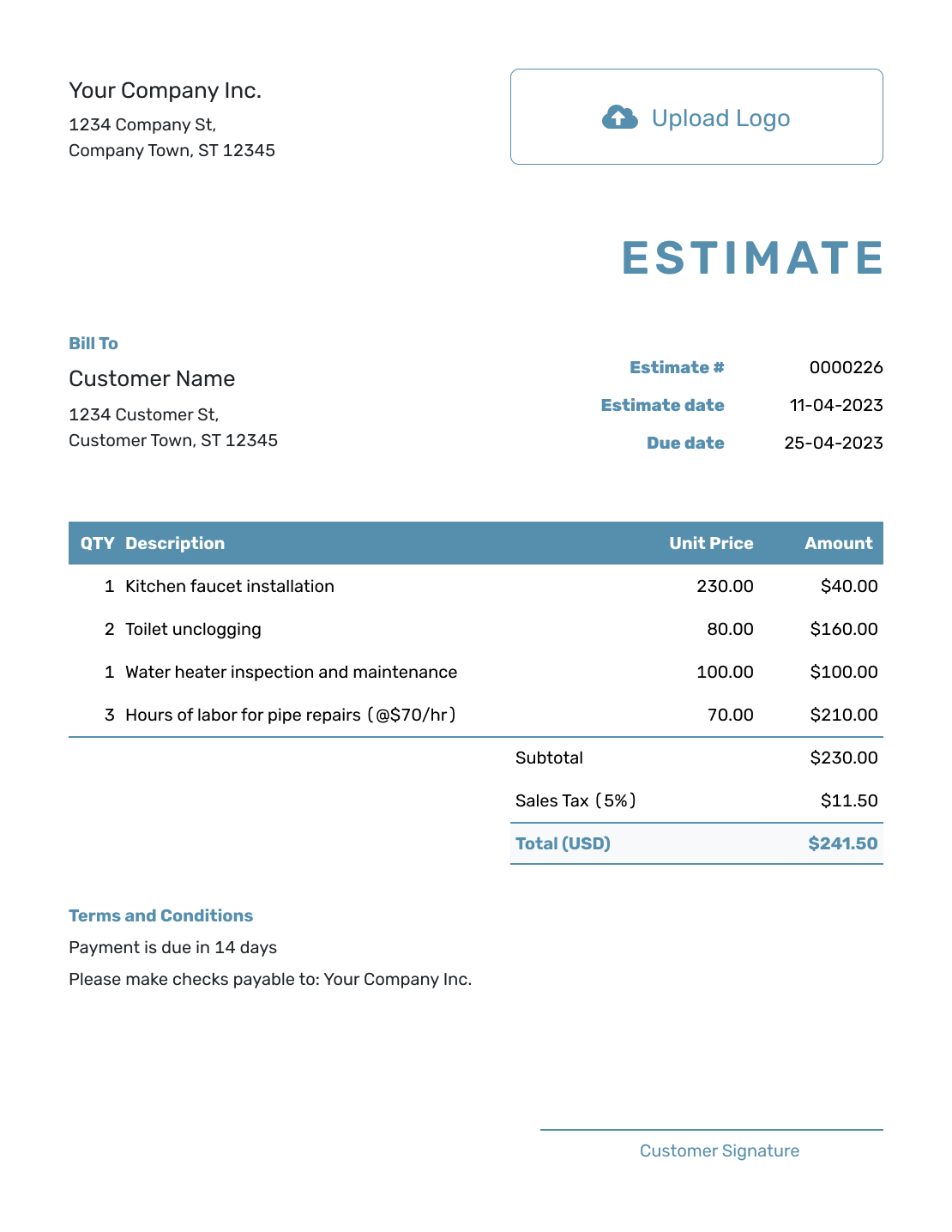
These six layouts offer more ways to present your cost breakdown. Add your own business details and review the finished estimate before sending it.
-
Blank Cost Estimate Template
Create Free Estimate -
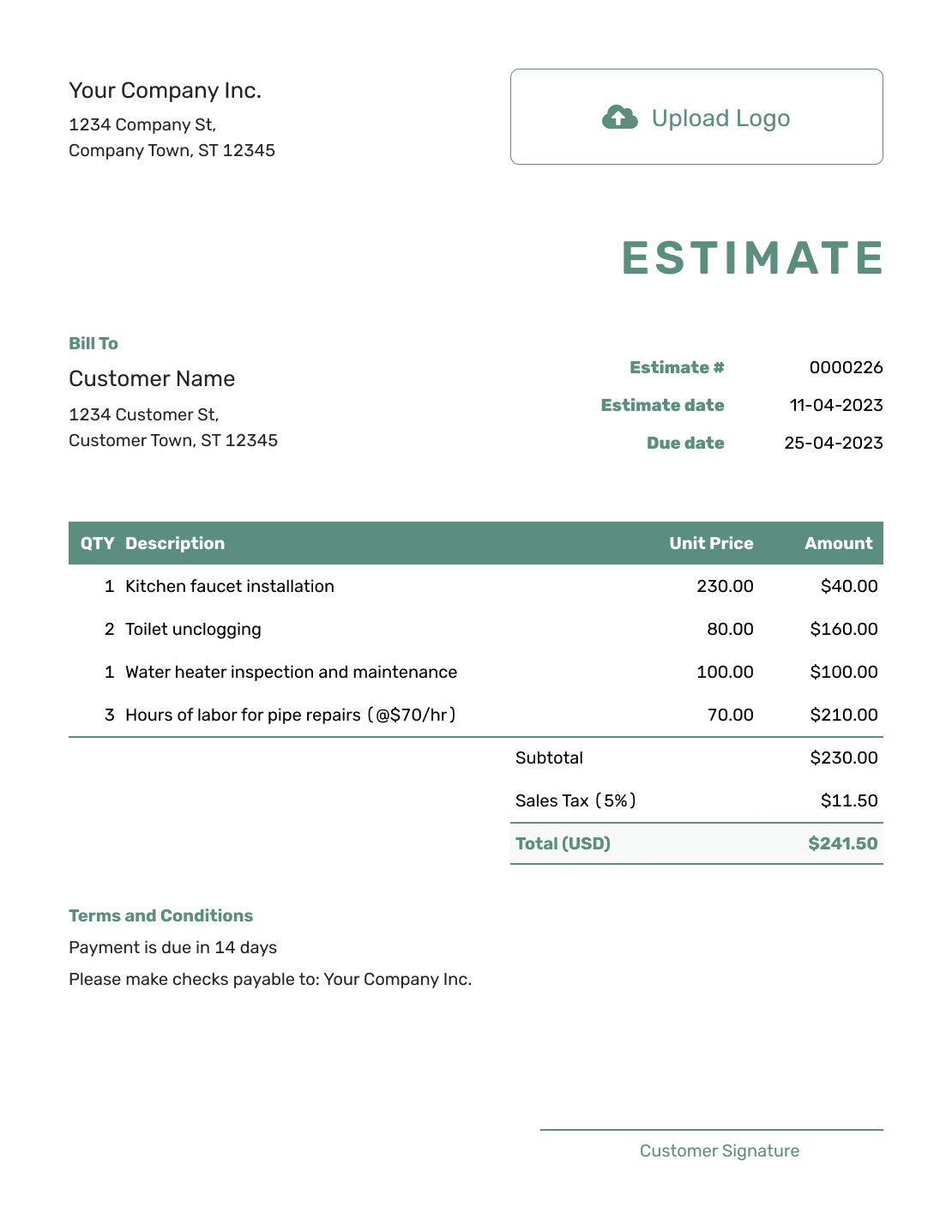
Simple Cost Estimate Template
Create Free Estimate -
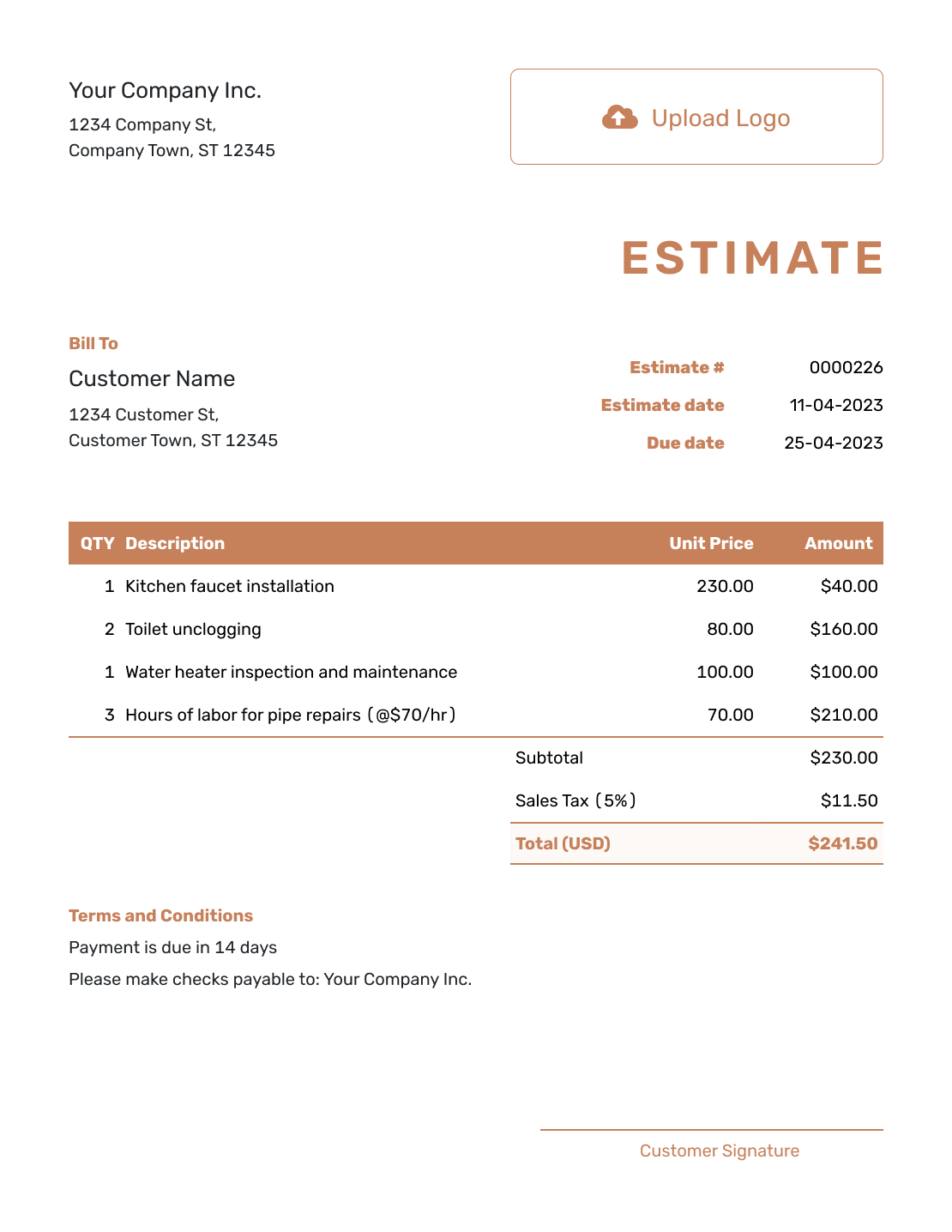
Downloadable Cost Estimate Template
Create Free Estimate -
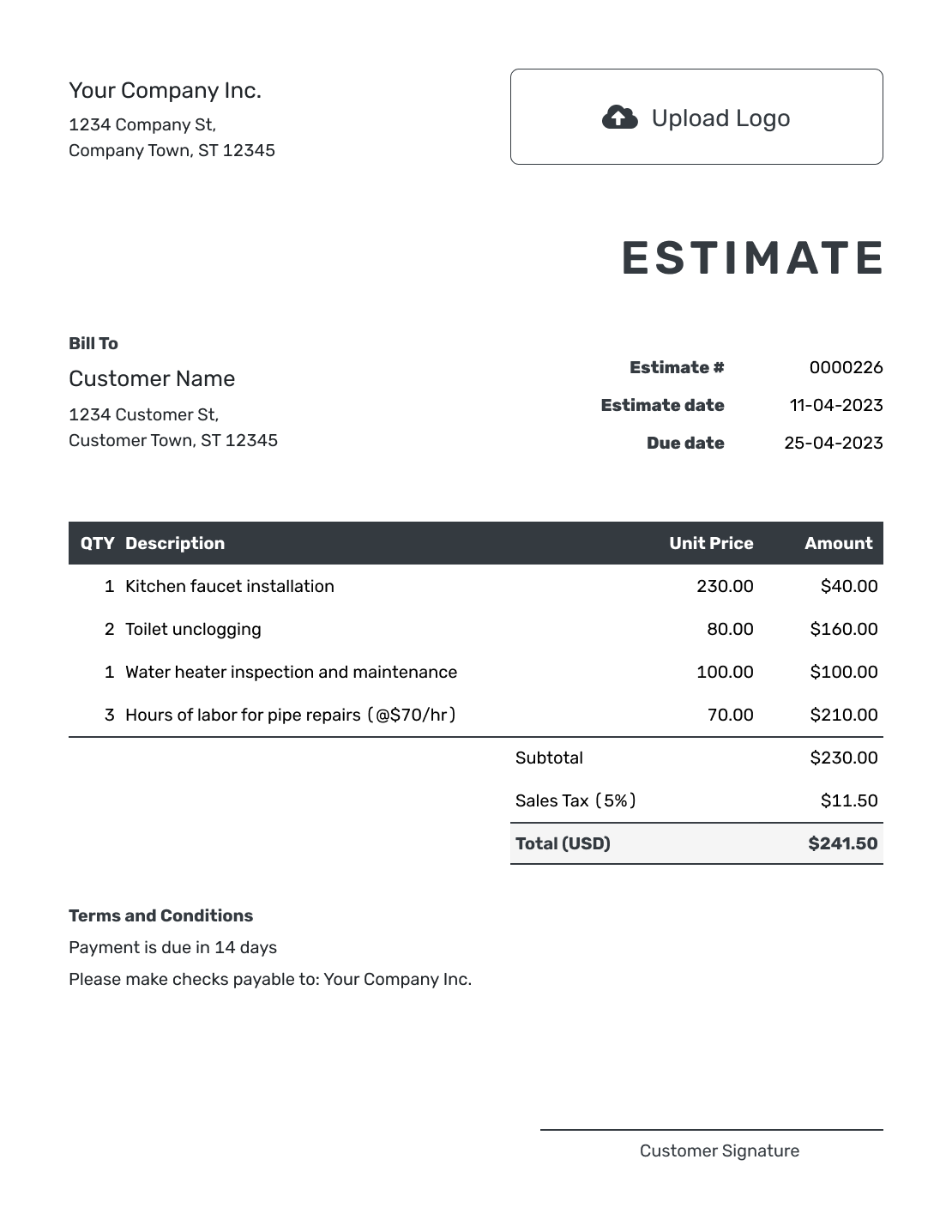
Editable Cost Estimate Template
Create Free Estimate -
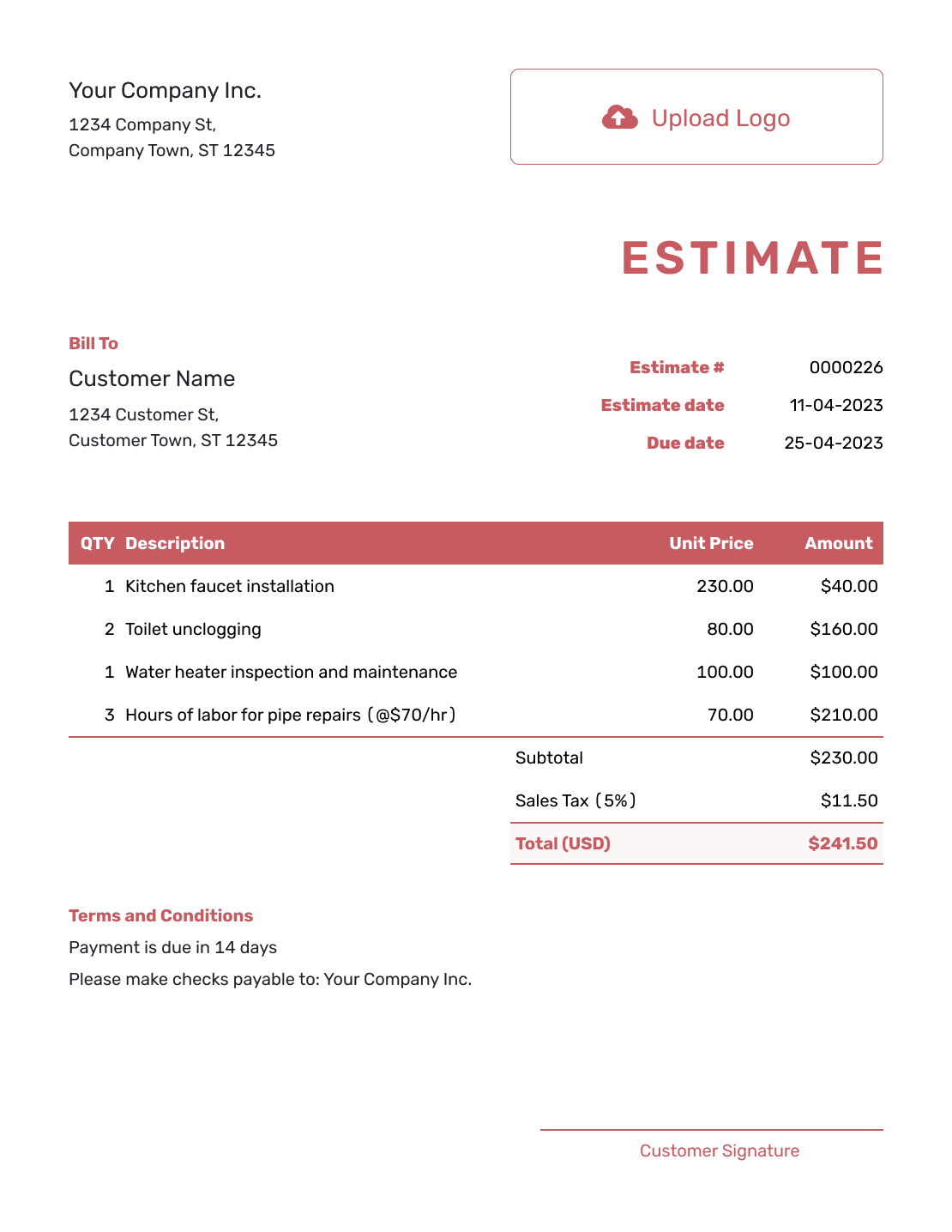
Fillable Cost Estimate Template
Create Free Estimate -
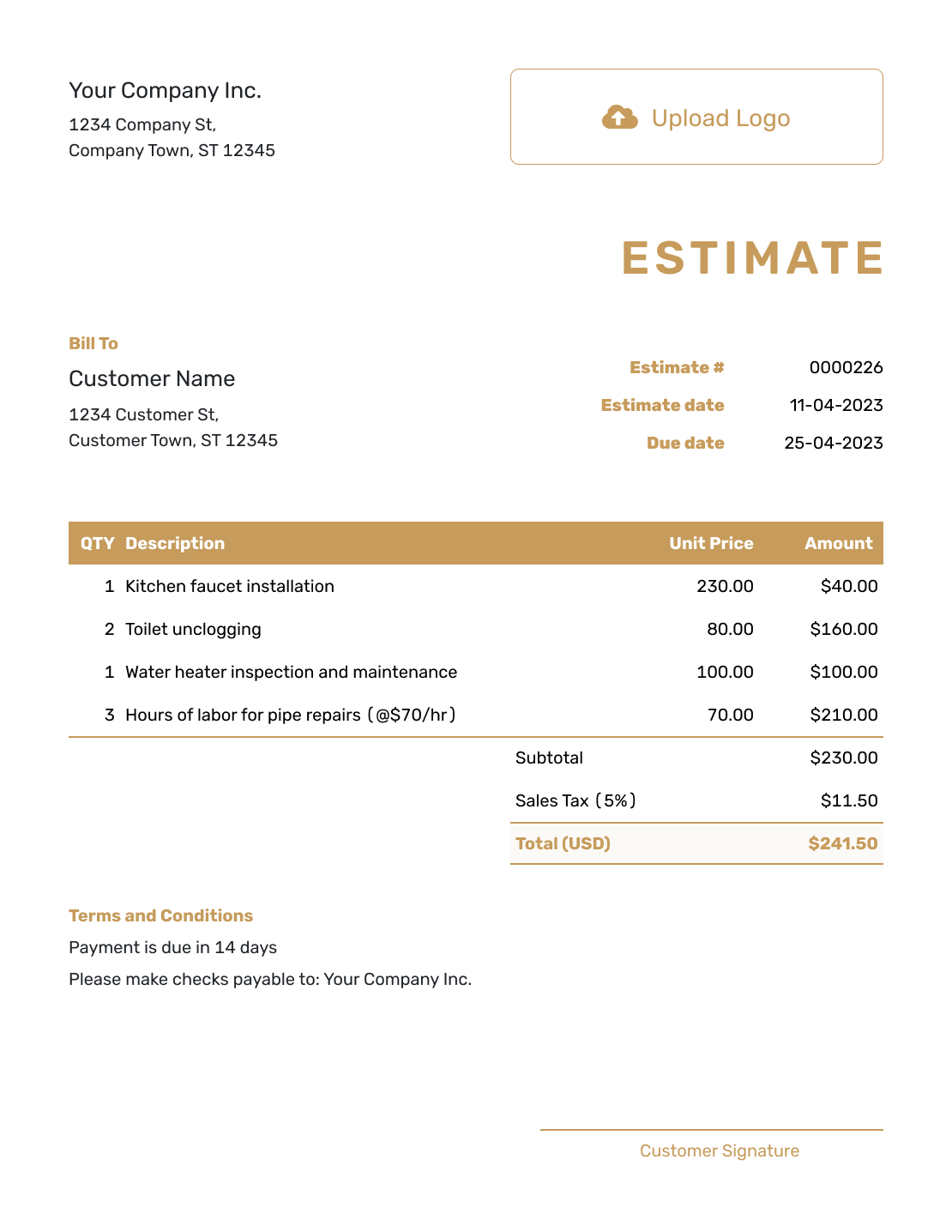
Professional Cost Estimate Template
Create Free Estimate
Related Business Estimate Templates
Choose a broader job or business estimate, a competitive bid or a detailed itemized format when that better matches the pricing decision.
Other Estimate Template File Formats
Prefer to work in a document or spreadsheet first? Choose a format below, or create the estimate online when you want automatic totals and a finished PDF without rebuilding the layout.
After You Send the Estimate
Use the document history to see when the emailed estimate is delivered and opened. If a quantity, rate or allowance changes, revise the affected lines and explain the new total before you resend it.
You can create an invoice from the estimate when it is time to bill. Docelf copies the relevant customer, item, price and document details, so you can check the final work and amount without starting again.
Cost Estimate Template FAQs
Find answers to common questions about building and explaining a cost estimate.
-
What is a cost estimate?
A cost estimate shows the expected labor, materials and other amounts behind a likely total. It helps a customer understand how the price was built before the work begins.
-
What costs should I include in a cost estimate?
Include the labor, materials, equipment, delivery, permits, outside services, taxes and other amounts that affect the customer price. Leave out private internal figures that do not help the customer decide.
-
Should labor and materials be separate?
Separate them when that helps the customer understand the work or compare options. For a simple fixed-price service, one clear line may be enough if the scope is still specific.
-
What is an allowance in a cost estimate?
An allowance is a stated amount for a cost that is not yet certain, such as a customer selection, permit or material price. Explain what the allowance covers and what may cause it to change.
-
Is a cost estimate the final price?
Not necessarily. A cost estimate is a likely amount based on the current scope, quantities and assumptions. State what may change and use a valid-until date when prices or availability may move.
-
What is the difference between a cost estimate and a quote?
A cost estimate shows expected costs and a likely total that may still change. A quote is normally used for a more specific offer, price and terms.
-
Can a customer accept a cost estimate online?
Yes. Customers can accept or decline estimates online without a Docelf account. Docelf updates the status and emails you when they respond.
-
What should I do when an expected cost changes?
Update the affected quantity, rate or allowance and explain why it changed. Send the revised estimate for the customer to review before proceeding with changed work. Keep the scope and assumptions consistent with the new total.
Ready to Explain the Expected Cost?
Help the customer see where the expected price comes from before work begins.
- Break down the main expected costs
- Keep line amounts and totals accurate
- Email or download a professional PDF




