Free Basic Estimate Template
Use only the details a simple job needs
Keep the work, quantities and likely cost in one straightforward estimate without extra detail. The simple view helps customers understand the job and choose you for the work.
Email, print or download your estimate as a PDF.
14-day free trial. No credit card required.

Price the job. Send the estimate. Get back to work.
Basic Estimate Template Examples
Browse these layouts for a straightforward job. Each preview opens the same editor, where you can enter your scope, quantities and prices.
-
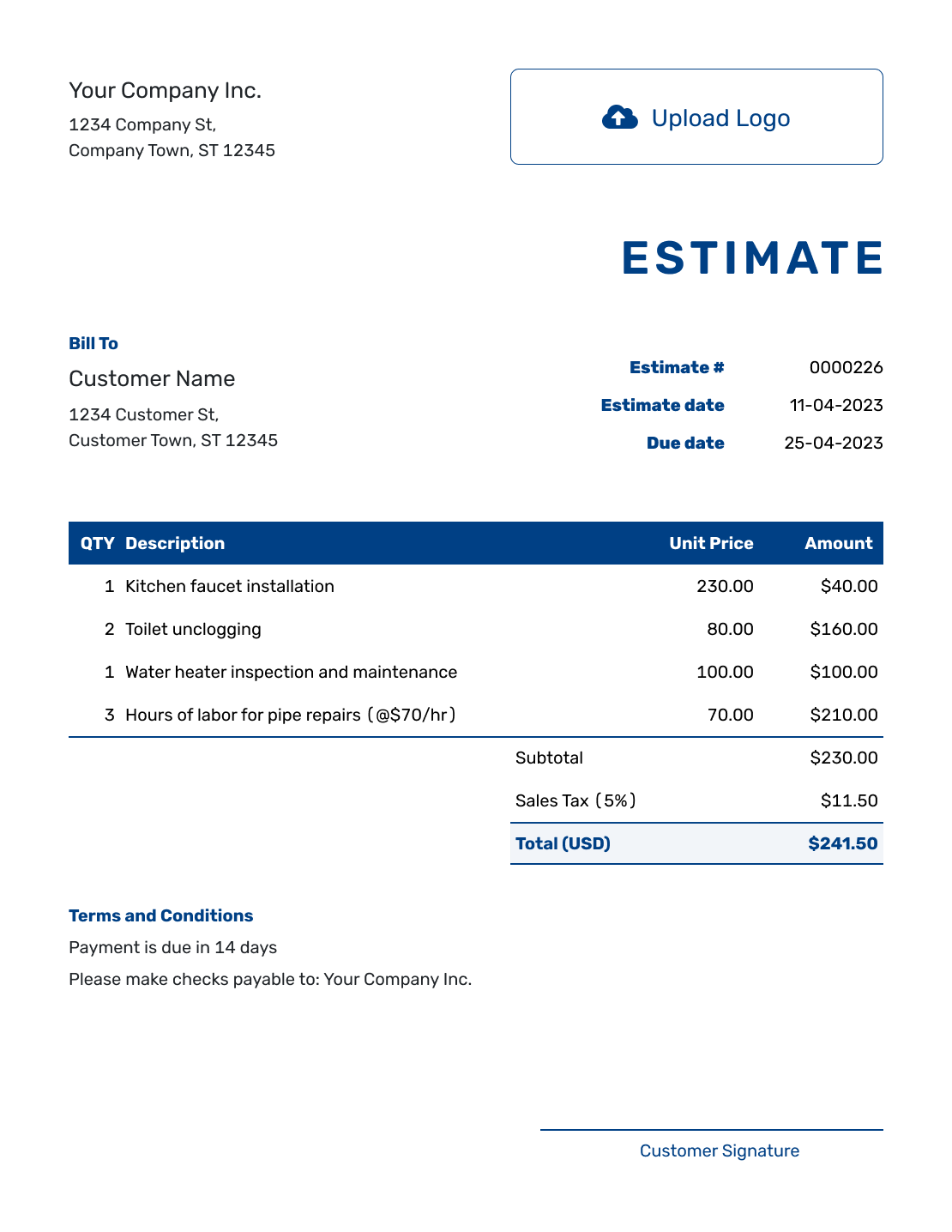
Sample Basic Estimate Template
Create Free Estimate -
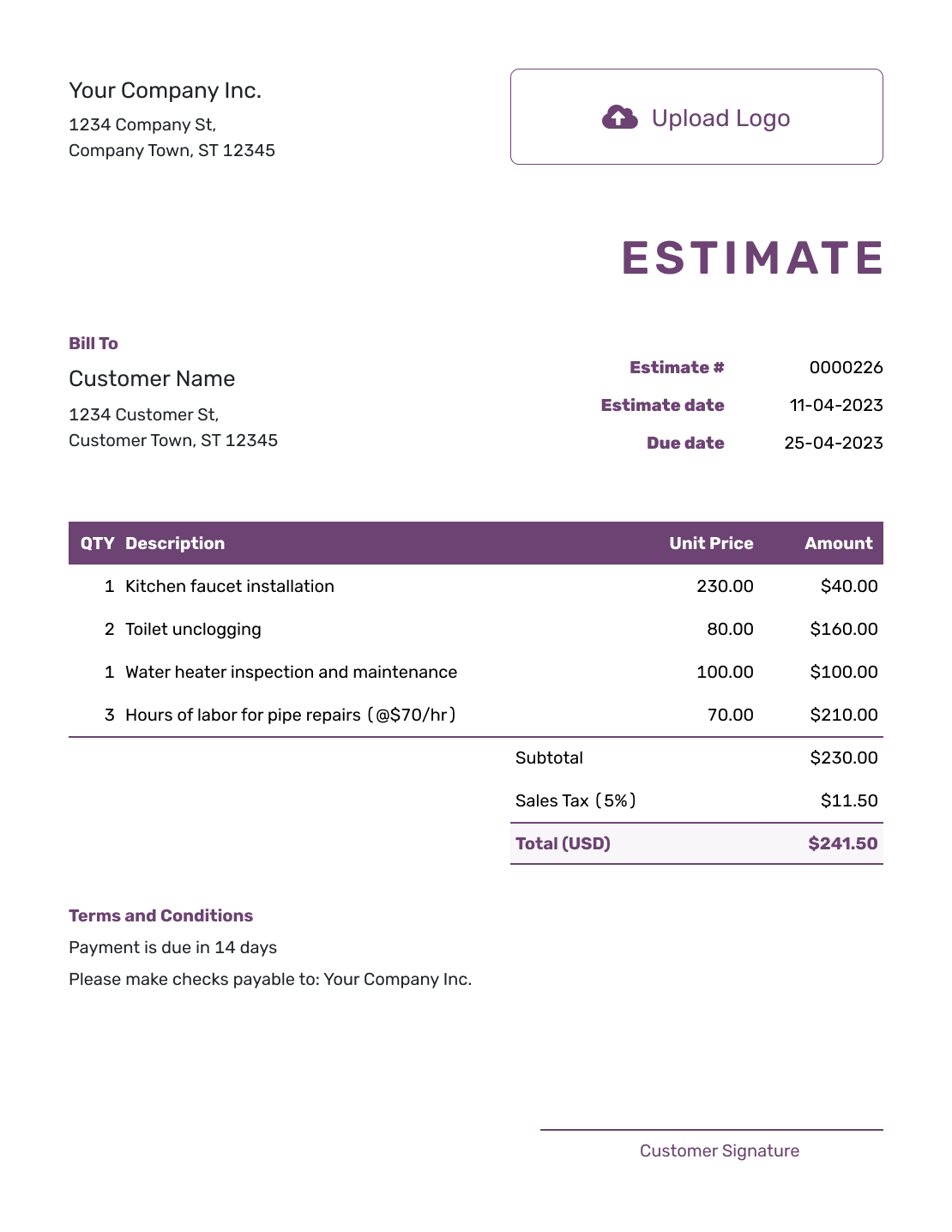
Free Basic Estimate Template
Create Free Estimate -
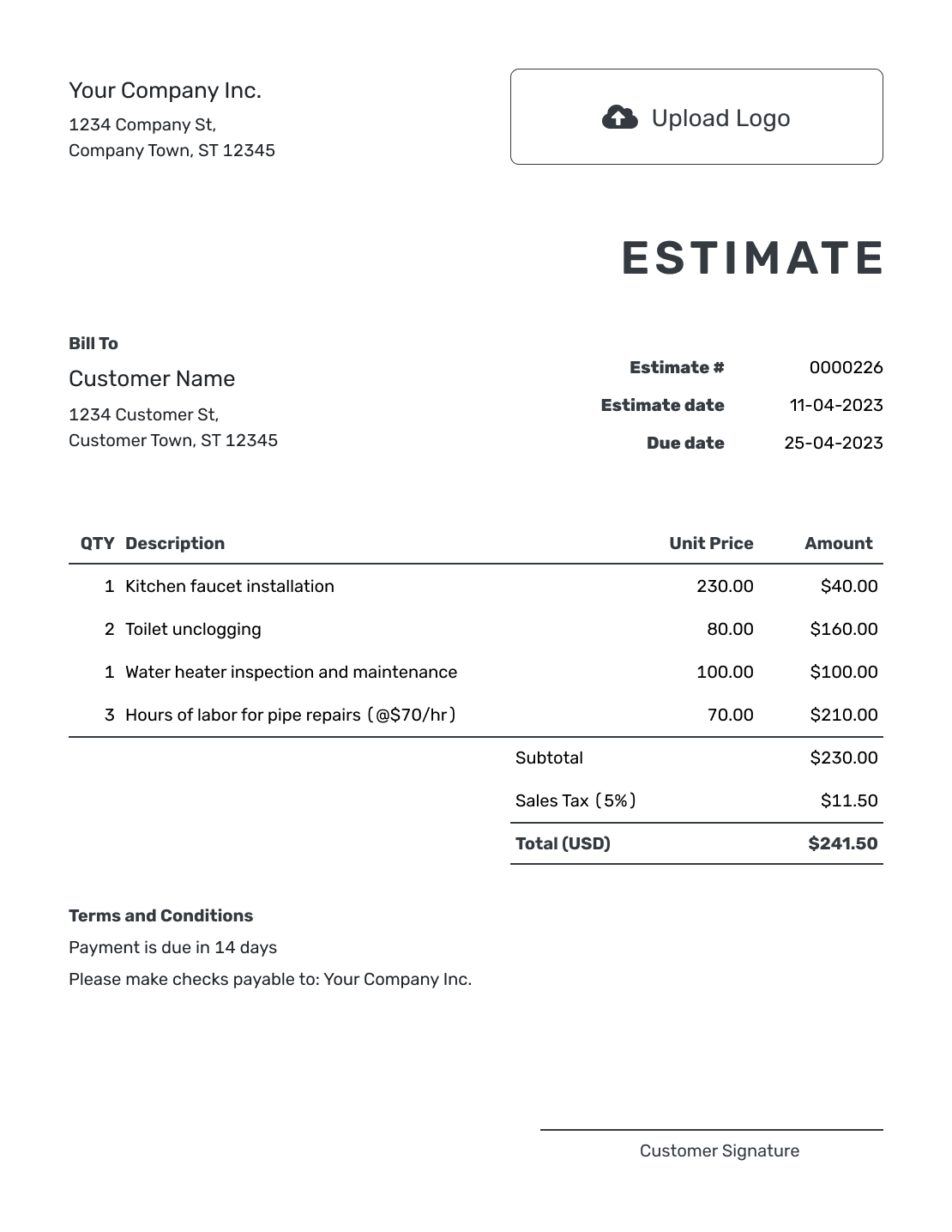
Printable Basic Estimate Template
Create Free Estimate
See six more layouts below.
Keep a Basic Estimate Short and Complete
A basic estimate is a reusable layout for pricing a small or straightforward job before work begins. Put the work and likely total first, then add only the assumptions or terms the customer needs to decide.
Basic does not mean vague. The customer should still know what is included, what is not included and when the likely price may need to be revised.
How to Create a Basic Estimate
Start with the details that identify the job, then add the work and likely price. You only need enough explanation for the customer to understand what you expect to do.
- Your Business: Enter your business name and contact details.
- Your Logo: Add your logo if you use one.
- The Customer: Add the customer and the job location when it helps identify the work.
- Number and Dates: Check the estimate number, issue date and valid-until date.
- Work and Prices: List the tasks or products with quantities and unit prices.
- The Likely Total: Check the line amounts, applicable tax and estimated total.
- Terms and Next Step: Add key assumptions in Terms and Conditions. Review, then email, print or download the estimate.
How to Fill In Basic Estimate Line Items
Give each separately priced part of the job its own line. For hourly work, use the expected hours as the quantity. A short description should tell the customer what that time or price covers.
This fictional job replaces two light fixtures using the existing wiring. It includes a site visit, three hours of installation labor and the fixtures. Prices are in US dollars; an illustrative 8% tax applies only to the $96.00 in fixtures. Use the tax treatment that applies to your own work.
| QTY | Description | Unit Price | Amount |
|---|---|---|---|
| 1 | Site visit and setup | $75.00 | $75.00 |
| 3 | Installation labor — hours | $65.00 | $195.00 |
| 2 | Replacement light fixtures | $48.00 | $96.00 |
| Subtotal | $366.00 | |
| Sales Tax (8% on fixtures, illustrative) | $7.68 | |
| Estimated Total | $373.68 |
What to Include in Basic Estimate Terms
Use Terms and Conditions for the few details that explain the price or next step. For this job, the expected labor depends on the existing wiring being suitable. That assumption belongs beside the estimate, where the customer can read it before agreeing.
Adapt this sample to the job and include only terms your business actually uses.
Example: Terms and Conditions
- Includes two replacement light fixtures and an estimated three hours of installation using the existing wiring.
- Wiring repairs are excluded. Any additional work and price will be agreed before it begins.
- Please respond within 14 days of the estimate date. We will confirm a work date after acceptance.
Price the Job Without Rebuilding a Form
Enter the few lines this job needs. Docelf calculates the total, leaving you to check the work and price before sending the estimate.
How Much Detail Does a Small Job Need?
A basic estimate suits one location, a short scope and a few products or services. Name the job clearly, then keep the description specific enough to explain the price. A customer should be able to tell what you expect to do without reading a long project background.
You can use one job amount when it covers a clearly described service. Separate lines help when the customer needs to see hours, materials or separately priced tasks, as in the fixture example above. The number of rows should follow the work, not a target.
Keep any assumption that could change the price or schedule, and tell the customer how and when to respond. For work with several phases or detailed exclusions, add the fuller breakdown or supporting attachment the customer needs.
More Basic Estimate Layouts
-
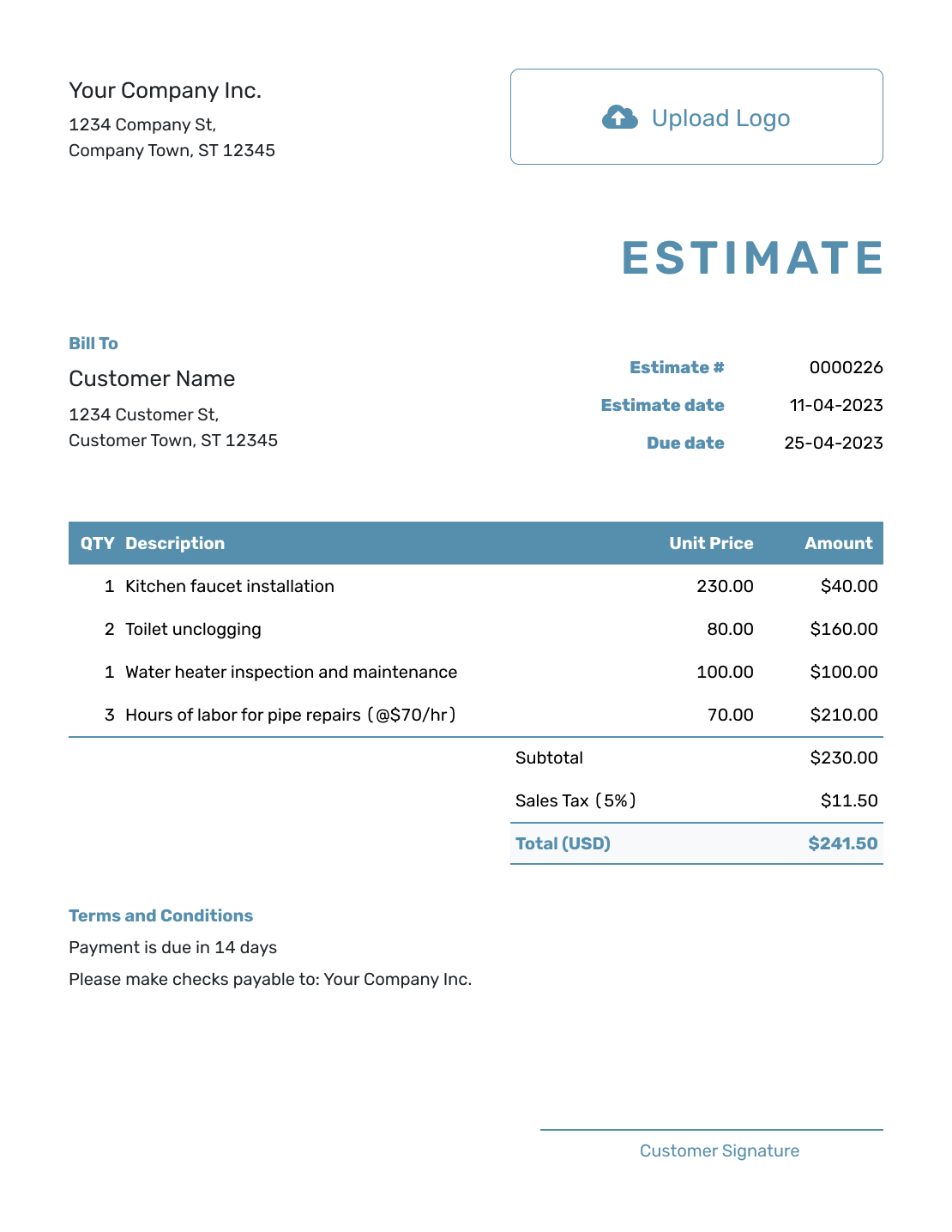
Blank Basic Estimate Template
Create Free Estimate -
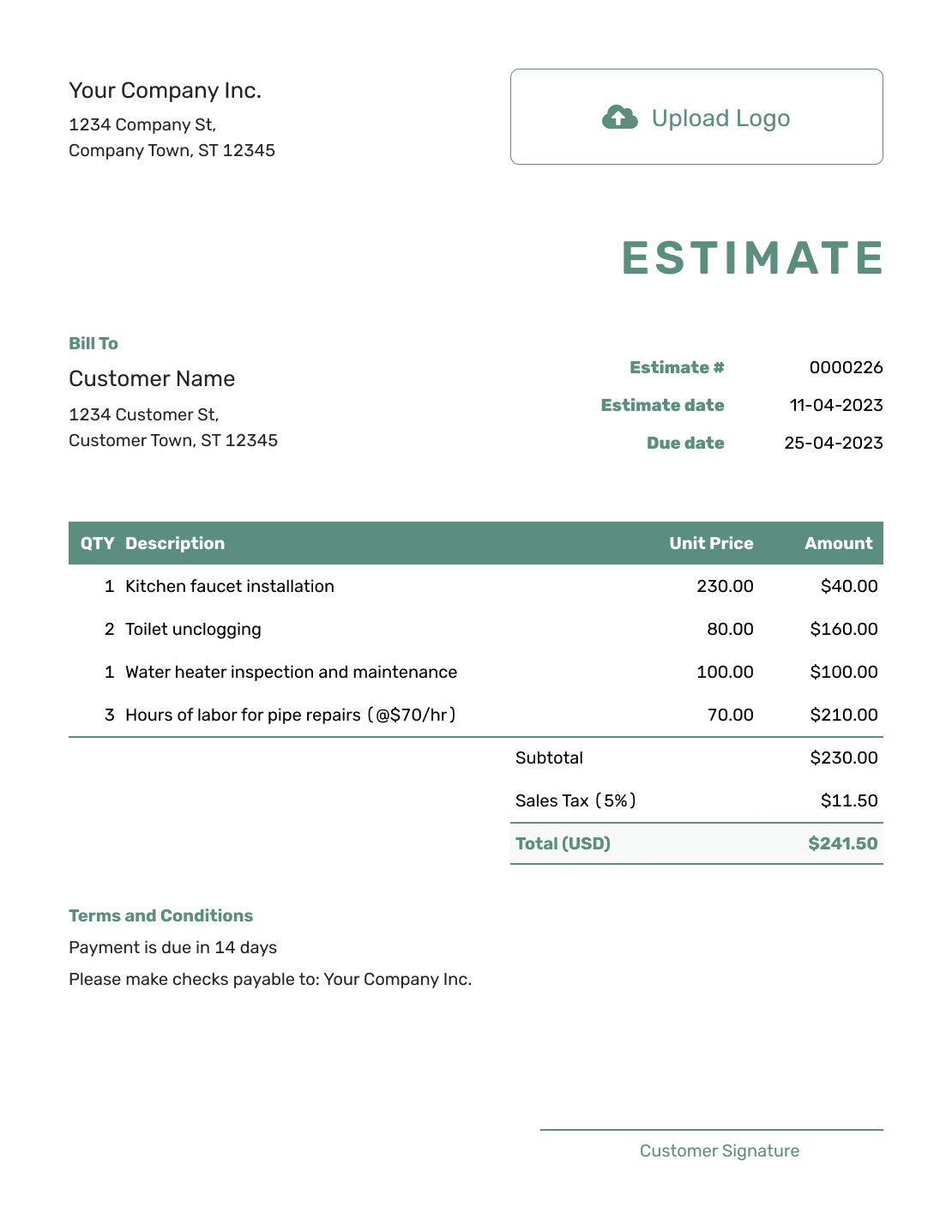
Simple Basic Estimate Template
Create Free Estimate -
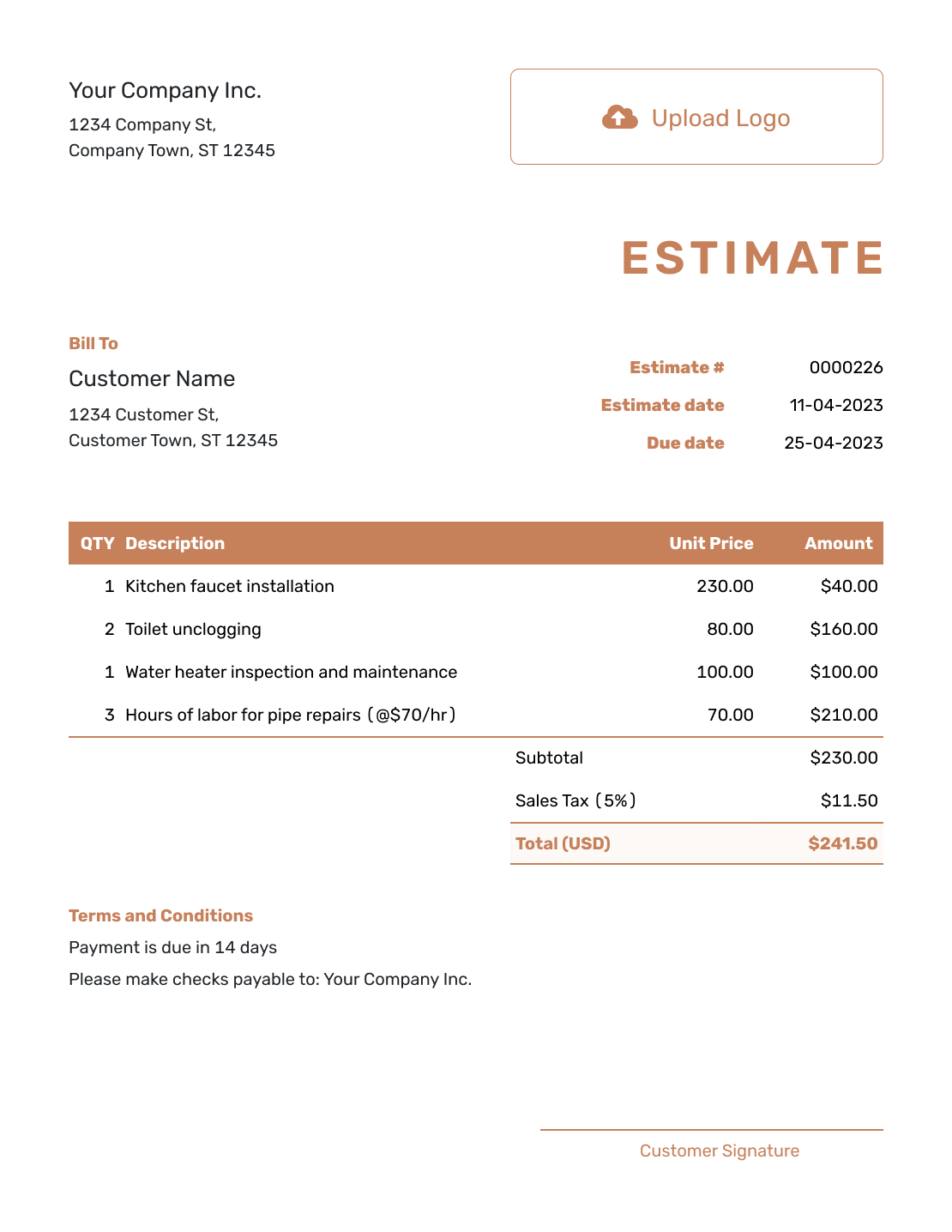
Downloadable Basic Estimate Template
Create Free Estimate -
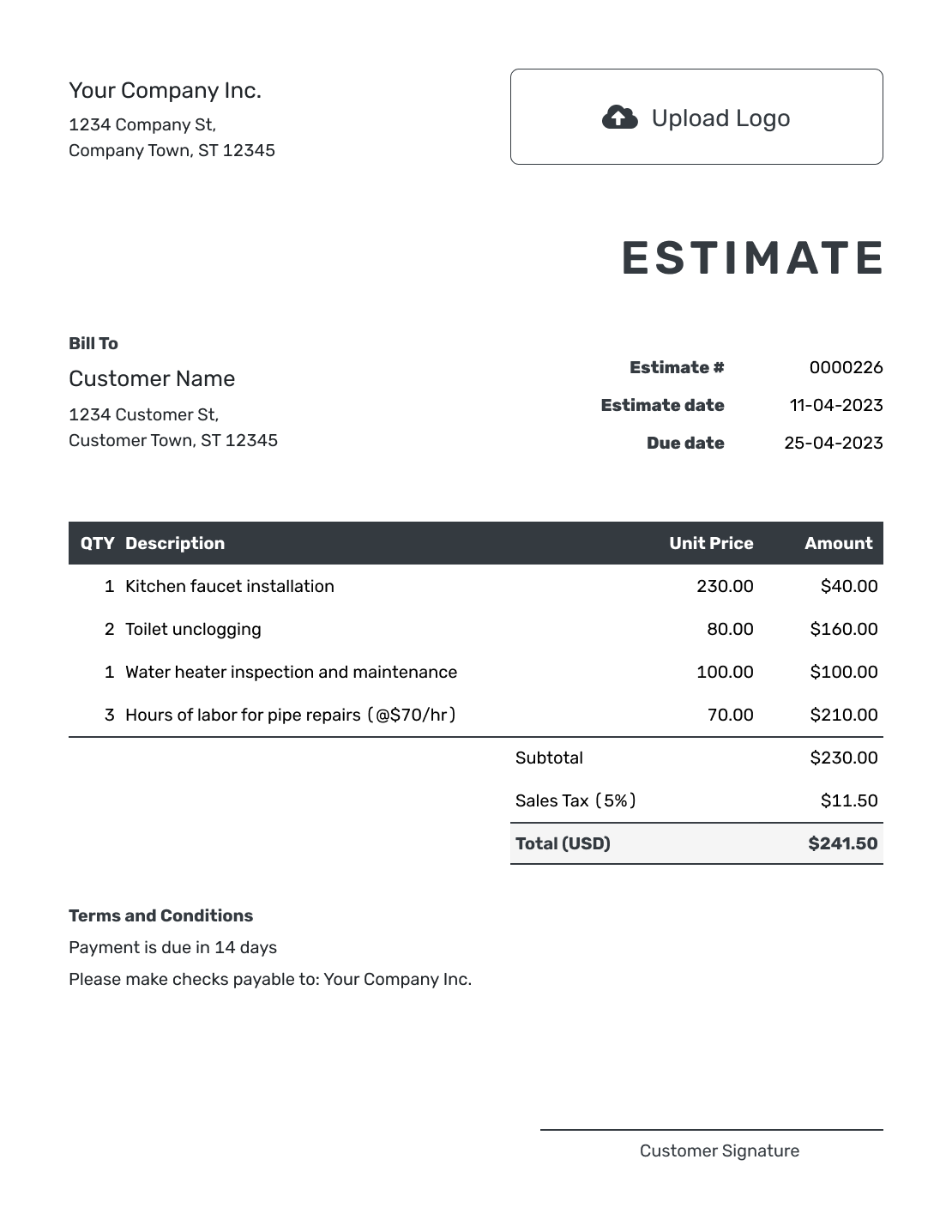
Editable Basic Estimate Template
Create Free Estimate -
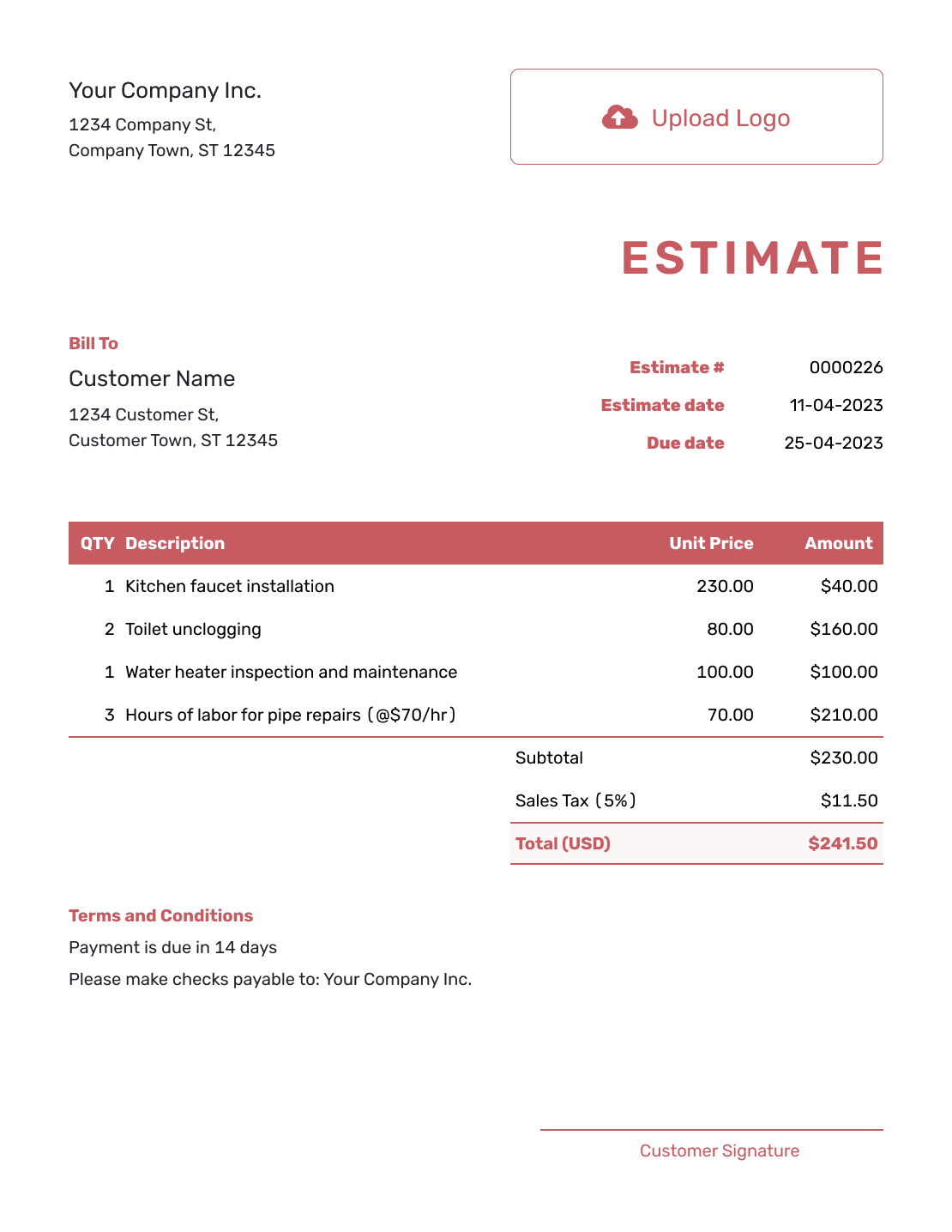
Fillable Basic Estimate Template
Create Free Estimate -
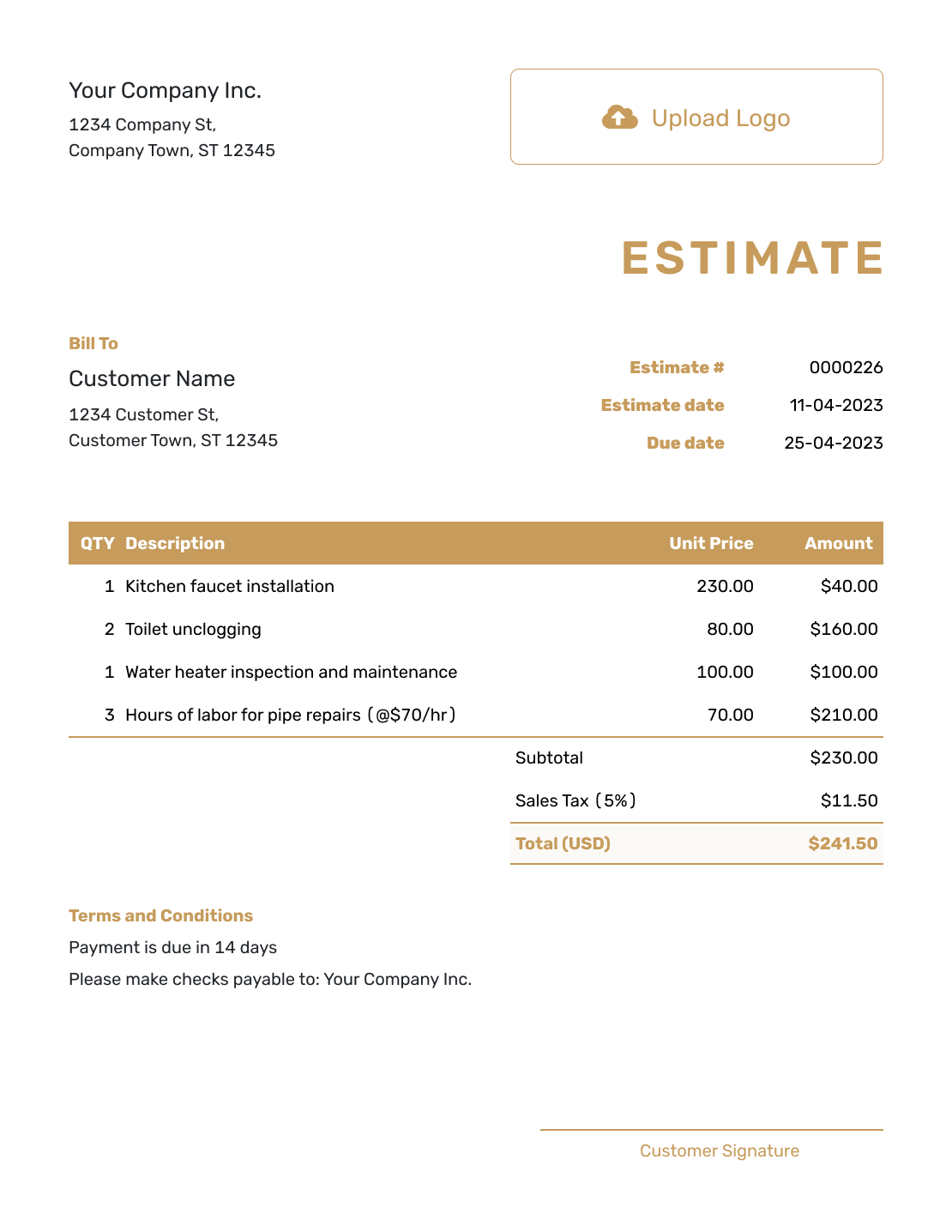
Professional Basic Estimate Template
Create Free Estimate
After You Send the Basic Estimate
When you email the estimate from Docelf, you can see when the customer opens it and whether they accept or decline. If they ask for a change, agree on the revised scope and send the updated estimate.
When the job is ready to bill, create an invoice from the estimate. Docelf copies the relevant details; check the completed work and final prices before sending the invoice.
Related Simple Estimate Templates
Choose a blank layout when you need more freedom, an itemized layout for a fuller price breakdown, or a professional layout when presentation needs more emphasis.
Basic Estimate Template FAQs
Find answers to common questions about keeping a straightforward estimate clear, useful and ready to send.
-
What is a basic estimate template?
A basic estimate template is a short, reusable layout for showing expected work and a likely price. It keeps the essential customer, job, line-item, total and term details together without adding sections the job does not need.
-
What should I include in a basic estimate?
Include your business and customer details, an estimate number and date, a short scope, quantities or prices, the likely total and the main assumption or term that could affect the job.
-
How detailed should a basic estimate be?
Add enough detail for the customer to understand what the likely price covers. A few clear line items are better than one vague total, but a small job does not need proposal-length background.
-
Can I use a basic estimate for products and services?
Yes. List the product or service on its own line, add a quantity and unit price when useful, and keep the expected total easy to find.
-
Can the price on a basic estimate change?
An estimate shows a likely price. If the scope, quantities or assumptions change, revise the estimate and explain the updated likely total before the customer decides.
-
Can I create an invoice from an accepted basic estimate?
Yes. When the estimate is created in Docelf, you can create an invoice from it and reuse the relevant customer, item, price and document details.
Ready to Price a Straightforward Job?
Create a clean estimate that gives the customer the details they need without turning a small job into more paperwork.
- Clear scope and likely price
- Automatic line amounts and totals
- Email, print or download a PDF




