Free Photography Estimate Template
Create a professional estimate in minutes
Show the shoot details, coverage time, image package and likely price. Clients know exactly what they are booking and can choose you for the shoot with confidence.
Email, print or download your estimate as a PDF.
14-day free trial. No credit card required.

Price the job. Send the estimate. Get back to work.
Photography Estimate Template Examples
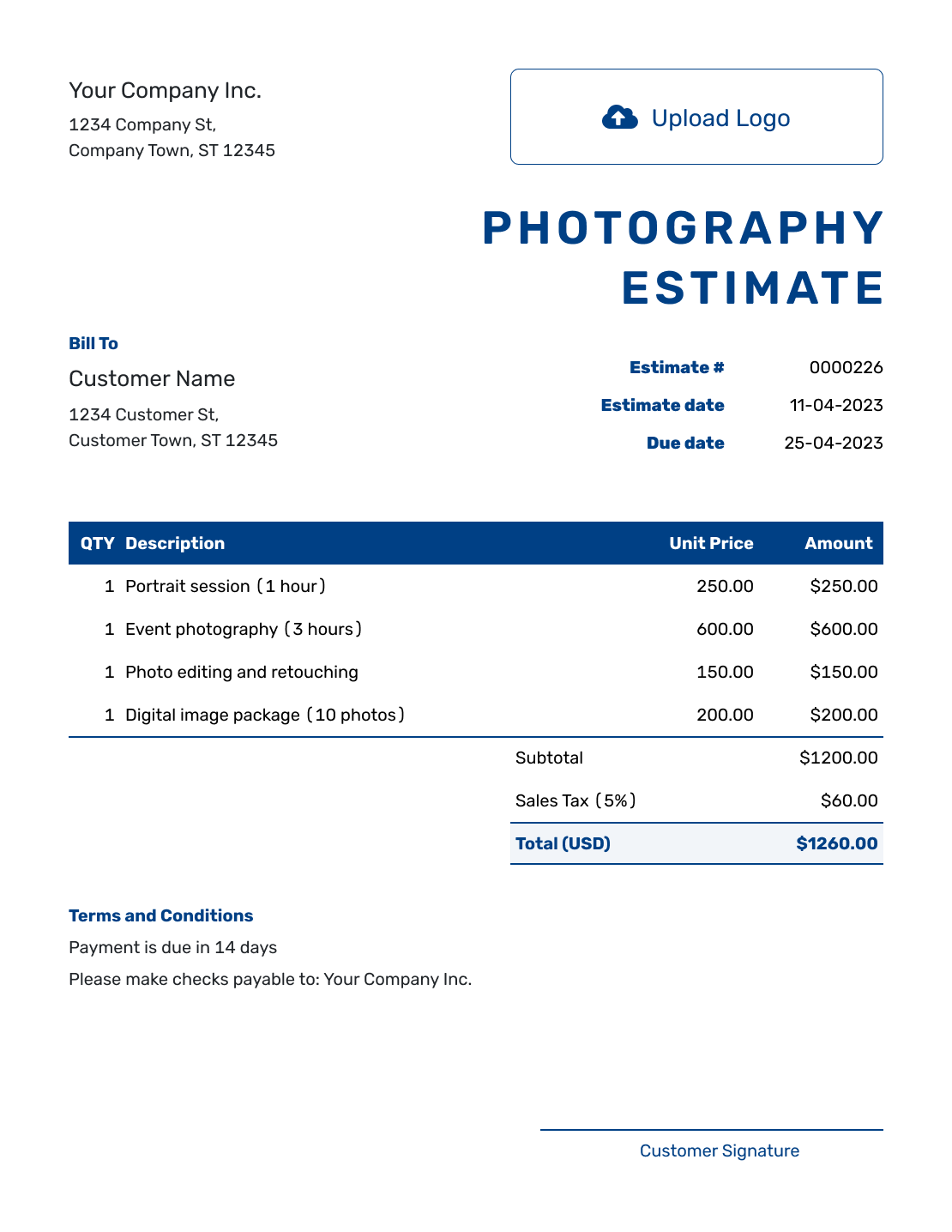
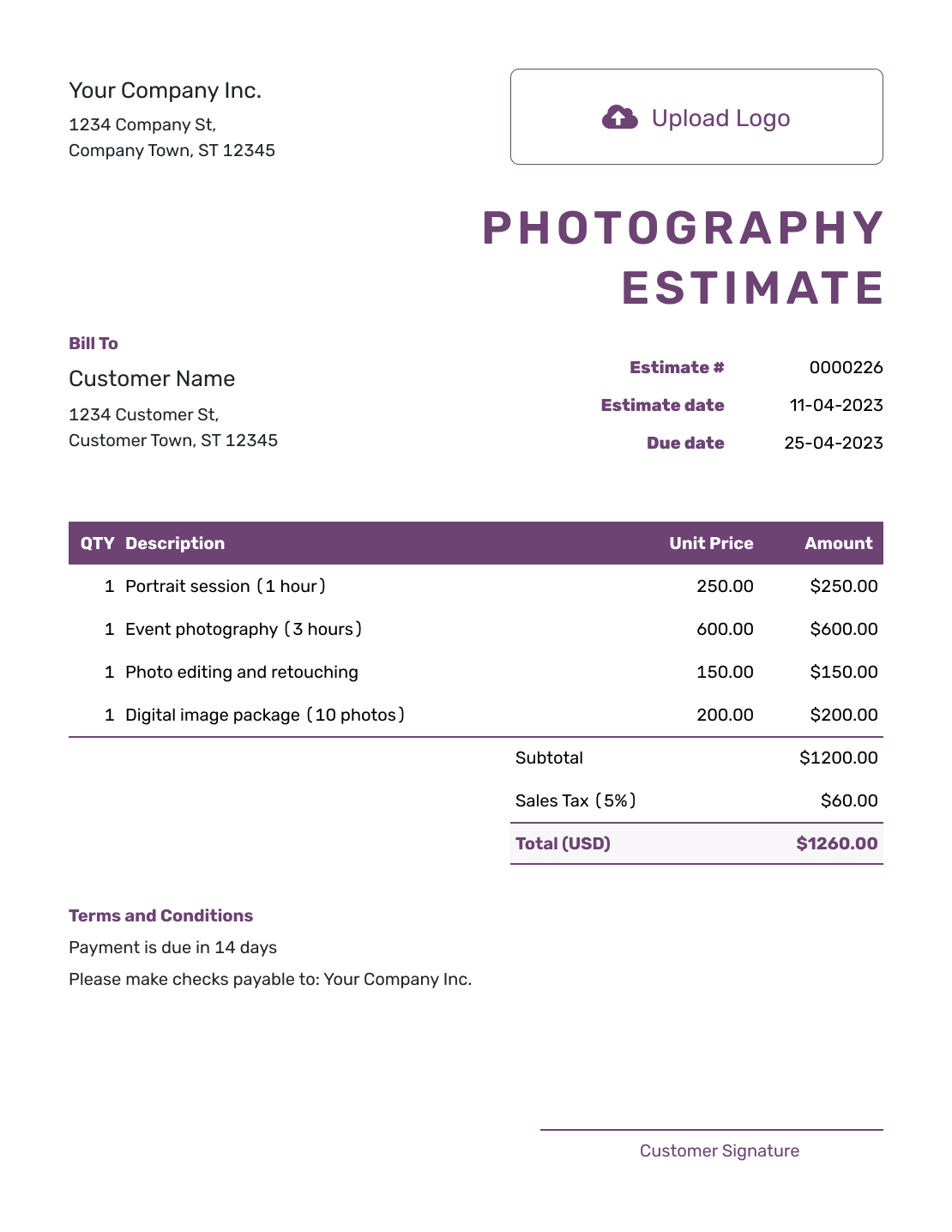
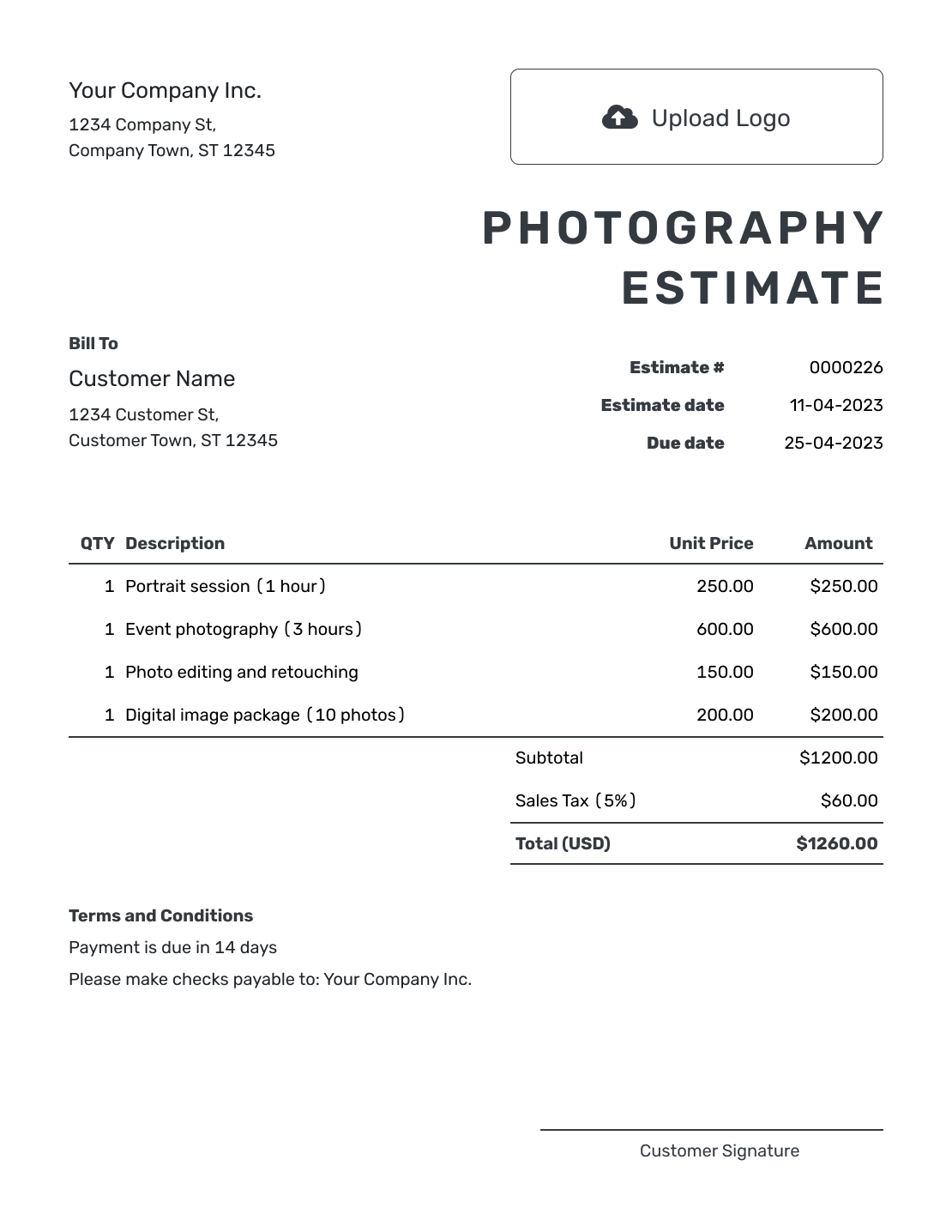
Browse nine layouts for portraits, events, products, real estate and other photography work. Each preview opens the same estimate editor, where you add your shoot details and choose the document design.
What Is a Photography Estimate?
A photography estimate shows the shoot you expect to provide, the finished images the client can expect and the likely cost. Use one while the location, coverage or image package is still being decided.
Keep the coverage and deliverables together so the client can understand the package without piecing it together from emails. Show separately priced extras, such as advanced retouching or prints, alongside the base session.
How to Create a Photography Estimate
Build the estimate around the shoot the client is considering. Start with their details, then describe the coverage and finished work in the item rows.
- Your Business: Add your photography business name and contact details.
- Your Logo: Use the logo from your booking documents.
- The Client: Choose a saved client or enter their name and contact details.
- Number and Dates: Check the estimate number and issue date. Add a valid-until date when needed.
- Shoot and Images: List the coverage, image package and extras with quantities and prices.
- Estimated Total: Check the line amounts, applicable tax and likely total.
- Terms and Send: Add timing, image use and assumptions in Terms and Conditions. Review, then email or download.
How to Fill In Photography Estimate Line Items
A package can stay on one line when the description explains what it includes. Give separately priced retouching, prints or extra coverage their own rows, with the unit stated clearly.
This fictional portrait estimate is in US dollars. The session includes 12 edited digital images; the client also requests detailed retouching on three of them and two prints. An illustrative 8% tax applies to all lines. Check which charges are taxable for your business.
| QTY | Description | Unit Price | Amount |
|---|---|---|---|
| 1 | 90-minute portrait session with 12 edited digital images | $300.00 | $300.00 |
| 3 | Detailed retouching of selected images — per image | $25.00 | $75.00 |
| 2 | 8 × 10 inch portrait prints | $20.00 | $40.00 |
| Subtotal | $415.00 | |
| Sales Tax (8% illustrative) | $33.20 | |
| Estimated Total | $448.20 |
What to Include in Photography Estimate Terms
Use Terms and Conditions to connect the price to the booking: coverage, image delivery and what the client may use the images for. Explain any assumptions that could change the likely cost.
Use the sample as a starting point for your own policy. Add payment timing, rescheduling or other booking conditions only when you use them; check local requirements before adding fees or cancellation terms.
Example: Terms and Conditions
- Estimate valid for 14 days from the issue date, for one 90-minute portrait session at one agreed location.
- Includes 12 edited digital images, detailed retouching on 3 selected images and two 8 × 10 inch prints.
- Digital images will be delivered within 10 business days of the session. Prints will be ready within 7 business days of the client approving the selected images.
- The price covers personal use of the finished images. Additional coverage, images or commercial use will be estimated for approval before the extra work begins.
Make the Image Package Easy to Understand
Choose a package, session fee, hourly rate or day rate that fits the assignment. For an event, state the coverage hours and number of photographers. For product or real-estate work, explain the subjects or locations covered as well as the expected image count.
Describe standard editing in plain language, such as color and exposure adjustments. If detailed retouching costs extra, say whether you charge per image or by the hour. Identify the file formats, gallery, prints or other finished work the client will receive, with a realistic delivery time.
For commercial work, agree on how the client plans to use the images. Describe the permitted use and any separate licensing fee. Keep travel, a second photographer, rush delivery and physical products visible when they are outside the base package.
Turn the Shoot Plan Into a Booking Estimate
Add the session and chosen extras in Docelf. It calculates the line amounts and total as you adjust the package. Review the details, then email the estimate to your client.
Photography Estimate, Quote, or Invoice?
Use the document that matches how settled the shoot is and whether payment is due.
Estimate
Use an estimate while the coverage, location or image package may still change and the client needs a professional view of the likely price.
Quote
Use a quote when the shoot, finished images, price and booking terms are specific enough for the client to approve.
Invoice
Use an invoice when a retainer, milestone amount or final payment is due.
More Photography Estimate Layouts
-
Blank Photography Estimate Template
Create Free Estimate -
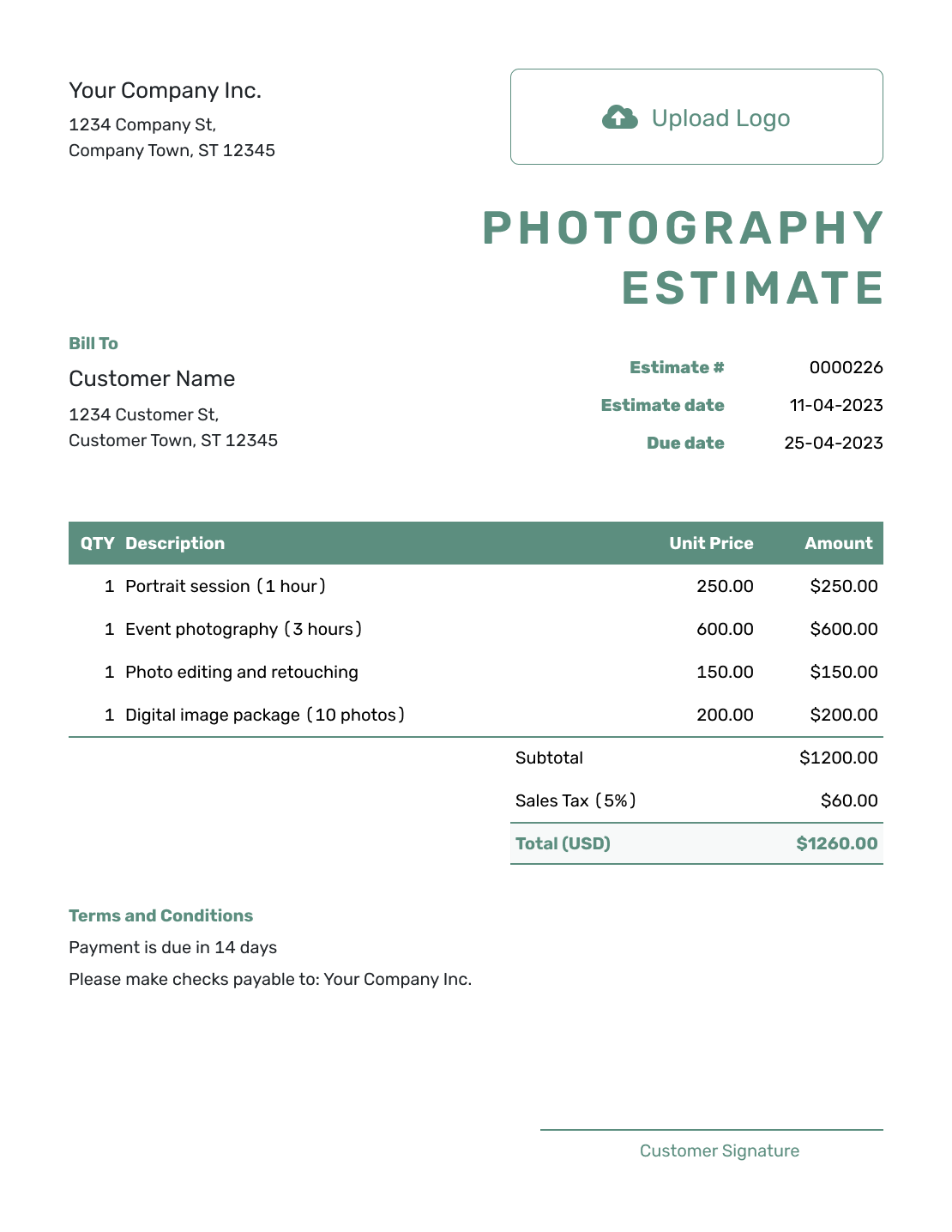
Simple Photography Estimate Template
Create Free Estimate -
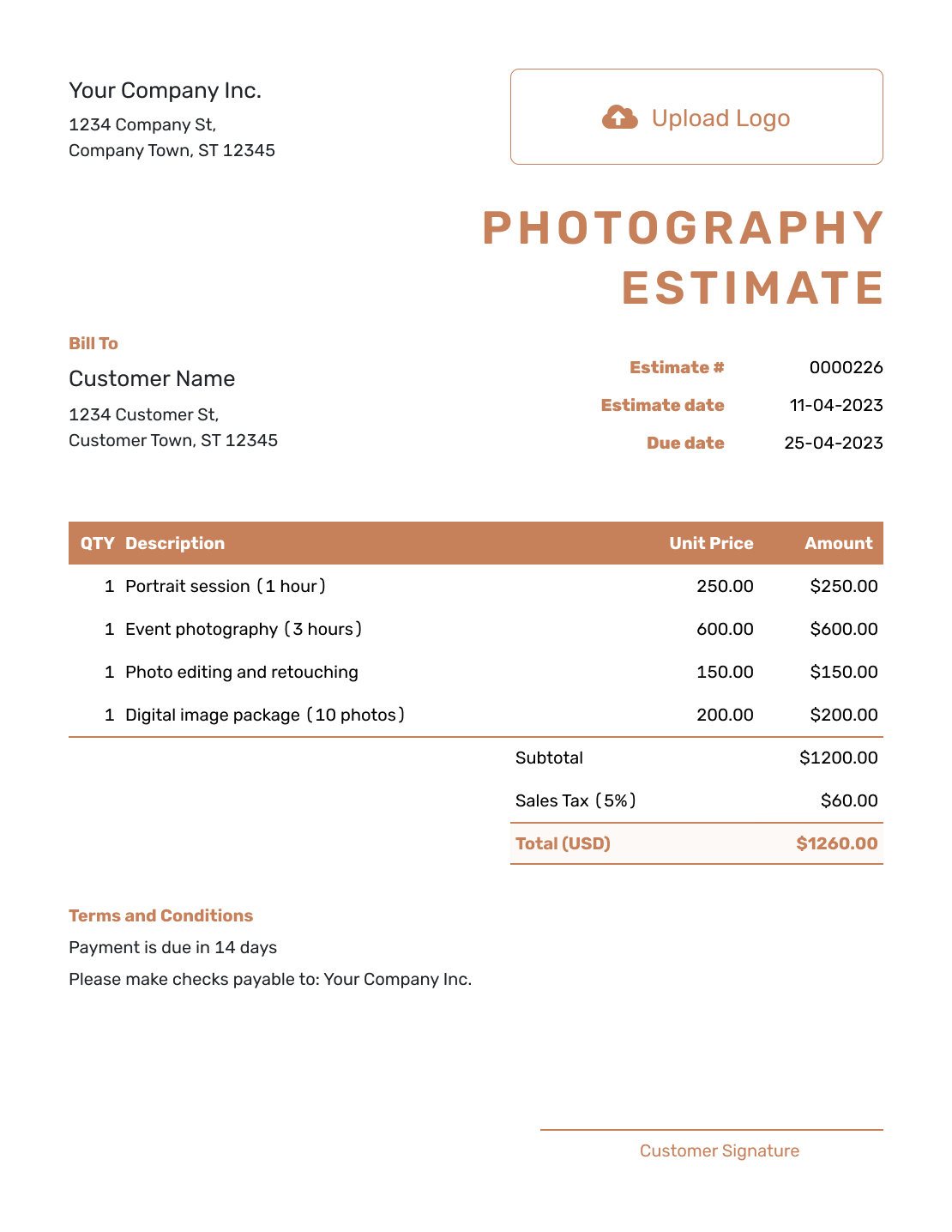
Downloadable Photography Estimate Template
Create Free Estimate -
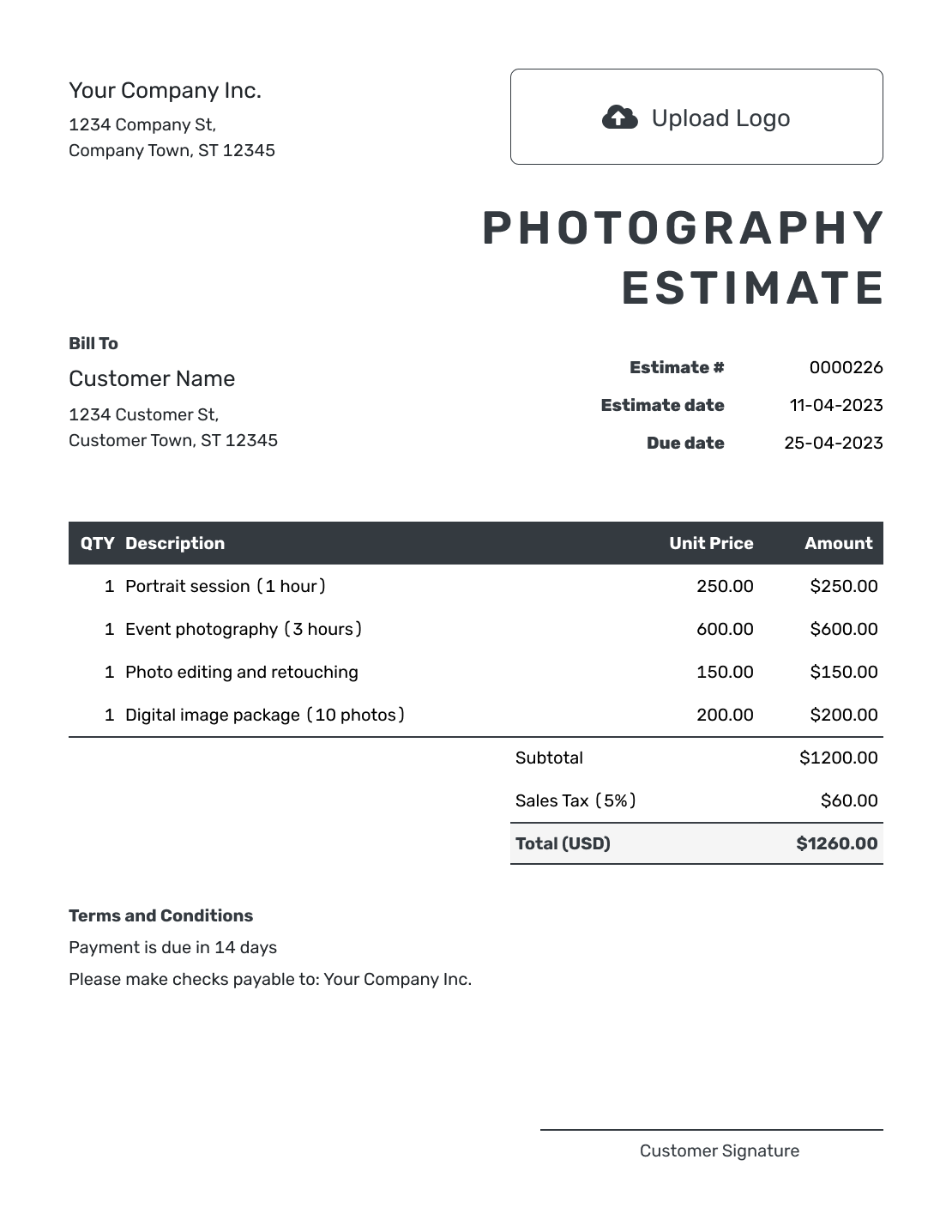
Editable Photography Estimate Template
Create Free Estimate -
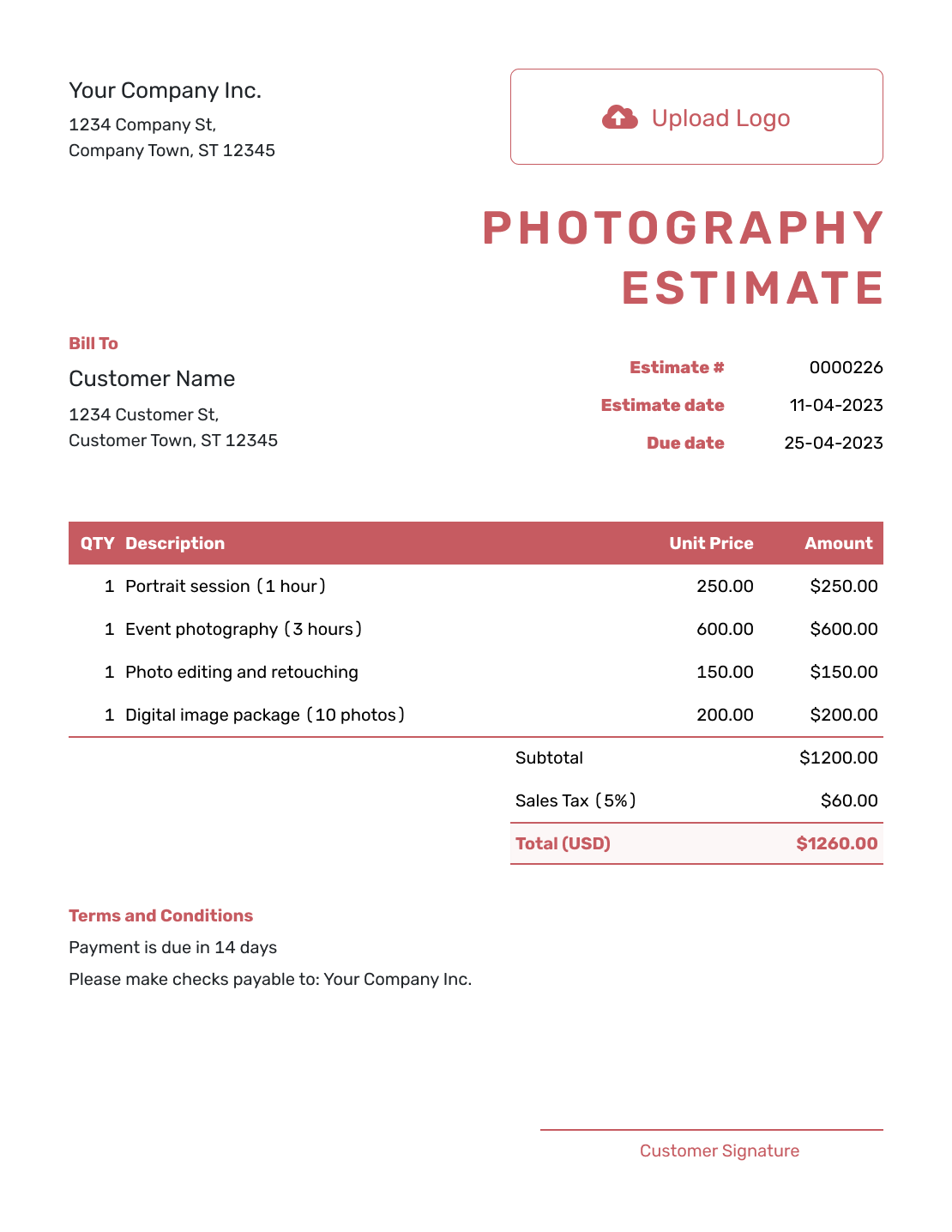
Fillable Photography Estimate Template
Create Free Estimate -
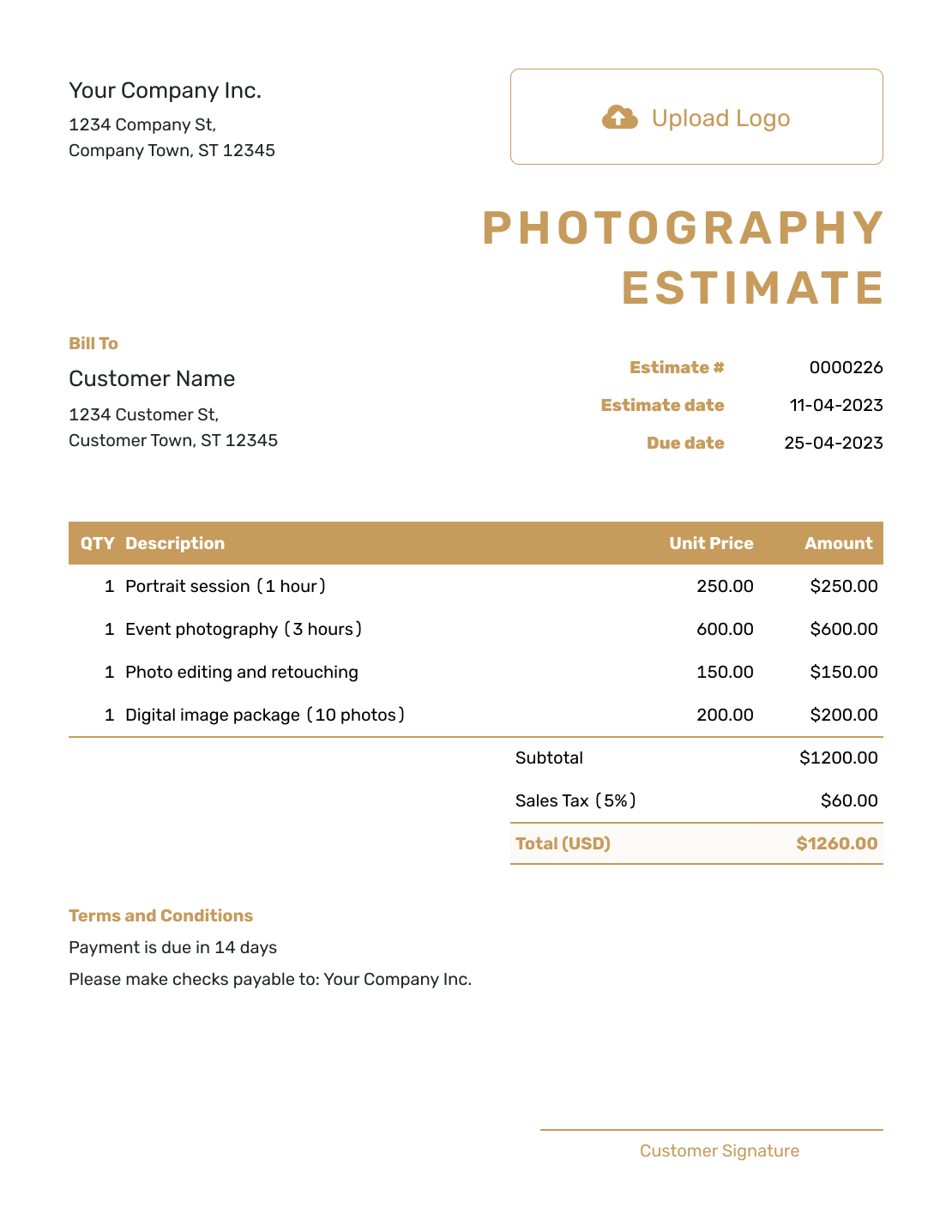
Professional Photography Estimate Template
Create Free Estimate
Other Estimate Template File Formats
These pages provide separate file templates for Word, Excel, Google Docs and Google Sheets. Use the format you prefer, or enter the shoot in Docelf and download the finished estimate as a PDF.
Related Estimate Templates for Creative and Event Work
Choose a related template when the job centers on video, broader design work, or a wedding package that includes more than photography.
After You Send the Photography Estimate
See when the client opens or responds to the emailed estimate. If the coverage, location, image count or delivery speed changes, revise the work and likely price before committing to the new plan.
Show what was added or removed so the client can compare the revision with the original package. Ask them to approve the updated scope before you start the extra work.
Photography Estimate Template FAQs
-
What is a photography estimate?
A photography estimate shows the shoot, coverage, finished images and other work you expect to provide and what the job is likely to cost before the details are final.
-
What should I include in a photography estimate?
Identify the client, shoot date and location, then describe the coverage and finished images. Show the package price and separately priced extras. Add delivery timing, image-use terms and the assumptions behind the likely total.
-
How should I price photography work?
Use a package, session fee, hourly rate or day rate that matches the job. Keep extra coverage, travel, advanced retouching, rush delivery, physical products and usage fees separate when they change the likely total.
-
Should shooting and editing be separate line items?
Separate them when it helps explain the price. You can show the session or coverage first, then list advanced retouching, extra images or other editing that sits outside the base package.
-
Should a photography estimate mention image usage?
Yes. Explain the intended use in plain language so the client knows what the price covers. For commercial work, identify the agreed use and any separate licensing fee rather than leaving the image-use terms unstated.
-
What should I do if the coverage or deliverables change?
Update the estimate to show the revised hours, photographers, images, editing, delivery and likely total. Send the revision before you commit to the added work.
-
Is a photography estimate the same as a quote?
No. An estimate shows expected photography work and a likely price while the shoot details may still change. A quote is normally a more specific package, price and set of booking terms for approval.
-
Can a client accept a photography estimate online?
Yes. Clients can accept or decline estimates online, and Docelf updates the status and emails you when they respond.
-
Can I email or download a photography estimate?
Yes. You can email the estimate from Docelf, print it or download it as a PDF. You can also see when the emailed estimate is delivered and opened.
-
Can I create an invoice from an accepted photography estimate?
Yes. Docelf copies the relevant client, item, price and estimate details into the invoice. Check that it requests the amount currently due, such as an agreed retainer or the completed booking total, before sending it.
Ready to Price the Photography Job?
Help the client choose the photography package that fits their shoot.
- Show coverage, editing and deliverables clearly
- Automatic totals as hours or prices change
- Email or download a professional PDF




