Free Photography Quote Template
Create a professional photography quote in minutes
Show the shoot, coverage time, image package and usage terms, with extras priced clearly. The package shows exactly what clients are booking and helps them choose you with confidence.
Email, print or download your quote as a PDF.
14-day free trial. No credit card required.

Price the job. Send the quote. Get back to work.
Photography Quote Template Examples
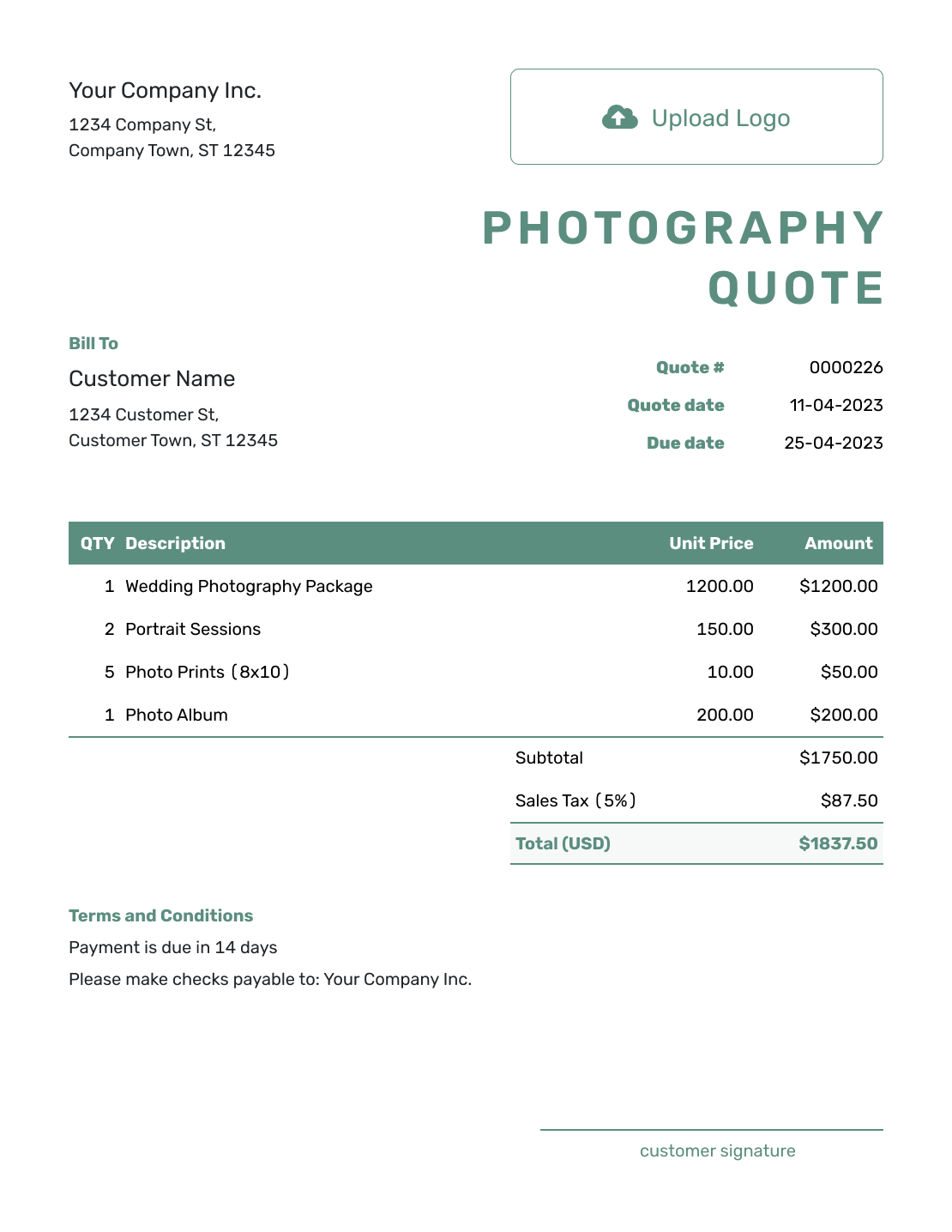
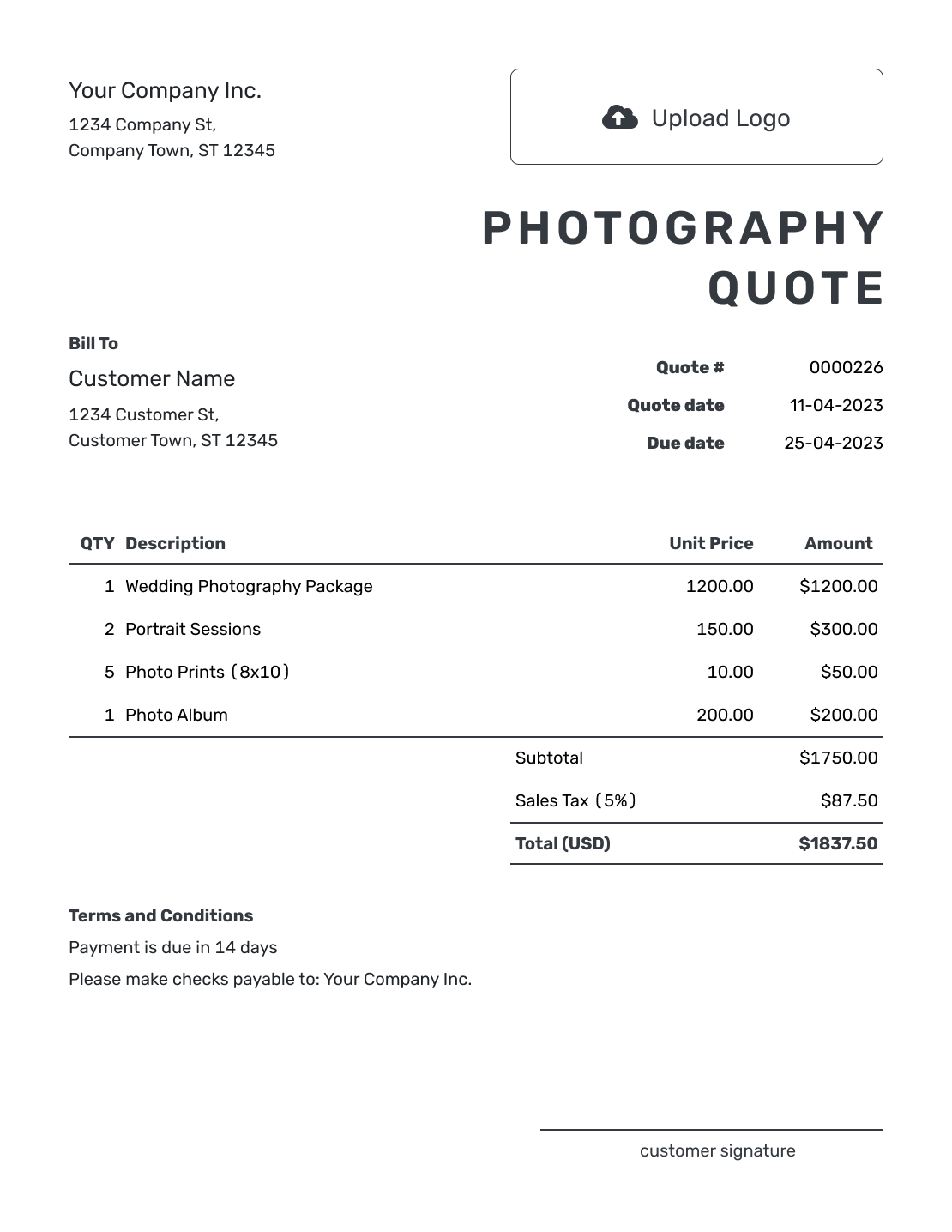
Compare the layouts, then add your own shoot details and prices. Each preview opens the same quote editor; the pictured packages are examples.

What Is a Photography Quote?
A photography quote is a written offer for a shoot at a stated price. It shows the coverage and what the client will receive. It also records the booking terms before the client accepts.
Coverage time tells the client how long you will be there; the image package tells them what they will receive afterward. Name both so a two-hour session does not leave the finished work open to interpretation.
How to Create a Photography Quote
Start with the client and the offer, then add the details that make the booking clear. Docelf calculates the total from the quantities, prices, and taxes you enter.
- Your Business: Add your photography business and the contact the client should use.
- Your Logo: Use the logo from your portfolio and booking documents.
- The Client: Choose a saved client or enter their name and contact details.
- Number and Dates: Check the quote number and issue date. Set the offer’s valid-until date.
- Shoot and Prices: Describe the coverage and finished images. Add quantities, prices, and applicable tax.
- Booking Terms: Use Terms and Conditions for the shoot date, location, delivery, usage, and payment terms.
- Review and Send: Add a signature field if needed. Check the package and total, then email or save a PDF.
How to Fill In Photography Quote Line Items
Use one line for a fixed session package and describe what it includes. Give separately priced work its own row; optional extras should stay outside the quoted total until the client chooses them.
This fictional portrait quote includes a two-hour session, extra retouching on five of the included images, and travel to the agreed location. Prices are in US dollars, with an illustrative 8% tax on all three items; use the tax treatment that applies to your work.
| QTY | Description | Unit Price | Amount |
|---|---|---|---|
| 1 | Portrait session — two hours and 20 edited JPEG images | $450.00 | $450.00 |
| 5 | Additional retouching — per image from the included set | $15.00 | $75.00 |
| 1 | Travel to the agreed shoot location | $40.00 | $40.00 |
| Subtotal | $565.00 | |
| Sales Tax (8% illustrative) | $45.20 | |
| Quote Total | $610.20 |
What to Include in Photography Quote Terms
The Terms and Conditions field explains what happens around the shoot: the date and location, when images will arrive, how they may be used, and when payment is due. Include only booking and cancellation policies you actually use, with wording suitable for your local requirements.
This sample belongs to the portrait quote above. Replace the dates and location, and adapt the delivery and usage terms to the package you offer.
Example: Terms and Conditions
- Offer valid until [date]. The two-hour session at [location] on [shoot date] is subject to our booking confirmation.
- Includes 20 edited JPEG images, with additional retouching on five of them. Delivery is within 10 business days of the session.
- Personal printing and online sharing are included. Commercial use and physical products are not included in this offer.
- The quoted total is $610.20, payable before the session. Extra coverage or editing requires a revised quote for approval.
Create a Photography Quote Ready to Send
Put the package and any agreed extras into one offer. Docelf calculates the total as you add them, ready for your review before sending.
Price the Session and the Extras Separately
A package can keep the offer simple, but the client still needs to know its limits. These choices help you price a different shoot without charging twice for work already included.
Session or Package Fee
A session fee can cover the agreed photographer time and finished images. State the image count and delivery method, whether that is an online gallery, files, or prints.
Extra Time
Explain how you charge for approved extra coverage. A second photographer or assistant may need a separate line when their time is outside the package.
Editing and Extras
Distinguish normal editing from extra retouching. If rush delivery, albums, or prints cost more, name the item and quantity before adding the charge.
Usage and Licensing
For commercial work, describe the agreed use, such as the client’s website or a specified advertising campaign. State any duration or territory limits that affect your offer.
After You Send the Photography Quote
Check the document history to see when the emailed quote was delivered and opened. The client can accept or decline online; Docelf updates the status and emails you when they respond.
Acceptance tells you the client agrees to the offer. Confirm the shoot date according to your booking terms. If they ask for more coverage or editing, update and resend the quote for approval before doing the added work.
More Photography Quote Layouts
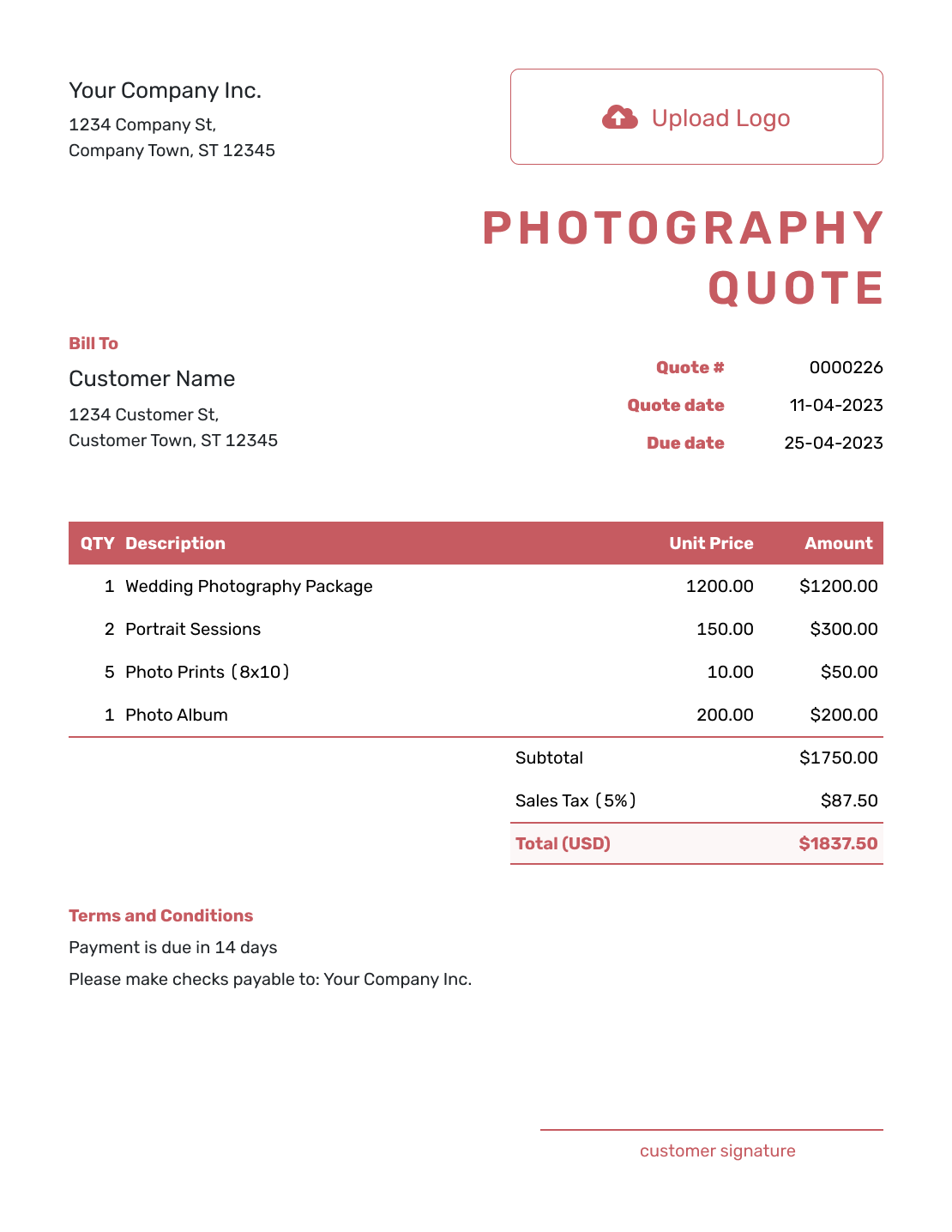
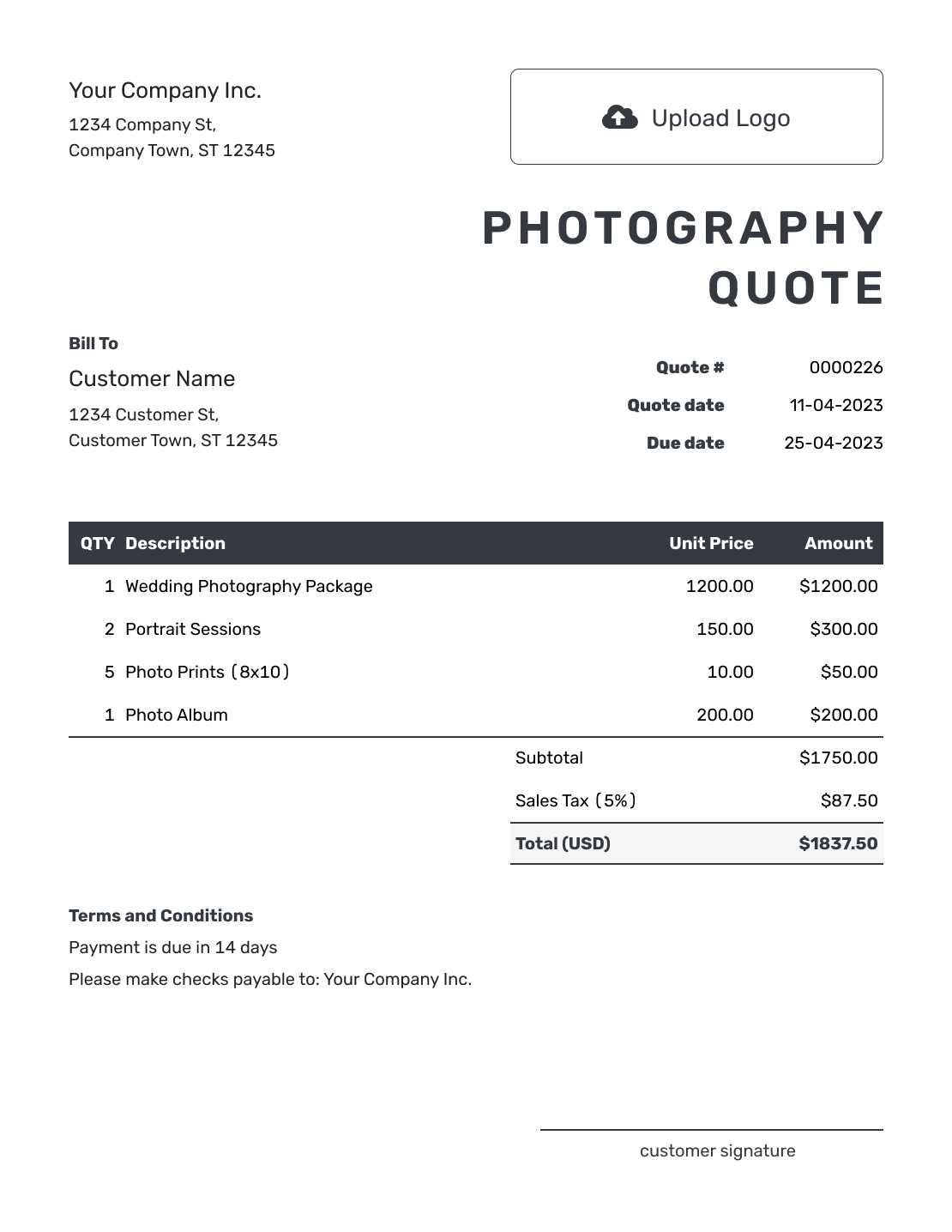
These six remaining previews offer more layout ideas. Choose one to open the quote editor and enter your own shoot details.
-

Sample Photography Quote Template
Create Free Quote -

Blank Photography Quote Template
Create Free Quote -
Downloadable Photography Quote Template
Create Free Quote -
Editable Photography Quote Template
Create Free Quote -

Fillable Photography Quote Template
Create Free Quote -

Professional Photography Quote Template
Create Free Quote
Related Creative Service Quote Templates
Use videography for filming coverage, video production for a project that includes planning and editing, or social media for ongoing content work. The graphic design template covers visual design deliverables.
- Videography Quote Template
- Video Production Quote Template
- Social Media Quote Template
- Graphic Design Quote Template
- All Creative Service Quote Templates
See every quote template by industry.
Other Quote Template File Formats
Prefer to edit a document or spreadsheet? These pages provide separate file templates. Docelf downloads your finished quote as a PDF.
Photography Quote, Estimate, or Invoice?
Choose based on how settled the booking is and whether payment is due.
Quote
Use a quote when you can offer a specific package and price. Explain what confirms the booking in your terms.
Estimate
Use an estimate while the location, coverage, or image requirements are still being decided.
Invoice
An invoice requests payment. Create it from the quote when payment is due, then review the copied package details.
Photography Quote Template FAQs
-
What is a photography quote?
A photography quote is a written offer for a shoot at a stated price. It tells the client what is included and what they will receive before they book.
-
What should I include in a photography quote?
Include the shoot details and your price. State how much coverage is included and what the client will receive. Add payment and booking terms, plus a valid-until date.
-
How do I price a photography job?
Use the pricing method you normally sell: a package, session fee, or time-based rate. Describe the included coverage and finished images, then price agreed extras on separate lines. Keep unchosen options outside the total.
-
Should I include a retainer in a photography quote?
If you require a retainer or booking payment, state the amount and when it is due. Explain how it applies to the final price and keep the wording consistent with your normal booking terms.
-
Should a photography quote mention usage rights?
Yes. Explain the use included in the offer, such as personal printing or use on the client’s website. For commercial work, state any agreed campaign, duration, or territory limits that affect the price.
-
What if the client adds more coverage or editing?
Update the quote when the client asks for more coverage or editing. Revise the price, then ask them to approve the change before you do the extra work.
-
How long should a photography quote be valid?
Set a valid-until date for the price you are offering. State separately whether you are holding the shoot date and what confirms the booking. An unexpired quote should not leave the client guessing about availability.
-
Can I turn an accepted photography quote into an invoice?
Yes. Turn the accepted photography quote into an invoice in Docelf. The client and line-item details carry over, so you do not have to enter the shoot again.
-
Can I email or download a photography quote?
Yes. You can email the quote from Docelf, print it, or download a PDF. You choose when to send; saving or editing the quote does not email it.
Ready to Send Your Photography Quote?
Give the client one clear booking package before you reserve the date.
- State the coverage, location, and included photographer time
- Name the delivered images, timing, and usage
- Email the photography quote or download a PDF




