Free Social Media Quote Template
Create a professional quote in minutes
Show the channels and services included, with your fee separate from ad spend. A clear budget helps clients compare the offer and feel confident choosing you.
Email, print or download your quote as a PDF.
14-day free trial. No credit card required.

Price the job. Send the quote. Get back to work.
Social Media Quote Template Examples
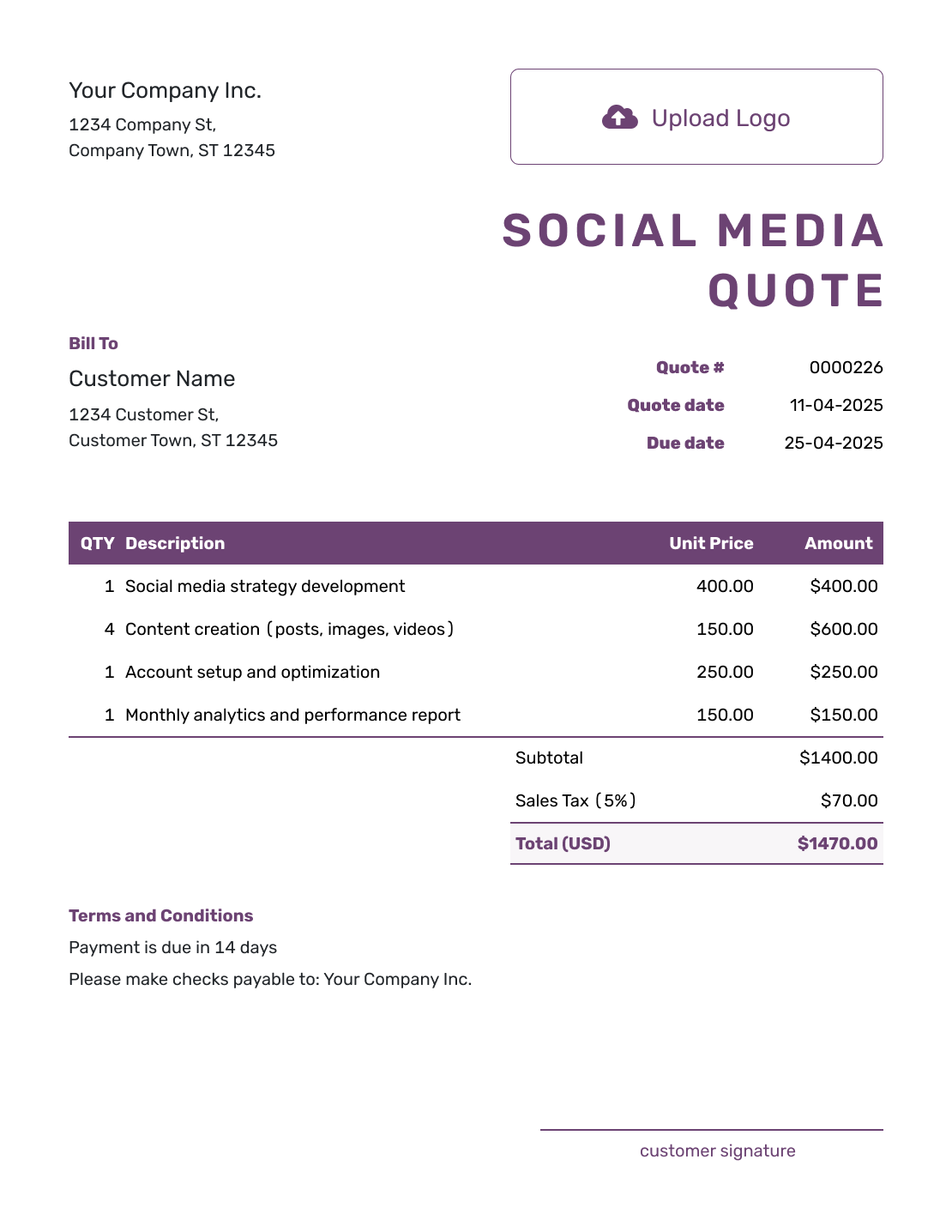
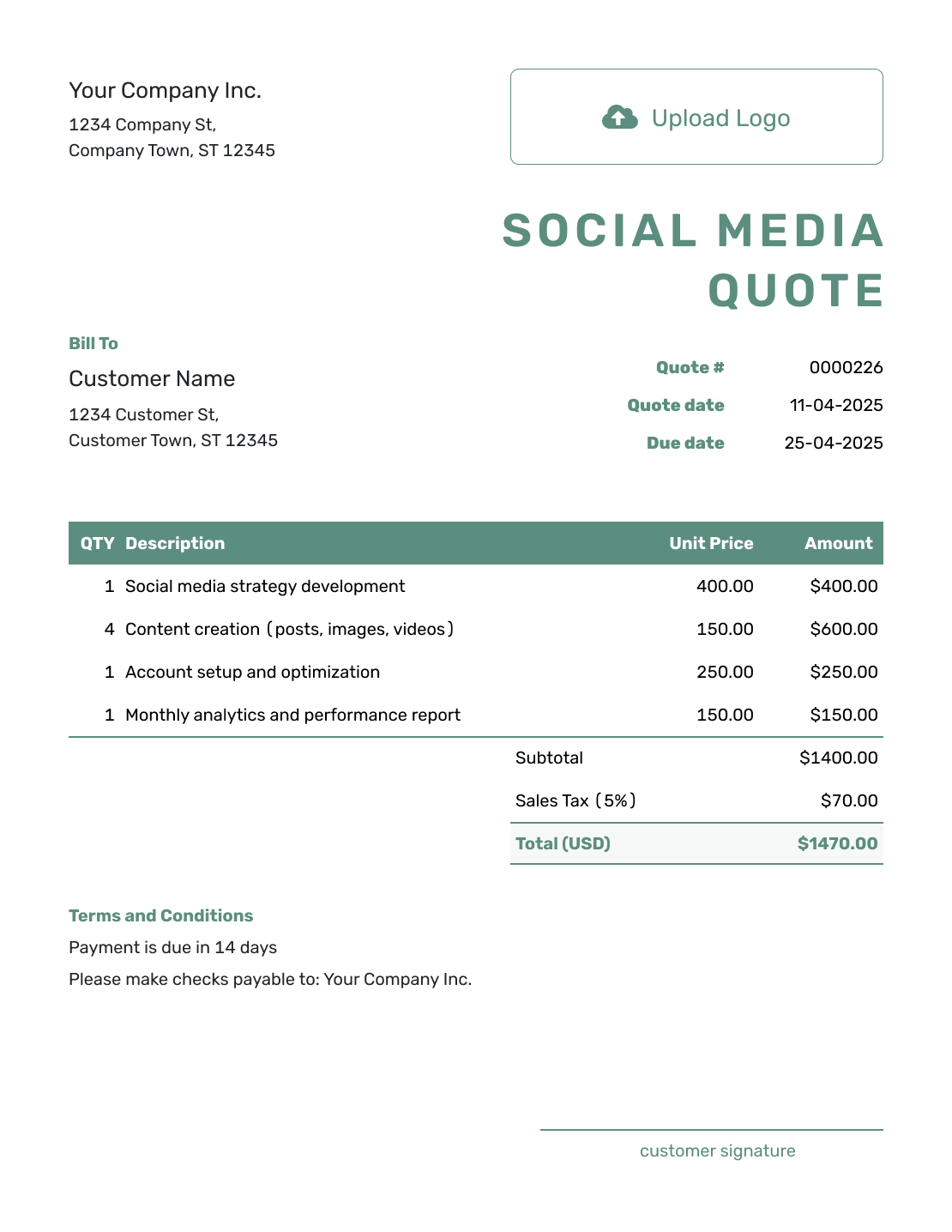
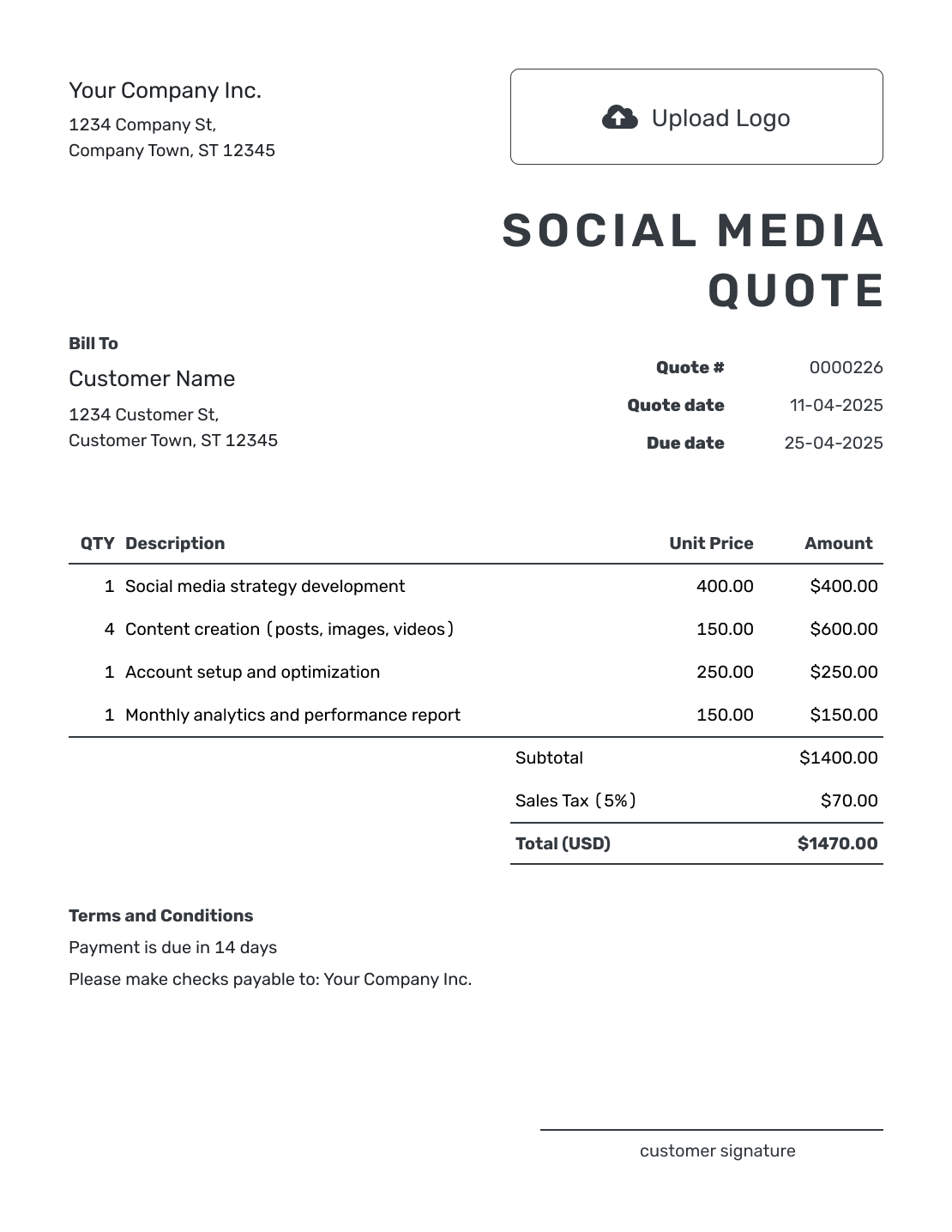
These previews offer layout and wording ideas for your social media service. Each opens the same quote editor, where you can add your own scope, prices, and styling.
What Is a Social Media Quote?
A social media quote is a written offer for social media work at a stated price. It shows the channels you will manage, what the service includes, and the period it covers. A monthly quote needs a clear content allowance so the client can compare the fee with the work they will receive.
How to Create a Social Media Quote
Start with the month or campaign you are quoting. The client should be able to see which accounts you will manage and how much content the fee includes.
- Your Business: Add your agency or freelance business name and contact details.
- Your Logo: Use your business logo to match your other client documents.
- The Client: Add the client and identify the brand or accounts covered.
- Number and Dates: Check the quote number, issue date, and valid-until date.
- Services and Prices: List the content and management work with quantities, prices, and applicable tax.
- Terms and Conditions: State the service period, approvals, payment timing, and what is excluded.
- Review and Send: Add signature fields if needed. Check the offer, then email it or download a PDF.
What to Include in Social Media Quote Terms
Use Terms and Conditions to explain how the month will run. A content allowance is easier to approve when the client also knows who supplies photos, when feedback is needed, and how you handle extra requests.
Adapt this sample to the offer above and the policies your business actually uses. Replace the dates and approval arrangements before sending.
Example: Terms and Conditions
- Valid until September 30, 2026. Service period: October 1–31, 2026.
- The client supplies brand guidance and usable product photos before work begins. Original photography and video production are not included.
- One combined revision round is included for the 12 caption-and-graphic sets. The client approves the calendar and content before publication; delayed approval may move posting dates.
- Comment monitoring includes one check each business day. Direct-message customer support is not included. The October report will be delivered by November 5.
- The quoted total is due before work starts. Advertising spend and paid campaign management are excluded.
- Additional channels or content need an agreed revised quote. The setup fee applies once; any later month needs its own agreed scope and price.
Put the Monthly Social Media Offer in Writing
Describe the content and service the client will receive. Docelf calculates the total from your quantities and prices. Review the month and fee, then send the quote.
Choose the Fee That Matches the Social Media Work
A monthly service, a content package, and a campaign can each belong on a quote. Explain which one the client is buying so a one-off cost does not look like a recurring charge.
Monthly Management
Set the monthly content and service allowance. The example includes publishing, comment checks, and reporting; name any limits that affect the fee.
Content Package
For production only, state the number and type of finished assets. Explain whether you deliver files to the client or also publish them.
Campaign Work
Give a launch or short campaign its own dates and deliverables. Keep the project price distinct from any ongoing management.
Paid Social
Separate the fee for managing ads from the advertising budget. Say who pays the platform and get approval for any change to that budget.
More Channels or More Content? Update the Quote
If the client adds a channel or asks for a new campaign, update the quote and price first. Get approval before the extra work becomes part of the service.
Social Media Quote, Estimate, or Invoice?
Choose based on how firmly the recurring service or campaign has been defined.
Quote
Use a quote when the channels, content allowance, service period, and fee are clear enough for the client to approve.
Estimate
Use an estimate while the campaign or production needs are still being worked out. Explain which parts may change.
Invoice
Use an invoice to request payment for the agreed service. Show the period being billed and when payment is due.
More Social Media Quote Layouts
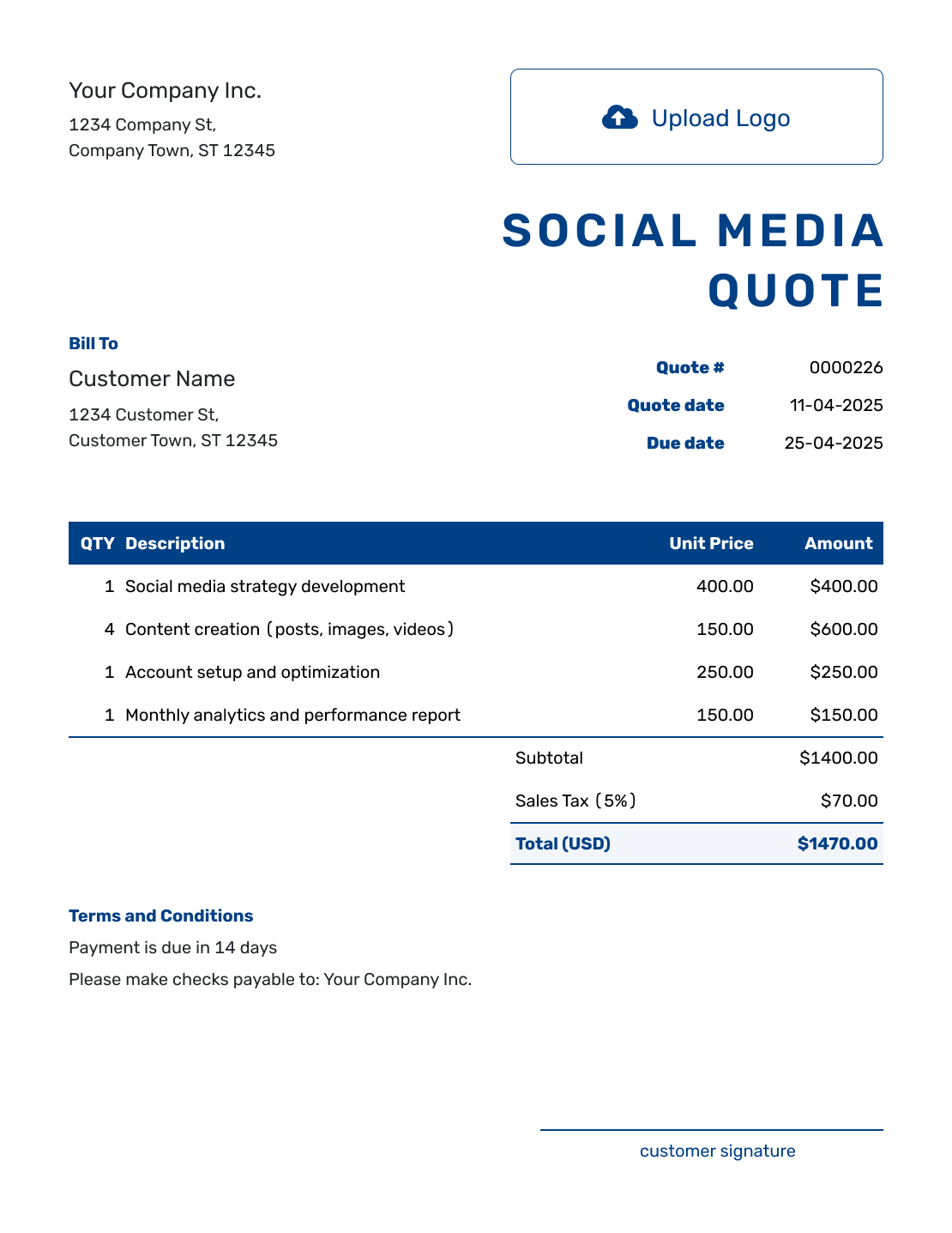
Use these additional previews for your own offer. Replace the sample details with the work and price you have agreed to quote.
-
Sample Social Media Quote Template
Create Free Quote -
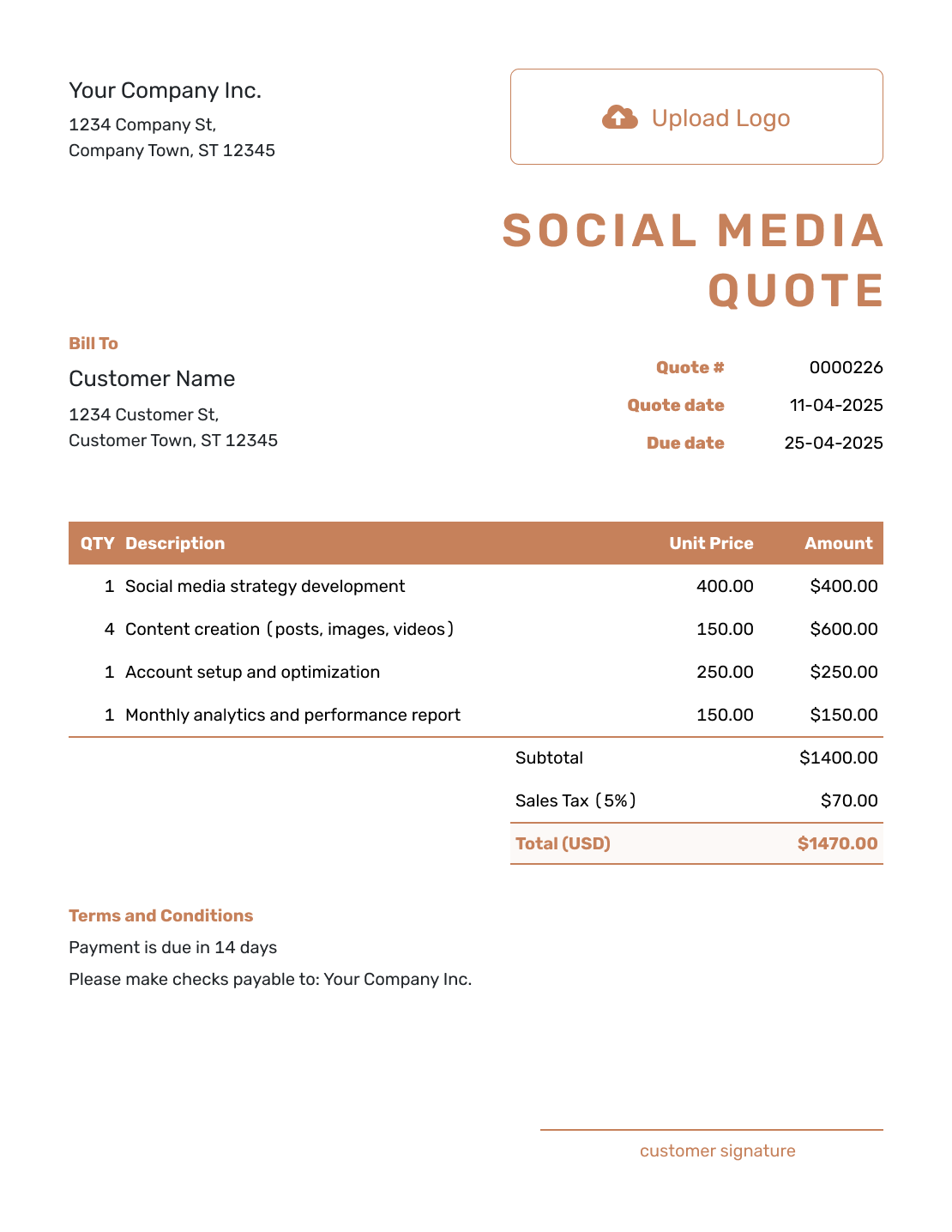
Blank Social Media Quote Template
Create Free Quote -
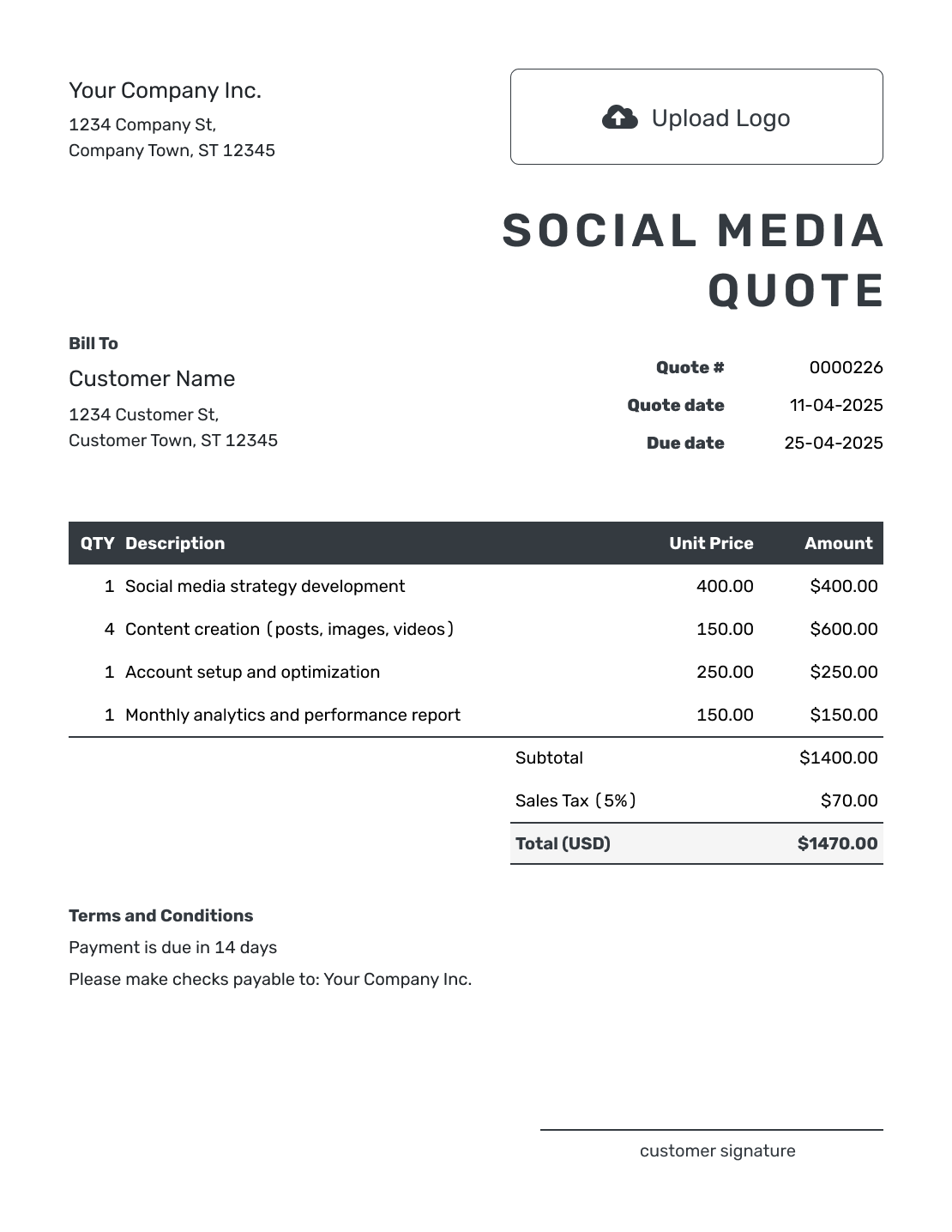
Downloadable Social Media Quote Template
Create Free Quote -
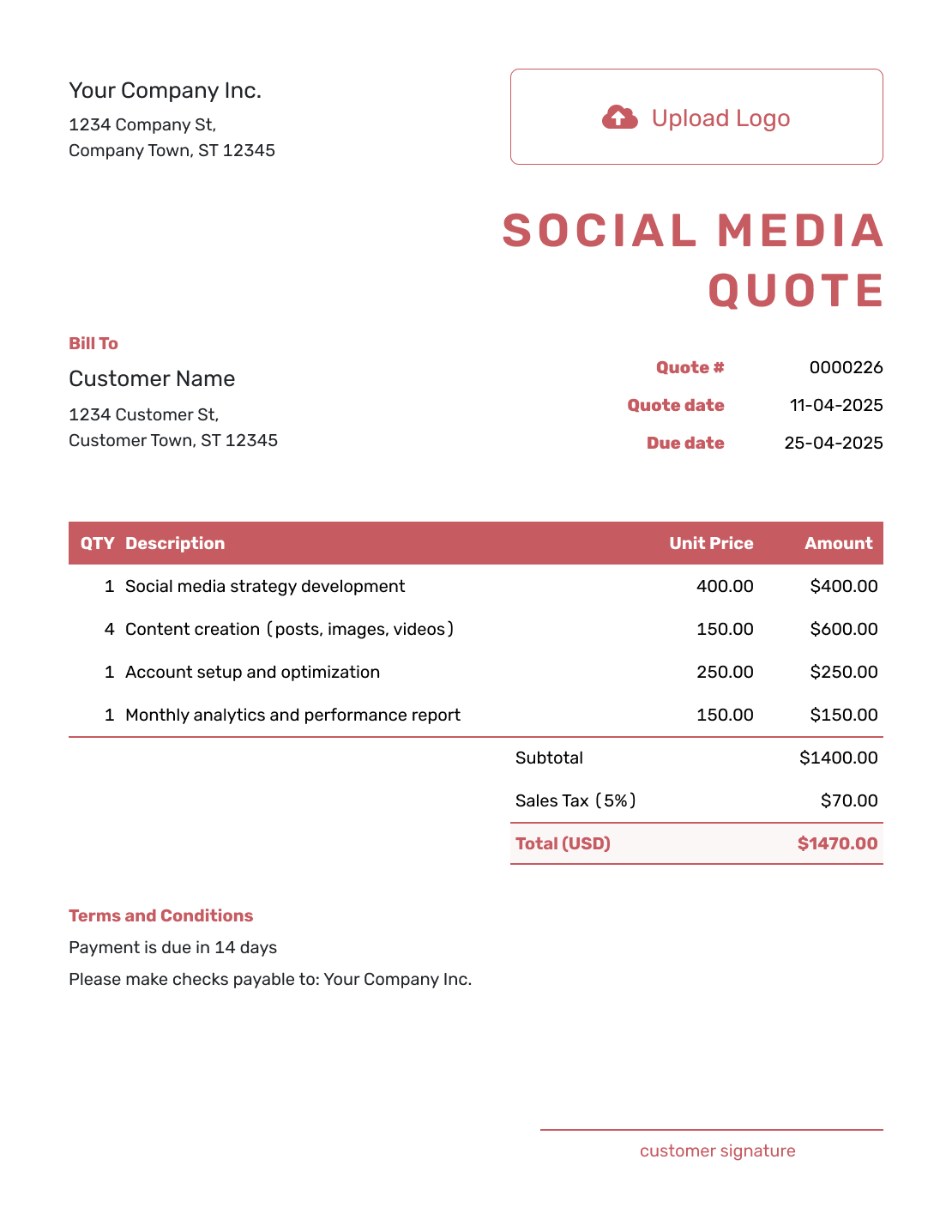
Editable Social Media Quote Template
Create Free Quote -
Fillable Social Media Quote Template
Create Free Quote -
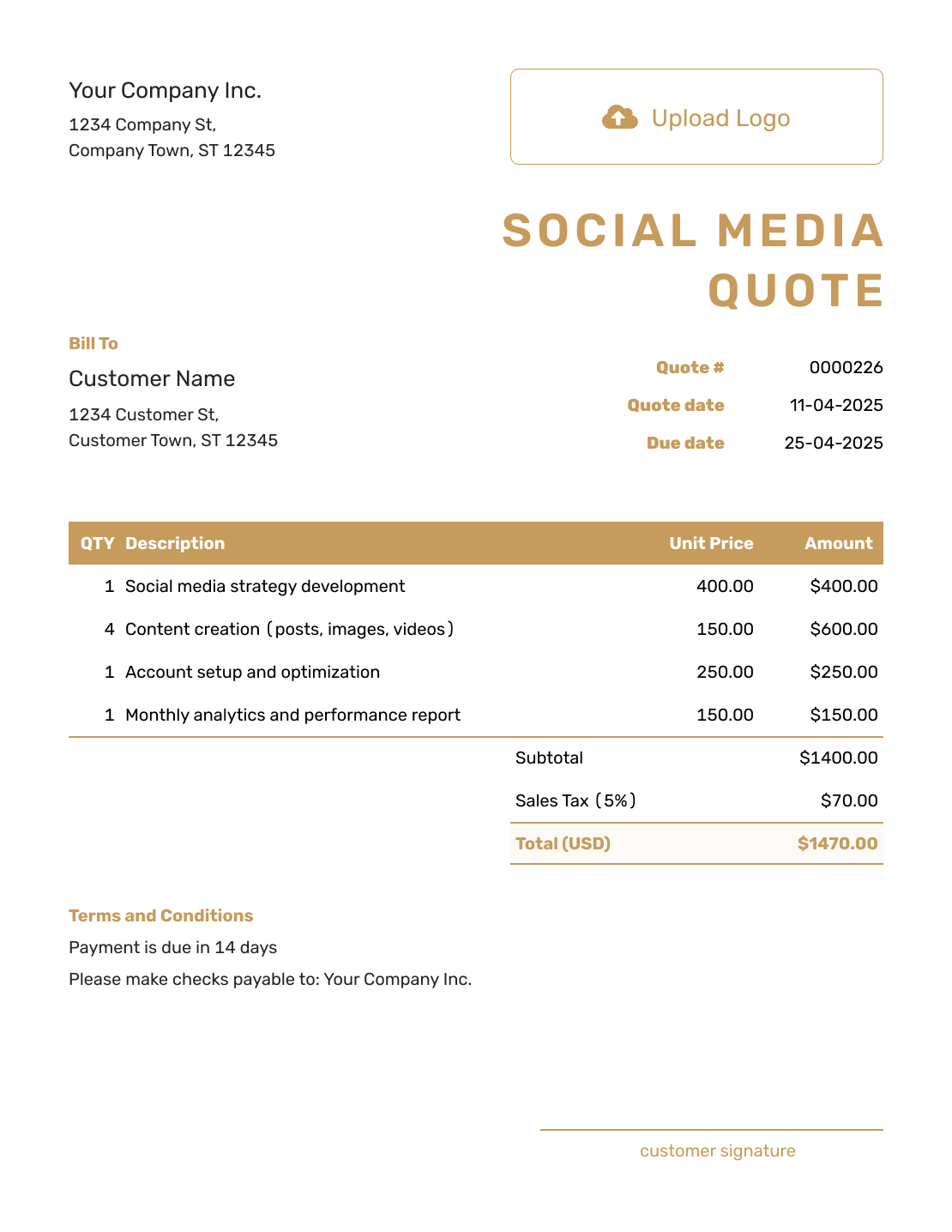
Professional Social Media Quote Template
Create Free Quote
Related Creative Service Quote Templates
Use Digital Marketing for an offer spanning several marketing channels. SEO covers search work; Photography and Videography help when you are pricing original content production.
- Digital Marketing Quote Template
- SEO Quote Template
- Photography Quote Template
- Videography Quote Template
- All Creative Service Quote Templates
See every quote template by industry.
Other Quote Template File Formats
Use Word or Google Docs to edit the wording, or Excel and Google Sheets for a pricing table. These pages provide separate file templates. You can download your finished Docelf quote as a PDF.
After You Send the Social Media Quote
Check delivery and viewing information in the document history. Docelf updates the status and emails you when the client accepts or declines. Before the month begins, confirm that you have the required content and account access.
Social Media Quote Template FAQs
-
What is a social media quote?
A social media quote is a written offer for work on the client’s social channels at a stated price. It shows what the service covers and how long it runs.
-
What should I include in a social media quote?
Name the platforms, service period, and content allowance, then show the fee and any applicable tax. Include the approval process, payment timing, and valid-until date. Make clear what the client supplies and which work is outside the price.
-
How do I price social media management?
Use a monthly fee for a defined ongoing service, or a project fee for a campaign or content package. Specify the channels and deliverables covered. If you charge separately for content production and publishing, describe each so the same work is not priced twice.
-
Should ad spend be included in the social media quote?
State the advertising budget and who pays it. When the client pays the platform directly, keep that budget outside your service total. Your fee for managing a paid campaign is a separate service and should have its own price when included.
-
How should I handle content approvals in the quote?
Name the person who approves content, the feedback deadline, and the number of revision rounds included. State what happens to the posting schedule if approval arrives late. The sample terms above include one combined revision round before publication.
-
What if the client adds another social media platform?
Update the quote with the new platform and revised service. Adjust the fee, then ask the client to approve the change before it becomes recurring work.
-
How long should a social media quote be valid?
Use a valid-until date that matches how long you can hold the proposed fee and start date. Put the exact date on the quote. This is the deadline for accepting the offer; the service period states when you will do the work.
-
Can I turn an accepted social media quote into an invoice?
Yes. Create an invoice from the quote in Docelf. The client, item, and price details carry over. Check the billed service period and add the payment due date before sending it.
-
Can I email or download a social media quote?
Yes. You can email the quote from Docelf, print it, or download a PDF. You choose when to send; saving an edit does not email it. The client can review an emailed quote and accept or decline it online without a Docelf account.
Ready to Send Your Social Media Quote?
Give the client a monthly offer they can review before you start planning the posts.
- Define the channels and content allowance
- Keep client-paid ad spend outside your service total
- Email the quote or download a PDF





How to Fill In Social Media Quote Line Items
Give each separately priced service a clear quantity. For posts, say whether the allowance is a total across all channels or a number for each channel. If content creation is already included in your management package, describe it there instead of charging for it twice.
This fictional quote covers October 2026 for a local shop using Instagram and Facebook. Twelve caption-and-graphic sets will each be published on both channels: 12 sets and 24 placements. Prices are in US dollars, with an illustrative 8% tax on all four services. Use your own rates and applicable tax treatment.
The quoted fee covers your work for this month. If the client pays an advertising platform directly, describe that budget in the terms and leave it outside your service total. Quote paid campaign management separately when it is part of the job.