Free Digital Marketing Quote Template
Create a professional quote in minutes
Show the marketing services and campaign period, with your fee separate from ad spend. A clear budget makes the offer easier to compare and helps clients feel confident hiring you.
Email, print or download your quote as a PDF.
14-day free trial. No credit card required.

Price the job. Send the quote. Get back to work.
Digital Marketing Quote Template Examples
Start with a marketing example or a general quote layout for your campaign offer. Every preview opens the same Docelf quote editor, where you can add your own services, prices, and branding.
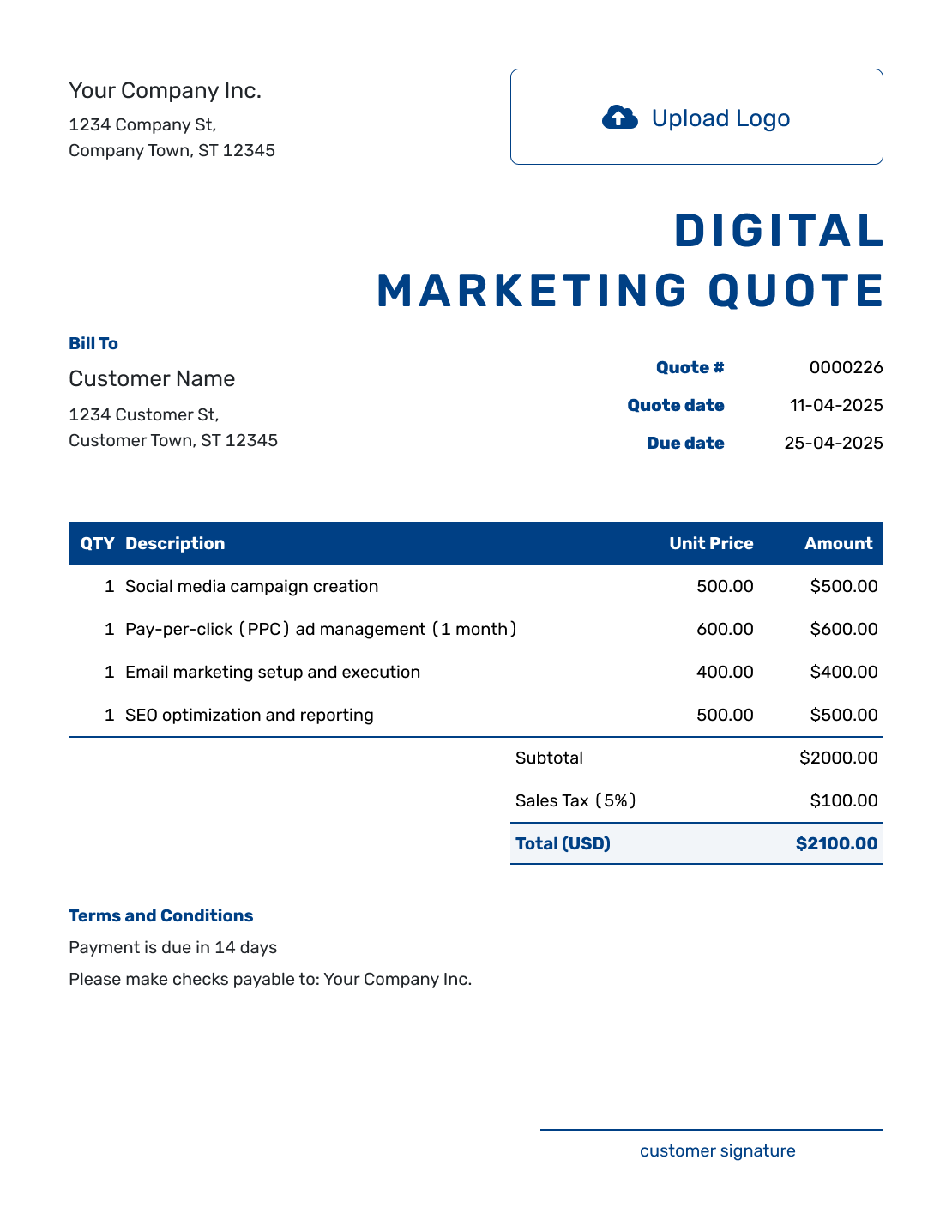
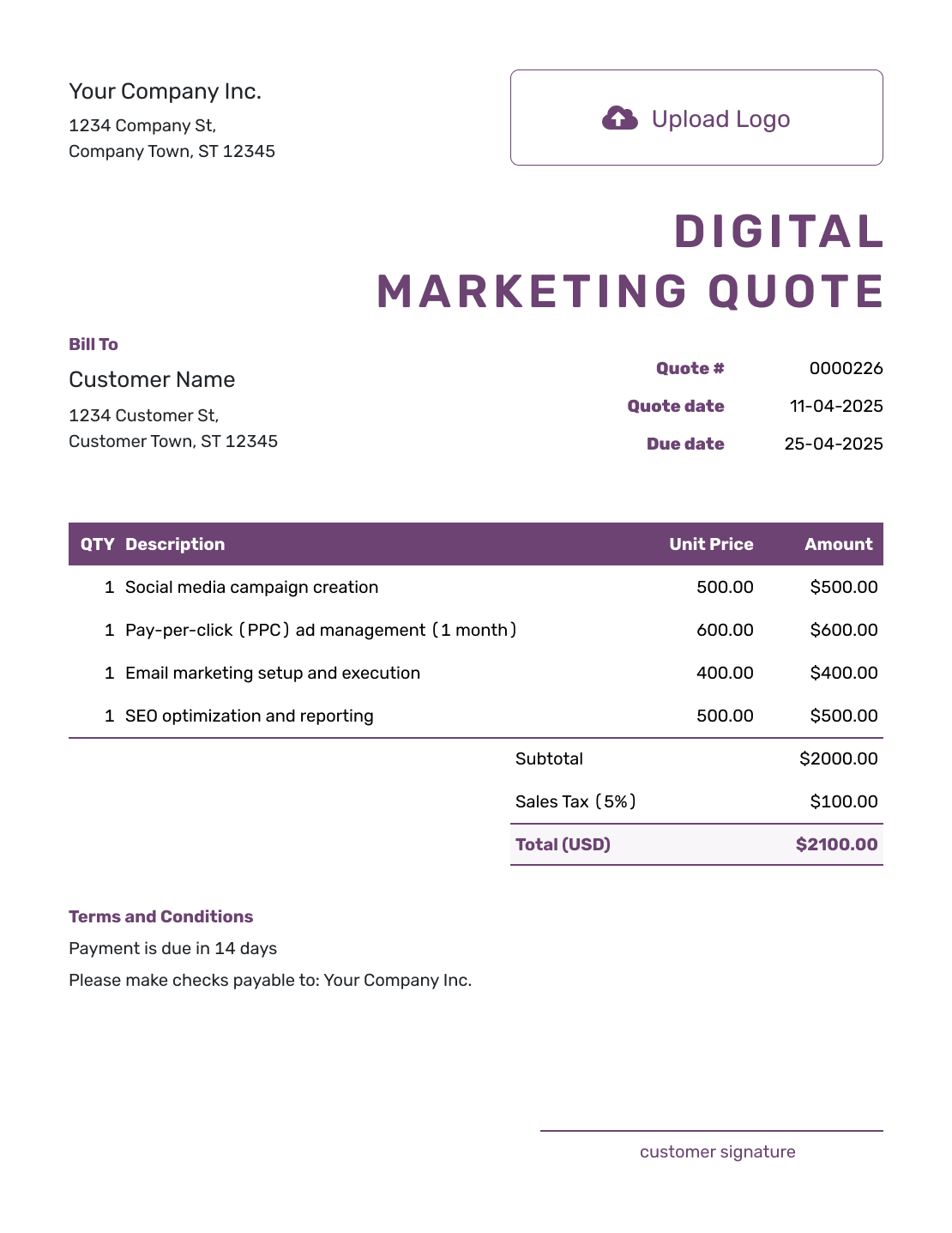

Separate the Marketing Work From the Media Spend
A digital marketing quote is an offer for specific services at a stated price. It can cover one campaign or an agreed service period. The client should be able to see what your agency will deliver and what they will pay you.
If the client pays an advertising platform directly, explain that budget in Terms and Conditions and keep it outside your agency quote total. If you will charge the client for media you buy, give that charge its own clearly labeled line item. Keep it distinct from your management fee.
Need a narrower template? Use the SEO quote or social media quote, or browse all creative service quote templates.
Digital Marketing Quote, Estimate, or Invoice?
Choose the document based on how clearly you can define the work and price. An invoice comes later, when payment is due.
Digital Marketing Quote
Use a quote when the marketing work and fee are set.
Digital Marketing Estimate
Use an estimate while the scope or cost of your work is still uncertain.
Digital Marketing Invoice
Use an invoice to request payment for the agreed services and show when it is due.
How to Create a Digital Marketing Quote
Start with the agreed campaign brief. Reuse saved client and service details where they fit, then check the quantities and prices for this offer. Docelf calculates the totals from the amounts and taxes you enter.
- Agency Details: Add your business name, contact details, and logo.
- Client and Contact: Choose a saved client or enter their details and marketing contact.
- Quote Dates: Check the quote number and issue date. Set a valid-until date for the offer.
- Marketing Services: Describe the deliverables and service period for each priced item.
- Fees and Ad Spend: Add quantities and rates. Check any discounts, applicable tax, and the total.
- Service Terms: Use Terms and Conditions for timing, client-paid costs, payment, and changes.
- Review and Send: Check the offer, then email it or download a PDF. Saving it does not email it.
How to Fill In Digital Marketing Quote Line Items
Describe what the client receives for each price. A monthly management fee needs a defined campaign and period; a per-email price needs an email count. If one package already covers a task, describe it there instead of charging for it again.
This fictional offer covers October 1–31, 2026, in US dollars. It includes search advertising management, two email newsletters, and a monthly review. Prices and the 8% tax on all three services are illustrative; use the tax treatment that applies to your work.
| QTY | Description | Unit Price | Amount |
|---|---|---|---|
| 1 | Search advertising management — one existing campaign for October | $600.00 | $600.00 |
| 2 | Email newsletter — copy, layout, and scheduling per email | $200.00 | $400.00 |
| 1 | Monthly results report and 30-minute review call | $150.00 | $150.00 |
| Subtotal | $1,150.00 | |
| Sales Tax (8% illustrative) | $92.00 | |
| Quote Total | $1,242.00 |
The client also plans a $500 advertising budget paid directly to the platform. That budget is outside the $1,242.00 agency quote and is explained in the terms below.
What to Include in Digital Marketing Quote Terms
The Terms and Conditions field explains how the work will run. Include the offer expiry, service period, client approvals, payment timing, and how extra work will be agreed. Use only policies your business actually follows.
For the monthly example above, the terms keep the client's advertising budget distinct and define the email review process. Adapt the wording and replace the date before sending.
Example: Terms and Conditions
- This offer is valid until [date] and covers the listed services for October 1–31, 2026. Payment is due before work starts.
- The client pays the planned $500 advertising budget directly to the platform. It is excluded from this quote total.
- The client supplies account access and approved offers and images before the agreed production dates. Each newsletter includes one combined round of feedback and client approval before scheduling.
- The October report and 30-minute review call will be provided within five business days after the service period ends.
- New campaigns, extra emails, and additional review rounds will be priced for approval before the extra work starts.
Put the Agreed Campaign Into a Quote
Give your client an offer they can check against the campaign brief. Docelf calculates your service total as you add the prices. Review the quote, then send it when you are ready.
Make the Marketing Work Easy to Review
A retainer describes how you charge, but it does not tell the client how much work is included. Agree on the scope before setting a monthly fee so both sides know what to expect.
Name the Channels
Name the accounts and channels you will manage, then describe the output: two newsletters or one managed search campaign, for example. Leave website changes and other services outside the offer unless they are included.
Separate Setup From Ongoing Work
A new campaign may need account setup, research, or tracking work before monthly management begins. Give separately priced setup work its own line so the client can see which charges apply only once.
Set the Service Period
Name the dates covered by the fee. For ongoing work, explain how the next period is agreed and when the client needs to provide content or feedback. Update the schedule together if those inputs are late.
Say What Reporting Is Included
Name the report, the measures you will discuss, and any review call. Goals can guide the work, but distinguish the services you will deliver from sales or traffic results you cannot guarantee.
After You Send the Digital Marketing Quote
Your client can accept or decline the emailed quote online. Check the document history for delivery and viewing information; Docelf updates the status and emails you when the client responds. If the campaign changes, agree on a revised scope and price before the extra work starts.
When payment is due, create an invoice from the quote in Docelf. The client and service details carry over. Check the billing period and approved changes, then add the due date before sending.
For the next service period, you can duplicate the invoice to create a new numbered draft. Update the dates, services, and approved budget changes before sending it.
More Quote Layouts for Marketing Campaigns
These general quote layouts offer more ways to present your campaign scope. Open the quote editor to add your services, costs, and approval terms.






Other Quote Template File Formats
Use Word or Google Docs to work on descriptions and terms, or Excel or Google Sheets for a pricing table. These pages offer separate file templates; Docelf downloads your finished online quote as a PDF.
See every option on the quote templates by format page.
More Quote Templates for Marketing Work
Use a narrower template when one service is the main reason for the project. Keep separate line items when the campaign combines several channels.
Digital Marketing Quote Template FAQs
-
What is a digital marketing quote?
A digital marketing quote is a specific offer for agreed services and a price. It identifies the service period and deliverables, with separate campaign costs explained so the client knows what is included in your fee.
-
What should I include in a digital marketing quote?
Include your business and client details, the quote number and dates, and the services with quantities, prices, and applicable tax. Explain the service period, reporting, client-paid costs, and payment terms. A deliverable count makes a monthly fee easier to understand.
-
How do I price digital marketing services?
Use a fixed fee for a defined campaign, a monthly fee for a defined service period, or planned hours at an hourly rate. Describe what each price covers and price any one-time setup work separately. If the scope is too uncertain for a specific offer, start with an estimate.
-
Should ad spend be included in the quote?
Explain the planned ad budget, but keep client-paid platform costs outside your agency quote total. If you will charge the client for media you purchase, put that charge on its own line. Identify who pays the platform and how budget changes will be approved.
-
How do I quote recurring marketing work?
State the period covered and the deliverables included in that fee. Explain how the next period is agreed and how extra work is priced. For later billing, you can duplicate an invoice in Docelf and update it; the quote itself is an offer for the stated work.
-
What is the difference between a digital marketing quote and an estimate?
A quote gives a specific price for defined services. Use an estimate while the scope or cost of your work is uncertain. A client-paid ad budget can remain separate from an otherwise fixed agency fee.
-
Can I create a digital marketing quote online?
Yes. Enter the client, services, and prices in Docelf, then review the total and terms. You choose when to email the quote or download a PDF; creating or saving it does not email it.
-
What if the campaign scope changes after the quote is accepted?
Keep a copy of the agreed offer, then describe and price the change in a revised quote. Get the client’s acceptance before starting the added work. An extra channel, campaign, or review round should have a clear place in the revised scope.
-
Can I turn an accepted digital marketing quote into an invoice?
Yes. Docelf copies the relevant client, item, and price details into the new invoice. Review them against the agreed service period, add the payment due date, and send it when you are ready to bill.
Ready to Send Your Digital Marketing Quote?
Put the campaign you have discussed into an offer your client can act on.
- List the services and reporting included
- Keep agency fees separate from ad spend
- Email the digital marketing quote or download a PDF




