Free Videography Quote Template
Create a professional videography quote in minutes
Price the filming coverage and the finished videos your client will receive. The package is easy to compare, helping clients book you with confidence.
Email, print or download your quote as a PDF.
14-day free trial. No credit card required.

Price the job. Send the quote. Get back to work.
Videography Quote Template Examples
Browse these examples before adding your filming coverage and finished videos. Each preview opens the same quote editor.

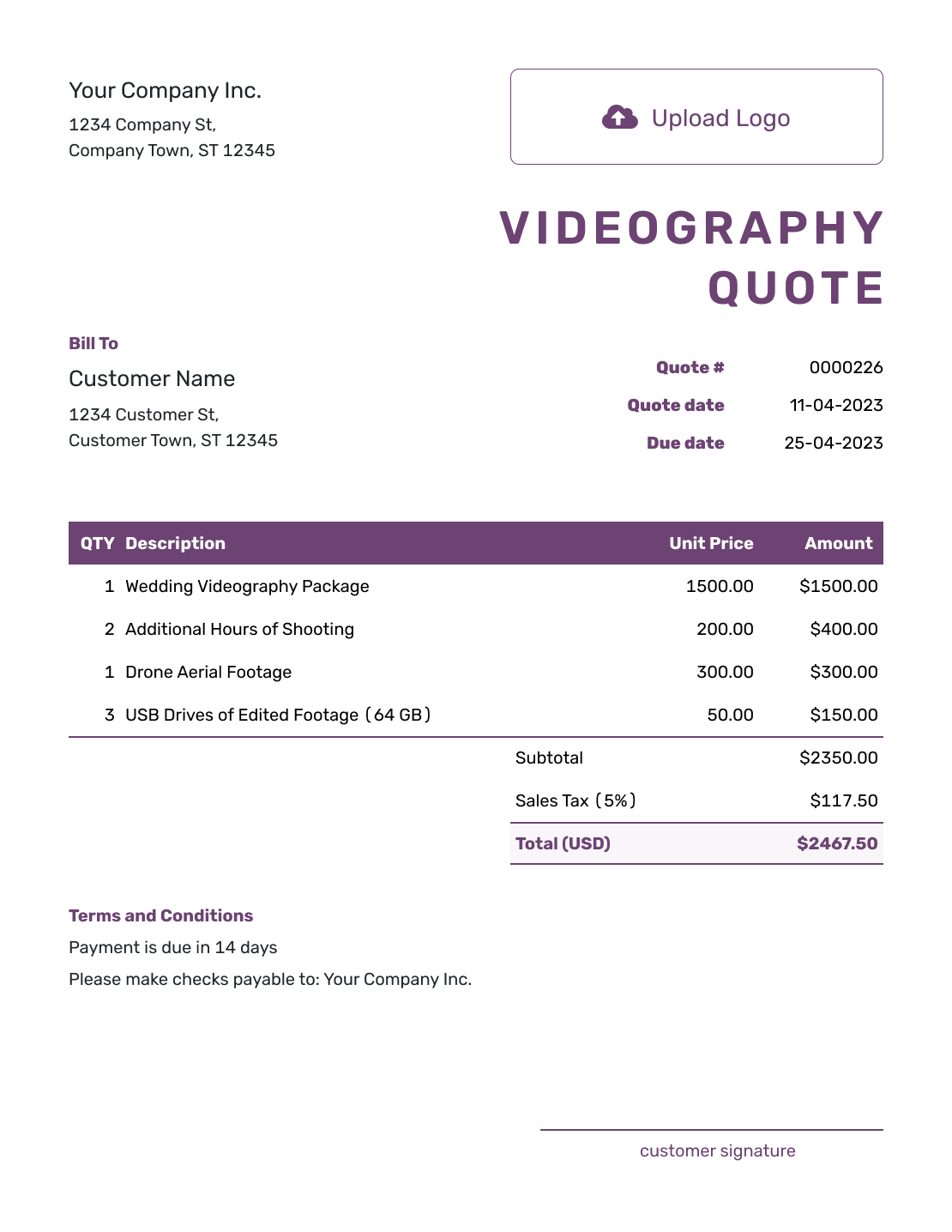

What Is a Videography Quote?
A videography quote is a written offer for a filming job at a stated price. It shows the filming coverage and the finished video the client will receive. It also records the terms before the client books.
The time behind the camera is only part of the offer. A four-hour shoot could produce one highlight video or several separate edits, so name the finished videos as clearly as the coverage time.
How to Create a Videography Quote
Start with the agreed shoot and the edited videos you will deliver. Add the date and location in the descriptions or Terms and Conditions so the client can match the offer to the booking.
- Your Business: Add your videography business and contact details.
- Your Logo: Use the logo from your booking documents.
- The Client: Enter the person or company booking the shoot.
- Number and Dates: Check the quote number, issue date, and valid-until date.
- Filming and Editing: List the coverage, finished videos, and separately priced extras.
- Prices and Total: Enter quantities and prices, then check the tax and total.
- Terms and Sending: Add the shoot details and terms. Review, then email or save a PDF.
How to Fill In Videography Quote Line Items
Use one row for each separately priced part of the booking. An hourly filming row should say what crew and equipment it includes; an editing row should name the finished video. If you offer one package price, describe those inclusions together instead of charging for them twice.
This fictional business event includes four hours of filming, one highlight video, and travel to the venue. Prices are in US dollars. The example applies an illustrative 8% tax to all three items; use the tax treatment that applies to your work.
| QTY | Description | Unit Price | Amount |
|---|---|---|---|
| 4 | Event filming — hours, one operator with camera and audio equipment | $150.00 | $600.00 |
| 1 | Two- to three-minute highlight video — editing and one revision round | $350.00 | $350.00 |
| 1 | Round-trip travel to the agreed venue | $60.00 | $60.00 |
| Subtotal | $1,010.00 | |
| Sales Tax (8% illustrative) | $80.80 | |
| Quote Total | $1,090.80 |
What to Include in Videography Quote Terms
Use Terms and Conditions to connect the price to the booking: the shoot date and location, delivery timing, included revisions, and payment timing. Explain the permitted use of the finished video and whether raw footage is included when those details matter to the client.
Adapt this sample to the event above, adding the actual date and venue. Keep only the policies you use and the usage rights you can offer.
Example: Terms and Conditions
- Quote valid for 14 days from the quote date. Coverage is four hours at the agreed event date and venue.
- One two- to three-minute highlight video, delivered as a 1080p MP4. First edit supplied within 10 business days of the shoot.
- One revision round from one combined feedback list. Final video supplied within five business days of receiving that feedback.
- Finished video for the client's website and organic social posts. Raw footage is not included.
- Additional filming, edit versions, or revisions require an agreed price before work begins.
- Payment due within seven days of the invoice date.
Make the Included Coverage and Extras Clear
The client should be able to tell what the quoted total buys. Describe the base booking first, then explain how you will agree any extra work.
Coverage Time
State the start and finish times, including whether setup counts toward the booked hours. If you charge overtime, explain the rate and who can approve extra time on the day.
Extra Crew
Name the crew and equipment included in the filming price. Give an agreed second operator or extra equipment its own priced row when it is outside that package.
Finished Video
Name each edited video, its approximate length, and its format. A highlight film and a vertical social clip are different deliverables, even when they use the same footage.
Travel and Location Costs
Show agreed travel or location charges as line items when they are outside the filming fee. Describe the venue or journey covered so the client can see what a location change would affect.
Keep unchosen extras outside the quoted total. A second operator or another edit belongs in the total once it is part of the offer the client is being asked to accept.
Put the Shoot and Finished Video in One Offer
Add your filming booking and editing price. Docelf calculates the total, ready for you to review and send.
Videography Quote or Video Production Quote?
Use a videography quote when the job is mainly filming plus defined edits. Use a video production quote template when the project needs substantial planning before the shoot or more involved work afterward.
Videography Quote, Estimate, or Invoice?
Choose the document that fits where the booking stands.
More Videography Quote Layouts
Use your own shoot details, prices, and terms when creating your quote. These six examples open the same editor.
-
Blank Videography Quote Template
Create Free Quote -
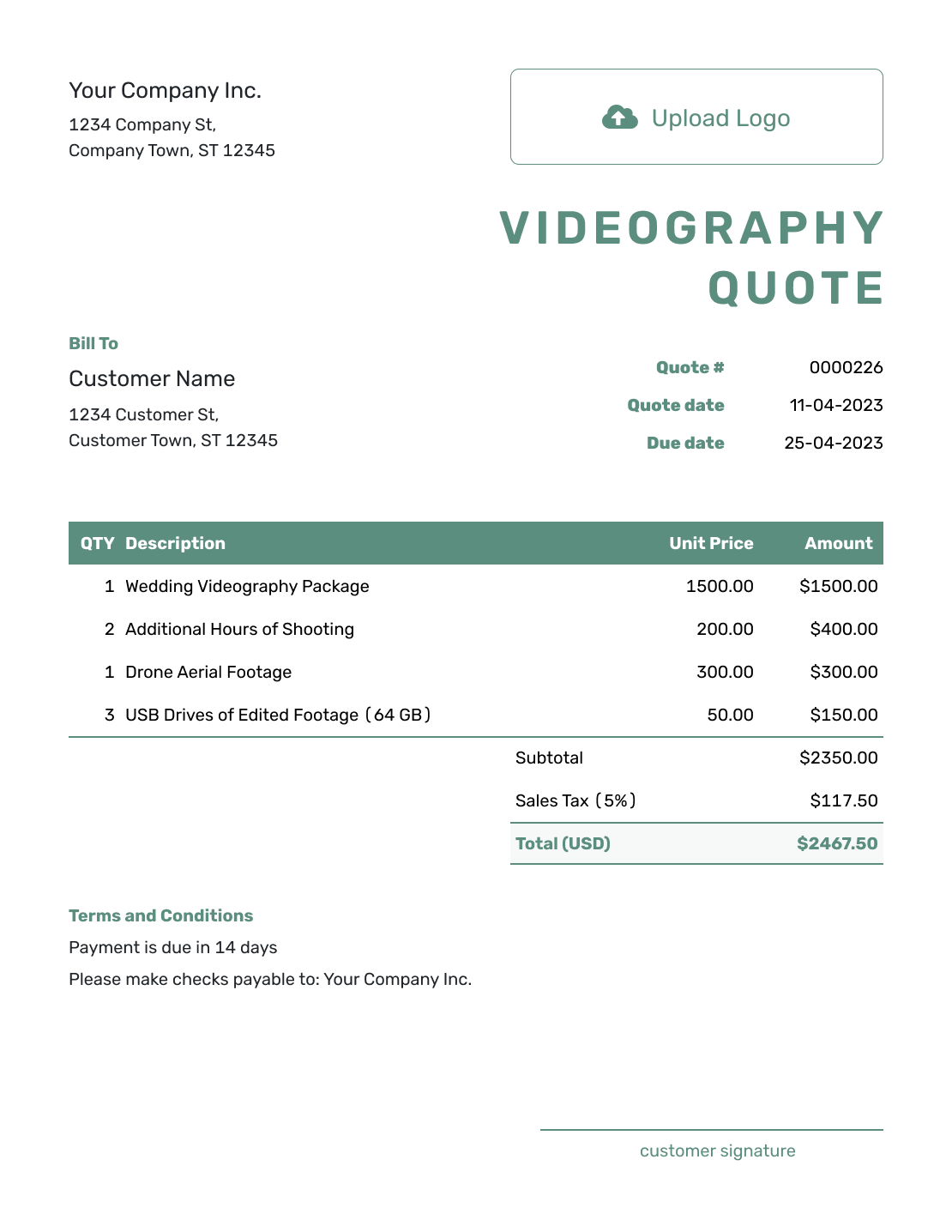
Simple Videography Quote Template
Create Free Quote -
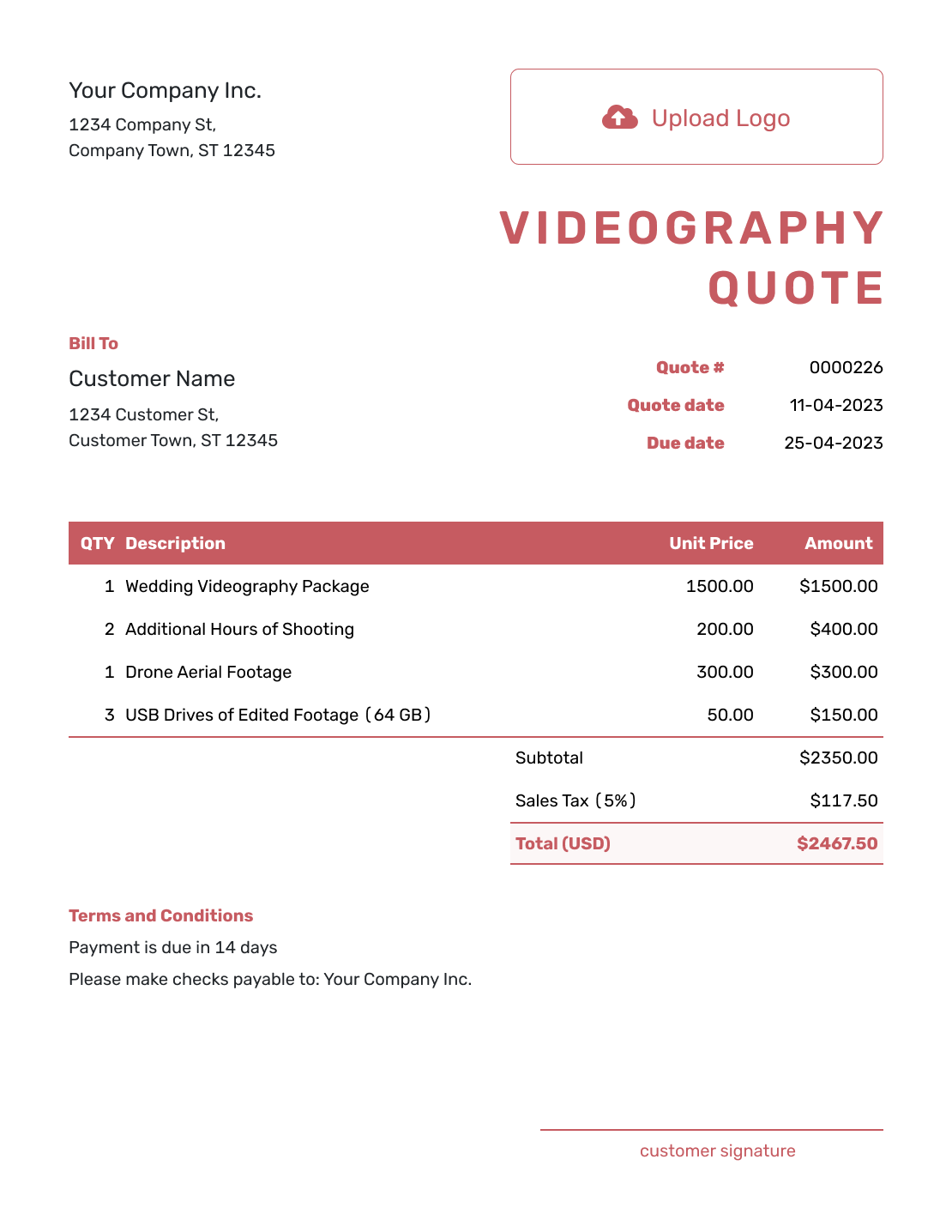
Downloadable Videography Quote Template
Create Free Quote -

Editable Videography Quote Template
Create Free Quote -
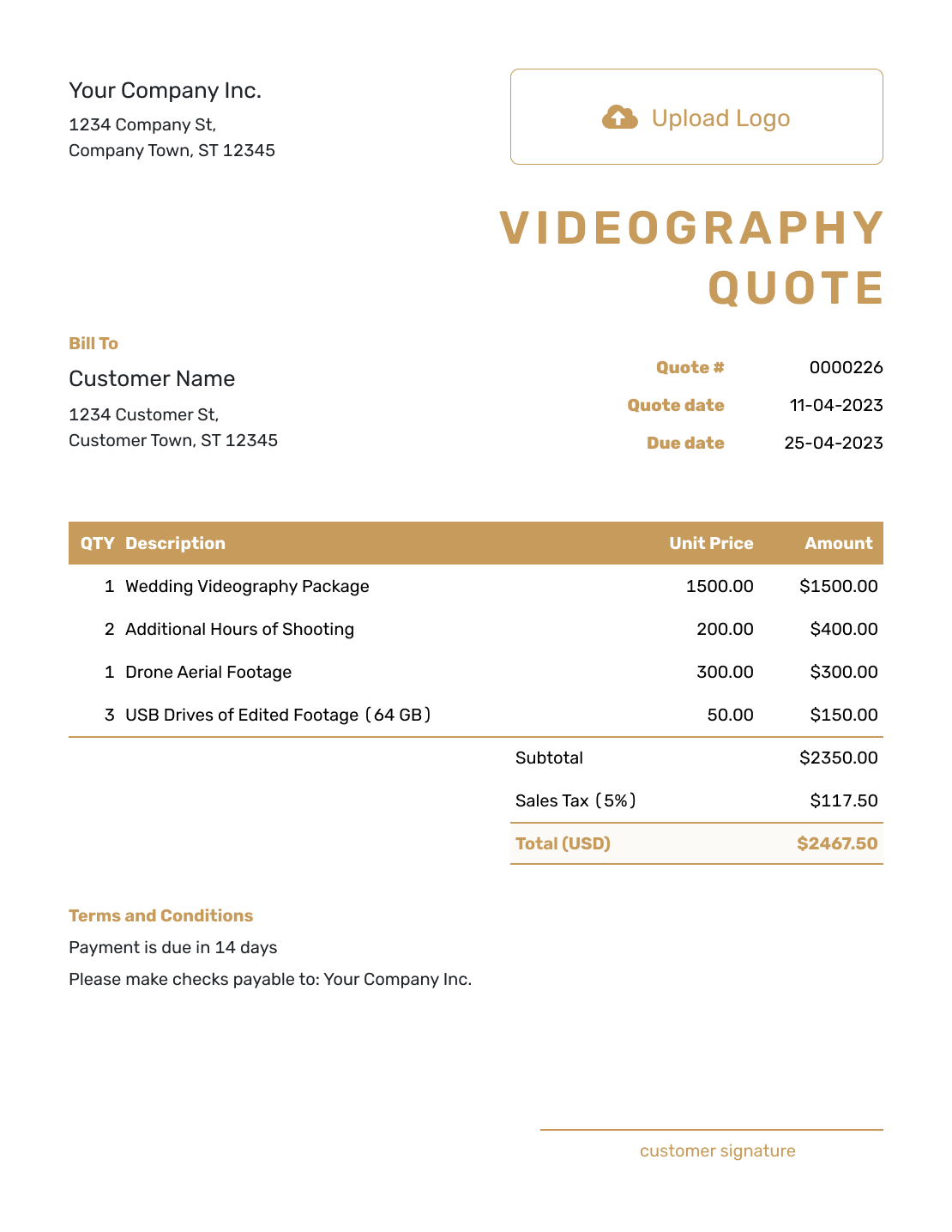
Fillable Videography Quote Template
Create Free Quote -
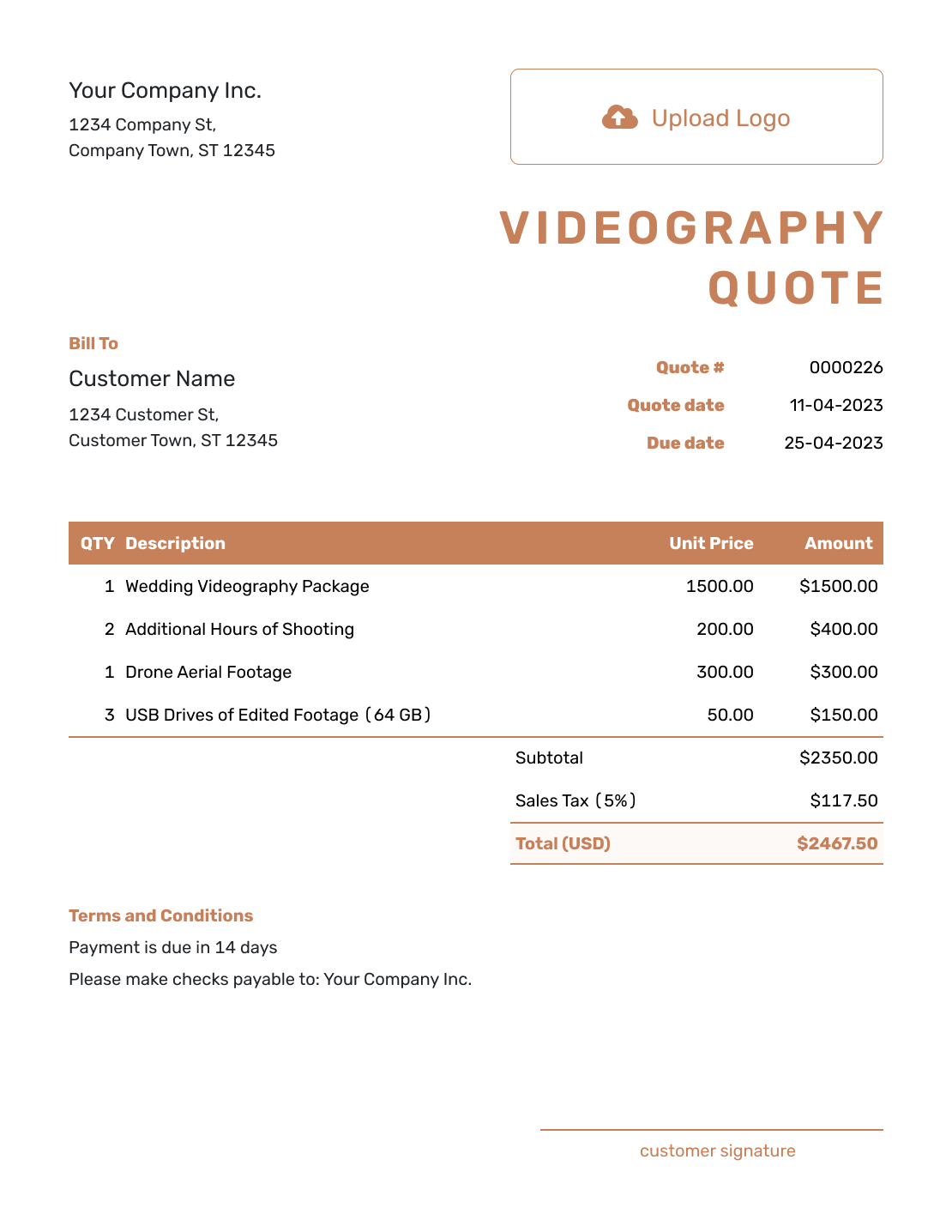
Professional Videography Quote Template
Create Free Quote
After You Send the Videography Quote
Check the document history to see when the emailed quote was delivered and opened. Your client can accept or decline it online without a Docelf account. Docelf updates the status and emails you when they respond.
If the booking changes, revise the scope and price and ask the client to accept the updated offer before doing the extra work. Confirm the shoot arrangements once you have agreed the booking.
Related Creative Service Quote Templates
Use the photography guide for still images, video production for a larger planned production, and the marketing guides for ongoing campaign work.
- Video Production Quote Template
- Photography Quote Template
- Social Media Quote Template
- Digital Marketing Quote Template
- All Creative Service Quote Templates
See every quote template by industry.
Other Quote Template File Formats
Prefer to prepare the quote in a document or spreadsheet? These pages offer separate file templates. Docelf downloads your finished quote as a PDF.
Videography Quote Template FAQs
-
Can I quote one package price for filming and editing?
Yes. Use one package row and describe the included filming hours, crew, and finished videos. If editing already belongs to that package, do not add it again as a separate charge.
-
Should raw footage be included in a videography quote?
Say whether the client receives the edited videos only or also receives raw footage. If raw footage is an extra service, agree the files, delivery method, and price before adding it to the offer.
-
How do I price a videography job?
Use an hourly rate, fixed project fee, or package that fits your business. In the example above, filming hours, a finished highlight video, and travel are separate charges. Base your own prices on the agreed coverage and editing rather than copying the sample rates.
-
What is the difference between videography and video production quotes?
A videography quote usually centers on filming coverage and defined edits. A video production quote is better when the project needs substantial planning before the shoot or more involved production afterward.
-
Should editing be included in a videography quote?
Yes, when editing is part of the job. Name the finished videos, approximate lengths, formats, and delivery timing. State how many revision rounds are included and how you will agree extra editing.
-
How should I quote overtime or extra filming?
State the included coverage and the extra-hour rate you use. Explain who can approve extra time. Keep possible overtime outside the quoted total until the extra hours are agreed as part of the booking.
-
What if the client asks for different edited videos after the shoot?
Agree which changes fit the included revision round. Price a new version or extra editing separately when it is outside that scope, then ask the client to accept the revised offer before you continue.
-
Can I turn an accepted videography quote into an invoice?
Yes. Create the invoice from the quote in Docelf when payment is due. The client and line-item details carry over, so you can check the agreed booking, add the due date, and send the invoice without entering the job again.
-
Can I email or download a videography quote?
Yes. Email it directly from Docelf, print it, or download a PDF. Saving the quote does not send it; you choose when to email the client.
Ready to Send Your Videography Quote?
Settle the paperwork while the shoot is still being planned.
- Describe the filming booking
- Price the finished videos and agreed extras
- Email the videography quote or download a PDF




