Free Graphic Design Quote Template
Create a professional quote in minutes
Price the design pieces and the versions included in the project. Clients get a clear view of the package and a reason to choose you for the project.
Email, print or download your quote as a PDF.
14-day free trial. No credit card required.

Price the job. Send the quote. Get back to work.
Graphic Design Quote Template Examples
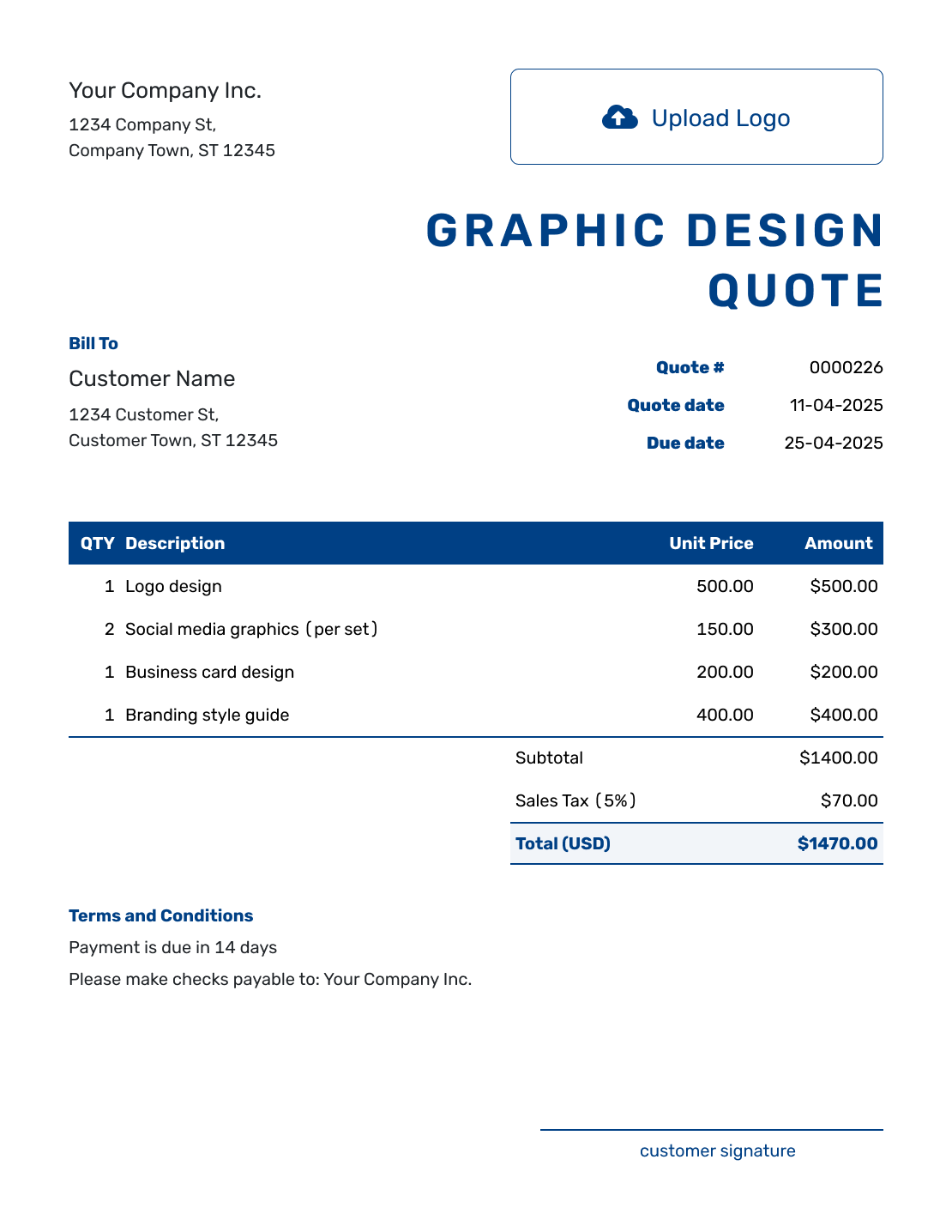
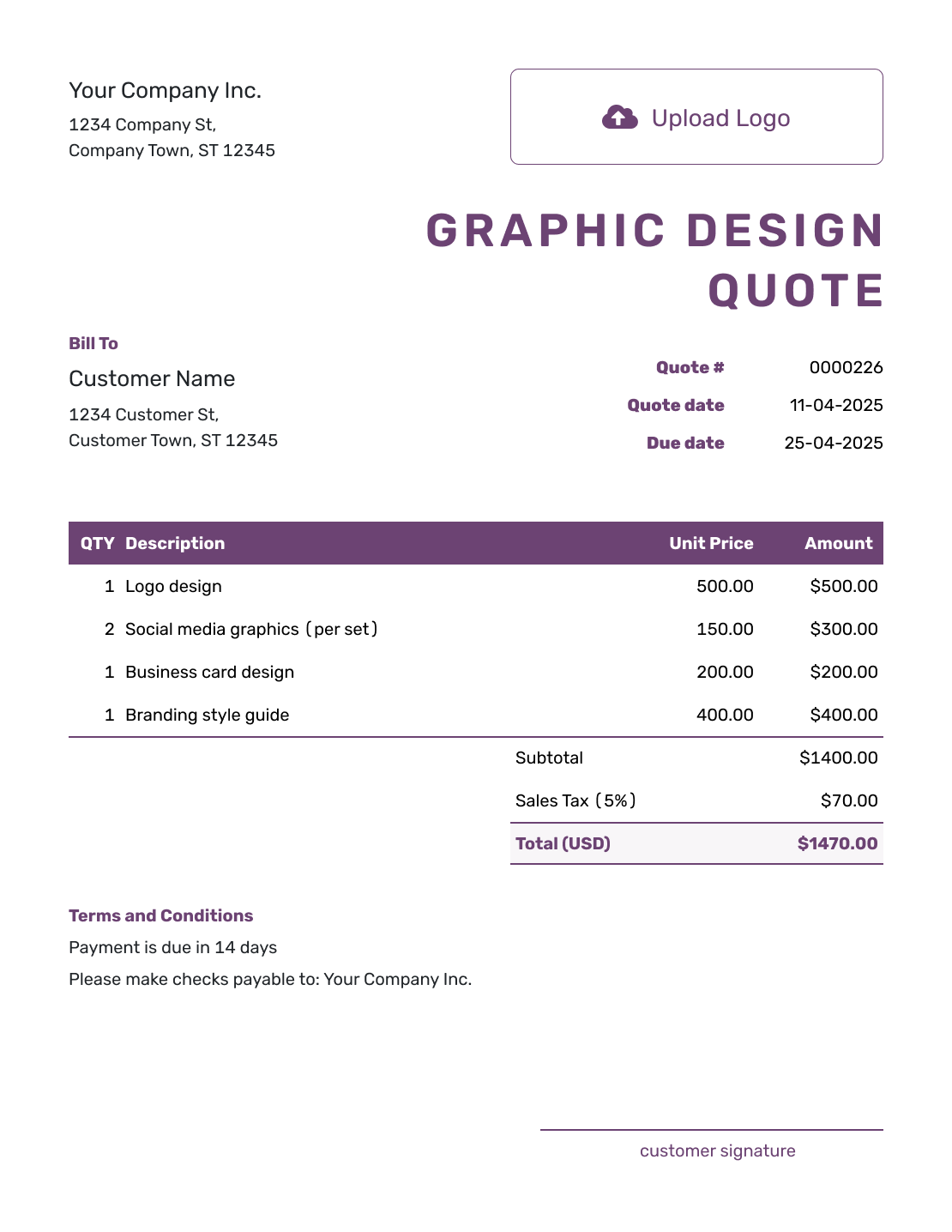
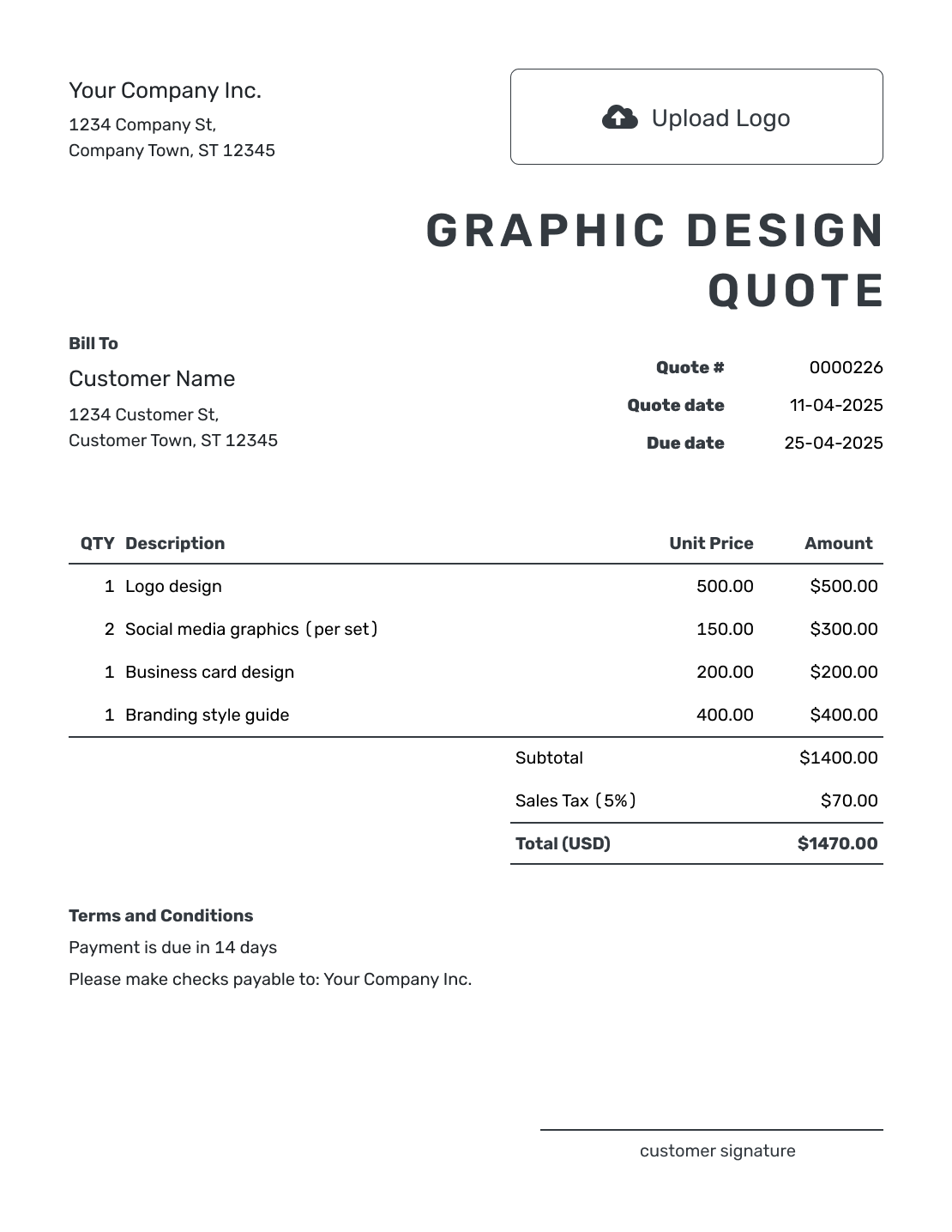
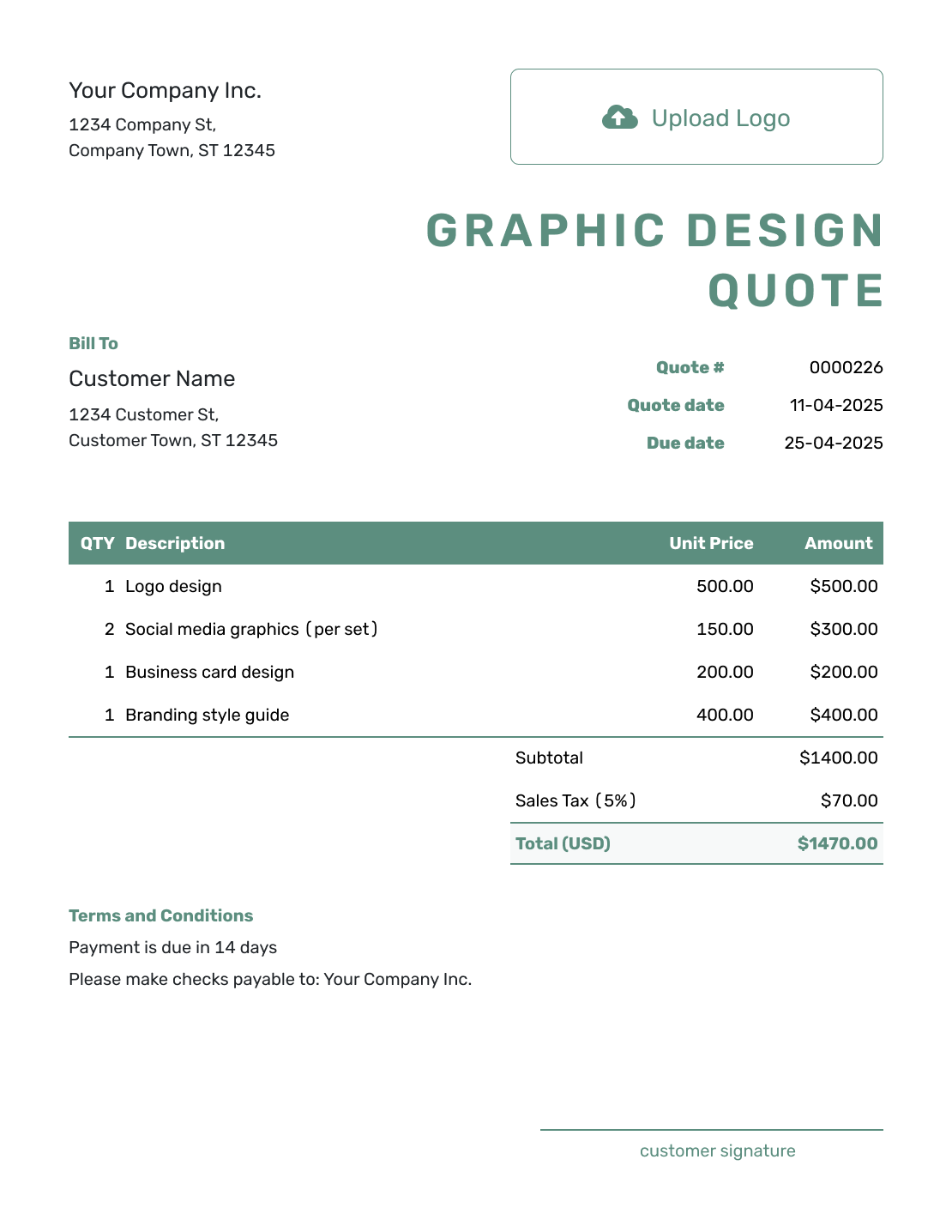
Browse the layouts before adding your own design package and prices. Each preview opens the same Docelf quote editor.
What Is a Graphic Design Quote?
A graphic design quote sets out the artwork you will create and the price for that work. It gives your client a specific offer to review before you begin, whether the project is one brochure or a set of campaign graphics.
The useful detail is what the client will receive: the number of designs, their sizes, the final files, and the included review rounds. A project name or short brief helps keep the quote with the right job.
For a logo-only project, use the logo design quote template. For broader creative work, browse the creative service quote templates.
Graphic Design Quote, Estimate, or Invoice?
Choose the document that fits how much of the brief and price you can confirm.
Graphic Design Quote
Use a quote for a defined set of designs at a specific price.
Graphic Design Estimate
Use an estimate while the brief or production needs may still change.
Graphic Design Invoice
Use an invoice to request payment for the agreed design work.
How to Create a Graphic Design Quote
Have the brief, design sizes, and agreed prices nearby. You can reuse saved client and service details, then adjust them for this project.
- Design Business: Add your business name and the contact details the client should use.
- Your Logo: Add your logo to match your other project documents.
- Client and Contact: Choose a saved client or enter the client and project contact.
- Quote Number and Dates: Check the number and issue date. Set a valid-until date for the offer.
- Design Items and Prices: List the designs, quantities, and prices. Check applicable tax and the total.
- Terms and Conditions: State review rounds, delivery timing, final files, and payment terms.
- Review and Send: Check the offer and add a signature field if useful. Email it or download a PDF.
How to Fill In Graphic Design Quote Line Items
Give each separately priced piece a clear description. For a fixed design fee, use a quantity of one and name what it includes. When several versions have the same price, show the number of versions and the price for each. For work priced by time, label the quantity as hours and state the hourly rate.
This fictional campaign package uses the client's existing brand, supplied copy, and images. It includes one brochure, three social graphics, and two banner adaptations. Prices are in US dollars; the 8% tax on all three items is illustrative. Use the tax treatment that applies to your work.
| QTY | Description | Unit Price | Amount |
|---|---|---|---|
| 1 | Four-page brochure design — US Letter, print-ready PDF | $600.00 | $600.00 |
| 3 | Social graphic design — one square PNG per design | $100.00 | $300.00 |
| 2 | Web banner adaptation — one supplied size per PNG | $75.00 | $150.00 |
| Subtotal | $1,050.00 | |
| Sales Tax (8% illustrative) | $84.00 | |
| Quote Total | $1,134.00 |
The banner fee covers adapting the campaign artwork, while the social graphics have their own design fee. Name the exact dimensions in your quote once you have the client's specifications. Include printing or stock-image purchases as separate items only when you are supplying them.
What to Include in Graphic Design Quote Terms
Use Terms and Conditions to explain how the design work will move from brief to final files. State how long the offer is valid, what a review round includes, and when you can deliver after receiving the client's materials. Keep the quote's valid-until date separate from the production deadline.
For the campaign above, two rounds apply to the package as a whole. Each round means one combined set of feedback on the designs submitted for review. Adapt the sample to the review process and payment timing you actually use.
Example: Terms and Conditions
- Offer valid for 14 days from the quote date.
- Includes one four-page brochure, three square social graphics, and two banner adaptations, with two combined review rounds.
- First proofs are due within five business days after acceptance and receipt of the final copy, brand files, images, and banner sizes. Final files are due within two business days after final approval.
- Delivery includes the PDF and PNG files listed above. Printing, stock-image purchases, and editable source files are not included.
- Additional designs, sizes, or review rounds require an agreed price before work begins. Payment is due within 14 days of the invoice issued at final approval.
Put the Design Package and Price Together
Add the artwork you will deliver and the price for each part. Docelf calculates the total, so you can focus on explaining the offer. Review it before sending it to the client.
Agree on Versions, Feedback, and Final Files
A small detail in the brief can change the amount of design work. Settle these points with the client before you promise a fixed price or delivery date.
Name the Final Files
Say whether the client receives print-ready PDFs, image exports, editable source files, or a combination. A PDF for the printer does not by itself promise the working design file.
Count Sizes and Versions
A resize of approved artwork and a new design are different jobs. Name the sizes included and say whether the fee covers adaptation or a new layout.
Agree on Review Rounds
Ask the client to combine feedback for each round and identify who gives final approval. State how many rounds are included and agree on any extra work before starting it.
Confirm Materials and Production
Confirm who supplies the copy, images, and print specifications. If you arrange printing or buy stock assets, check those costs before quoting and keep them separate from your design fee.
More Graphic Design Quote Layouts
These six additional previews open the same quote editor. Use your own logo, colors, and fonts to match the quote to your design business.
-
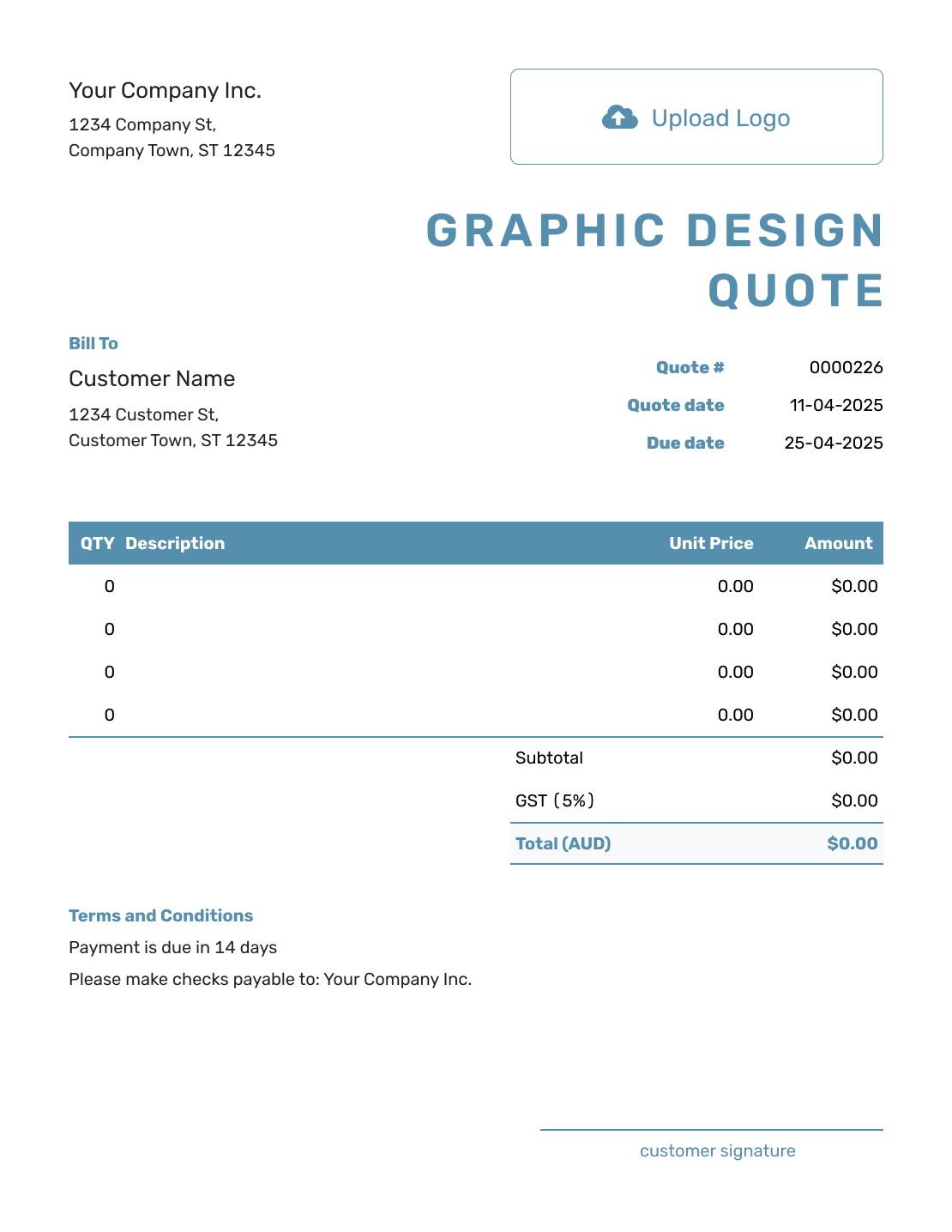
Blank Graphic Design Quote Template
Create Free Quote -
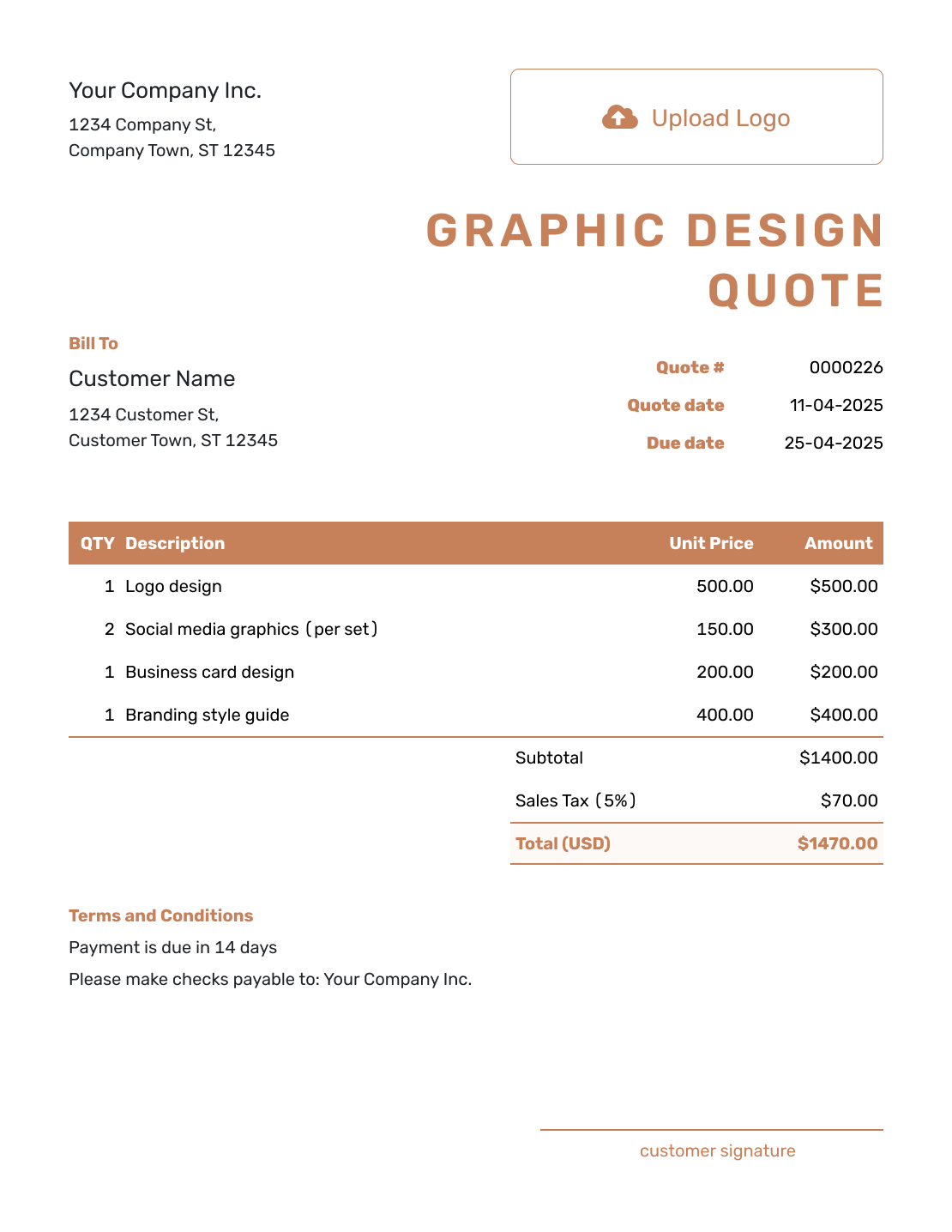
Simple Graphic Design Quote Template
Create Free Quote -
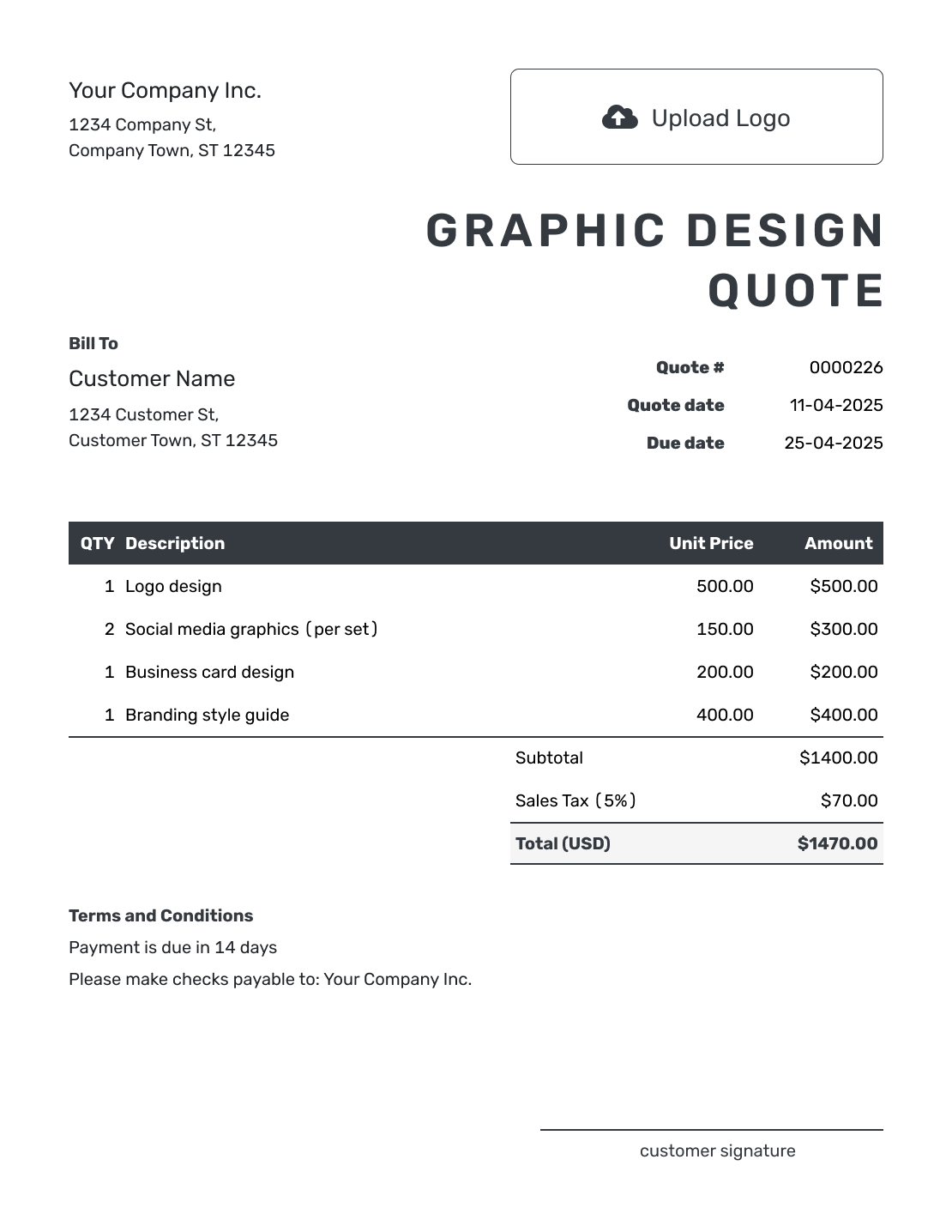
Downloadable Graphic Design Quote Template
Create Free Quote -
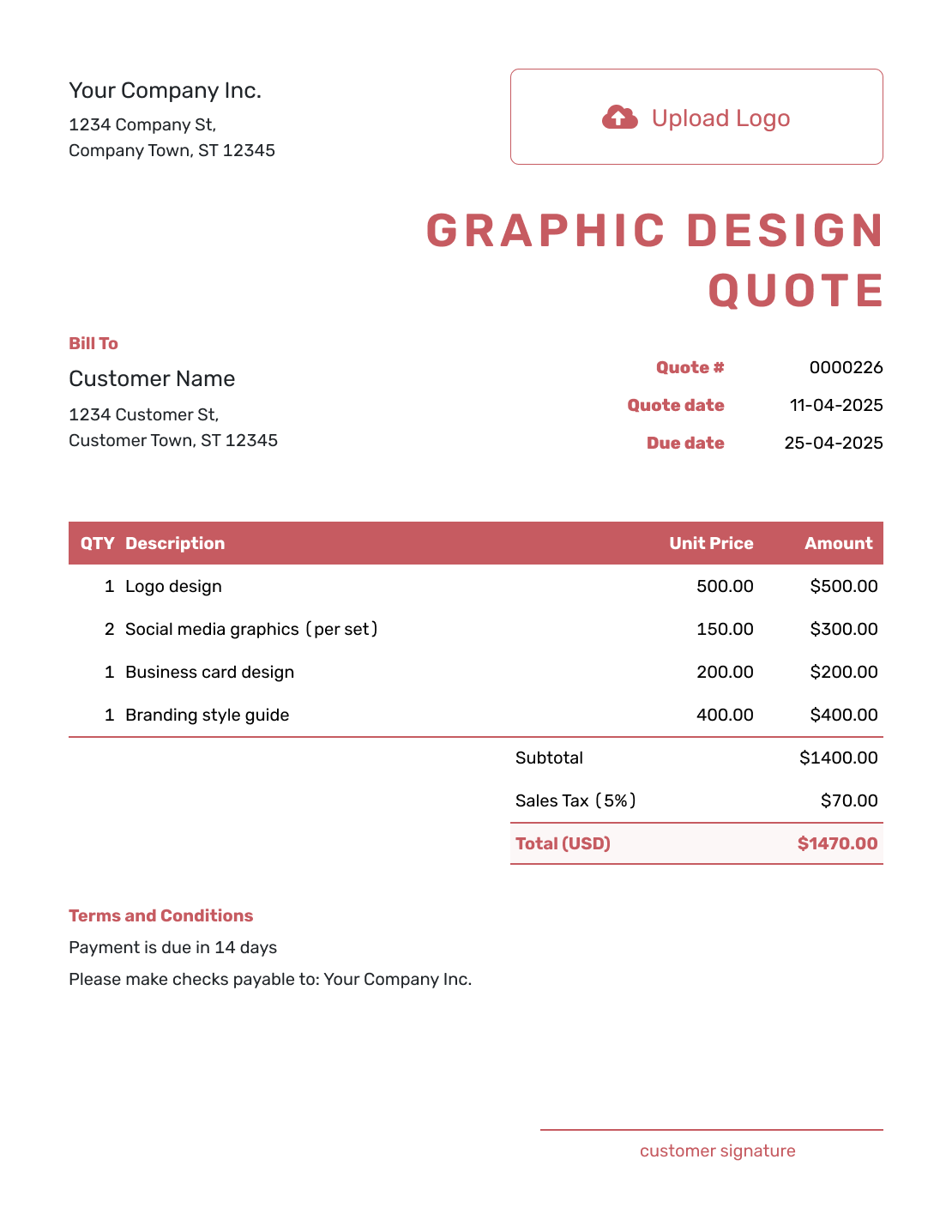
Editable Graphic Design Quote Template
Create Free Quote -
Fillable Graphic Design Quote Template
Create Free Quote -
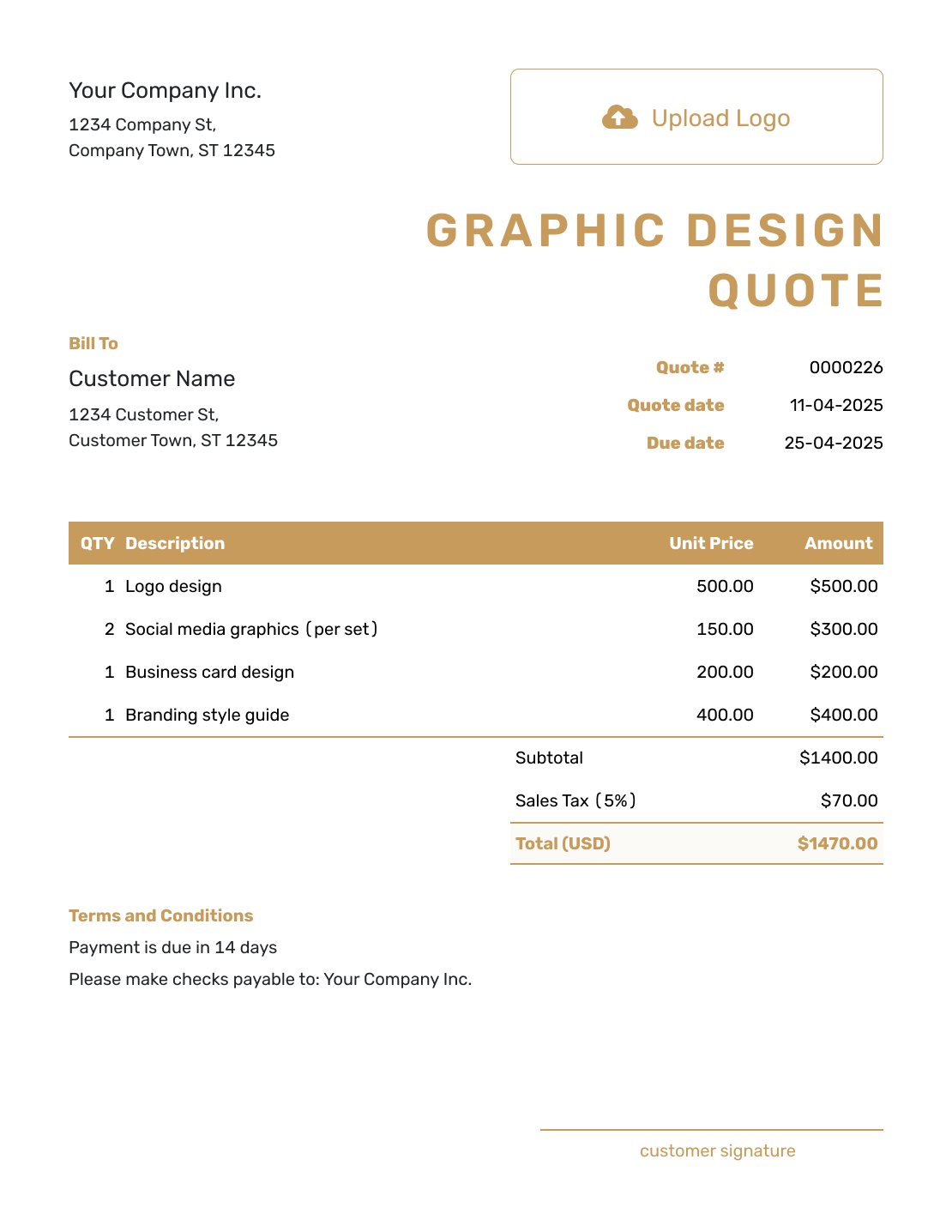
Professional Graphic Design Quote Template
Create Free Quote
Other Quote Template File Formats
Prefer to edit the quote in a document or spreadsheet? These pages offer separate file templates. Docelf downloads your finished quote as a PDF.
See every option on the quote templates by format page.
Related Quote Templates for Design Projects
The design guide covers broader design projects; the logo and website guides focus on those deliverables. Use the mural guide for artwork painted on a wall, or browse the full creative-service collection.
After You Send the Graphic Design Quote
Check the quote's document history to see whether the emailed offer was delivered and opened. Your client can accept or decline online. If the brief changes, agree on the revised scope and price before starting the added work.
When payment is due, create an invoice from the quote in Docelf. The client and item details carry over. Check the amount due, add the due date and payment instructions, then send the invoice.
Graphic Design Quote Template FAQs
-
What is a graphic design quote?
A graphic design quote describes the artwork you will create, its price, and the terms of the offer. It helps the client decide before design starts; it does not confirm completed work or request payment.
-
What should I include in a graphic design quote?
Include your business and client details, a quote number and date, and a short project brief. List the designs, versions, prices, applicable tax, and total. Add the review allowance, delivery timing, payment terms, and the date until which the offer is valid.
-
How do I price graphic design work?
A fixed fee works well when you can define the designs and review allowance. Price distinct items separately when the client needs to see the cost of each part. If you charge by time, state the hourly rate and quoted hours; use an estimate when the final hours are still uncertain.
-
Should I charge separately for different sizes or versions?
Yes, when those variations add real work. State how many versions are included so the client knows what the fee covers.
-
Should printing or stock images be on the quote?
Include them when you supply or arrange them as part of the job. Show those costs separately from your design fee. If the client buys them directly, say so in the scope rather than adding them to your total.
-
What is the difference between a graphic design quote and an estimate?
A quote gives a specific price when the design work is clear. Use an estimate while the brief or production needs may still change.
-
Can I create a graphic design quote online?
Yes. Enter the design package and prices in Docelf, then review the quote. You can email it or download a PDF. Saving the quote does not email it; you choose when to send.
-
What if the client asks for more versions after accepting the quote?
Update the scope and price, and send the revised quote for acceptance before creating the added versions. Be clear about which new pieces or sizes the added price covers.
-
Can I turn an accepted graphic design quote into an invoice?
Yes. Docelf copies the relevant client, item, price, and quote details into the invoice. Review the copied details against the agreed package before billing.
Ready to Send Your Graphic Design Quote?
Put the offer in the client's hands while the brief is fresh.
- List the final pieces, sizes, and versions
- Explain the included review rounds and delivery timing
- Email the graphic design quote or download a PDF




