Free Mural Quote Template
Create a professional mural quote in minutes
Describe the wall, artwork and project price, with preparation or access costs shown clearly. Clients get a complete view of the work and a reason to hire you.
Email, print or download your quote as a PDF.
14-day free trial. No credit card required.

Price the job. Send the quote. Get back to work.
Mural Quote Template Examples
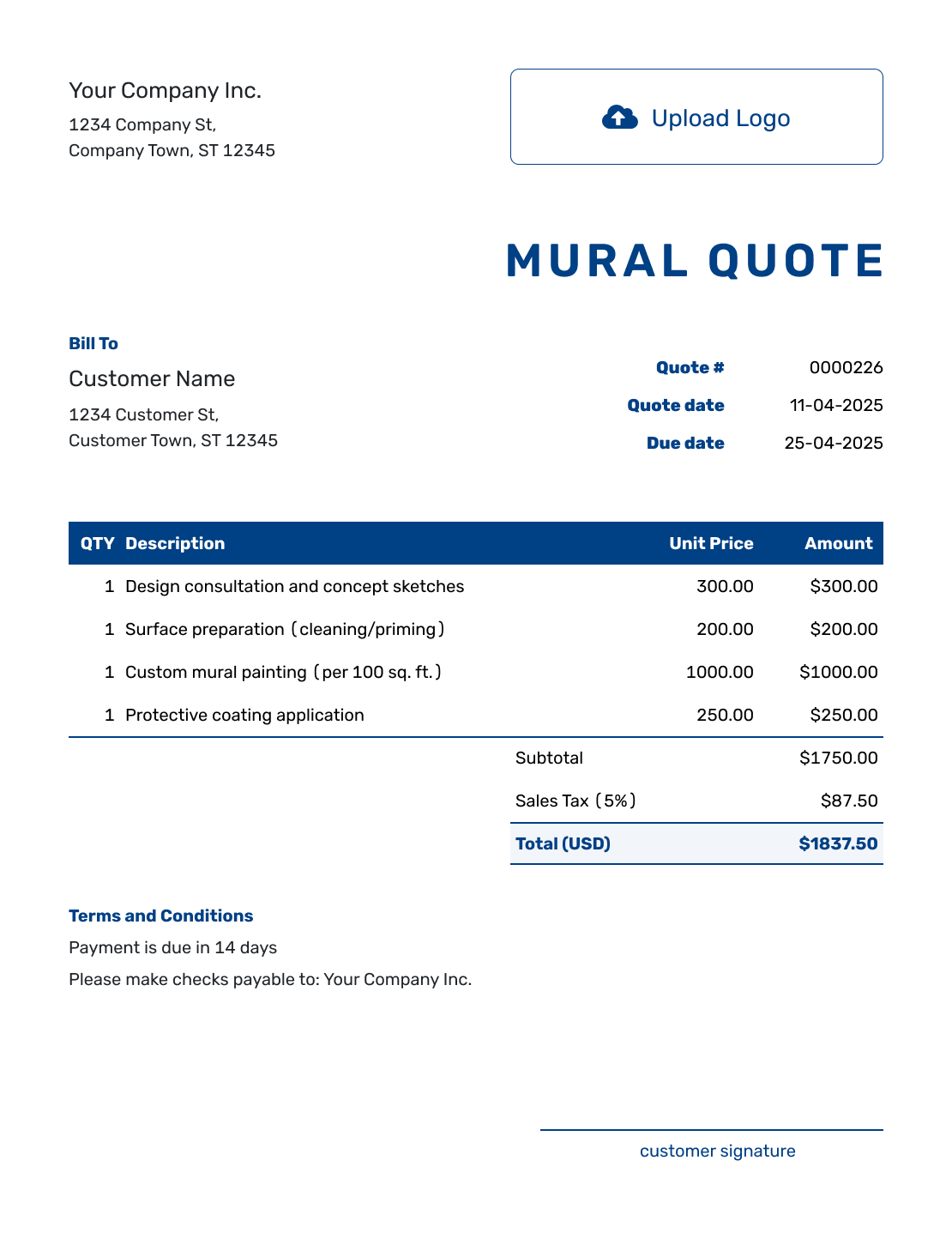
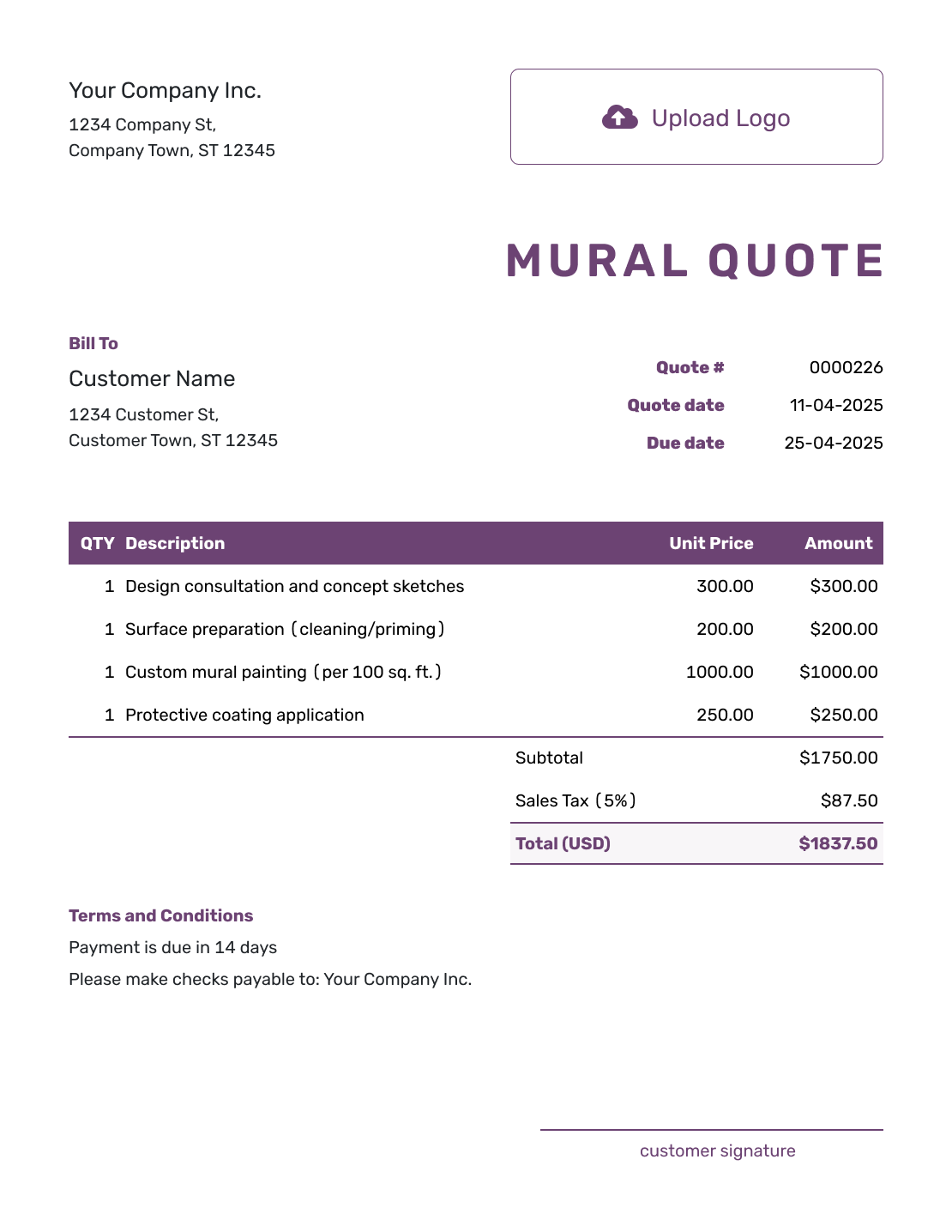
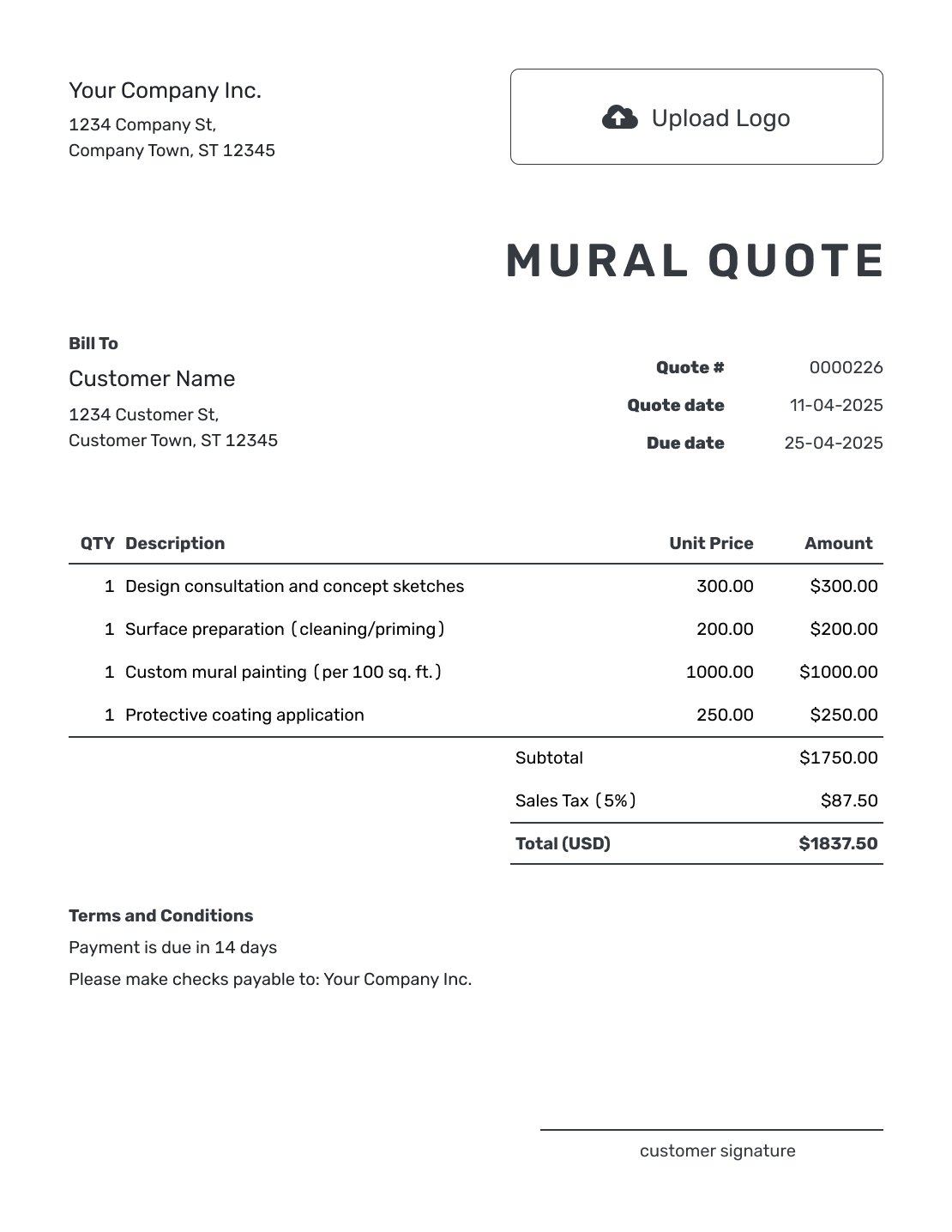
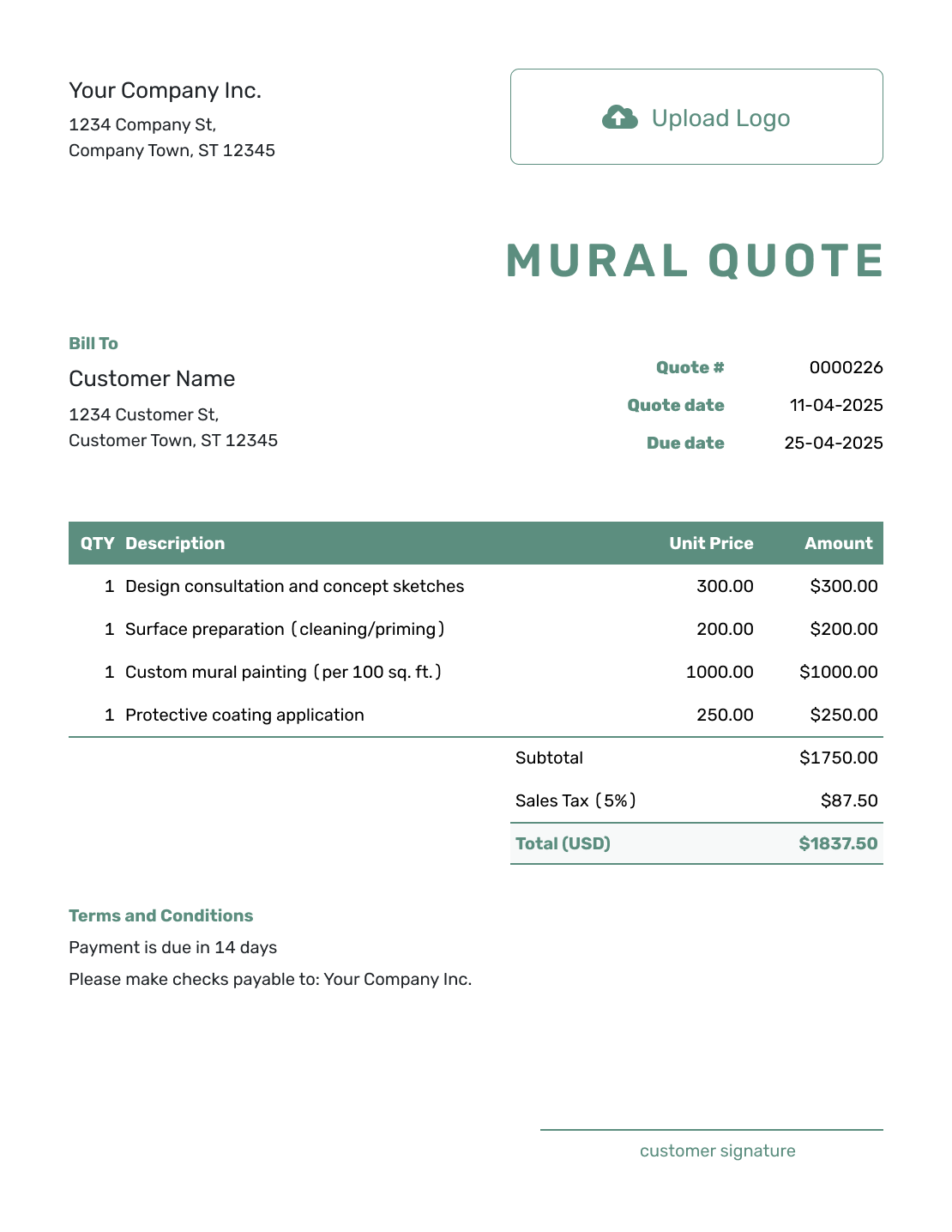
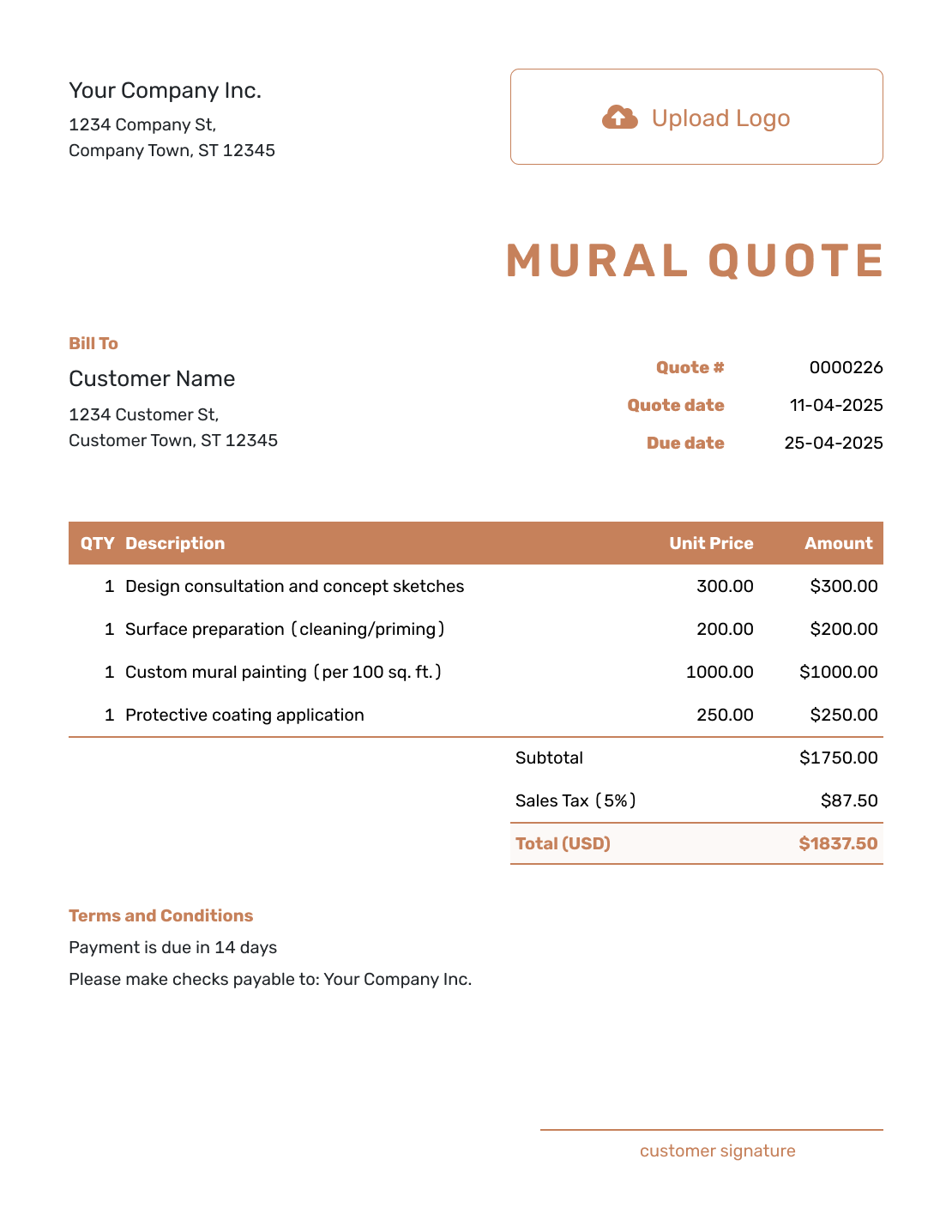
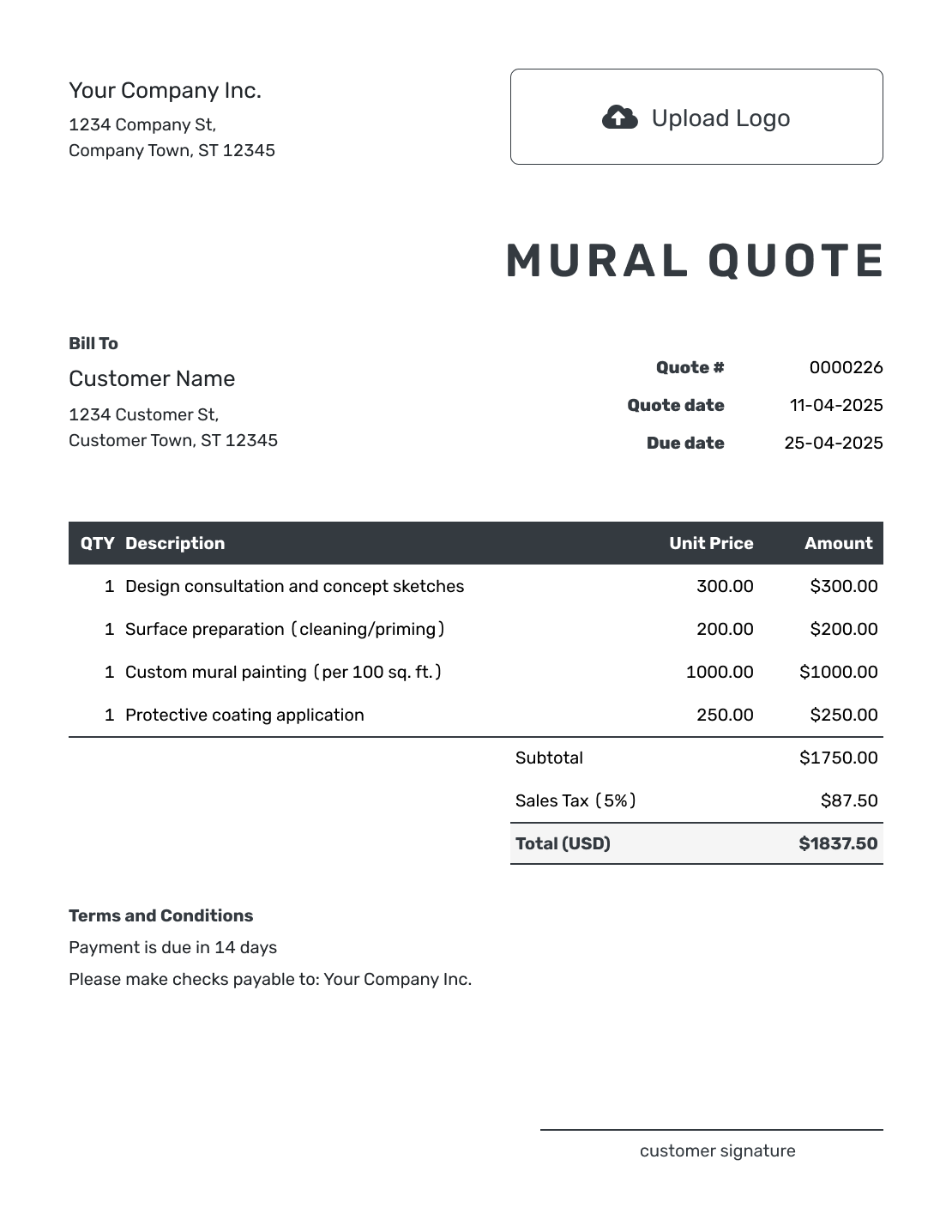
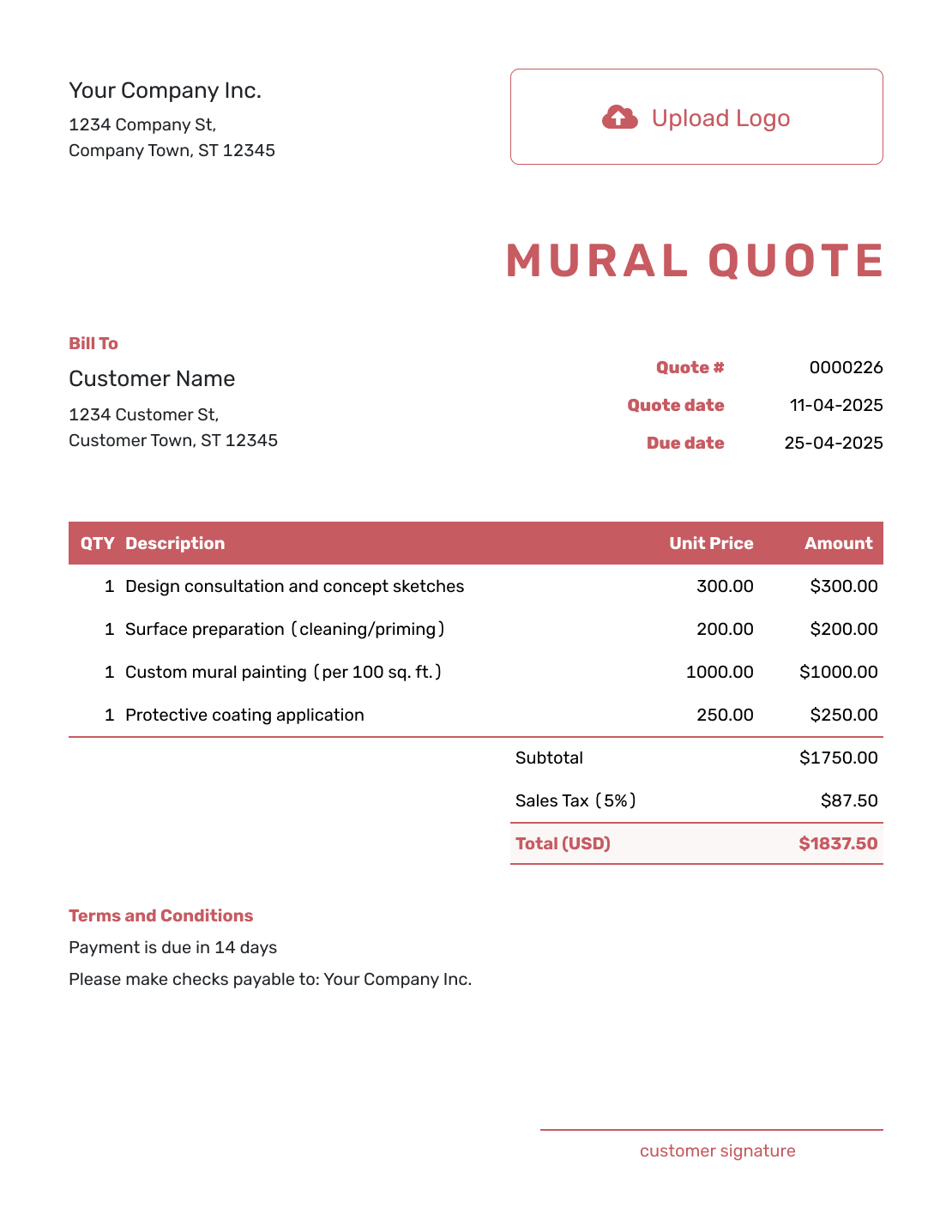
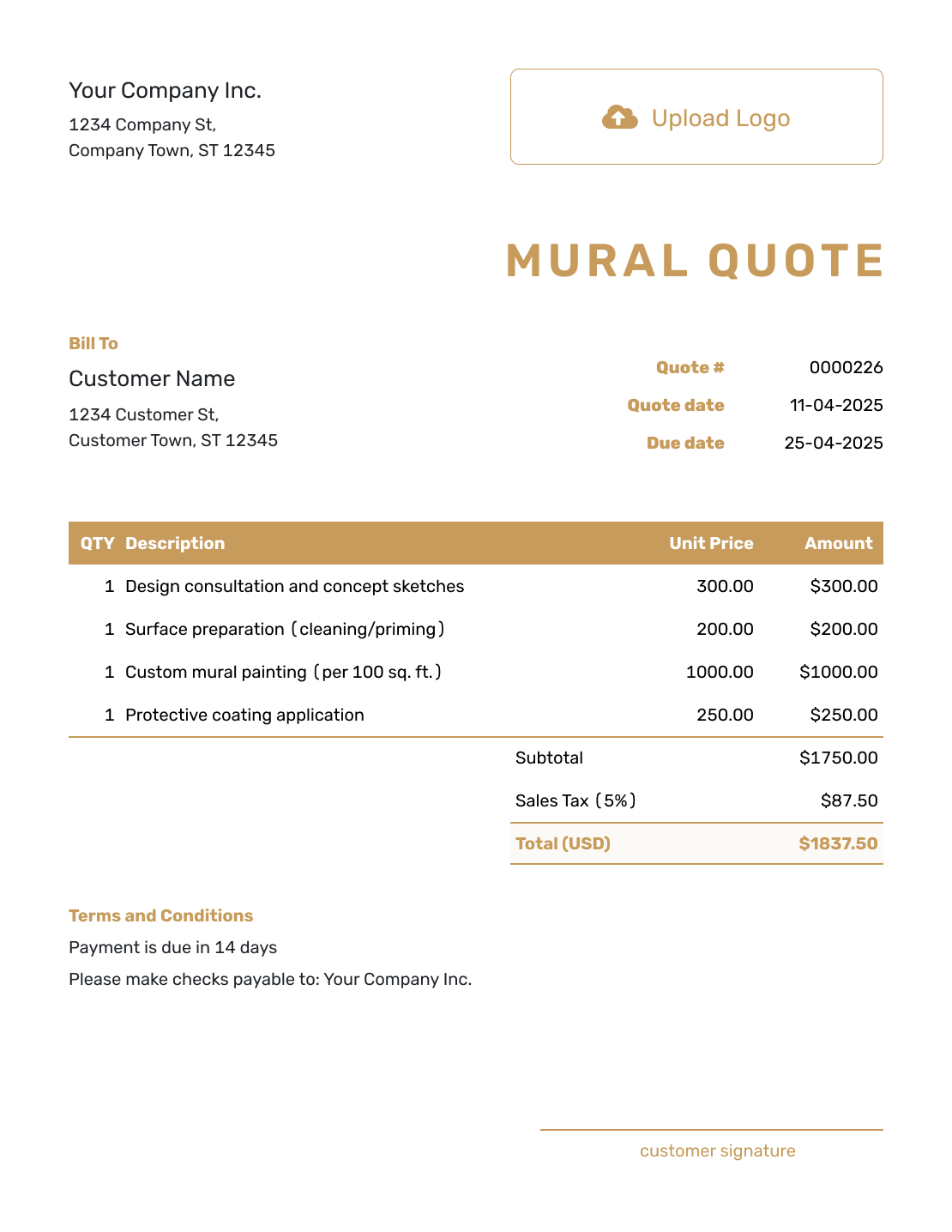
Choose a layout for the wall and artwork you are pricing. Each preview opens the same quote editor, where you can add the site details, project price, and your own business style.
What Is a Mural Quote?
A mural quote sets out the artwork, site work, price, and terms you are offering. Use one when the design and wall conditions are clear enough to price. If you still need a site visit or an approved design, an estimate can give the client a starting figure.
The wall matters as much as the design: a prepared indoor surface and a high outdoor wall need different work. State what your price includes, then give separately charged preparation, access, travel, or protective finishing its own line.
For a similar job, reuse saved client and service details or duplicate an earlier quote as a new numbered draft. Check the new wall and rates before sending. For broader projects, browse the creative service quote templates or the interior design quote template.
Mural Quote, Estimate, or Invoice?
Use a quote or estimate before the work starts. Send an invoice when payment is due.
Mural Quote
Use a quote when the mural work and price are set.
Mural Estimate
Use an estimate while the wall conditions or final design may still change.
Mural Invoice
Use an invoice to request payment for the agreed work when it is due.
How to Create a Mural Quote
A mural quote connects the artwork to the wall and the work needed on site. Gather the wall measurements and agreed design brief before you start.
- Your Business: Enter your mural business name and contact details.
- Your Logo: Add the logo you use on client documents.
- The Client: Add the client and identify the mural site in the project description.
- Number and Dates: Check the quote number and issue date. Set the offer’s valid-until date.
- Artwork and Site Work: Describe the wall, design, and separately priced services with quantities and rates.
- Check the Price: Check the item amounts, applicable tax, and total for the complete offer.
- Terms and Send: Add site and design approval terms in Terms and Conditions. Review, then email or save a PDF.
How to Fill In Mural Quote Line Items
Use a fixed fee for a defined design package, wall area for painting, or days for clearly described work. Label the unit beside the service so the client knows how the price was calculated. If paint or preparation is included in another charge, describe it there instead of charging twice.
This fictional US-dollar quote covers a 12 × 10 ft indoor café mural: 120 sq ft. It includes a concept sketch, preparation, painting materials, and two days of lift hire. The illustrative 8% tax applies to all four charges; use the tax treatment that applies to your work.
| QTY | Description | Unit Price | Amount |
|---|---|---|---|
| 1 | Mural concept sketch — one design and one review round | $450.00 | $450.00 |
| 120 | Wall cleaning and primer — per sq ft | $2.00 | $240.00 |
| 120 | Paint the approved mural, including paint — per sq ft | $22.00 | $2,640.00 |
| 2 | Indoor lift hire — per day | $150.00 | $300.00 |
| Subtotal | $3,630.00 | |
| Sales Tax (8% illustrative) | $290.40 | |
| Quote Total | $3,920.40 |
What to Include in Mural Quote Terms
Use Terms and Conditions to explain the assumptions behind the price: which wall you will paint, who clears the area, when the design needs approval, and how long the offer lasts. Include the payment timing and policies your business actually uses.
This sample continues the café mural above. Adapt it to the site rather than treating it as standard contract wording. For outdoor work, agree how weather may affect the painting dates.
Example: Terms and Conditions
- Offer valid for 30 days from the quote date for the 12 × 10 ft indoor café wall described above.
- The design fee includes one concept sketch and one consolidated review round. Painting starts after the client approves the sketch.
- The client clears the work area before arrival. Cleaning, primer, and two days of lift hire are included; wall repairs are not included.
- Painting dates are agreed after design approval. The quoted $3,920.40 is payable on completion.
- Any change to the design, wall condition, or access arrangements will be priced and agreed before the added work starts.
Put the Mural and Site Costs in One Offer
Enter the artwork and site work you have agreed with the client. Docelf calculates the total, so you can review the offer and send it while the project details are fresh.
Check the Wall Before You Set the Price
These checks help turn a promising mural idea into a quote you can stand behind.
Measure the Paintable Area
Record the height and width, then identify the area the artwork will cover. A doorway, uneven shape, or detailed edge can affect the work even when the total area is similar.
Agree Who Prepares the Surface
Explain whether you will clean, repair, or prime the wall, or whether the client will supply a ready surface. Record visible damage during the site visit before setting a fixed price.
Plan Access and Working Hours
Check whether a lift or scaffold is needed and who will arrange it. Opening hours, public access, and time for setup can change the number of days you need.
Allow for Travel and Exposure
Show charged travel and protective finishing in the quote. For an outdoor wall, discuss weather and drying time before promising a completion date.
More Mural Quote Layouts
These six layouts offer more ways to present your quote. Choose a preview to open the editor and add your own project details.
Other Quote Template File Formats
These pages provide separate templates for editing your quote in a document or spreadsheet. You can download your finished Docelf quote as a PDF.
See every option on the quote templates by format page.
Related Quote Templates for Creative and Space Projects
Use another template when the job is mainly a different type of design work or part of a larger interior project.
After You Send the Mural Quote
You can see delivery and opening information in the emailed quote’s document history. The client can accept or decline it online, and you receive an email notification when they respond.
If the design or site conditions change, revise the scope and price and ask the client to accept the new offer before you do the added work. Keep the agreed wall and artwork details with the quote.
When payment is due, create an invoice from the quote in Docelf. The relevant client, item, and price details copy across for you to check. If your agreement calls for a later separate invoice, you can duplicate an invoice as a new numbered draft and update it to show only the work or amount being billed.
Mural Quote Template FAQs
-
What is a mural quote?
A mural quote shows the artwork, wall or site work, price, and terms offered to the client. It gives them a defined project to review before painting begins.
-
What should I include in a mural quote?
Include the client and mural location, wall measurements, design scope, price, and dates. The client should also be able to see who prepares the wall, which access costs are included, and when payment is due.
-
How do I price a mural project?
A fixed fee suits a defined project; a rate per square foot or per day can make the quantity of work easier to follow. Name the unit and what the rate includes. Separate additional site charges, and check that the total covers the full quoted scope.
-
Should surface preparation be included in the mural quote?
Yes, when you will provide it. Describe the cleaning, repairs, or primer covered by the price. If the client is responsible for preparation, state the condition the wall must be in before you arrive.
-
Should I include scaffolding or lift costs?
Include the cost when you are supplying or arranging the equipment and charging for it. State the hire period and who provides access. If the client supplies the equipment, make that responsibility clear in the terms.
-
What is the difference between a mural quote and an estimate?
A quote offers a specific price for defined artwork and site conditions. An estimate is useful while the wall or final design still needs checking and the expected price may change.
-
Can I create a mural quote online?
Yes. Enter the client, mural work, quantities, and prices in Docelf, then add the site terms. Docelf calculates the totals. You can email the finished quote or download a PDF.
-
What if the wall or mural design changes after the quote is accepted?
Describe the change and its effect on the price or schedule in a revised quote. Ask the client to accept that version before starting the added work, so you are both working from the same scope.
-
Can I turn an accepted mural quote into an invoice?
Yes. Docelf copies the relevant client, item, and price details when you create an invoice from the quote. Review the copied details and set the payment due date before sending the invoice.
Ready to Send Your Mural Quote?
Give your client an offer that matches the wall you will paint.
- Record the wall size, surface, and artwork coverage
- Show any separately priced site work
- Email the mural quote or download a PDF




