Free Design Quote Template
Create a professional design quote in minutes
Show the design deliverables and price for each phase of the project. Clients can see how the project comes together and feel confident choosing you.
Email, print or download your quote as a PDF.
14-day free trial. No credit card required.

Price the job. Send the quote. Get back to work.
Design Quote Template Examples
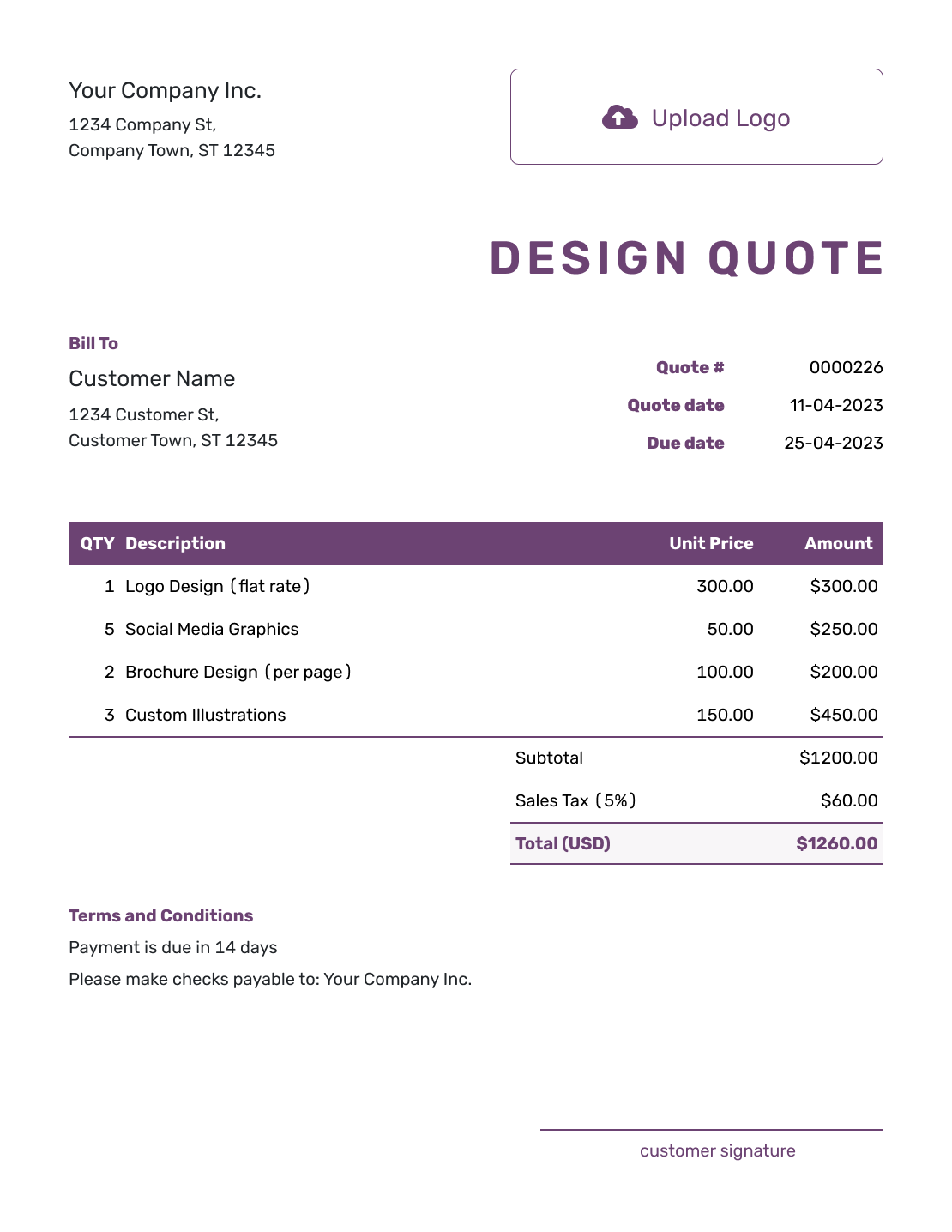
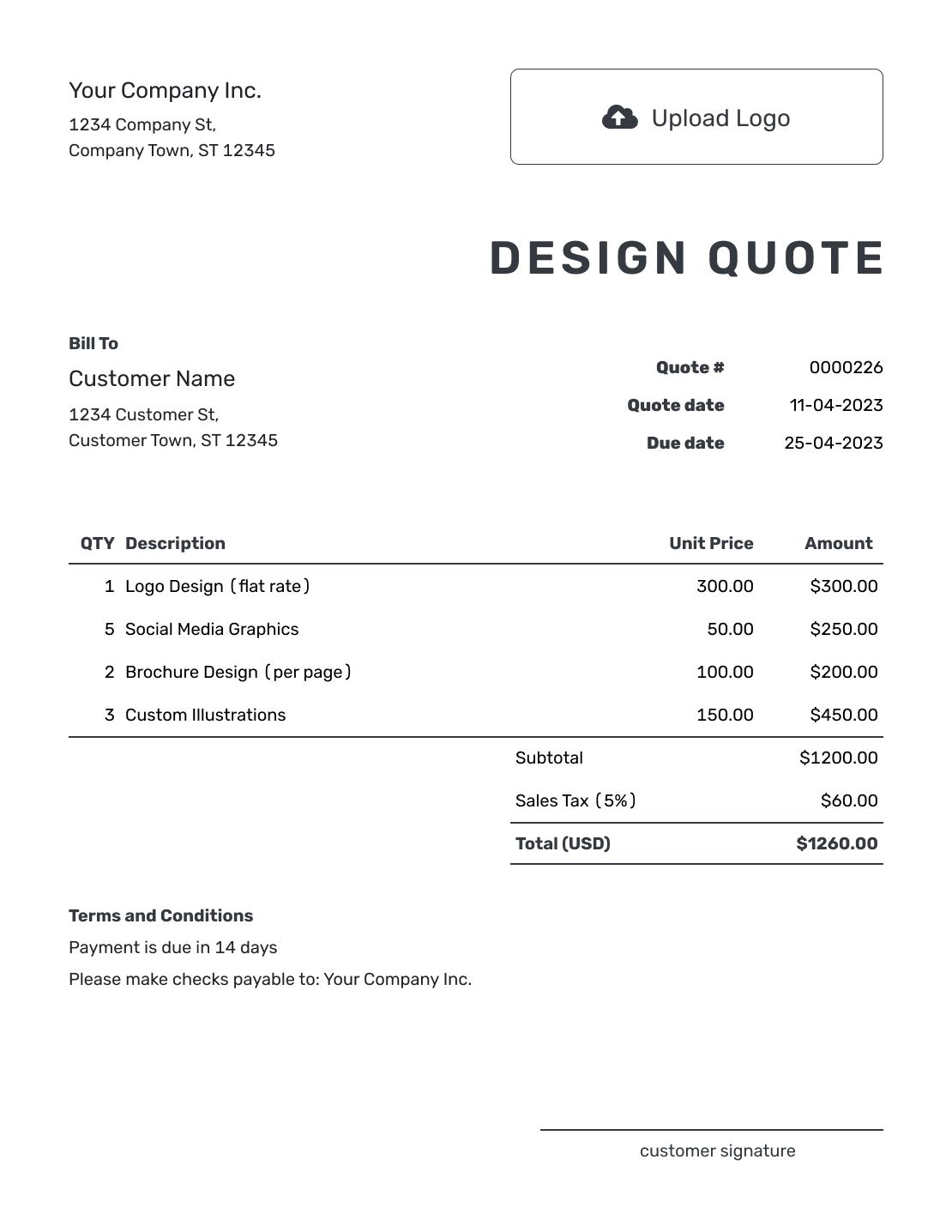
Browse these layouts before adding your own project details. Each preview opens the same quote editor, where you can change the scope, prices, and style.

What Is a Design Quote?
A design quote shows what you will create and what the client will pay. It also sets the review terms before work starts.
Use this general template when a project brings several pieces of design work together, such as a launch concept, printed brochure, and website layout. Describe how the pieces fit together, then show the price for each part or phase. For work centered on one service, the creative service quote templates offer more focused guidance.
Design Quote, Estimate, or Invoice?
Use a quote or estimate before the work starts. Send an invoice when payment is due.
Design Quote
Use a quote when the design work and price are settled.
Design Estimate
Use an estimate while the brief or amount of work is still changing.
Design Invoice
Use an invoice to request payment for the agreed design work and show when it is due.
How to Create a Design Quote
Start with the brief you and the client have discussed. Docelf calculates the total from your quantities, prices, and taxes, so you can focus on describing the work.
- Studio Details: Add your business name and contact details.
- Your Logo: Add the logo you use on your business documents.
- Client and Project: Choose a saved client or add their details. Name the project.
- Number and Dates: Check the quote number, issue date, and valid-until date.
- Design Work and Prices: List deliverables or phases with quantities and prices. Apply any discount and tax, then check the total.
- Project Terms: Use Terms and Conditions for reviews, delivery timing, payment, and exclusions.
- Review and Send: Check the offer. Add a signature field if needed, then email the quote or save a PDF.
How to Fill In Design Quote Line Items
Name the result of each phase so the client can connect the fee to the work. Use a quantity of one for a fixed project stage, or a count for repeated pieces. If you quote by the hour, label the quantity as hours and explain what happens if more time is needed.
This fictional launch project combines a shared visual concept with print and website designs. The prices are in US dollars, with an illustrative 8% tax applied to all three lines. Use the prices and tax treatment that apply to your work.
| QTY | Description | Unit Price | Amount |
|---|---|---|---|
| 1 | Launch concept — two visual directions, one selected for development | $450.00 | $450.00 |
| 1 | Four-page launch brochure — layout and print-ready PDF | $750.00 | $750.00 |
| 1 | Landing page design — desktop and mobile mockups, no development | $600.00 | $600.00 |
| Subtotal | $1,800.00 | |
| Sales Tax (8% illustrative) | $144.00 | |
| Quote Total | $1,944.00 |
What to Include in Design Quote Terms
The item table names the work and price. Use the Terms and Conditions field to explain how the project will run: what you need from the client, when they review the work, and which files they receive. Include only terms your business actually uses.
For the launch project above, one shared review process keeps feedback on the brochure and page mockups together. Adapt this sample to the brief and enter the same expiry date in the valid-until field.
Example: Terms and Conditions
- This quote is valid until [date]. The price covers one selected launch concept, one four-page brochure, and desktop and mobile designs for one landing page.
- The client supplies final text, logos, and images before design begins. We will agree on concept review and final delivery dates after acceptance.
- Two revision rounds are included after concept selection. Each round is one combined set of feedback on the brochure and page mockups.
- Final delivery includes a print-ready brochure PDF and two PNG page mockups. Printing, copywriting, website development, and editable source files are not included.
- Payment is due within seven days of the invoice issued on final delivery. Extra concepts, pages, or revision rounds need a revised quote and approval before the extra work begins.
Keep the Review Process Clear
A project can have several deliverables without needing a separate approval process for each one. Agree on who gathers feedback and which decision lets you move to the next phase.
- Name one client contact who sends the combined feedback
- Confirm the selected concept before adapting it across the other designs
- Agree on review dates as well as the final delivery date
- Explain how late content or feedback may change the schedule
If the client adds a deliverable, describe the added work and its effect on the price and timing. Have them accept the revised offer before you begin that work.
Create a Design Quote Ready to Send
Bring the agreed design brief into one offer. Docelf calculates the total as you add the work and prices. Review it, then email it or download a PDF.
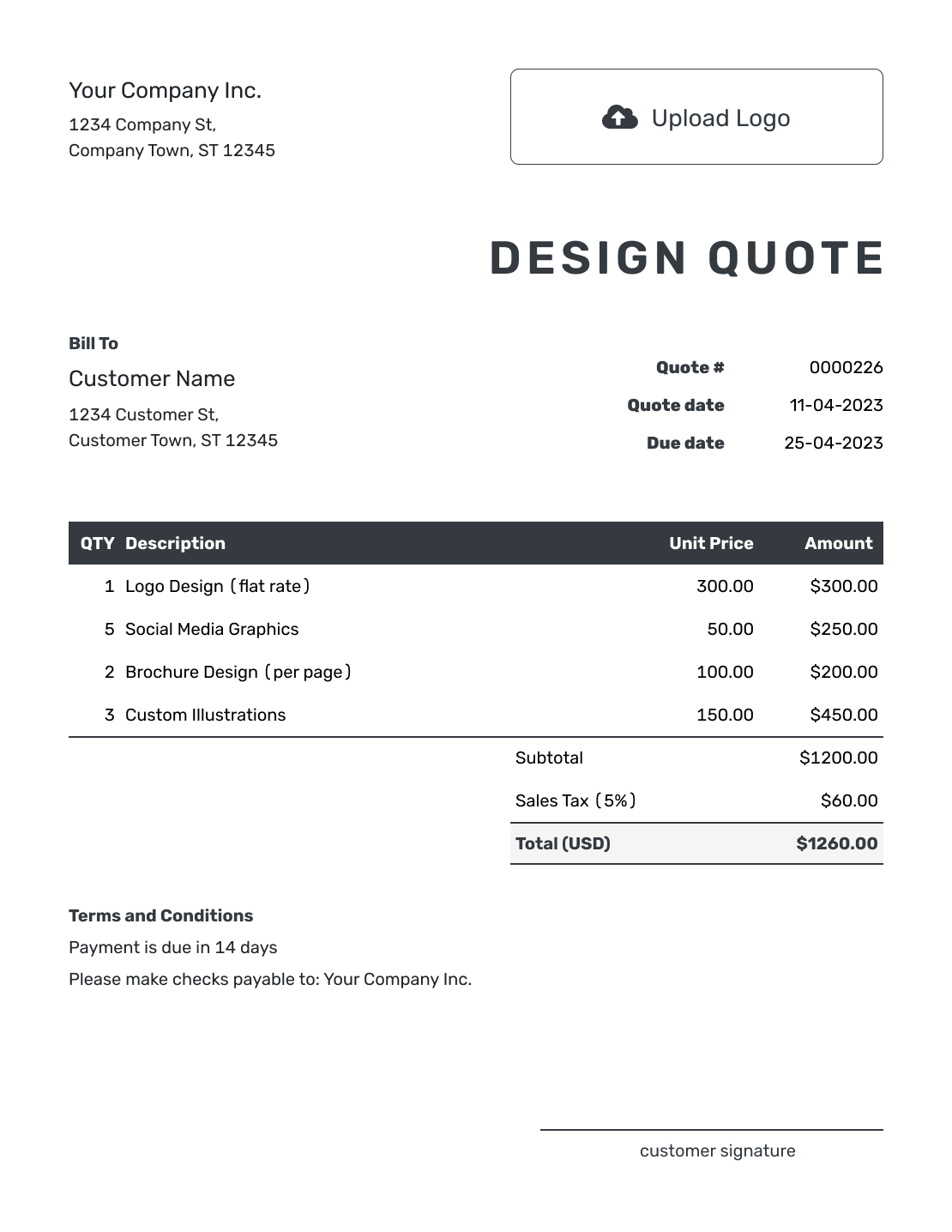
More Design Quote Layouts


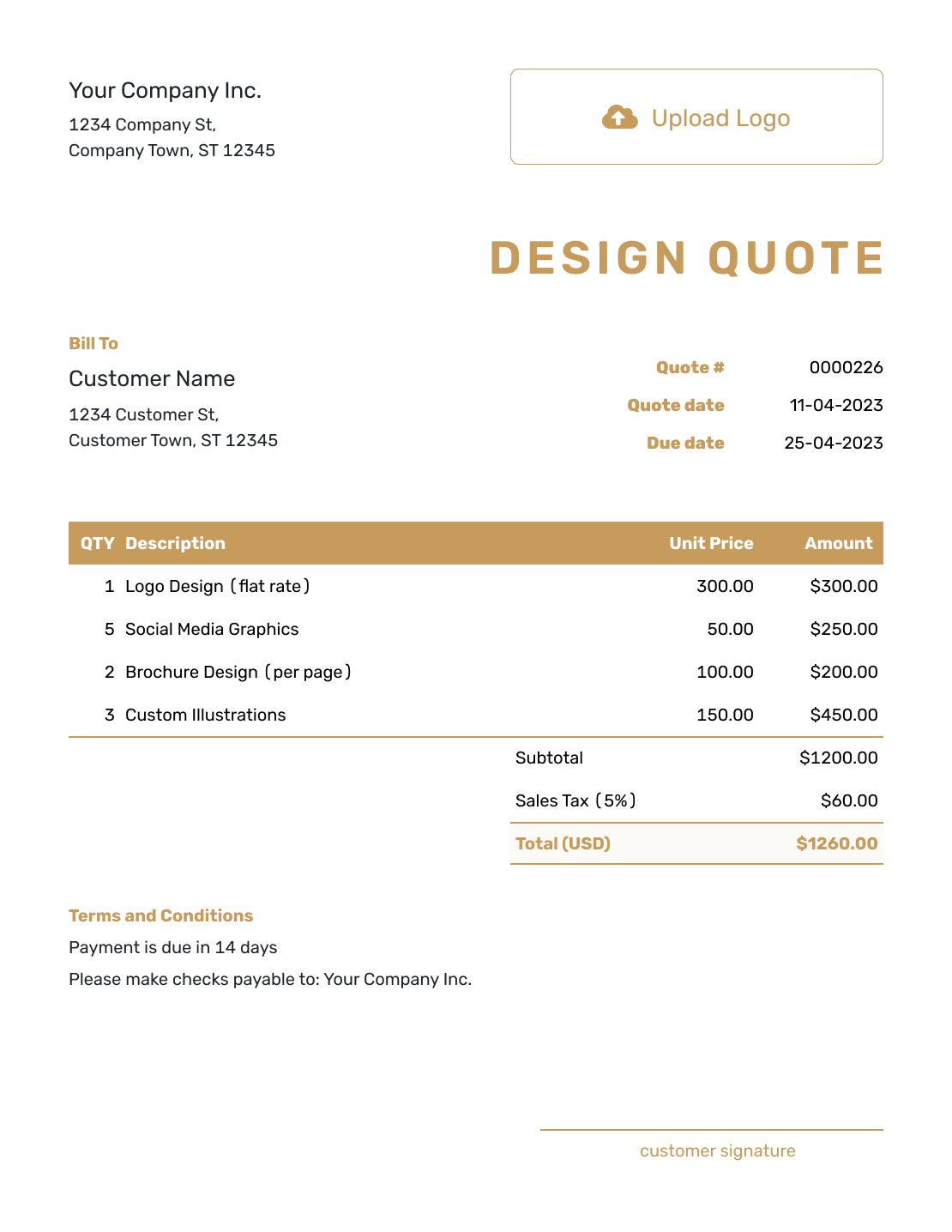
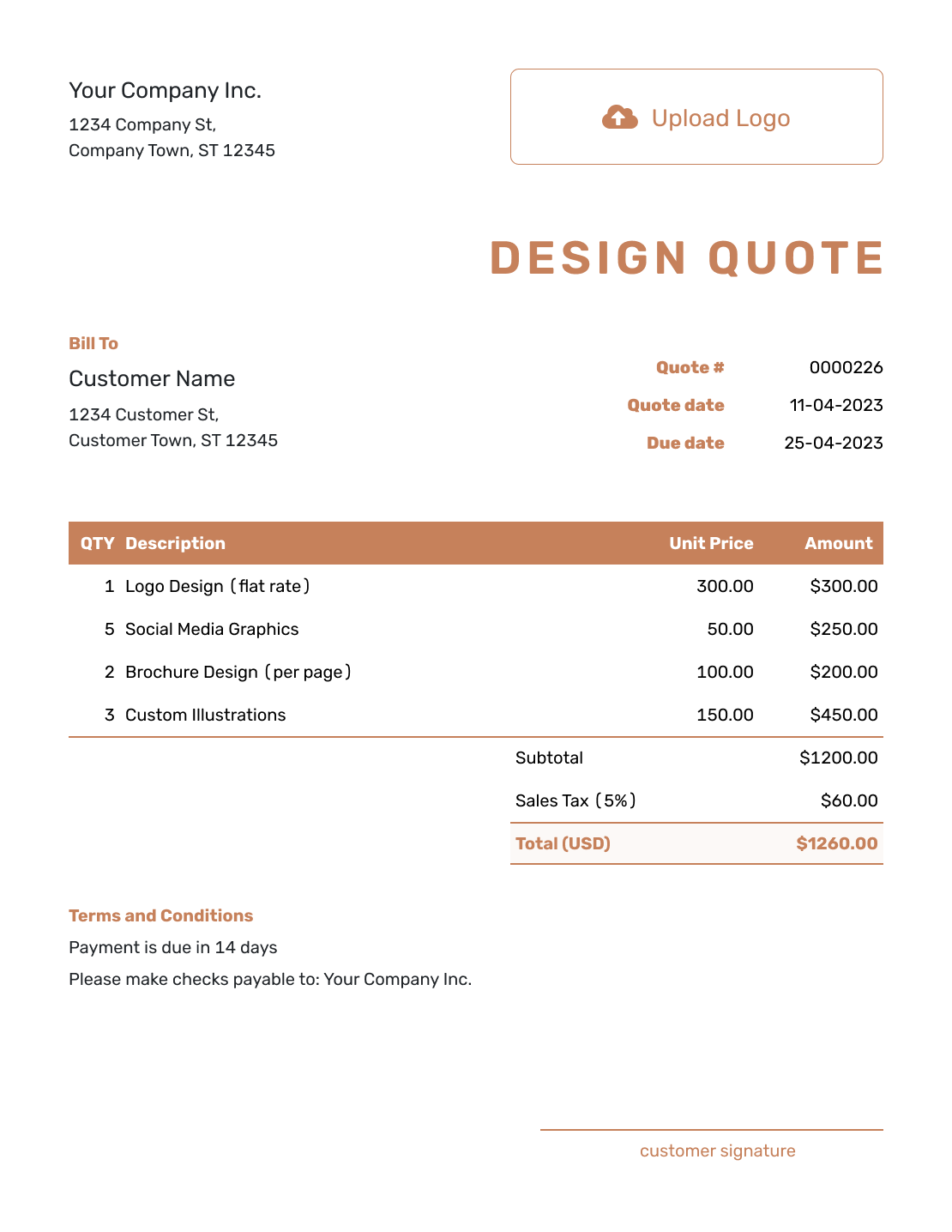
Other Quote Template File Formats
Use Word or Google Docs to edit the project wording, or Excel or Google Sheets for quantities and prices. These pages provide separate file templates; Docelf downloads your finished online quote as a PDF.
See every option on the quote templates by format page.
Need a More Specific Design Quote Template?
For a logo, website, interior, or mural project, use the focused guide below. The graphic design page covers print and digital artwork, while the creative service collection includes other kinds of client work.
After You Send the Design Quote
Check the document history to see delivery and viewing information. Your client can accept or decline the quote online, and Docelf updates its status when they respond.
When it is time to bill, create an invoice from the quote. Docelf copies the client, item, and price details. Check what is due for this invoice, add the due date, and send it. You can reuse saved client and service details on the next project too.
Design Quote Template FAQs
-
What is a design quote?
A design quote shows the creative work, price, and terms before a project starts. For a project with several parts, it connects each deliverable or phase to the fee so the client can review the whole offer.
-
When should I use the general design quote template?
Use it for broad or mixed design work, especially when one job combines several types of design. If the job is mainly one service, choose a more specific template.
-
Should I quote the whole project or each phase?
Quote the whole project when the brief and final deliverables are clear. You can still show a separate price for each phase within that total. If later work is not yet defined, quote the known phase and explain that the remaining work will need a separate offer.
-
How should I price an hourly design quote?
State the hourly rate and the number of hours included in the quoted price. Explain how extra hours will be agreed before you work them. If the hours are only a prediction and the final price may change, an estimate may suit the offer better.
-
What counts as a revision round?
Define it in the quote. A practical approach is one combined set of client feedback followed by one revised version. Say whether the limit applies across the project or to each deliverable. A new concept or extra deliverable can be priced as additional work.
-
Should the quote include editable source files?
Say whether they are included and name the final file formats the client will receive. A print-ready PDF or exported image does not mean the editable design file is included. Agree on any additional file preparation and the intended use before quoting it.
-
Can I attach a design brief to the quote?
Yes. Docelf supports PDF, JPG, GIF, PNG, and WebP attachments up to 5 MB each. A short PDF brief can keep the approved deliverables and reference images with the quote. The client can download the attachment with the document.
-
What if the design brief changes after the quote is accepted?
Update the design work, price, and delivery timing affected by the change. Send the revised quote for acceptance before doing the added work. Keep the included revision rounds distinct from a change to the agreed brief.
-
How do I quote a deposit or separate project payment?
State the amount or percentage and when it is due in Terms and Conditions. Keep the full design price clear so the deposit is not mistaken for an additional charge. When you create the invoice from the quote, review it for the payment being requested rather than billing the full project again.
Ready to Send Your Design Quote?
Put the design deliverables, fee, and approval points into one offer before work starts.
- Organize the deliverables by phase or package
- State included revisions and extra-work terms
- Email the design quote or download a PDF




