Free Logo Design Quote Template
Create a professional logo design quote in minutes
Show the concept package, revisions, final files and project fee in one offer. Clients can see the value quickly and feel confident hiring you for the project.
Email, print or download your quote as a PDF.
14-day free trial. No credit card required.

Price the job. Send the quote. Get back to work.
Logo Design Quote Template Examples
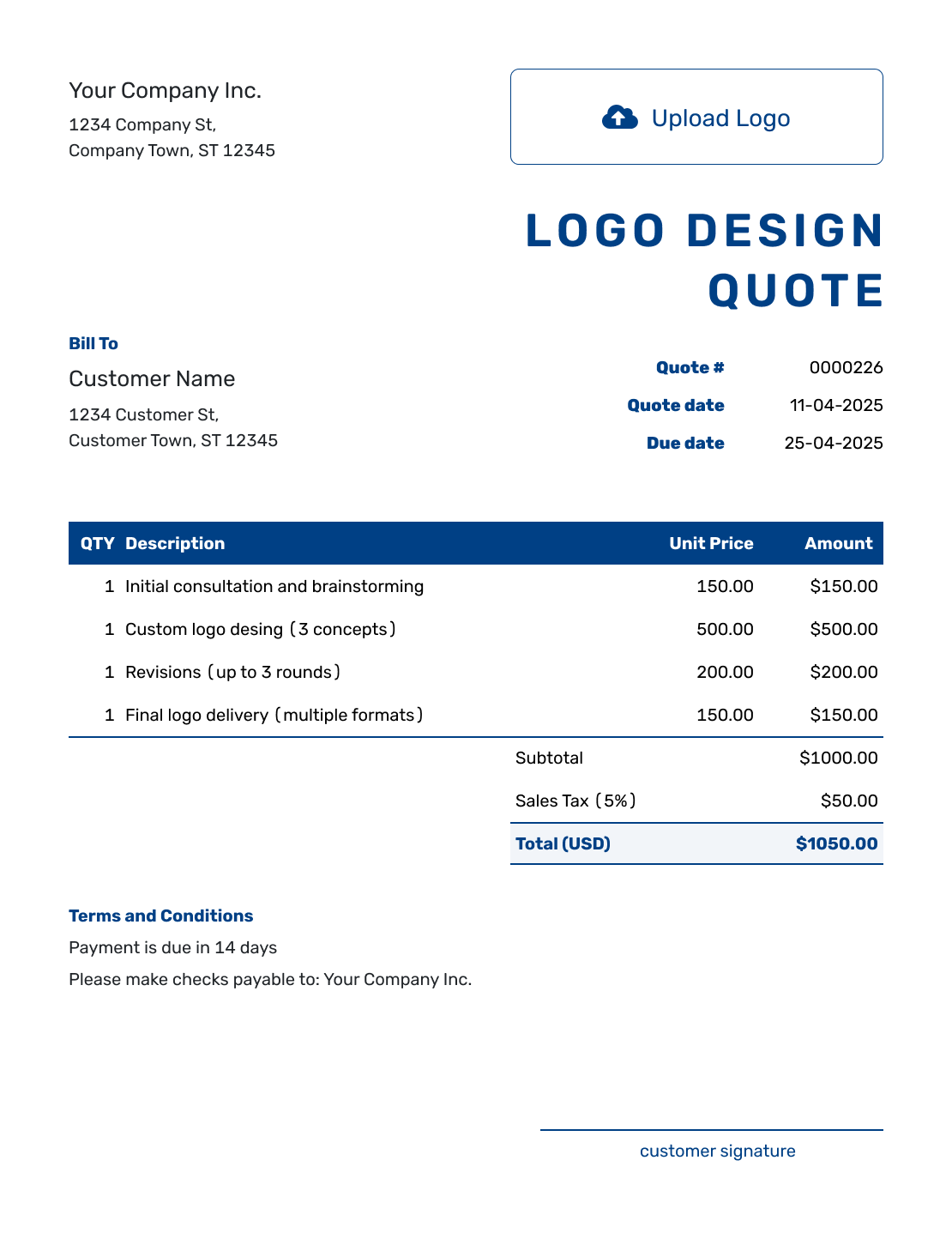
Browse layouts for presenting a logo package and fee. Each preview opens the same quote editor, where you can set the concepts, revisions, and final files for your client.
What Is a Logo Design Quote?
A logo design quote is a specific offer for the design work and final files you will supply. It sets the fee, included concept choices, review rounds, and timing before the client decides.
A defined package can include the logo and selected extras, such as a brand guide or social profile images. Keep wider brand work separate when it has its own price. If the brief is still growing, use an estimate until the deliverables are settled.
Reuse saved client and service details as a starting point, then check them against the new brief. For a broader mix of work, use the graphic design quote template or browse the creative service quote templates.
Logo Design Quote, Estimate, or Invoice?
Use a quote or estimate before the work starts. Send an invoice when payment is due.
Logo Design Quote
Use a quote when the logo package and price are settled.
Logo Design Estimate
Use an estimate while the brand brief or package may still grow.
Logo Design Invoice
Use an invoice to request payment for the agreed work when it is due.
How to Create a Logo Design Quote
Start with the agreed brand brief and the logo package you plan to offer. The quote should make it easy to see what the fee includes.
- Your Business: Enter your design business name and contact details.
- Your Logo: Add the logo you use on client documents.
- The Client: Enter the client details and name the main project contact.
- Number and Dates: Check the quote number and issue date. Set the offer’s valid-until date.
- The Logo Package: Describe the concepts, included revisions, and files. Price agreed extras separately.
- Check the Fee: Review quantities, prices, applicable tax, and the total for the selected package.
- Terms and Send: Add the review process and delivery timing in Terms and Conditions. Check, then email or save a PDF.
How to Fill In Logo Design Quote Line Items
A package line can cover the core logo work without pricing every design task separately. Describe the included concepts and revisions within that line. Give agreed extras their own prices; leave unselected options out of the total.
This fictional US-dollar offer is for a café logo plus two selected brand extras. The client receives one final logo, not three finished logos. The illustrative 8% tax applies to all three charges; check the tax treatment for your work.
| QTY | Description | Unit Price | Amount |
|---|---|---|---|
| 1 | Logo package — three initial concepts, one chosen logo, two revision rounds, final SVG/PDF/PNG files | $900.00 | $900.00 |
| 1 | One-page brand guide — colors, typefaces, and logo spacing | $180.00 | $180.00 |
| 2 | Social profile image adaptations — one per platform | $60.00 | $120.00 |
| Subtotal | $1,200.00 | |
| Sales Tax (8% illustrative) | $96.00 | |
| Quote Total | $1,296.00 |
What to Include in Logo Design Quote Terms
Use Terms and Conditions to explain how the review process works and what happens after the client selects a concept. State the feedback deadline, final delivery timing, and payment terms you actually offer.
The sample below matches the café package above. Adapt it to your process and confirm any usage or ownership terms separately in your agreement; a list of file formats does not explain those terms.
Example: Terms and Conditions
- Offer valid for 30 days from the quote date. The total for the logo package, one-page guide, and two social profile images is $1,296.00.
- Three initial concepts are presented; the client chooses one for development. Two revision rounds are included on that chosen concept.
- Each revision round is one consolidated set of feedback from the named client approver. Additional concepts or rounds are quoted before work begins.
- Initial concepts are due within ten business days after acceptance and receipt of the complete brief.
- The client provides feedback within three business days of each presentation. Final files are delivered within five business days of final approval.
- Final logo files: SVG, PDF, and transparent PNG in the agreed color and single-color versions. Payment is due on final approval.
Send a Logo Offer the Client Can Choose
Put the agreed package and selected extras into Docelf. It calculates the total, leaving you to check the scope and send the offer.
Make the Logo Package Specific
A few clear boundaries help the client choose a package and give you useful feedback once design begins.
Separate Concepts From Finished Logos
Three concepts give the client three starting directions to choose from. If the fee covers development of only one direction, say so; multiple finished logos are a different deliverable.
Explain a Revision Round
Name the person who collects the client’s feedback and describe what one round includes. Distinguish changes to the chosen design from a request to start a new concept.
Name the Files and Versions
List the agreed file formats and any color, single-color, or alternate logo versions. Explain whether editable source files are included. The quote itself downloads as a PDF; your logo files are separate project deliverables.
Price Extras Before Adding Them
A brand guide, additional layouts, or rush service can have separate prices. Include an extra in the quote total only when it is part of the offer the client is being asked to accept.
More Logo Design Quote Layouts
These six layouts offer more ways to present your quote. Choose a preview to open the editor and add your own project details.
-
Blank Logo Design Quote Template
Create Free Quote -
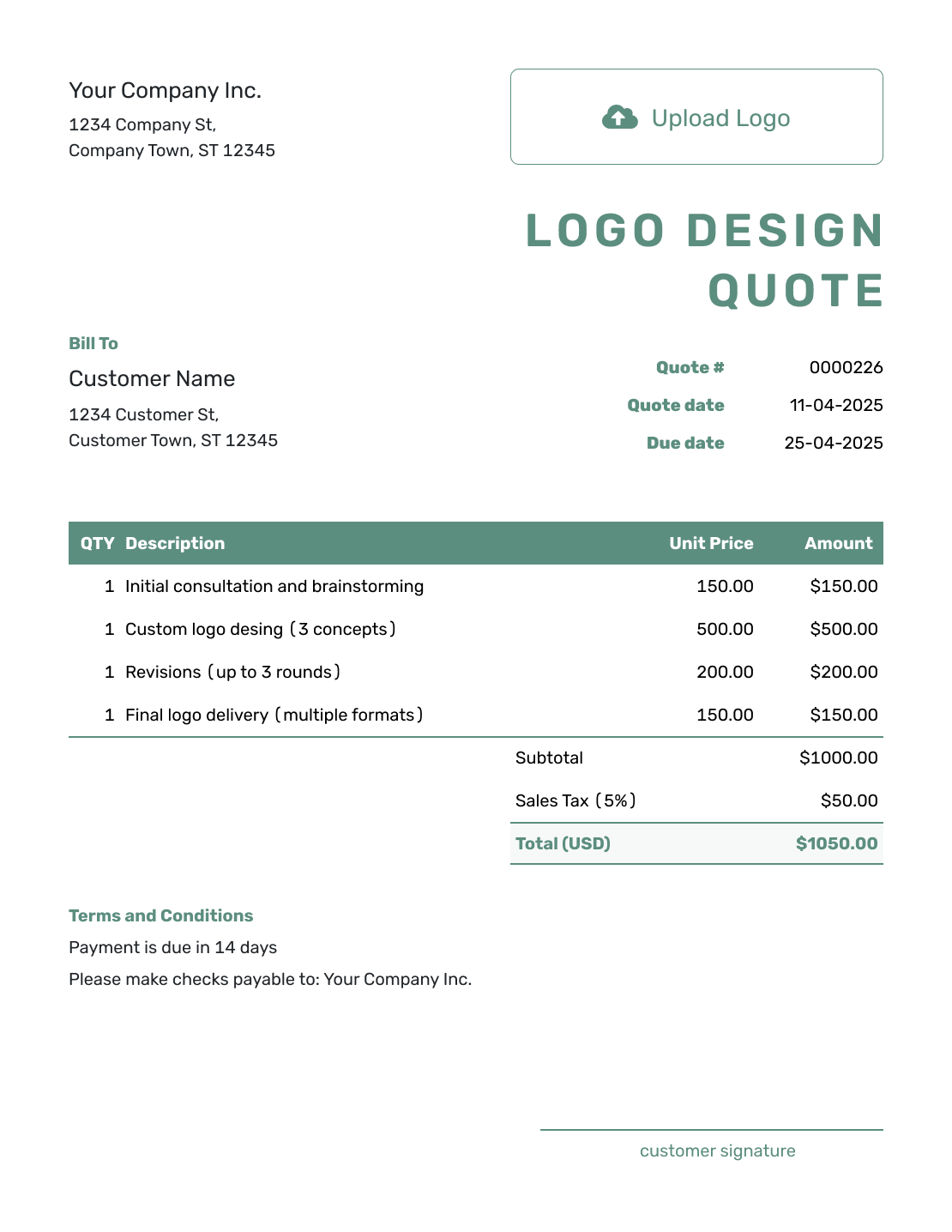
Simple Logo Design Quote Template
Create Free Quote -
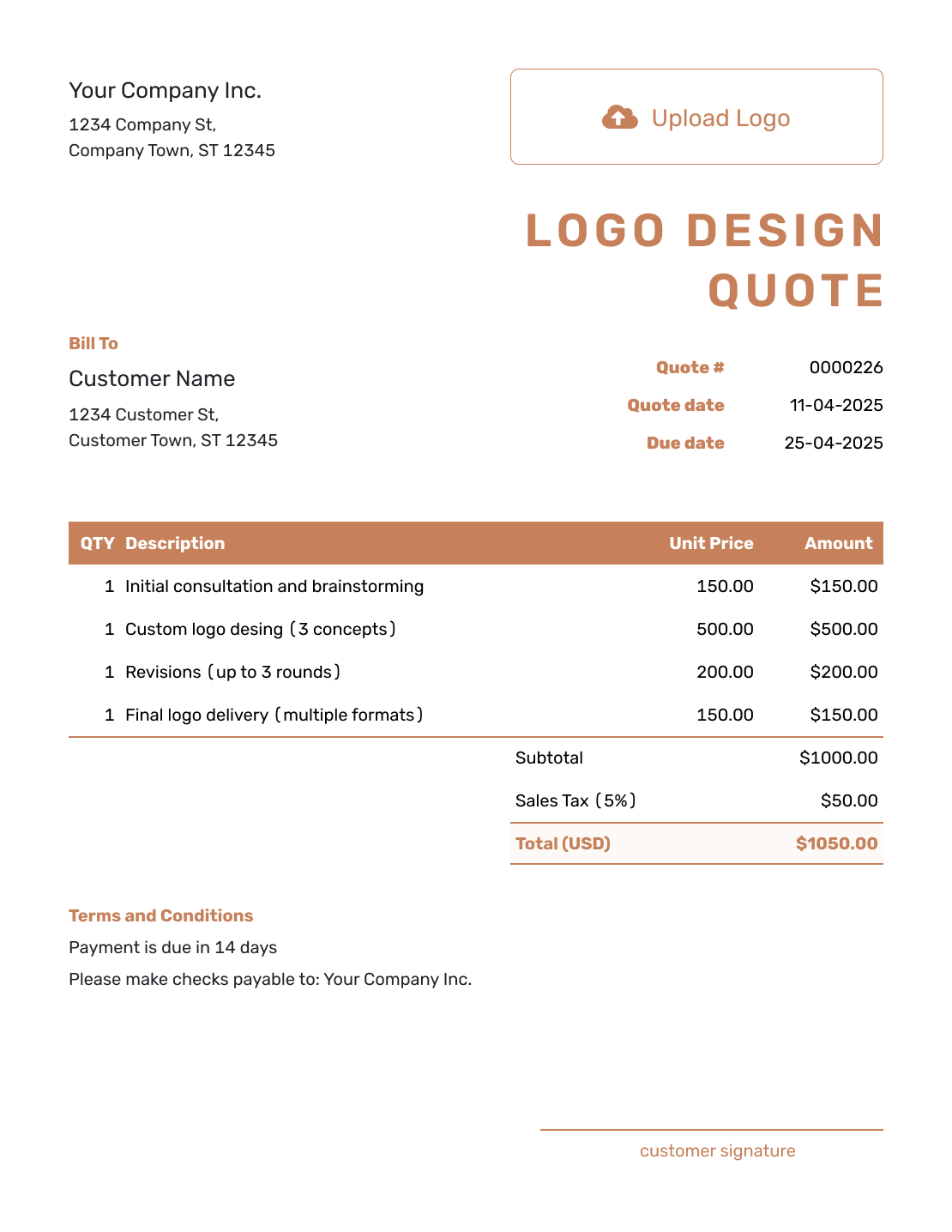
Downloadable Logo Design Quote Template
Create Free Quote -
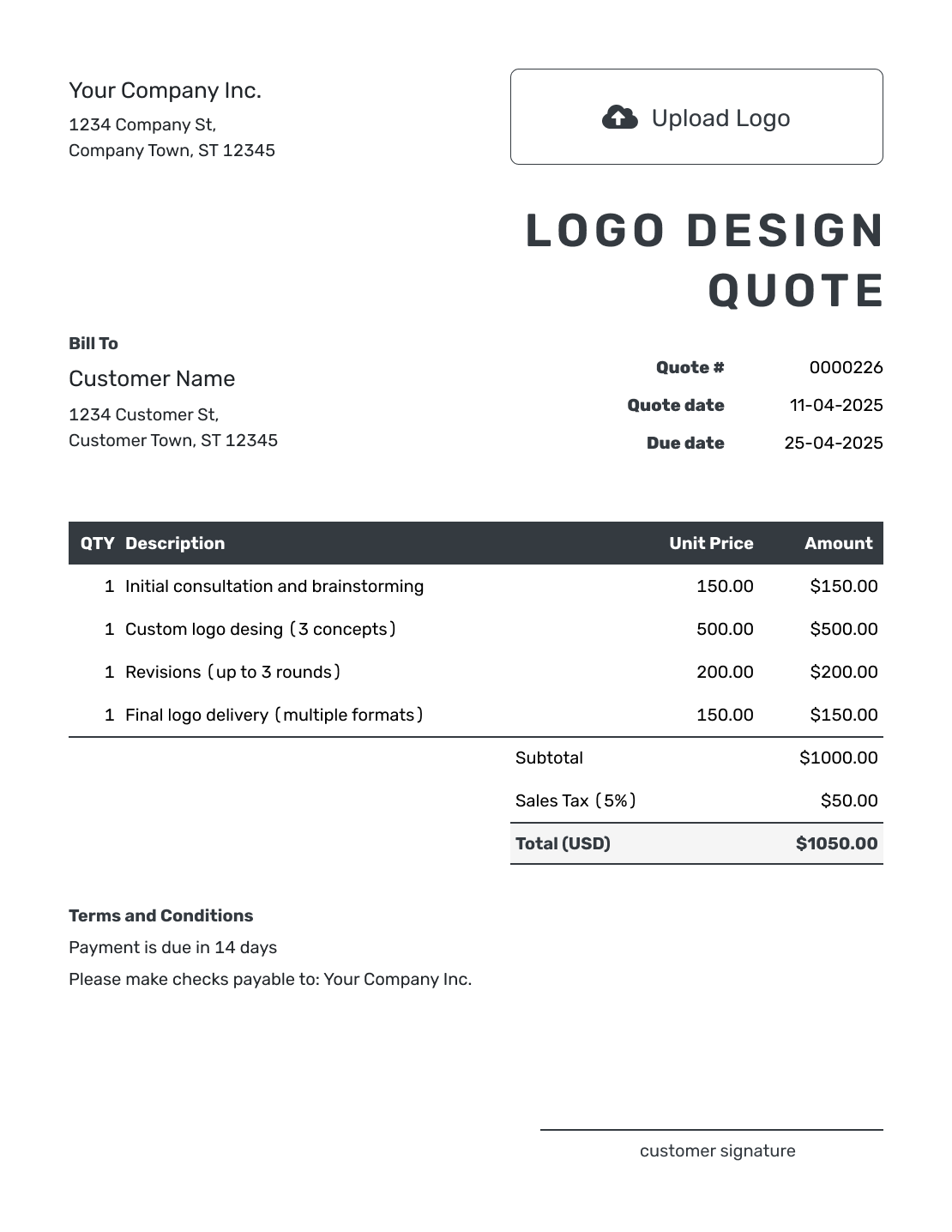
Editable Logo Design Quote Template
Create Free Quote -
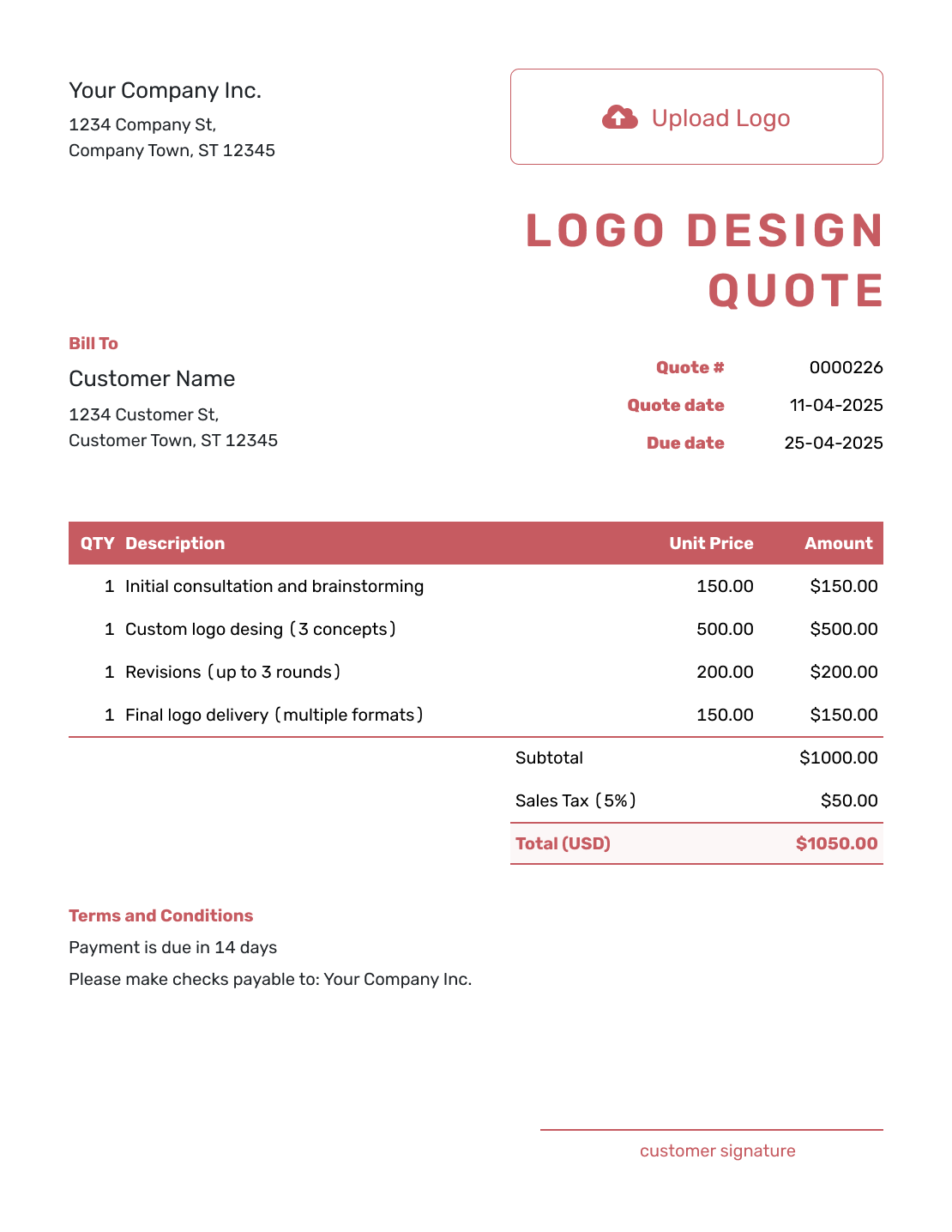
Fillable Logo Design Quote Template
Create Free Quote -
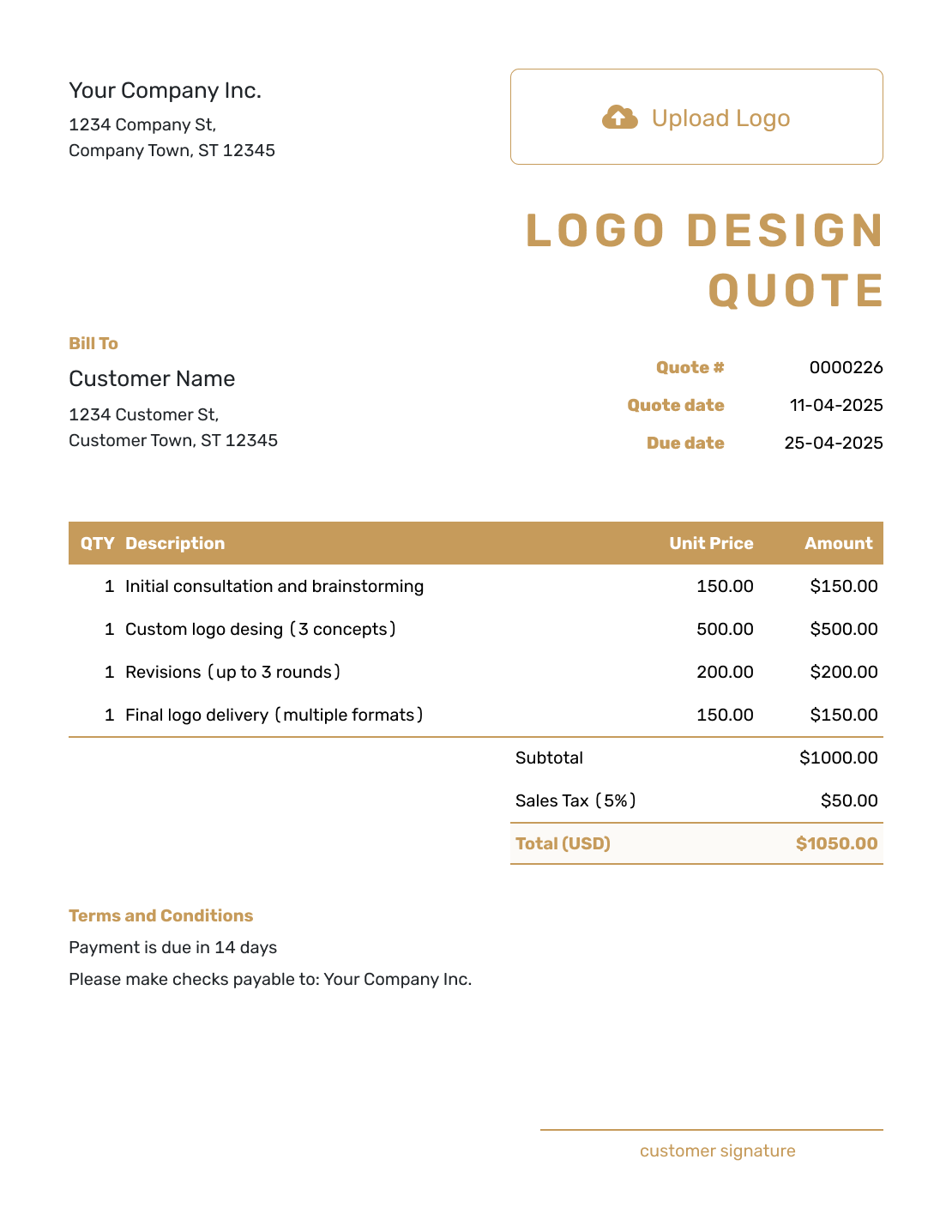
Professional Logo Design Quote Template
Create Free Quote
Other Quote Template File Formats
These pages provide separate templates for editing your quote in a document or spreadsheet. You can download your finished Docelf quote as a PDF.
See every option on the quote templates by format page.
Related Quote Templates for Brand and Design Work
Use a broader template when the project goes beyond the logo and includes a wider mix of visual or digital work.
After You Send the Logo Design Quote
Check the emailed quote’s document history to see delivery and opening information. The client can accept or decline online, and Docelf emails you when they respond.
Keep the accepted quote with the agreed brief. If the client adds brand work, revise the scope, fee, and delivery timing and ask them to accept the updated offer before starting the extra work.
When payment is due, create an invoice from the quote. Docelf copies the relevant client, item, and price details for you to check. If your agreement uses a deposit and later balance, bill only the amount due at each stage; you can duplicate an invoice as a new numbered draft and update its line items.
Logo Design Quote Template FAQs
-
What is a logo design quote?
A logo design quote sets out the logo package, fee, timing, and terms offered to a client. It explains how many concepts and revision rounds are included and which final files the client will receive.
-
What should I include in a logo design quote?
Include the client and short brand brief, concept count, chosen package, fee, and final files. State the review process, delivery timing, payment terms, and how additional work will be approved.
-
How do I price a logo design project?
Use a fixed package fee or separate prices for defined phases of work. Describe what each price covers and show agreed brand extras separately. Unselected options should not be included in the quote total.
-
How many logo concepts should I include in the quote?
Use the number your service package provides; there is no single count that suits every project. Make the distinction between initial concepts and finished logos clear. The example offers three starting concepts and develops one chosen logo.
-
Should a logo quote list final file formats?
Yes. Name the formats and versions you will deliver, such as SVG, PDF, and transparent PNG. Say whether editable source files are included, and confirm the client’s usage or ownership terms in your agreement.
-
What is the difference between a logo design quote and an estimate?
A quote offers a specific price for a defined logo package. An estimate gives an expected price while the brand brief or deliverables may still change.
-
Can I create a logo design quote online?
Yes. Add the client, logo package, and prices in Docelf, then use Terms and Conditions for the review and delivery arrangements. Docelf calculates the totals. You can email the quote or download a PDF.
-
What if the client asks for more brand work after accepting the quote?
Add the new work, price, and any change to delivery timing to a revised quote. Ask the client to accept it before you begin the added work. This also applies when the client requests another concept beyond the agreed package.
-
Can I turn an accepted logo design quote into an invoice?
Yes. Create the invoice from the quote in Docelf and check the copied client, item, and price details. Set the amount due and payment due date to match your agreement before sending it.
Ready to Send Your Logo Design Quote?
Start the project with a shared understanding of what you will deliver.
- State the concepts and brand items included
- Name the revision allowance and final files
- Email the logo design quote or download a PDF




