Free Interior Design Quote Template
Create a professional quote in minutes
Name the rooms and design services, with your fees separate from client purchases. Clients can compare the scope and total budget without confusion and choose your business.
Email, print or download your quote as a PDF.
14-day free trial. No credit card required.

Price the job. Send the quote. Get back to work.
Interior Design Quote Template Examples
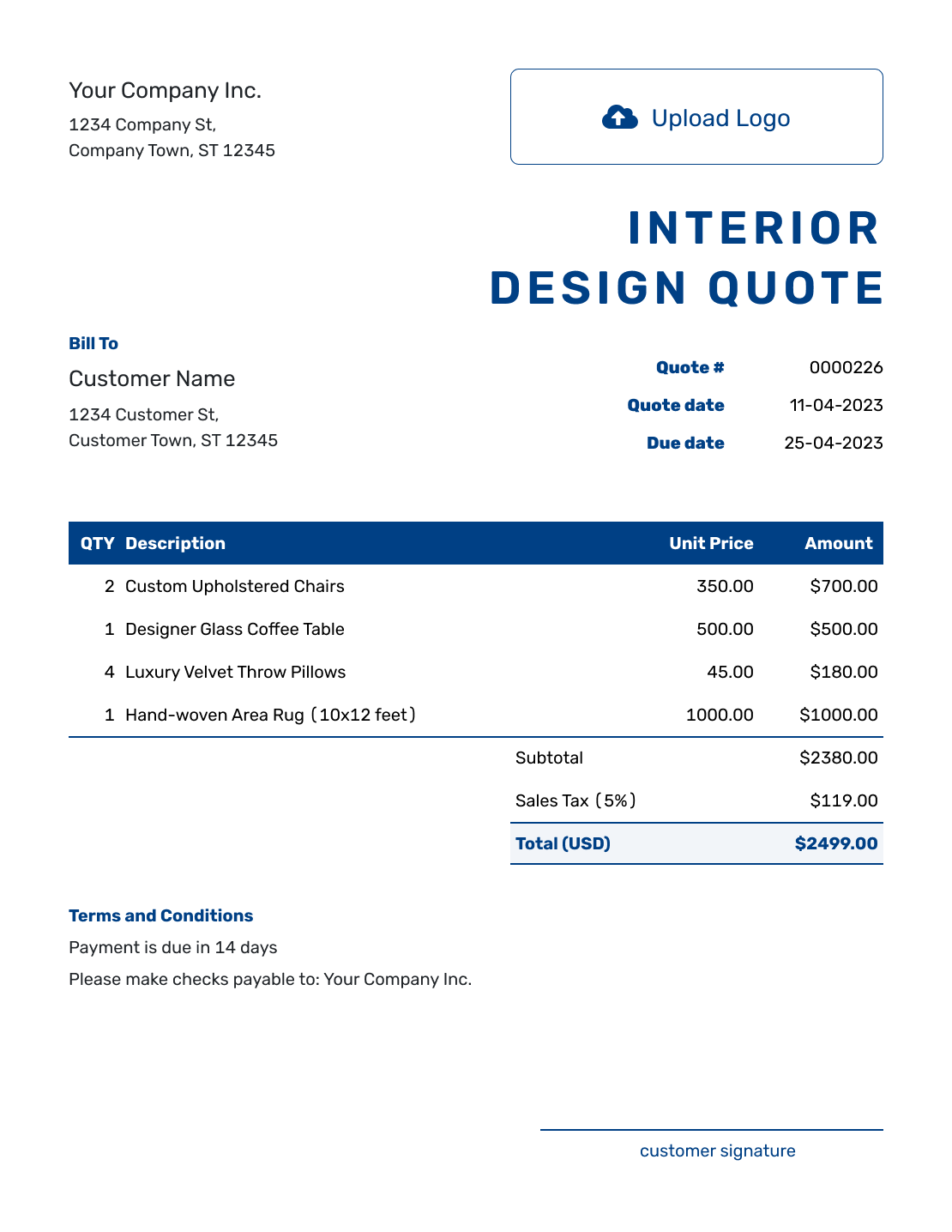
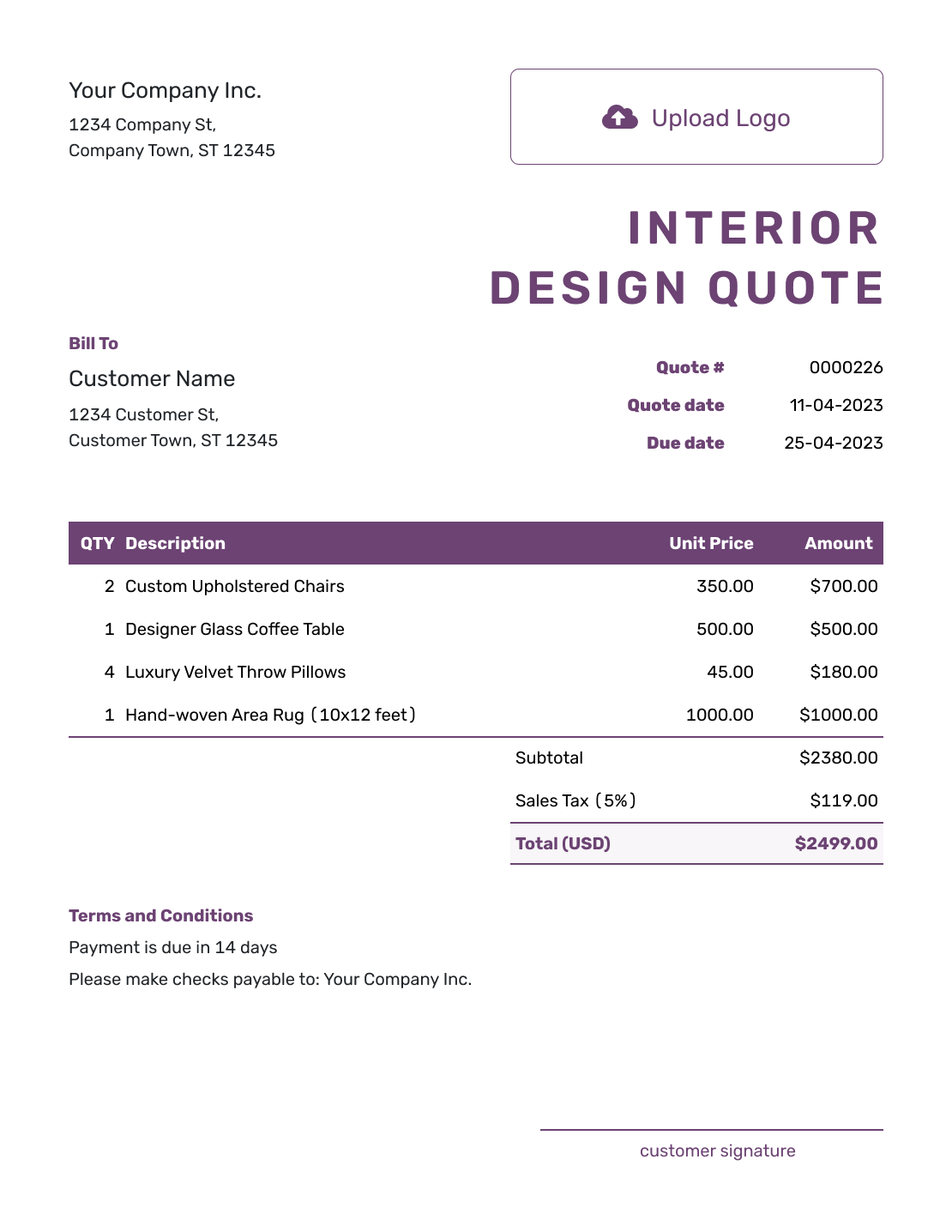
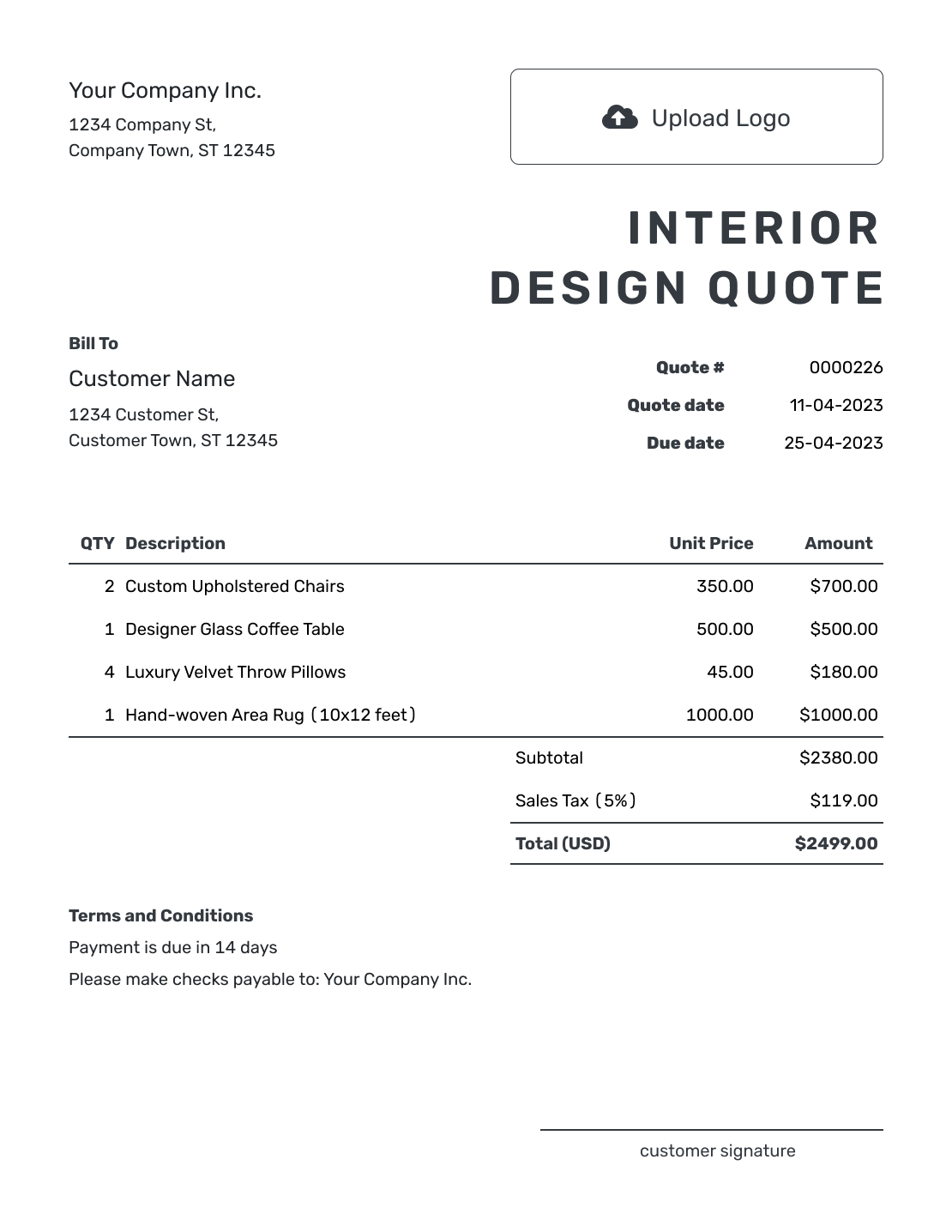
Compare these layouts before pricing the rooms and services for your client. Each preview opens the same quote editor, where you can add your own project and styling.
What Is an Interior Design Quote?
An interior design quote shows the rooms and design services you are offering at a stated price. It should also explain which project purchases are included, so the client can distinguish your fee from the wider budget for the space.
You can quote a fixed design fee while furniture choices are still open. Keep a preliminary furniture budget clearly labeled and separate from purchases you are charging for. Use an estimate when the design work itself is not yet settled.
If the work is primarily staging rather than design, see the home staging quote template. Browse the creative service quote templates for other design work.
How to Create an Interior Design Quote
Start with the client and the design work you can price now. Reuse saved client and service details, then check the current scope and rates. Docelf calculates the total as you add your services and any products you will supply.
- Your Studio: Add your design studio and contact details.
- Your Logo: Use the logo from your proposals and client presentations.
- The Client: Choose a saved client or enter their name and contact details.
- Number and Dates: Check the quote number and issue date. Set the offer’s valid-until date.
- Design Work and Prices: Name the rooms and services, with quantities and fees. Add supplied products and applicable tax.
- Project Terms: Use Terms and Conditions for the property address, schedule, revisions, purchases, and payment terms.
- Review and Send: Add a signature field if needed. Check the scope and total, then email or save a PDF.
How to Fill In Interior Design Quote Line Items
Name the room and the deliverable on each line. Use hours for agreed time-based work or a quantity of one for a fixed service fee. When you supply furniture or materials, list those purchases separately from your design services.
This fictional quote covers the design of one living room. The client will buy the furniture directly, so those purchases are outside this $1,188.00 service quote. The US-dollar prices and 8% tax on all three services are illustrative; apply the tax treatment relevant to your work.
| QTY | Description | Unit Price | Amount |
|---|---|---|---|
| 1 | Living room site consultation and measurements | $180.00 | $180.00 |
| 1 | Living room layout and furniture plan | $600.00 | $600.00 |
| 1 | Living room color and material selection board | $320.00 | $320.00 |
| Subtotal | $1,100.00 | |
| Sales Tax (8% illustrative) | $88.00 | |
| Quote Total | $1,188.00 |
What to Include in Interior Design Quote Terms
Use Terms and Conditions to define the room or project phase, what you will deliver, and when the client needs to make decisions. Include the revision allowance and payment timing you actually use.
The sample below continues the living-room example. Adapt it to your service and replace the placeholders; it keeps the design fee separate from the client’s furniture budget.
Example: Terms and Conditions
- Offer valid until [date] for one living room at [project address].
- Includes the site consultation, layout and furniture plan, color and material board, and one revision round. Send one combined set of feedback for that round.
- The first presentation is due within 10 business days of the site visit, once the client has supplied the agreed project information.
- Furniture is purchased directly by the client. Ordering, delivery, and installation are outside this quote.
- The $1,188.00 total is payable at the final presentation. Added rooms or further revisions require a revised quote for approval.
Create an Interior Design Quote Ready to Send
Give the client a clear offer for the space they want to change. Add your services in Docelf, check the calculated total, then send the quote for review.
Organize Rooms, Allowances, and Installation
The service quote and the overall room budget may cover different costs. Explain who will buy each item and which parts of the project your fee covers.
Group the Project by Room
For several spaces, name the room on each relevant service line. If you quote only a concept phase, say so; a room name alone does not define the work.
Name the Design Services
Describe the result, such as a measured layout, selection board, or site visit. Include the number of presentations or revision rounds so the client knows where the service ends.
Use Allowances for Unselected Items
An allowance is a provisional budget, not a confirmed product price. State whether it is included in the quoted total or sits outside it. Confirm the chosen item and any price change before ordering.
Explain Ordering and Installation
Say whether you, the client, or a vendor handles purchases and installation. Give your separately charged coordination or delivery service an item row, so it contributes to the subtotal.
After You Send the Interior Design Quote
Check delivery and viewing information in the document history. Docelf updates the quote status and emails you when the client accepts or declines. If they add a room or change selections, agree on the revised scope and price before committing to the added work or purchase.
When payment is due, create an invoice from the quote and review the copied client, service, and price details. For a retainer or later project stage, bill only the amount due at that point. You can duplicate an invoice as a new numbered draft; replace the billed items and check it against earlier invoices before sending.
More Interior Design Quote Layouts
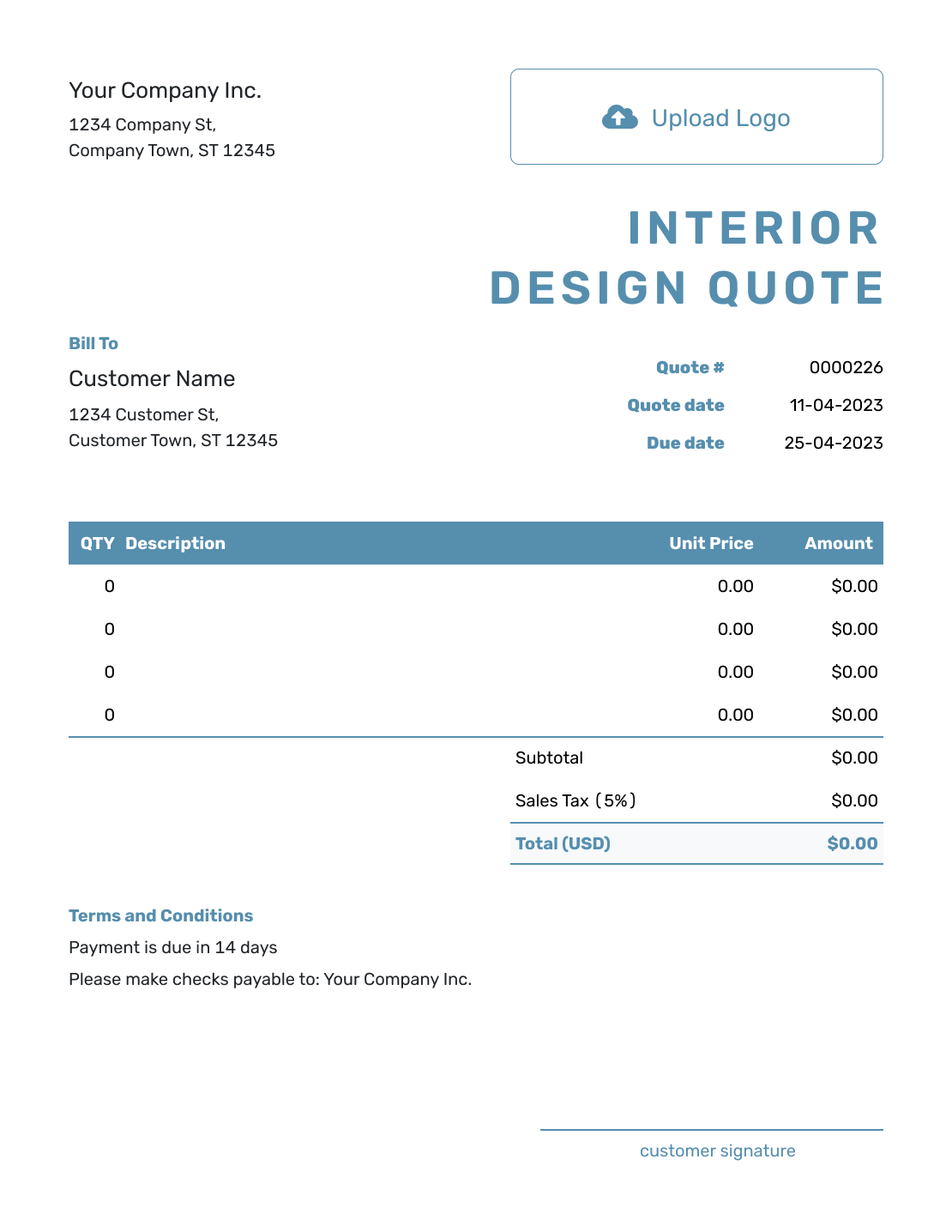
These six remaining previews offer more layout ideas. Choose one to open the quote editor and enter your own project details.
-
Blank Interior Design Quote Template
Create Free Quote -
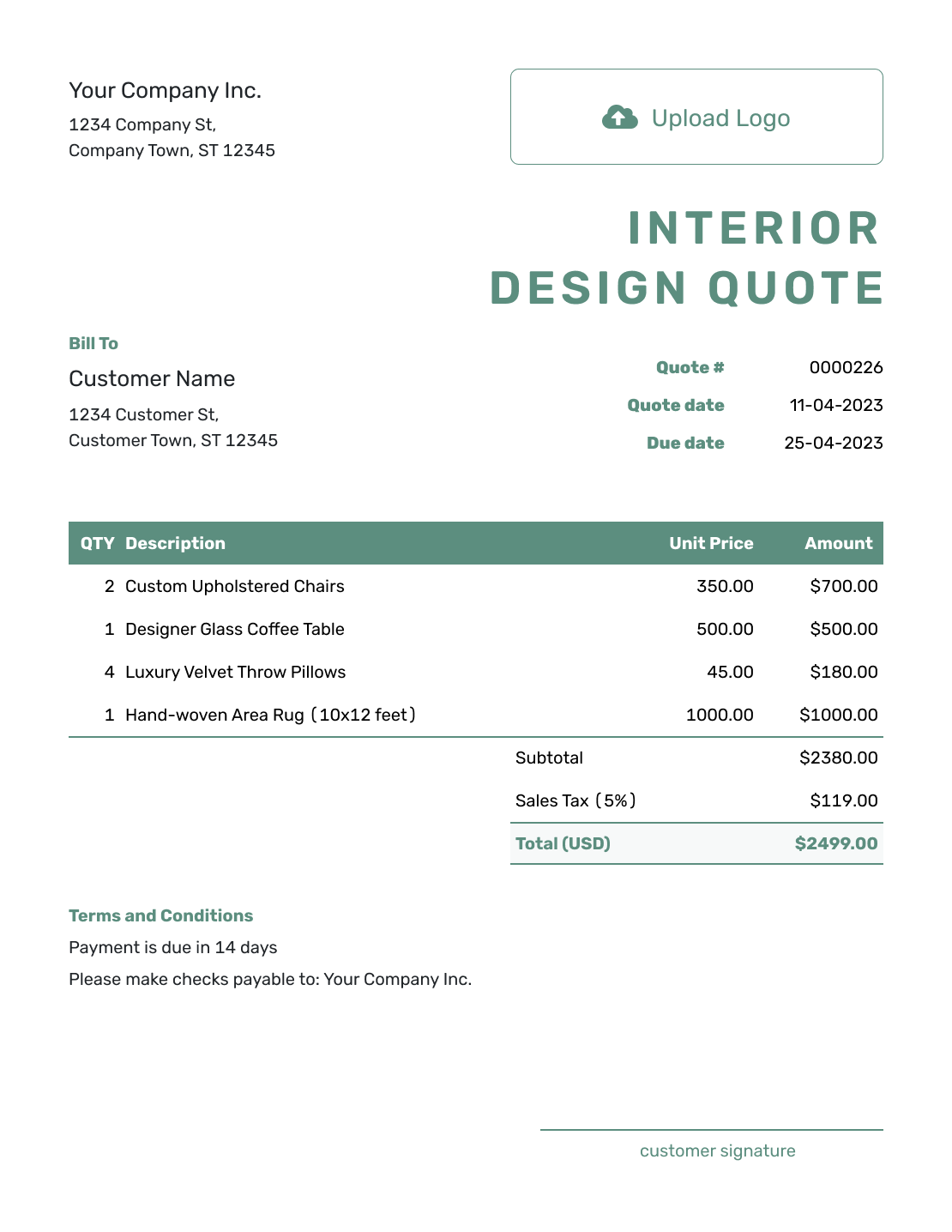
Simple Interior Design Quote Template
Create Free Quote -

Downloadable Interior Design Quote Template
Create Free Quote -
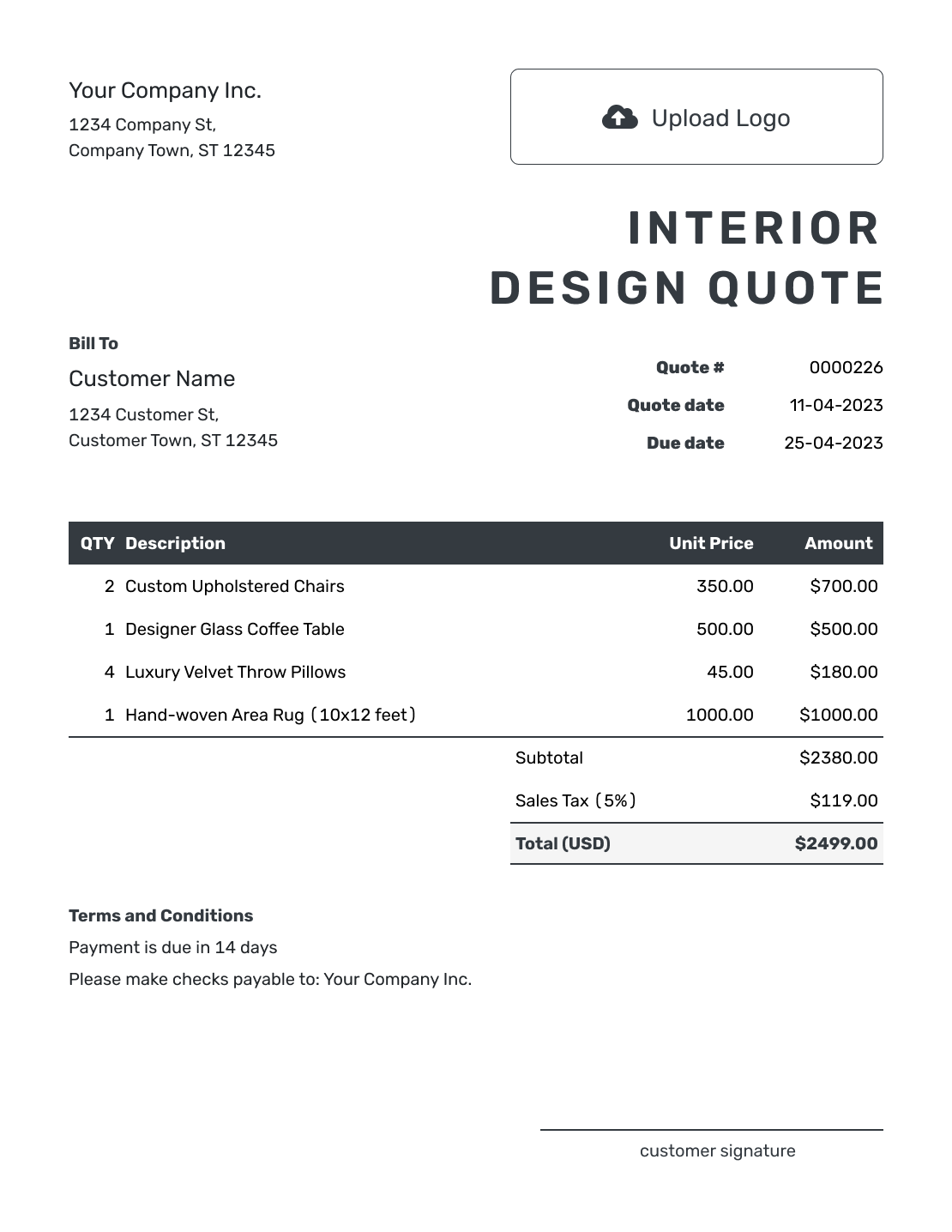
Editable Interior Design Quote Template
Create Free Quote -
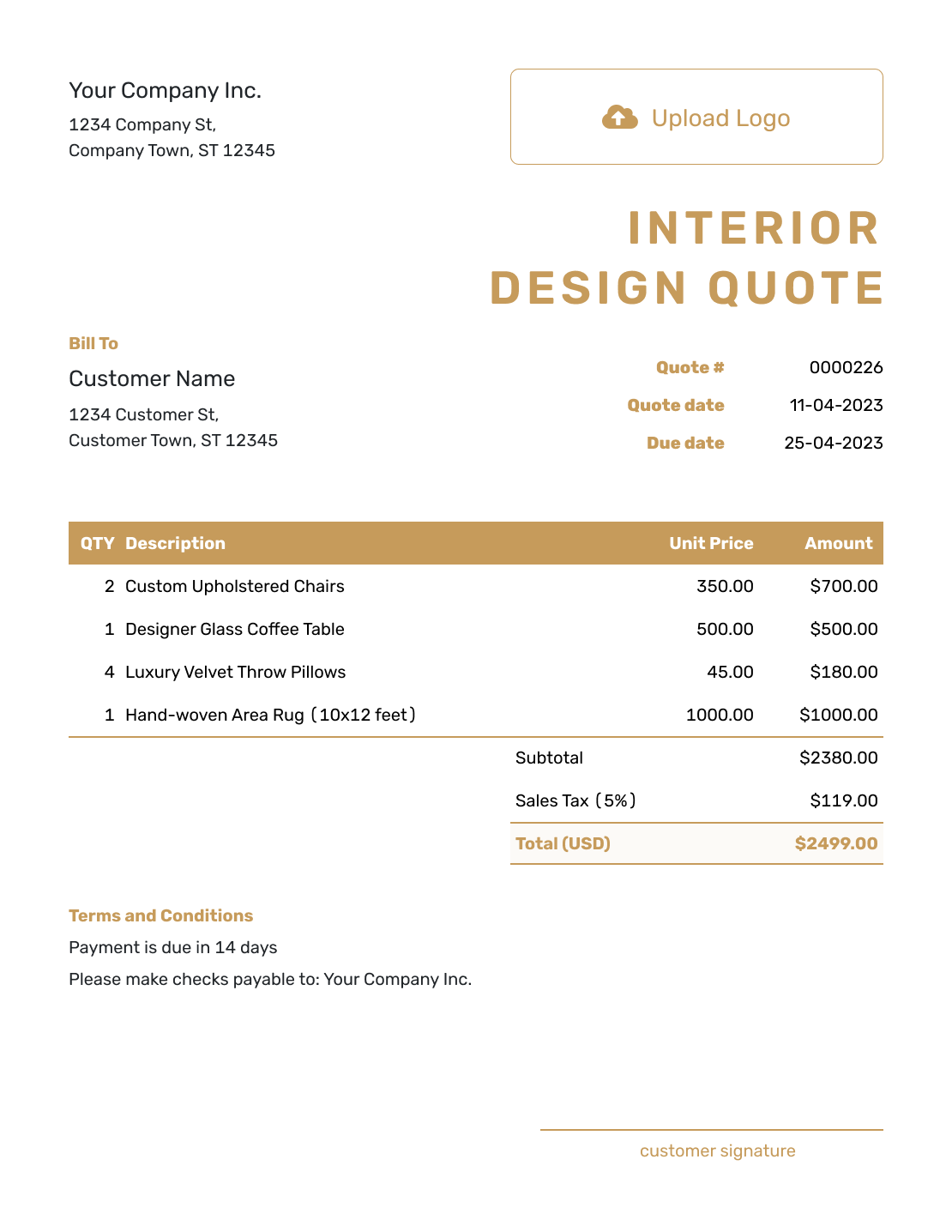
Fillable Interior Design Quote Template
Create Free Quote -
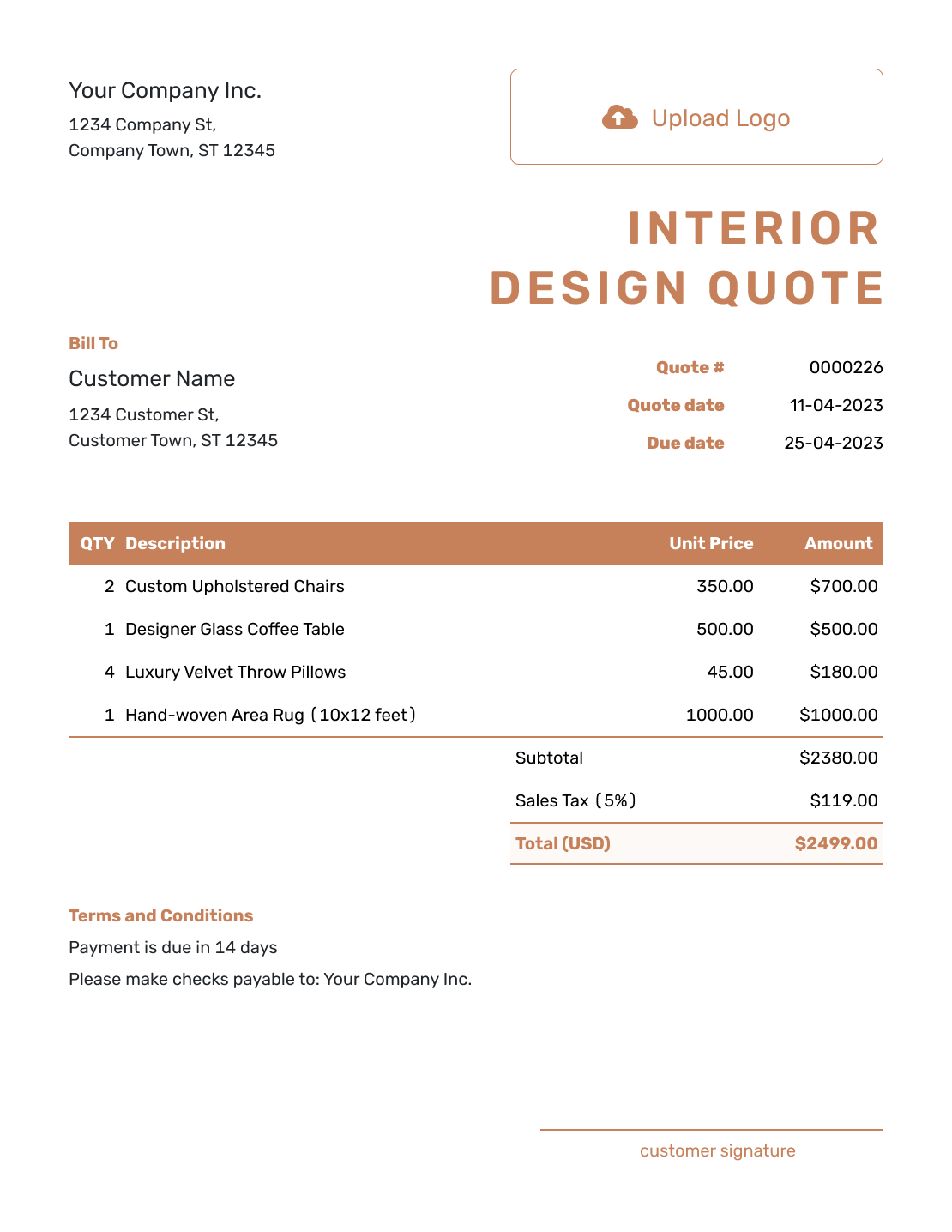
Professional Interior Design Quote Template
Create Free Quote
Other Quote Template File Formats
Prefer to edit a document or spreadsheet? These pages provide separate file templates. Docelf downloads your finished quote as a PDF.
See every option on the quote templates by format page.
Related Quote Templates for Design and Space Projects
Choose a more specific template when the job is centered on a different creative service or on preparing a property for sale.
Interior Design Quote, Estimate, or Invoice?
Choose the document for the stage you have reached, from an early design conversation to an agreed project ready to bill.
Interior Design Quote
Use a quote when the design work and price are set.
Interior Design Estimate
Use an estimate when the scope or cost of the services or products you will supply is still uncertain.
Interior Design Invoice
An invoice requests payment for the agreed work or project stage. Send it when that payment is due.
Interior Design Quote Template FAQs
-
What is an interior design quote?
An interior design quote shows the design work and what the client will pay. It also makes clear which project costs are included.
-
What should I include in an interior design quote?
Include the client and project address, rooms, services, and design fee. State the deliverables and revision rounds, with the schedule and payment terms. Identify any supplied products or allowances and explain whether they are included in the total.
-
How do I price interior design services?
Use the fee structure that fits your business. Charge a fixed project fee or bill by time. You can also price by room or phase. Make clear what the fee covers.
-
Should furniture and materials be included in the quote?
List products you supply separately from your design fee. If the client buys directly, explain that those purchases are outside your quoted total. Label any allowance as provisional and confirm the final selection and price before ordering.
-
Should I separate ordering from design fees?
Yes, when it helps the client understand the charges. Say whether ordering is included in your design fee. Show delivery or installation separately when the client pays for it.
-
What is the difference between an interior design quote and an estimate?
A quote gives a specific price when the design work is clear. Use an estimate when the scope or cost of the services or products you will supply is still uncertain.
-
Can I create an interior design quote online?
Yes. Add your client and the services in Docelf, using the item descriptions to name the rooms. Docelf calculates the total from your quantities, prices, and applicable taxes or discounts. Review the quote before choosing to email it or download a PDF.
-
What if the client adds another room or changes selections?
Update the affected room or selection and adjust the price. Send a revised quote before you commit to the added work or purchase.
-
Can I turn an accepted interior design quote into an invoice?
Yes. Docelf copies the client, item, and price details from the quote into the invoice. Check which services or project stage you are billing now, then set the invoice due date before sending.
Ready to Send Your Interior Design Quote?
Give your client a clear starting point for the room they want to change.
- Organize the design work by room or phase
- Keep your fee separate from products and allowances
- Email the interior design quote or download a PDF




