Free Medical Estimate Template
Create a professional medical estimate in minutes
Show the proposed services, visits and expected charges before care begins. Patients get a clear view of the plan and can choose your practice with confidence.
Email, print or download your estimate as a PDF.
14-day free trial. No credit card required.

Price the job. Send the estimate. Get back to work.
Medical Estimate Template Examples
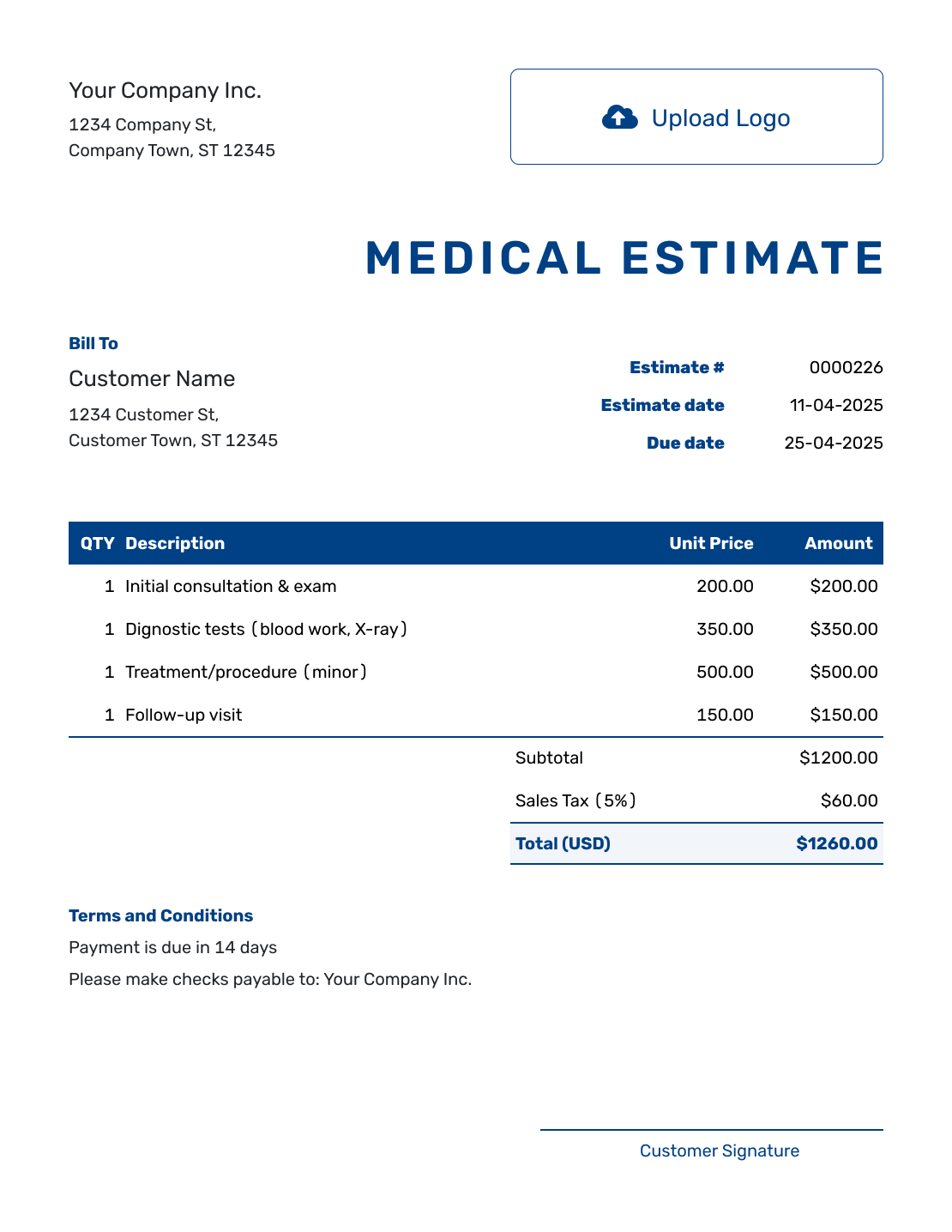
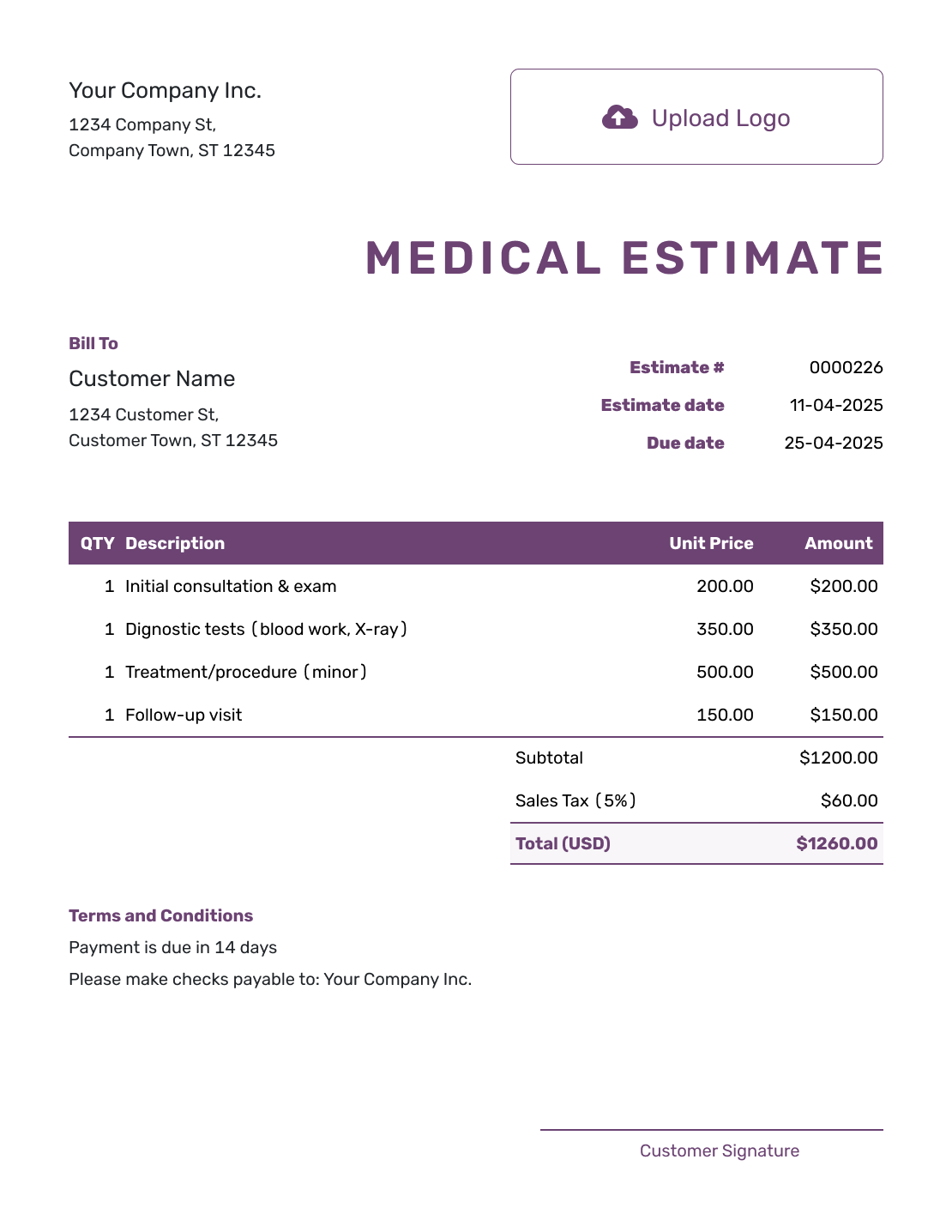
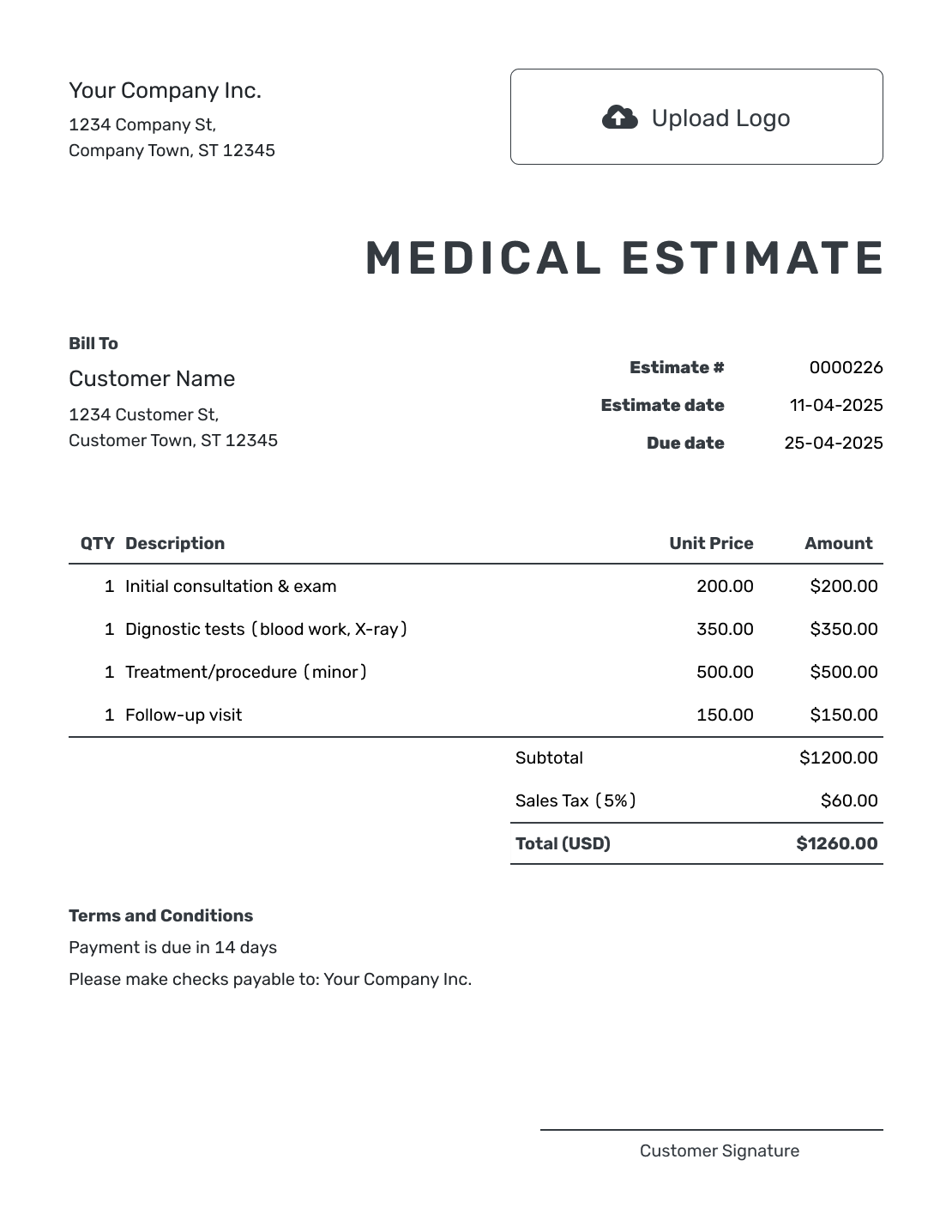
Browse ways to present proposed services and expected charges. Every preview opens the same estimate editor, where you can enter your practice's details.
What Is a Medical Estimate?
A medical estimate shows proposed services, visits and expected fees before care is provided. It helps the patient review what the estimate covers and understand the likely cost.
Start with the full practice fee. Any insurance contribution or expected patient share should be clearly labeled as an estimate, with enough context to show how it relates to that fee.
How to Create a Medical Estimate
Put the proposed care in the order the patient expects to receive it. Use the steps below to turn that plan into a document they can review.
- Practice and Patient: Add practice and patient details. Check the estimate number, issue date and any service-plan reference.
- Services and Visits: List consultations, tests, procedures, therapies and follow-up visits in the order planned.
- Quantities and Fees: Add quantities, unit prices and separately charged supplies. Docelf calculates the total.
- Estimated Coverage: If provided, add estimated coverage and patient share in Terms and Conditions. Keep the full fee in the item table.
- Scope and Validity: Use Terms and Conditions for scope, assumptions and payment timing. Set a valid-until date when needed.
- Review and Send: Check the proposed care and likely total, then email or download the estimate.
How to Fill In Medical Estimate Line Items
Give each separately priced service its own row. Put units such as visits or sessions in the description, and use the quantity to show how many are planned. The two follow-up visits below are priced at $225.00 each.
This fictional example shows the full practice fee in US dollars and assumes no tax applies. Use your own fees and the tax treatment that applies to your services and supplies.
| QTY | Description | Unit Price | Amount |
|---|---|---|---|
| 1 | Initial consultation | $180.00 | $180.00 |
| 1 | Diagnostic imaging | $420.00 | $420.00 |
| 2 | Follow-up treatment visits | $225.00 | $450.00 |
| 1 | Medical supplies | $95.00 | $95.00 |
| Subtotal | $1,145.00 | |
| Estimated Total | $1,145.00 |
The four line amounts add up to $1,145.00. This is the expected charge for the listed care, before any separately stated insurance contribution.
What to Include in Medical Estimate Terms
Use Terms and Conditions to explain the period of care, what the estimated fees include and what would need a revised estimate. Add payment timing only when it reflects your practice's policy.
Adapt this sample to the proposed care and your practice's requirements. It follows the line-item example above and does not assume an insurance payment.
Example: Terms and Conditions
- Estimate covers one consultation, diagnostic imaging, two follow-up treatment visits and the listed medical supplies.
- Additional visits or services are outside this $1,145.00 estimate and will be priced in a revised estimate.
- Prices are valid for 30 days from the issue date.
Create a Medical Estimate Patients Can Review
Enter the proposed visits and fees in Docelf. The totals update as you adjust quantities or prices. Review the estimate, then email it or download a PDF.
Organize Services by Visit or Stage
When care spans several visits, use a short stage label in each item description, such as "Initial visit" or "Follow-up visit." The patient can then match each charge to the plan without reading a long clinical summary.
Describe what a package includes so you do not also charge for those same services on separate rows. List one-time supplies separately when they have their own price. Keep optional services outside the main total until they are part of the selected plan.
Keep Coverage and Later Changes Clear
When your practice has a coverage estimate, record its source or date alongside the expected contribution and patient share in Terms and Conditions. Keep these figures separate from the full practice charge; they describe who may pay, rather than a discount on the services.
If services, visit numbers or coverage information change, revise the affected details and send the current estimate. A short explanation of the change is more useful than asking the patient to piece together several messages.
Medical Estimate, Dental Estimate, or Invoice?
Choose the document based on whether you are showing expected care before treatment or billing after services.
Medical estimate
Use this before care to show proposed services, visits and expected costs across a broad medical plan.
Dental treatment estimate
Use a dental treatment estimate when the plan centers on dental procedures, visits, laboratory work and patient cost.
Medical invoice
Use a medical invoice after care to show the services being billed, the amount due and the payment details.
More Medical Estimate Previews
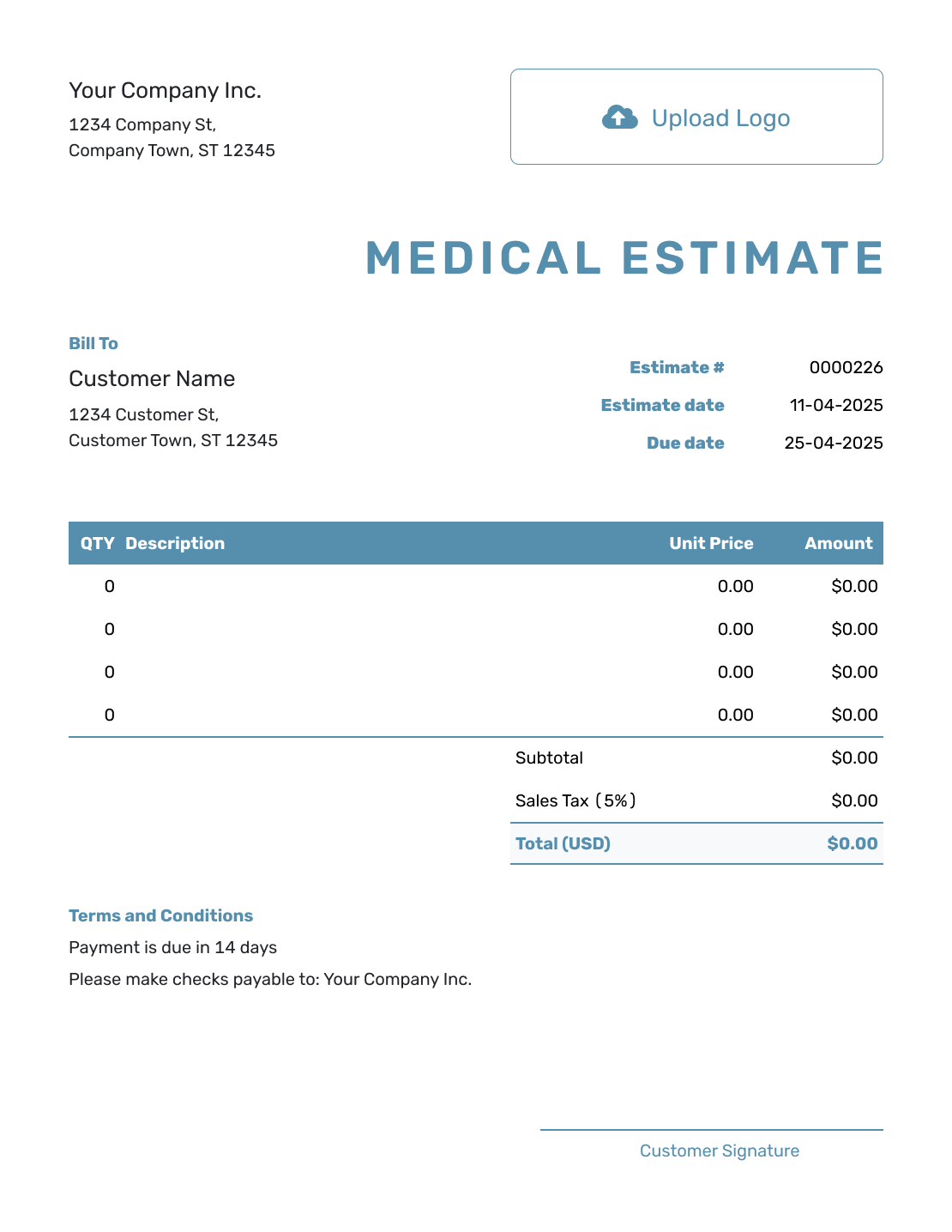
These six examples offer more ways to present the same details. Replace the sample information with your own before sending the estimate.
-
Blank Medical Estimate Template
Create Free Estimate -
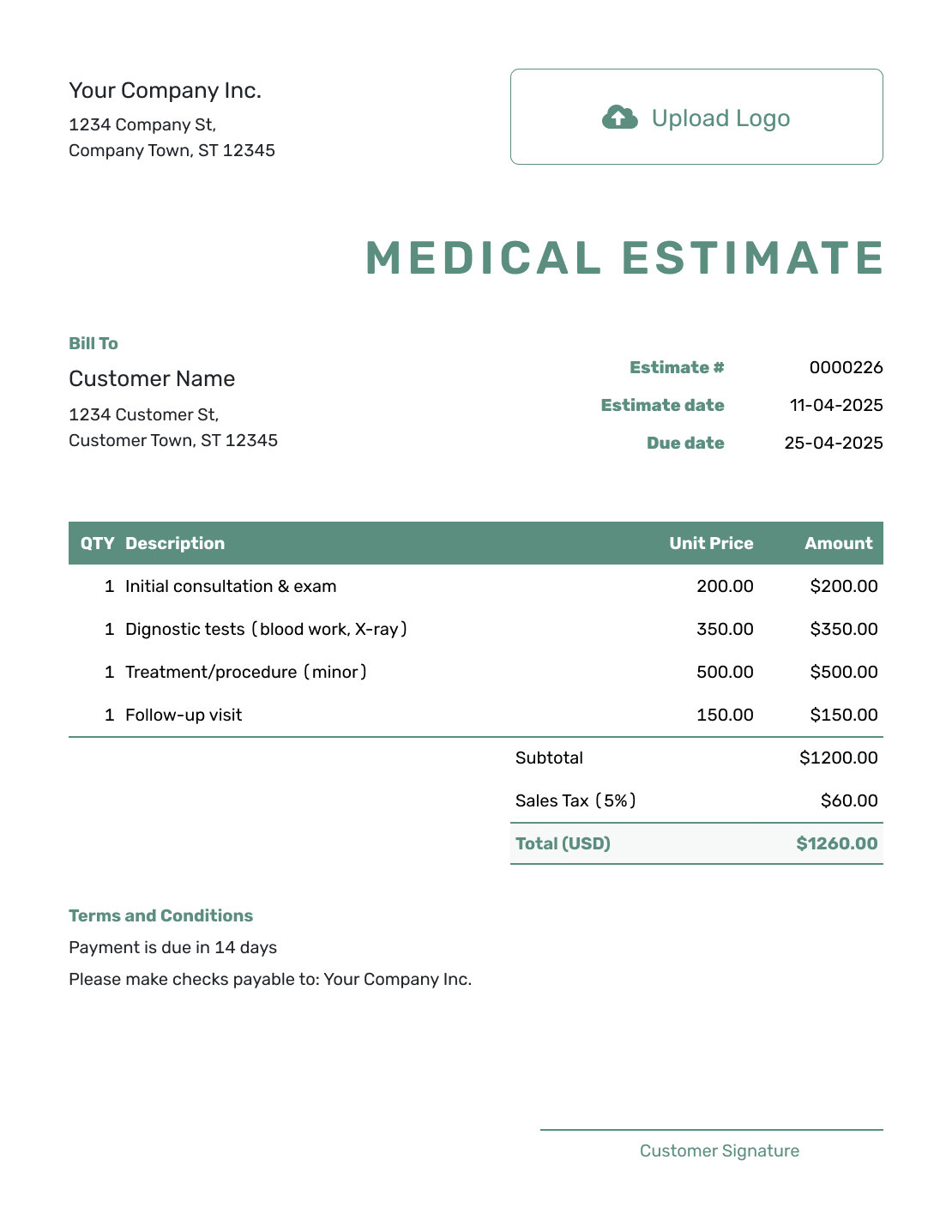
Simple Medical Estimate Template
Create Free Estimate -
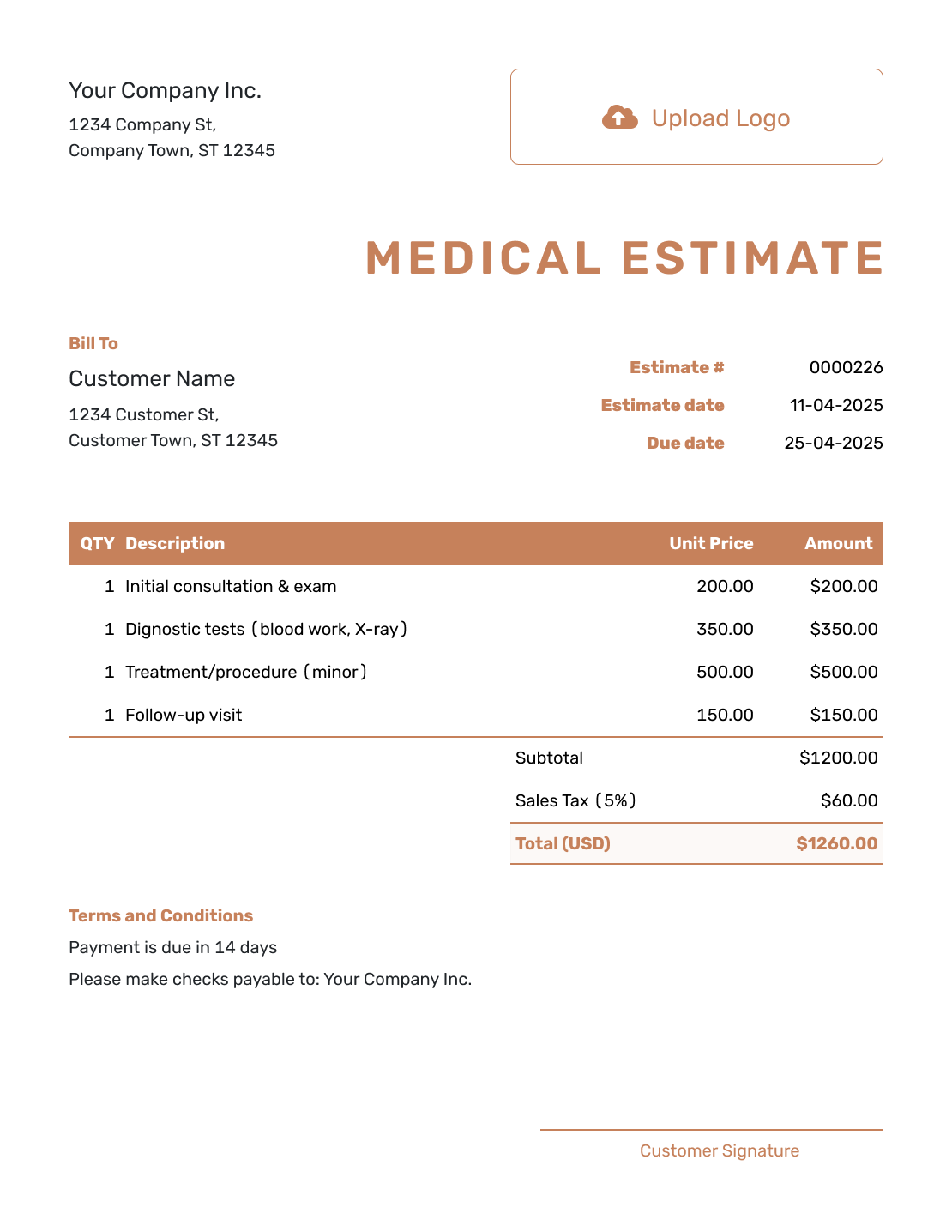
Downloadable Medical Estimate Template
Create Free Estimate -
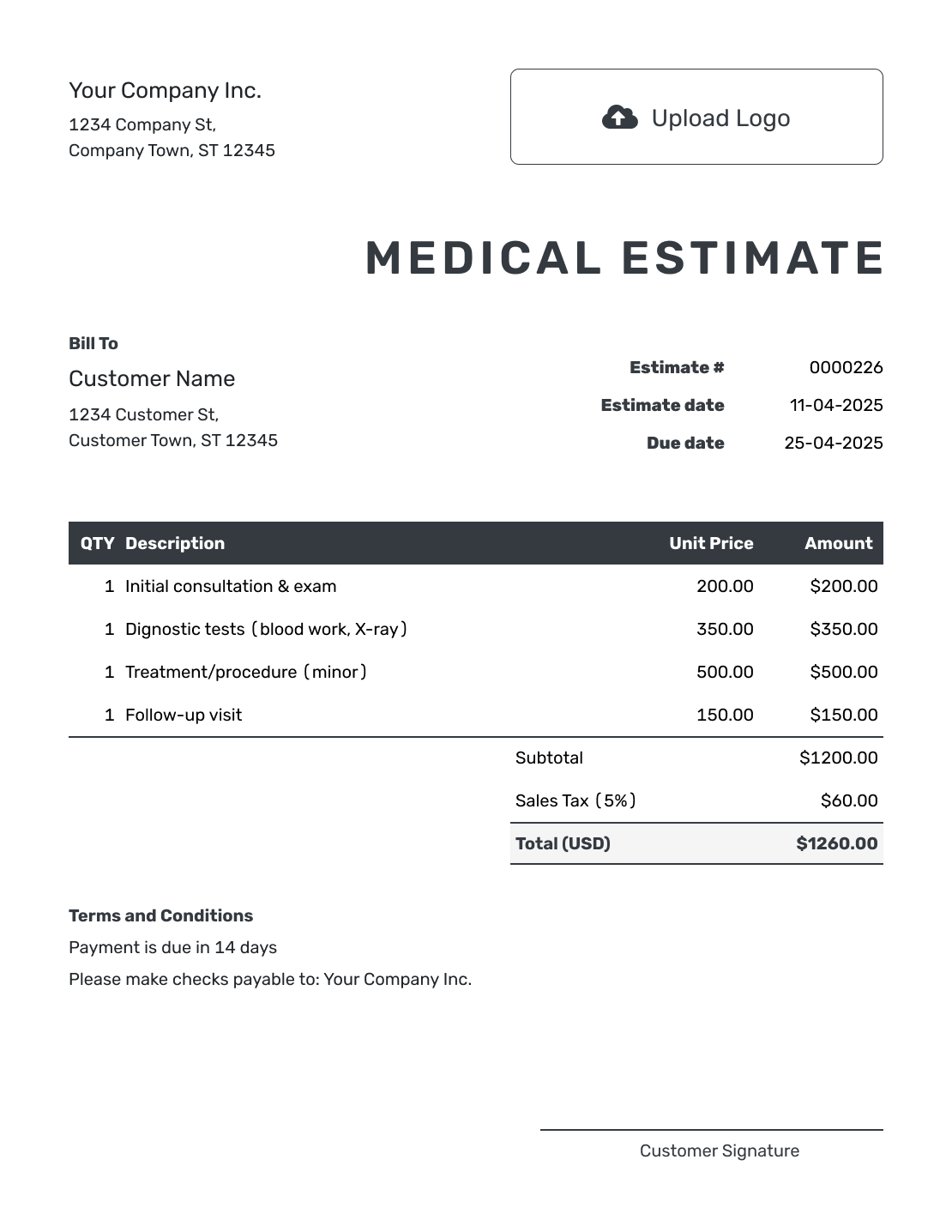
Editable Medical Estimate Template
Create Free Estimate -
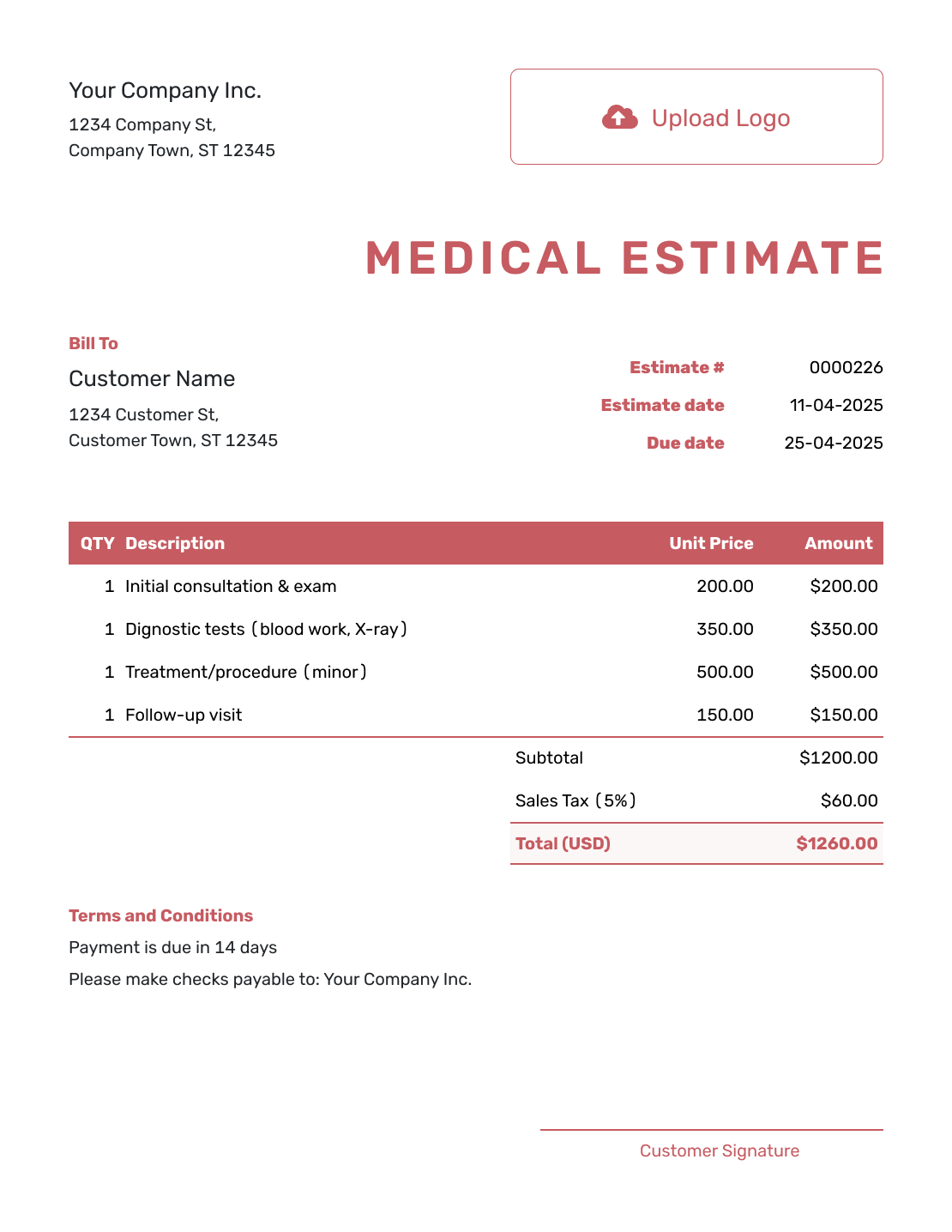
Fillable Medical Estimate Template
Create Free Estimate -
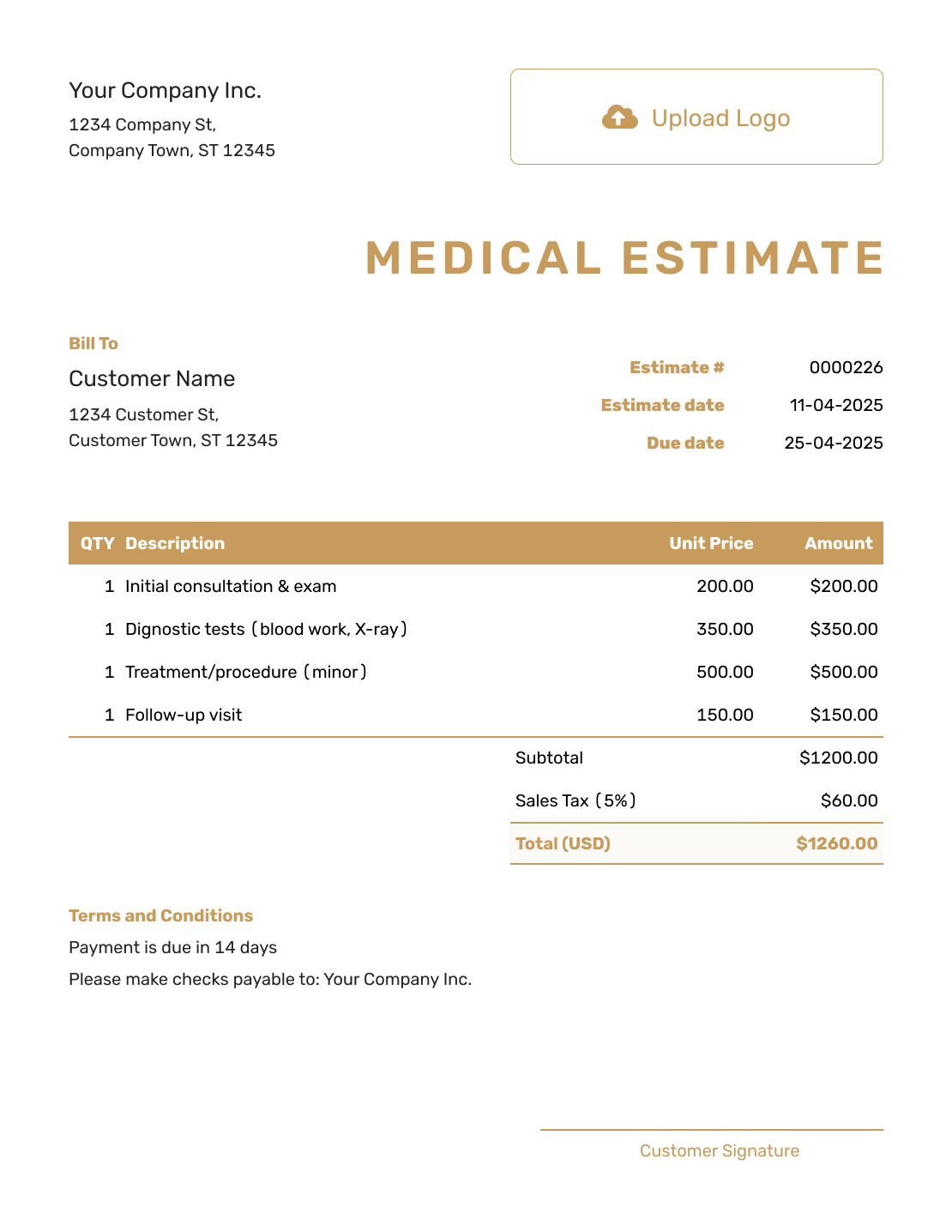
Professional Medical Estimate Template
Create Free Estimate
Other Estimate Template File Formats
Choose the file format your practice uses for medical estimates. Use Docelf when services, visits or expected patient costs need to be updated.
Related Dental, Denture, and Itemized Estimates
For dental work, use the dental or denture guide. The itemized guide gives more help with descriptions and quantities.
After You Send the Medical Estimate
- Check delivery and viewing information for the emailed estimate
- Revise it if the proposed services, visits or expected cost changes
- Create the invoice from the accepted estimate when services are ready to bill
Medical Estimate Template FAQs
-
What is a medical estimate?
A medical estimate shows proposed services, visits and expected fees before care is provided. It helps the patient review what the estimate covers and understand the likely cost.
-
What should I include in a medical estimate?
Include the practice and patient details, estimate number and date. List the planned services, quantities and fees, then explain scope and payment timing in Terms and Conditions. Add provided coverage estimates separately from the full practice charge.
-
How detailed should the service descriptions be?
Describe each service clearly enough for the patient to understand what the amount covers. Keep the estimate focused on the services and prices rather than adding unnecessary clinical detail.
-
Should medical services be grouped by visit or stage?
Yes, when the plan happens over time. Grouping consultations, testing, treatment and follow-up by visit or stage makes the expected cost easier to review.
-
How should estimated insurance be shown?
Keep the full practice fee in the item table. In Terms and Conditions, state the provided coverage estimate and expected patient share, with the source or date of that information. Label both as estimates and check the figures before sending.
-
What can change the estimated medical cost?
Added services, different supplies or a change in visit numbers can change the expected charge. Explain the assumptions and revise the estimate when the plan changes. Keep any estimated insurance contribution separate from the full practice fee.
-
Can I add my practice logo and colors?
Yes. You can add your logo, choose custom colors and fonts, and use a light or dark document design in Docelf.
-
Can a patient accept a medical estimate online?
Yes. Patients can accept or decline estimates online, and Docelf updates the status and emails you when they respond.
-
Can I email or download a medical estimate?
Yes. You can email the estimate from Docelf, print it or download it as a PDF. You can also see when the emailed estimate is delivered and opened.
-
Can I create an invoice from an accepted medical estimate?
Yes. Docelf copies the relevant patient, item, price and estimate details into the invoice. Review and adjust the invoice so it matches the services actually being billed.
Ready to Prepare the Medical Estimate?
Give the patient one clear document to review before arranging the planned care.
- Show services and expected costs clearly
- Explain scope and any provided coverage estimate
- Email or download a professional PDF




