Free Independent Contractor Estimate Template
Create a professional estimate in minutes
Show the work, rates and likely total for the contract in one clear estimate. Clients see what the job covers and can choose you with confidence.
Email, print or download your estimate as a PDF.
14-day free trial. No credit card required.

Price the job. Send the estimate. Get back to work.
Independent Contractor Estimate Template Examples
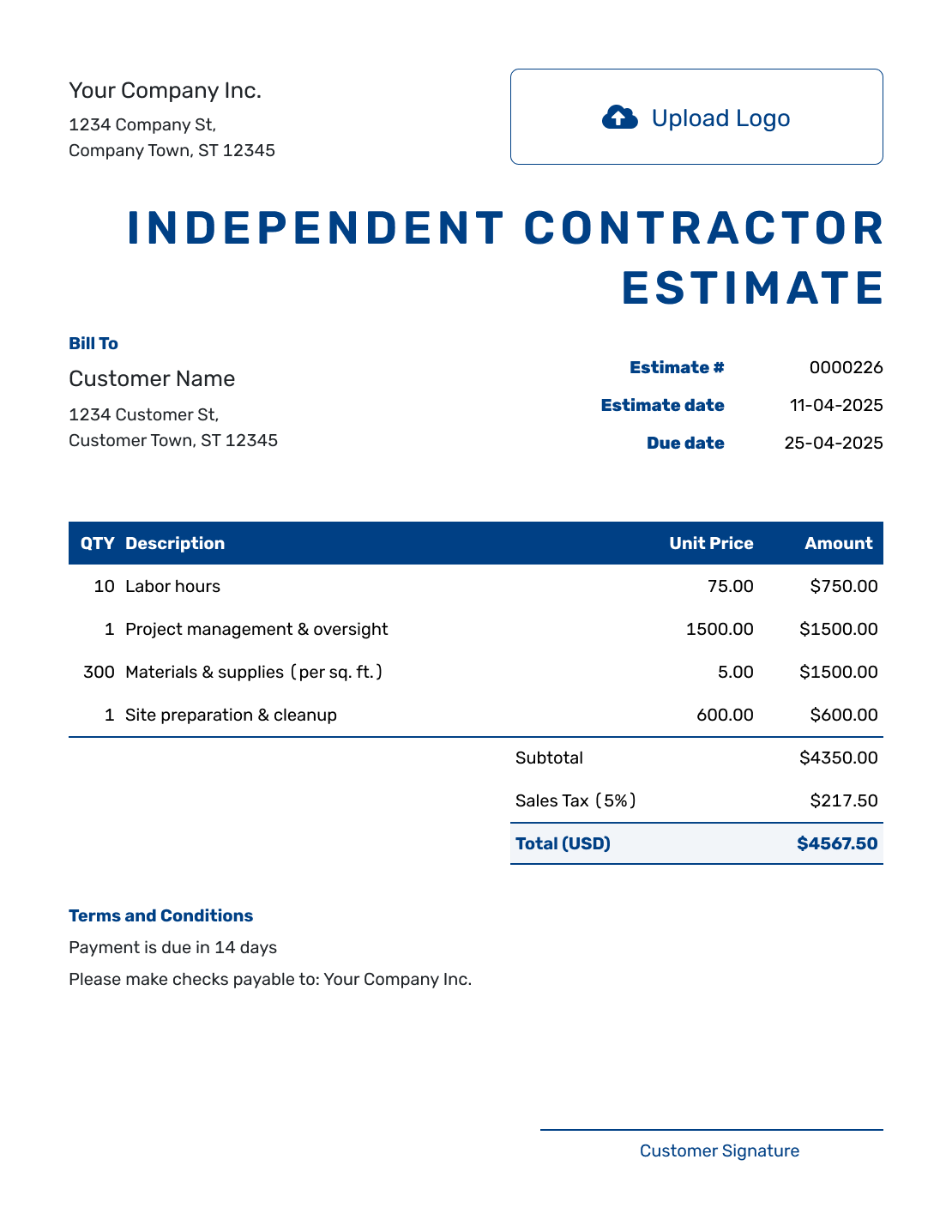
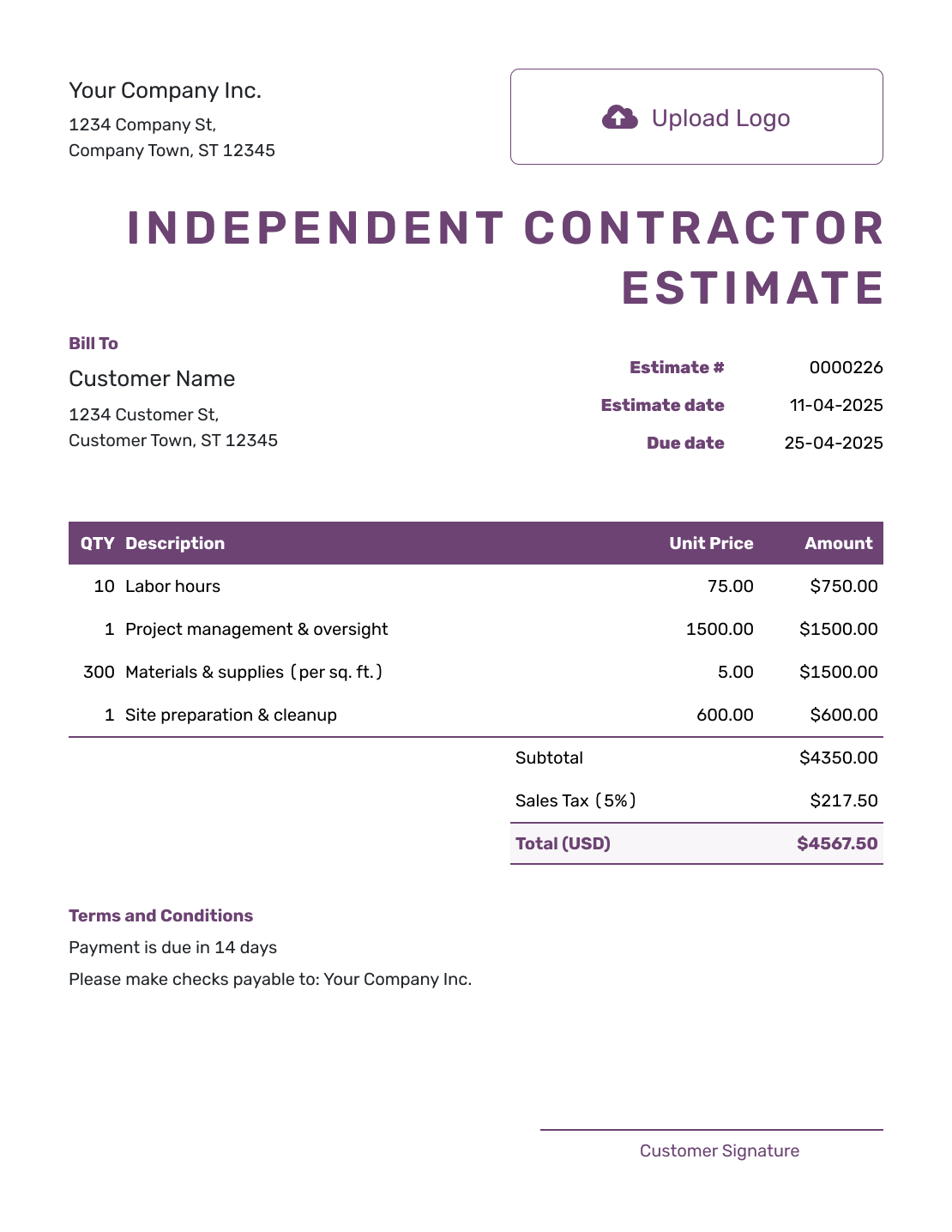
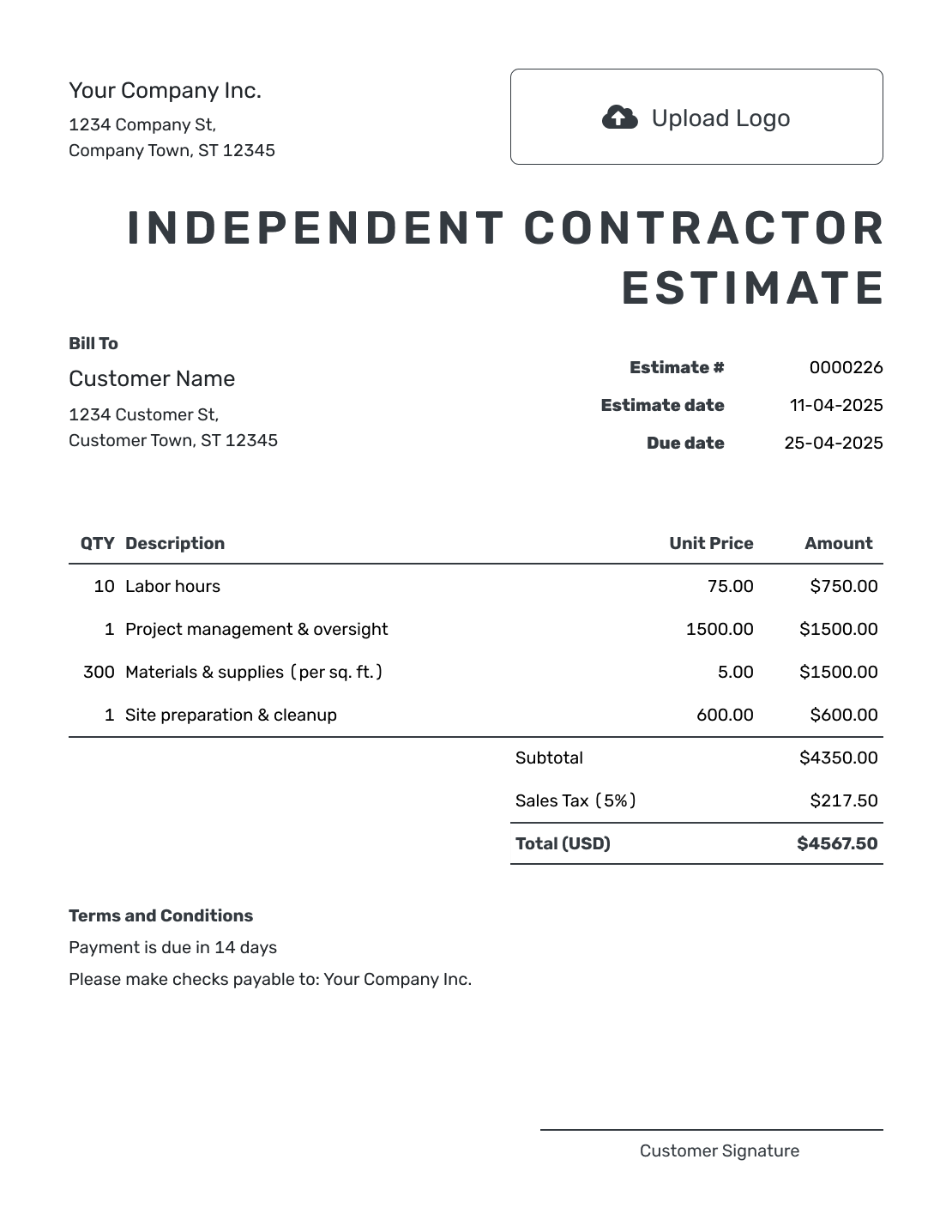
Browse the layouts, then add your own contract work and prices. Each preview opens the same estimate editor.
What Is an Independent Contractor Estimate?
An independent contractor estimate shows the contract work you expect to perform and what it is likely to cost before the client hires you. It can cover labor, materials, equipment, travel and other project expenses.
Use it for trade, consulting, technical, creative or other self-employed work. State who provides materials, where the work happens and which schedule or access assumptions affect the likely total.
How to Create an Independent Contractor Estimate
Start with the work you have discussed with the client. The steps below show where to put the details in Docelf.
- Contractor Details: Add your business name and contact details.
- Your Logo: Add your logo if you use one on your business documents.
- Client Details: Enter the client’s name and contact details.
- Number and Dates: Check the estimate number, issue date and valid-until date.
- Work and Costs: Describe the tasks. Add expected hours, materials, quantities and prices.
- Check the Total: Review the calculated total and any tax or discount that applies.
- Terms and Sending: Add assumptions and timing in Terms and Conditions. Review, then email or download the estimate.
How to Fill In Independent Contractor Estimate Line Items
Give each separately priced part of the job its own row. For hourly work, use the expected hours as the quantity and your hourly rate as the unit price. Name what those hours cover so the client can see how the total was built.
This fictional estimate covers setting up four client-supplied office computers. Setup, testing and cable supplies are separate charges. The amounts are in US dollars, with an illustrative 8% tax applied to all three items; use the tax treatment that applies to your work.
| QTY | Description | Unit Price | Amount |
|---|---|---|---|
| 6 | Setup of four client-supplied computers — hours | $85.00 | $510.00 |
| 2 | Connection testing and client handover — hours | $85.00 | $170.00 |
| 4 | Network and display cable sets | $25.00 | $100.00 |
| Subtotal | $780.00 | |
| Sales Tax (8% illustrative) | $62.40 | |
| Estimated Total | $842.40 |
What to Include in Independent Contractor Estimate Terms
Use Terms and Conditions to explain the assumptions behind your price. Say what the client will provide, what is outside the scope and how you will agree on extra work. Add the expected timing and the payment terms you actually use.
Here is wording to adapt for the computer setup example. Its eight labor hours are an estimate, while the client supplies the computers and access needed to begin.
Example: Terms and Conditions
- Estimate valid for 14 days from the issue date. The start date will be agreed with the client.
- Client to provide four working computers, required software licenses and access to the existing network.
- Price allows for eight labor hours and four cable sets. New computers, software purchases and network repairs are excluded.
- Any extra work or increase in expected hours will be priced and approved by the client before proceeding.
- Final invoice due within 14 days of issue.
Create a Contractor Estimate Ready to Review
Build the estimate around the work you have discussed with the client. Docelf calculates the totals as you add your hours, rates and other charges. Review the result, then email it for a response.
Make Each Side’s Responsibilities Clear
A contractor’s price often depends on work someone else will do. Spell out that division before agreeing on the schedule.
Your Part of the Job
Name the tasks, stages or finished results you will provide. If testing, cleanup or handover is included, say so. Keep work assigned to another provider outside your price.
What the Client Provides
Identify any materials, access or information you need from the client and when it must be ready. For the computer setup example, that means working computers, software licenses and network access before the visit.
Common Contractor Pricing Formats
Choose the format that best matches how predictable the work and time are. State what is included so the client can connect the rate to the scope.
| Pricing format | When it fits | What to show |
|---|---|---|
| Hourly or daily | The time depends on conditions or client requests | Expected time, rate and any minimum charge |
| Fixed project | The scope and deliverables are well defined | Included work, exclusions and likely total |
| Milestone | The contract has clear stages | Deliverable, timing and likely amount for each stage |
Separate Your Work From Reimbursable Costs
Keep your labor or professional fee separate from materials, travel, equipment, permits and outside services when the client needs to see the difference. Use clear descriptions rather than a single catch-all expense line.
If a cost is not known yet, label the amount as an allowance and explain what it covers. For example, “Cable supplies — estimated allowance” tells the client that the amount may change. Confirm the actual cost and get approval for any increase before buying the materials.
Use the Estimate Before the Project Agreement
The estimate gives the client a practical view of the expected work and likely price. Keep any separate project agreement for terms that need more detail.
Keep the scope and pricing consistent across both documents. When they change during discussion, update the estimate before the client accepts it.
Contractor Estimate, Quote, or Invoice?
Use the document that matches whether you are discussing a likely contract price, making a specific offer or billing the client.
Estimate
Use an independent contractor estimate when time, quantities, conditions or client choices may still change the likely total.
Quote
Use a job quote when you are ready to present a more specific scope, price and terms for the client to approve.
Invoice
Use an independent contractor invoice when a project stage or completed work is ready to bill.
Make the Estimate Look Like Your Contracting Business
Add your logo, colors and fonts so the estimate matches the way you present your work. Attach a scope, drawing or specification as a PDF or image when it helps the client review the job.
Keep the work, rates, expenses and likely total easy to scan before adding extra detail.
More Independent Contractor Estimate Layouts
These six previews offer more layout ideas for the same contract details. You can adjust the colors and fonts in the editor.
-
Blank Independent Contractor Estimate Template
Create Free Estimate -
Simple Independent Contractor Estimate Template
Create Free Estimate -
Downloadable Independent Contractor Estimate Template
Create Free Estimate -
Editable Independent Contractor Estimate Template
Create Free Estimate -
Fillable Independent Contractor Estimate Template
Create Free Estimate -
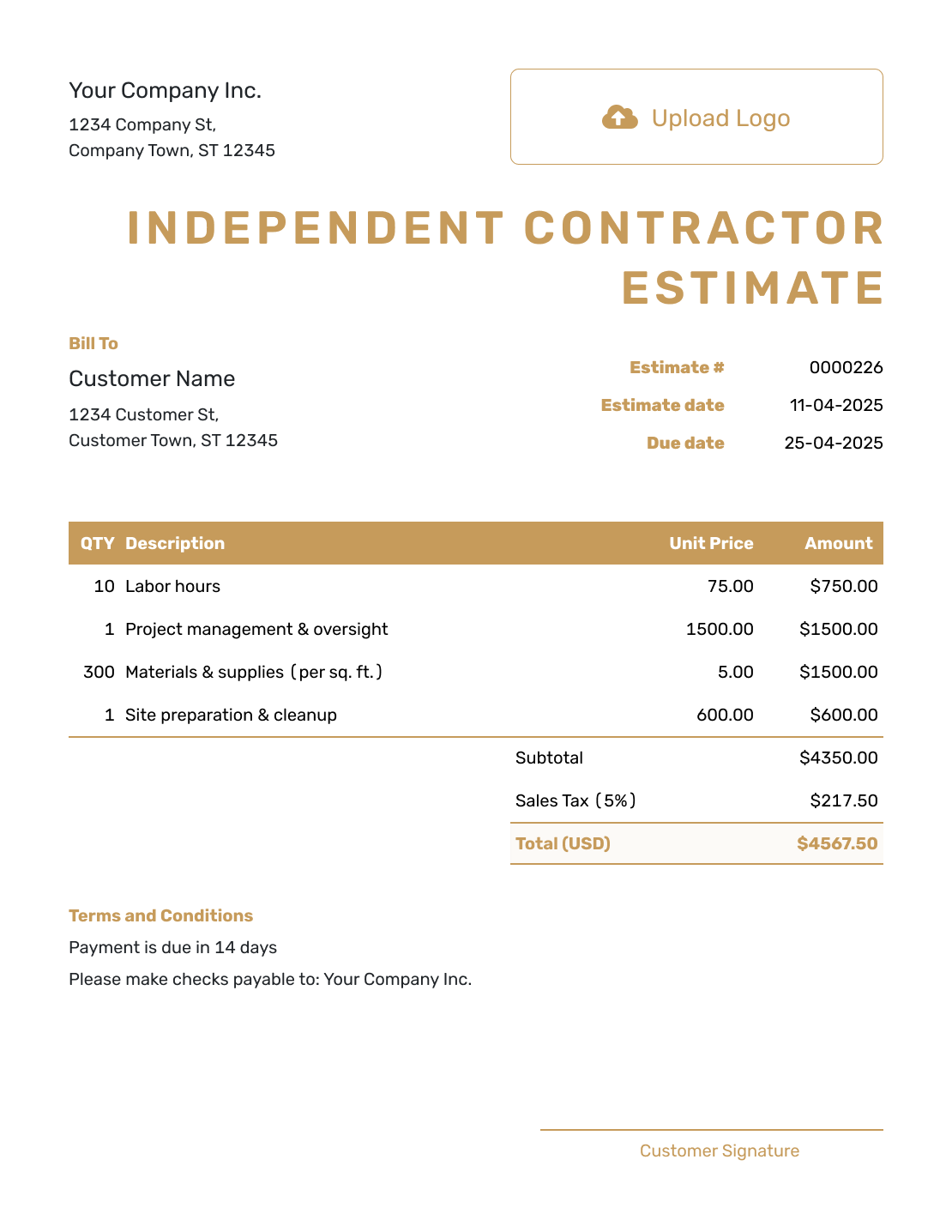
Professional Independent Contractor Estimate Template
Create Free Estimate
Related Business Estimate Templates
Choose another business estimate when the work is better described as a general job, freelance project, competitive bid or fuller proposal.
Other Estimate Template File Formats
Prefer to work in a document or spreadsheet first? Choose a format below, or create the estimate online when you want automatic totals and a finished PDF without rebuilding the layout.
After You Send the Estimate
- Check the document history to see when the client opens your emailed estimate
- If the work or likely cost changes, explain the difference and resend the revised estimate for approval
- When it is time to bill, create an invoice from the estimate and check the final charges before sending
Independent Contractor Estimate Template FAQs
Find answers to common questions about pricing and sending an independent contractor estimate.
-
What is an independent contractor estimate?
An independent contractor estimate shows the contract work you expect to perform, the rates or costs involved and the likely total before the client decides whether to hire you.
-
What should I include in an independent contractor estimate?
Identify the client and the work first. Then show how your expected time, rates and other charges lead to the total. Add the timing, validity period and assumptions the client needs to review before agreeing to the job.
-
Can I use hourly, daily or fixed pricing?
Yes. Use the format that best matches the work. Show the expected time and rate for hourly or daily work, or define the included scope clearly for a fixed project price.
-
How should I show materials and expenses?
List separately charged materials, equipment, travel, permits and outside services with clear descriptions. If you use an allowance, label it as an estimate and explain what it covers. Leave out costs the client will pay directly.
-
Is an independent contractor estimate the same as a contract?
They serve different purposes. The estimate shows expected work and a likely price. Use a separate project agreement when the job needs fuller terms.
-
How long should the estimate be valid?
Choose a valid-until date that reflects how long your rates, schedule and material prices are realistic. Docelf lets you keep that date with the estimate.
-
Can a client accept the estimate online?
Yes. Email the estimate from Docelf so the client can review it and accept or decline online. Docelf updates the status and emails you when the client responds.
-
What happens after the contractor estimate is accepted?
You can create an invoice from the accepted estimate. Docelf copies the relevant client, item, price and document details into the invoice so you do not have to start again.
Ready to Price the Contract Work?
Give your client a useful starting point for agreeing on the job, while the details are still fresh.
- Show the contract work and rates
- Separate materials and expenses
- Email or download a professional PDF




