Free Window Cleaning Estimate Template
Create a professional estimate in minutes
Show the window count, access and likely price, including inside or outside work. The service is clear at a glance, helping customers choose you for the work.
Email, print or download your estimate as a PDF.
14-day free trial. No credit card required.

Price the job. Send the estimate. Get back to work.
Window Cleaning Estimate Template Examples
Browse layout ideas for the window cleaning job. Every preview opens the estimate editor, where you can enter your count and service prices.


What Is a Window Cleaning Estimate?
A window cleaning estimate shows the expected work and likely price before service begins. It can cover homes, storefronts, offices, multi-story properties or post-construction cleaning.
The customer should be able to see how the windows are counted, whether inside and outside work is included, and how screens, tracks, height, hard-water treatment or access affect the likely price.
How to Create a Window Cleaning Estimate
Confirm how you will count the windows before entering prices. Then separate the cleaning services the customer is choosing so the estimate is easy to check.
- Your Business: Add your window cleaning business and contact details.
- Your Logo: Add the logo you use on your other documents.
- The Customer: Enter the customer and identify the property to be cleaned.
- Number and Dates: Check the estimate number and issue date. Add a valid-until date if needed.
- Cleaning Services: List the window or pane count, sides and extras with quantities and rates.
- Estimated Total: Check the subtotal, applicable tax and estimated total.
- Terms and Sending: Use Terms and Conditions for access, scope and scheduling. Review, then email or download a PDF.
How to Fill In Window Cleaning Estimate Line Items
Use the same counting unit in the quantity and description. If you charge per pane, explain whether the rate covers one side or both. Give screens or other separately priced work their own rows.
This fictional one-time visit covers 20 panes, cleaned inside and outside, plus 10 screens. The same 20 panes appear on each cleaning line because the sides have different rates. Prices are in US dollars; the illustrative 8% tax applies to all three services. Use the tax treatment that applies to your work.
| QTY | Description | Unit Price | Amount |
|---|---|---|---|
| 20 | Exterior glass cleaning — per pane | $6.00 | $120.00 |
| 20 | Interior glass cleaning — per pane | $5.00 | $100.00 |
| 10 | Screen washing — per screen | $3.00 | $30.00 |
| Subtotal | $250.00 | |
| Sales Tax (8% illustrative) | $20.00 | |
| Estimated Total | $270.00 |
What to Include in Window Cleaning Estimate Terms
Use Terms and Conditions to define the counting method and access assumed in the price. State whether the estimate covers one visit or regular service, then explain how you will handle a changed count or added work.
This sample belongs to the one-time visit above. Adapt it to your service and keep only terms you actually use.
Example: Terms and Conditions
- Estimate valid for 7 days from the issue date and covers one cleaning visit.
- Includes inside and outside cleaning of 20 panes and washing of 10 screens. Each visible glass section counts as one pane.
- Price assumes clear access to ground-floor windows and removable screens.
- Track, frame and sill cleaning, hard-water treatment and post-construction cleanup are not included.
- Any change to the count, access or requested work will be priced for customer approval before the extra work. The visit date will be agreed after acceptance.
Price Each Side Without Reworking the Totals
Enter the pane count and rates for the services included. Docelf calculates the total as you add the work. Review the estimate, then send it to the customer.
What to Include in a Window Cleaning Estimate
Use one counting method and make the inside, outside and detail work easy to see.
Window count and type
State whether you count windows, panes or another unit. List sizes, French panes, sliders, storm windows or other types when they change the work.
Cleaning scope and detail work
Show whether exterior, interior, screens, tracks, sills, frames, hard-water treatment or post-construction cleanup are included.
Height, access, and equipment
Note upper stories, roof or balcony access, obstacles, ladders, lifts or service conditions that affect the crew and likely price.
Price, frequency, and terms
Show the likely price, minimums, recurring schedule, specialty charges, taxes, discounts, assumptions and terms when they apply.
Make the Window Count Easy to Check
You can price by window, pane, opening, square foot or visit. Define your unit and use it consistently during the walkthrough, in the estimate and when the crew arrives. A customer should not have to guess how a double-hung window is counted.
Group windows by area, story or type when that makes the count easier to verify. You can attach photos or a window list to the estimate in Docelf as supported image or PDF files.
Give separately priced services their own lines when they are included in this estimate. Describe unselected extras in Terms and Conditions or a separate estimate so they stay outside the total.
For regular service, state the price per visit and frequency. Keep one-time restoration or post-construction work separate.
Window Cleaning Estimate, Quote, or Invoice?
Choose the document based on how certain the window count and access are and whether payment is due.
Estimate
Use an estimate when the likely price may still change after the window count, access or specialty-cleaning needs are confirmed.
Quote
Use a window cleaning quote when the count, scope, access, schedule, price and terms are specific enough for the customer to approve.
Cleaning Services Invoice
Use a cleaning services invoice when the window cleaning is completed or a recurring visit is ready to bill.
More Window Cleaning Estimate Layouts
Browse the remaining layouts, then add your own job details in the estimate editor.
-
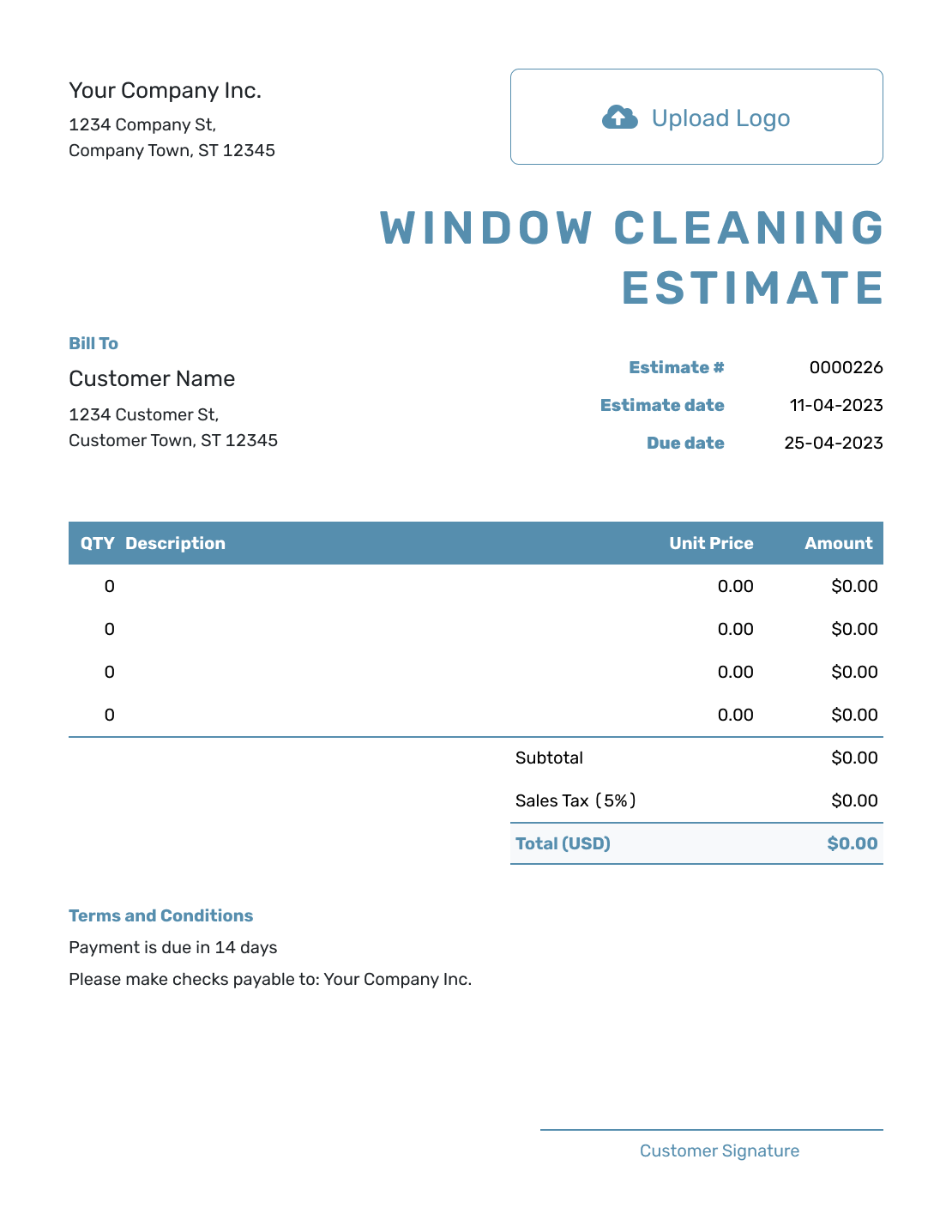
Blank Window Cleaning Estimate Template
Create Free Estimate -

Simple Window Cleaning Estimate Template
Create Free Estimate -
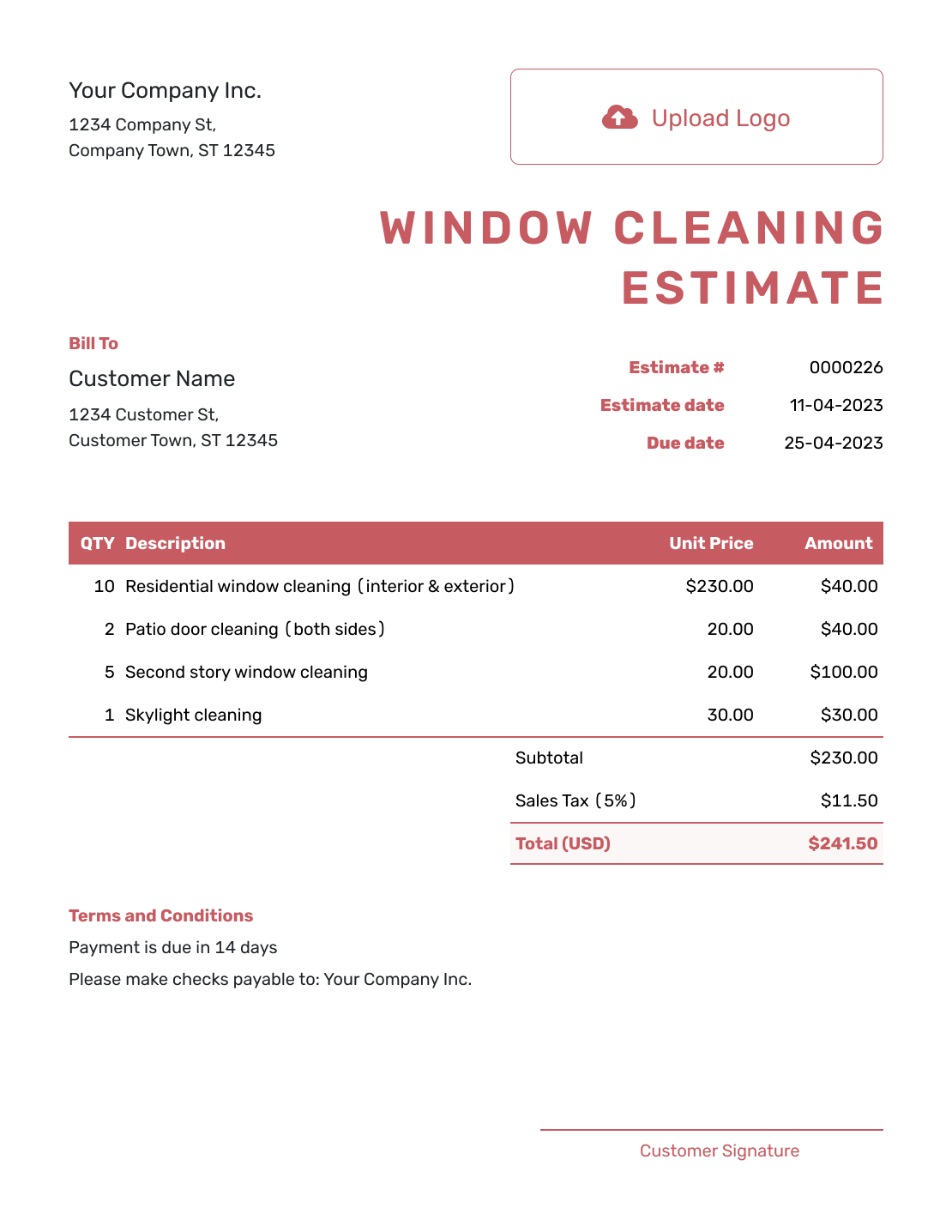
Downloadable Window Cleaning Estimate Template
Create Free Estimate -
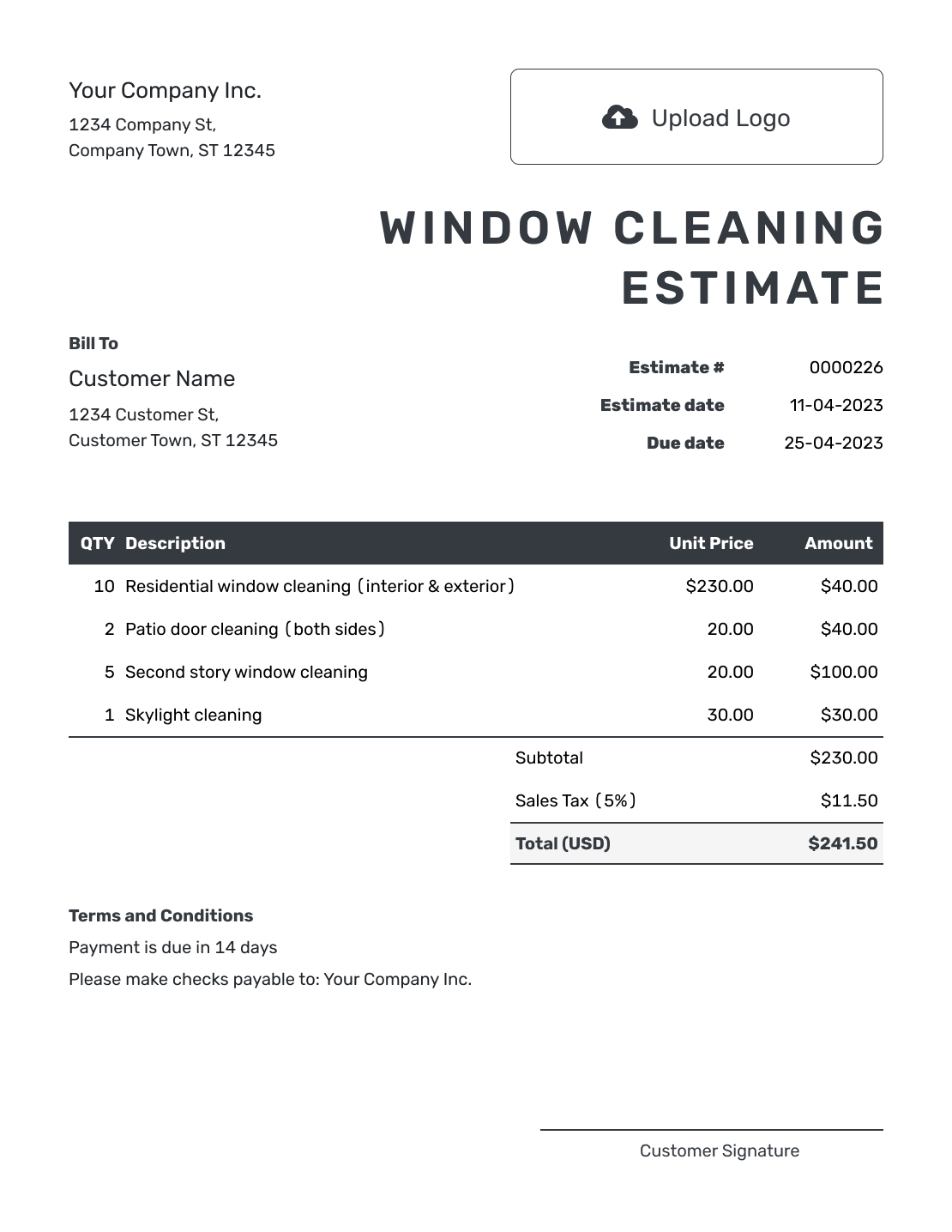
Editable Window Cleaning Estimate Template
Create Free Estimate -
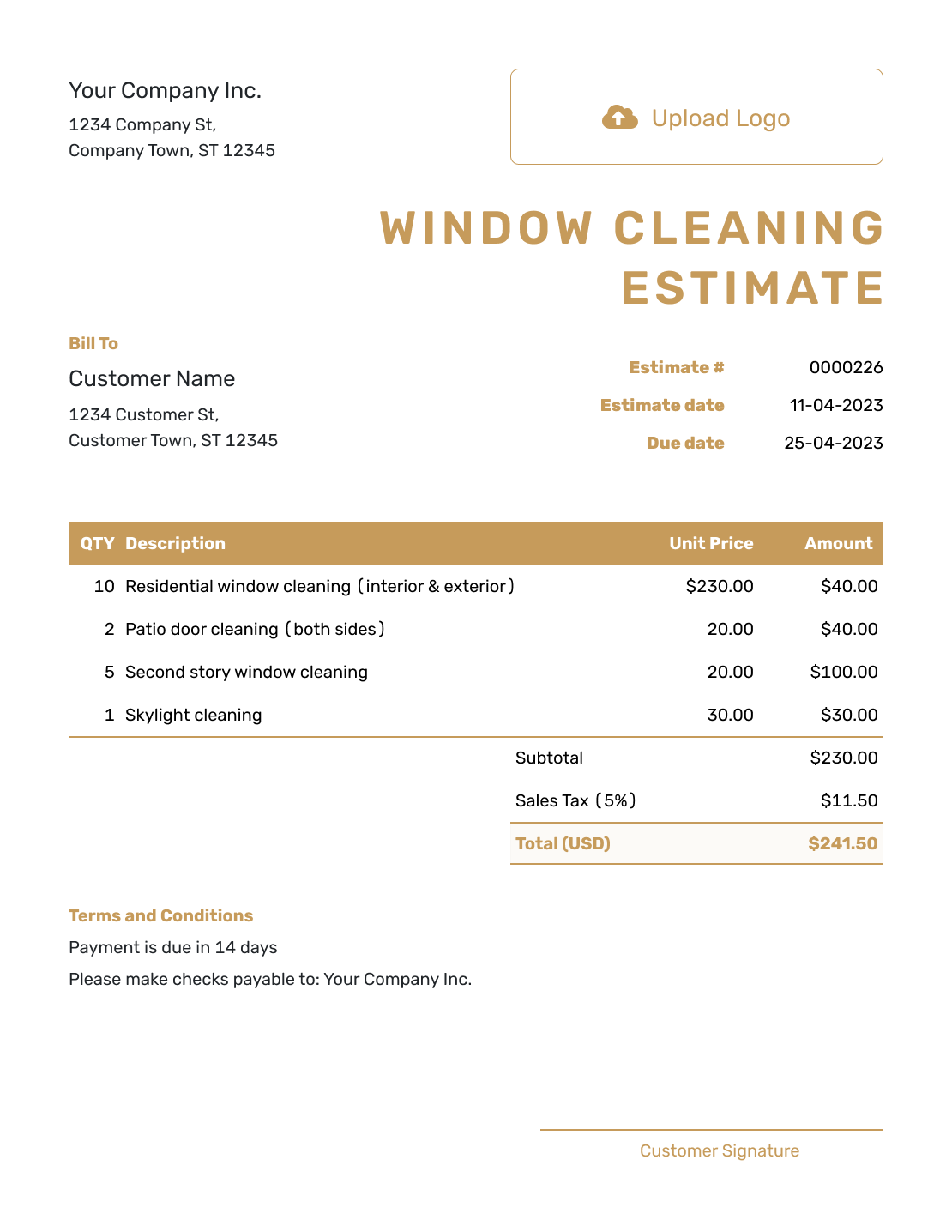
Fillable Window Cleaning Estimate Template
Create Free Estimate -
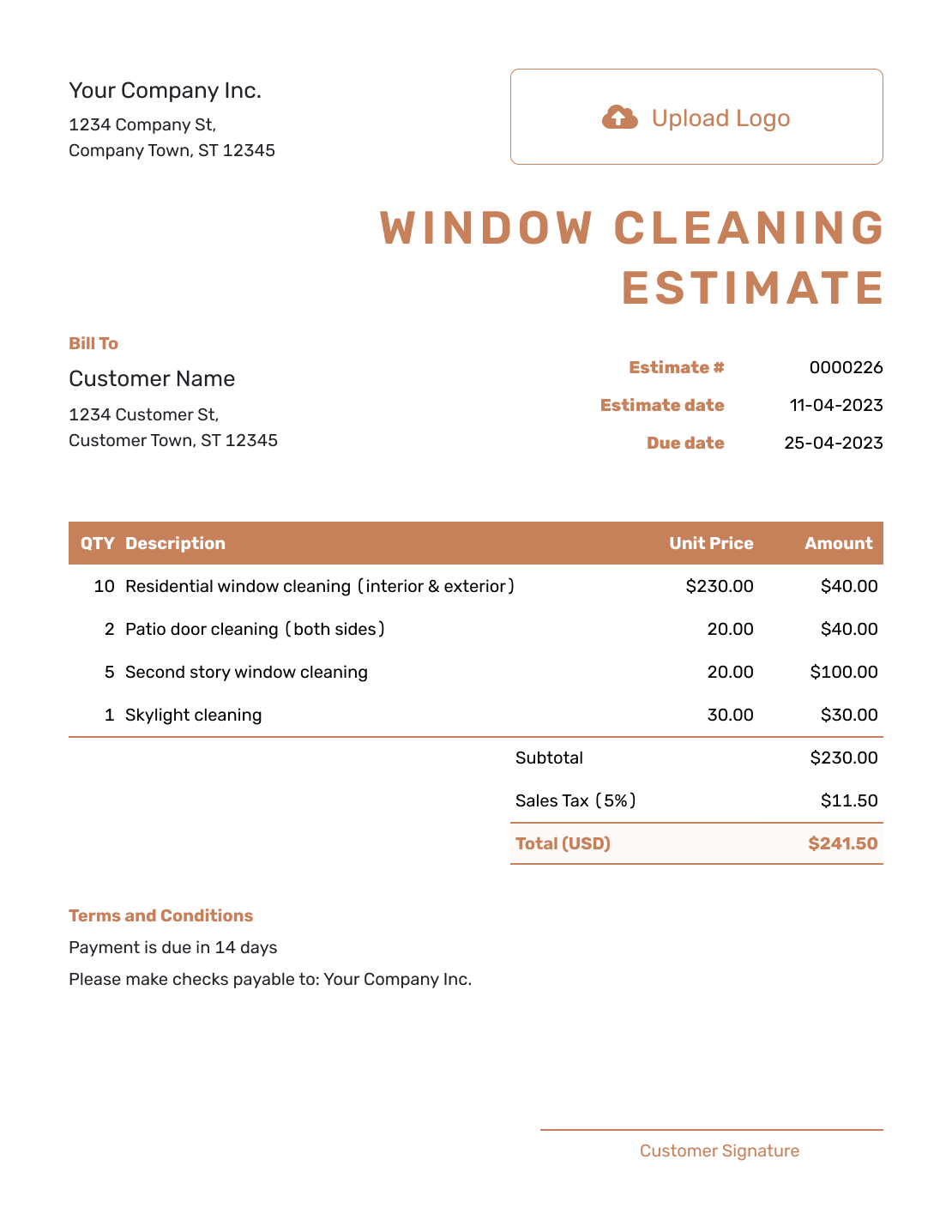
Professional Window Cleaning Estimate Template
Create Free Estimate
Choose the Window Cleaning Estimate Closest to the Job
Use the estimate closest to the property type or specialty service included in the work.
Other Estimate Template File Formats
Prefer a document or spreadsheet? These pages offer separate file templates. Docelf calculates totals online, and you can download the finished estimate as a PDF.
After You Send the Estimate
- Use the document history to see whether the emailed estimate has been opened
- Revise and resend it if the window count, access or requested services change
- Create an invoice from the estimate when the visit is ready to bill, then check any agreed changes
Window Cleaning Estimate Template FAQs
Check how to describe panes, cleaning sides, high windows and repeat visits.
-
What is a window cleaning estimate?
A window cleaning estimate shows the expected service and likely price before the visit. It tells the customer how the windows are counted, which sides are included and whether extras have their own price.
-
What should I include in a window cleaning estimate?
Identify the customer and property, then state the window count and the unit you charge for. Describe the cleaning sides and included extras. Add the likely price, access assumptions, visit frequency and Terms and Conditions.
-
Should I count windows or panes?
Use the method that matches your rates and define it clearly. In the example, each visible glass section is one pane, so a double-hung window with two sections counts as two panes. Keep that definition consistent during the walkthrough and the visit.
-
Should interior and exterior window cleaning be separate?
Keep them separate when the customer can choose one side or when the rates differ. If both sides are included in one price, say so clearly and list any excluded detail work.
-
How do I estimate high or difficult-to-reach windows?
Record the window height, floor level, access route, obstacles and equipment needed. Price the additional time or equipment separately when it is not part of the normal window rate.
-
How do I estimate recurring window cleaning?
State the visit frequency and normal scope, then show the recurring price per visit or other period. Keep one-time restoration, post-construction work and hard-water treatment separate.
-
Can a customer accept a window cleaning estimate online?
Yes. Customers can accept or decline estimates online. Docelf updates the status and emails you when they respond.
-
Can I turn an accepted window cleaning estimate into an invoice?
Yes. Docelf copies the relevant customer, item, price and document details into a new invoice. Check the completed window count and any agreed extra work before sending it.
-
Can I email or download a window cleaning estimate?
Yes. Email it from Docelf, print it or download a PDF. Saving changes does not email the estimate; you choose when to send it. The document history shows when the email is delivered and the estimate is opened.
Ready to Send the Window Cleaning Estimate?
Finish the estimate while the walkthrough details are still fresh.
- Show the window count, access and service clearly
- Automatic totals for services, add-ons, taxes and discounts
- Email or download a professional PDF




