Free Renovation Quote Template
Create a professional renovation quote in minutes
Organize the renovation by room or phase and show the main options and allowances. Clear options keep the decision manageable and help customers feel ready to hire you.
Email, print or download your quote as a PDF.
14-day free trial. No credit card required.

Price the job. Send the quote. Get back to work.
Renovation Quote Template Examples
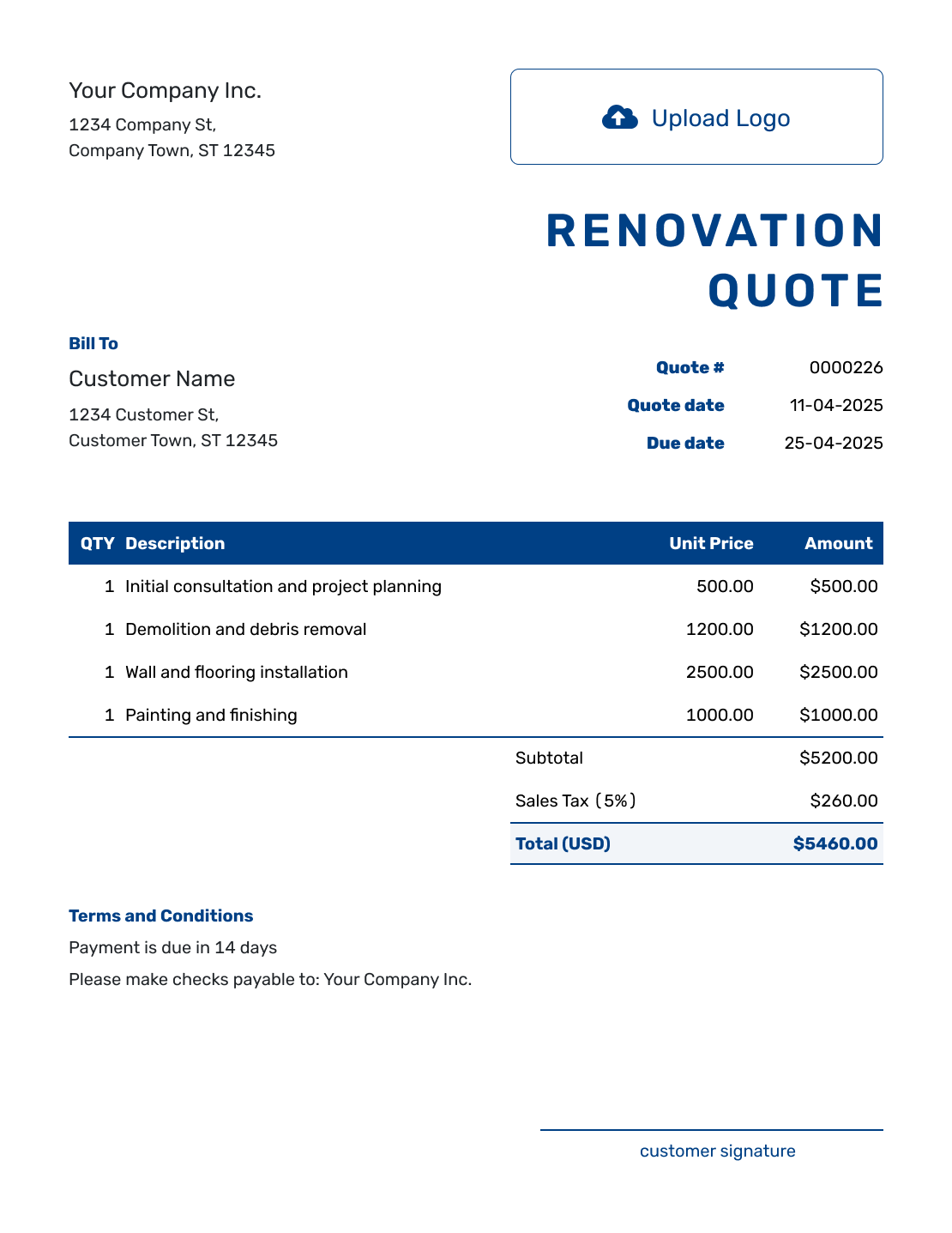
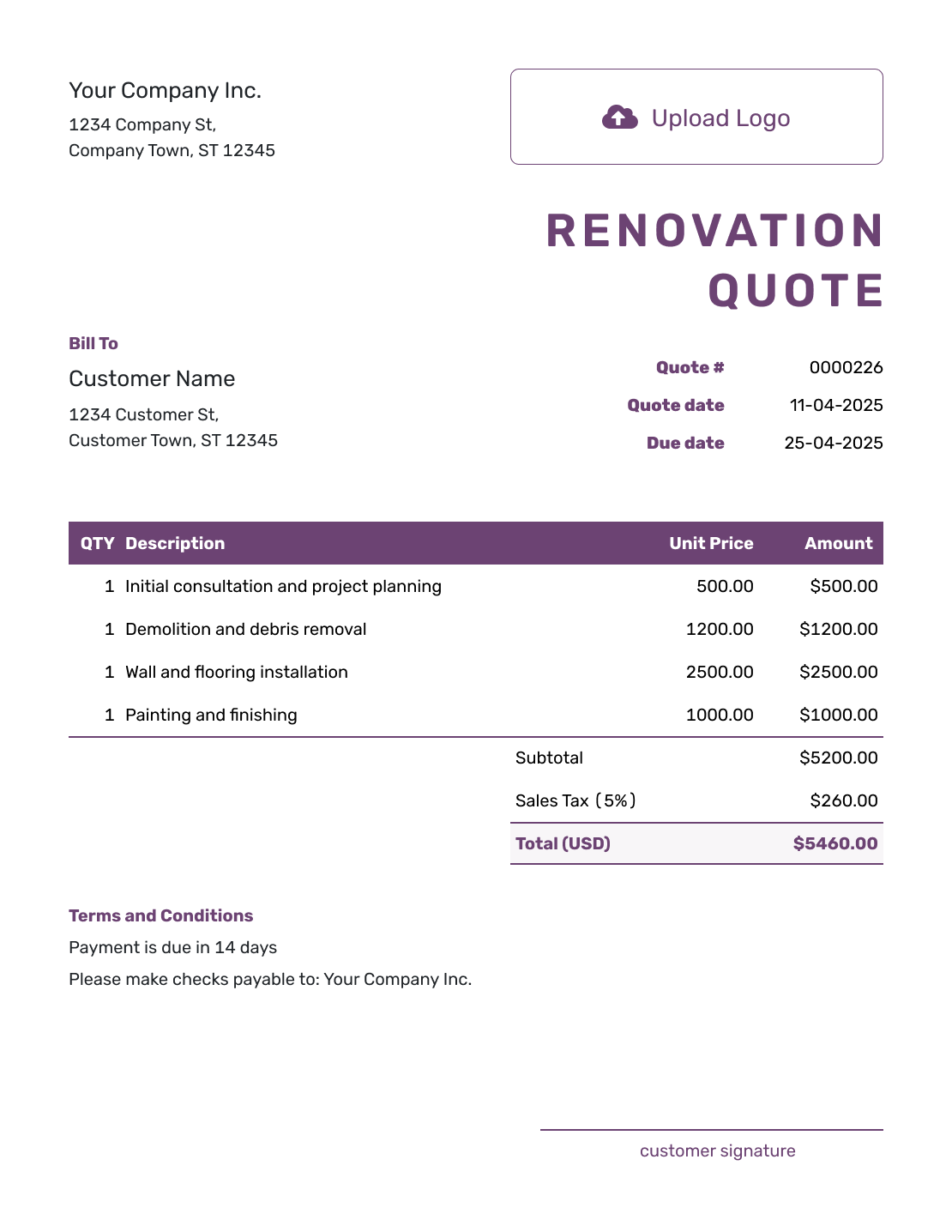
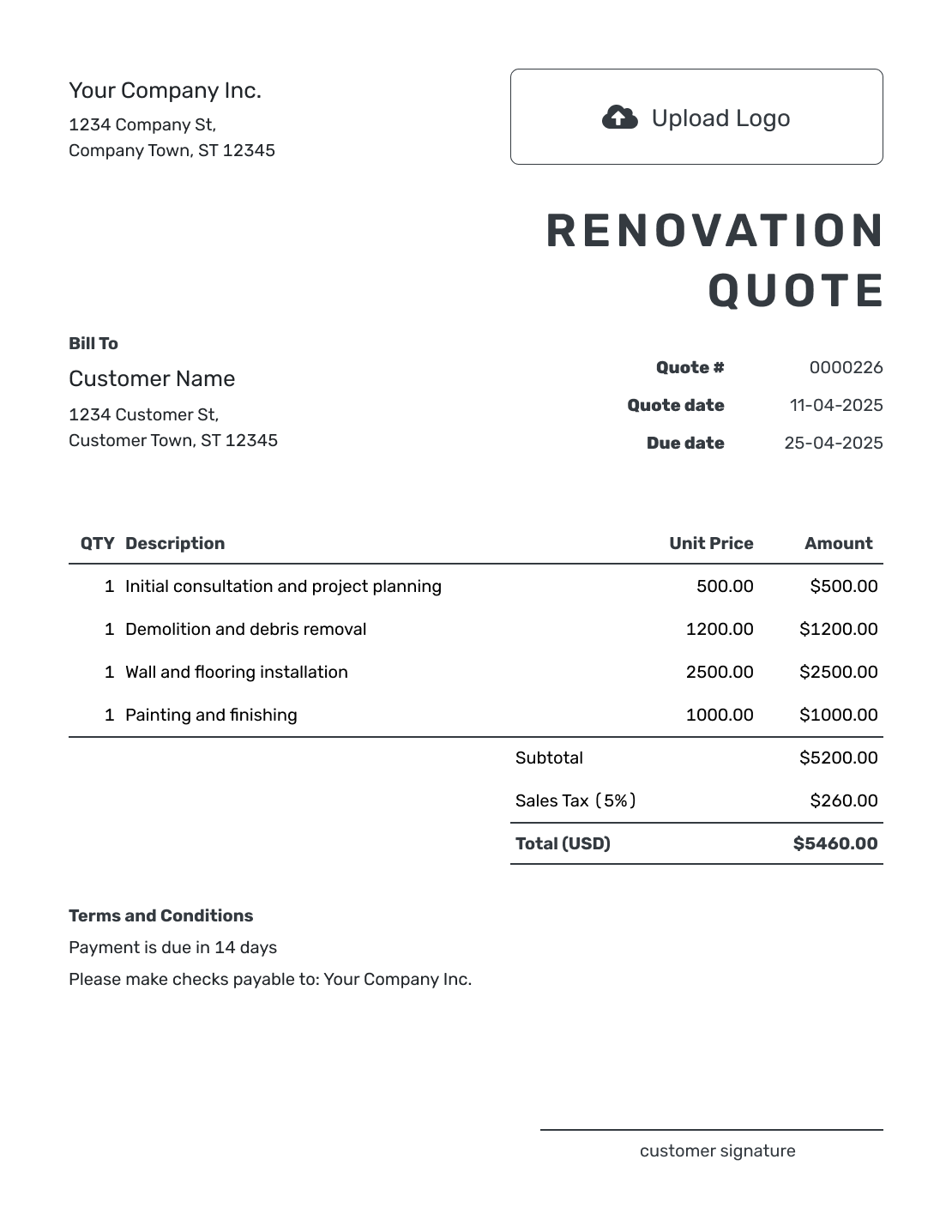
Browse these renovation layouts for ideas, then add your own rooms, work and prices. Every preview opens the same Docelf quote editor; you can add your logo and choose colors to match your business.
What Is a Renovation Quote?
A renovation quote is a written offer for defined remodeling or improvement work. It gives the customer a price for the rooms, repairs and finishes you have agreed to include.
A room-based quote works well when the customer is comparing changes to a kitchen, hallway or bedroom. Phases work better when demolition, installation and finishing each cover several rooms. Put the room or phase in each item description so the price follows the same structure as the work.
Use a renovation estimate while the design or quantities are too uncertain to price. For just one part of the project, choose a trade-specific construction quote template.
How to Create a Renovation Quote
Start with the agreed rooms and finish selections. The steps below put those details into a quote; the worked example shows one way to price them.
- Business Details: Add your business name and contact details.
- Your Logo: Add the logo you use on your project documents.
- Customer and Property: Enter the customer details and identify the renovation address.
- Number and Dates: Check the quote number, issue date and valid-until date.
- Rooms and Work: List each room or phase with quantities, descriptions and prices.
- Check the Total: Review the line amounts and applicable tax. Keep unchosen extras out of the total.
- Terms and Sending: Add scope and timing in Terms and Conditions. Review, then email or download a PDF.
How to Fill In Renovation Quote Line Items
Describe enough of each item for the customer to recognize the work. Name the room and the finish, use a clear unit, and say whether the price includes materials, labor or both. A separate disposal or cleanup charge belongs with the other items.
This fictional hallway renovation uses US dollars. It includes removing the old floor, supplying and fitting a selected floor, and finishing the room. All four items are taxed at an illustrative 8%; use the tax treatment that applies to your own work.
| QTY | Description | Unit Price | Amount |
|---|---|---|---|
| 1 | Hallway — remove existing floor and dispose of waste | $240.00 | $240.00 |
| 180 | Hallway — selected vinyl flooring, per sq. ft. | $4.00 | $720.00 |
| 180 | Hallway — install flooring on prepared subfloor, per sq. ft. | $3.00 | $540.00 |
| 1 | Hallway — fit and paint baseboards, materials and final cleanup included | $300.00 | $300.00 |
| Subtotal | $1,800.00 | |
| Sales Tax (8% illustrative) | $144.00 | |
| Quote Total | $1,944.00 |
What to Include in Renovation Quote Terms
Use the Terms and Conditions field to connect the price to the agreed scope. State how long the offer is valid, what needs to be ready, and how you will handle a change. Include the payment timing and warranties your business actually offers; check any local requirements before using them.
This sample belongs to the hallway quote above. The flooring is already selected, so its price is included in the total. Adapt the wording to the property and your own agreement.
Example: Terms and Conditions
- Quote valid for 30 days from the issue date.
- Total of $1,944.00 covers the listed hallway work and selected vinyl flooring.
- Price assumes the existing subfloor is sound and ready for installation after floor removal. Subfloor repairs are excluded.
- Start date to be agreed after acceptance and confirmation that the flooring is available.
- Any added work or finish change will be priced and approved in writing before that work begins.
- Payment is due on completion of the listed work.
Separate Included Work, Allowances, and Options
An allowance is money included for a selection that is still open. An option is extra work the customer has not chosen. Explain the difference so the customer can see what the quoted total covers.
Keep the Base Work Clear
Use the same room or phase labels throughout the quote. The hallway example includes the selected flooring; it does not need an allowance for that item.
Identify Customer-Supplied Items
Name the finish, model or specification where it affects the price. If the customer supplies it, say who checks quantities and when it must be on site.
Use Allowances Carefully
For a different job, a $600 materials allowance means that amount is already in the price. A $750 selection adds $150 before any applicable tax or other agreed charges. State what the allowance includes.
Keep Unchosen Options Separate
Describe an optional upgrade separately from the included work. Once the customer chooses it, update the quote total and record any schedule change before asking for approval.
What to Include in a Renovation Quote
Use the checklist to make the base scope and open selections easy to follow before the project starts.
- Your business name, contact details, logo, and license details when relevant
- Your customer's name, contact details, project address, and project name
- A unique quote number, issue date, valid-until date, and expected schedule when known
- A room-, phase-, or trade-based scope for demolition, construction, installation, and finishing work
- Labor, materials, fixtures, equipment, permits, disposal, subcontracted work, and cleanup when they apply
- Quantities, rates, prices, options, allowances, discounts, sales tax, and the total quoted price
- Material selections, owner-supplied items, assumptions, exclusions, and hidden-condition terms
- Payment schedule, change-approval process, warranty details, and a clear way to accept
Keep allowances and exclusions visible. The customer should know which choices are fixed, which are still open, and how a change will affect the price.
Create a Renovation Quote Ready to Send
Start with the rooms or phases the customer is approving. Use allowances for selections that are still open, and let Docelf calculate the total. Check the base scope before you email the quote or download a PDF.
Renovation Quote, Estimate, or Change Order?
Each document belongs to a different stage of the project. A change order here means a written record of an agreed change; it is not a Docelf document type.
Renovation Quote
Use a quote when the base scope, allowances, and price are clear enough for the customer to accept.
Renovation Estimate
Use an estimate while design choices, quantities, hidden conditions, or final costs are still uncertain.
Change Order
Use a written change when the customer adds, removes, or changes work after accepting the original quote.
More Renovation Quote Layouts
These six previews offer more layout ideas. Add your own scope and prices in the editor; the preview labels do not change what your quote includes.
-
Blank Renovation Quote Template
Create Free Quote -
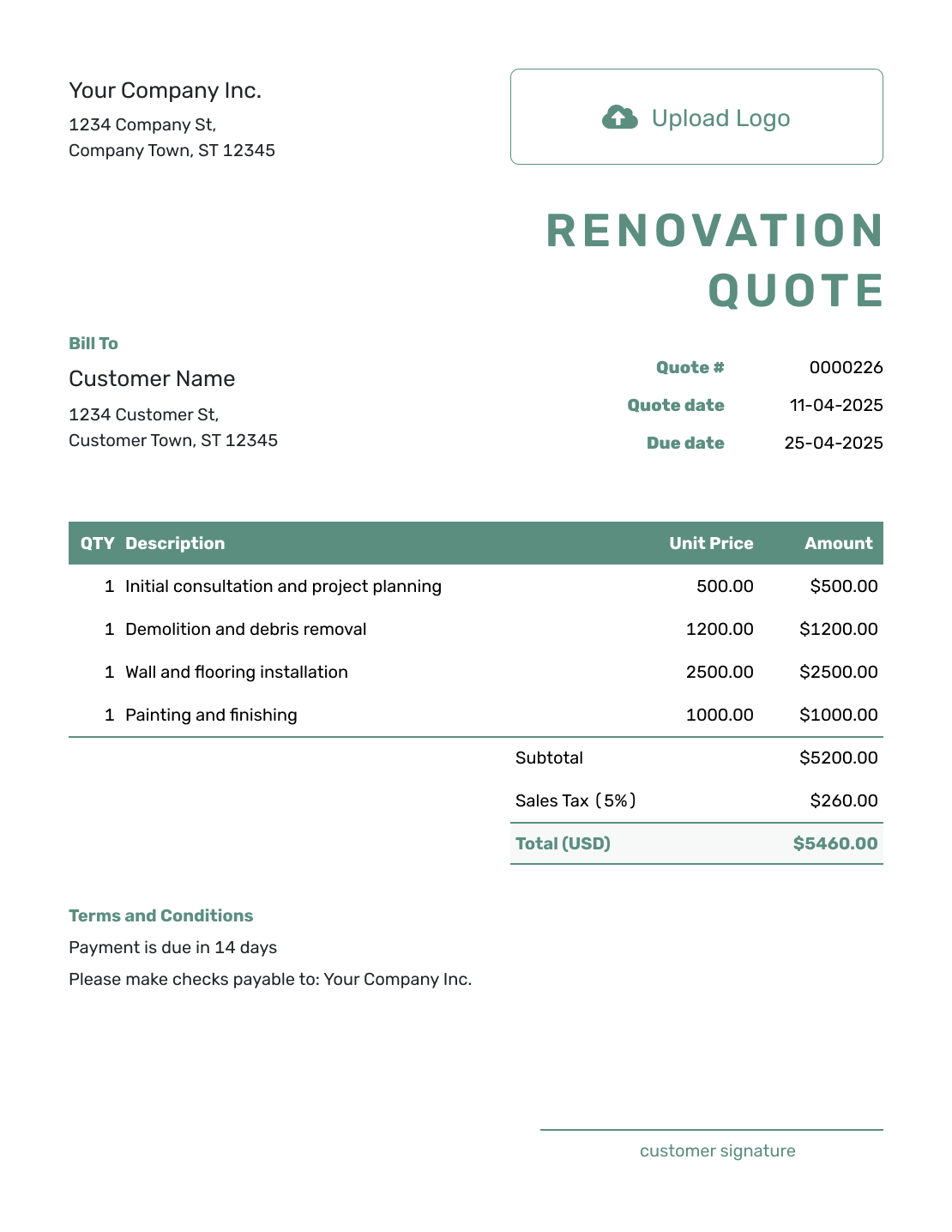
Simple Renovation Quote Template
Create Free Quote -
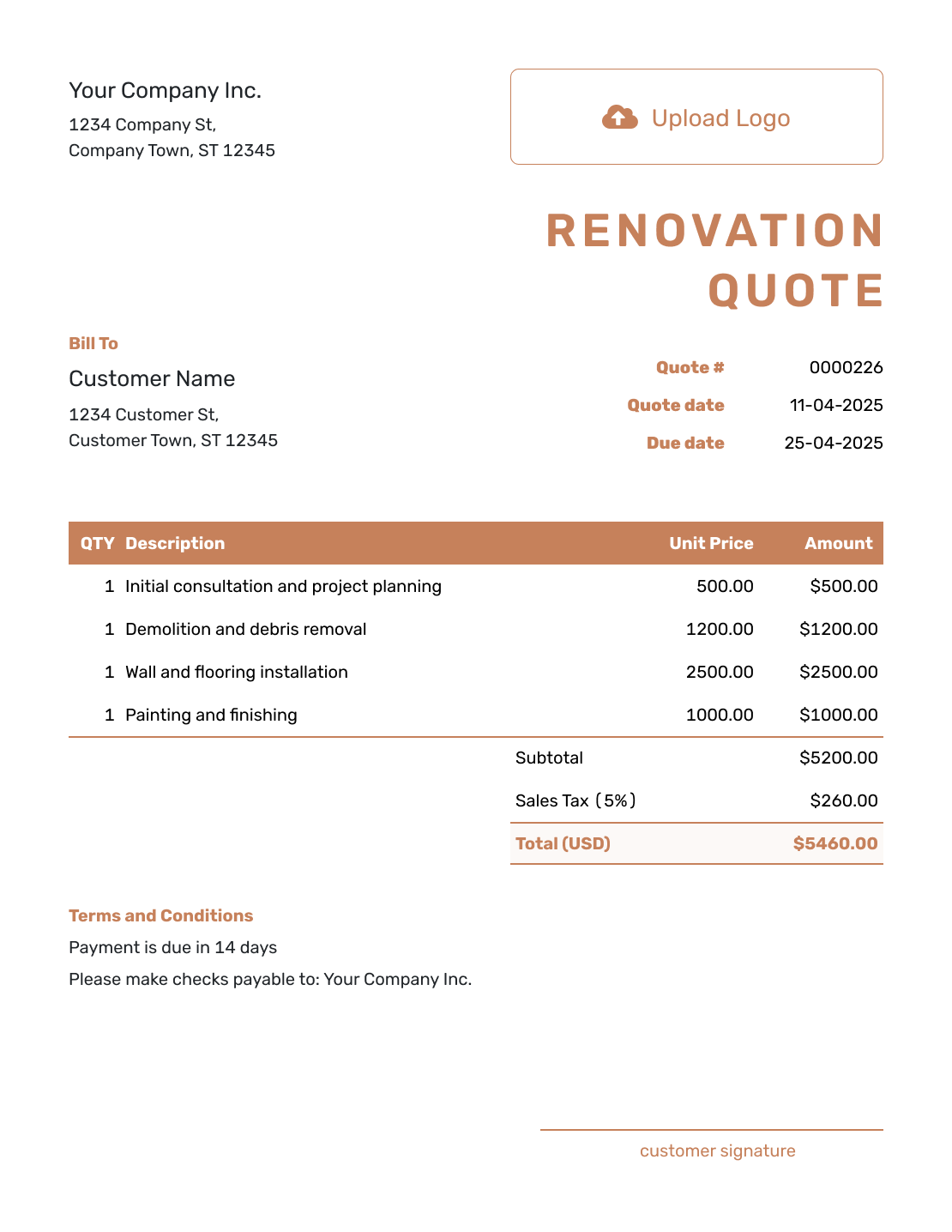
Downloadable Renovation Quote Template
Create Free Quote -
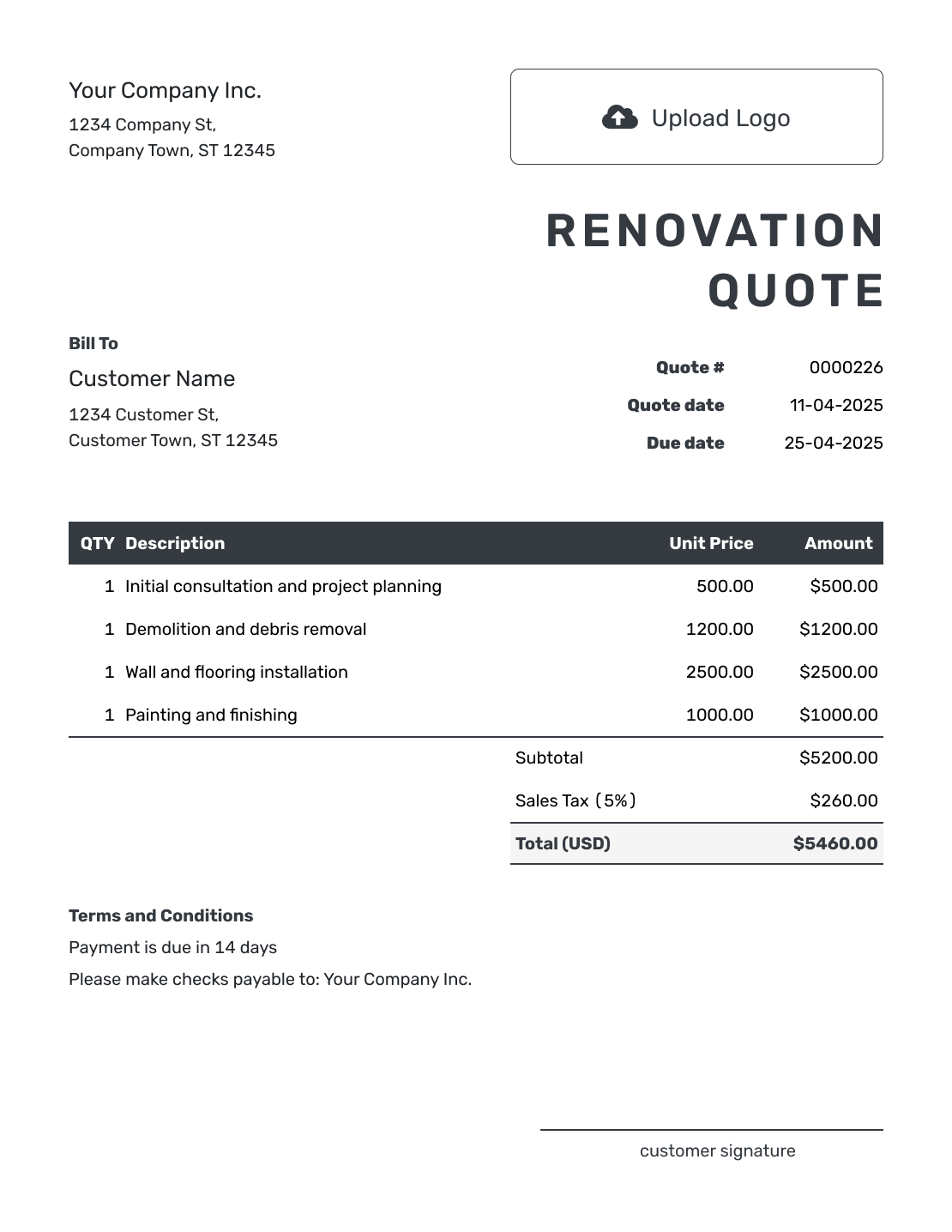
Editable Renovation Quote Template
Create Free Quote -
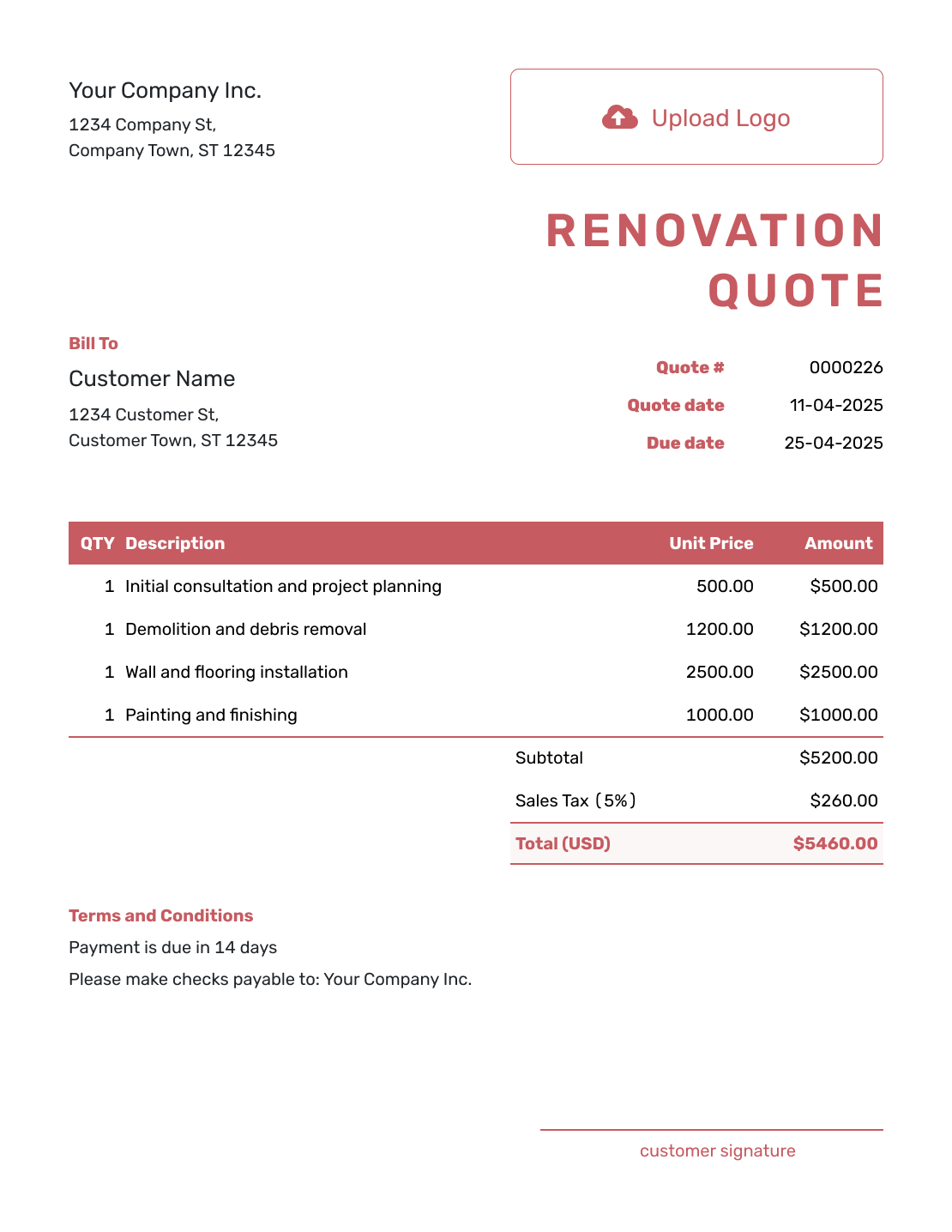
Fillable Renovation Quote Template
Create Free Quote -
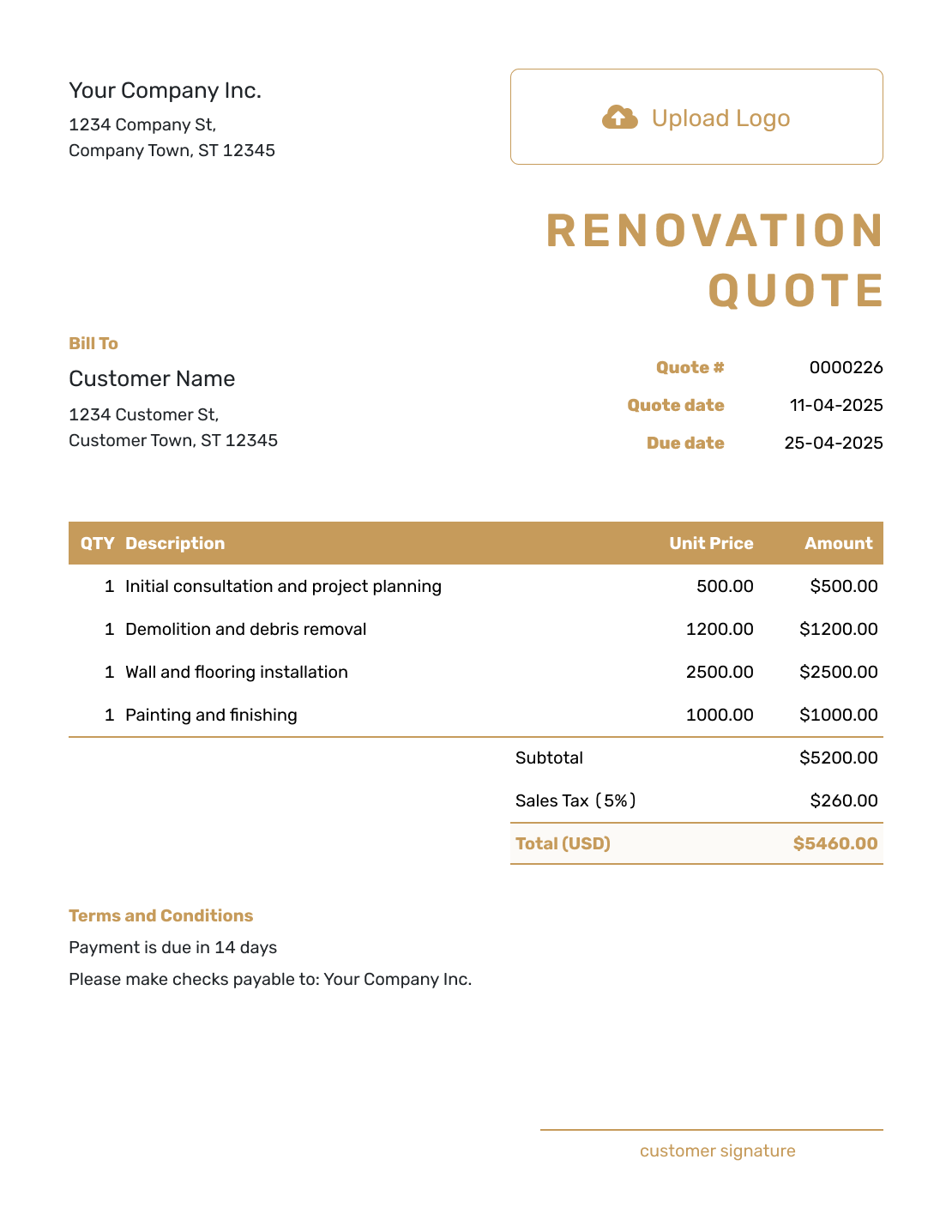
Professional Renovation Quote Template
Create Free Quote
Other Quote Template File Formats
Prefer a document or spreadsheet file? These pages provide separate templates in the named formats. Docelf downloads a finished quote as a PDF.
See every option on the quote templates by format page.
Related Quotes for Renovation Trades
Choose a related template when one trade or a broader construction project needs its own quote.
After You Send the Renovation Quote
Your customer can view the quote and accept or decline it online without a Docelf account. Check delivery and opening information in the document history. You receive an email when the customer accepts or declines.
If the customer changes a room, finish or allowance, revise the offer and explicitly send it again. Creating or editing a quote does not email it. You can reuse saved customers and project items on later quotes.
When payment is due, create an invoice from the quote. Docelf copies the relevant customer, item and price details for you to review.
Renovation Quote Template FAQs
-
What is a renovation quote?
A renovation quote is a written offer for defined remodeling or improvement work. It organizes the base project and open selections into a price the customer can approve.
-
What should I include in a renovation quote?
Start with the customer, project address, and quote dates. Organize the scope by room or phase and show the main price for each part of the project. Call out allowances and owner-supplied selections that are still open. Add schedule, change, payment, and acceptance terms.
-
How should I organize a renovation quote?
Organize it the way the customer will follow the project. Room or phase usually works well. Use the same structure for pricing and later changes.
-
What is an allowance in a renovation quote?
An allowance is an amount already included for an item the customer has not selected. State whether it covers supply, installation or both, and how you will adjust the price. An optional upgrade is different: keep it out of the quoted total until the customer chooses it.
-
How do I handle hidden conditions?
Name the conditions your price assumes, such as a sound subfloor. If you uncover work outside that scope, describe it, show the price and schedule effect, and get approval before doing the additional work.
-
Should I include a payment schedule?
Include one if that is how you charge for the project. Name the amount or percentage and the work milestone that makes each payment due. The hallway example instead uses one payment on completion. Check any local rules that apply to deposits or payment terms.
-
What is the difference between a renovation quote and an estimate?
A renovation quote gives a specific price for a defined base scope and stated allowances. An estimate predicts the likely cost while design, quantities, selections, or hidden conditions are still uncertain.
-
How should I document changes after the renovation quote is accepted?
Put each change in writing. State the added or removed work, price difference, schedule effect, and any updated terms. Ask the customer to approve it before the changed work begins.
-
Can I turn an accepted renovation quote into an invoice?
Yes. Create the invoice from the quote and review the copied customer, item and price details. Check that any agreed scope changes are reflected before you send it.
Ready to Send Your Renovation Quote?
Help the customer see how the planned renovation becomes a priced offer.
- Organize repairs and upgrades by room or phase
- Keep allowances and customer-supplied items clear
- Email the renovation quote or download a PDF




