Free HVAC Invoice Template
Create a professional HVAC invoice in minutes
Bill for completed heating, cooling or ventilation work, including labor and parts. Customers can see what the service covered and what they owe, making it easier for you to get paid.
Email, print or download your invoice as a PDF.
14-day free trial. No credit card required.

Create the invoice. Send it. Get back to work.
HVAC Invoice Layouts
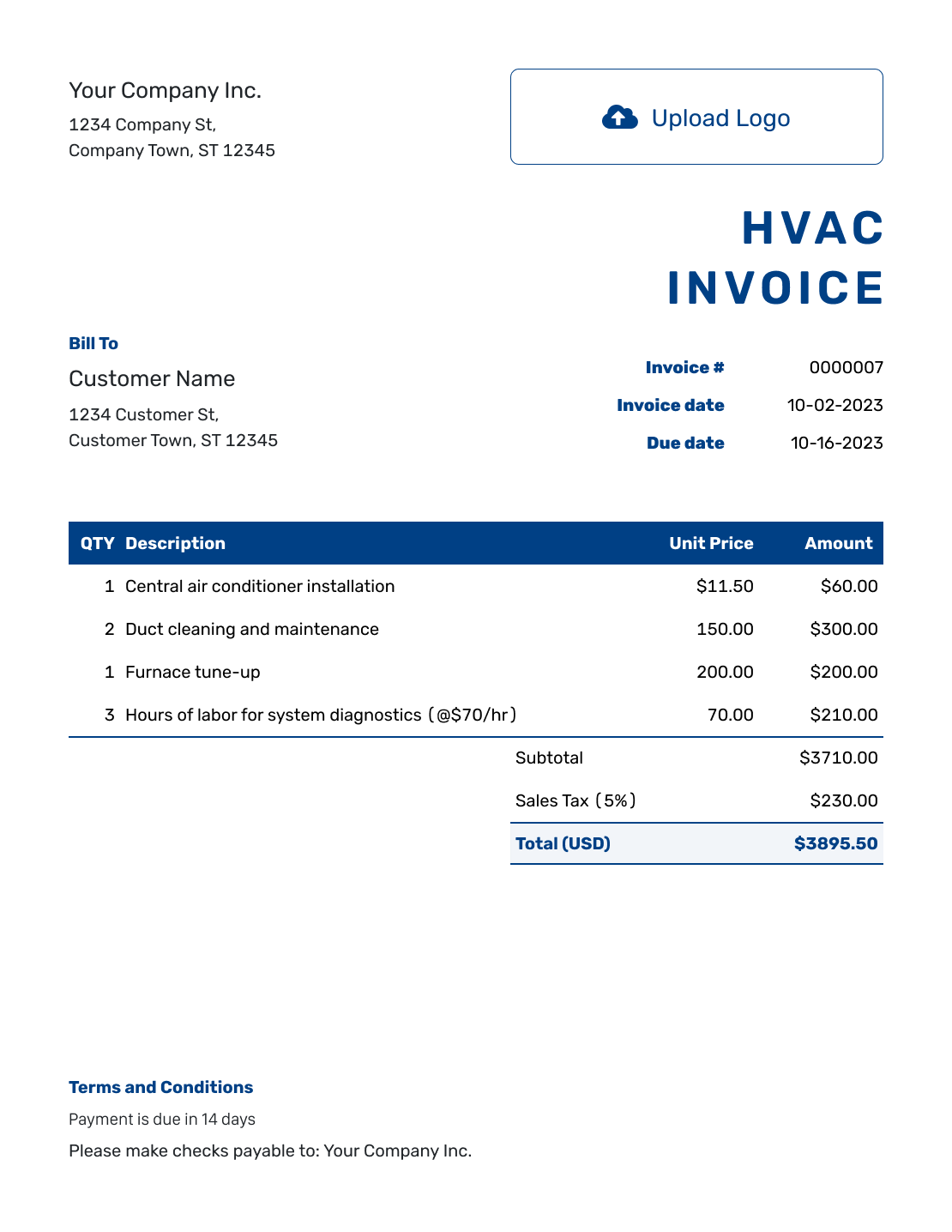
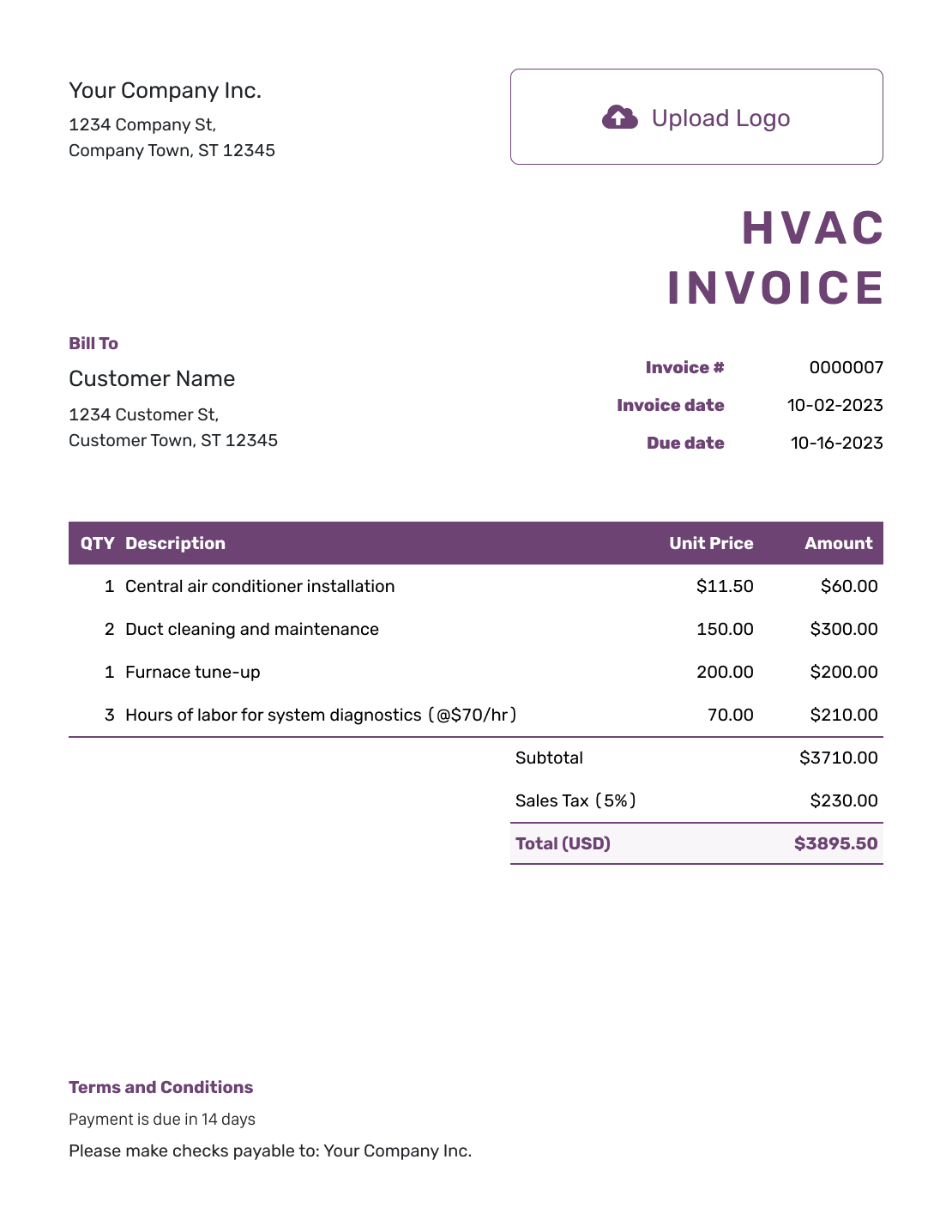
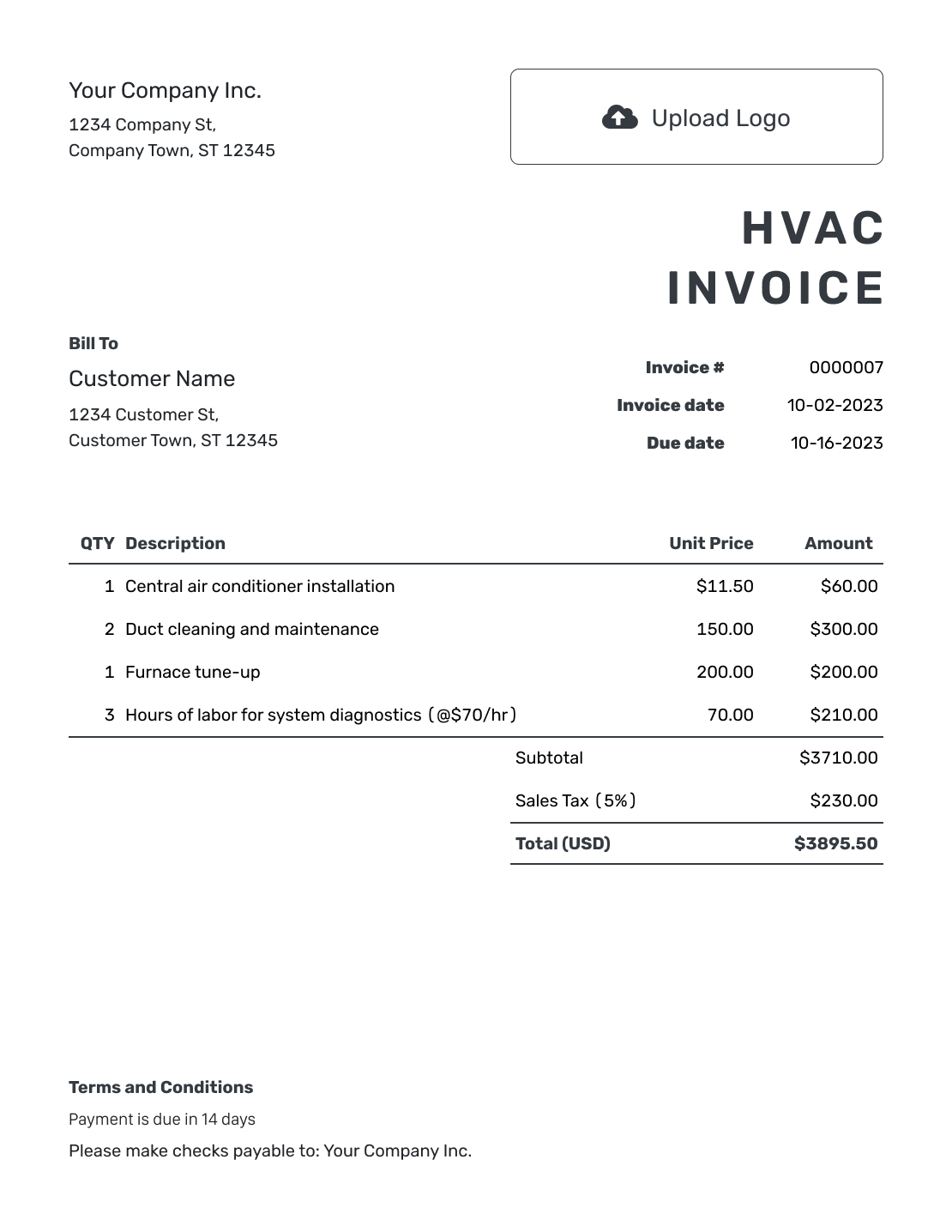
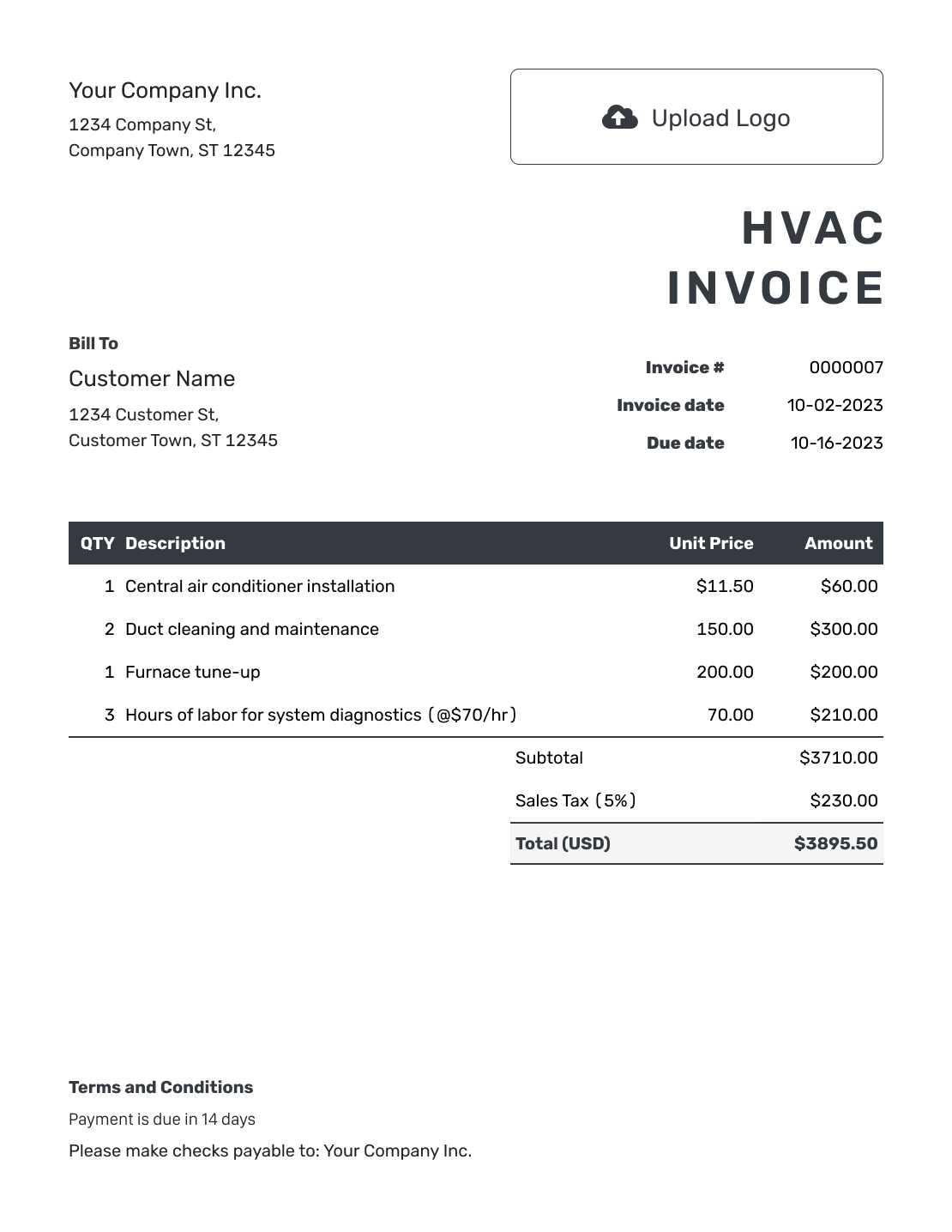
Preview invoices for heating, cooling, or ventilation work. The buttons open Docelf’s invoice creator, where you can enter the equipment details and charges for your own visit.
How to Create an HVAC Invoice
Start with the service record and agreed charges. Identify the unit you worked on so the customer can match the invoice to the visit.
- Add Your Business: Enter your HVAC business name and the contact details for billing questions.
- Add Your Logo: Use the logo your customer knows from your service paperwork.
- Choose the Customer: Choose the homeowner, property manager, or business paying for this visit.
- Set the Number and Dates: Check the invoice number. Set the invoice date and payment due date.
- Describe the Service: Name the unit and work completed. Add parts, hours, and agreed rates.
- Check the Total: Apply the correct tax and any discount. Review Docelf’s calculated total.
- Add Terms and Send: Use Terms and Conditions for payment instructions and the service address or job reference. Review, then email or download the invoice.
How to Fill In HVAC Invoice Line Items
Describe the repair rather than writing only “HVAC service.” Show a diagnostic charge separately when you agreed to bill for it. For hourly work, put the hours and rate on the labor line.
This fictional thermostat repair uses USD and includes a separate diagnostic fee. It applies an illustrative 8% tax to $160.00 of parts. Diagnostic and labor charges are untaxed in this example. Use the tax treatment that applies to your work.
| QTY | Description | Unit Price | Amount |
|---|---|---|---|
| 1 | Diagnostic visit — heating controls | $90.00 | $90.00 |
| 1 | Programmable thermostat | $125.00 | $125.00 |
| 1.5 | Thermostat installation and testing — hours | $100.00 | $150.00 |
| 2 | Return-air filter — each | $17.50 | $35.00 |
| Subtotal | $400.00 | |
| Sales Tax (8% on parts) | $12.80 | |
| Total | $412.80 |
What to Include in HVAC Invoice Terms
Give the due date and payment instructions in Terms and Conditions. Include the service date or unit reference so the customer can match the terms to the visit. Describe only the parts or workmanship warranty you agreed to provide.
If the visit is covered by a maintenance plan, explain which repairs it includes and which cost extra. Use only policies your business actually follows. Check local requirements before adding warranty limits or late-payment fees.
Adapt this example for the unit, service, and payment terms you agreed with the customer.
Example: Terms and Conditions
- This invoice covers the listed work on [Equipment/Unit] at [Service Address] on [Service Date].
- Payment is due on [Due Date] by [Payment Method]. Please use [Invoice Number] as the payment reference.
- The customer approved the diagnostic fee and listed repairs under [Approval Reference].
- Any parts or workmanship coverage is described in [Agreed Warranty Details]. Contact [Service Contact] with questions about the completed work.
Finish the Service Visit With a Clear Bill
Add the work from your service record. Docelf calculates the charges. Review the invoice and send it to the person handling payment.
Show Which Equipment You Serviced
A customer may have more than one system at the property. A few specific details help them check which unit you serviced and why you charged for the work.
Identify the Unit
Include the service address and the unit’s location. Add a model or serial number if the property has similar units.
Explain Separate Fees
Label any agreed service-call, diagnostic, or after-hours charge. Check whether the repair price already includes that fee before adding it again.
Use the Agreed Pricing Method
For a flat-rate repair, describe what the price includes. Do not add separate charges for labor or parts already covered.
Separate Maintenance From Repairs
For routine maintenance, describe the visit covered by the plan. Give an approved extra repair its own line so the customer can see the difference.
Keep the Service Record With the Invoice
Attach a service report or equipment photo when it explains the charge. Keep detailed readings and test results in that report instead of squeezing them into every invoice line. Docelf accepts PDF, JPG, GIF, PNG, and WebP files up to 5 MB each.
For a new system installation, start from the estimate or quote you prepared in Docelf. Create the invoice from that document. Check the equipment, quantities, and agreed prices before sending. See how to create an invoice from an estimate.
Keep Your HVAC Business Easy to Recognize
Add your logo and choose colors and fonts that match your service documents. You can place an optional industry name before “Invoice.” Put your billing contact in the footer so questions reach the right person.
Choose the currency agreed with the customer: USD, EUR, GBP, CAD, or AUD. The logo, colors, and fonts guide explains the design options.
After You Send the HVAC Invoice
Docelf shows when your emailed invoice is delivered and opened. Check this history before following up on payment.
- Keep follow-up messages tied to the equipment or service reference.
- Record the payment amount and date against the invoice.
- Create a receipt after recording payment. Check the remaining balance if the customer paid only part of the bill.
More HVAC Invoice Previews
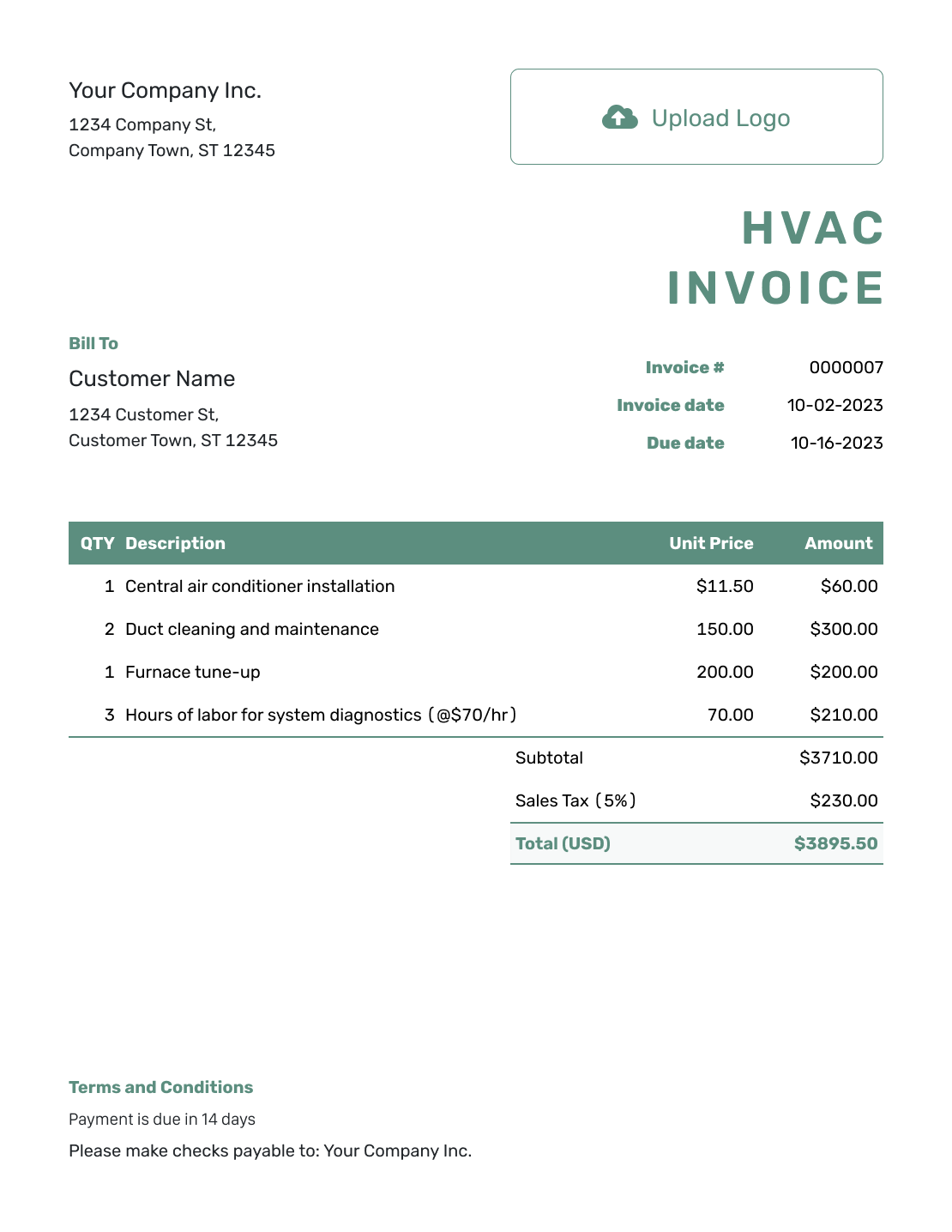
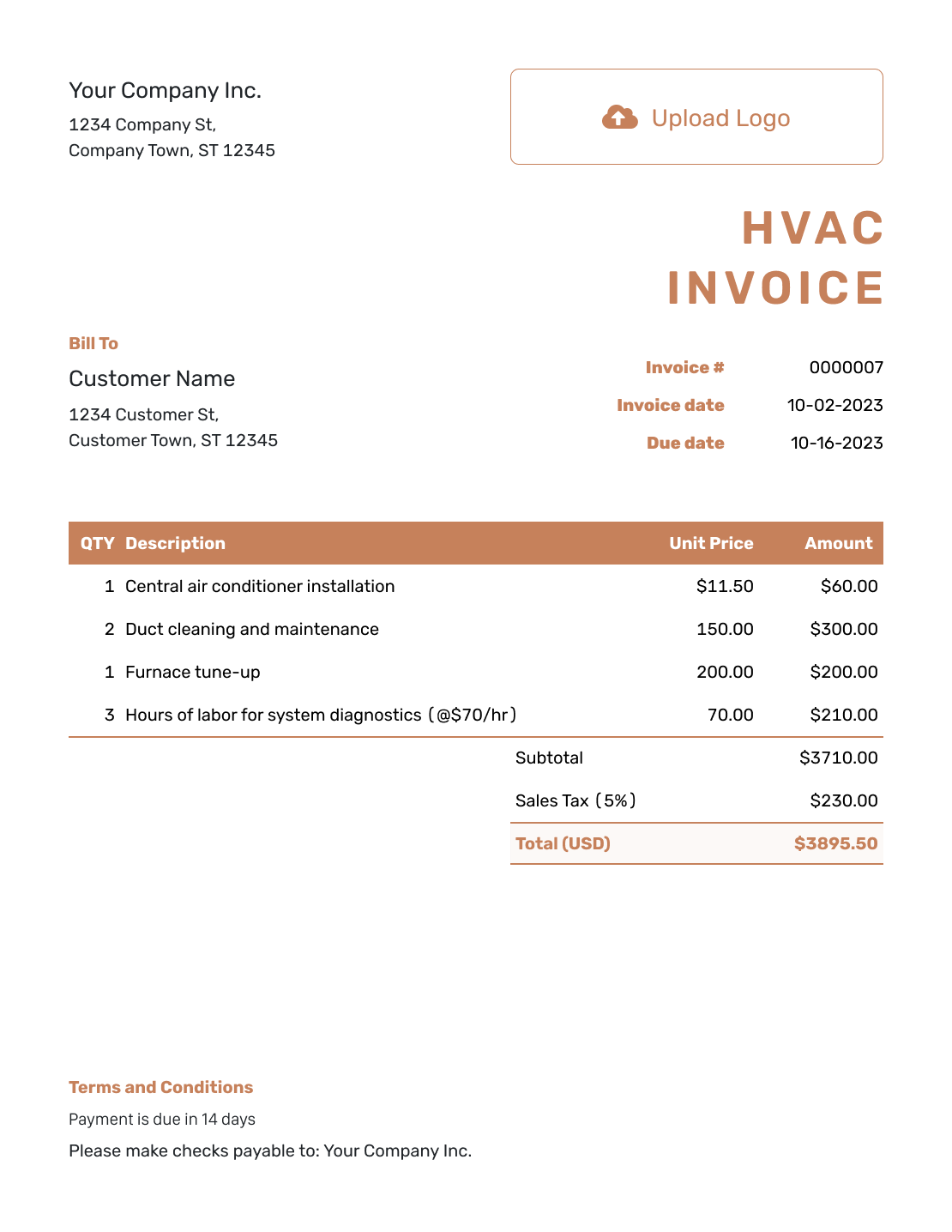
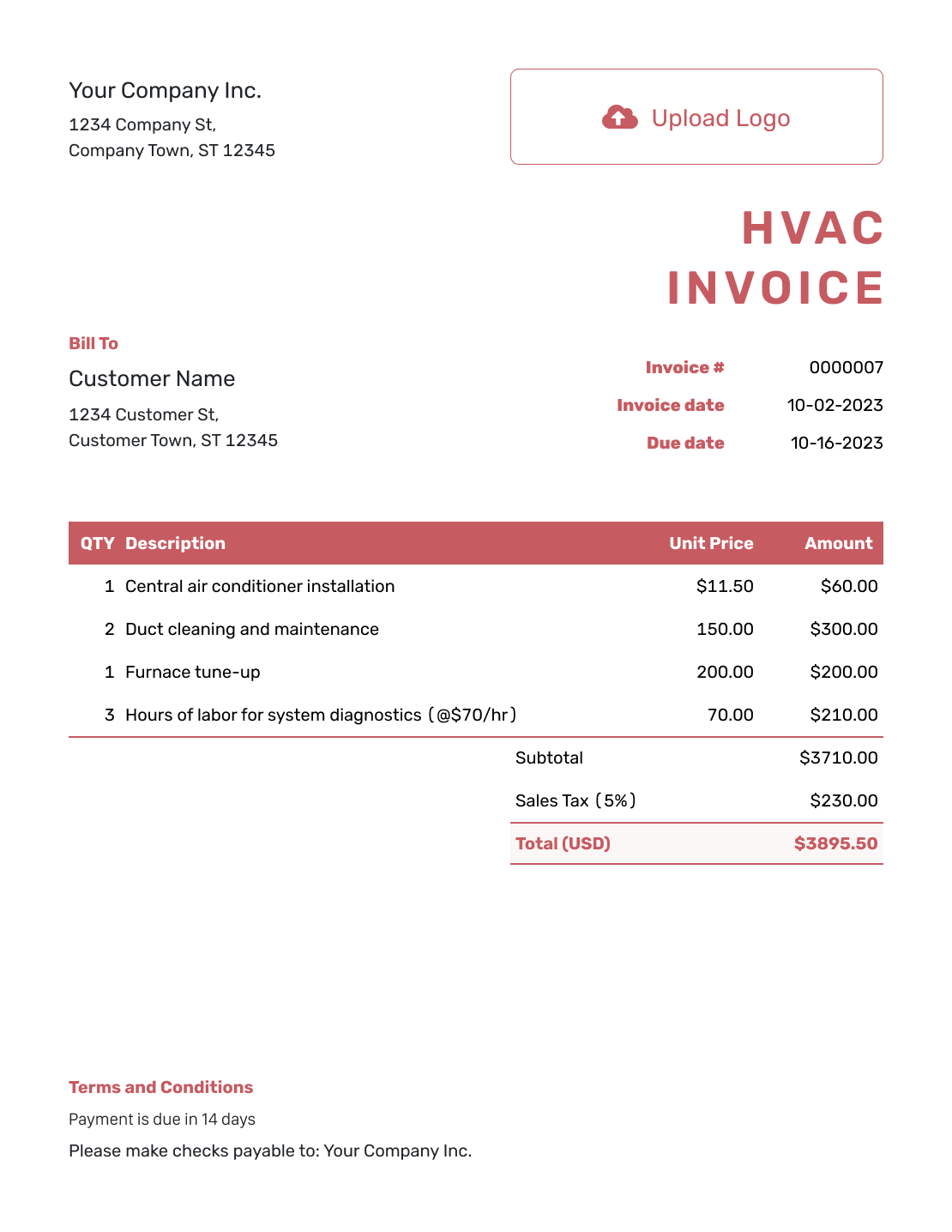
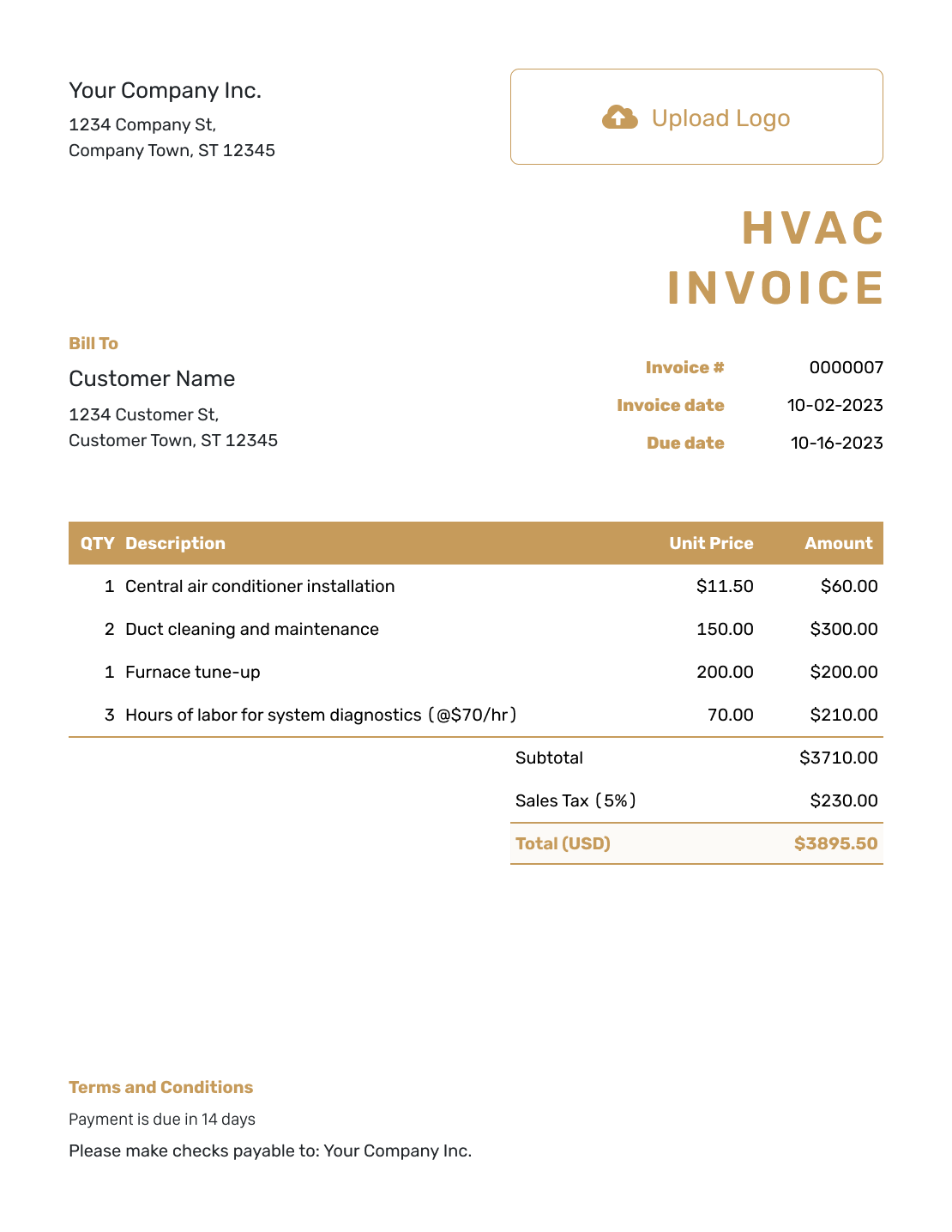
These six additional previews open the same invoice editor. Add the equipment, work completed, and agreed charges for your service visit.
HVAC Invoice File Formats
Prefer a document or spreadsheet? Use a general invoice template below for your service visit. Edit descriptions in Word or Google Docs. Use Excel or Google Sheets to list hours and parts.
HVAC Invoice FAQs
-
What equipment details belong on an HVAC invoice?
Name the unit and where it is located at the service address. A model or serial number can help when the customer has several systems. Keep lengthy test readings in an attached service report.
-
Should I list the diagnostic fee separately?
Use a separate line when you agreed to charge it in addition to the repair. If your repair price includes the diagnostic visit, do not charge it twice. Explain any agreed credit clearly.
-
How do I invoice for a flat-rate HVAC repair?
Use one line for the agreed repair price and describe the parts and work it includes. List any approved extras on separate lines.
-
Can I use this invoice for HVAC maintenance?
Yes. Identify the visit date and the service covered by the maintenance plan. List approved repairs or replacement parts separately when they are not included in the plan price.
-
Can I include a service report with the invoice?
Yes. You can attach a PDF service report or a supported image file up to 5 MB. The customer can download it with the invoice.
-
Can I send the HVAC invoice from the job site?
Yes. Docelf works on phones, tablets, and computers. Review the service details on your device. Then email the invoice from Docelf or download a PDF.
Ready to Bill for the HVAC Service?
Finish the invoice before heading to the next service call.
- Identify the service visit and unit
- Let Docelf calculate parts and labor charges
- Email the invoice or download a PDF




