Free Towing Receipt Template
Create a professional towing receipt in minutes
Record the tow or roadside service, distance and amount paid on a clear receipt. Your customer gets proof of payment, and you keep a clear record of the job.
Email, print or download your receipt as a PDF.
14-day free trial. No credit card required.
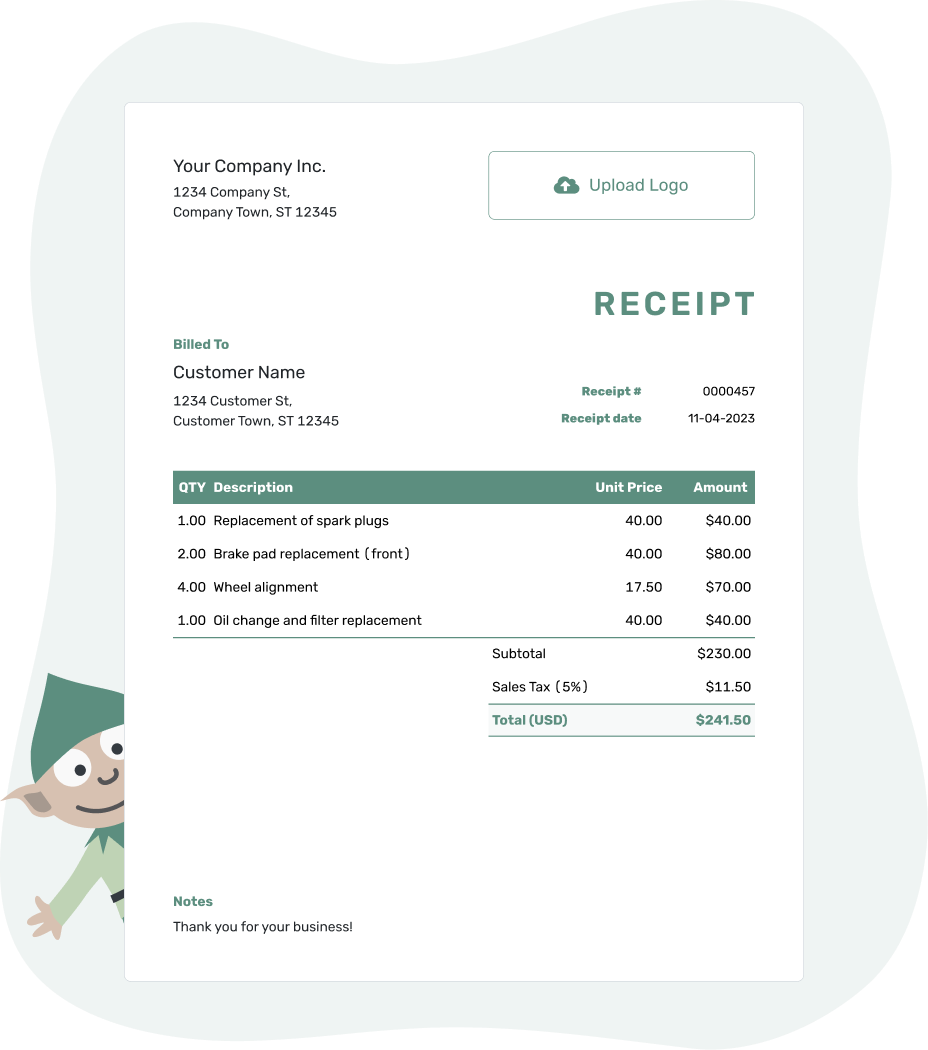
Record the payment. Send the receipt. Get back to work.
Towing Receipt Examples
Help your customer match the payment to the vehicle and route. Every preview below opens the same receipt editor, where you can add your job details.
-
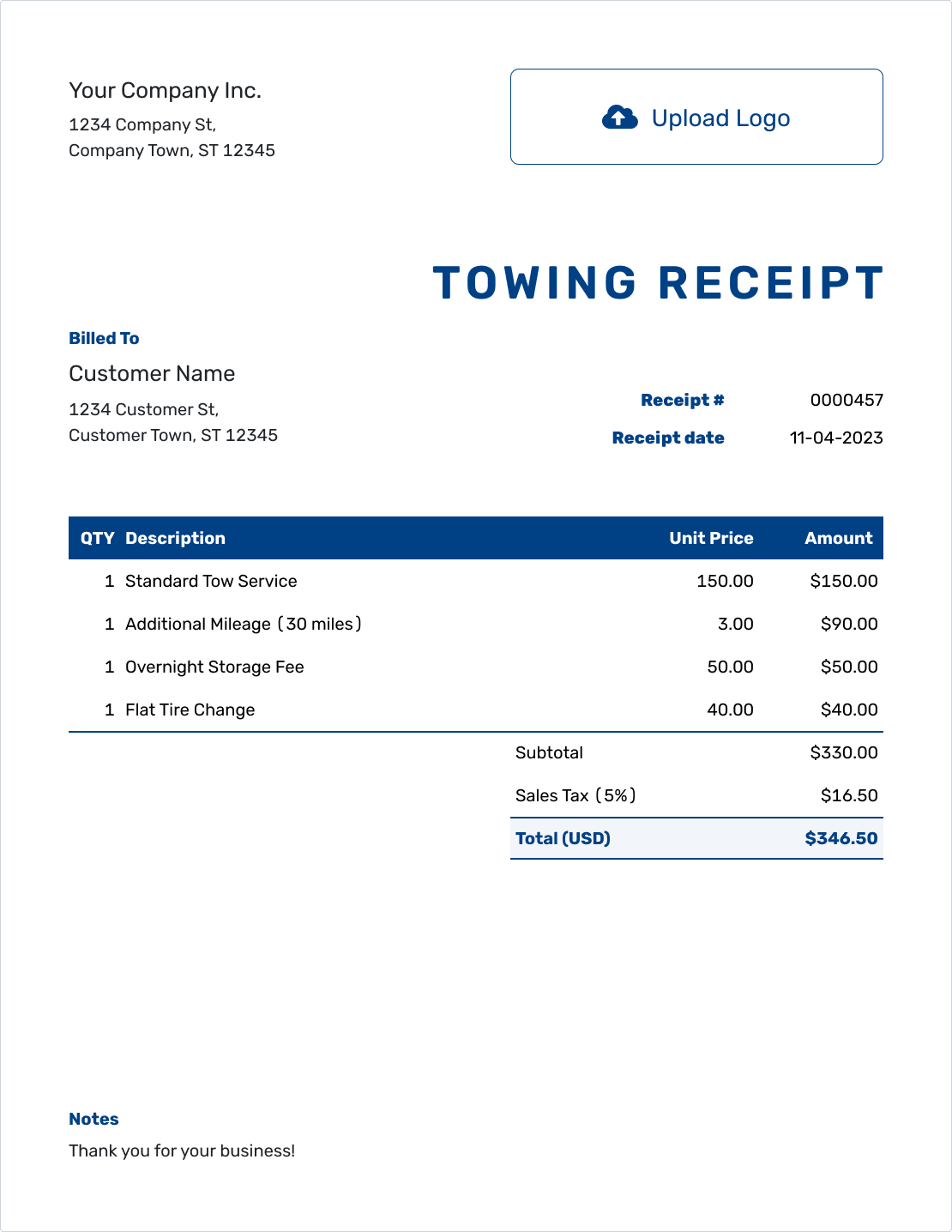
Sample Towing Receipt Template
Create Free Receipt -
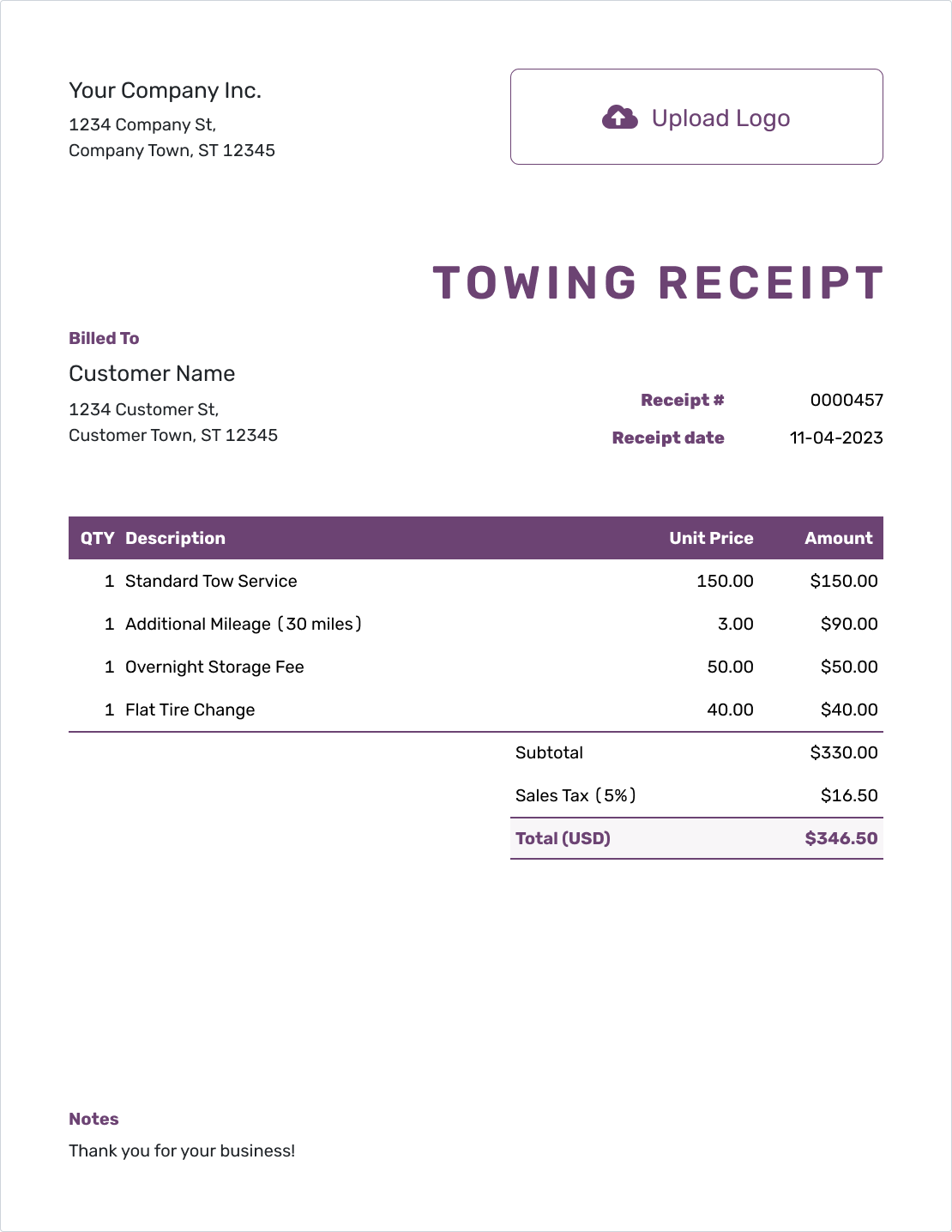
Free Towing Receipt Template
Create Free Receipt -
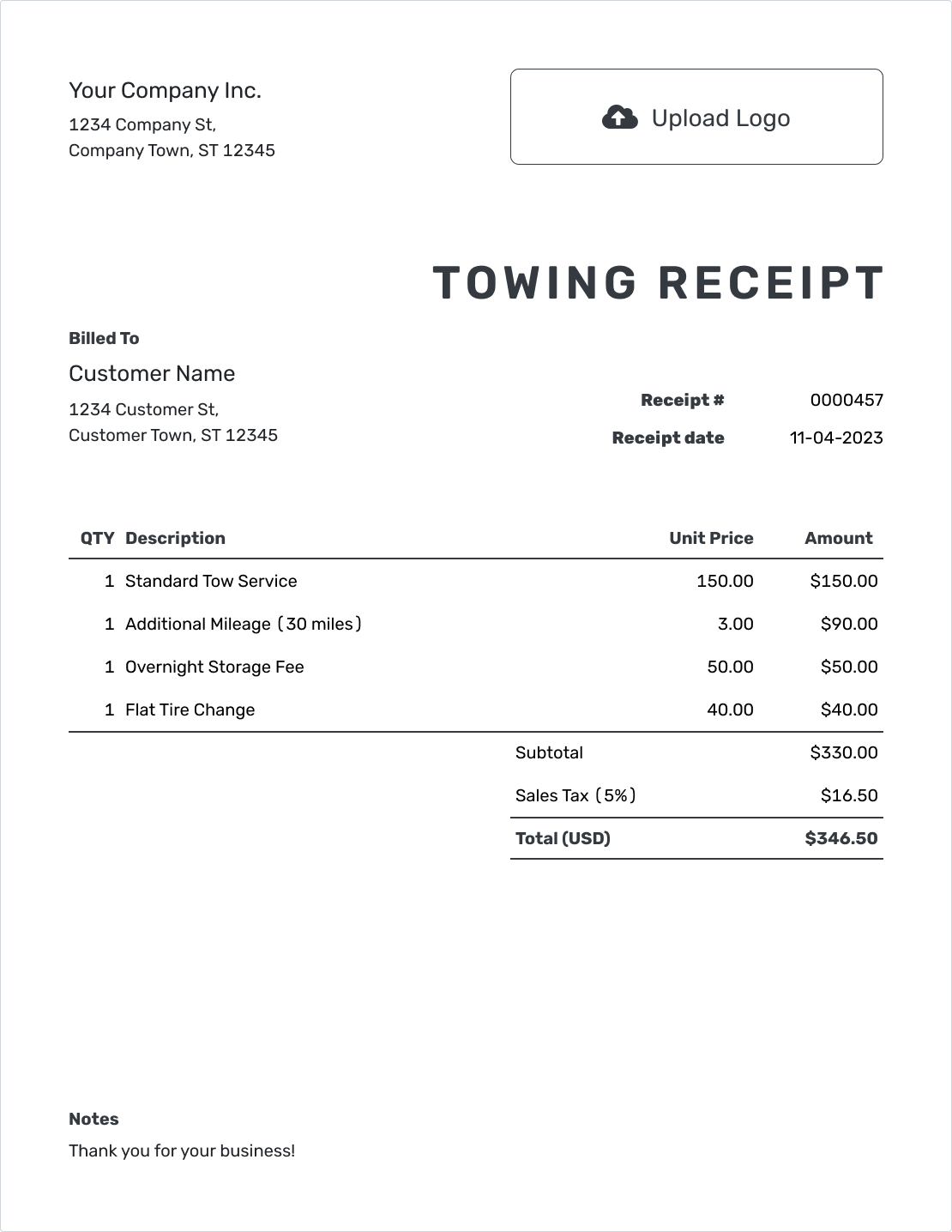
Printable Towing Receipt Template
Create Free Receipt
Browse six more towing receipt previews below.
How to Create a Towing Receipt
Have the dispatch or job record handy so the pickup, destination and charged distance match the tow. The receipt gives your customer a record of the tow and the payment you received.
Already created the towing invoice in Docelf? Record the payment and create its receipt. Otherwise, enter the job and payment in a standalone receipt using the steps below.
- Your Business: Add your towing business and contact details.
- Your Logo: Use your business logo, or leave it out.
- The Customer: Enter the customer connected to this payment.
- Number and Date: Check the number and use the payment date.
- The Tow: List the tow, charged miles and separate services.
- The Payment: Record the amount received. Check the total and any tax or discounts.
- Job Notes: Add the vehicle, route and payment method. Review and send.
Explain the Tow, Distance and Extra Work
Separate the base tow charge from distance charged by the mile. If the base rate already includes some miles, describe that allowance and charge only for the additional distance. A flat-price tow may need just one line. For distance or time charges, Docelf multiplies each quantity by its unit price and calculates the total.
For this example, the customer paid for a hookup, 12 charged miles and 30 minutes of winching. The US-dollar base charge includes no mileage, and illustrative 6% tax applies to all three charges. Use your own job prices and tax treatment.
| QTY | Description | Unit Price | Amount |
|---|---|---|---|
| 1 | Base tow and hookup — no mileage included | $95.00 | $95.00 |
| 12 | Loaded towing distance — miles | $4.00 | $48.00 |
| 0.5 | Vehicle winching — hours | $80.00 | $40.00 |
| Subtotal | $183.00 | |
| Sales Tax (6% on all charges — illustrative) | $10.98 | |
| Total Paid | $193.98 |
The $193.98 card payment settles the job in full. The winching line is 0.5 hour × $80.00 = $40.00. Use your actual charges and check local requirements for taxes and towing fees.
What to Include in Towing Receipt Notes
The vehicle and route explain which tow the customer paid for. Notes can hold the pickup and drop-off locations, job number and service date without making the charged rows hard to read.
Keep the tow date separate from the receipt date when payment arrived later. The receipt uses the payment date even if you create or send it another day. A dispatch reference also helps match a receipt to any related roadside-assistance paperwork.
Example: Notes
- Job TW-309. Vehicle: [Make, Model / License Plate].
- Tow completed September 23, 2026 from [Pickup Location] to [Drop-off Location]. Charged distance: 12 miles.
- Separate winching time: 30 minutes, shown as 0.5 hour in the line items.
- Card payment of $193.98 received September 24, 2026. Paid in full.
Finish the Receipt From the Job Site
Docelf works on your phone as well as your computer. Review the payment and email the receipt from wherever you are working.
Make Distance and Time Charges Clear
Mileage and Roadside Work
Name the distance you actually charged, such as loaded towing miles, and show the unit rate. Roadside work without a tow, such as a jump-start, should name that service rather than include a towing-distance charge.
Storage or After-Hours Charges
When the bill includes storage, identify the period and charging unit so the customer can follow the amount. Any after-hours or other fee should match the job record and the requirements that apply locally. Leave out fees that were not charged.
More Than One Payer
When a customer and a motor club or insurer both pay toward a job, keep their payments separate. Identify who paid the amount on this receipt and show any remaining balance. An expected third-party payment is not money already received.
Give the Customer a Useful Copy
A vehicle owner may need the receipt for their records or to ask an insurer about reimbursement. A clear job reference and itemized charges help them explain what they paid for.
You can attach a relevant job sheet or photo as a PDF or supported image. Email the receipt from Docelf to see when it was delivered and opened.
For another copy of this payment, send the existing receipt. For a new tow, you can reuse saved customer details or duplicate a receipt to start a new draft with a new number. Check the new job details and record the payment actually received.
More Towing Receipt Previews
Add your company logo and use your own colors and font so the customer recognizes the business that handled the tow. Keep a phone number, email or website in the footer for questions about the job.
Docelf supports USD, EUR, GBP, CAD and AUD. Select the currency used for the payment before checking the receipt. All of these previews lead to the same editor.
-
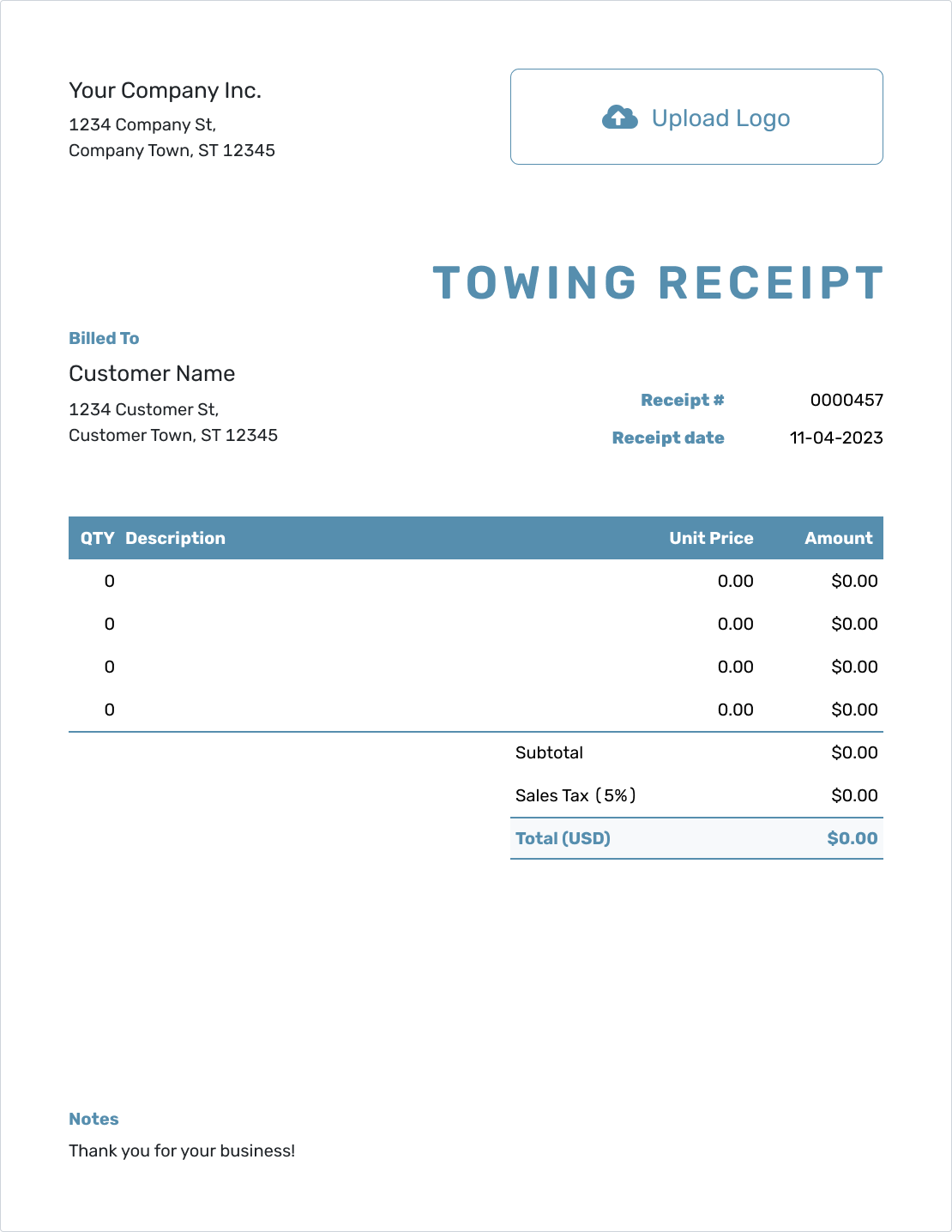
Blank Towing Receipt Template
Create Free Receipt -
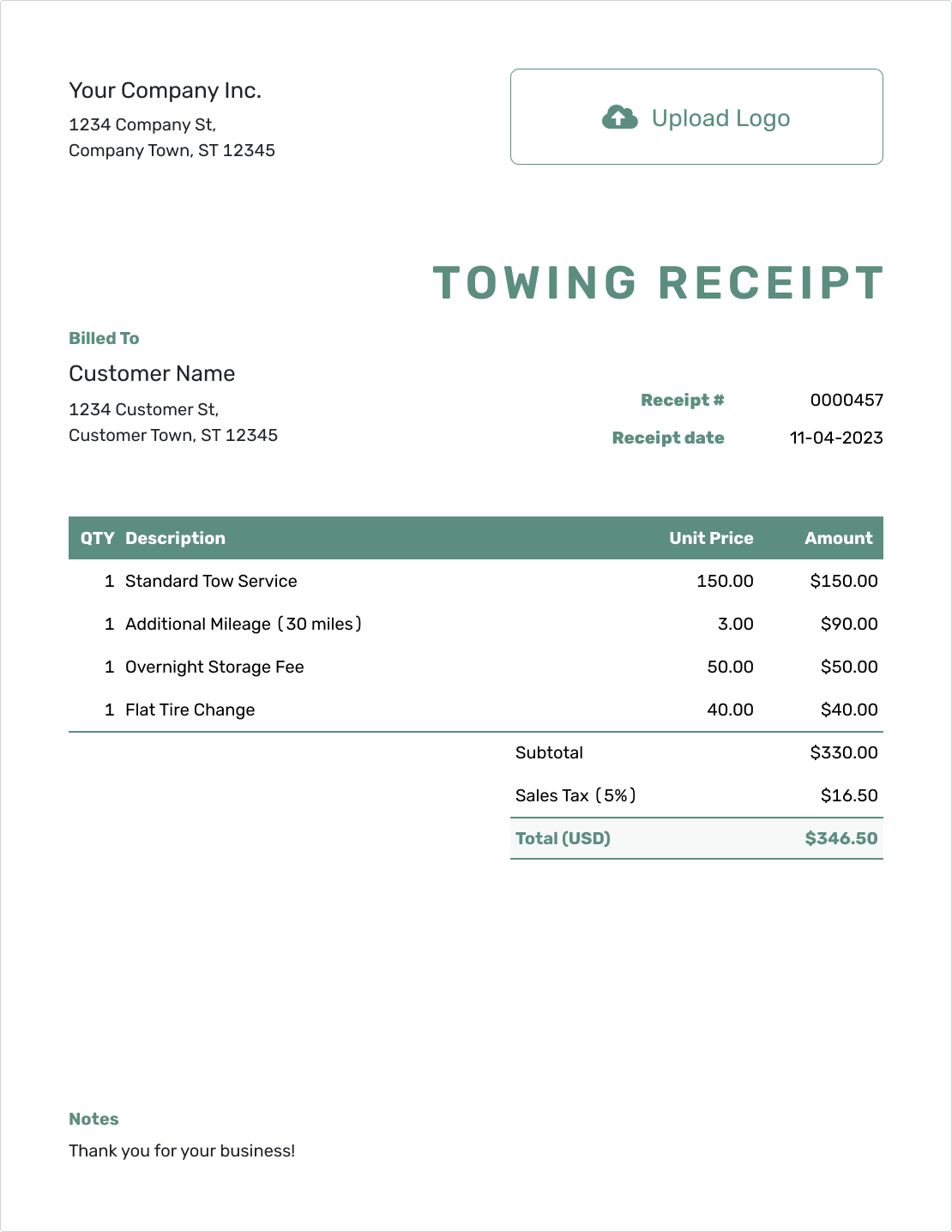
Simple Towing Receipt Template
Create Free Receipt -
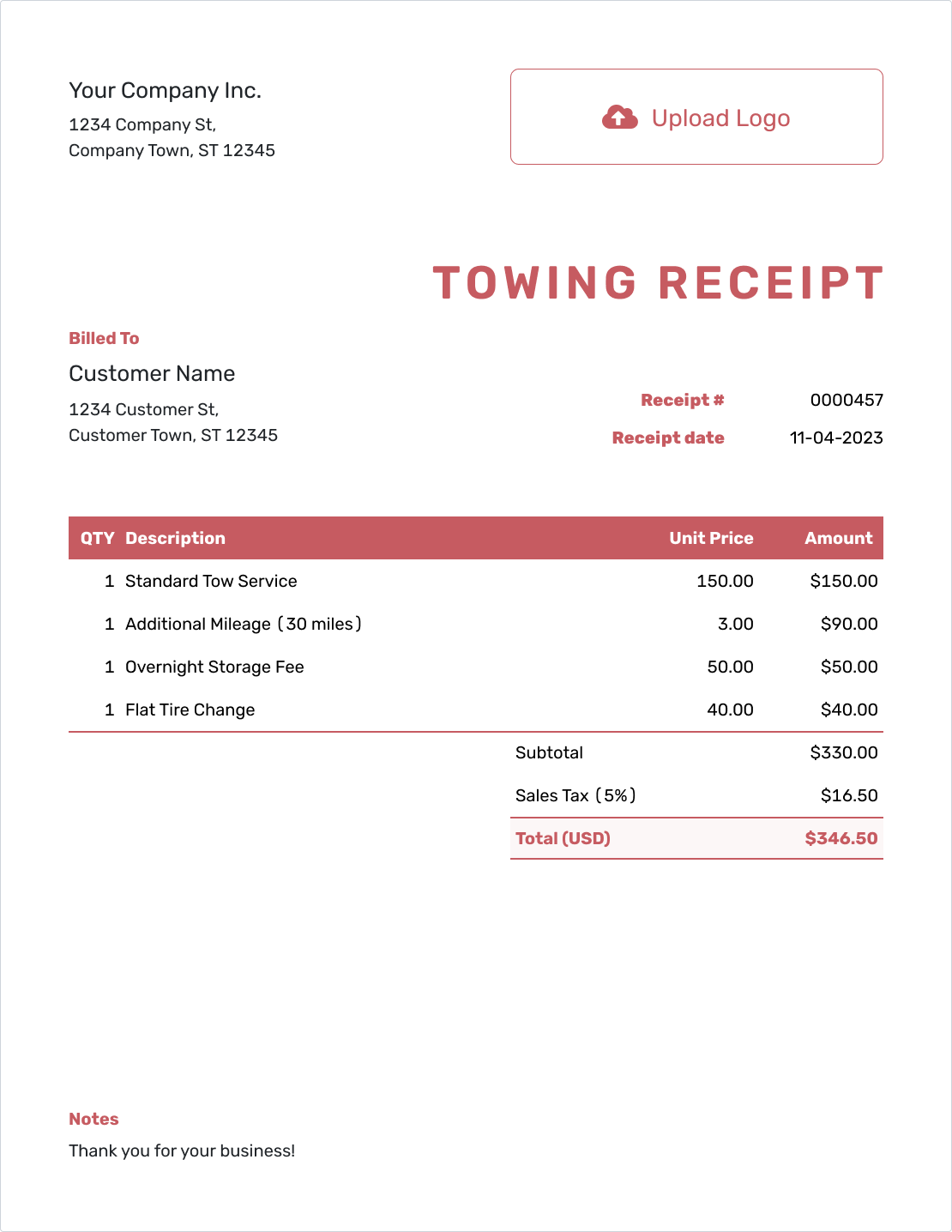
Downloadable Towing Receipt Template
Create Free Receipt -
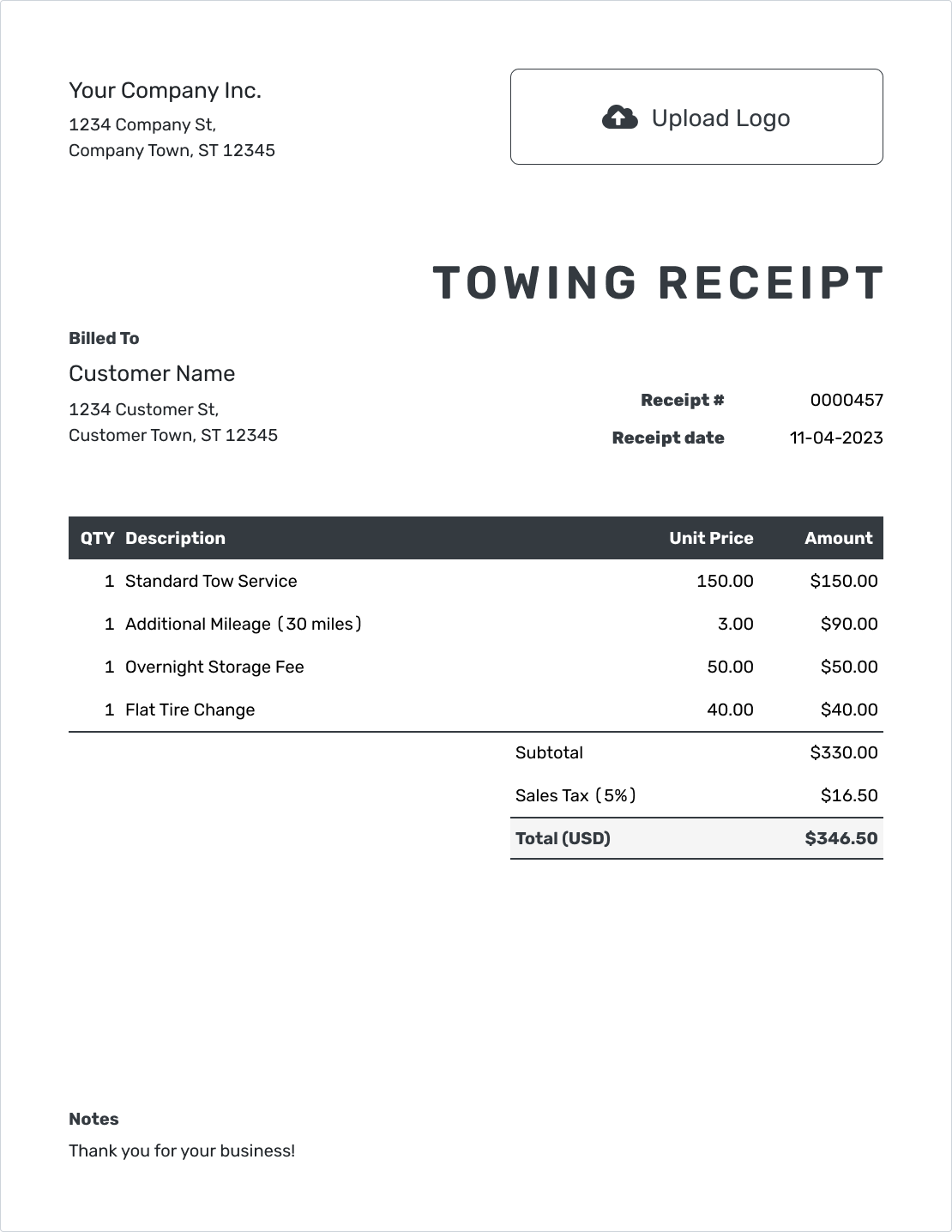
Editable Towing Receipt Template
Create Free Receipt -
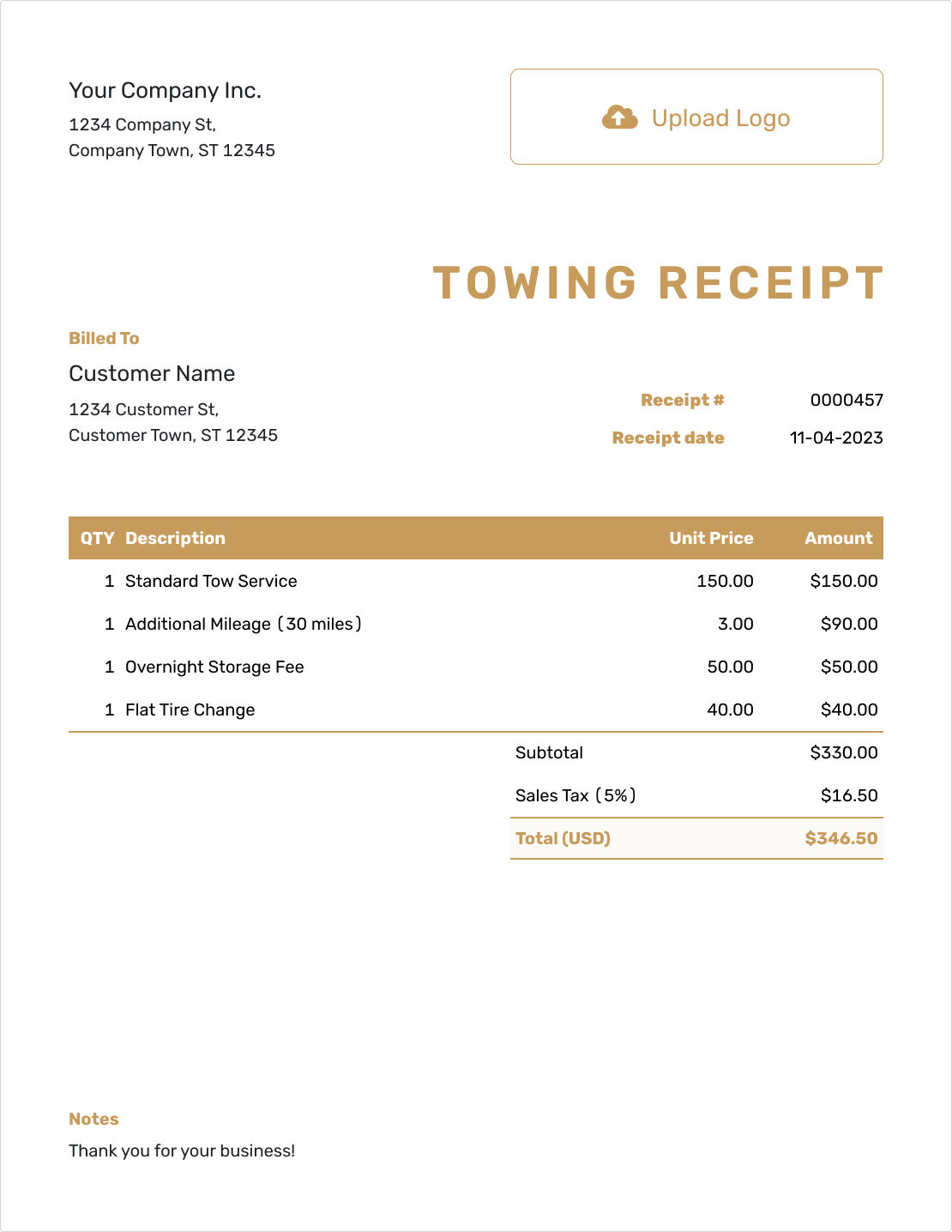
Fillable Towing Receipt Template
Create Free Receipt -
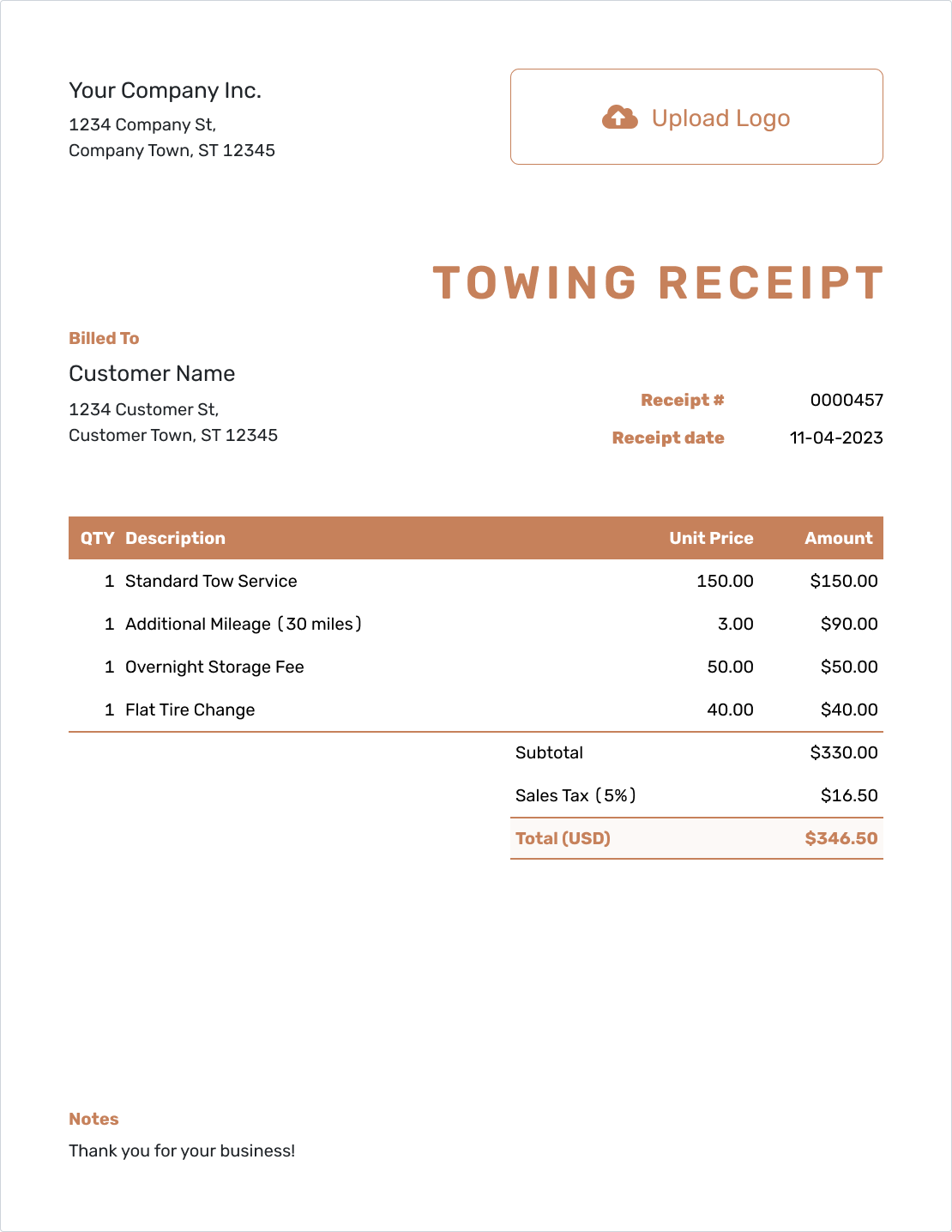
Professional Towing Receipt Template
Create Free Receipt
Use a Towing Receipt in Word or a Spreadsheet
These general receipt templates can hold the tow locations, job reference and payment. A document may suit a flat-fee job; a spreadsheet gives you rows for distance and time. Docelf offers the online route with a finished PDF to download.
Towing Receipt FAQs
Answers for mileage, later payments and receipts a customer may need after the vehicle has been moved.
-
How should I show mileage on a towing receipt?
State the charged distance, its unit and the rate. For example, 12 miles at $4.00 per mile is $48.00. If your base charge includes miles, explain that and list only the extra distance as an additional charge.
-
Should the receipt use the tow date or the day I was paid?
Use the day you received payment as the receipt date. Label the tow date separately in Notes when it differs. Preparing or sending the receipt later does not create a different receipt date.
-
Can I use this template for a jump-start or other roadside service?
Yes. Name the roadside service and its actual charge. Include the vehicle, service location and payment details. Do not add a towing-distance line when no tow was charged.
-
What if a motor club pays part of the towing bill?
Distinguish that payment from money received from the customer. Record only the amount actually received for this receipt and identify who paid it. Keep the job reference and any balance clear; do not count a promised payment as received.
-
Can a customer use the receipt for an insurance claim?
The receipt provides a record of the vehicle, route, charges and payment. The customer should check with their provider about the documents needed for a claim. A receipt does not guarantee reimbursement.
-
Can I include storage charges on the receipt?
Yes, when storage was part of the actual bill. Describe the storage period and rate so the charge is clear, and show the payment received. Check the local rules that apply to the charge rather than copying a sample fee.
Ready to Send the Towing Receipt?
Finish this job with a payment record the customer can find and understand later.
- Connect the payment to the vehicle and route
- Explain distance and separately charged work
- Email the receipt or download a PDF




