Free Artist Invoice Template
Create a professional artist invoice in minutes
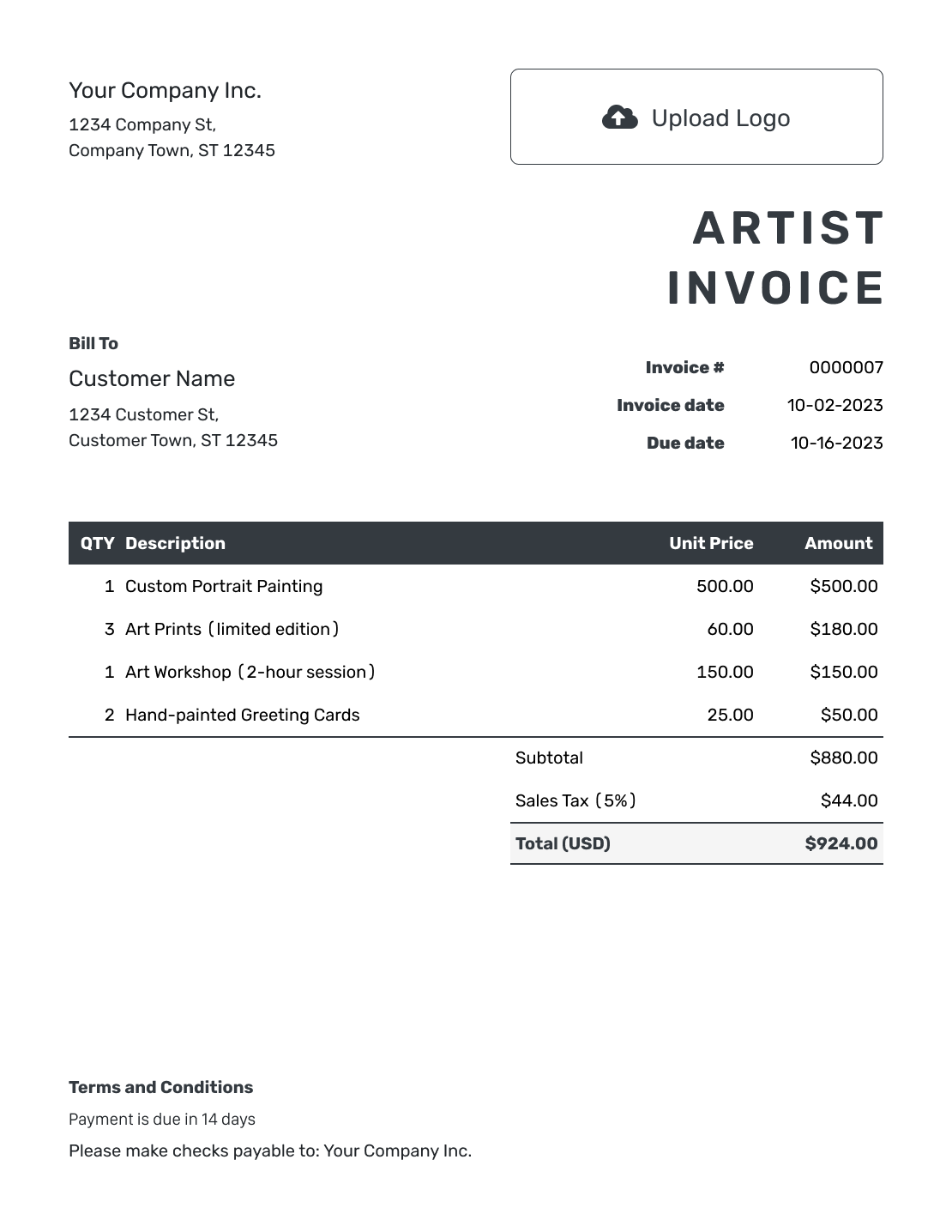
Create an invoice for an original artwork or a commissioned piece. Give your buyer a clear request for payment so you can collect the agreed price.
Email, print or download your invoice as a PDF.
14-day free trial. No credit card required.

Create the invoice. Send it. Get back to work.
Invoice Layouts for Artwork and Commissions
Browse invoice previews for original artwork or commissions. Each opens the same invoice editor, where you enter the artwork title and agreed price.
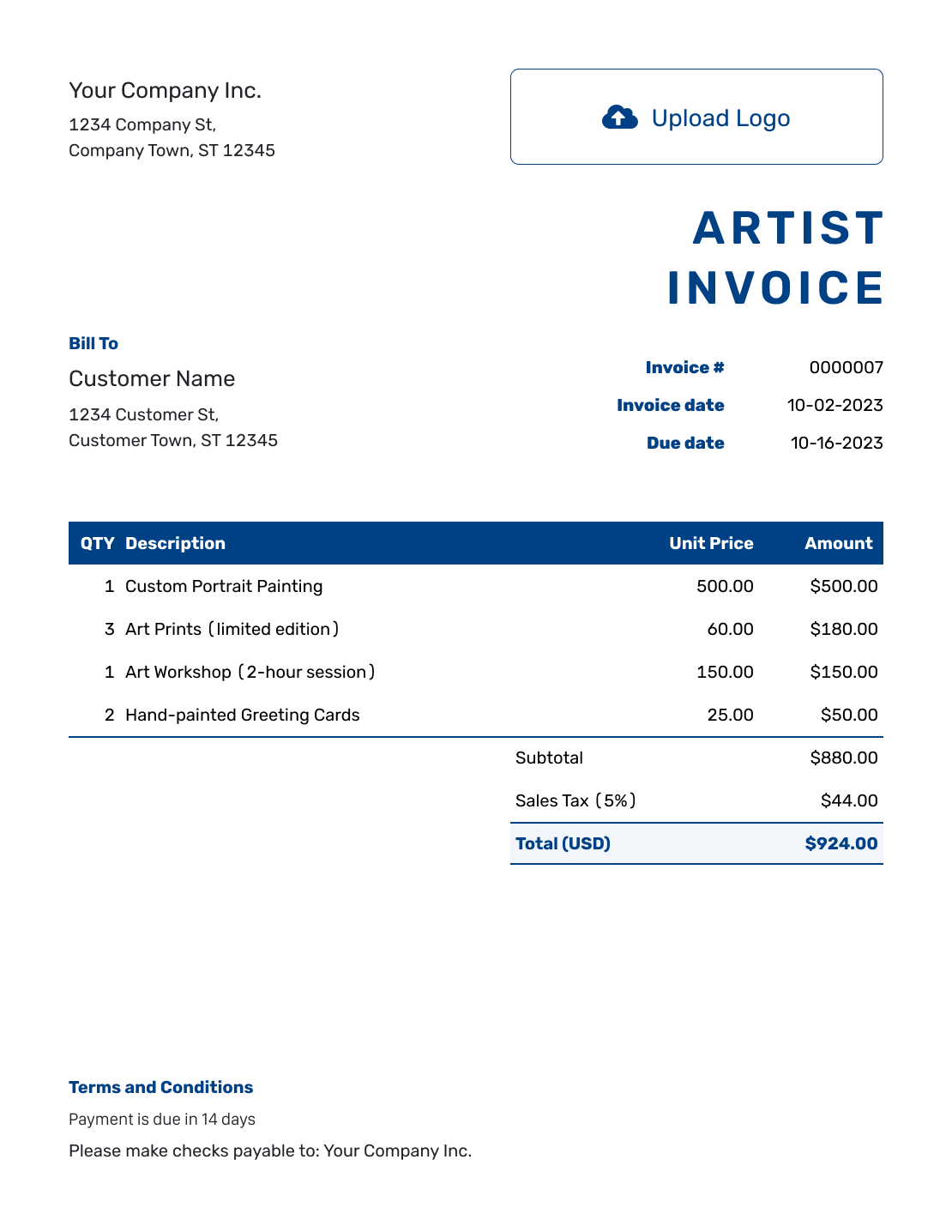
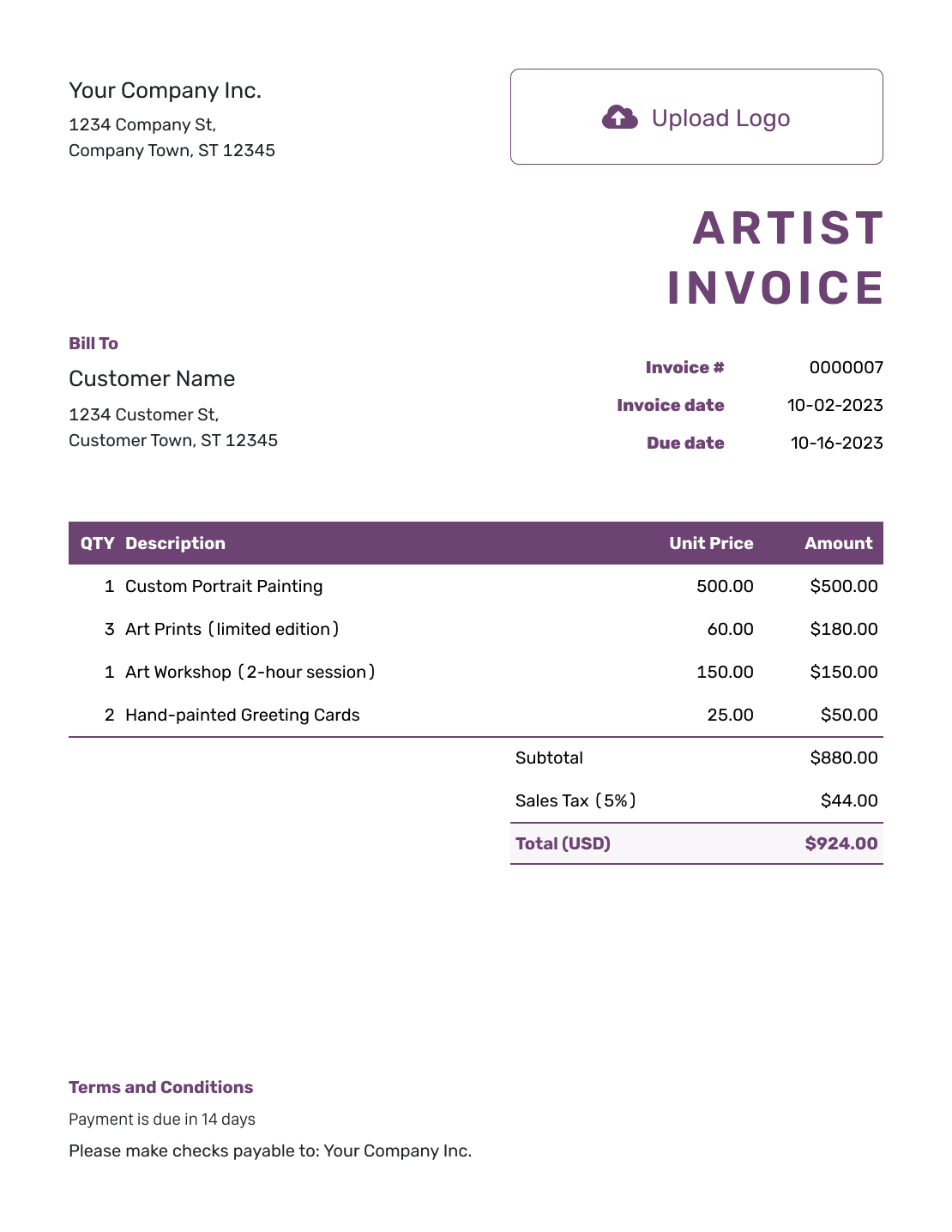
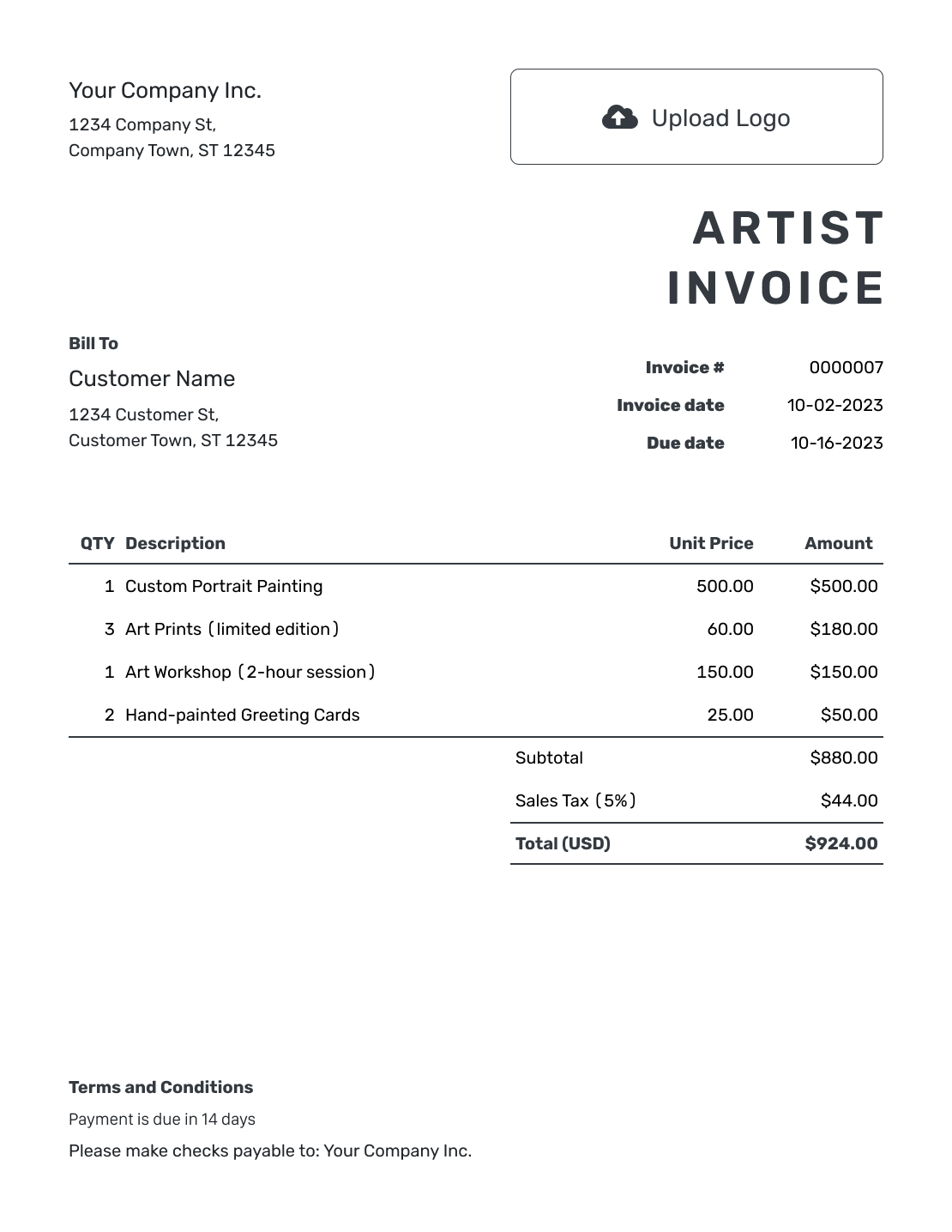
Bill for the Piece, Not Just “Art Services”
Give the buyer enough detail to recognize the artwork. For a painting or sculpture, name the piece and include its medium and dimensions. For digital artwork, identify the finished file or commission.
Keep the agreed artwork price clear. Add framing, installation or delivery as separate charges only when they are outside that price. For a mural, add the site address and describe the completed work.
How to Create an Artist Invoice
Keep your commission agreement or sale details nearby. Use the steps below to add the buyer and agreed charges.
- Identify Your Studio: Enter your artist or studio name and billing contact details.
- Add Your Logo: Use the logo the buyer knows from your studio or portfolio.
- Name the Buyer: Enter the buyer’s billing details, not just the delivery address.
- Set the Number and Dates: Check the invoice number. Set the invoice date and agreed payment due date.
- Describe the Artwork: Name each piece with its medium and size. Add its quantity and price.
- Check the Amount Due: Add any tax or discount. Review the total and payments already recorded.
- Add Payment and Delivery Terms: Explain how to pay and refer to the agreed collection or delivery arrangements.
How to Fill In Artist Invoice Line Items
List the commission at the agreed price. Add separate lines for framing or delivery only when you priced them separately.
This fictional commission uses USD. The painting and frame total $995.00, with 8% example sales tax. Delivery is not taxed in this example. These are sample prices. Use the tax treatment that applies to your sale.
| QTY | Description | Unit Price | Amount |
|---|---|---|---|
| 1 | Commissioned acrylic painting — 24 × 30 inches | $900.00 | $900.00 |
| 1 | Oak frame for commissioned painting | $95.00 | $95.00 |
| 1 | Local delivery of framed artwork | $40.00 | $40.00 |
| Subtotal | $1,035.00 | |
| Sales Tax (8% on artwork and frame) | $79.60 | |
| Invoice Total | $1,114.60 |
What to Include in Artist Invoice Terms
Use Terms and Conditions to explain when the buyer should pay and how they will receive the artwork. Keep collection and delivery terms consistent with the sale or commission agreement. Refer to that agreement for any use of artwork images.
Include only arrangements you actually offer. Check local requirements before adding return rules or extra fees. Adapt this example to the piece you are selling.
Example: Terms and Conditions
- Payment is due by [Due Date] using [Payment Method].
- This invoice covers [Artwork Title], [Medium], [Dimensions].
- Collection or delivery follows the arrangements in [Commission Reference].
- Any use of artwork images follows the existing commission agreement.
The Artwork Is Finished. Send the Bill.
Create an invoice for the piece you sold. Docelf calculates the total from your charges. Check the invoice, then email it to the buyer.
Keep the Artwork Details Easy to Find
Small identifying details help when a buyer orders several pieces or comes back with a question later.
- Use the same artwork title or commission reference on the invoice and your sale record.
- For a limited-edition print, include the edition details that identify the item sold.
- For a commissioned piece, describe the completed work and any approved additions.
- Keep the buyer’s billing details distinct from the collection or delivery instructions.
Give the Invoice Your Studio’s Identity
Add your studio logo, colors and fonts. Keep the prices easy to read, and put your billing email in the footer. You can also add an industry name before “Invoice.”
A small photo can help the buyer recognize the piece. Docelf accepts PDF, JPG, GIF, PNG and WebP attachments up to 5 MB each. Use another agreed delivery method for an original digital file that falls outside those limits.
Keep a Record When the Buyer Pays
After emailing the invoice from Docelf, check its document history to see when the buyer opens it. Include the artwork title and invoice number when you follow up.
Record the amount and date of each payment. Docelf tracks the remaining balance. Then create a receipt from the invoice to confirm the payment.
For a separate payment record for the sale, see the art sale receipt template.
More Artist Invoice Previews
-
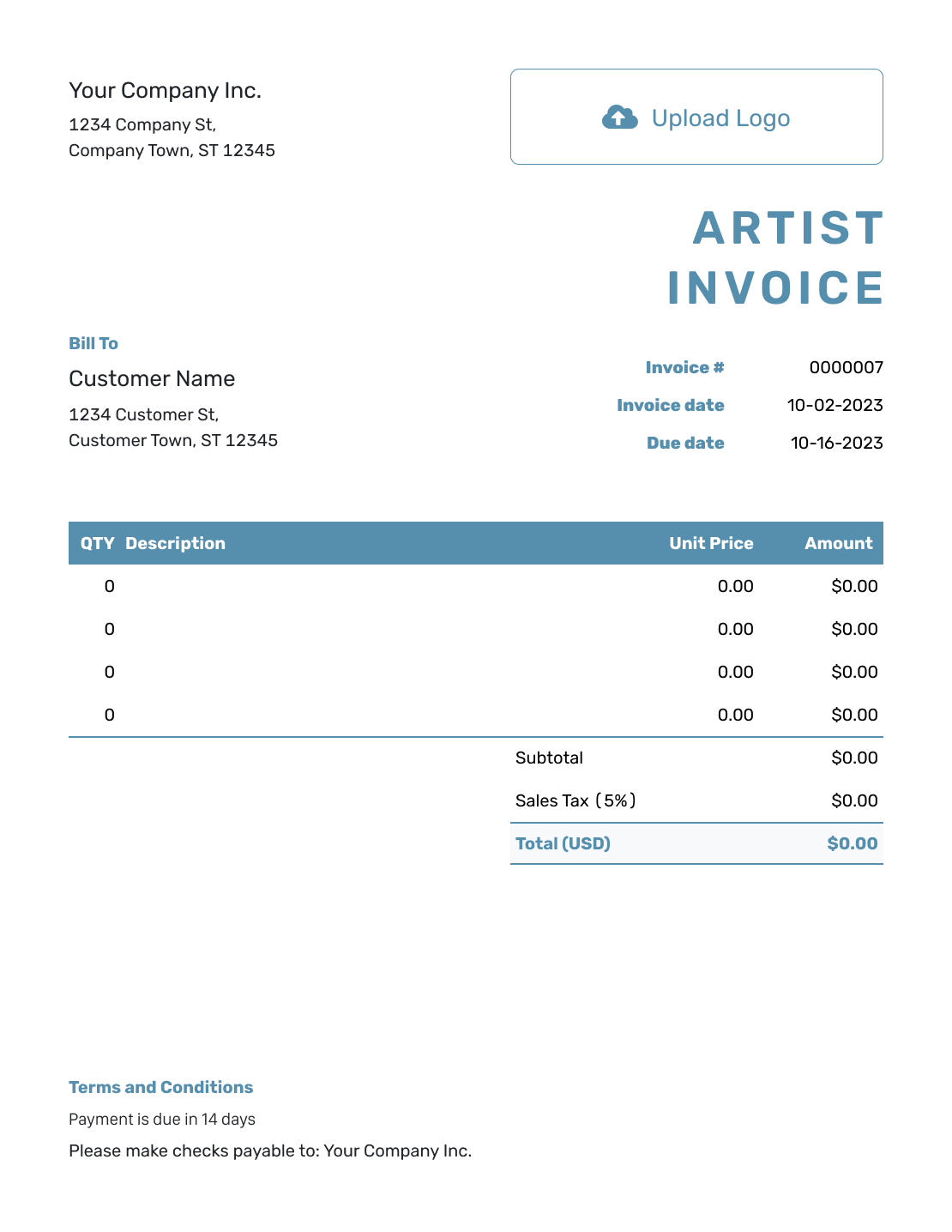
Blank Artist Invoice Template
Create Free Invoice -
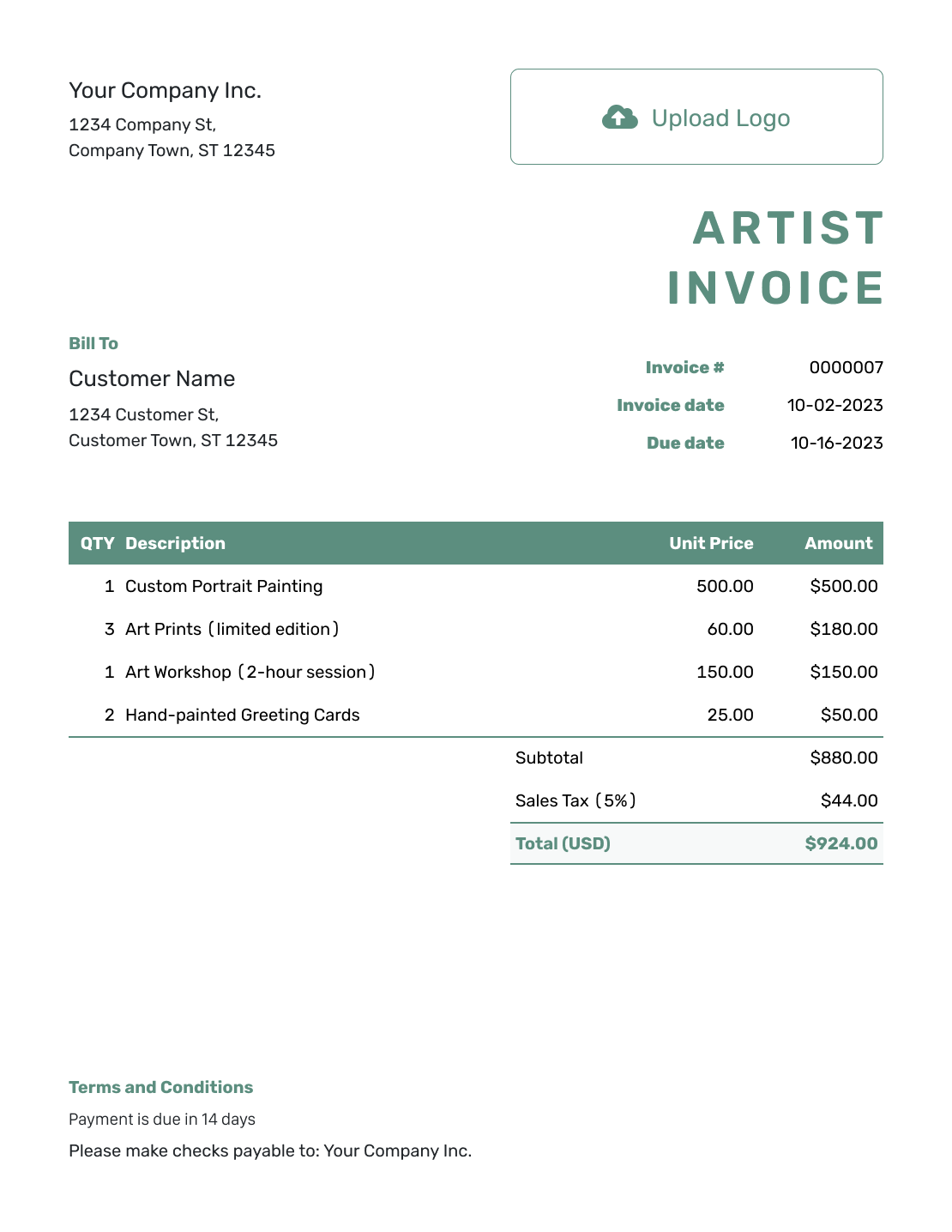
Simple Artist Invoice Template
Create Free Invoice -
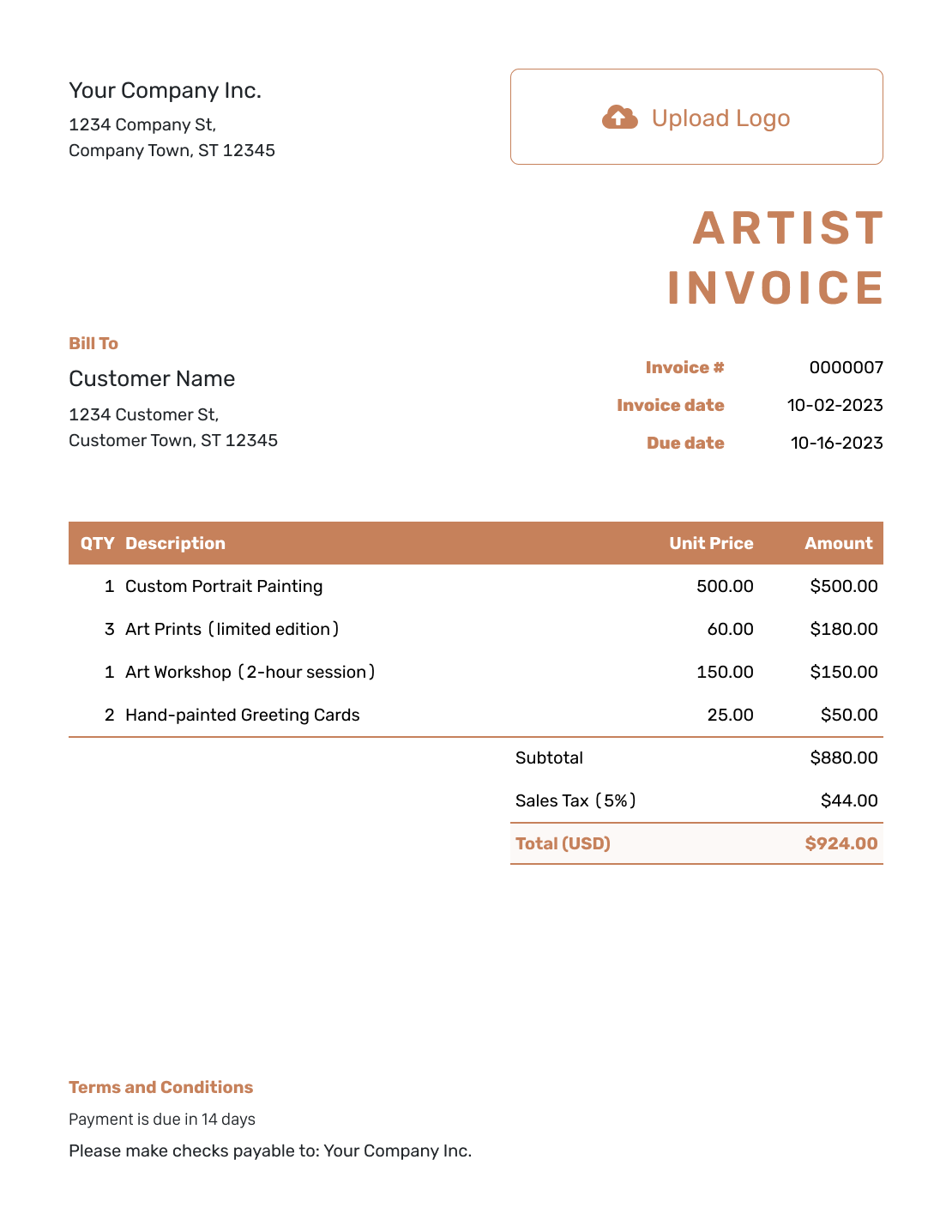
Standard Artist Invoice Template
Create Free Invoice -
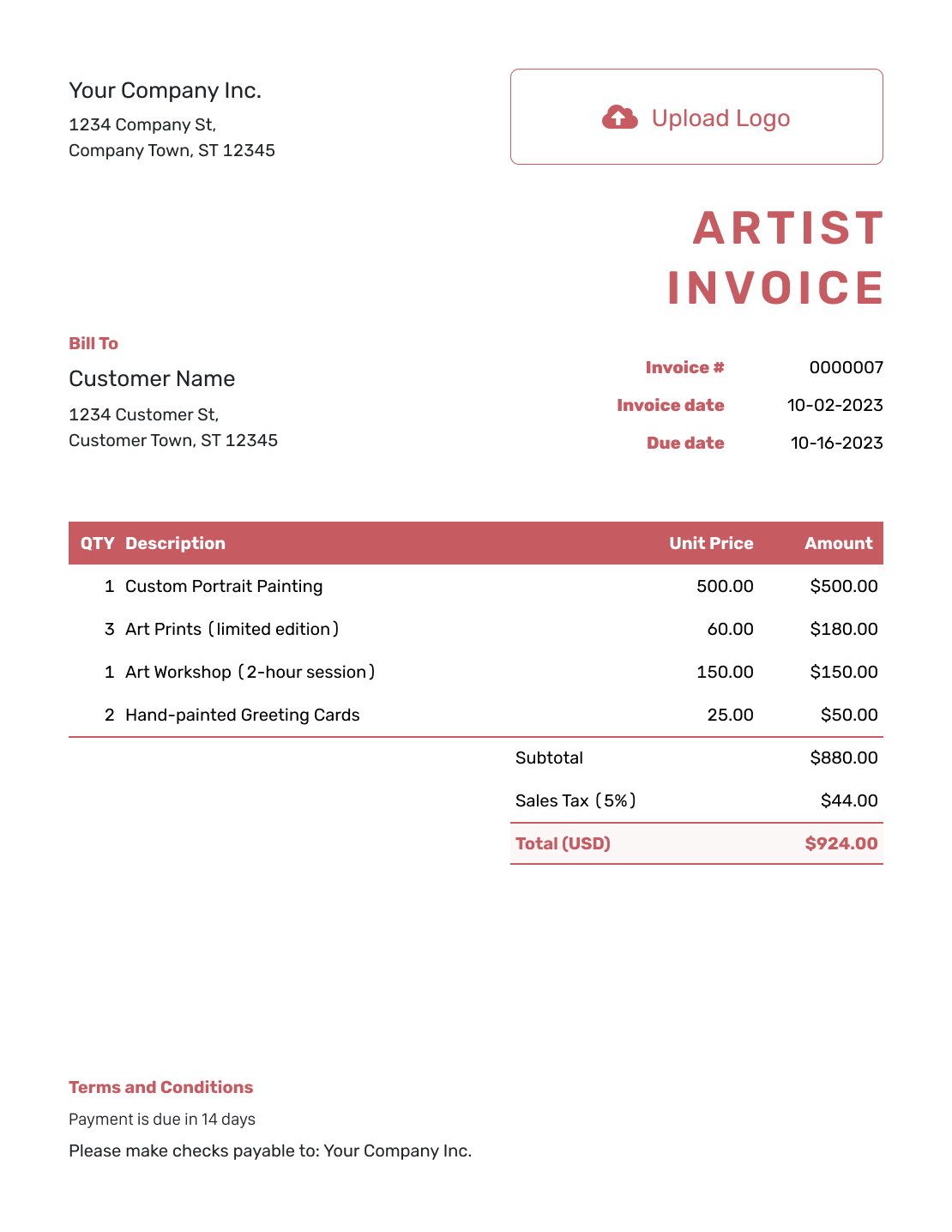
Itemized Artist Invoice Template
Create Free Invoice -
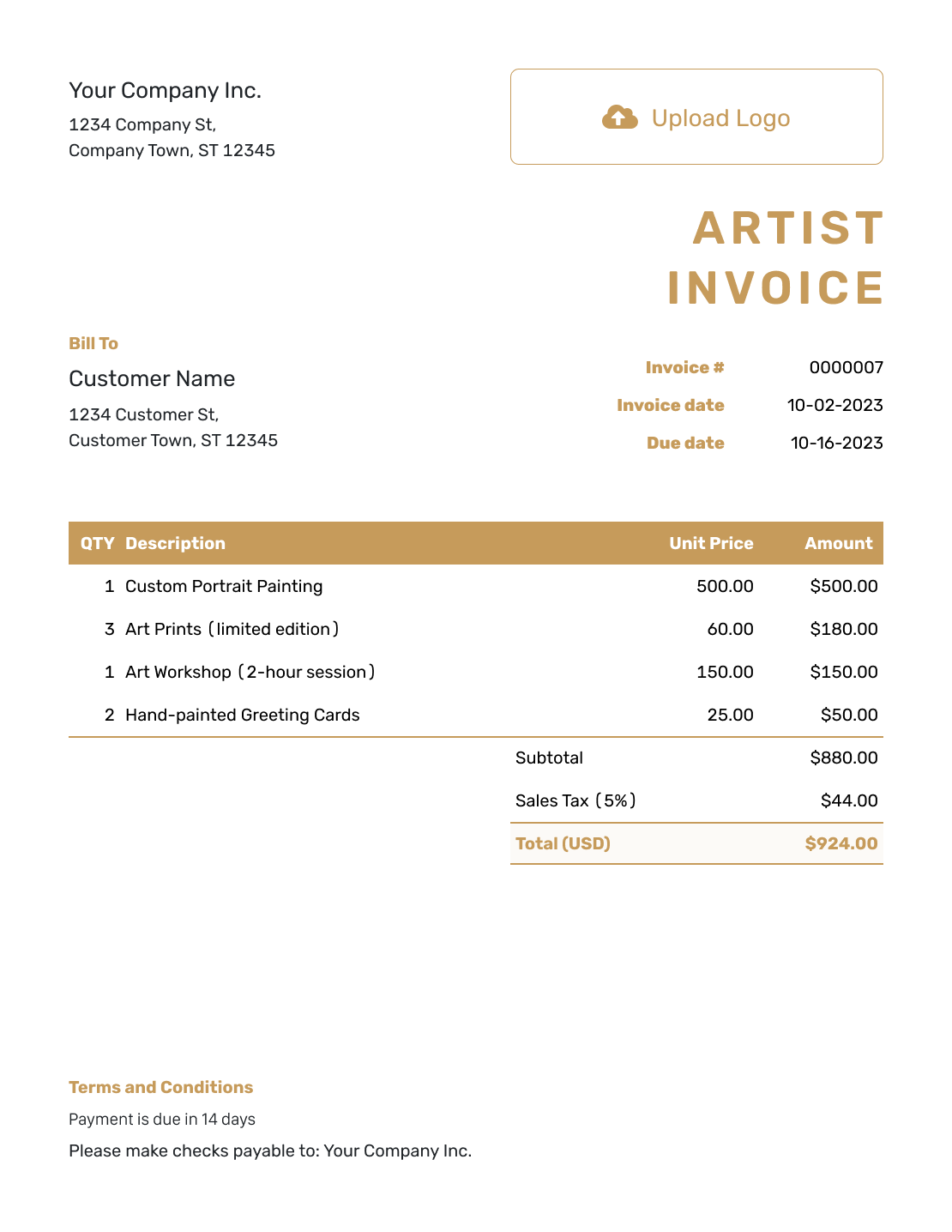
Basic Artist Invoice Template
Create Free Invoice -
Hourly Artist Invoice Template
Create Free Invoice
Artist Invoice File Formats
Prefer a document or spreadsheet file? These general invoice templates give you another starting point. Add the artwork description and any framing or delivery charges yourself.
Artist Invoice FAQs
-
How should I describe original artwork on an invoice?
Use its title or reference, medium and dimensions. Add the quantity and agreed price. For a print, include edition details when they help identify the piece. Put separately priced framing or delivery on their own lines.
-
How do I show a commission payment the buyer already made?
Record the payment against the invoice it belongs to. Docelf tracks the amount paid and the remaining balance. If you issued a separate invoice for the advance, check it before billing the balance so you do not charge twice.
-
Can I use this invoice for digital art as well as physical pieces?
Yes. Name the completed digital artwork or files instead of a physical medium and size. Keep delivery and usage details consistent with the commission agreement. Use a separate line for an agreed additional charge.
-
Which currency should I use for an overseas art buyer?
Choose the currency you agreed with the buyer. Docelf supports USD, EUR, GBP, CAD and AUD. Keep the prices and payment instructions in that currency throughout the invoice.
-
Does an artist invoice confirm that the buyer has paid?
An unpaid invoice requests payment. Once you record the full payment in Docelf, the invoice is marked Paid. You can also create a receipt from the invoice to confirm what the buyer paid.
Ready to Invoice for Your Artwork?
Finish the sale with an invoice your buyer can review.
- Identify the artwork and agreed price
- Show separately priced framing or delivery
- Email the invoice and record payments




