Free Car Dealer Invoice Template
Create a professional invoice in minutes
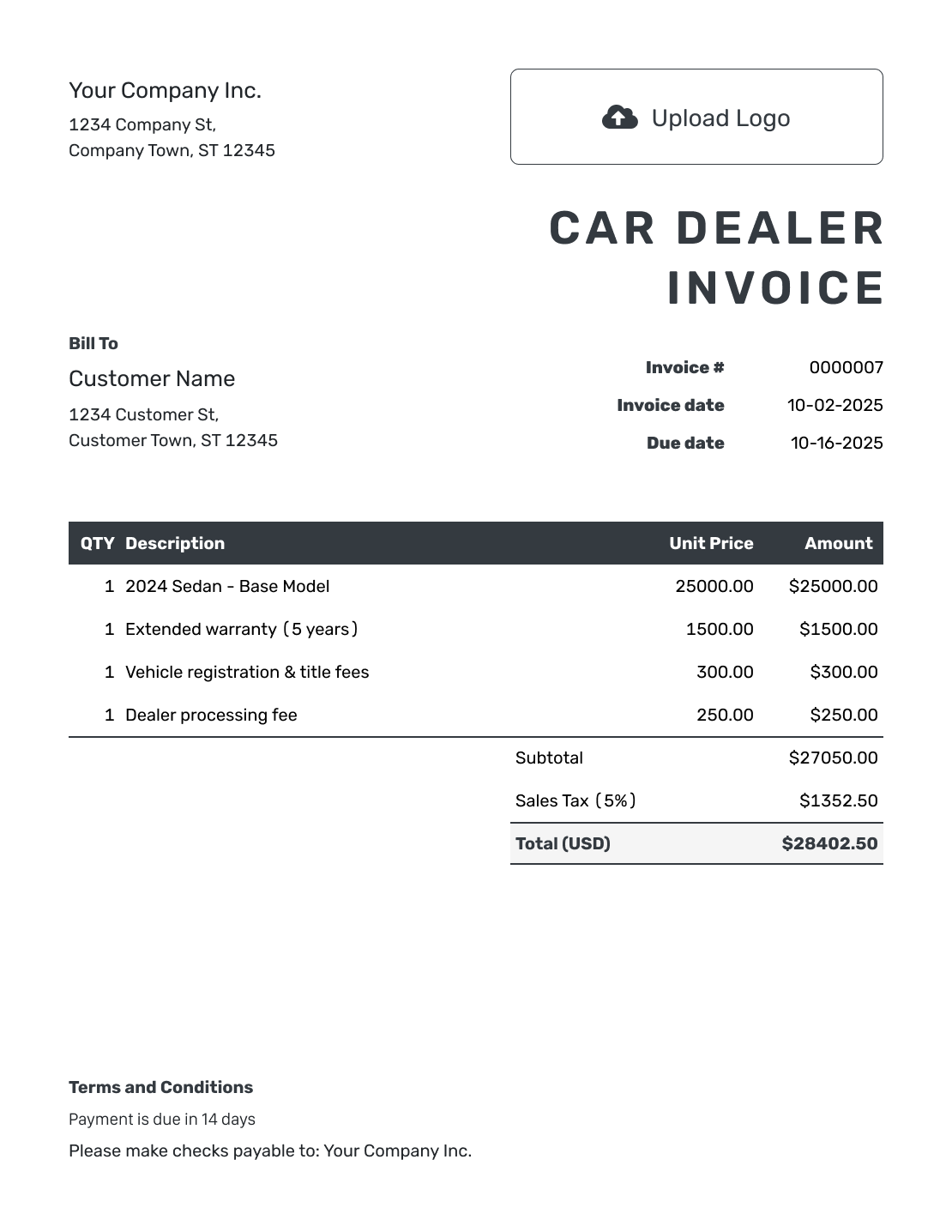
Create an invoice for the vehicle sold and any extras the buyer agreed to. Make the amount due easy to check so your dealership can get paid.
Email, print or download your invoice as a PDF.
14-day free trial. No credit card required.

Create the invoice. Send it. Get back to work.
Choose a Car Dealer Invoice Layout
Preview the layouts below, then open Docelf to add the buyer and vehicle details.
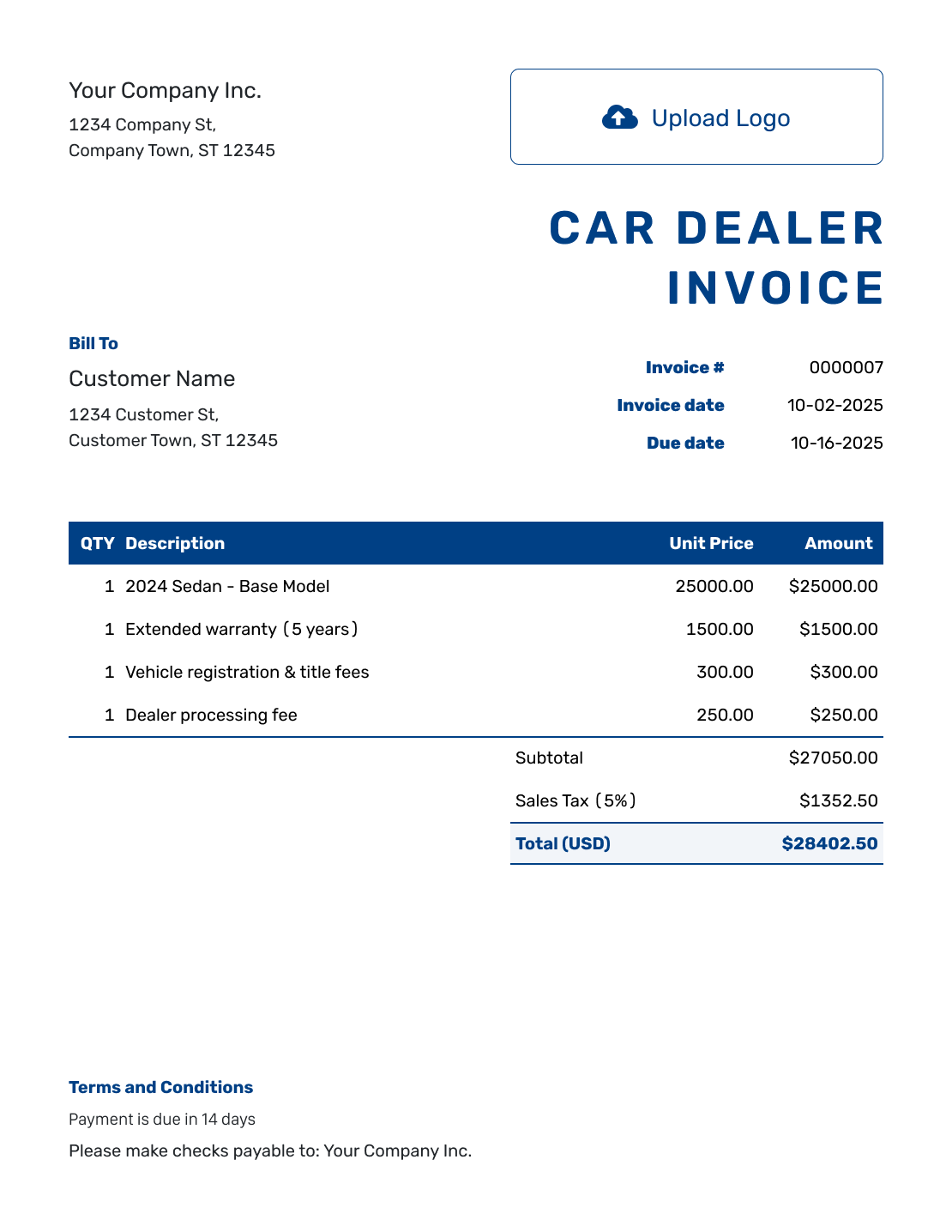
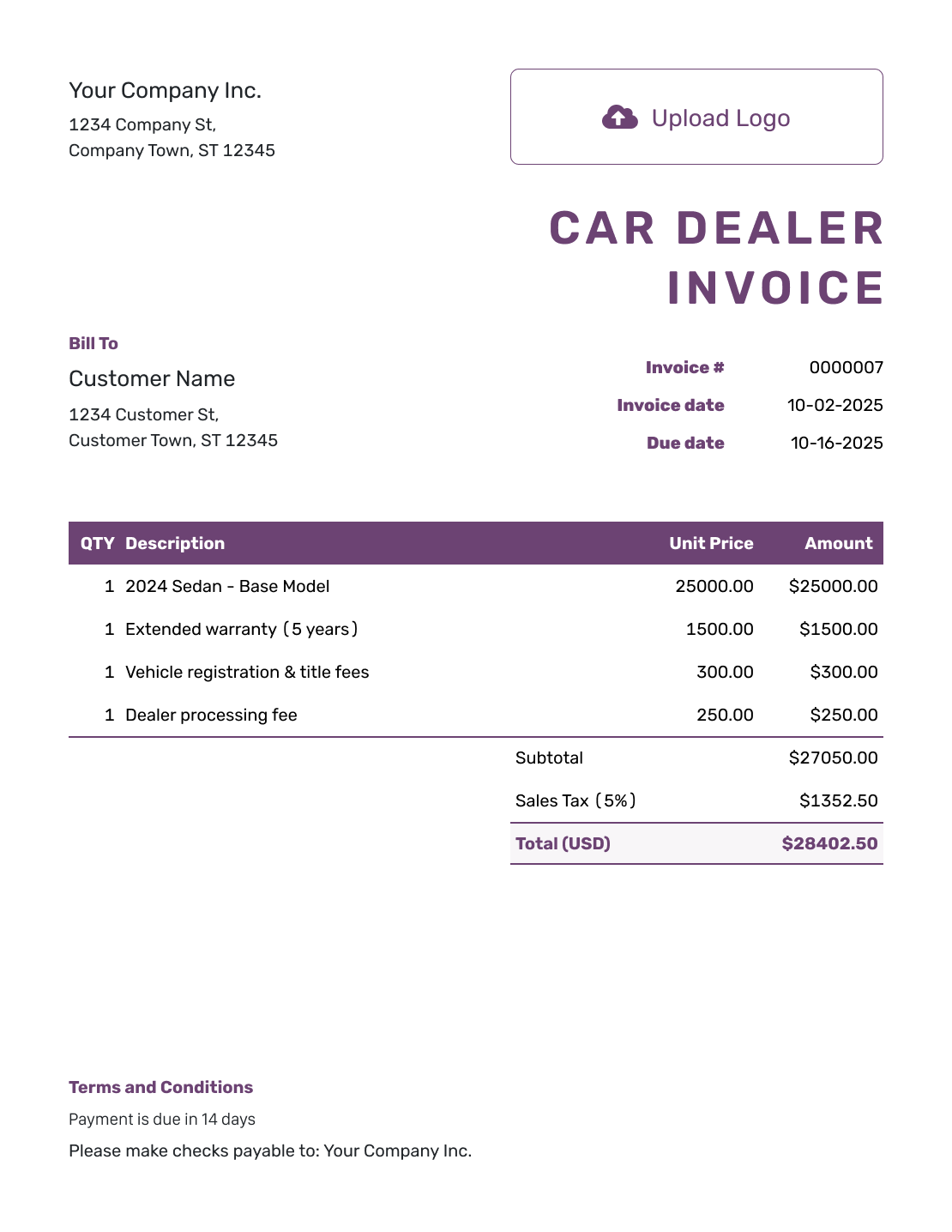
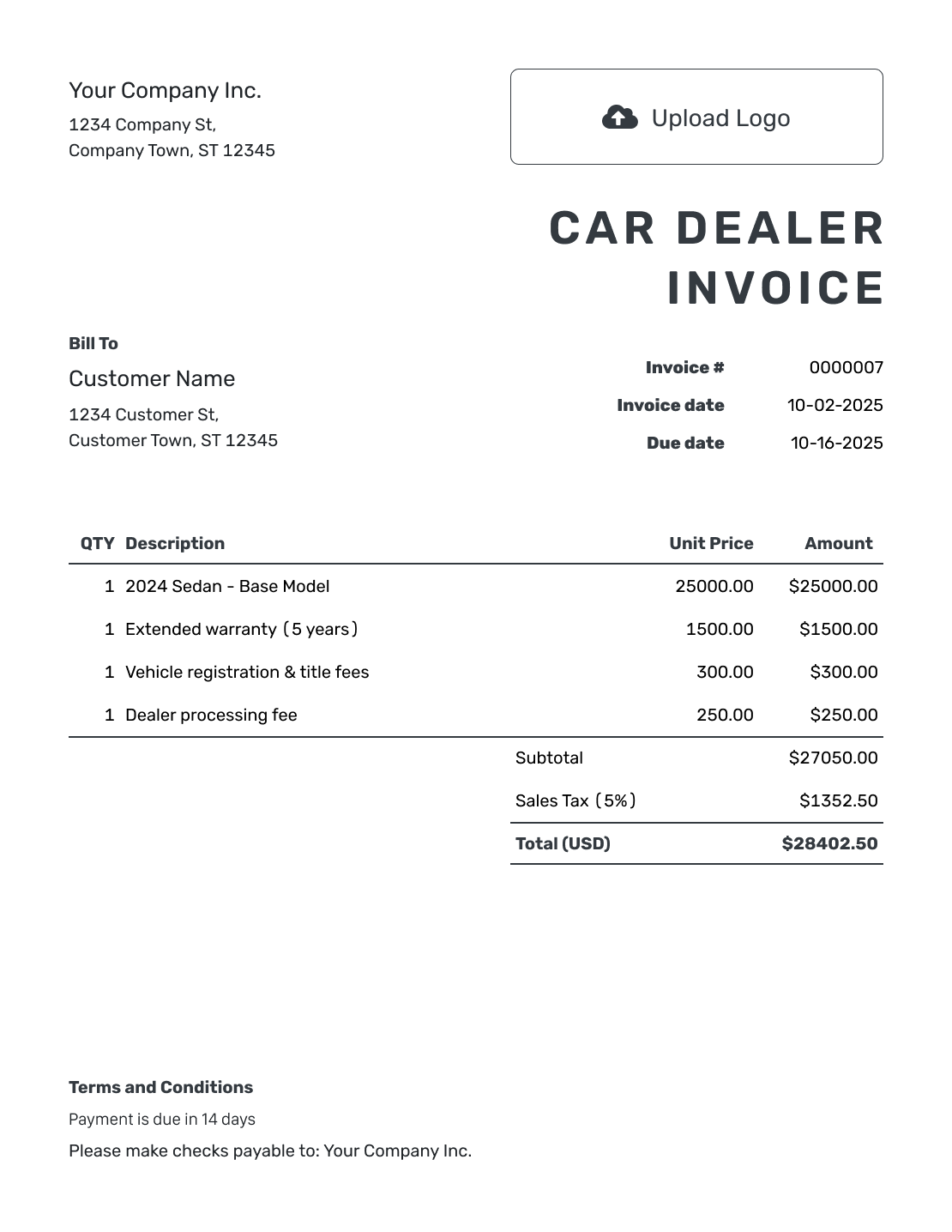
Bill the Buyer for the Vehicle Sale
Use a car dealer invoice to show the buyer the vehicle price and the other charges they agreed to pay. Add the vehicle identification number (VIN) and stock number so the invoice is easy to match to the sale.
This template helps your dealership bill its buyer. It does not show the price a manufacturer charges your dealership. Keep the signed sale and financing documents with your records.
How to Create a Car Dealer Invoice
Use the sale paperwork to check the buyer and vehicle details before you start.
- Add the Dealership: Enter your dealership’s name and contact details for billing questions.
- Use Your Dealership Logo: Add the logo the buyer recognizes from your sale documents.
- Add the Buyer’s Details: Enter the buyer’s name and address. Use the billing contact shown in the sale paperwork.
- Set the Number and Dates: Use a unique invoice number. Set the invoice date and agreed payment due date.
- List the Vehicle and Extras: Put the vehicle details and price on one line. Add each agreed extra as its own charge.
- Check the Sale Total: Enter the tax and any discount that apply to this sale. Docelf calculates the total.
- Add the Terms and Send: Add payment instructions and pickup or delivery details to Terms and Conditions. Review the invoice, then email it or download a PDF.
How to Fill In Car Dealer Invoice Line Items
Give the vehicle its own line, followed by accessories or services the buyer selected. Include the actual year, make, model and VIN in your vehicle description. Do not charge again for extras already included in the sale price.
This fictional vehicle sale is priced in US dollars. The sedan, floor mats, and roof rack are separate charges, with an illustrative 6% tax applied to all three items.
| QTY | Description | Unit Price | Amount |
|---|---|---|---|
| 1 | 2022 Toyota Corolla LE — stock C104 | $18,800.00 | $18,800.00 |
| 1 | All-weather floor mat set | $140.00 | $140.00 |
| 1 | Roof rack kit | $260.00 | $260.00 |
| Subtotal | $19,200.00 | |
| Sales Tax (6% example) | $1,152.00 | |
| Invoice Total | $20,352.00 |
The three charges total $19,200.00. Adding $1,152.00 in illustrative tax gives an invoice total of $20,352.00. Use the tax treatment for your own sale rather than copying the sample rate.
What to Include in Car Dealer Invoice Terms
Use Terms and Conditions to tell the buyer when and how to pay, with the agreed pickup or delivery details. The sale agreement and any warranty documents can carry the longer details; refer to them by name or number.
The sample below continues the stock C104 example. Adapt it to the payment arrangements your dealership agreed with the buyer. Check local requirements before adding vehicle-sale fees or warranty conditions.
Example: Terms and Conditions
- Payment of $20,352.00 is due before pickup by bank transfer.
- The vehicle, stock C104, and listed accessories match sales agreement CD-104.
- Pickup is by appointment at the dealership after payment is received.
- Please use invoice number [Invoice Number] as the payment reference and contact our billing team with payment questions.
Send the Invoice Before Pickup
Add the vehicle price and chosen extras. Docelf calculates the total. Email the invoice or print a copy for the buyer.
Check the Sale Details Before Pickup or Delivery
Match the invoice to the vehicle
The VIN and stock number connect the invoice to the right vehicle. Compare them with the sale record, and keep the buyer’s name and address consistent across the documents. Mileage can help identify the vehicle too.
Keep trade-in figures separate from payments
A trade-in changes the sale breakdown, but it is not money received from the buyer. Keep the agreed credit and any loan payoff with the supporting sale paperwork.
Before invoicing a sale with a trade-in, confirm the resulting amount due and tax treatment. The worked example above simply bills the vehicle and selected accessories.
Refer to the financing agreement
The financing agreement carries the loan terms and repayment schedule. Refer to its agreement number on the invoice so the buyer can match the records. An approved loan is different from a payment received; record money on the invoice when it arrives.
Use Your Dealership’s Details on the Invoice
Use your dealership’s logo, colors and fonts so the invoice matches the sale paperwork. Put a phone number or email in the footer for payment questions.
You can add an industry name before the invoice title. Choose US dollars, euros, British pounds, Canadian dollars or Australian dollars to match the sale.
Attach the sale breakdown or other supporting documents the buyer needs. Docelf accepts PDF, JPG, GIF, PNG and WebP files up to 5 MB each. The buyer can download the attachments with the invoice.
Keep the Buyer’s Payment Record With the Invoice
Email the invoice from Docelf to see when it is delivered and opened. Use the invoice number when the buyer asks about the balance or payment.
Record the Money Received
- Record each payment amount and date on the invoice.
- Check the remaining balance before asking the buyer for another payment.
- Create a receipt after recording payment. Docelf marks the invoice Paid when the full amount is recorded.
More Car Dealer Invoice Previews
Browse the remaining layouts for your dealership. Each preview opens the invoice editor, where you can add the details for this sale.
-
Blank Car Dealer Invoice Template
Create Free Invoice -
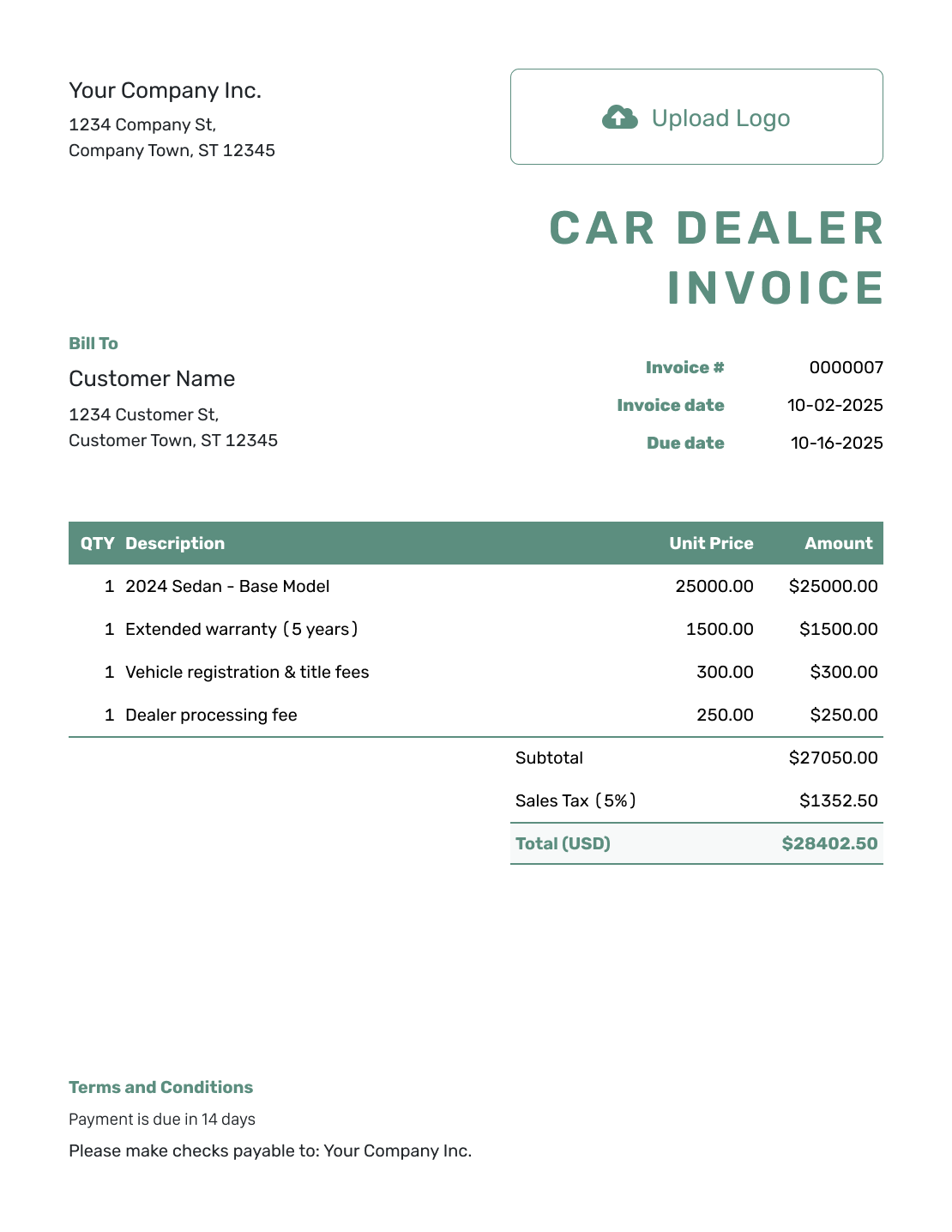
Simple Car Dealer Invoice Template
Create Free Invoice -
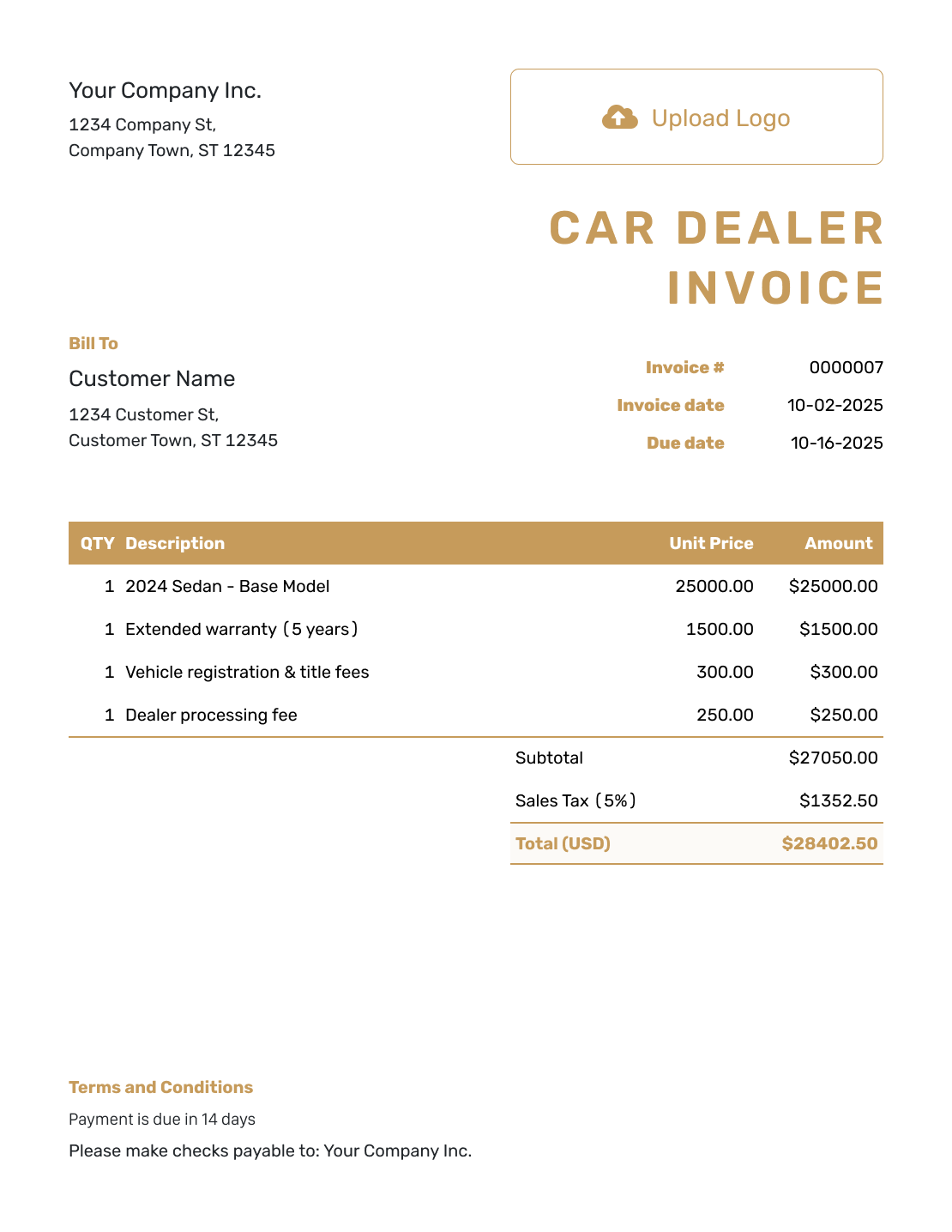
Standard Car Dealer Invoice Template
Create Free Invoice -
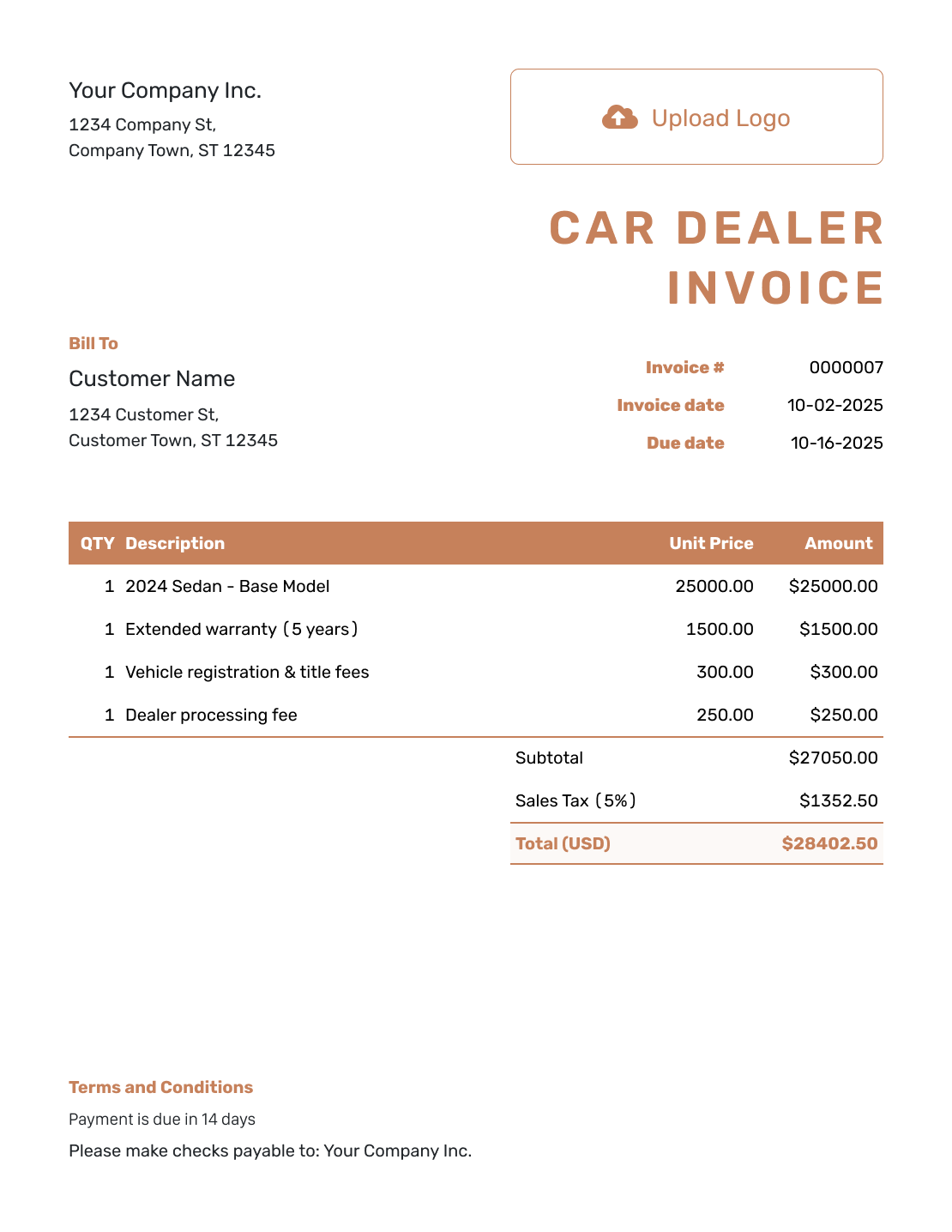
Itemized Car Dealer Invoice Template
Create Free Invoice -
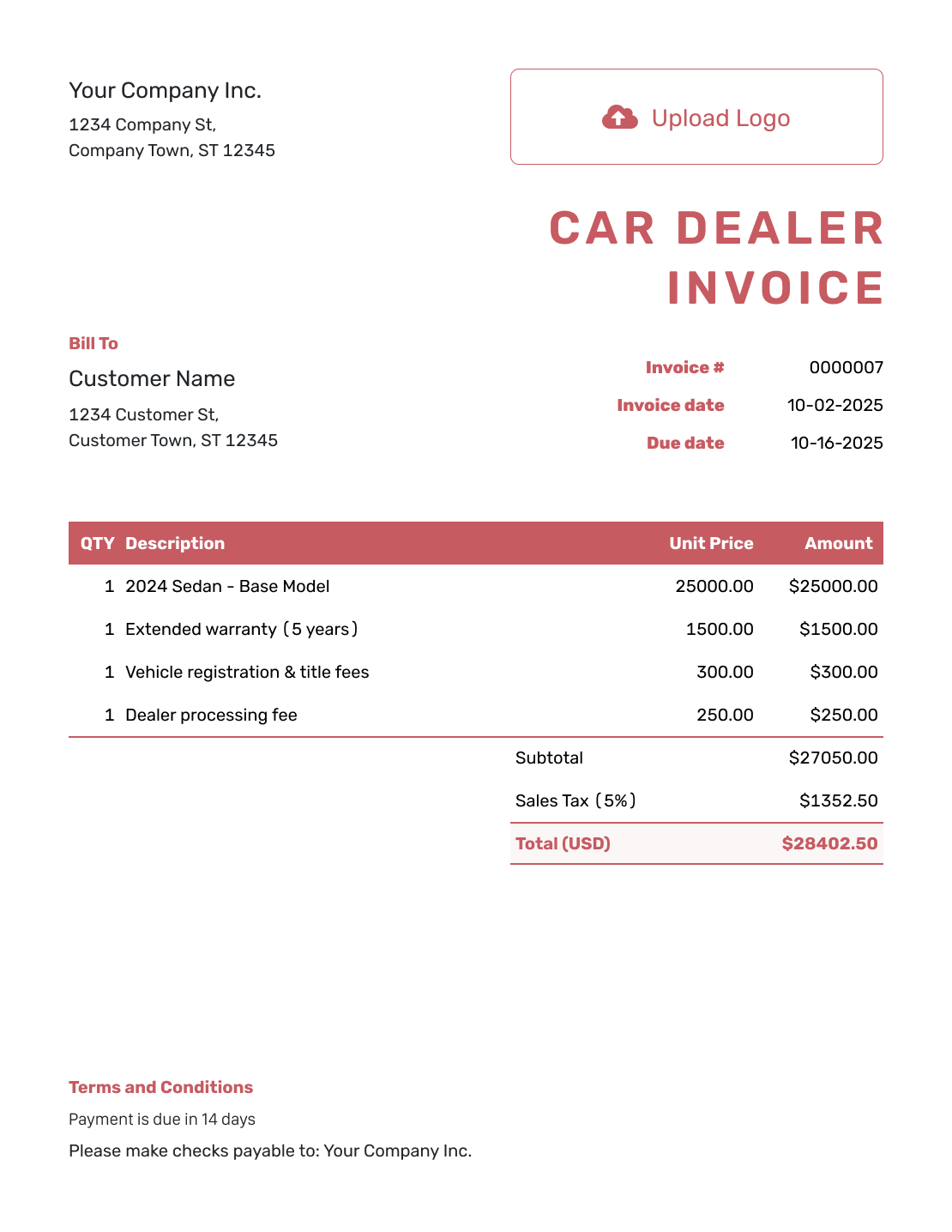
Basic Car Dealer Invoice Template
Create Free Invoice -
Hourly Car Dealer Invoice Template
Create Free Invoice
Car Dealer Invoice File Formats
Prefer a document or spreadsheet? Start with a general invoice template in the format you know, then add the vehicle and sale details.
Car Dealer Invoice FAQs
-
Is this the invoice a buyer receives from a car dealer?
Yes. Use it to bill the buyer for the vehicle and agreed extras. This template does not show the price a manufacturer charges a dealership.
-
Which vehicle details should I put on the invoice?
Include the year, make, model and VIN, along with your dealership’s stock number. Add mileage when relevant to your sale records. Check that these details match the vehicle and supporting sale documents.
-
How should I handle a trade-in on a car dealer invoice?
Use the agreed sale breakdown to check the trade-in credit, any loan payoff, and the amount you need to bill. Confirm the applicable tax treatment, and keep trade-in figures separate from payments received. The worked example on this page covers a sale without a trade-in.
-
How do I show a deposit the buyer has already paid?
Record the deposit as a payment on the invoice, with its amount and date. Check the remaining balance before sending the invoice. Do not also deduct that payment as a discount.
-
Should accessories and service charges have their own lines?
List each extra the buyer chose and its price. Leave out anything they did not select. Do not charge again for extras already included in the vehicle price.
-
Where should I put the financing details?
Keep the loan terms and repayment schedule in the financing documents. Add the agreement number to help the buyer match the documents. Use the invoice to show the charges and amount due. It does not replace a financing agreement.
-
Can I attach the vehicle sale breakdown?
Yes. Attach the sale breakdown as a PDF or supported image in Docelf. Each file can be up to 5 MB. The buyer can download it with the invoice.
Ready to Invoice the Vehicle Sale?
Make the amount due clear before pickup or delivery.
- Identify the vehicle and agreed extras
- Let Docelf calculate the sale total
- Email the invoice or download a PDF




