Free Donation Invoice Template
Create a professional donation invoice in minutes
Request an optional contribution or bill an amount agreed in advance. Show the purpose and amount clearly so the supporter understands the request and your organization can collect the contribution.
Email, print or download your invoice as a PDF.
14-day free trial. No credit card required.

Create the invoice. Send it. Get back to work.
Choose a Layout for Your Contribution Request
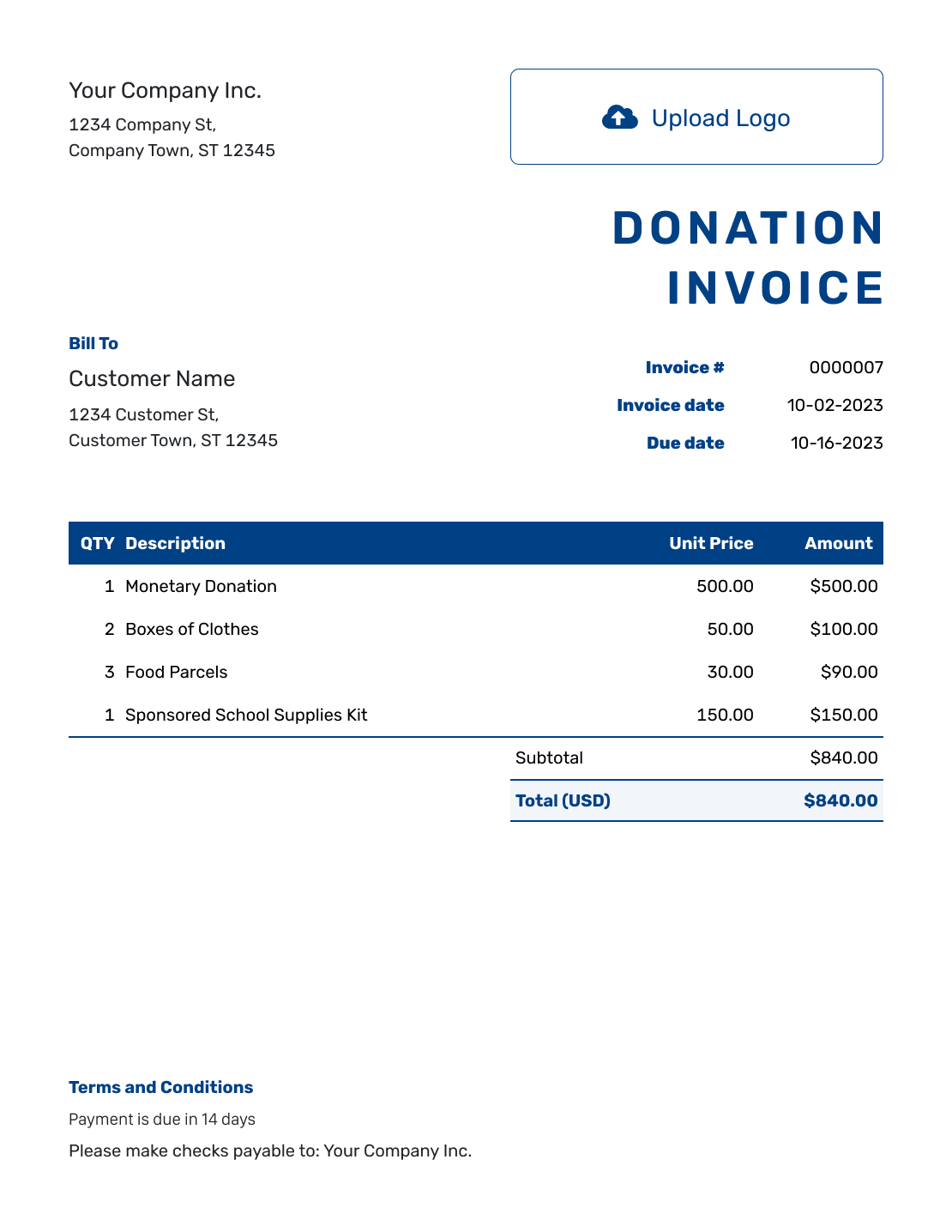
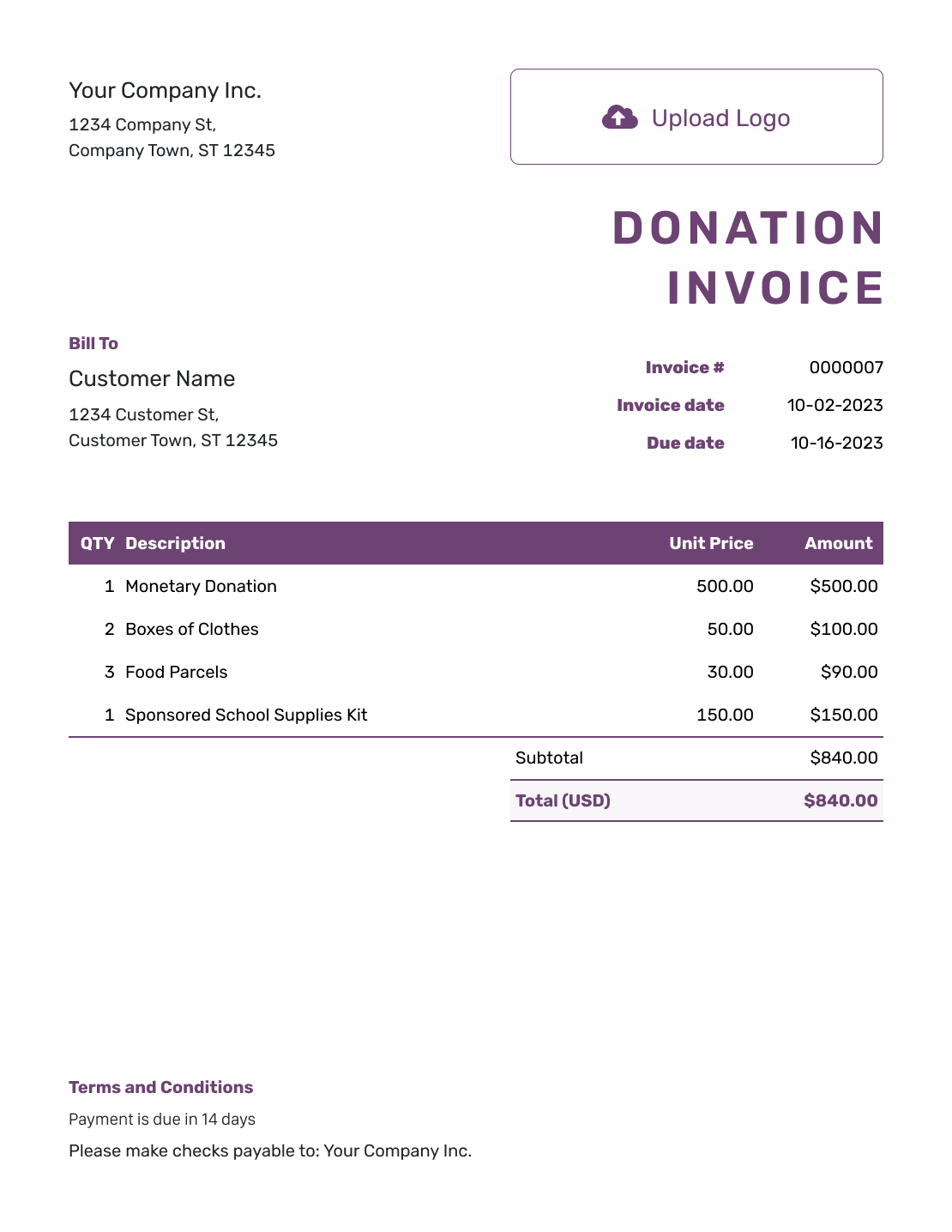
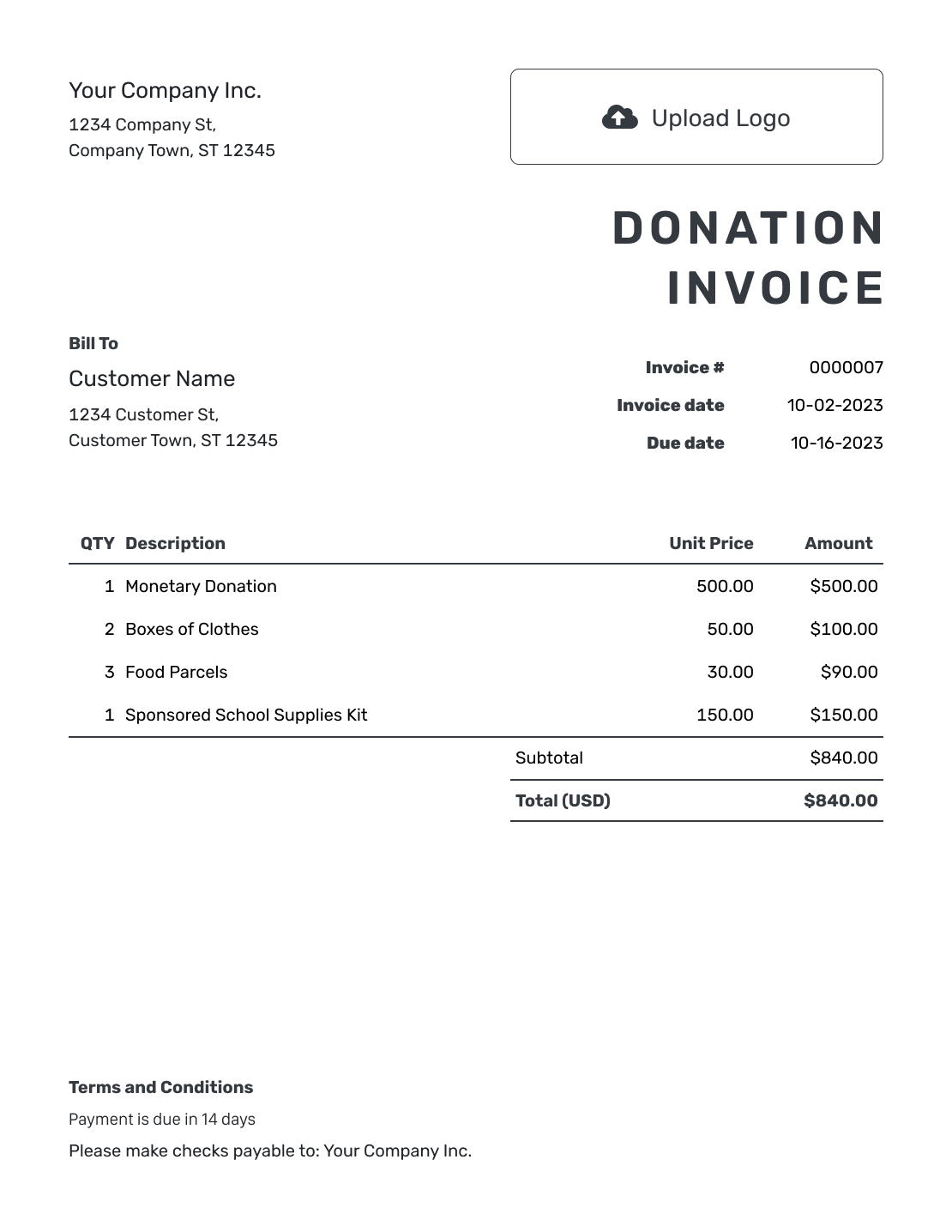
Use these layouts to request a donation. Add your campaign and the amount you are asking for. Each button opens the invoice editor.
Say Whether the Contribution Is Optional or Agreed
A donation invoice asks a supporter to contribute money. State whether you are suggesting a voluntary amount or requesting a contribution the supporter has already agreed to make.
For a voluntary request, call the amount a suggested contribution and make clear that the supporter can choose whether to give. For an amount agreed in advance, refer to the purpose and payment date you discussed.
Already received the gift? Use a donation receipt to acknowledge it instead. An invoice is a request, not proof of payment.
How to Create a Donation Invoice
Start with the contribution you are requesting. Use the descriptions and Terms and Conditions to explain the purpose.
- Add Your Organization: Enter your organization's name and a contact for donation questions.
- Add Your Logo: Use the logo supporters recognize from your campaign.
- Add the Supporter: Enter the supporter's name and contact details.
- Set the Number and Dates: Check the invoice number and date. Use the agreed due date for a pledged contribution.
- Describe the Contribution: Name the fund or campaign. State the requested or agreed amount.
- Review the Requested Total: Check each contribution amount. Docelf adds the lines to calculate the total.
- Review and Send: Explain the request in Terms and Conditions and add payment instructions. Review the invoice, then email it or download a PDF.
How to Fill In Donation Invoice Line Items
Describe what the contribution will support. Use one line for a single purpose, or separate lines when the supporter has agreed to support different parts of a campaign. Set QTY to 1 for each contribution amount so the amount is counted once.
This fictional example uses US dollars. A supporter has agreed to give $500.00 for three campaign purposes. Each line shows part of that contribution, not a charge for goods or services. The example does not include tax.
| QTY | Description | Unit Price | Amount |
|---|---|---|---|
| 1 | Community meal fund contribution | $300.00 | $300.00 |
| 1 | Learning supplies fund contribution | $150.00 | $150.00 |
| 1 | Volunteer transport fund contribution | $50.00 | $50.00 |
| Subtotal | $500.00 | |
| Contribution Requested | $500.00 |
What to Include in Donation Invoice Terms
Use Terms and Conditions to explain whether the amount is optional or already agreed. Include the campaign purpose.
Give the supporter clear payment instructions and a contact for questions. Check any tax wording against the contribution and the requirements that apply. Adapt the example below to your campaign.
Example: Terms and Conditions
- This invoice requests the agreed $500.00 contribution to the purposes listed above.
- Please send the contribution by [Agreed Date] using the payment details shown.
- For questions about the contribution, contact [Campaign Contact].
- This request does not acknowledge receipt of payment or confirm tax-deductible status.
Send the Contribution Request From Docelf
Keep the campaign details and contribution amounts together. Docelf calculates the total and lets you email the request when you are ready.
Handle Donated Items and Sponsorships
For an in-kind gift, such as donated supplies, acknowledge the items your organization received. Do not add an amount due just to put a value on the gift.
For a sponsorship, name what the sponsor agreed to fund and any benefits included. Keep the sponsorship separate from voluntary donations. Check which document and tax wording fit that agreement.
Make the Request Recognizable to Supporters
Use the campaign’s logo, fonts, and colors. A short message can explain how the donation will help. Put a contact for questions in the footer.
Attach a PDF or image when it helps explain the campaign. Agree on the currency before entering amounts. Docelf supports USD, EUR, GBP, CAD, and AUD.
More Donation Invoice Previews
Browse six more layouts for the contribution request. Each opens the invoice editor, where you can add your organization’s details and campaign wording.
-
Blank Donation Invoice Template
Create Free Invoice -
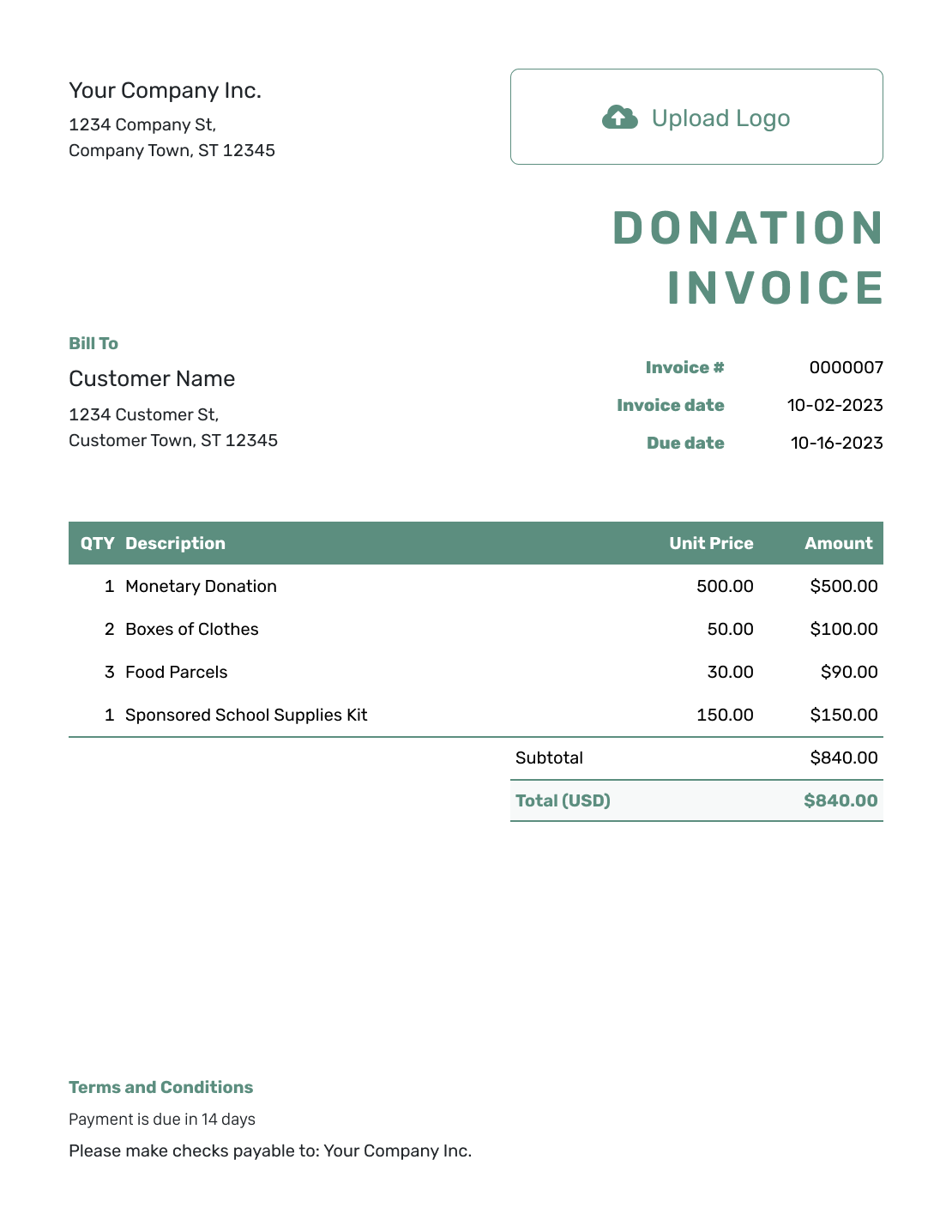
Simple Donation Invoice Template
Create Free Invoice -
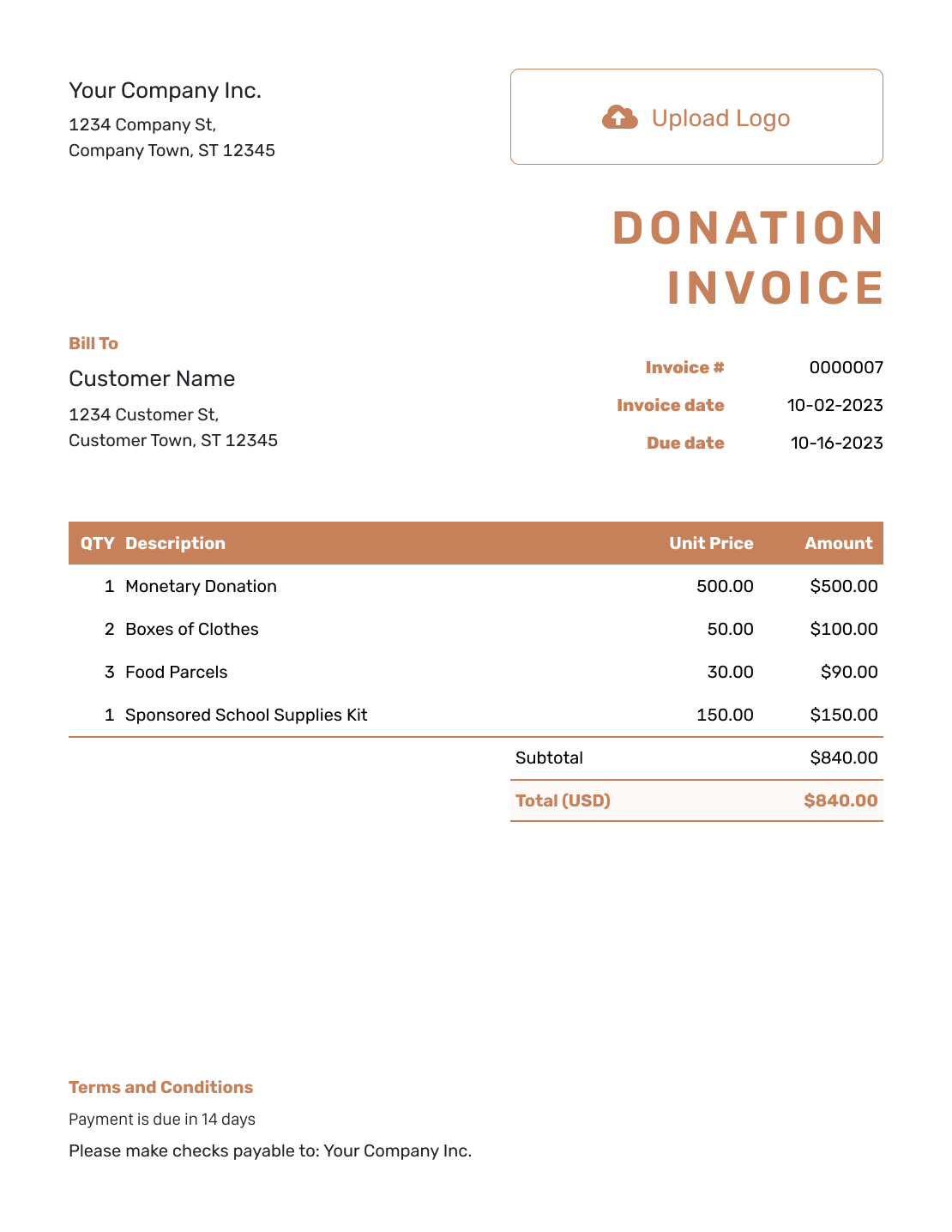
Standard Donation Invoice Template
Create Free Invoice -
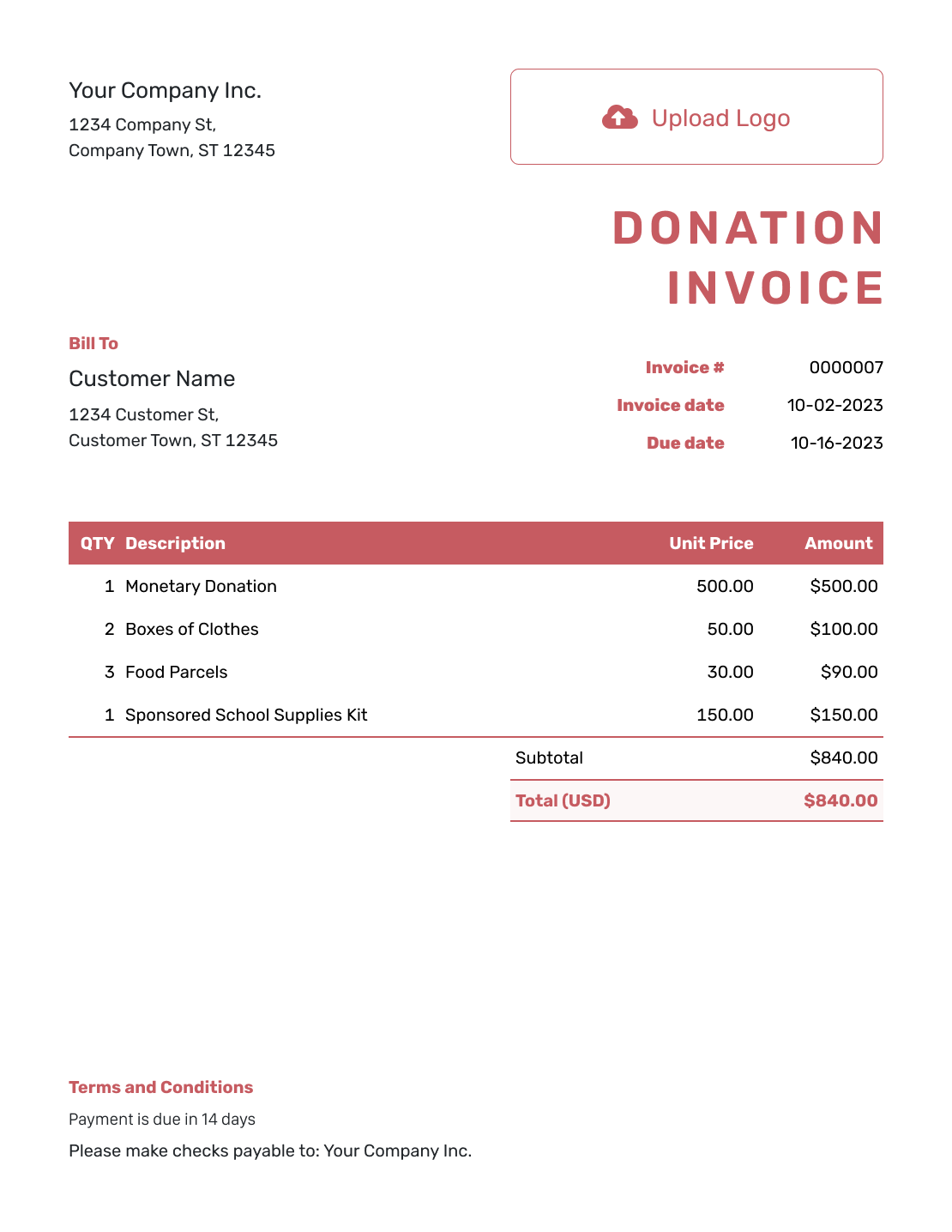
Itemized Donation Invoice Template
Create Free Invoice -
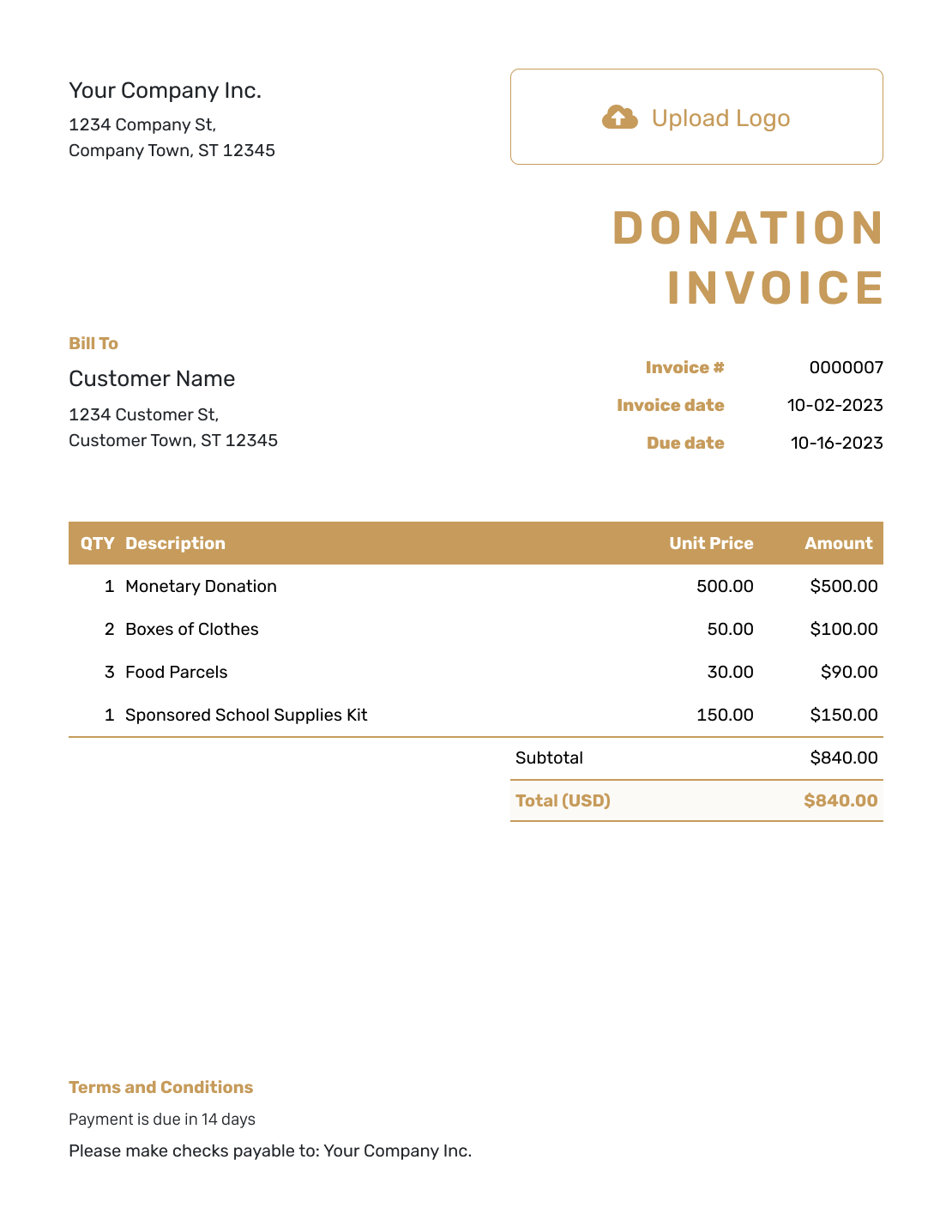
Basic Donation Invoice Template
Create Free Invoice -
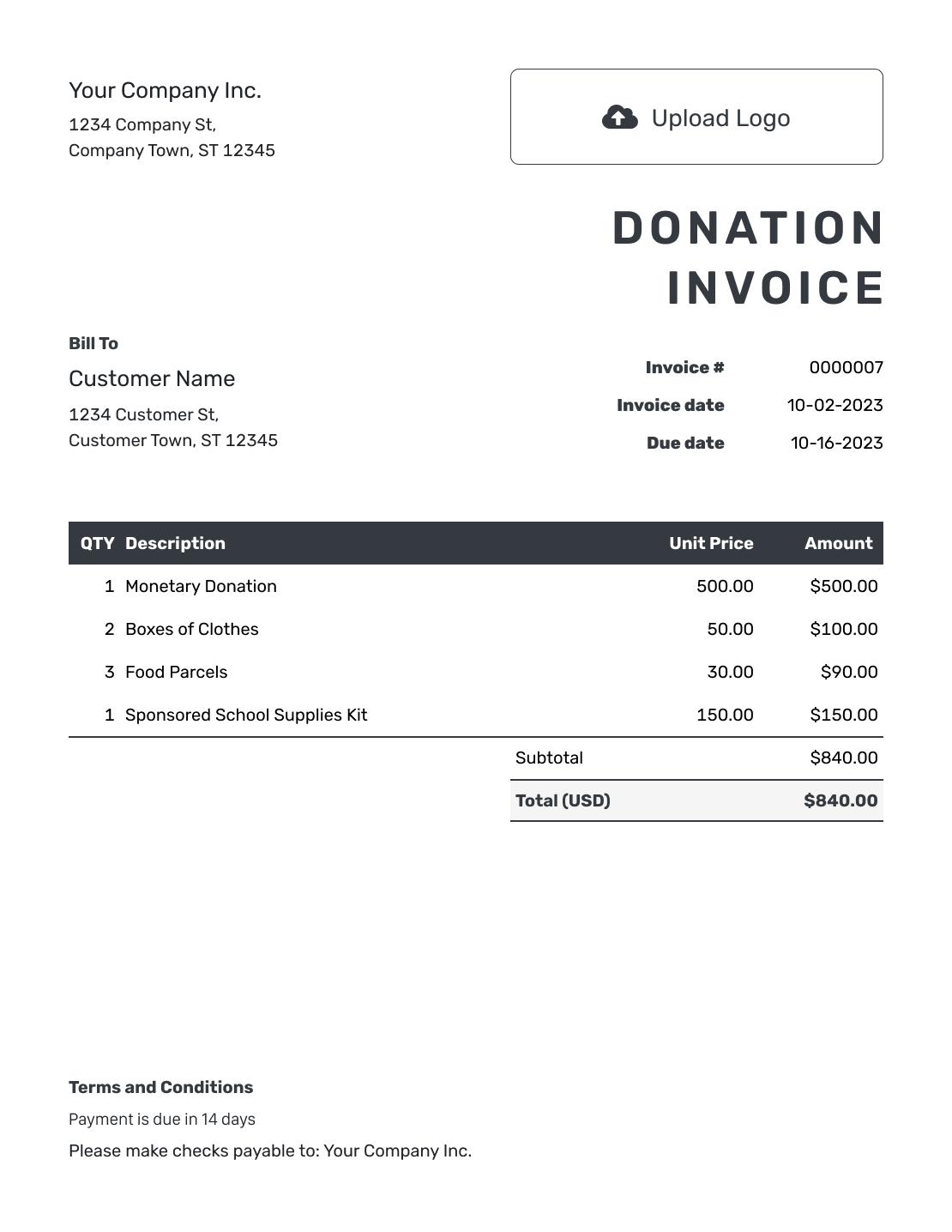
Hourly Donation Invoice Template
Create Free Invoice
Follow Up on the Contribution
Check whether the request was optional or agreed before you follow up. Docelf shows whether the supporter opened an emailed invoice. Opening it does not mean the supporter agreed to pay.
Record the amount and date when money arrives. For an agreed contribution paid in part, Docelf keeps the remaining balance with the invoice. After recording a payment, you can create a receipt from that invoice.
Prepare the Donation Request in a File Template
These pages provide document and spreadsheet templates you can edit yourself. Replace the sample organization and payment details, then check that the request matches the contribution you discussed.
Donation Invoice FAQs
-
Is a donation invoice the same as a donation receipt?
No. A donation invoice asks for a contribution. A donation receipt confirms money already received. The invoice is not proof of payment.
-
How do I show that the requested donation is optional?
In the description or Terms and Conditions, you could write: “Suggested voluntary contribution: $50.00 toward the community meal fund. You may choose a different amount or decline.” Adapt the amount and purpose to your campaign.
-
What should I do when the supporter contributes a different amount?
Record the amount you received. For a voluntary request, do not assume the supporter owes the difference. For an agreed contribution, confirm any change with the supporter before following up on the balance.
-
Can I use a donation invoice to acknowledge donated items?
Use an acknowledgment that describes the items you received. An invoice asks for money, so it is not the right document for confirming donated items. Do not add an amount due just to assign the gift a value.
-
Does the template confirm that a donation is tax-deductible?
No. The template does not confirm tax-deductible status. Your organization needs to check the tax acknowledgment wording and requirements for the contribution.
-
Can I show more than one campaign purpose on the invoice?
Yes. Put the agreed amount for each purpose on its own line. Docelf adds those lines to calculate the total. Do not add the full contribution as another charge.
Ready to Send the Contribution Request?
Make it easy for your supporter to see how to contribute.
- Explain the purpose of the contribution
- State the voluntary or agreed amount
- Email the request from Docelf




