Free Employee Invoice Template
Bill for contract work or approved expenses
Bill the business for contract work or approved reimbursable expenses outside regular payroll. A clear breakdown shows what the charges cover and helps you get paid.
Email, print or download your invoice as a PDF.
14-day free trial. No credit card required.

Create the invoice. Send it. Get back to work.
Choose a Layout for Approved Charges
Use these layouts when the business asks for an invoice for contract work or approved expenses outside regular payroll. Every preview opens the same invoice editor.
-
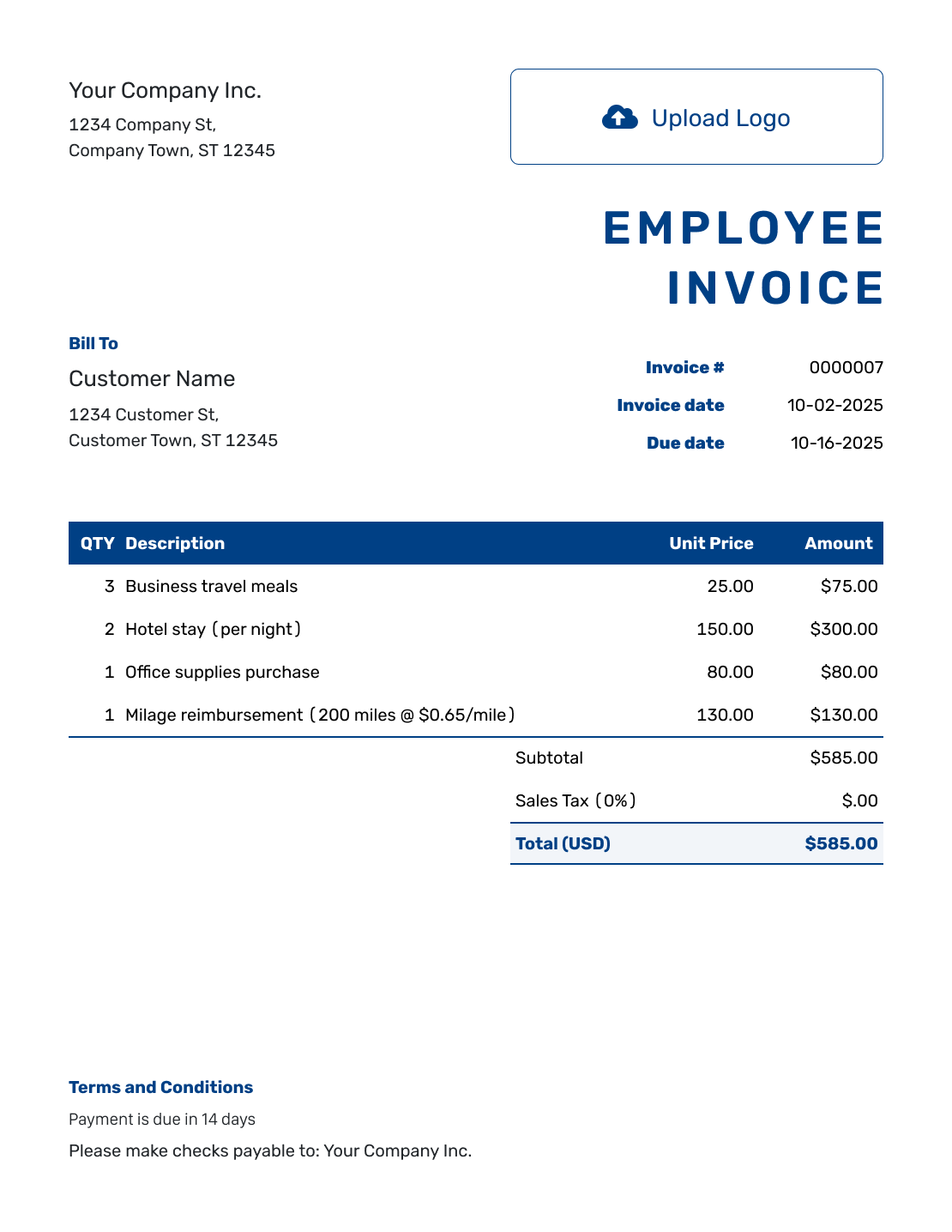
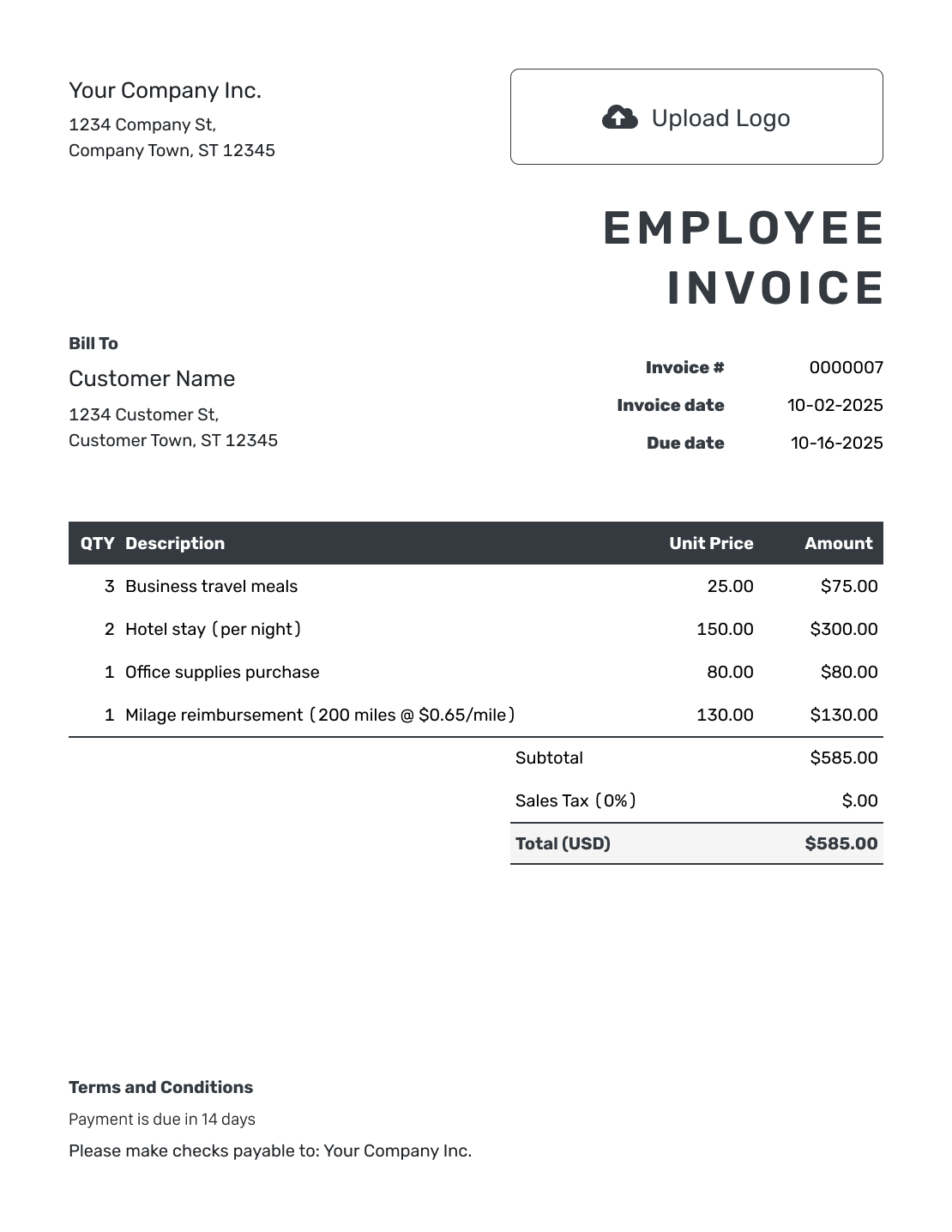
Sample Employee Invoice Layout
Create Free Invoice -
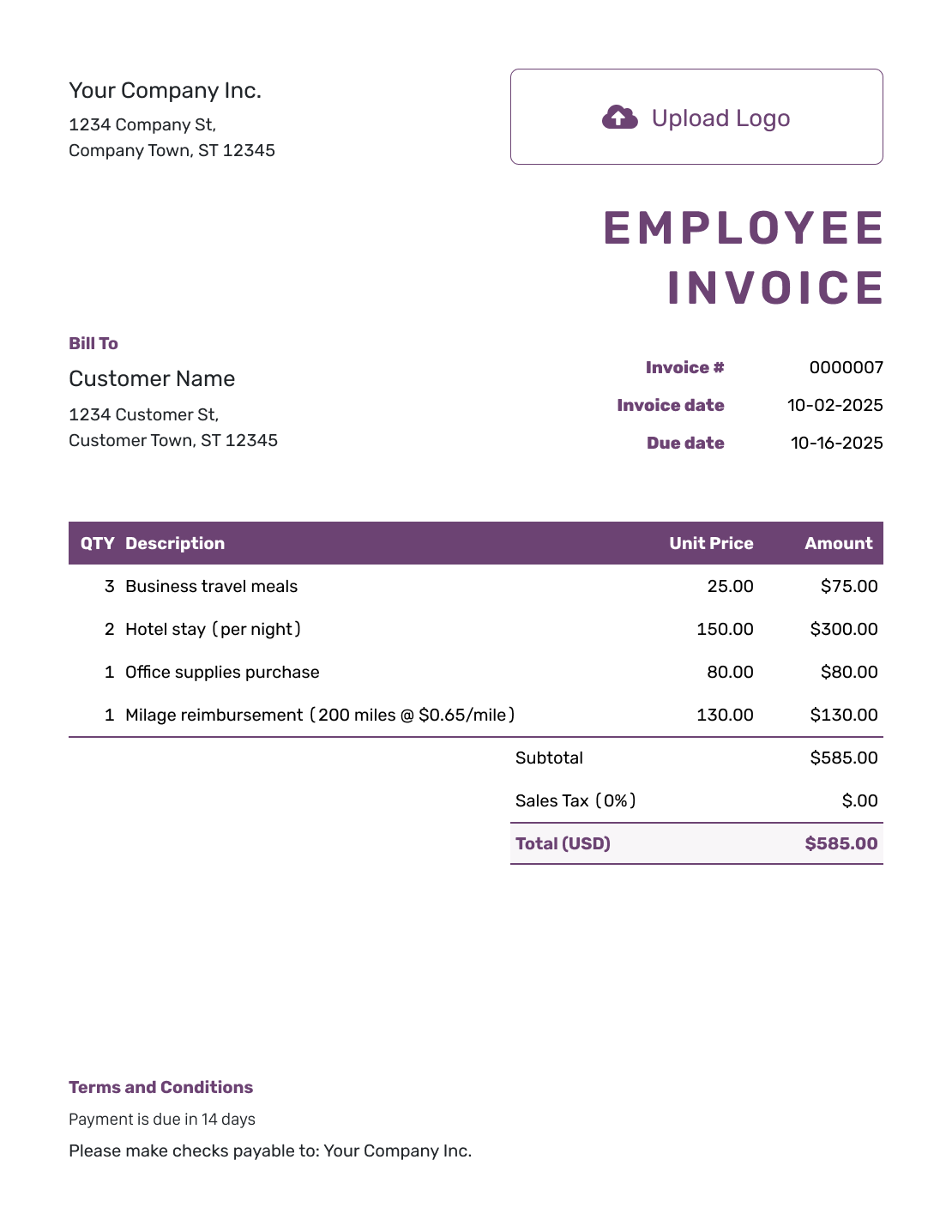
Free Employee Invoice Layout
Create Free Invoice -
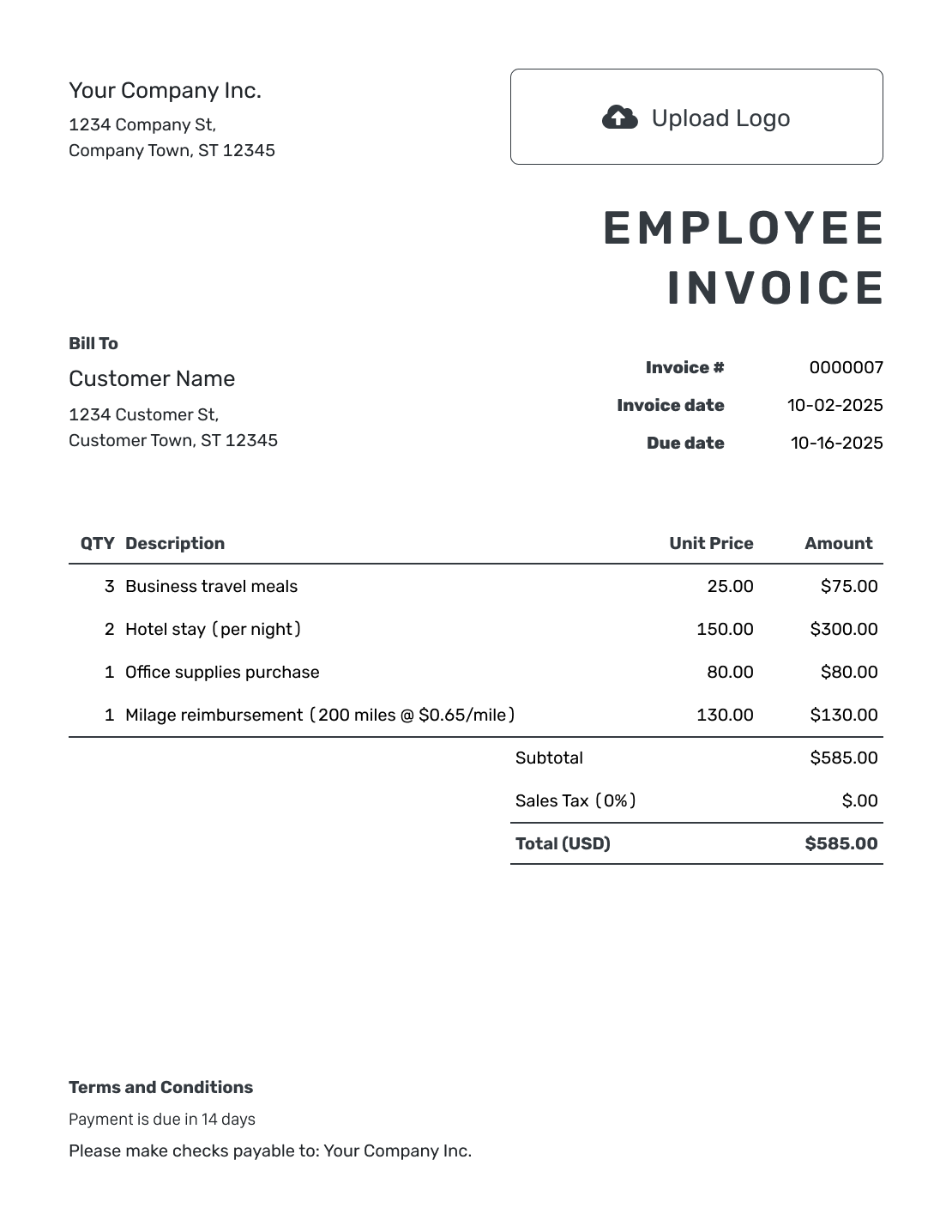
Printable Employee Invoice Layout
Create Free Invoice
See six more invoice layouts below.
Confirm What the Business Wants You to Submit
An “employee invoice” can mean different things. This page covers separately agreed contract work or approved expenses when the business asks for an invoice. It is not a payslip or a regular payroll document.
Ask the business whether it needs an invoice, an expense claim or a time record. Use the business’s own form when it provides one. If it asks for an invoice, keep the work charges and reimbursable expenses easy to distinguish.
How to Create an Invoice for Approved Work or Expenses
Confirm the required document and approval reference first. The steps below apply when the business asks you to submit an invoice.
- Identify Yourself: Use your name or the business name agreed for this payment request.
- Add Your Logo if Needed: For contract work, you can add your own business logo. Leave it out if you do not use one.
- Name the Paying Business: Add the company and billing contact handling the approved charges.
- Check the Number and Dates: Use an invoice number and issue date. Set the agreed payment due date.
- List Work or Expenses: List contract fees and approved expenses separately. Include the work or expense dates.
- Check the Amounts: Match expenses to receipts. Do not add the same cost or tax twice.
- Add Approval Details: Add the approval reference and payment instructions in Terms and Conditions. Review the invoice, then email it or download a PDF.
How to Fill In Employee Invoice Line Items
For expenses, identify what each cost covered and match the amount to its receipt. For contract work, use the agreed fee or hours and rate instead. Keep the two kinds of charges separate.
This fictional expense request is for an approved client workshop. Each USD amount is the full cost shown on its receipt. No extra tax is added to these reimbursements in this example.
| QTY | Description | Unit Price | Amount |
|---|---|---|---|
| 1 | Workshop printing — receipt R-01 | $48.00 | $48.00 |
| 1 | Courier for workshop materials — receipt R-02 | $16.50 | $16.50 |
| 1 | Workshop parking — receipt R-03 | $12.00 | $12.00 |
| Subtotal | $76.50 | |
| Total | $76.50 |
The three receipts add up to $76.50. This example requests only those approved costs, with no markup or additional tax. Follow the business’s expense process for your actual submission.
What to Include in Employee Invoice Terms
Use Terms and Conditions to identify the approval and payment arrangement for this request. Do not use the invoice to introduce new charges or replace the business’s expense or payroll process.
For expenses, include receipt references so the business can check each cost. Keep the wording consistent with the approved request. Adapt the example below to your expenses.
Example: Terms and Conditions
- This request covers approved client workshop expenses under reference EXP-204.
- Amounts match receipts R-01, R-02 and R-03; no markup is included.
- Payment is requested by the agreed due date shown on this invoice.
- For questions about these expenses, contact [Your Contact Details].
Asked to Submit an Invoice?
Put the approved charges in one clear document. Docelf calculates the total for the items you enter. Check the amounts against the approved work or receipts before sending.
Keep the Supporting Receipts With the Request
Give each expense the same reference as its receipt. The person checking the request can then find the right attachment.
Docelf accepts PDF, JPG, GIF, PNG and WebP attachments, up to 5 MB each. The recipient can download them with the invoice. Attach only the records needed for the approved request.
Separate Contract Work From Reimbursable Costs
An agreed contract fee describes the work you provided. A reimbursable cost describes an expense the business agreed to repay. Use separate lines so the business can check the work fee and each expense.
Check the submission before you send it:
- The business has asked for an invoice rather than a different form.
- The project or approval reference is included.
- Each expense matches its supporting receipt.
- No amount already repaid is requested again.
Use the Right Name and Contact Details
For contract work, you can add your own logo and choose colors and fonts. Add an industry name before “Invoice” only when it helps identify that work. Use the footer for the contact handling questions.
Keep the currency consistent with the approved payment arrangement. Docelf supports USD, EUR, GBP, CAD and AUD. Confirm how the business wants any foreign-currency expense shown before you enter it.
Follow Up on the Submitted Request
Before following up, check the invoice history in Docelf. It shows delivery details and when the recipient opened the invoice. An opened invoice does not mean the business has approved your request.
Record each payment after you receive it. Docelf keeps the amount, payment date and remaining balance with the invoice. After recording a payment, you can create a receipt.
More Layouts for Approved Work and Expenses
These six layouts also open the invoice editor. Choose one, then add the approved charges and the references the business needs to check them.
-
Blank Employee Invoice Layout
Create Free Invoice -
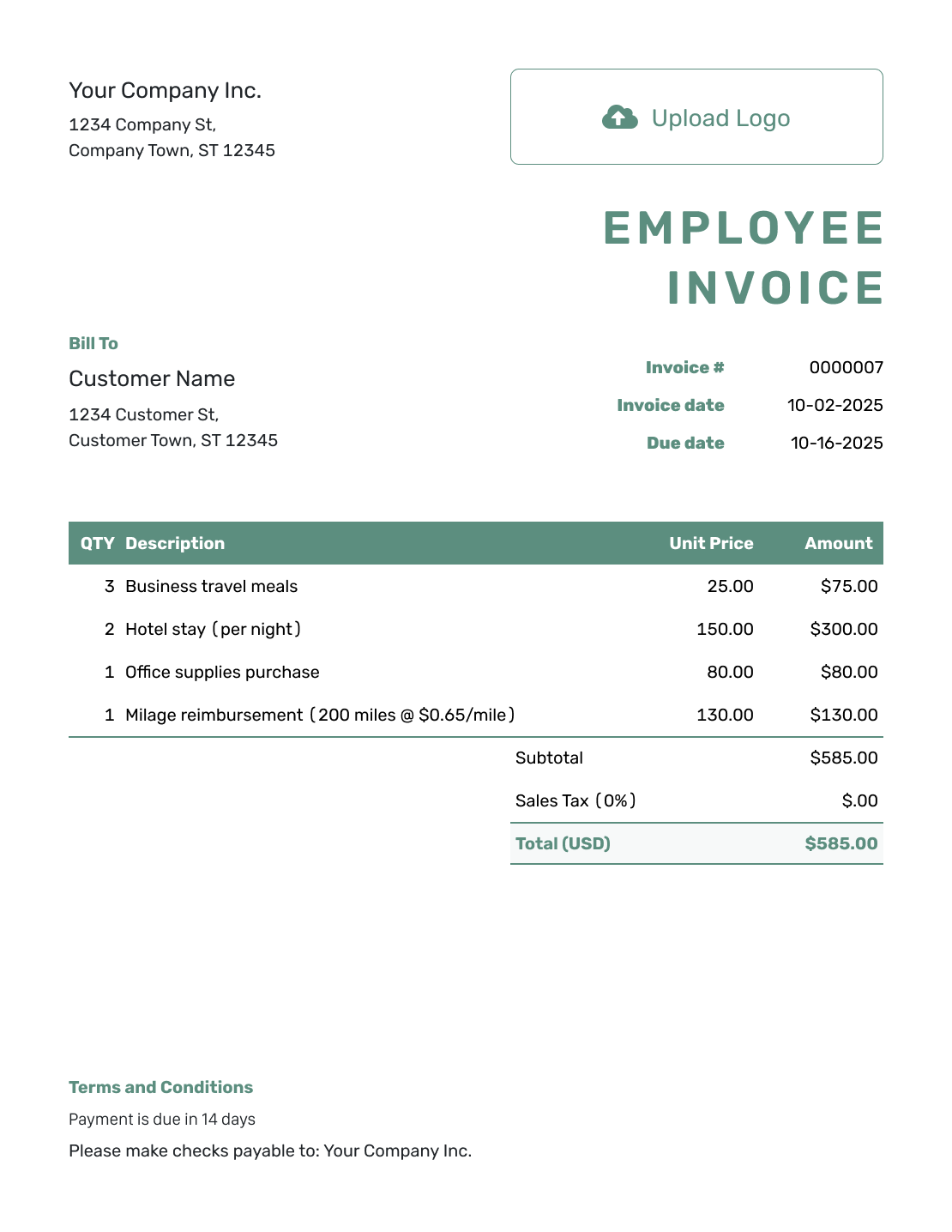
Simple Employee Invoice Layout
Create Free Invoice -
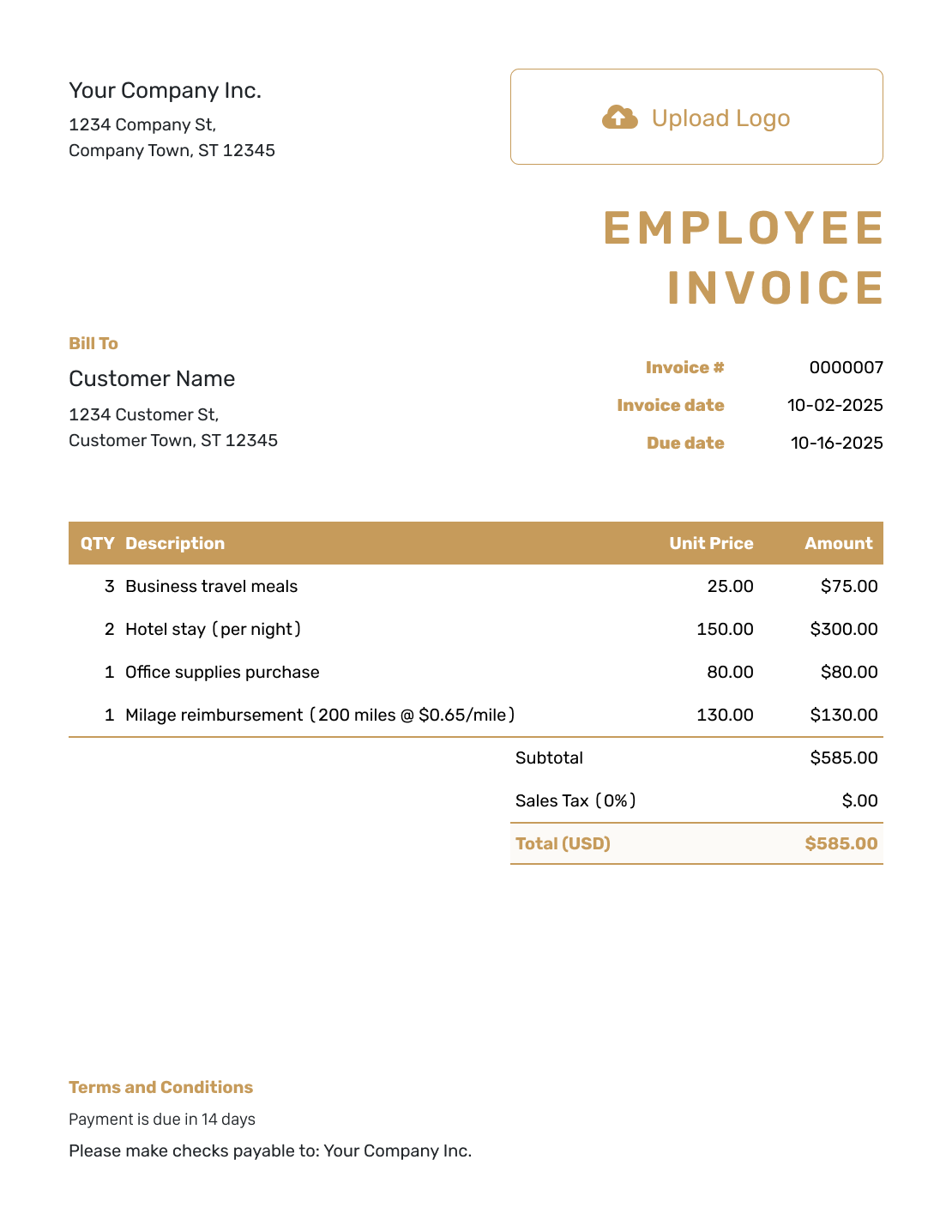
Standard Employee Invoice Layout
Create Free Invoice -
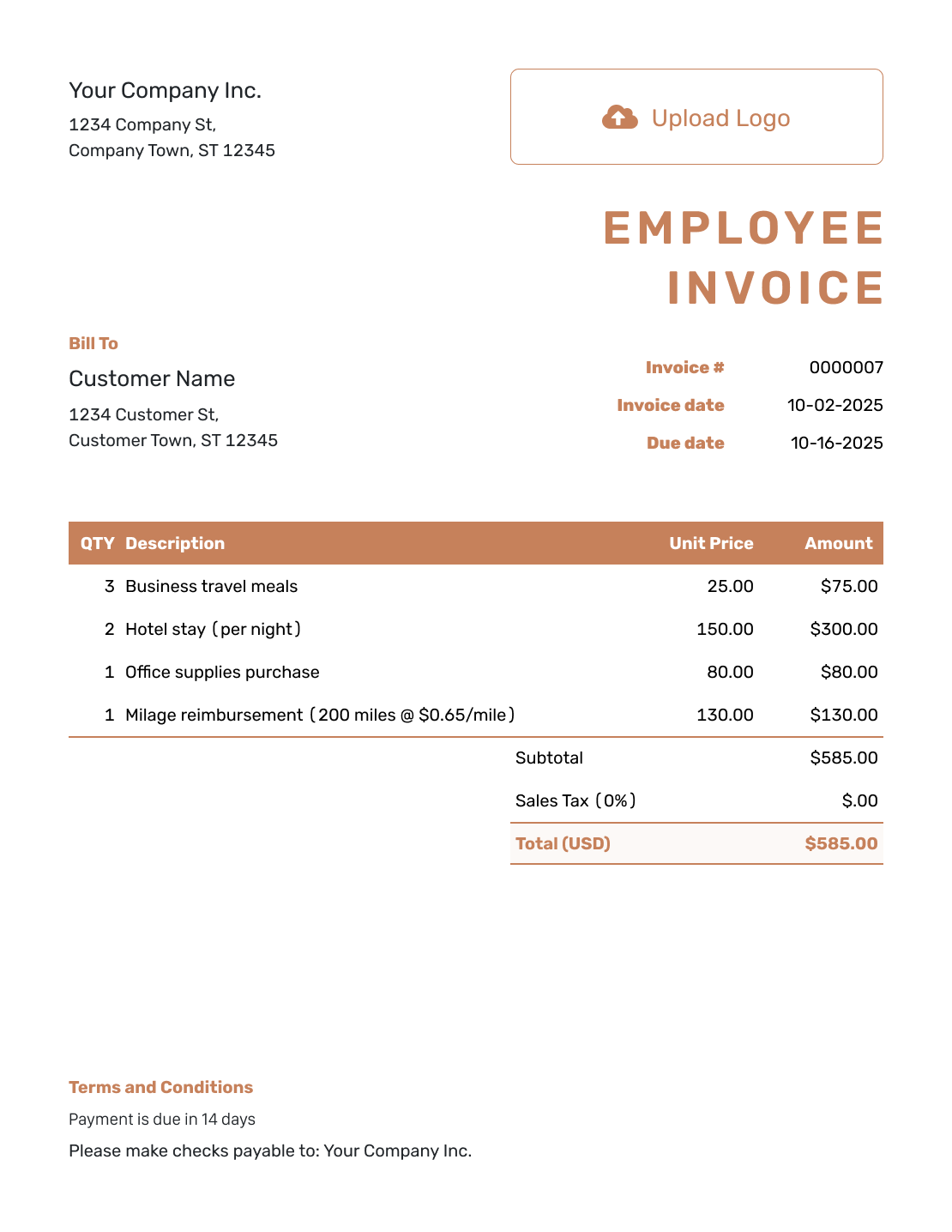
Itemized Employee Invoice Layout
Create Free Invoice -
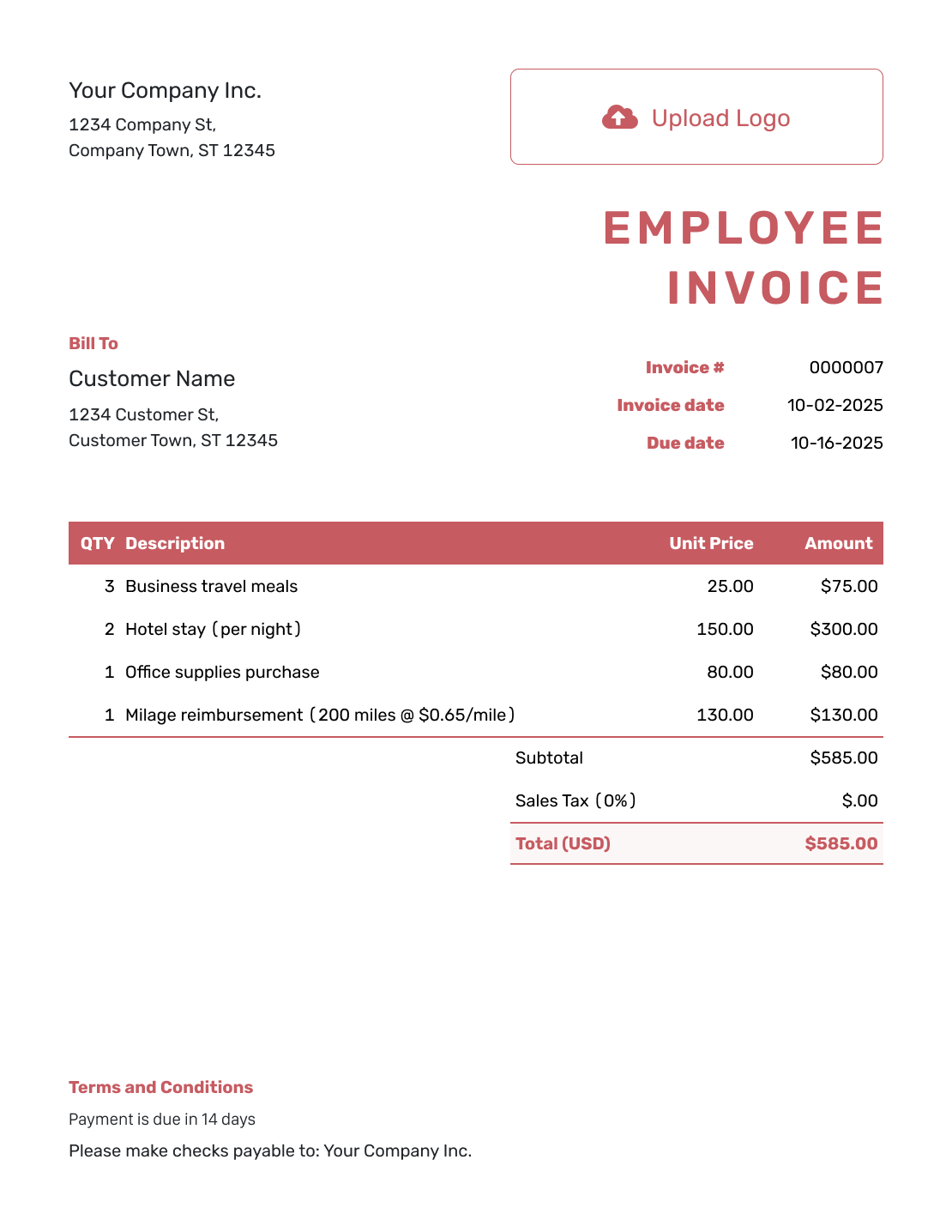
Basic Employee Invoice Layout
Create Free Invoice -
Hourly Employee Invoice Layout
Create Free Invoice
Use a File When the Business Requests One
The formats below are general invoice templates, not payroll forms. Use the business’s own expense form instead when that is what it requires.
Employee Invoice FAQs
-
Is this an invoice for regular payroll?
No. This page covers separately agreed contract charges or an invoice-style request for approved expenses. Ask the business which document it requires for payroll, time records or expense claims.
-
Should I use an invoice or an expense claim?
Use the document the business asks for. If it provides an expense claim form, follow that process. Use an invoice for approved expenses only when the business requests one.
-
Can I list work fees and expenses together?
Yes, when the business has agreed to receive them on one invoice. Keep contract fees and reimbursable costs on separate lines. Identify the project and attach the expense receipts when needed.
-
Should I add tax again to a receipt amount?
The example requests the full cost on each approved receipt, with no extra tax. This is not a general tax rule for reimbursable expenses. Confirm the treatment needed for your actual request before sending it.
-
Can I attach receipts to the invoice?
Yes. Attach PDF, JPG, GIF, PNG or WebP files in Docelf, up to 5 MB each. Use references in the expense descriptions so the business can match each line to its receipt.
-
Does an opened invoice mean my request was approved?
No. Docelf shows whether the emailed invoice was delivered and opened. That does not confirm approval of your request. Follow the business’s approval process and record payment only after you receive it.
Send a Clear Record of the Approved Charges
Once the business confirms it needs an invoice, keep the request easy to check.
- Separate work fees from approved expenses
- Attach the supporting receipts
- Send the invoice to the agreed billing contact




