Free Lawn Care Invoice Template
Create a professional lawn care invoice in minutes
Record the mowing, trimming or yard maintenance completed on each service date. Customers can see which yard services you completed and what they owe, helping you get paid.
Email, print or download your invoice as a PDF.
14-day free trial. No credit card required.

Create the invoice. Send it. Get back to work.
Lawn Care Invoice Template Examples
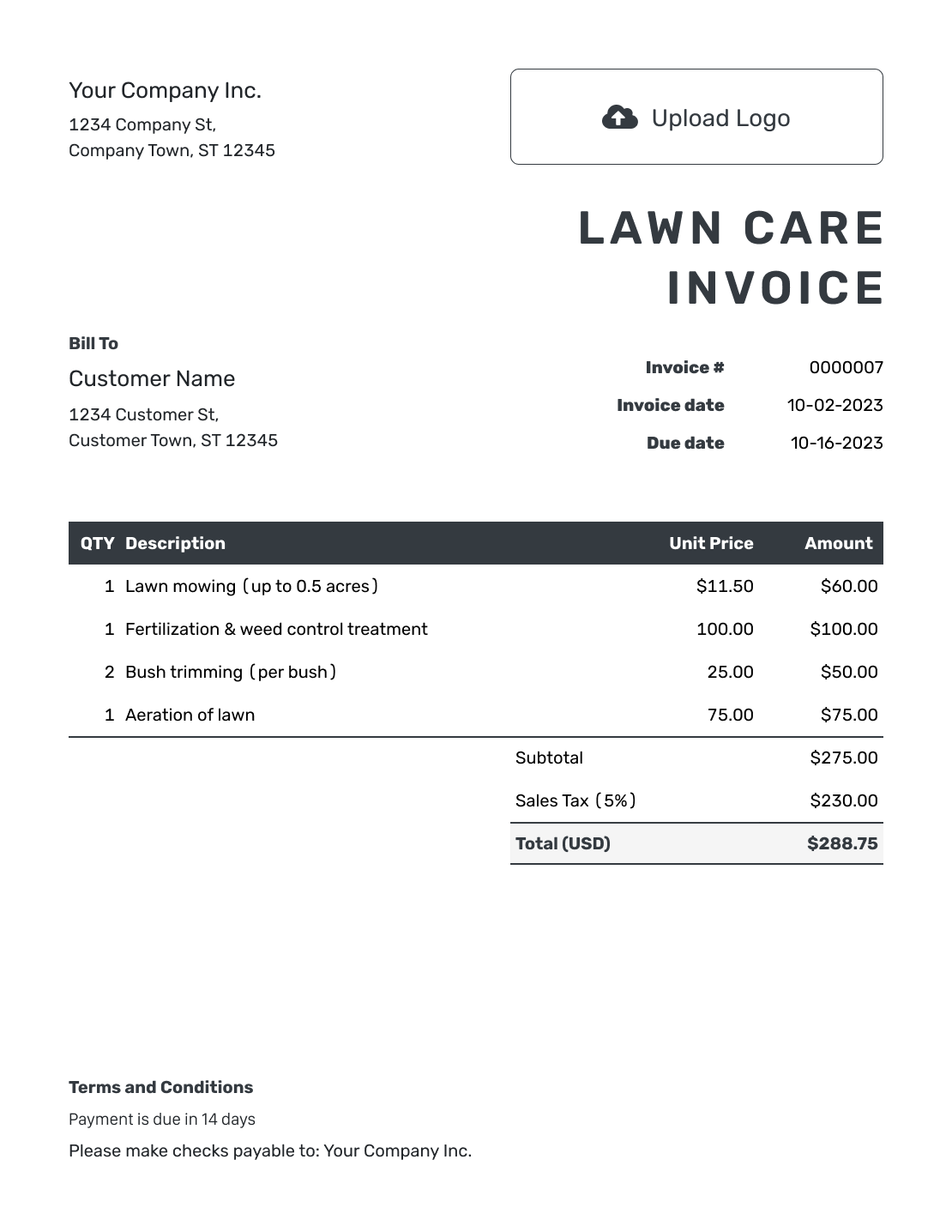
Review lawn care invoice examples for mowing visits, yard cleanup, or seasonal maintenance. Each preview opens the same invoice editor, where you can add the service address and completed visit dates.
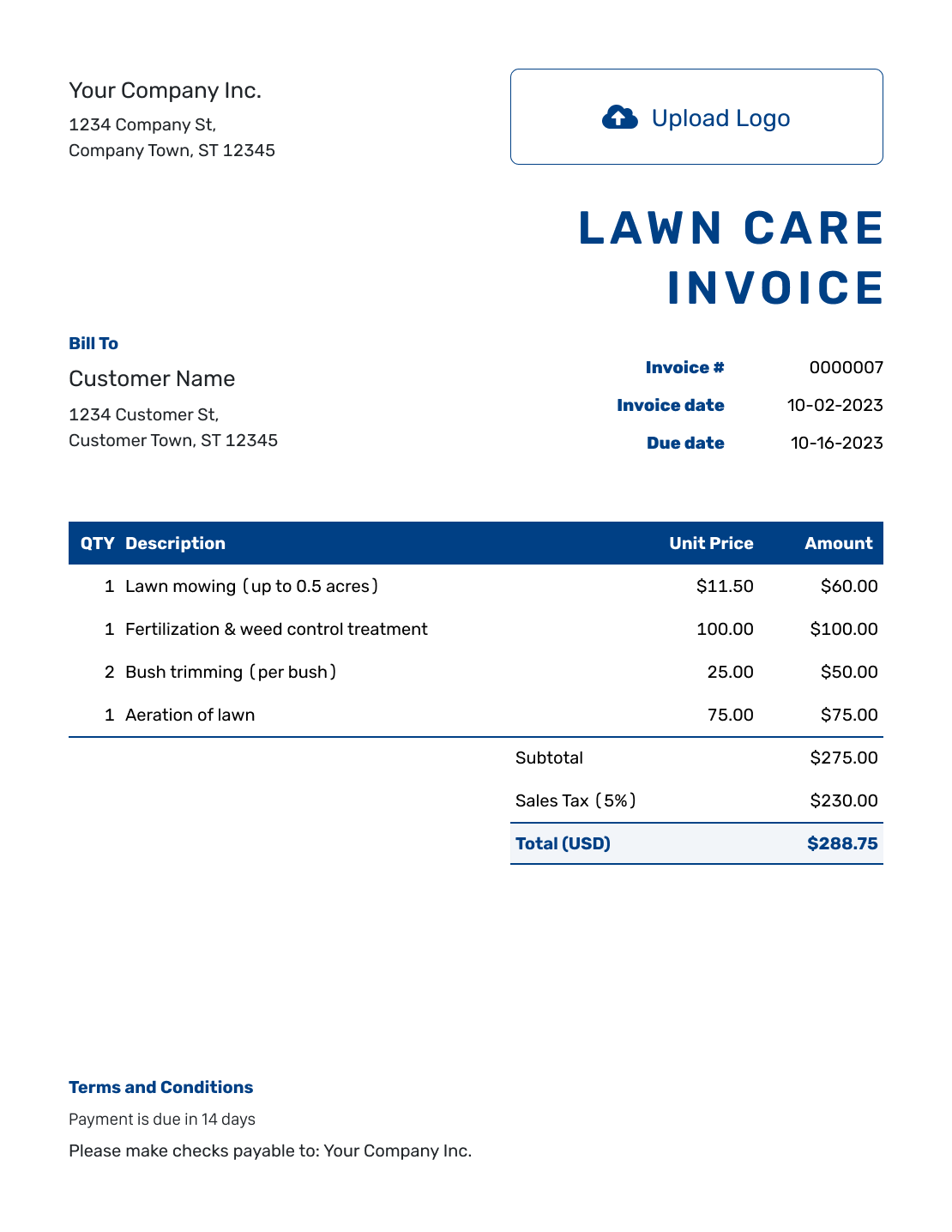
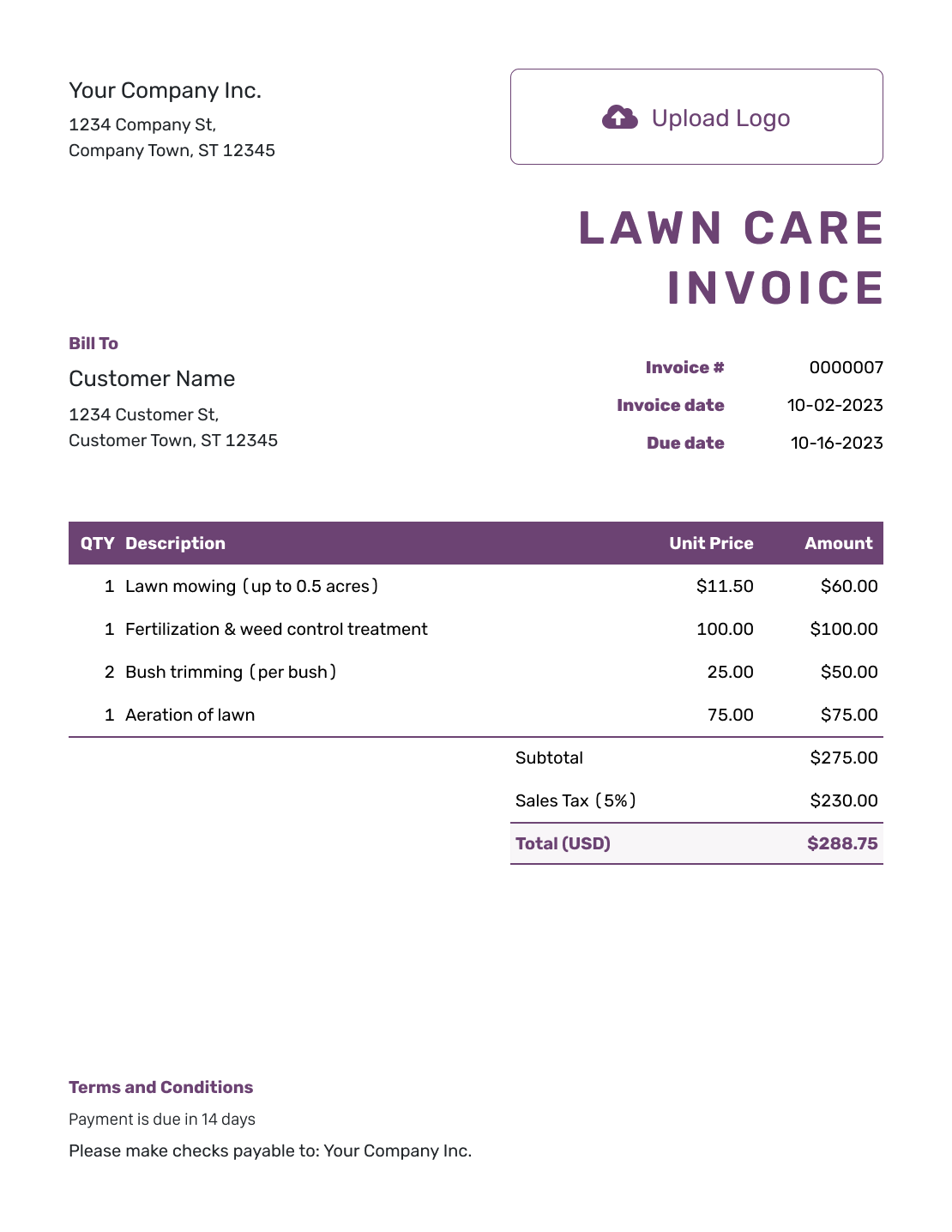
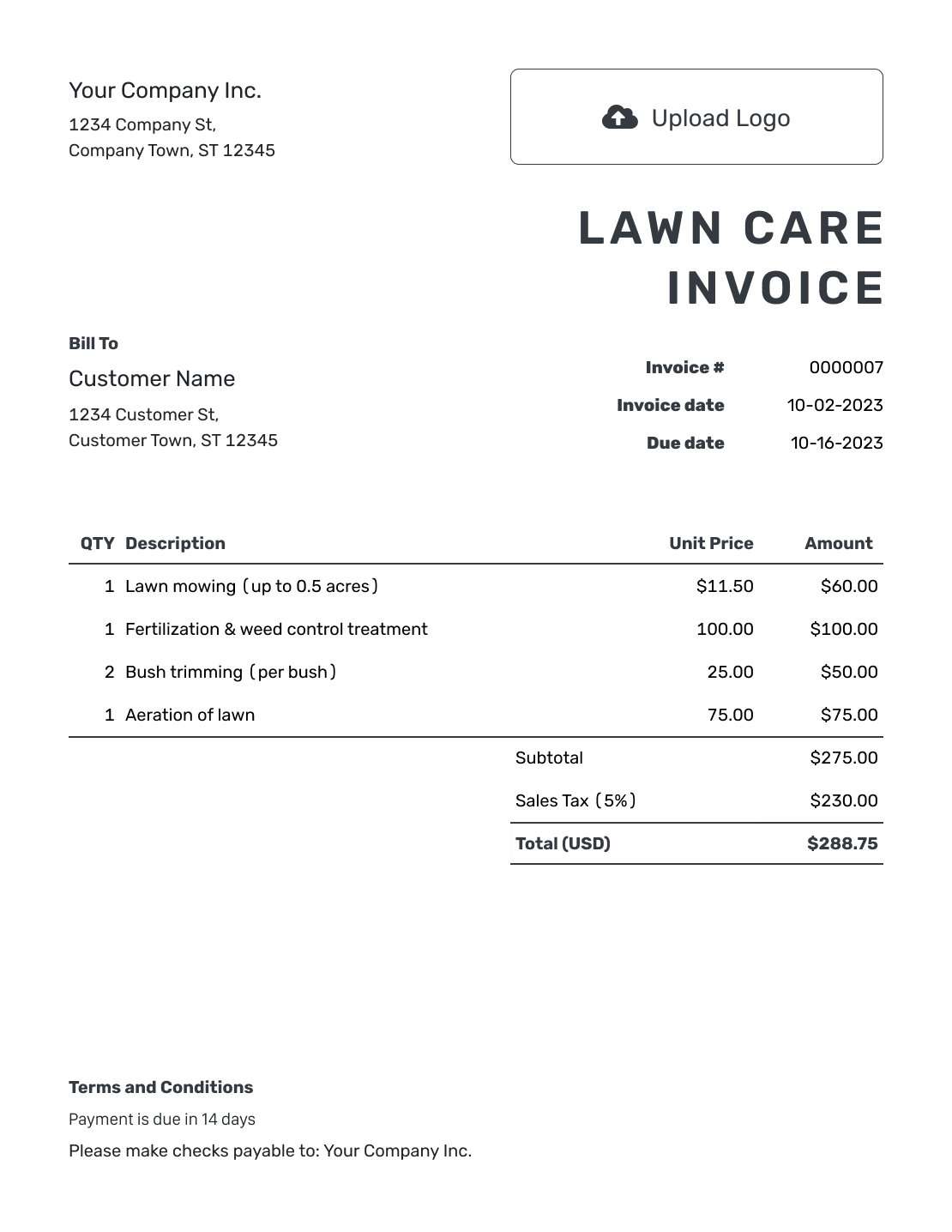
Show the Visits Behind the Lawn Care Total
A lawn care invoice asks the customer to pay for mowing, trimming, or other yard services. Identify the property and the service dates, not just the month you sent the bill.
For a per-visit price, show the completed visits and the rate. For a seasonal package, name the period and what the package covers. Keep separately agreed aeration, fertilization, or cleanup charges easy to find.
How to Create a Lawn Care Invoice
Use the visit record for the property, not just the planned schedule. Add the agreed charges in the numbered fields and review the bill before sending.
- Add Your Lawn Care Business: Enter the business name, phone number, and email your customers use.
- Add Your Logo: Choose the logo the customer recognizes from your lawn care business.
- Select the Customer: Choose the owner or manager responsible for payment.
- Set the Number and Dates: Check the invoice number and date. Set the payment due date from your agreement.
- Enter the Lawn Services: List completed visit dates and rates. Put separately charged yard work on its own line.
- Review the Amount Due: Include any agreed discount and applicable tax. Check the calculated total.
- Add the Payment Details: Use Terms and Conditions for the property and payment instructions. Review, then email the invoice or download a PDF.
How to Fill In Lawn Care Invoice Line Items
Group visits only when the same service and rate apply. List their dates in the description. For a mowing package, make clear whether trimming and blowing off paved areas are included.
This sample bill uses U.S. dollars and covers four mowing visits in August 2026. Each visit includes trimming and blowing off paved areas. Aeration and one clipping-removal visit are agreed extras.
The example uses 8% tax on all charges. Check the tax rules for your own lawn services.
| QTY | Description | Unit Price | Amount |
|---|---|---|---|
| 4 | Mow, trim, and blow off paths, August 6, 13, 20, 27 — visits | $45.00 | $180.00 |
| 1 | Core aeration, August 27 — service | $75.00 | $75.00 |
| 1 | Clipping collection and removal, August 27 — visit | $20.00 | $20.00 |
| Subtotal | $275.00 | |
| Sales Tax (8% example) | $22.00 | |
| Total | $297.00 |
What to Include in Lawn Care Invoice Terms
Use Terms and Conditions to identify the property, visits, and payment deadline. State which tasks the regular visit price covers so customers can distinguish them from extras.
Match the invoice to your existing service agreement. Check local requirements before adding late or cancellation fees. Adjust this example for your visit price or seasonal package.
Example: Terms and Conditions
- This invoice covers the lawn services listed for [Service Address] during [Billing Period].
- The regular mowing visit includes [Included Tasks]. Separately priced services appear on their own lines.
- The listed dates reflect completed visits.
- Payment is due by [Due Date] using [Accepted Payment Method]. Please include [Invoice Number].
Bill for the Visits You Completed
Use the dates and prices from your service record. Docelf adds up the charges so you can check the bill before sending.
Check Rescheduled Visits Before You Bill
Weather or a changed appointment can move a mowing visit. Use the actual service dates on a per-visit invoice so the customer can match the bill to the work.
For a fixed seasonal package, follow the agreed billing arrangement. Do not treat the monthly installment as a count of visits unless that is how you priced the service.
Keep one-time cleanup or treatment lines separate from the regular mowing price. Name the work and date rather than carrying forward a vague “Extra service” line.
Carry Over the Customer, Not One-Time Yard Work
Save your customers and common lawn services in Docelf. Duplicate a previous invoice for the next period, then replace the visit dates and review the quantities. The duplicate is a new draft with a new number, not an automatically sent bill.
Remove one-time aeration, fertilization, or cleanup charges unless you provided that service again at an agreed price. Check the due date before sending the new invoice.
Keep Track of What Each Property Owes
Attach a PDF or image when the customer needs a visit record to check the bill. After emailing the invoice through Docelf, check its history to see when the customer opens it. Use the service address and billing period in any payment follow-up.
Record payments on the invoice and check the remaining balance. Once you record a payment, create a receipt from the invoice to confirm the amount received.
More Lawn Care Invoice Previews
Match the invoice to your business with your logo, fonts, and colors. Put your billing contact in the footer. You can add an industry name before “Invoice.”
Choose the currency agreed with the customer. Docelf supports USD, EUR, GBP, CAD, and AUD.
-
Blank Lawn Care Invoice Template
Create Free Invoice -
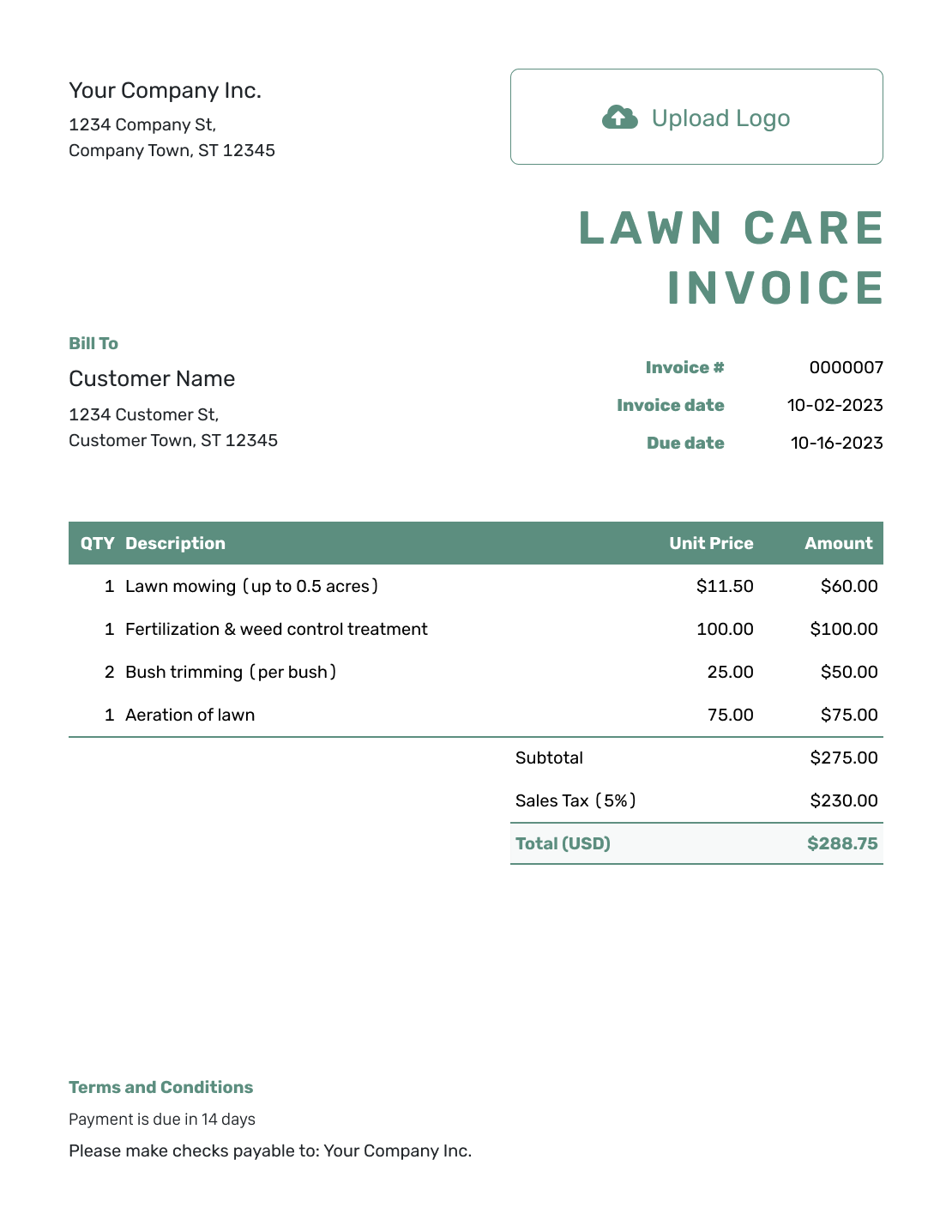
Simple Lawn Care Invoice Template
Create Free Invoice -
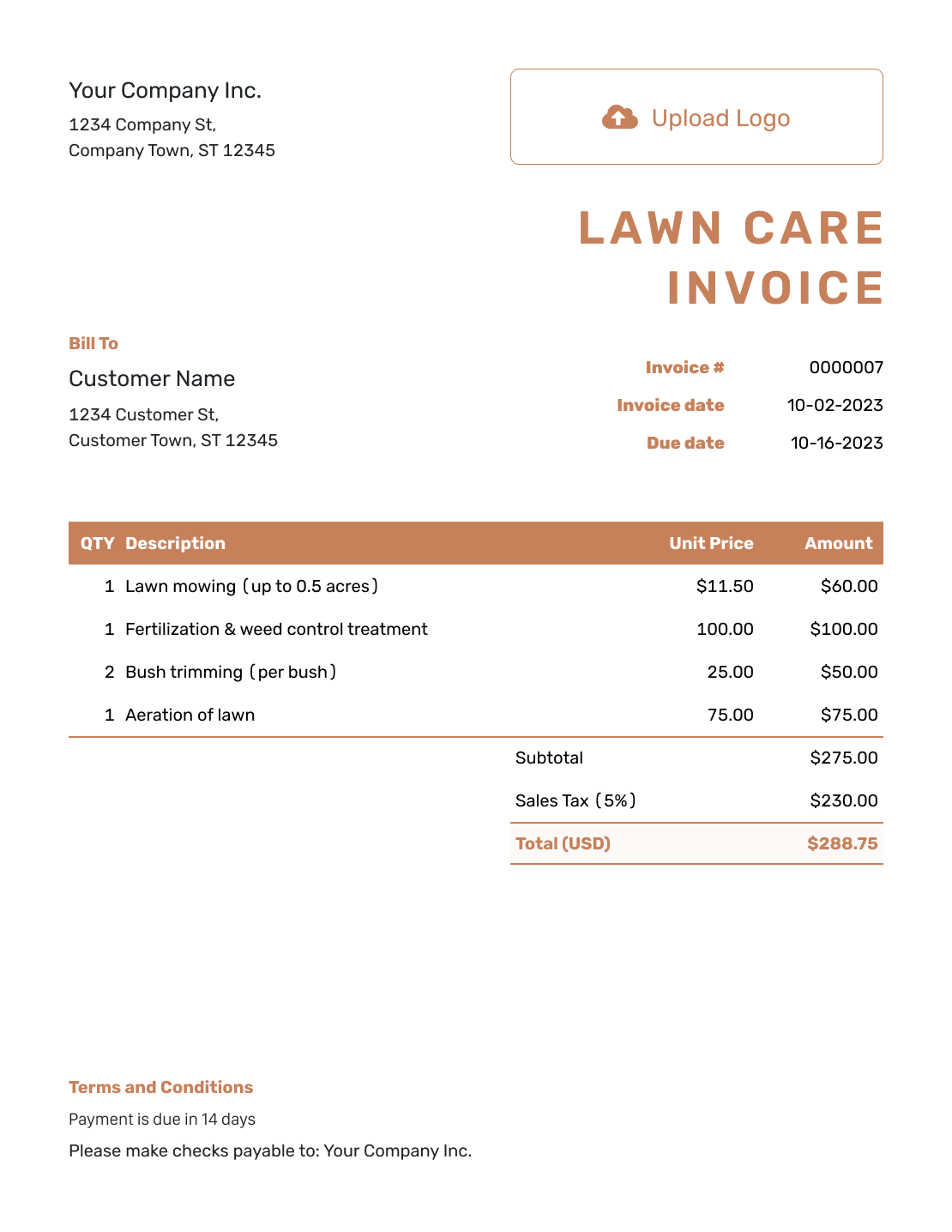
Standard Lawn Care Invoice Template
Create Free Invoice -
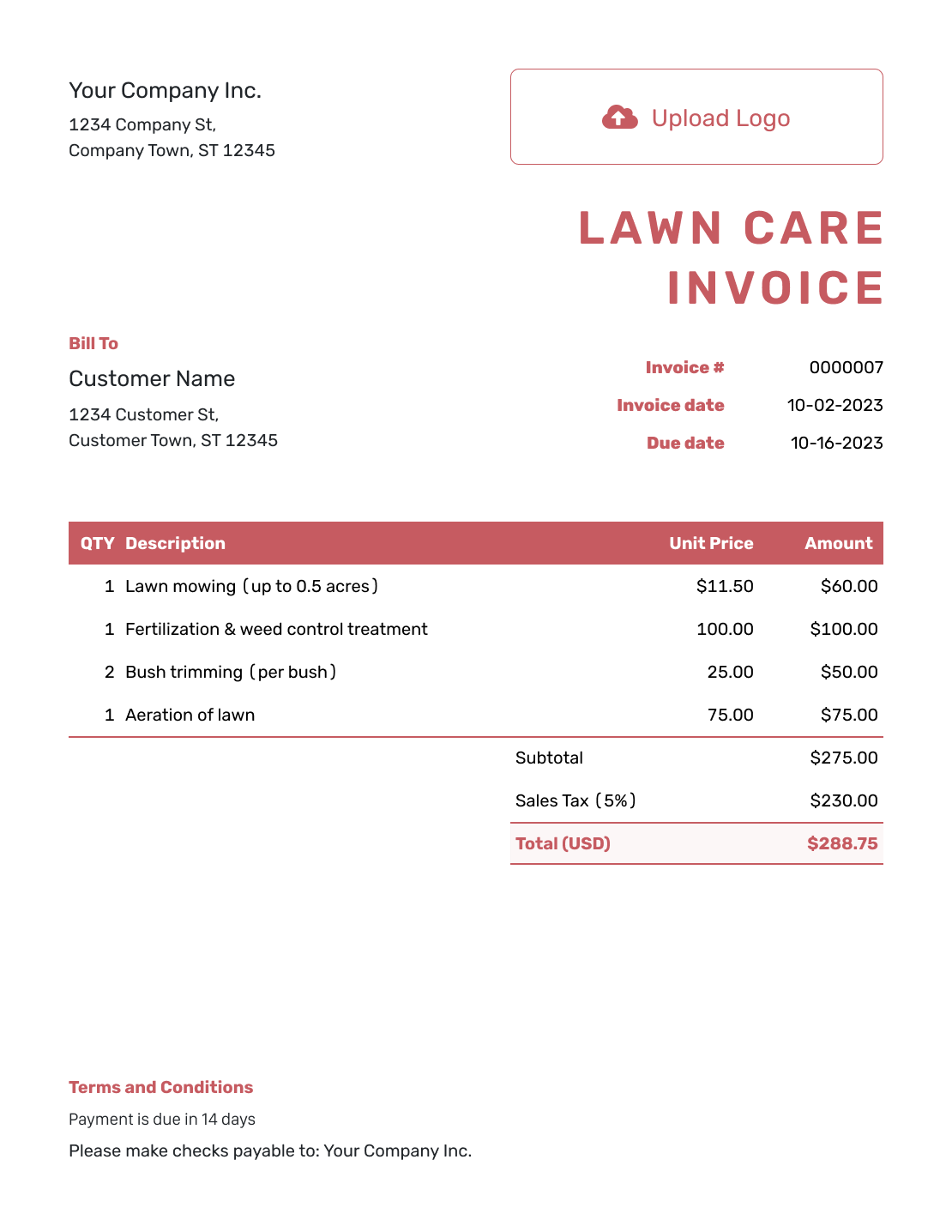
Itemized Lawn Care Invoice Template
Create Free Invoice -
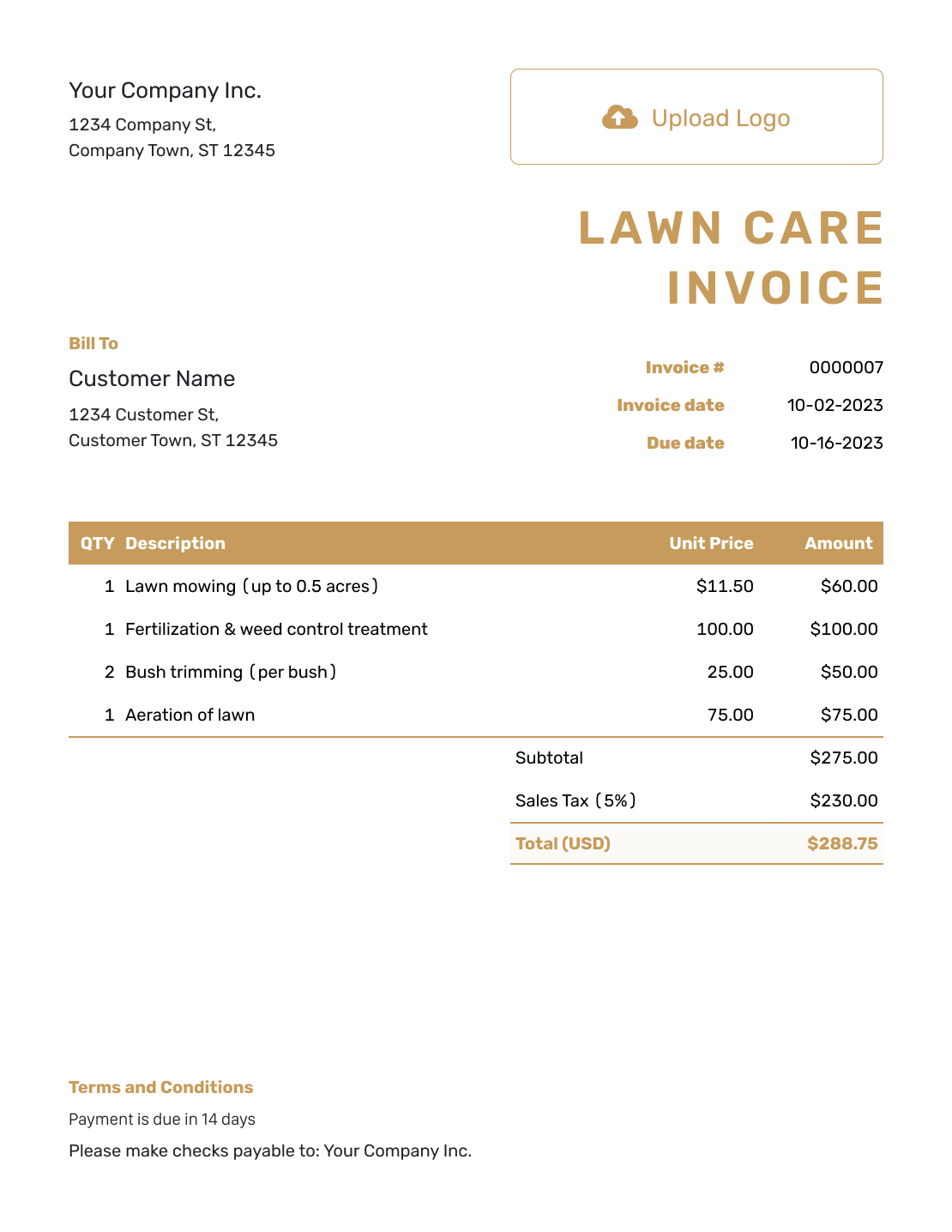
Basic Lawn Care Invoice Template
Create Free Invoice -
Hourly Lawn Care Invoice Template
Create Free Invoice
Editable Files for Lawn Care Billing
Prefer to work in a document or spreadsheet? The links below open general invoice templates. Use Word or Google Docs for the written bill, or Excel or Google Sheets for visit counts and prices.
Lawn Care Invoice FAQs
-
Can I include a month of mowing on one invoice?
Yes. List the billing period and the completed visit dates. When every visit has the same price, use the number of visits as the quantity. Put services with different prices on separate lines.
-
Should trimming and blowing be separate charges?
Only when you price them separately. If they are included in the mowing visit, name them in that line’s description without adding another charge.
-
How should I show a seasonal lawn care package?
Name the package period and the agreed installment or package charge. Describe the services included. Do not present a fixed installment as a per-visit bill unless your agreement uses that method.
-
How do I handle a visit moved because of rain?
Use the date you actually completed the visit. For a per-visit bill, check the count against your service record. For a fixed package, follow the agreed billing arrangement rather than assuming the reschedule changes the price.
-
Can aeration or fertilization appear on the mowing invoice?
Yes. Give separately priced aeration or fertilization its own line. Include the service date and quantity, with the agreed price.
-
What should I check when I duplicate last month’s invoice?
Update the service dates and visit count. Remove one-time extras you did not provide again. Check the prices and due date before sending. Docelf creates the duplicate as a new draft, not an automatically sent bill.
Ready to Bill This Round of Lawn Care?
Send a bill that shows the lawn care you completed this period.
- Match the invoice to completed visits
- Separate package charges from one-time extras
- Send the bill and record payments in Docelf




