Free Proforma Invoice Template
Use a proforma example before the final invoice
Review how a proforma invoice presents expected charges before the final bill. The example gives you a clear starting point for a preliminary document, not the final invoice.
Use an editable invoice file for the proforma, then create the final invoice in Docelf.
14-day free trial. No credit card required.

Review the example. Prepare the proforma. Invoice when ready.
Review the Proforma Invoice Examples
Use the examples to plan your preliminary document. To prepare it in a file, choose a Word, Google Docs, Excel or Google Sheets template and edit its title and terms. The preview buttons open Docelf’s invoice generator for the final bill.
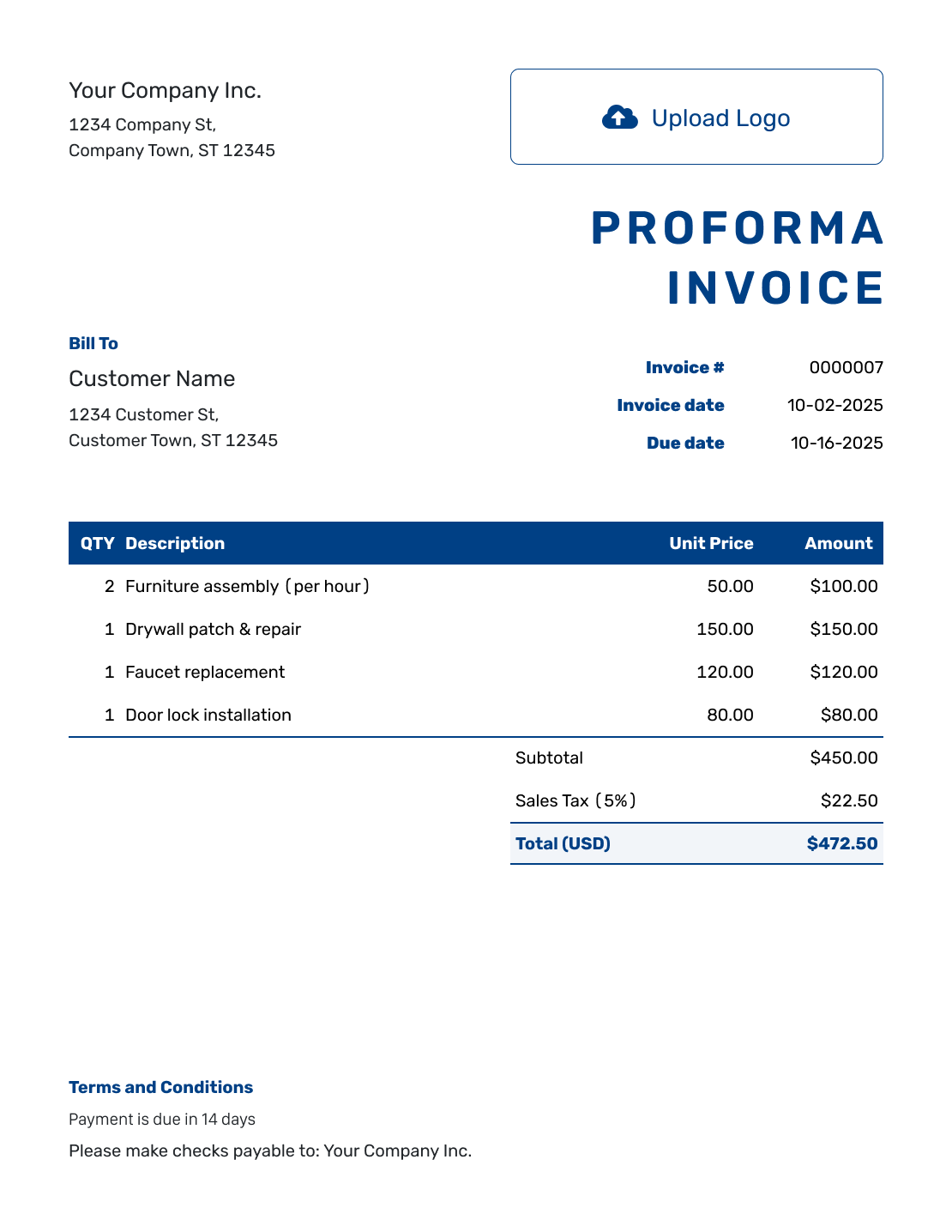
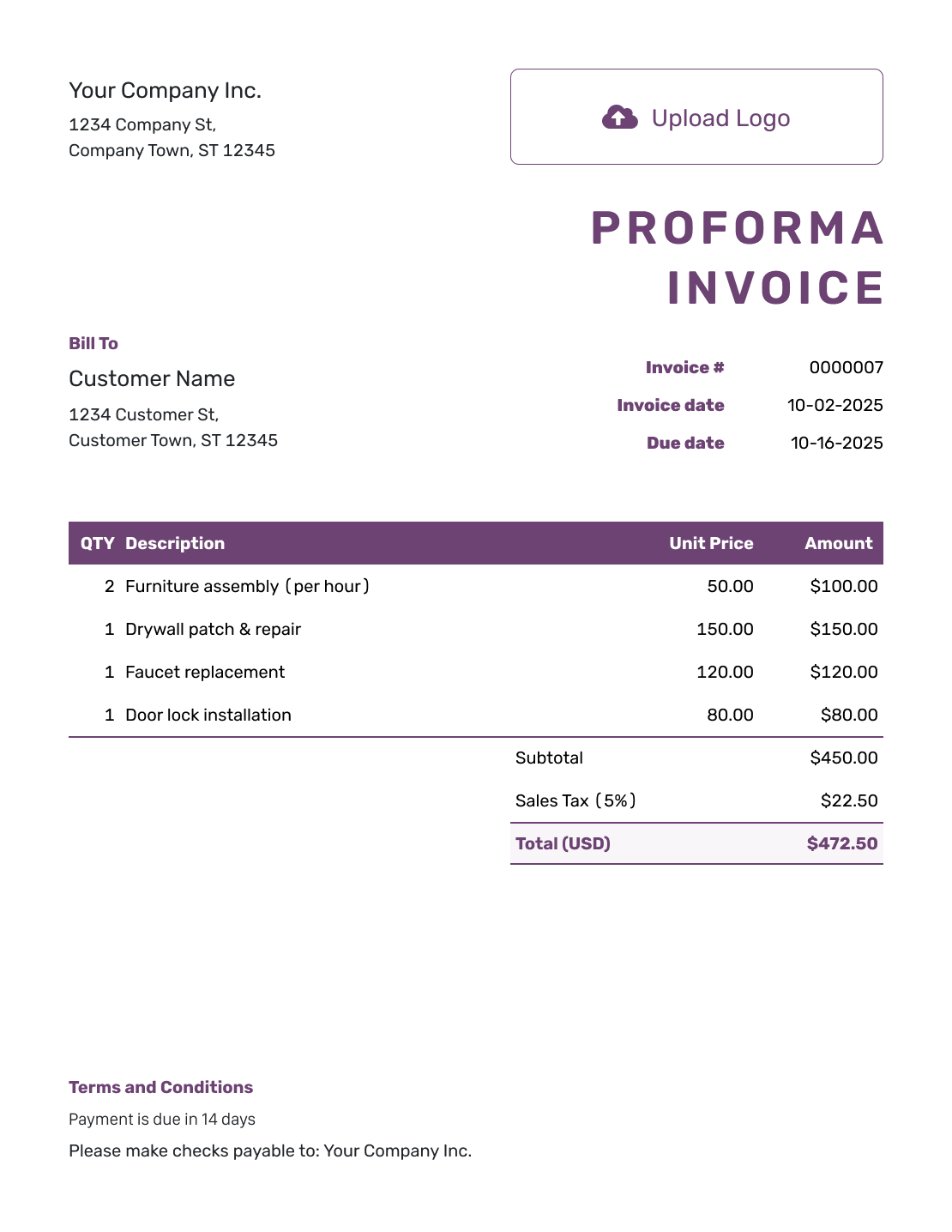
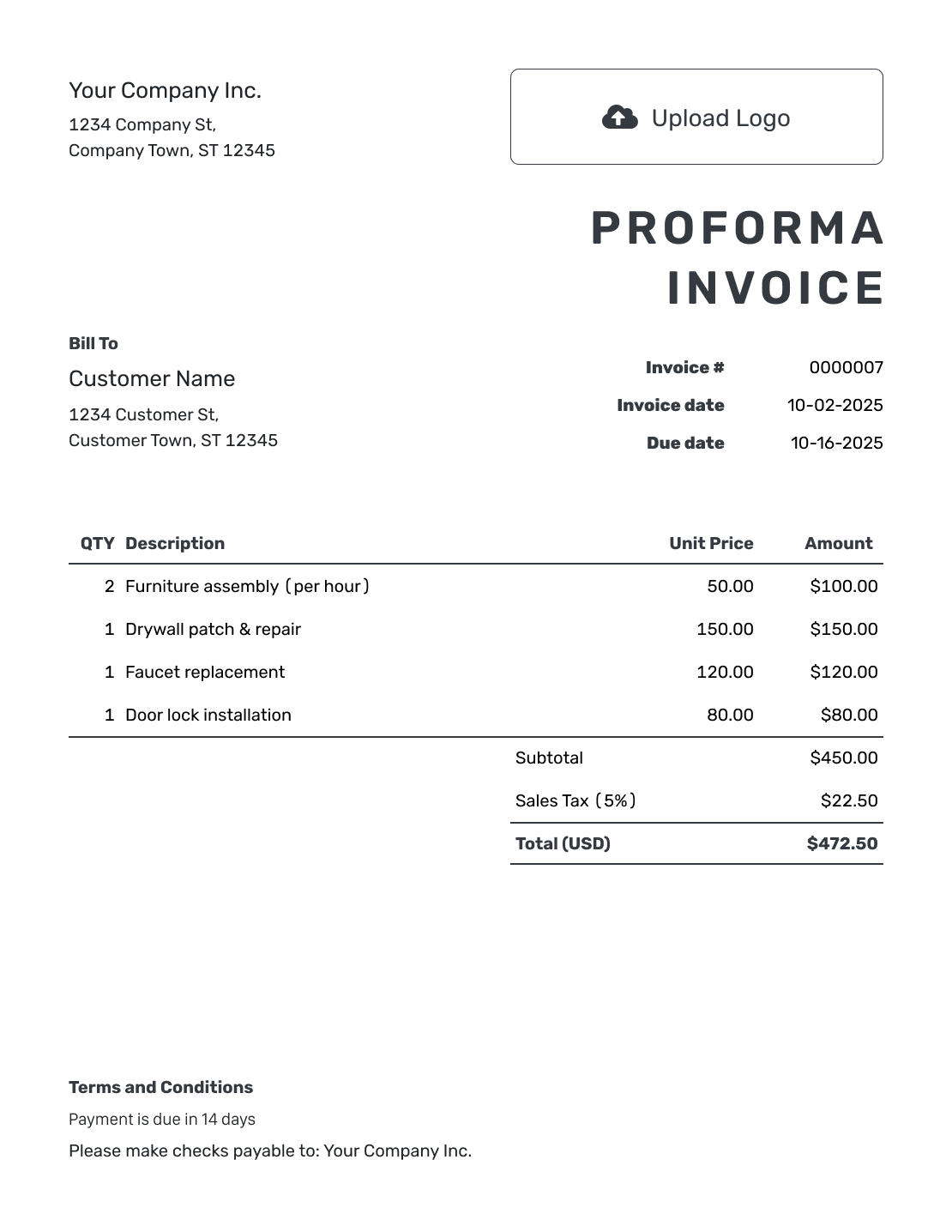
Show Expected Charges Before Final Billing
A proforma invoice shows the expected charges for a proposed order before you issue the final invoice. The customer can review the quantities, prices and terms. Keep it separate from the final bill and any payment confirmation.
Docelf also provides estimate templates for expected costs and quote templates for a specific offer. Either document can later become an invoice in Docelf.
How to Fill In a Proforma Invoice
Start with an editable invoice file and label it “Proforma Invoice.” The invoice layout below shows where the business, customer and pricing details go. Complete these fields for the proposed order.
- Identify the Business: Enter your business name and contact details for questions about this order.
- Add the Business Logo: Keep the design consistent with the final invoice the customer will receive.
- Identify the Customer: Enter the customer’s name and billing details for the proposed order.
- Add a Reference and Date: Add a reference and issue date so the customer can identify this preliminary version.
- List the Proposed Items: List each product or service with its quantity and expected unit price.
- Check the Expected Total: Check each quantity × unit price, then add applicable tax to the subtotal.
- State the Preliminary Terms: Explain what the price covers in Terms and Conditions. Add a review deadline if needed.
How to Fill In Proforma Invoice Line Items
Describe the proposed products clearly. Give setup and delivery charges their own lines so the customer can see what the expected total includes.
This fictional order is for 40 notebooks with one-color printing. Prices are in USD. The example applies 8% sales tax to all three charges. Check which taxes apply to your own order.
| QTY | Description | Unit Price | Amount |
|---|---|---|---|
| 40 | A5 notebook with one-color print | $4.50 | $180.00 |
| 1 | Print artwork setup | $30.00 | $30.00 |
| 1 | Estimated local delivery | $20.00 | $20.00 |
| Subtotal | $230.00 | |
| Sales Tax (8% example) | $18.40 | |
| Expected Total | $248.40 |
The expected order total is $248.40. Confirm the final quantity and delivery details before billing. This example does not record a payment.
What to Include in Proforma Invoice Terms
Use Terms and Conditions to explain what the preliminary price covers and what still needs agreement. State how long the prices apply when you need a deadline.
Adapt these terms to your order and actual policies. Check local requirements before adding deposits, refund rules or fees. This example explains the notebook order without treating it as the final invoice.
Example: Terms and Conditions
- Preliminary pricing only. This document is not the final invoice or confirmation of payment.
- The proposed order covers 40 A5 notebooks with one-color printing from the supplied artwork.
- These prices apply until [Review Date].
- We will confirm the final quantity, delivery address and delivery charge with you before billing.
Check the Preliminary Document Before Sharing It
Keep the title and charges easy to read. Add your logo and contact details, and include a supporting PDF or image when it helps explain the order. Save the preliminary file with your order records so you can refer to the same version later.
- Identify the document as preliminary, with a reference and issue date.
- Describe the proposed quantity, product or service precisely.
- Use one currency and explain any amount still subject to confirmation.
- Check the delivery address and any details still awaiting confirmation.
More Proforma Invoice Layouts
Use these layouts to compare how proposed charges can be presented. Each preview opens the same invoice generator for the final bill.
-
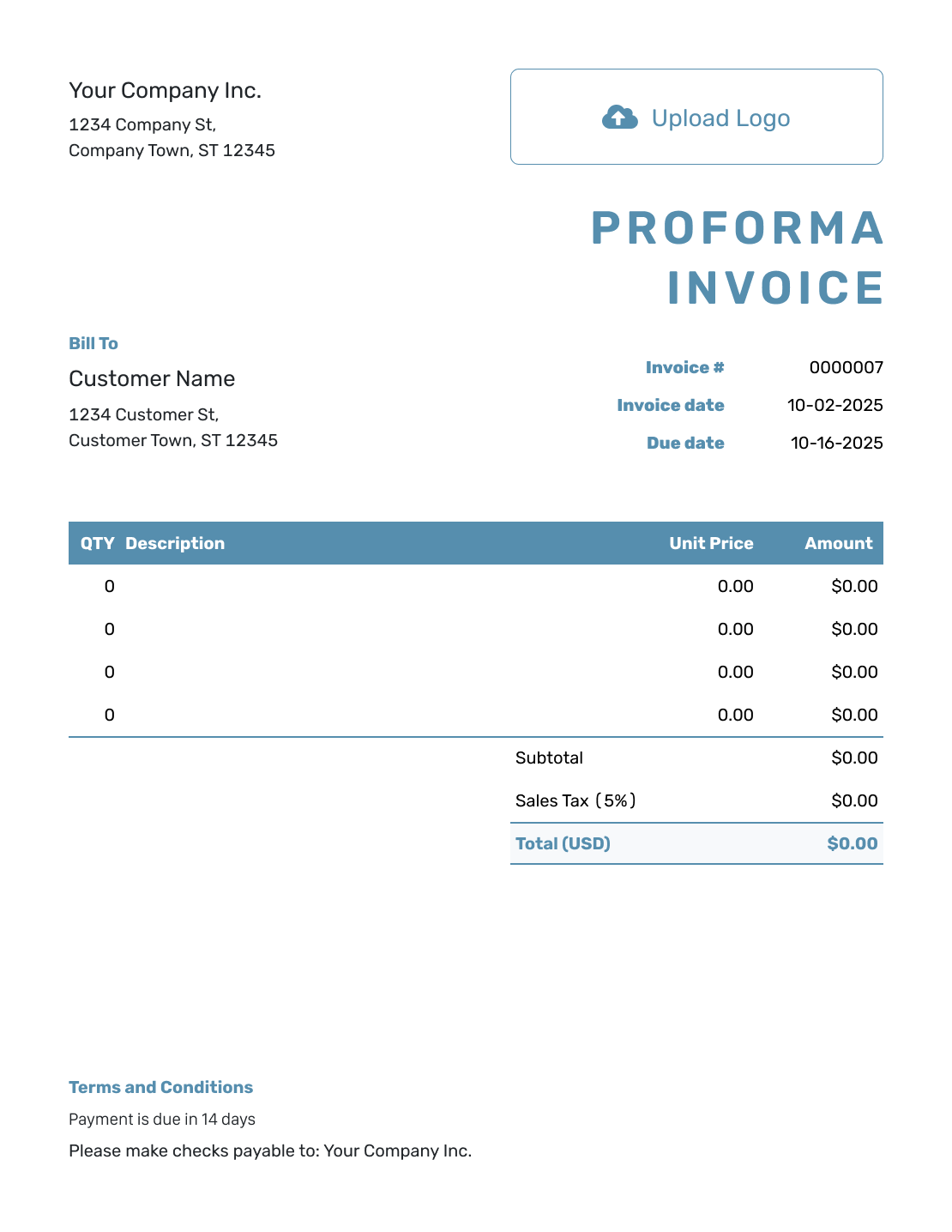
Blank Proforma Invoice Layout
Create Free Invoice -
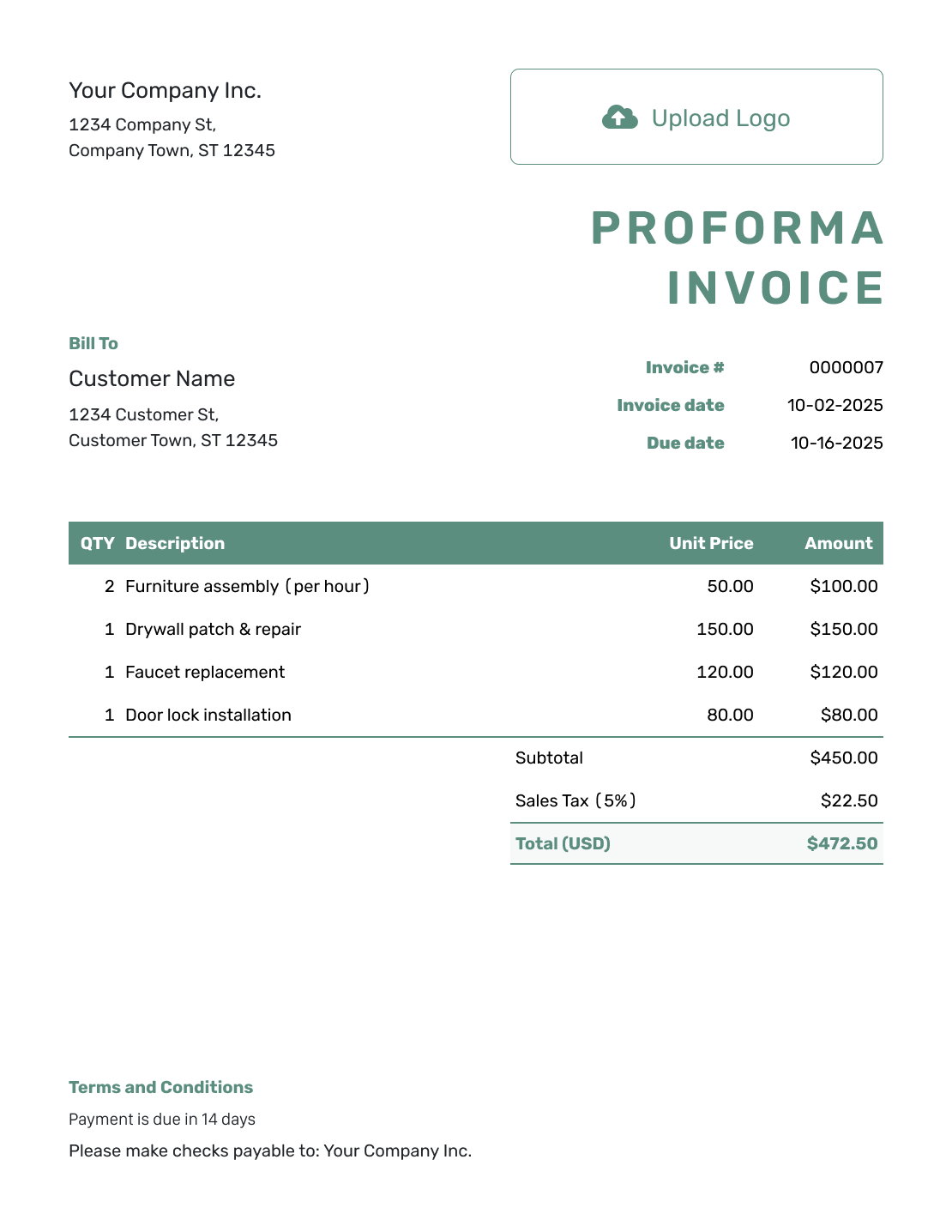
Simple Proforma Invoice Layout
Create Free Invoice -
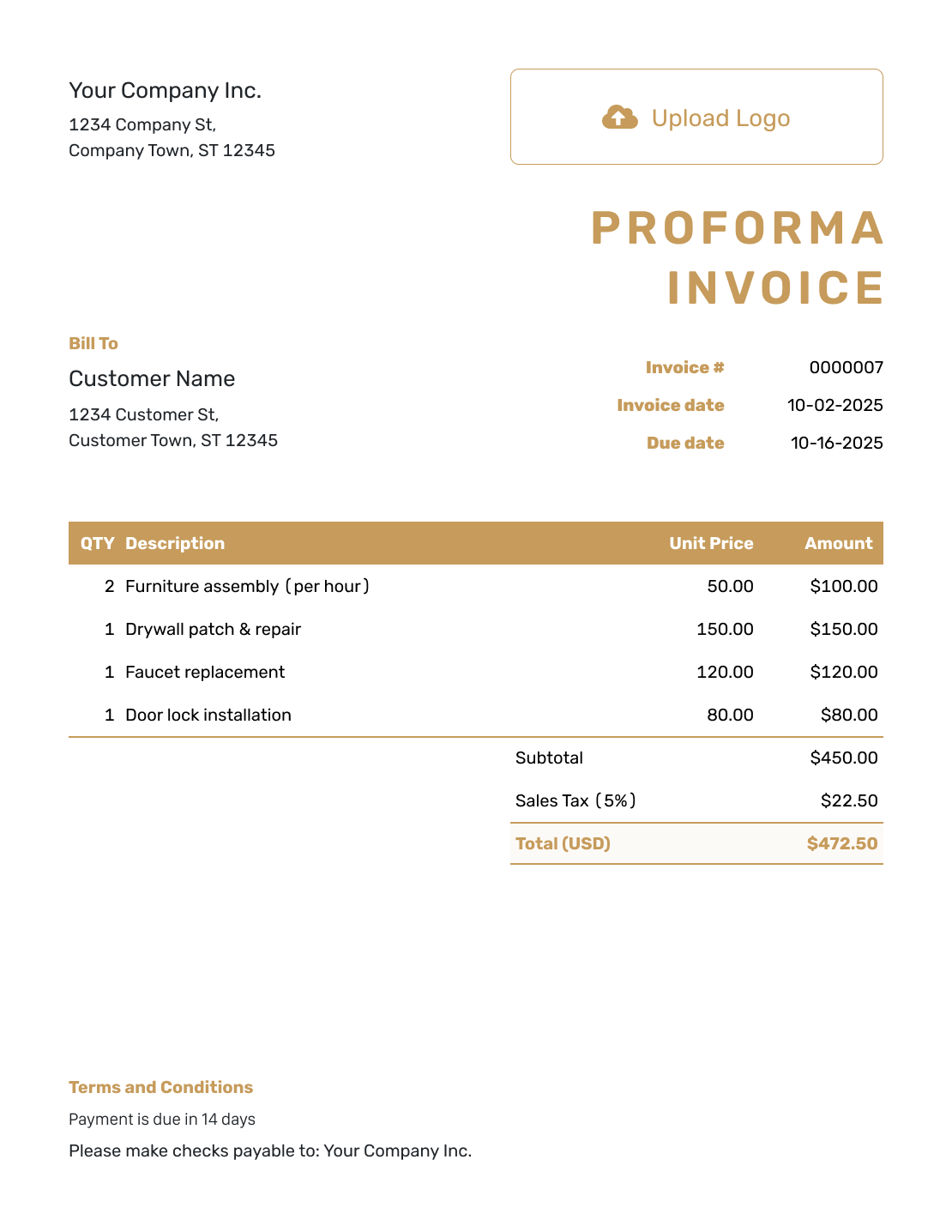
Standard Proforma Invoice Layout
Create Free Invoice -
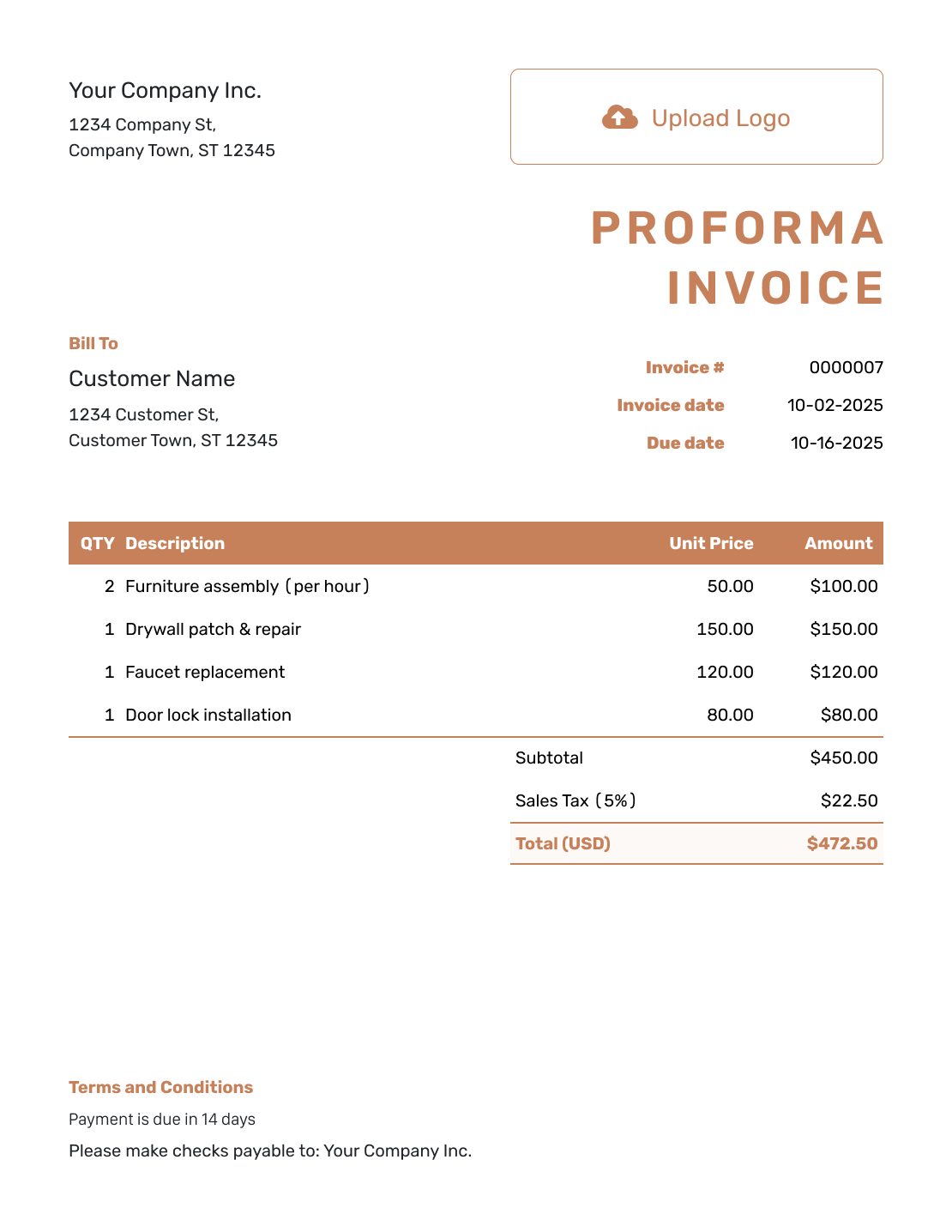
Itemized Proforma Invoice Layout
Create Free Invoice -
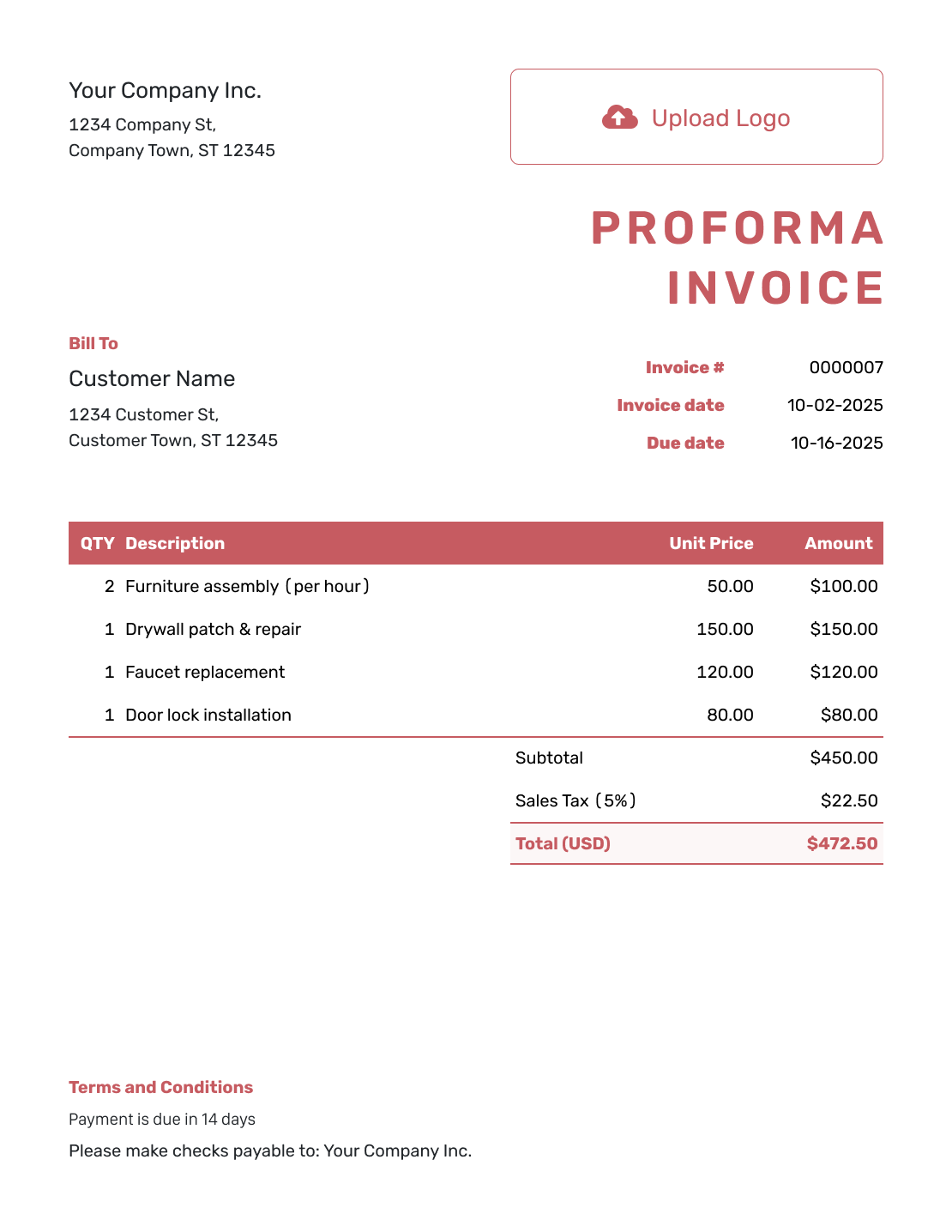
Basic Proforma Invoice Layout
Create Free Invoice -
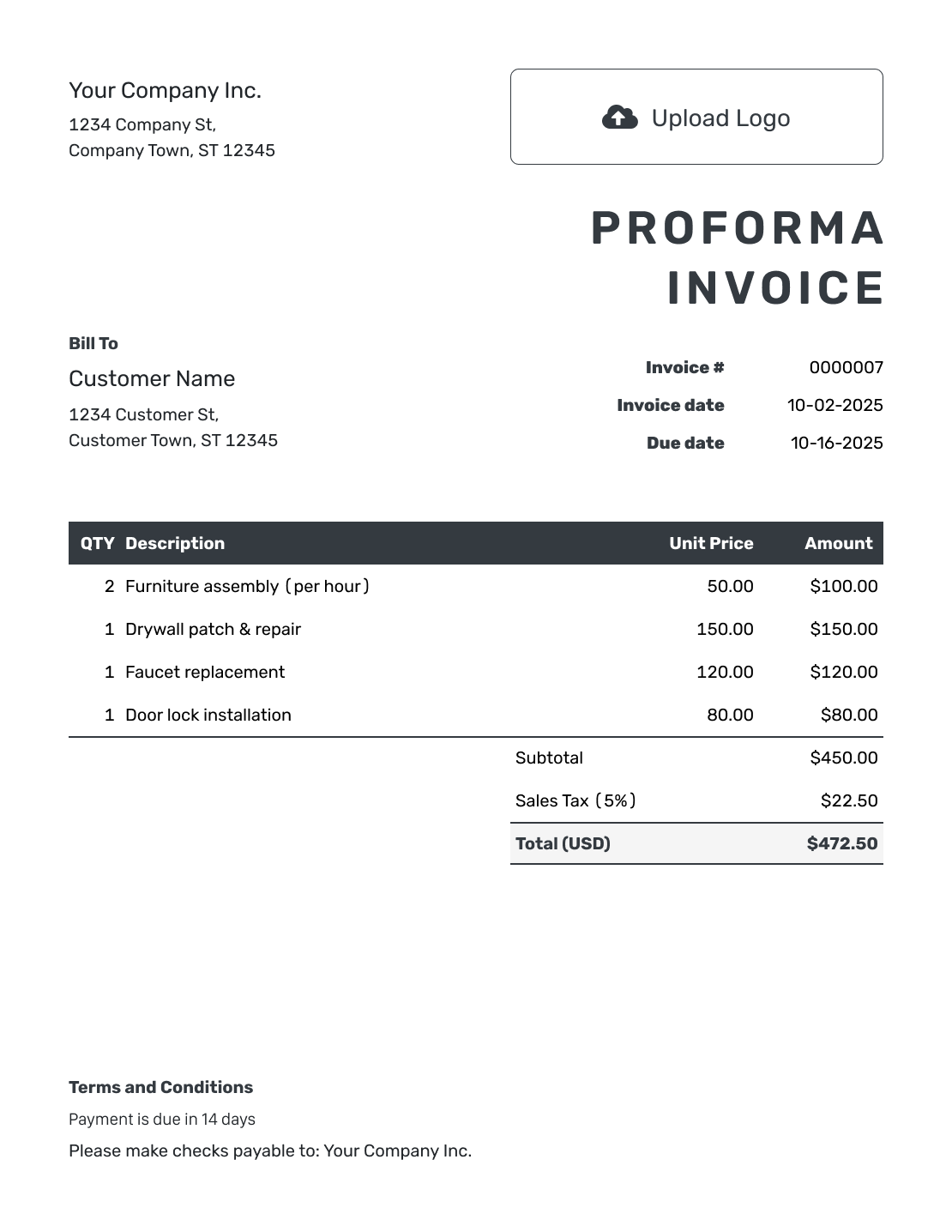
Hourly Proforma Invoice Layout
Create Free Invoice
Prefer a Proforma Invoice in a File?
These general invoice files offer another starting point. Edit the document label and terms to make its preliminary purpose clear. Check the expected prices before sharing a PDF.
Order Confirmed and Ready to Bill?
Enter the confirmed order in Docelf. It calculates the invoice total from your quantities, prices and tax. Review the bill, then email it or download a PDF.
Move From Preliminary Prices to the Final Invoice
Check what the customer agreed to before you bill. Update any changed quantities or delivery costs. Keep the preliminary reference available so the customer can connect the final bill to the earlier discussion.
When you started with a Docelf estimate or quote, create the invoice from that document. Docelf copies the relevant customer and item details. Review the new invoice before sending it.
If you already have a similar invoice in Docelf, duplicate it to create a new draft with a new number. Check the customer, dates and charges before sending. For a proforma prepared in a separate file, enter the confirmed order details in the new invoice.
Proforma Invoice FAQs
-
What is a proforma invoice for?
It shows the expected charges for a proposed order before the final invoice. Label it as preliminary and explain what still needs confirmation. It does not show that the customer has paid.
-
Is a proforma invoice the final bill?
No. It lets the customer review expected charges before final billing. Issue the final invoice when the sale or work is ready to bill.
-
Can I use a quote or estimate instead?
Yes. Use an estimate for expected costs or a quote for a specific offer. Docelf supports both document types and lets you create an invoice from either one later.
-
How can I prepare a proforma invoice in a file?
Choose one of the Word, Google Docs, Excel or Google Sheets invoice files linked above. Change the file’s document title to “Proforma Invoice,” enter the proposed charges and explain what still needs confirmation. Review the total before sharing it.
-
What should I do when the quantity or delivery price changes?
Update the preliminary details so the customer can review the new expected total. Use the confirmed quantity, delivery charge and applicable tax on the final invoice.
-
Should the expected total include tax?
Include the tax that applies to the proposed sale and explain any assumptions. The 8% rate on this page is only an example. Check the tax before issuing the final bill.
-
How do I reuse preliminary details for the final invoice?
For a proforma prepared in a separate file, enter the confirmed order in a new invoice. If you used a Docelf estimate or quote, create the invoice from that document instead. Docelf copies the relevant details for you to review.
Create the Final Invoice When the Order Is Ready
Turn the confirmed order details into a clear payment request.
- Add the customer and confirmed order
- Check the total and set a payment due date
- Email the invoice or download a PDF




