Free Psychologist Invoice Template
Create a professional invoice in minutes
Bill for sessions, assessments or consultations with the service dates and agreed fees. The bill shows clients the services and amount due, helping your practice get paid.
Email, print or download your invoice as a PDF.
14-day free trial. No credit card required.

Create the invoice. Send it. Get back to work.
Choose a Psychologist Invoice Layout
Choose a layout for sessions or assessment work. Every preview opens the same invoice editor. Before entering client details, check that Docelf and your delivery method meet your practice’s privacy requirements.
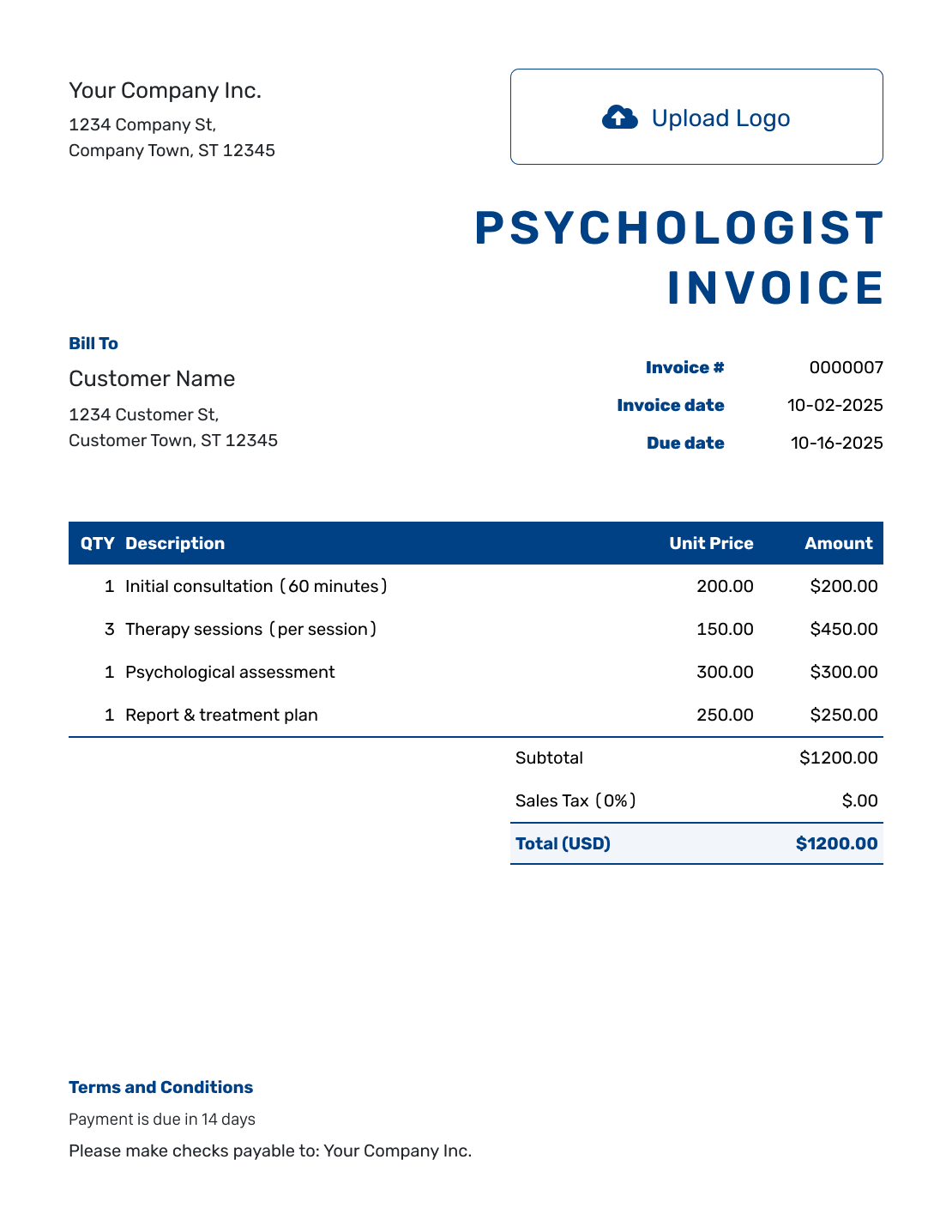
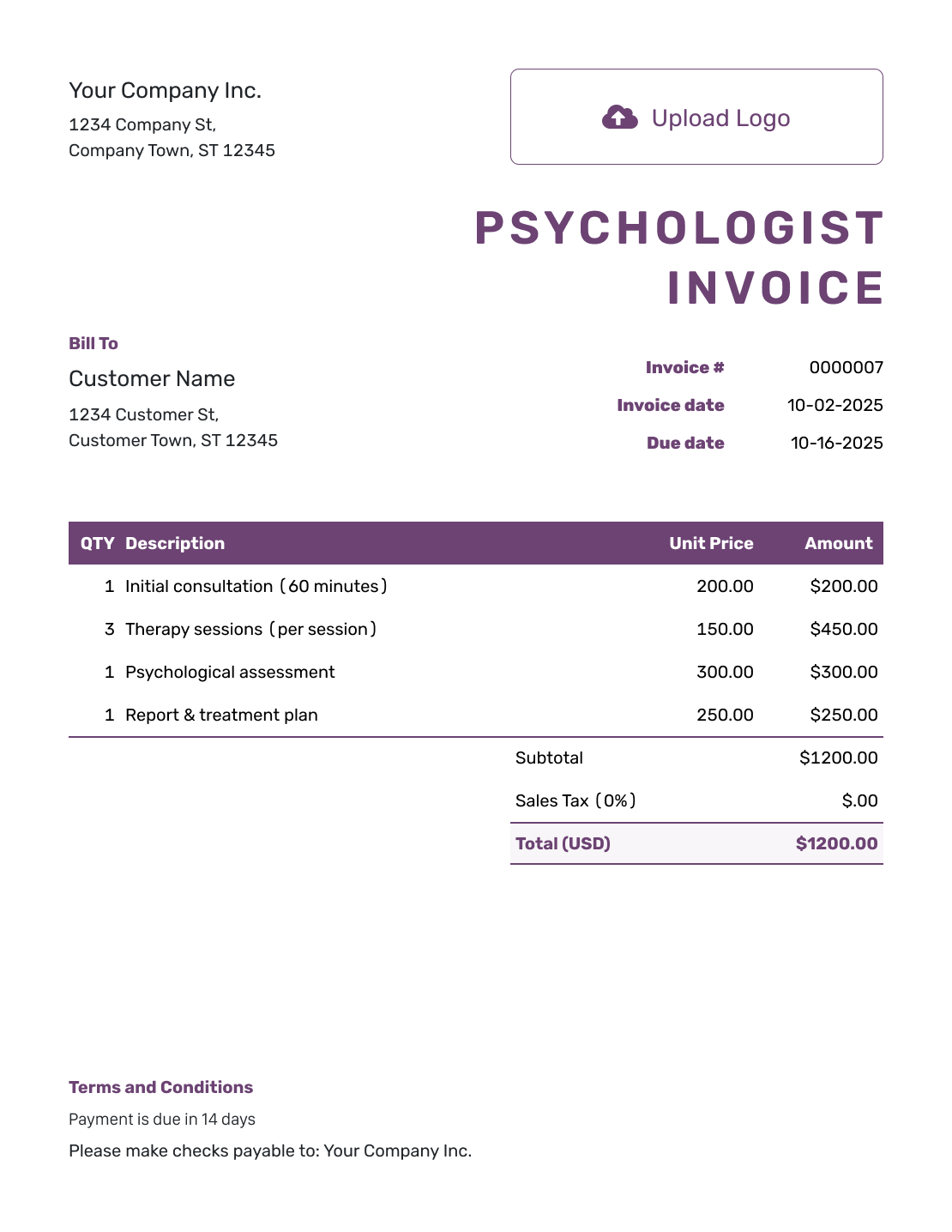
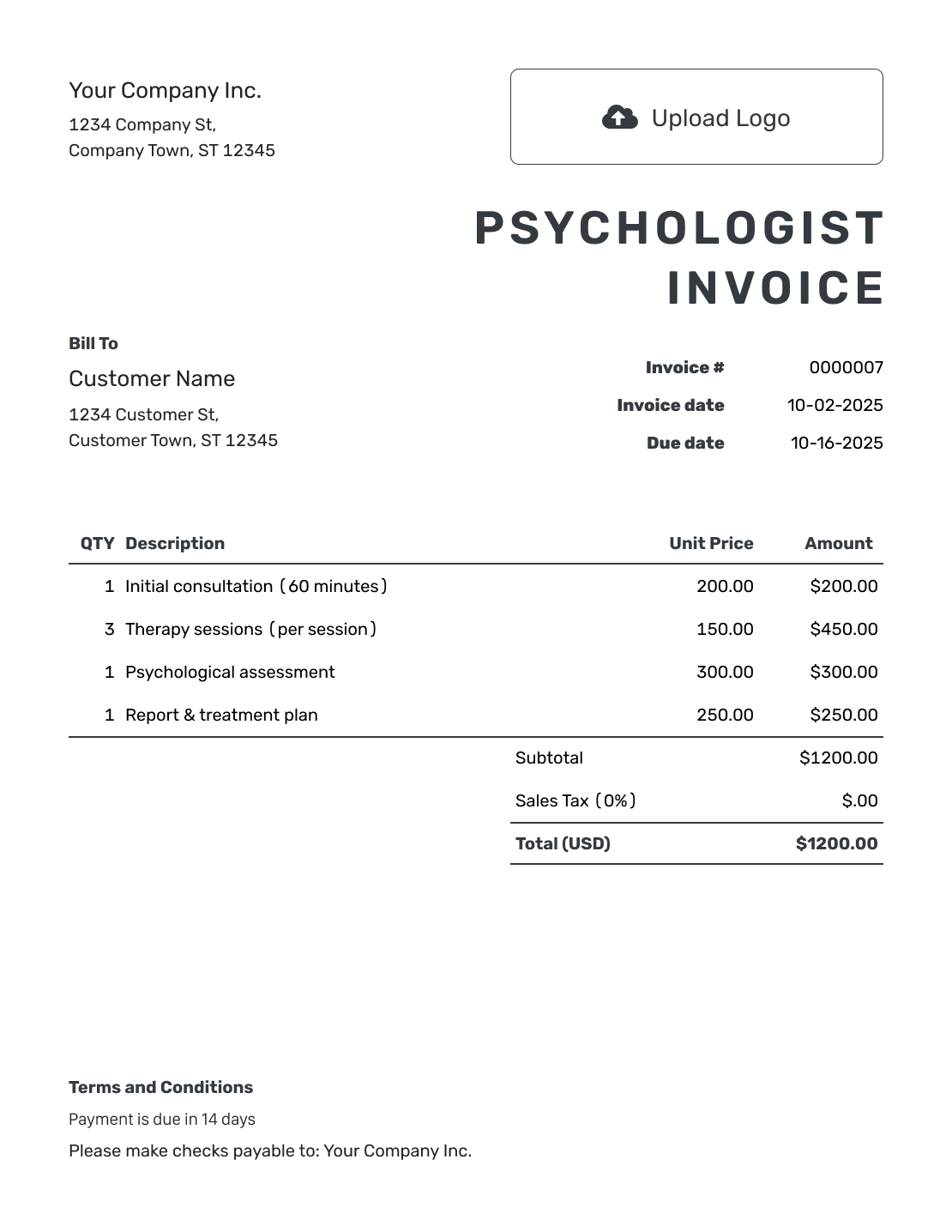
Match Each Fee to the Session or Assessment
An appointment date and short service description help the client recognize each fee. For a session, the description can include its length and whether it took place in person or by telehealth.
Assessment fees need one more distinction: whether you agreed on an hourly rate or a package price. Show that billing arrangement clearly, with only the service details needed to explain the charge.
How to Create a Psychologist Invoice
Gather the appointment dates and agreed fees. Use those records to fill in the invoice.
- Add Your Practice: Enter your practice name and the billing contact details.
- Add Your Logo: Choose a simple design with your practice logo.
- Confirm the Client: Check the billing name and who should receive the invoice.
- Set the Number and Dates: Check the invoice number, issue date and agreed payment due date.
- Describe the Appointments: Name each appointment or assessment task and its service date. Add the session length or hours and agreed fee.
- Check the Total: Review charges and any tax or discount. Docelf calculates the total.
- Explain How to Pay: Add payment instructions in Terms and Conditions. Review the invoice before sending.
How to Fill In Psychologist Invoice Line Items
Give each session or separately billed assessment task its own line. A quantity of 1 represents one appointment in the first two rows below. The assessment row uses hours, so its quantity of 2 means two hours of work at the agreed hourly rate.
This fictional invoice uses US dollars and covers appointments and assessment work during September 3–10, 2026. The two assessment hours are separate from the sessions.
| QTY | Description | Unit Price | Amount |
|---|---|---|---|
| 1 | Individual session, 50 minutes — Sep 3, 2026 | $150.00 | $150.00 |
| 1 | Telehealth session, 50 minutes — Sep 10, 2026 | $150.00 | $150.00 |
| 2 | Assessment work — Sep 8, 2026 — hours | $125.00 | $250.00 |
| Subtotal | $550.00 | |
| Total | $550.00 |
The two $150 appointments and $250 of assessment work total $550.00. These are illustrative fees, not recommended rates. No tax is included in this fictional bill; use the tax treatment that applies to your own services.
What to Include in Psychologist Invoice Terms
Use Terms and Conditions to explain when and how to pay, with a contact for billing questions. For assessment work, name the agreed billing stage or package when that helps the client understand which part you are billing.
This sample goes with the $550 invoice above and assumes payment is due on September 24. Adapt it to the fees and payment arrangements your practice agreed with the client.
Example: Terms and Conditions
- This invoice covers the appointments and assessment work listed for September 3–10, 2026.
- The assessment charge covers two hours at the agreed rate of $125.00 per hour, separate from the appointment fees.
- Payment of $550.00 is due on September 24, 2026, by [Accepted Payment Method].
- Please use invoice number PSY-1042 as the payment reference. Contact [Billing Contact] with any payment questions.
Create a Clear Bill for Sessions and Assessments
Enter the sessions or assessment work and the agreed fees. Docelf adds up the charges. Check the client details before sending the invoice.
Describe the Service Behind Each Fee
Individual and Telehealth Sessions
Show the service date and appointment length when it helps identify the fee. Use the rate agreed for that appointment rather than assuming every session has the same charge.
Group Sessions
List the fee billed to this client. Do not include other attendees’ names or the contents of the session on the invoice.
Assessment Work
Name the package or stage covered by a fixed fee. When you bill by time, show the hours and rate. Do not add hourly charges for work already included in an assessment package.
Share the Billing Details the Recipient Needs
Short service labels explain the fees; session notes and assessment findings stay in your practice’s clinical records.
Check the agreed billing recipient before sending. If an attachment helps explain a charge, include only the relevant billing information through your practice’s approved process. Docelf supports PDF, JPG, GIF, PNG and WebP files up to 5 MB each.
Keep Payments and Later Appointments Organized
Check the invoice history in Docelf to see when an emailed bill was delivered and opened. Follow your practice’s delivery policy when sharing a client bill.
Record each payment on the invoice and check any balance left to pay. After recording the payment, create a receipt from that invoice to confirm the amount received.
For a later appointment, duplicate an earlier invoice as a starting point. Docelf gives the new draft a new number. Review every date and charge, then send it when it is ready.
More Psychologist Invoice Previews
Use your practice logo, fonts and colors so clients recognize the invoice, with billing contact details in the footer. You can add an industry name before “Invoice”. Choose USD, EUR, GBP, CAD or AUD to match the agreed fees.
-
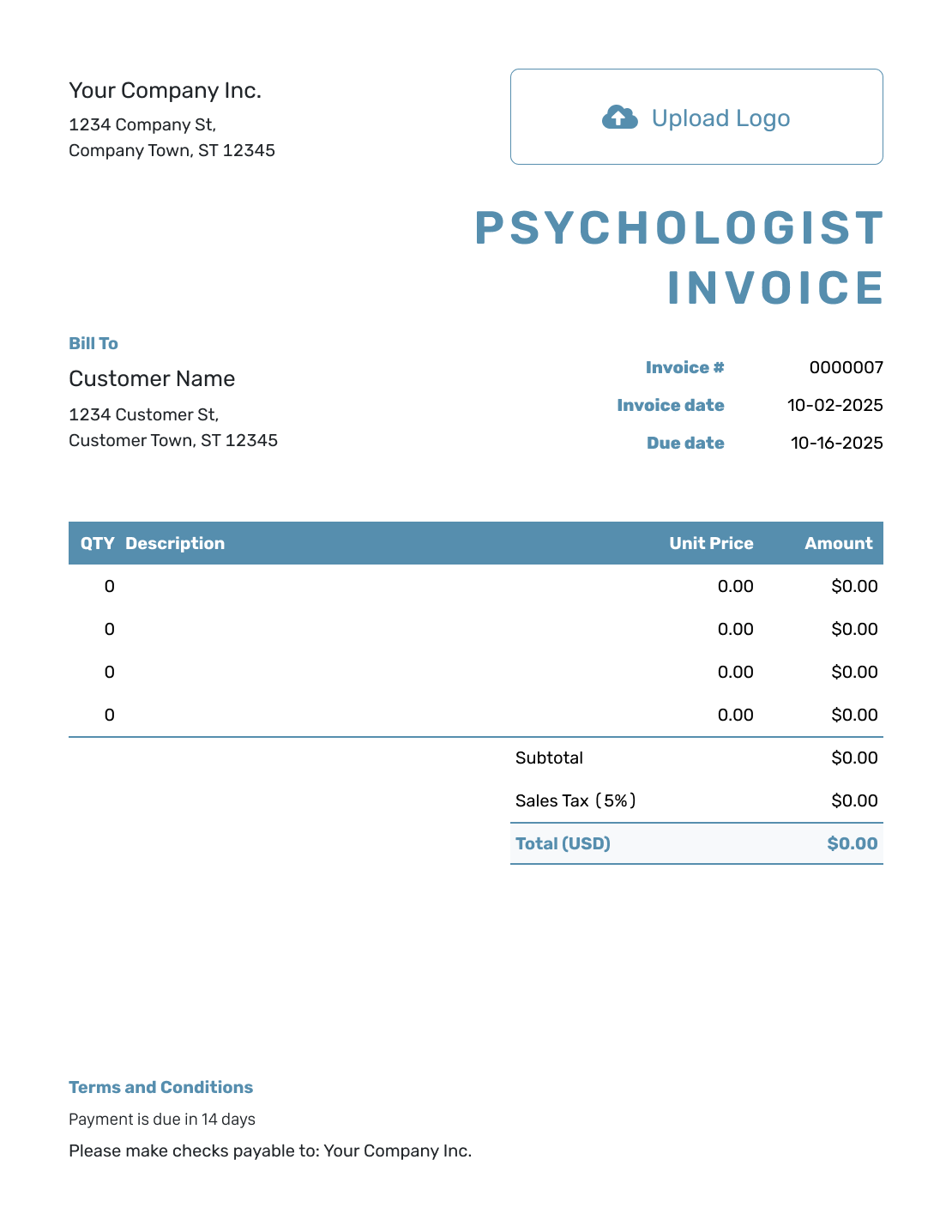
Blank Psychologist Invoice Template
Create Free Invoice -
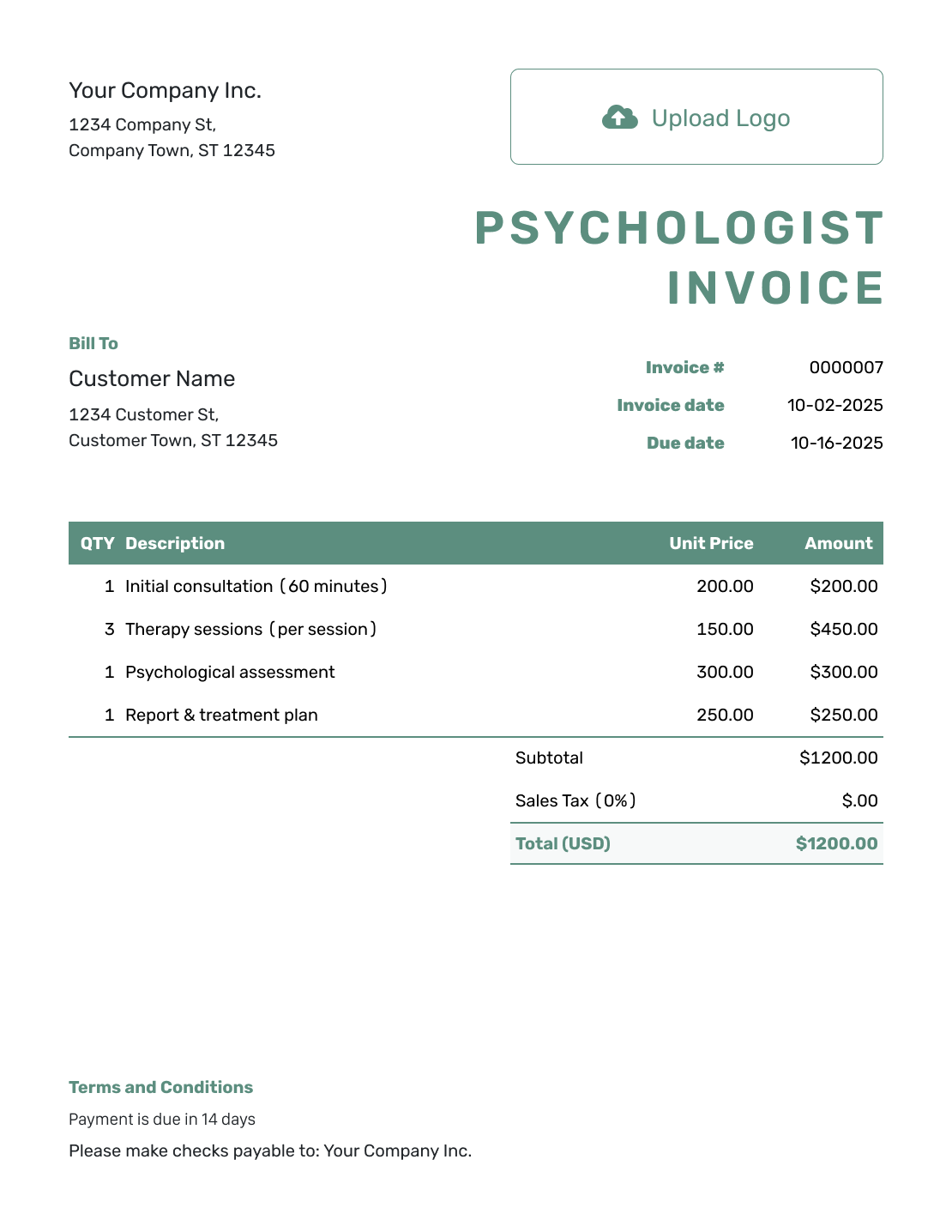
Simple Psychologist Invoice Template
Create Free Invoice -
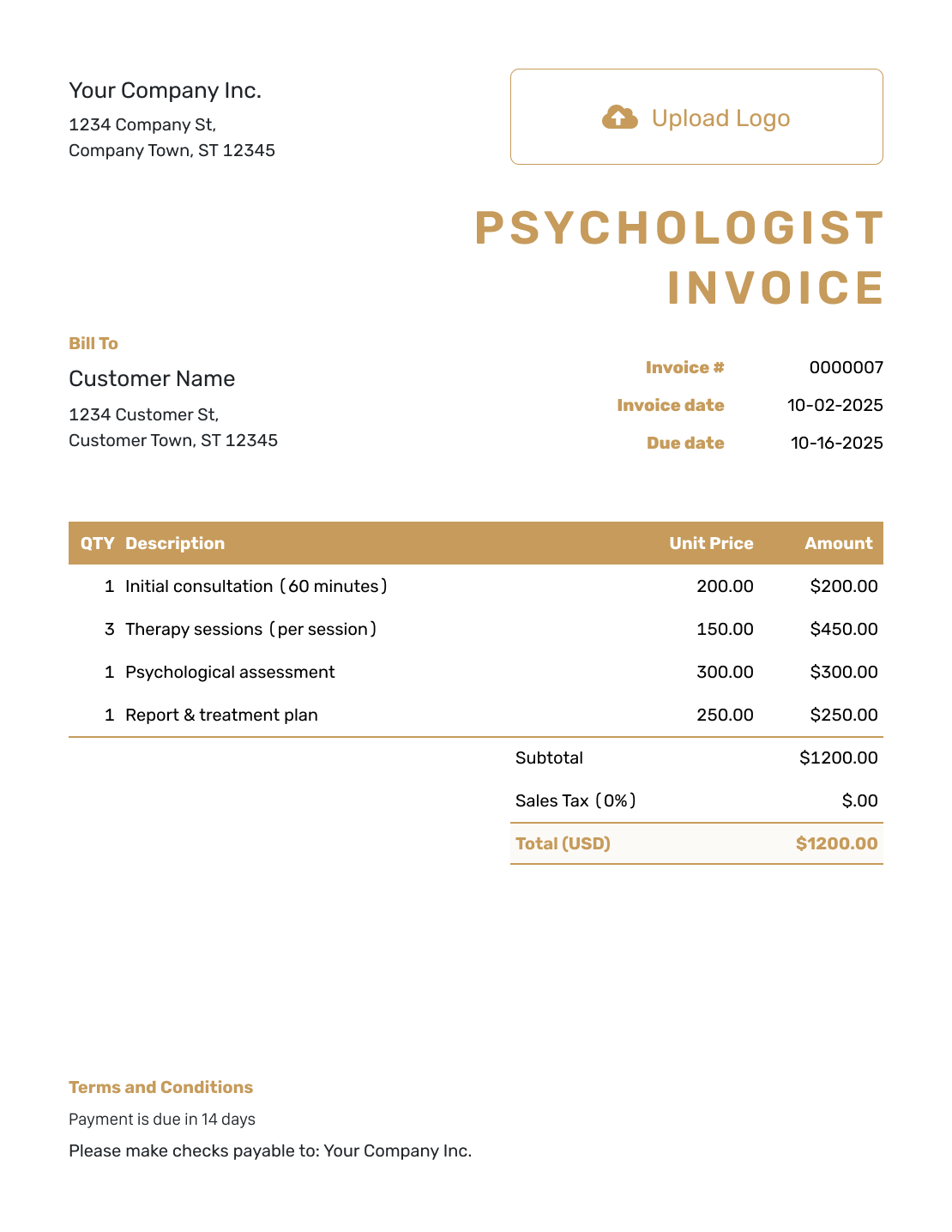
Standard Psychologist Invoice Template
Create Free Invoice -
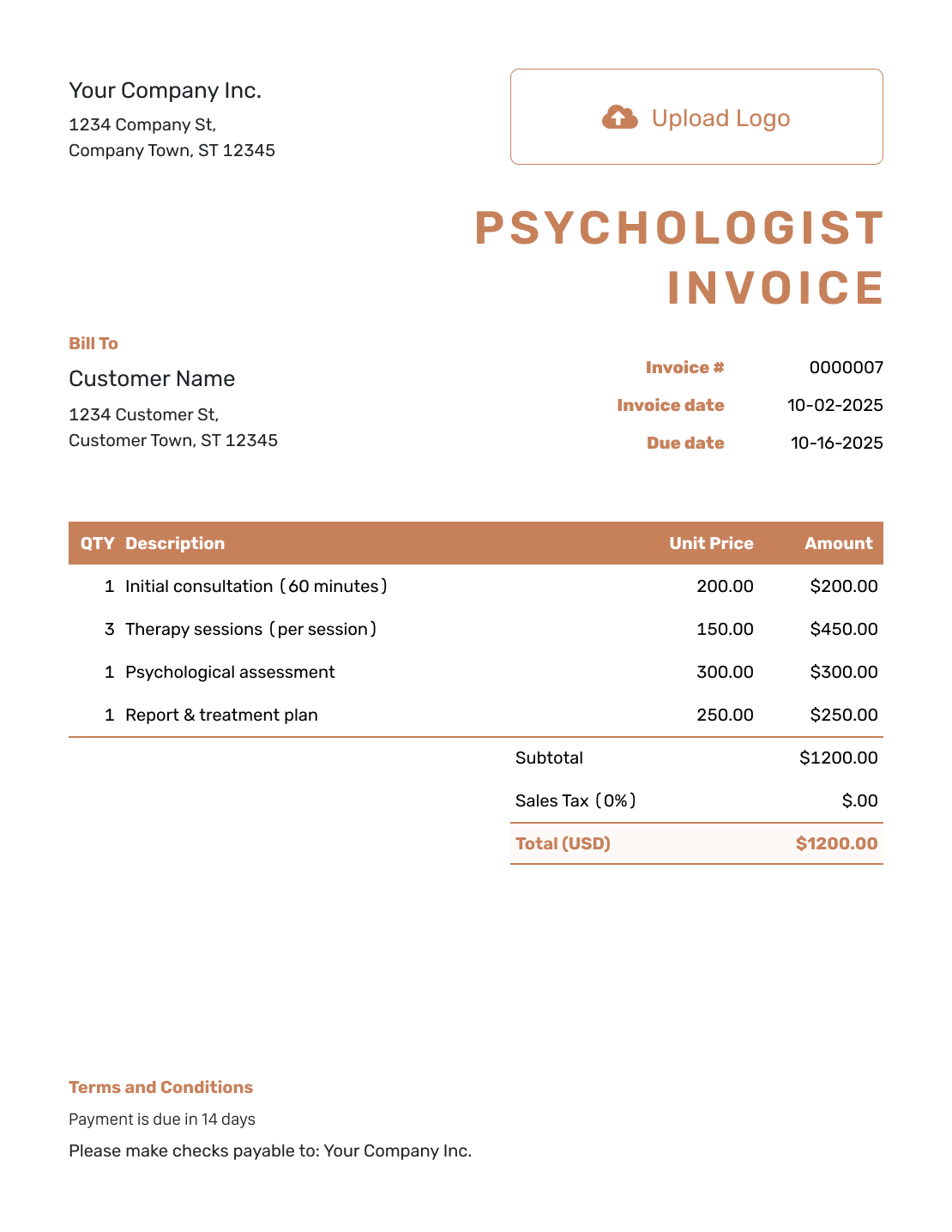
Itemized Psychologist Invoice Template
Create Free Invoice -
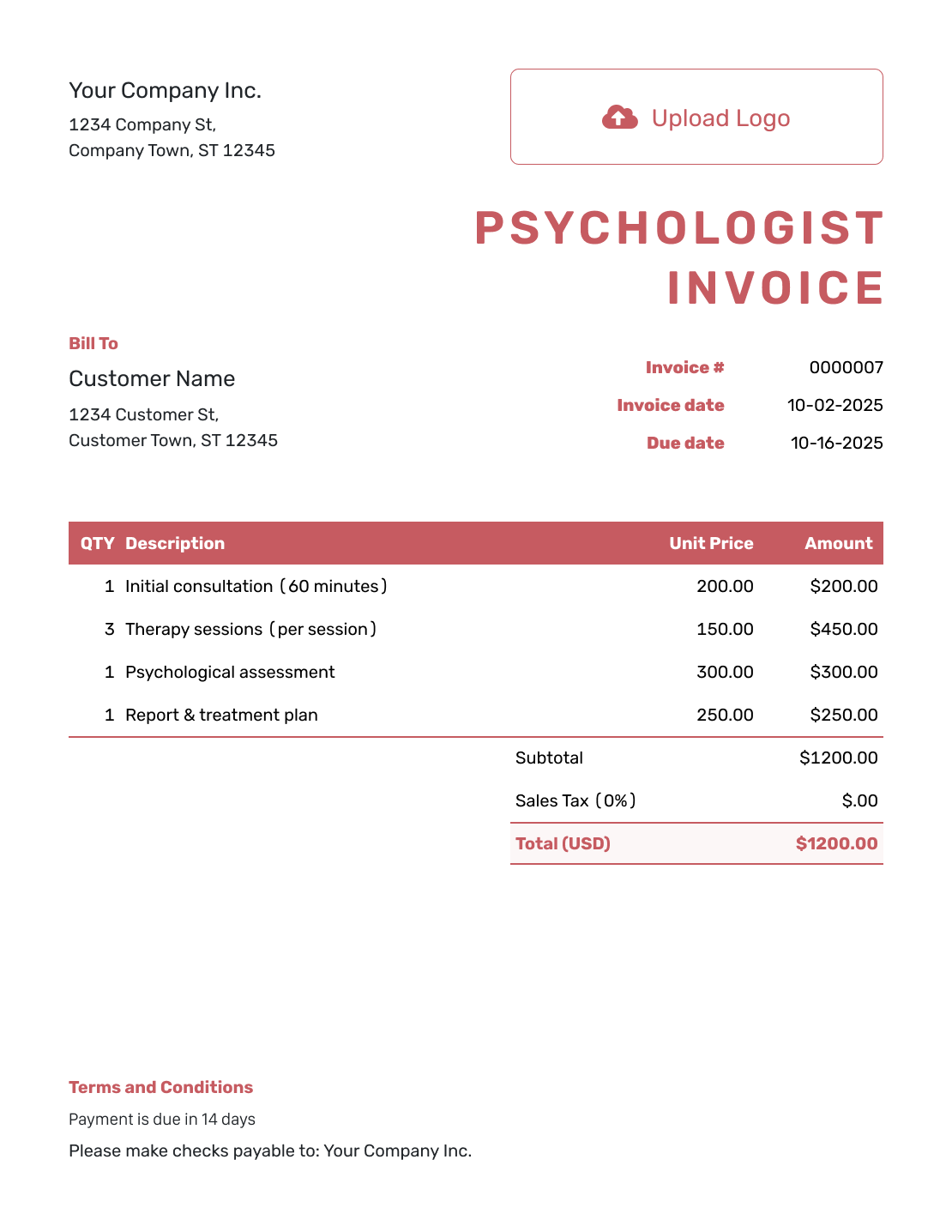
Basic Psychologist Invoice Template
Create Free Invoice -
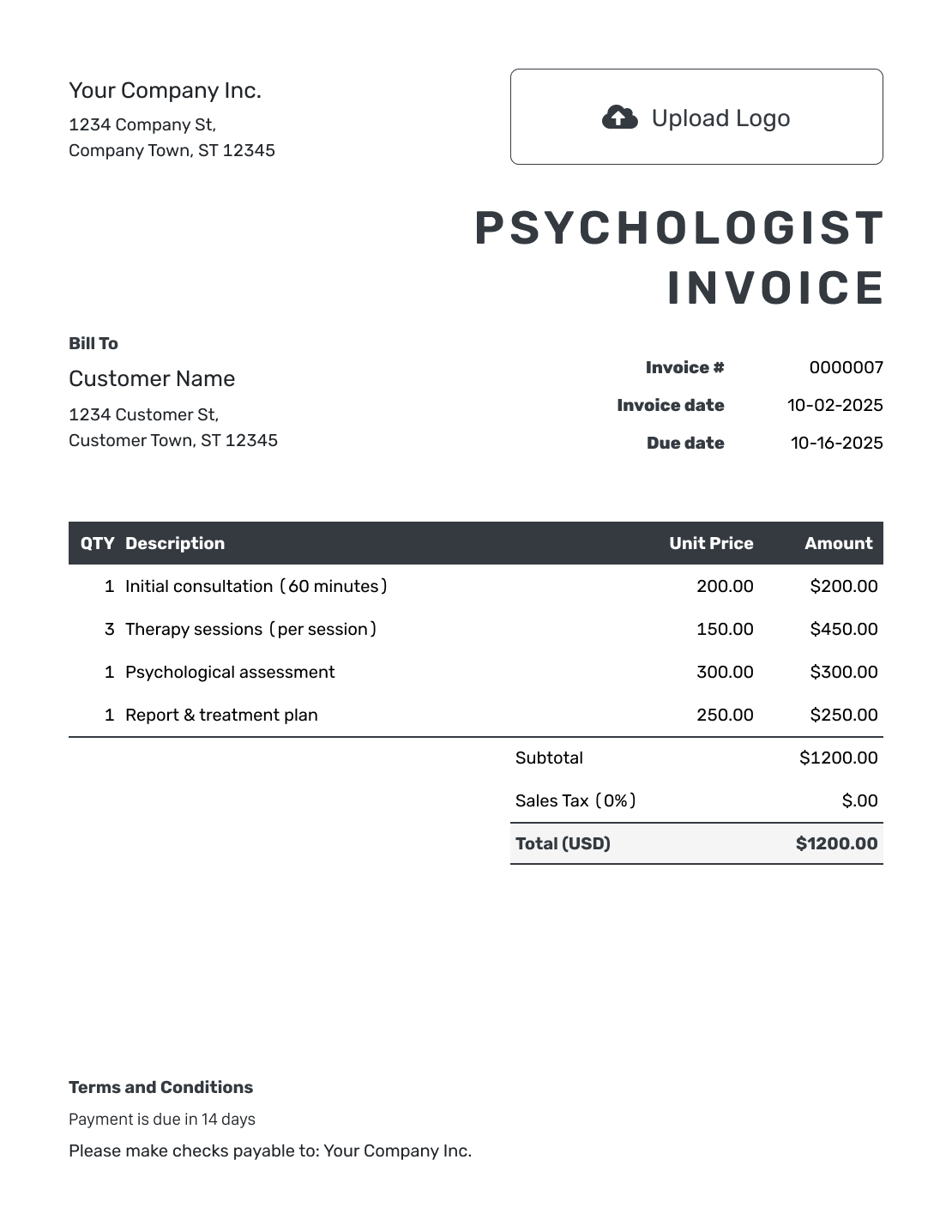
Hourly Psychologist Invoice Template
Create Free Invoice
Need a Psychologist Invoice in a File Format?
These general templates can hold a session list or assessment bill. Choose a document format for written descriptions or a spreadsheet for hours and fees. Follow your practice’s rules for storing and sharing the file.
Psychologist Invoice FAQs
-
What should a psychologist invoice include?
Identify the practice and billing recipient. List the service dates, short descriptions and agreed fees for the sessions or assessment work. Add the invoice number, due date and payment instructions. Keep clinical notes out of the bill.
-
Can I bill office and telehealth sessions together?
Yes. Put each appointment on its own line with the service date and agreed charge. Add the session length when it helps the client identify the fee.
-
How should I describe a psychological assessment charge?
State whether the charge covers a package, a particular stage or hours of work. For hourly work, show the hours and rate. Keep assessment findings and test results in your practice’s records, not in the billing description.
-
What should a group-session invoice show?
Show the date and the fee charged to the client receiving the invoice. Do not list other participants or describe what was discussed. Use the amount in the client’s billing arrangement.
-
Can I reuse the invoice for the next session?
Yes. Duplicate the invoice and update the appointment date, service description and fee. Docelf creates a new draft with a new number. Check the billing recipient and send it yourself.
-
Can I include session notes or assessment results?
Keep those in your practice’s clinical records. Use short service labels and dates to explain invoice fees, with your practice’s approved process for sharing any additional information.
-
How do I give the client proof of payment?
Record the payment amount and date on the invoice, then create a receipt from it. The receipt confirms the amount you received for the billed services. It does not request another payment.
Ready to Bill for Sessions or Assessments?
Give the client a clear record of the fees being billed.
- Identify the sessions or assessment work
- Add the service dates and agreed fees
- Review the bill before you send it




