Free Rental Invoice Template
Create a professional rental invoice in minutes
Show the rental period, agreed charge and amount due for a property, piece of equipment or other rented item. Clear dates and charges help you collect the rental payment on time.
Email, print or download your invoice as a PDF.
14-day free trial. No credit card required.

Create the invoice. Send it. Get back to work.
Choose an Invoice Layout for the Rental
Use these layouts for property, office space, equipment, vehicles, or party supplies. The buttons open the invoice editor. Replace the sample text with your rental dates and agreed charges.
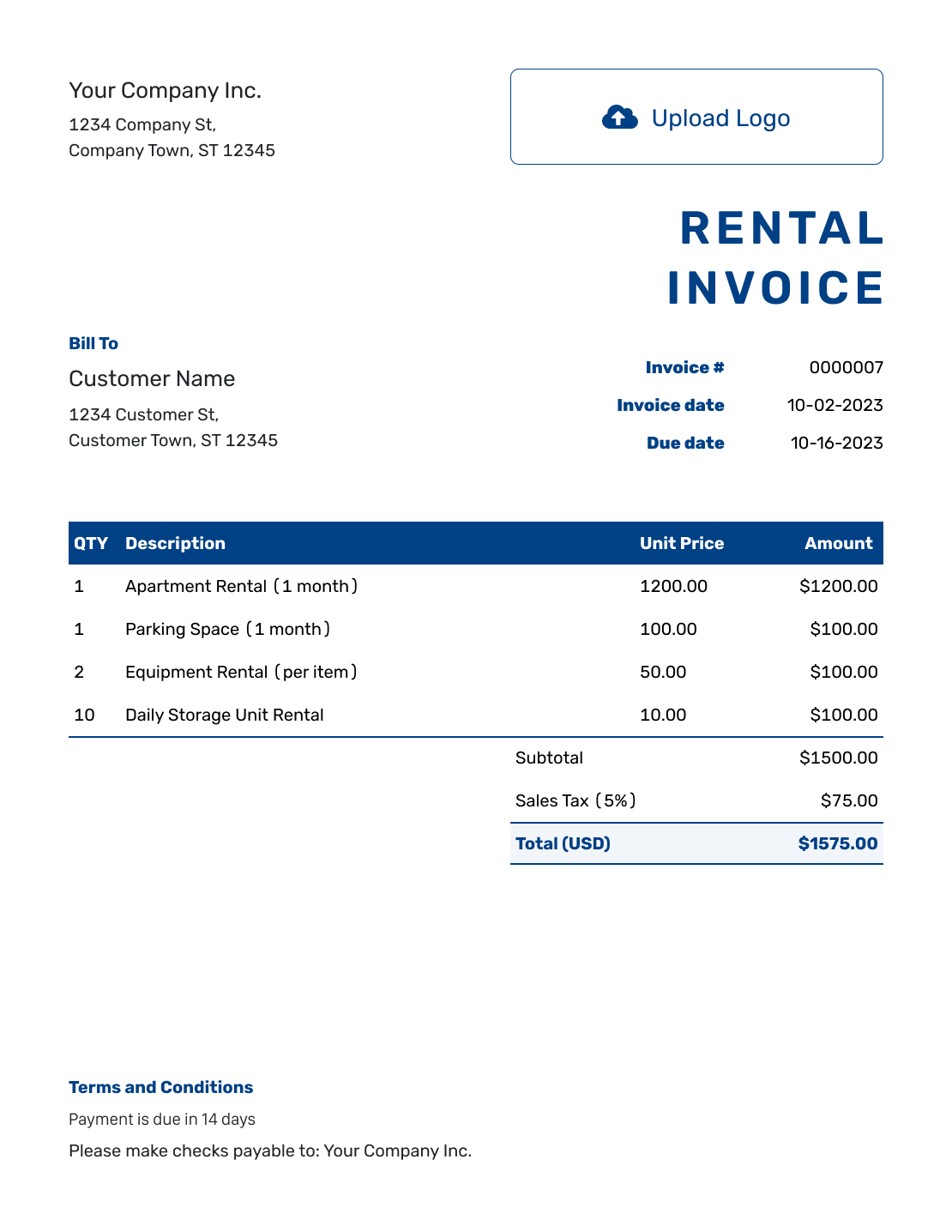
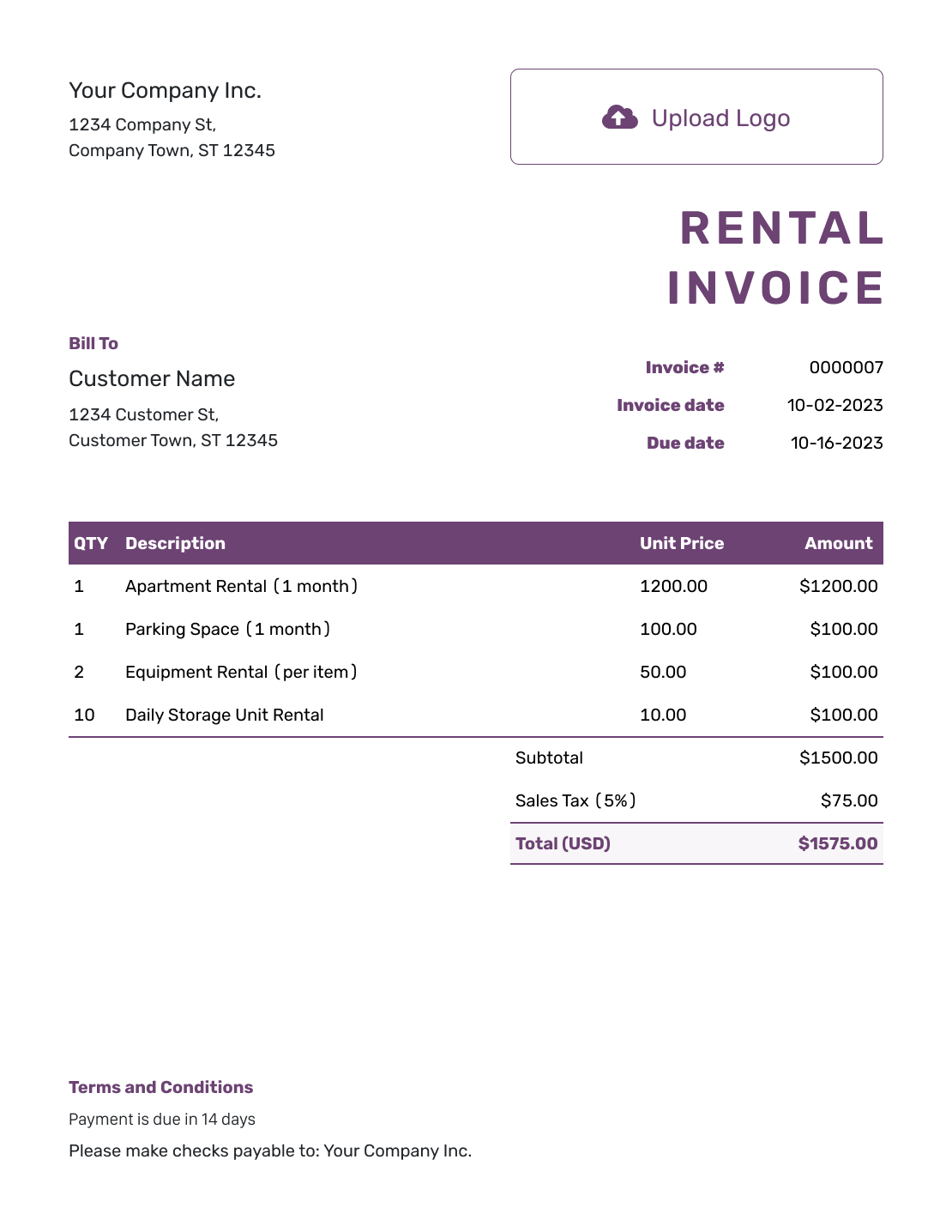
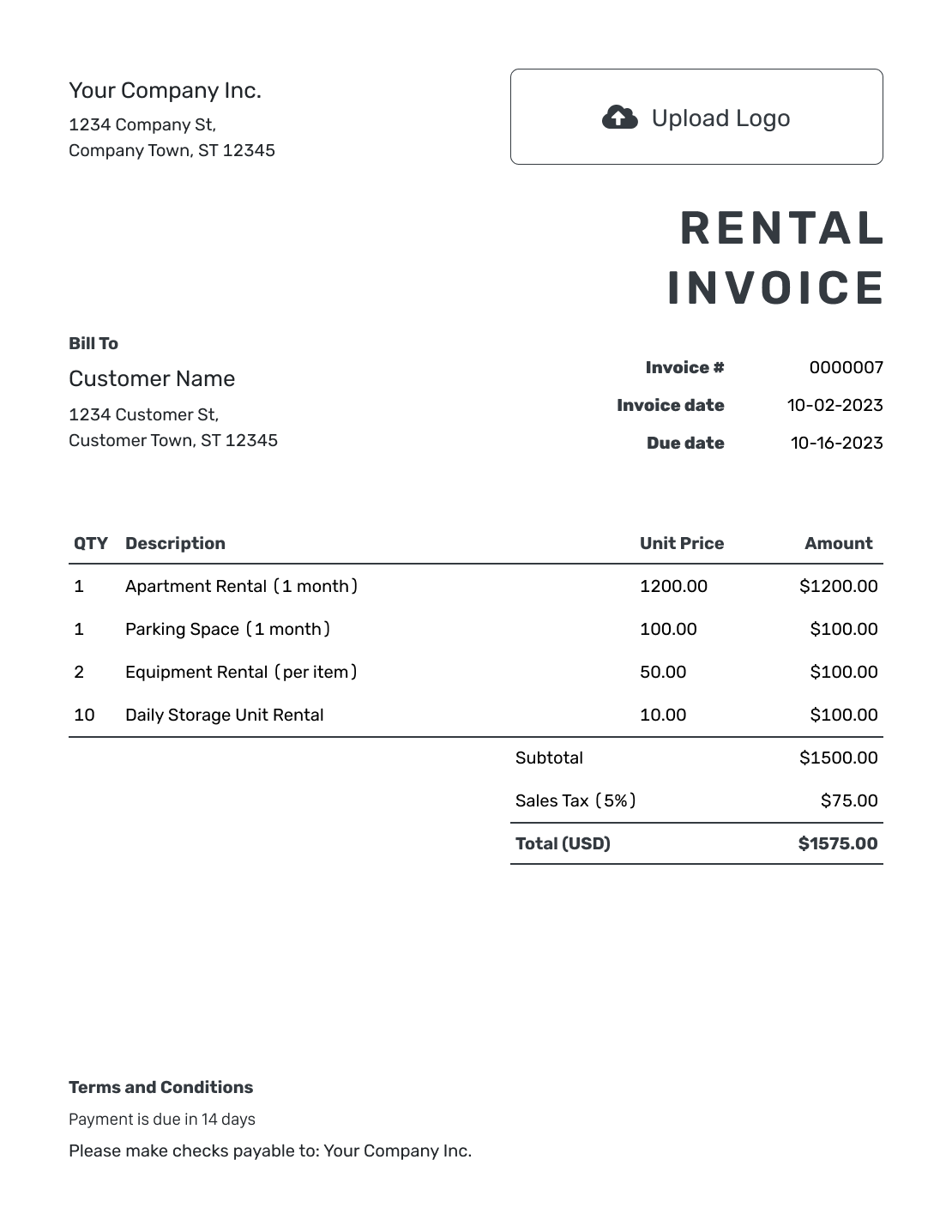
Show What Was Rented and for How Long
Use the rental invoice to request the charges you agreed with the renter. Name the property, equipment, or items so the renter can match the bill to the agreement.
State what the price covers. A monthly property charge, a daily equipment rate, and a one-day event package need different descriptions. Keep delivery or other separately agreed charges apart from the rental fee.
How to Create a Rental Invoice
Use the rental agreement to prepare the bill. Make the period and rate easy for the renter to check.
- Add the Rental Business: Enter the business or owner name and contact details from the rental agreement.
- Add Your Logo: Use your usual logo so the renter recognizes the invoice.
- Add the Renter: Check the billing name and contact details for the person or business paying.
- Set the Number and Dates: Check the invoice number and date. Set the agreed payment due date.
- List the Rental Charges: Name the rented items or property and the covered dates. Add quantities and agreed rates.
- Review the Charges: Check the quantities, rates, applicable tax, and total.
- Review and Send: Add payment instructions in Terms and Conditions. Review the invoice, then email it or download a PDF.
How to Fill In Rental Invoice Line Items
For items rented for one period, state how long the unit price covers. Check the quantity against that price so you do not charge for the period twice.
This fictional example uses US dollars for a one-day event on September 19, 2026. Each chair and table price covers that day. Delivery and pickup cost a flat $60.00. The example applies 8% tax to all three charges.
| QTY | Description | Unit Price | Amount |
|---|---|---|---|
| 40 | Folding chair rental — September 19 | $3.50 | $140.00 |
| 5 | Table rental — September 19 | $12.00 | $60.00 |
| 1 | Delivery and pickup — event booking | $60.00 | $60.00 |
| Subtotal | $260.00 | |
| Sales Tax (8% example) | $20.80 | |
| Invoice Total | $280.80 |
What to Include in Rental Invoice Terms
Use Terms and Conditions to show the rental period and payment deadline. Add the rental-agreement reference and any delivery or return details the renter needs.
Use the actual agreement for cancellations, damage charges, or refundable security deposits. Check local requirements before adding fees or refund conditions. The wording below fits the event example; it is not a substitute for a rental agreement.
Example: Terms and Conditions
- The chair and table rental period is September 19, 2026.
- Delivery and pickup will follow the address and times in booking [Booking Reference].
- The invoice total of $280.80 is due by [Due Date] using the payment details shown.
- Return and cancellation conditions are those in [Rental Agreement Reference], subject to applicable requirements.
Send a Clear Bill for the Rental
Add the rental dates and agreed rates. Docelf calculates the charges so you can check the total, then email the invoice to the renter.
Match the Rate to the Rental Period
For a monthly property or office-space charge, name the address and month. For daily equipment rental, identify the item. Say whether the price is per day or for the full rental.
For several items rented over several days, you can use the item count as the quantity and the full-period price as the unit price. For example, two heaters rented for three days at $30.00 each per day cost $90.00 per heater. Enter QTY 2 at $90.00 each for a $180.00 total before any tax. Put the three-day rental period and the daily rate in the description.
Add delivery as its own item only when the rental price does not already include it.
Keep an Advance Separate From a Security Deposit
An advance pays toward the rental fee. A refundable security deposit serves a different purpose. Label each payment clearly. Do not count money held as security as rent without checking the rental agreement.
If the renter pays part of an invoice in advance, record that payment on the same invoice to keep its balance clear. If you billed the advance on a separate deposit invoice, refer to it when preparing the next bill. Record each payment once, on the invoice it pays.
The event example’s prices and 8% tax rate are illustrative, not defaults. Check the tax treatment for the rental, extra charges, and any security deposit before sending.
Reuse the Rental Details, Not the Old Dates
For a similar booking or the next rental period, duplicate the invoice in Docelf to start a new draft with a new invoice number. Keep the details that still apply, then update the renter, dates, and charges before sending.
Use your usual logo, fonts, and colors, with a rental contact in the footer. Attach the relevant agreement as a PDF or image when it helps.
Choose the agreed currency before entering prices. Docelf supports USD, EUR, GBP, CAD, and AUD.
More Rental Invoice Previews
These six layouts open the same invoice editor. Choose one, then add the property or items and the dates covered by your charge.
-
Blank Rental Invoice Template
Create Free Invoice -
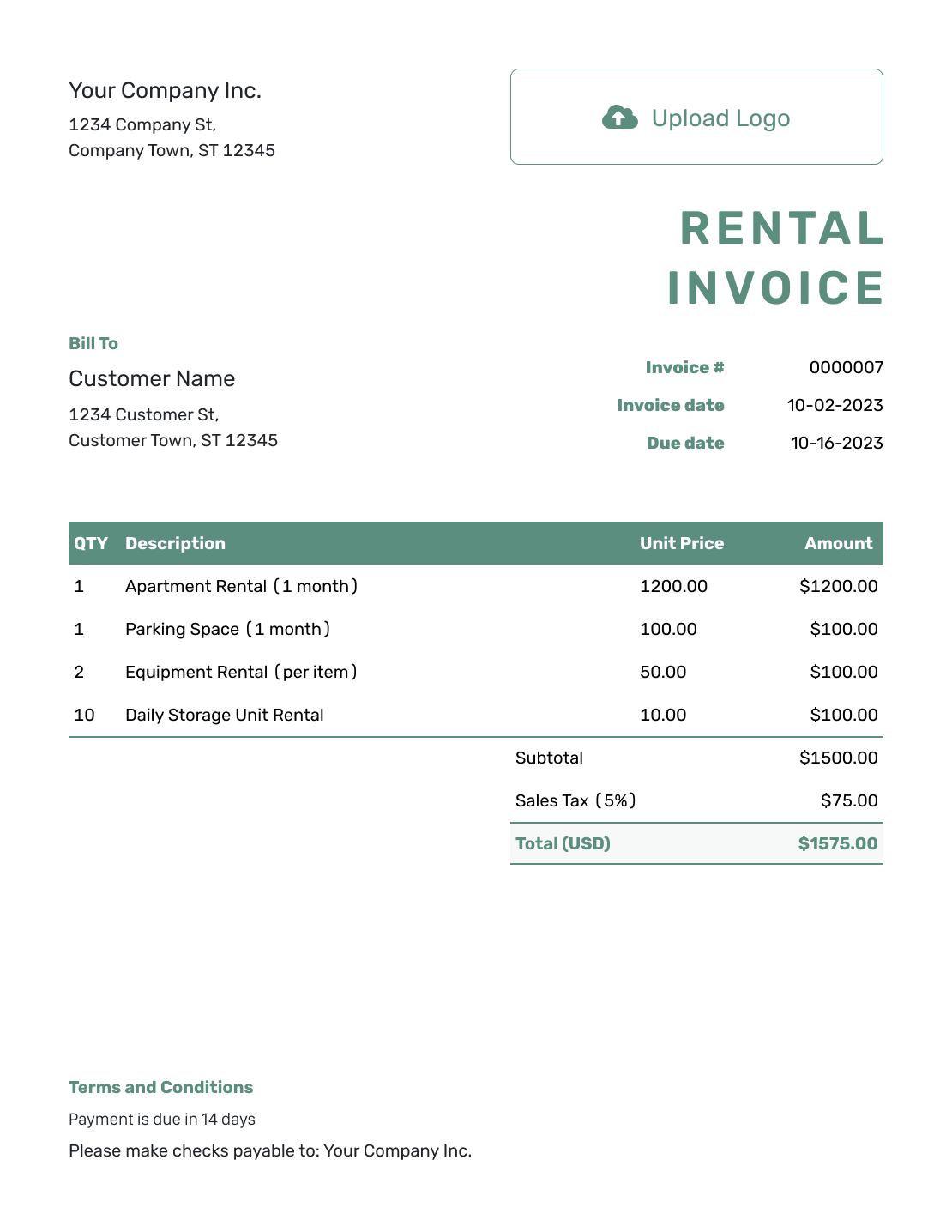
Simple Rental Invoice Template
Create Free Invoice -
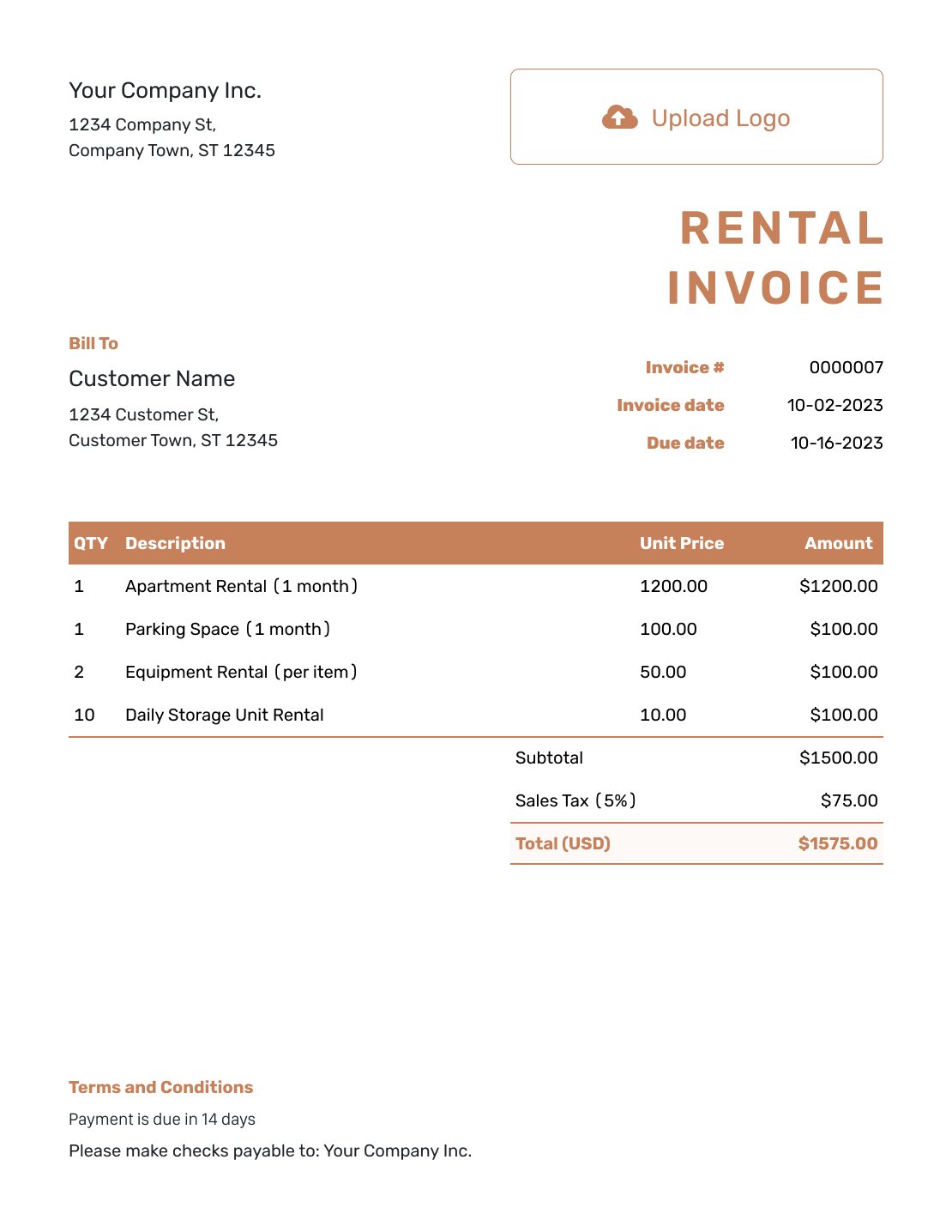
Standard Rental Invoice Template
Create Free Invoice -
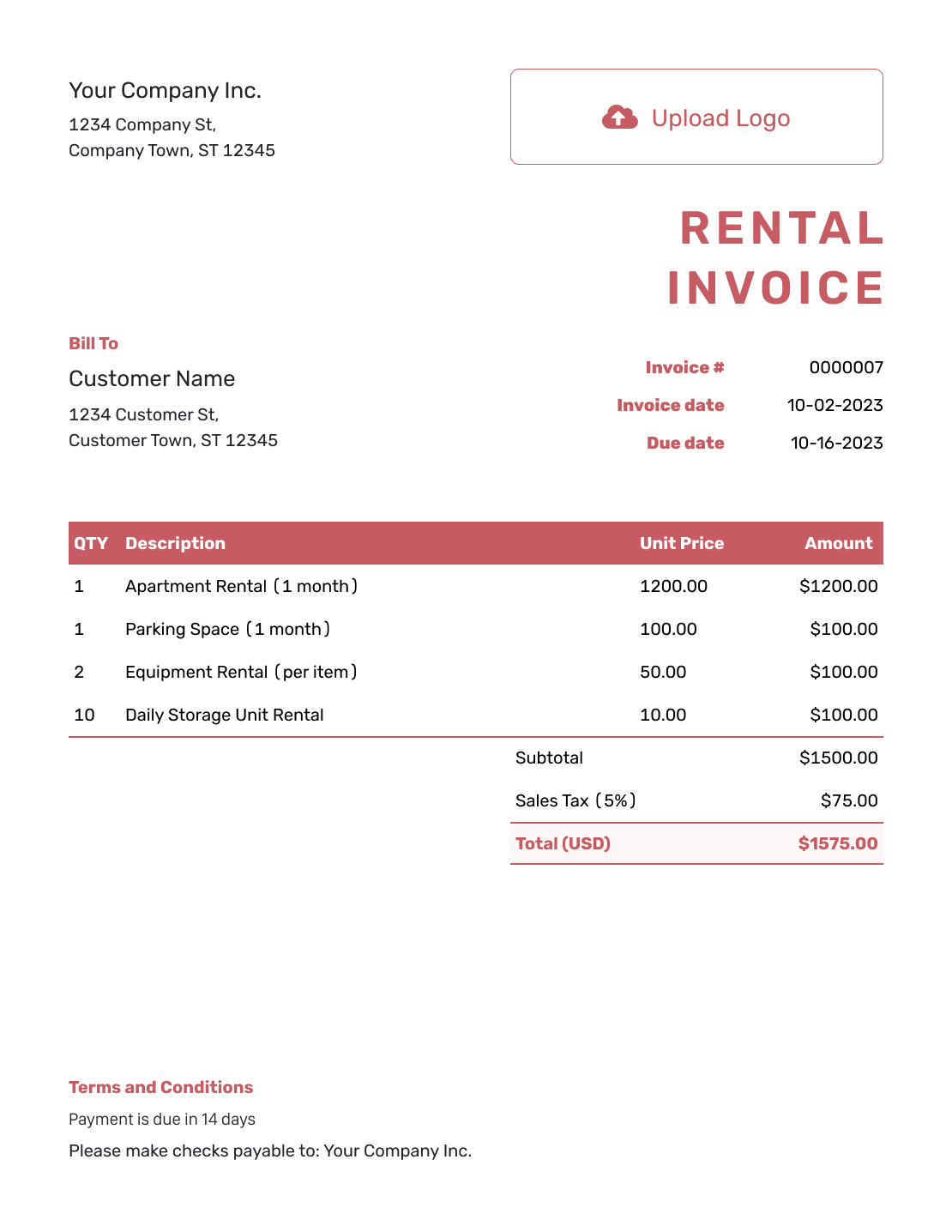
Itemized Rental Invoice Template
Create Free Invoice -
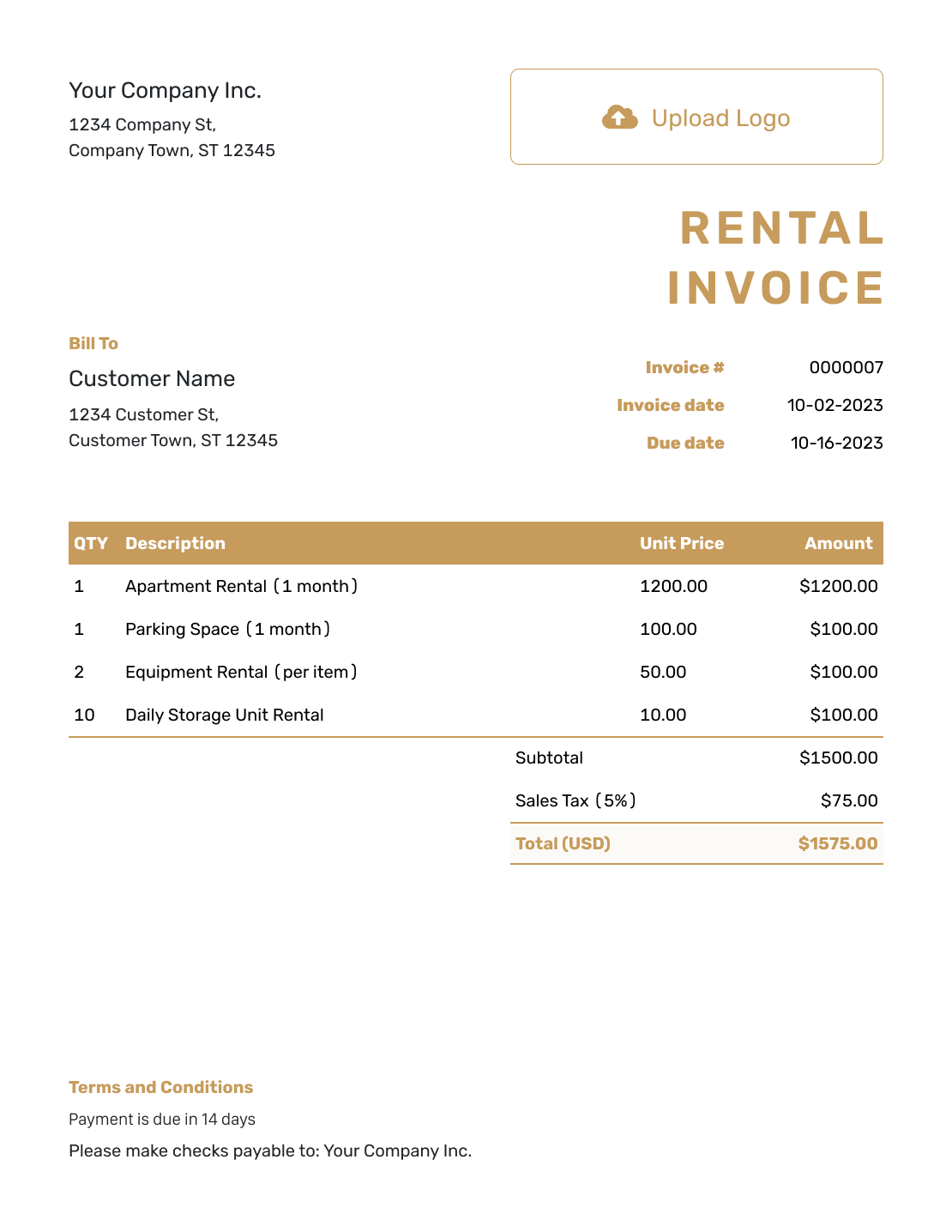
Basic Rental Invoice Template
Create Free Invoice -
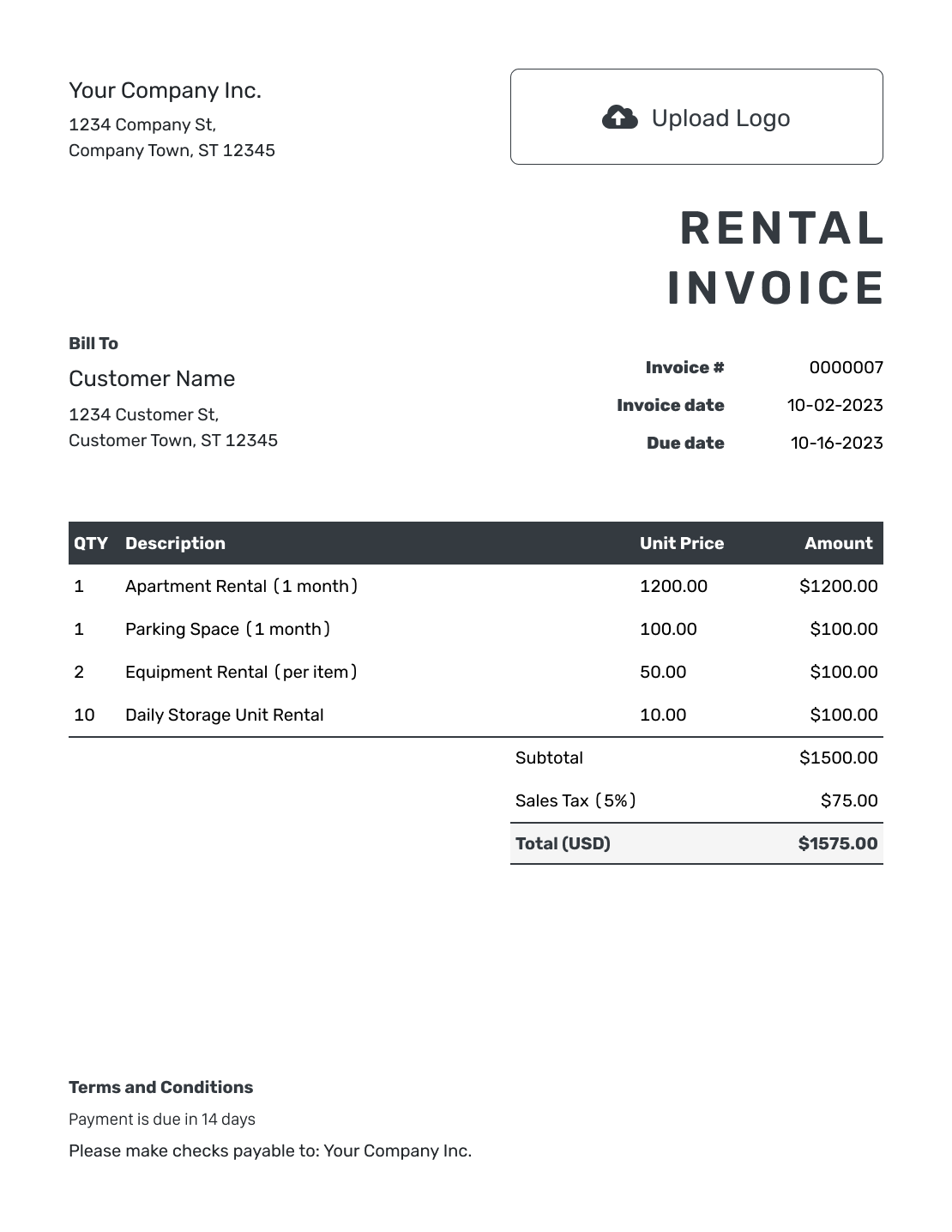
Hourly Rental Invoice Template
Create Free Invoice
Record Each Rental Payment
Match the payment to the booking and invoice number. Record its amount and date. For invoices emailed from Docelf, you can also check whether the renter opened them.
Docelf shows the remaining balance and marks a fully paid invoice Paid. After recording a payment, create a receipt from the invoice. Use your rental records to track pickup, returns, and equipment availability.
Prefer a Rental Invoice in Word or a Spreadsheet?
These pages provide editable document and spreadsheet templates. Show the rental dates in each description and check that the quantities match the rates. Keep the completed file with your rental records.
Rental Invoice FAQs
-
Where should I show the rental period?
Put the covered dates in the rental line description. Add the property or item reference too. Keep the payment due date separate so the renter can see both the period being billed and when to pay.
-
Can I use the template for property and equipment rentals?
Yes. Identify the address or unit for property, or the item and quantity for equipment. Show the rental dates and explain what each price covers. Use the terms from the rental agreement.
-
Should the quantity mean rental days or the number of items?
Match the quantity to the unit price. For one item at a daily rate, the quantity can be the number of days. For several items, use the item count with a price covering the full period and state the dates in the description. Count the rental days once.
-
How do I show an advance already paid toward the rental?
Record the advance on the invoice it pays. Docelf keeps the payment amount and remaining balance with that invoice. If the advance has its own invoice, do not record the same payment on the later invoice too.
-
Is a security deposit the same as a rental charge?
No. Label the deposit clearly and follow the rental agreement and local requirements. Keep it separate from the rental fee and payments toward that fee.
-
Does an invoice track when rented equipment is returned?
No. The invoice shows charges and the payments you record. Use your rental records for return dates, item checks, and availability.
-
Can I reuse a rental invoice for the next month or booking?
Yes. Duplicate the invoice in Docelf to create a new draft with a new invoice number. Check the renter and rental dates. Update the rates and extra charges before sending.
Ready to Bill for the Rental?
Give the renter a clear bill for the booking you agreed.
- Identify the rented property or items
- Show the covered dates and agreed rates
- Email the bill with the payment due date




