Free Shipping Invoice Template
Create a professional shipping invoice in minutes
Bill for the delivery or freight job and list the charges that make up the total. Customers can check the shipment cost and pay you the correct amount.
Email, print or download your invoice as a PDF.
14-day free trial. No credit card required.

Create the invoice. Send it. Get back to work.
Choose a Shipping Invoice Design
Use a preview below as the starting point for your delivery or freight bill. Add the shipment reference and the charges for the service you provided.
-
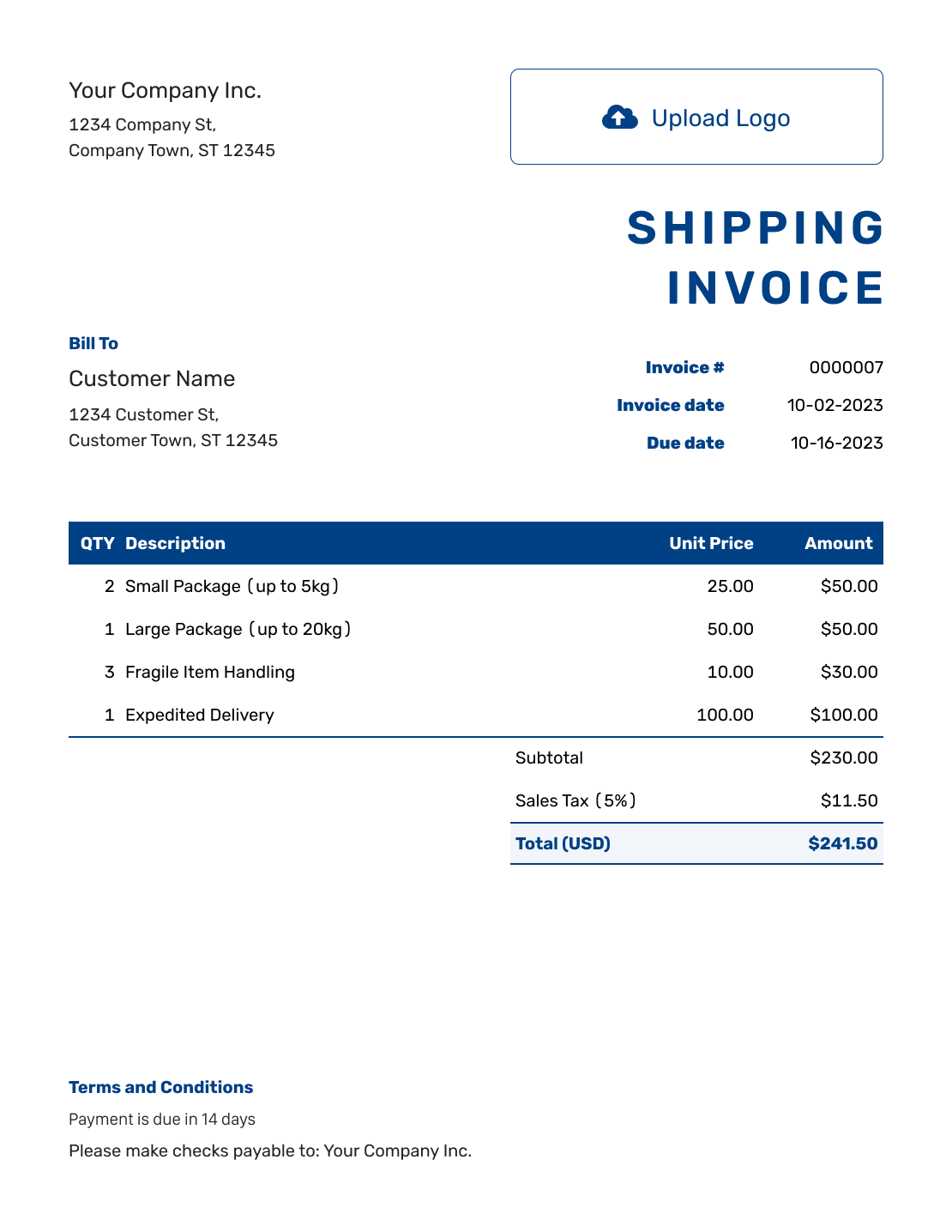
Sample Shipping Invoice Template
Create Free Invoice -
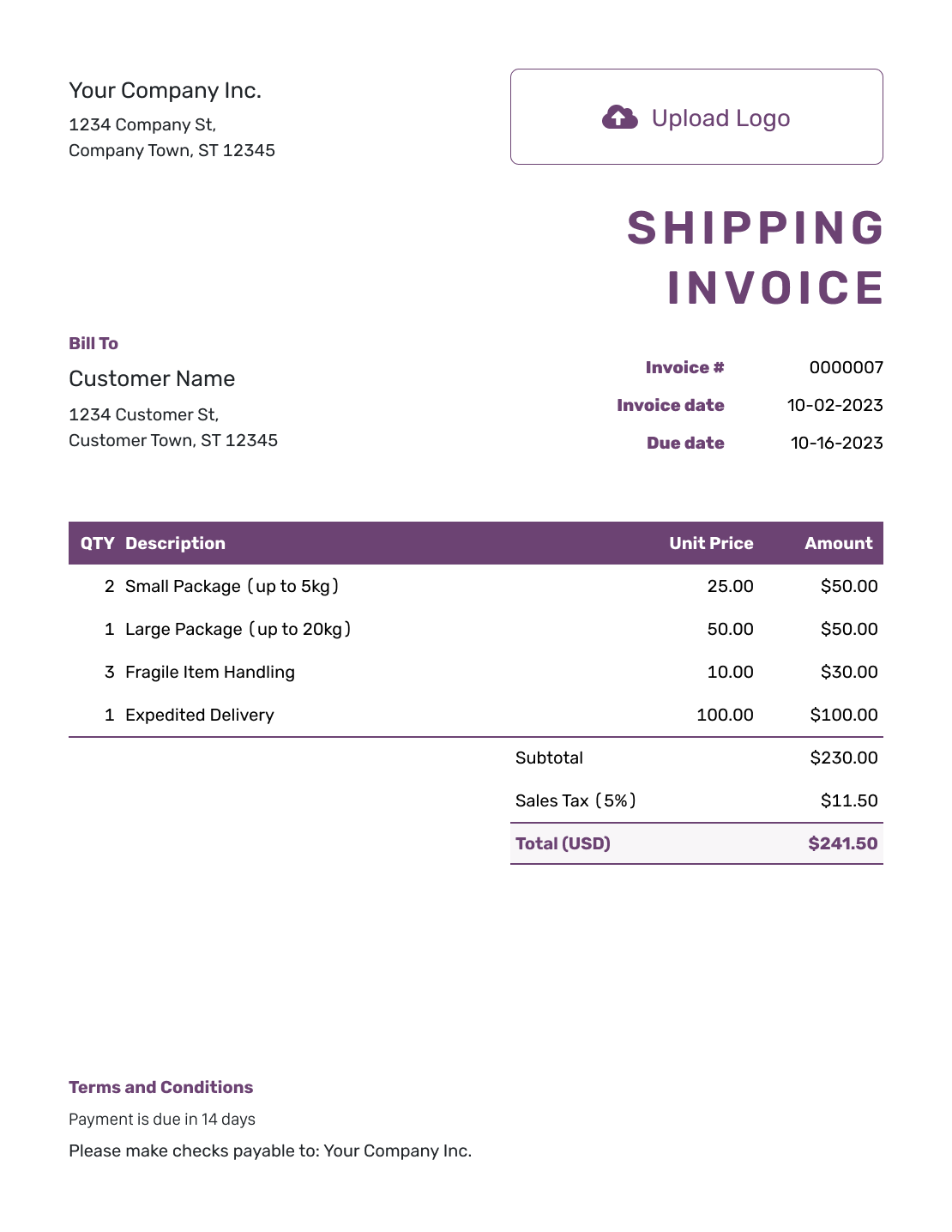
Free Shipping Invoice Template
Create Free Invoice -
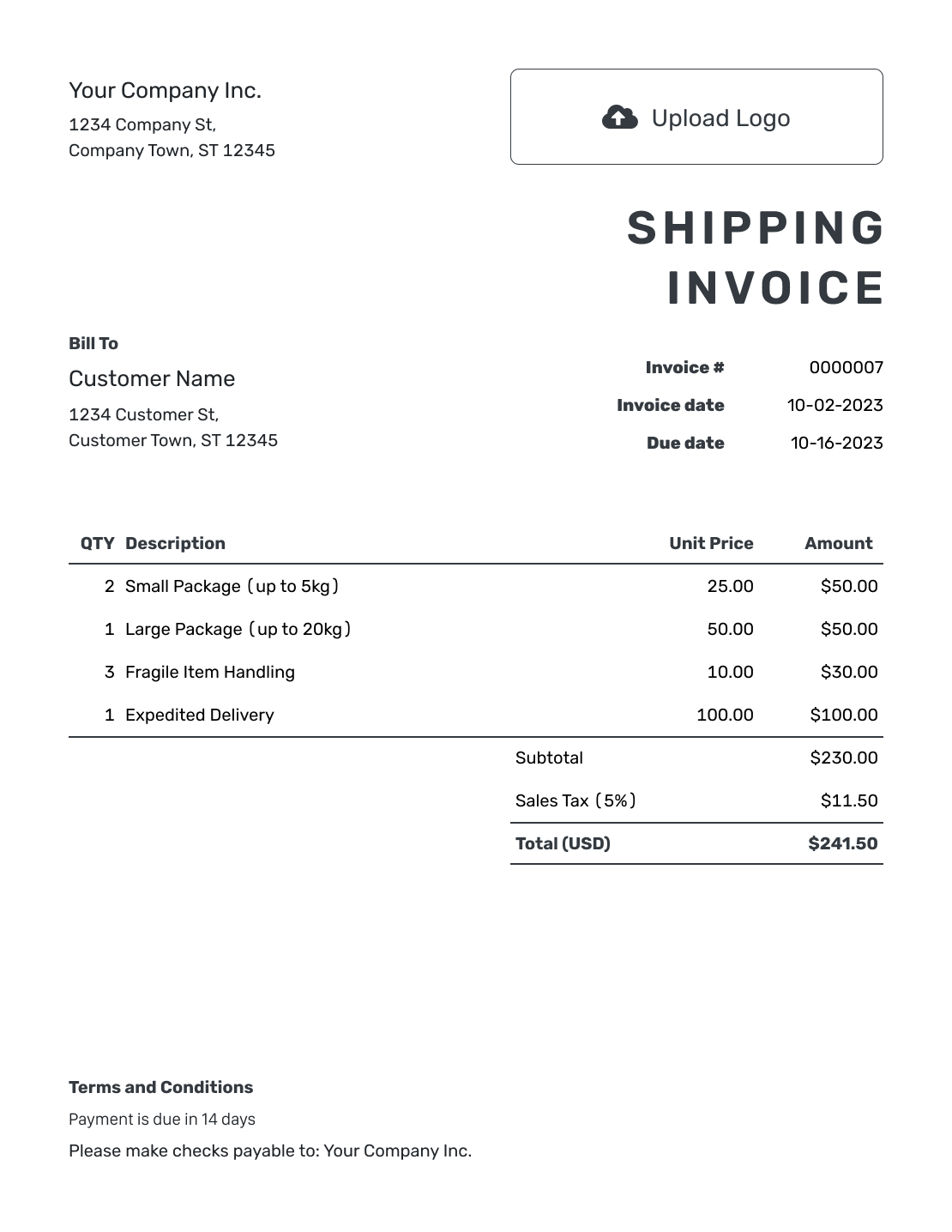
Printable Shipping Invoice Template
Create Free Invoice -
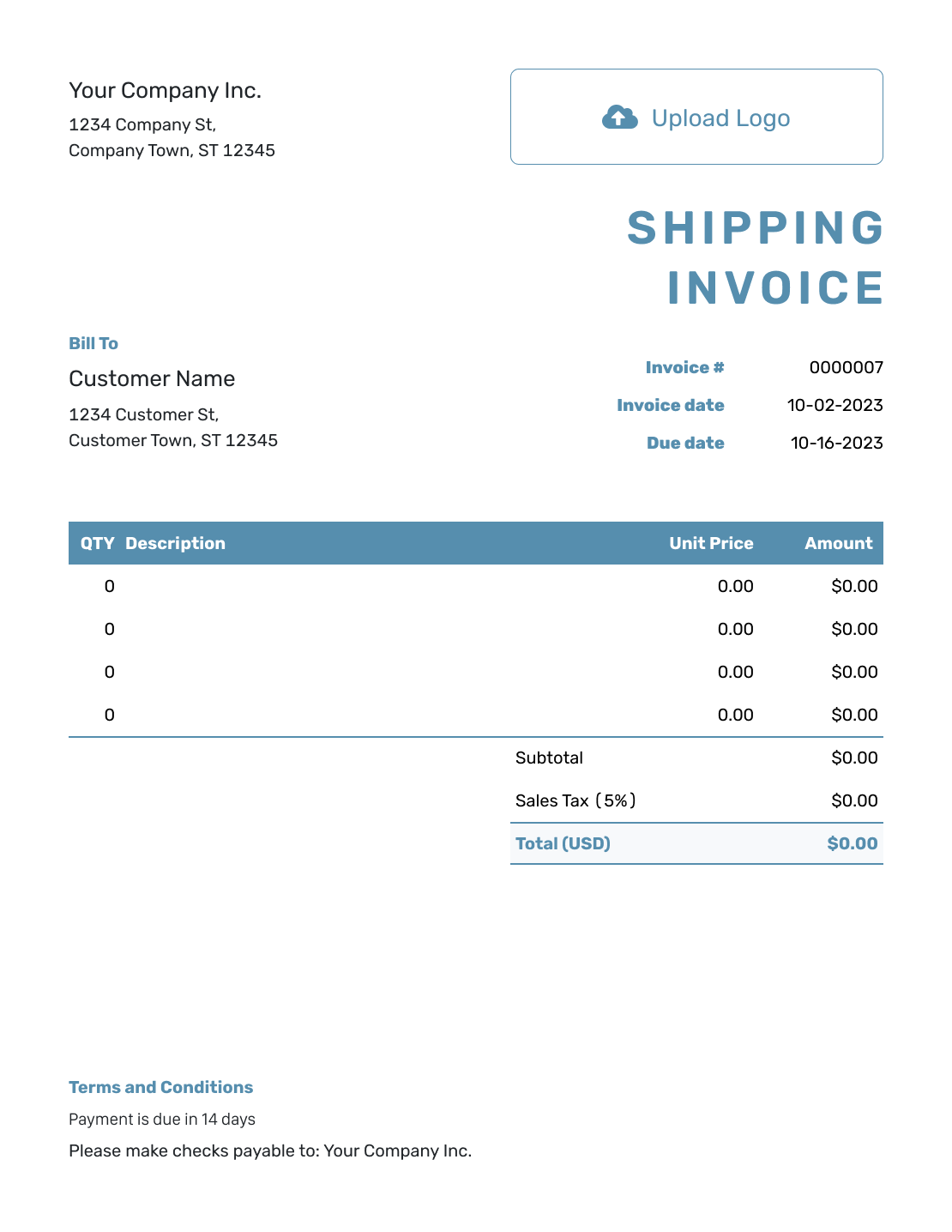
Blank Shipping Invoice Template
Create Free Invoice -
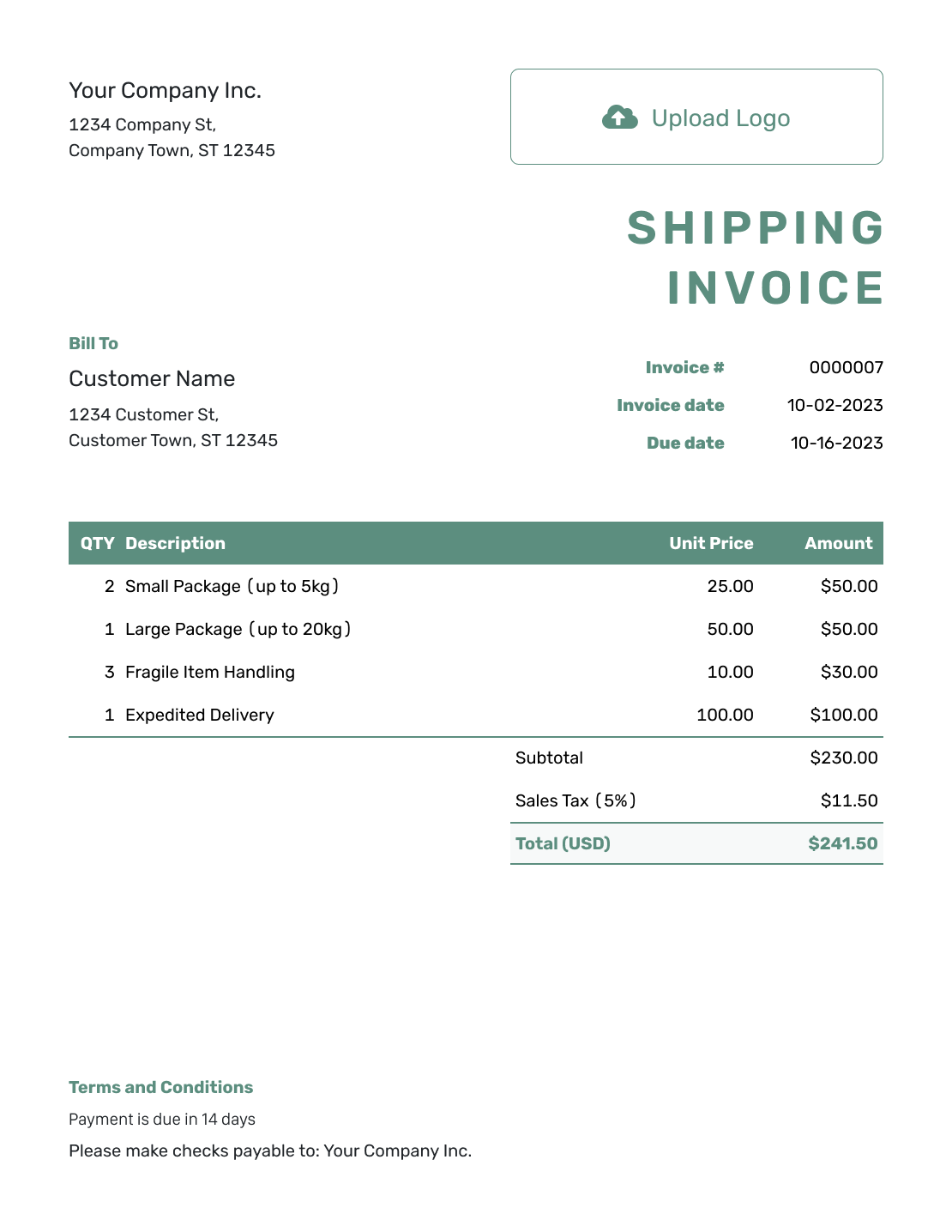
Simple Shipping Invoice Template
Create Free Invoice -
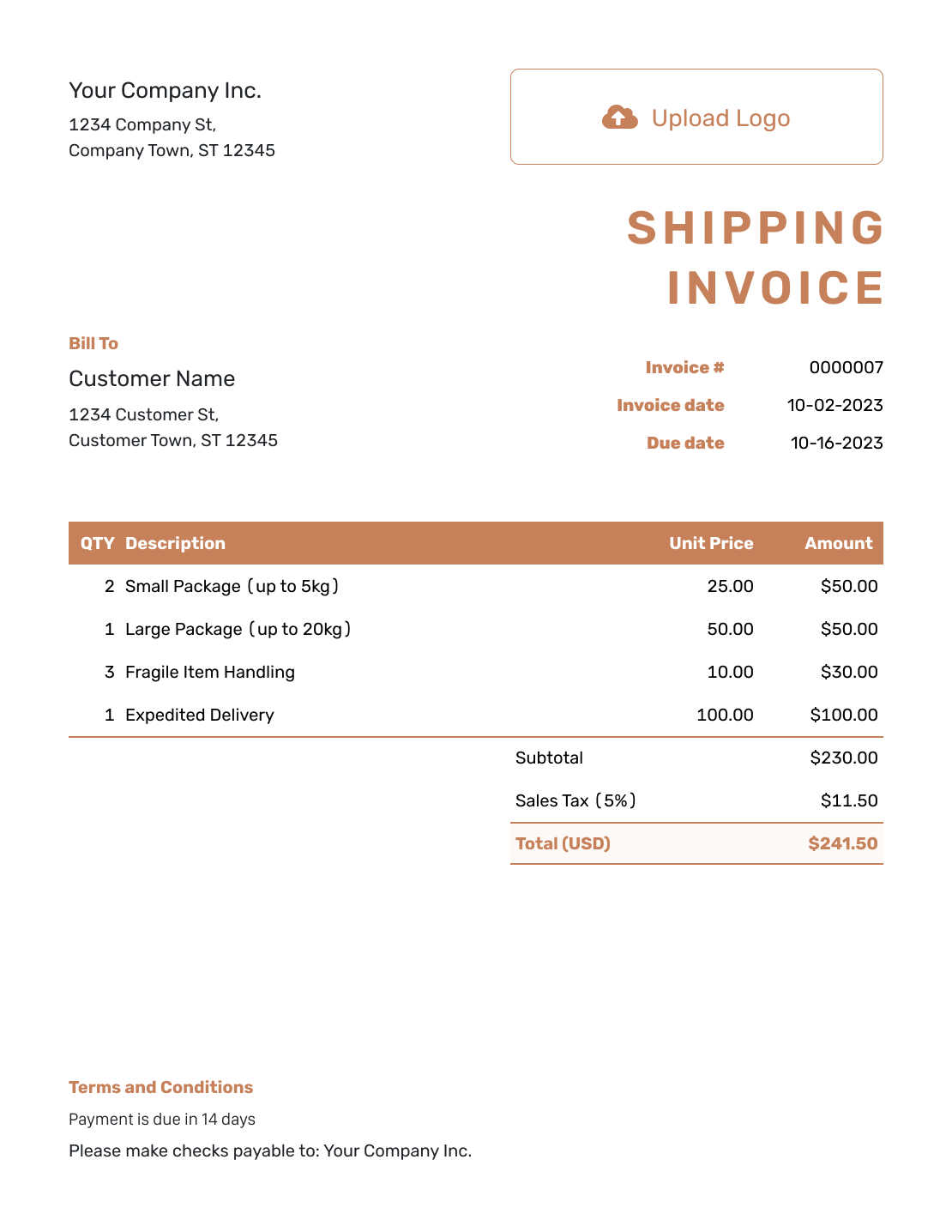
Standard Shipping Invoice Template
Create Free Invoice -
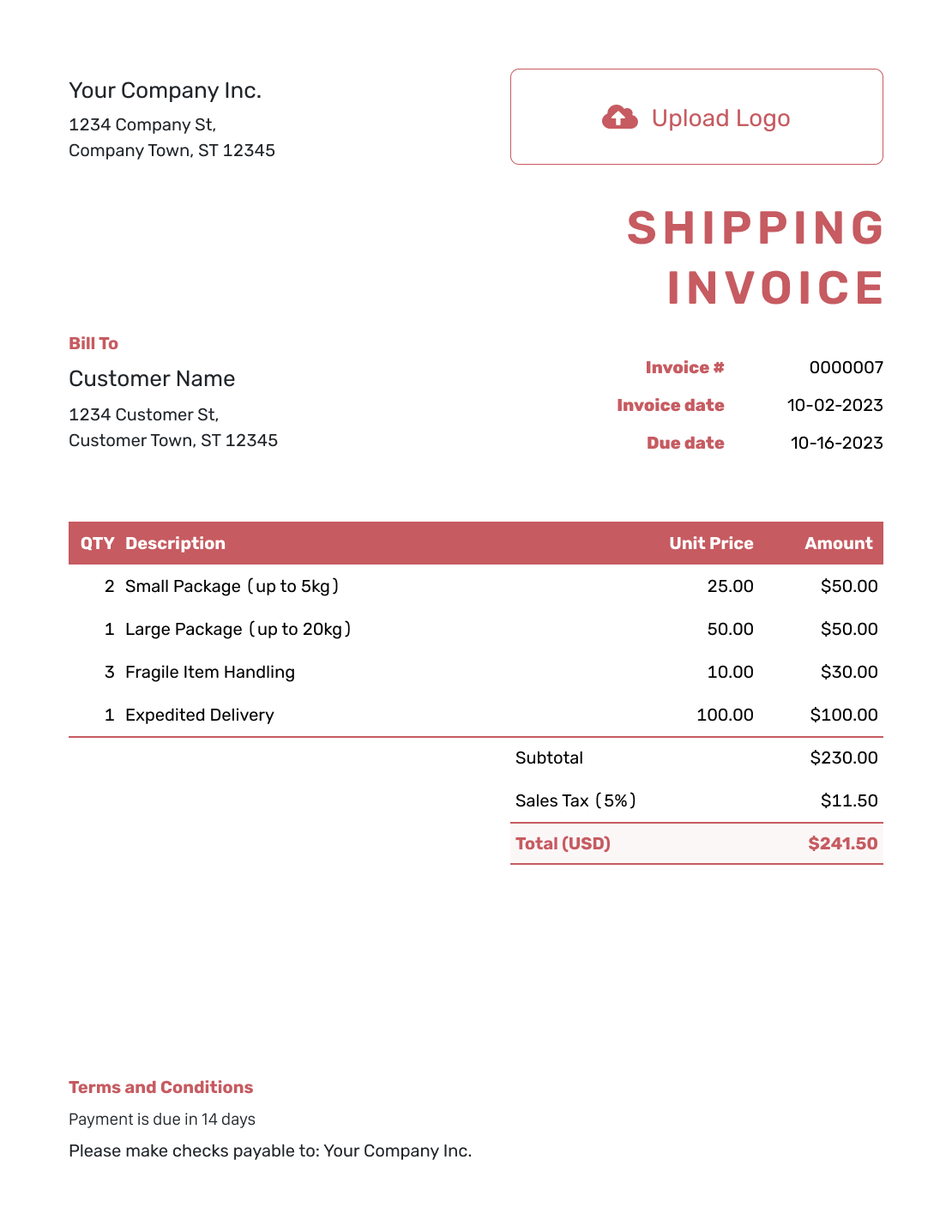
Itemized Shipping Invoice Template
Create Free Invoice -
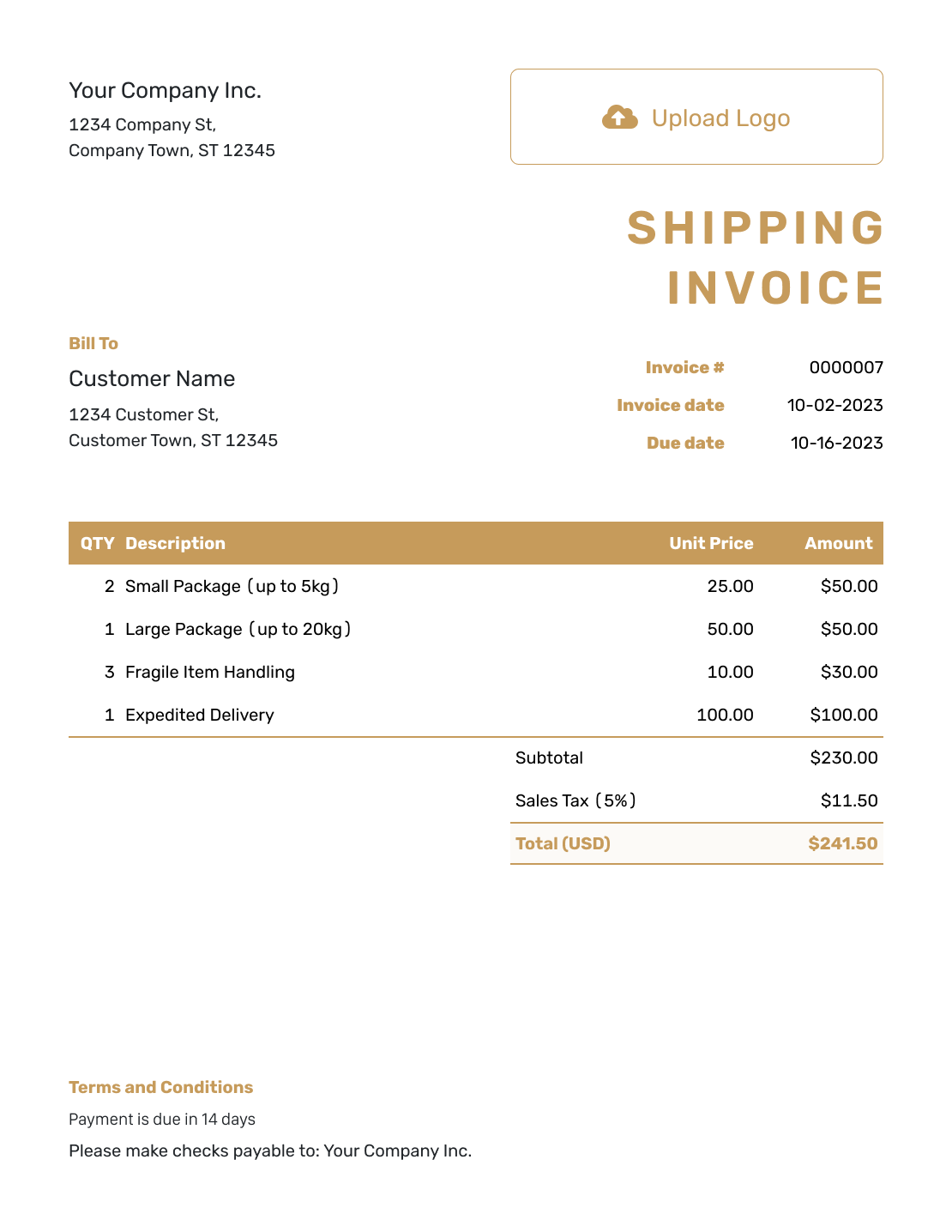
Basic Shipping Invoice Template
Create Free Invoice -
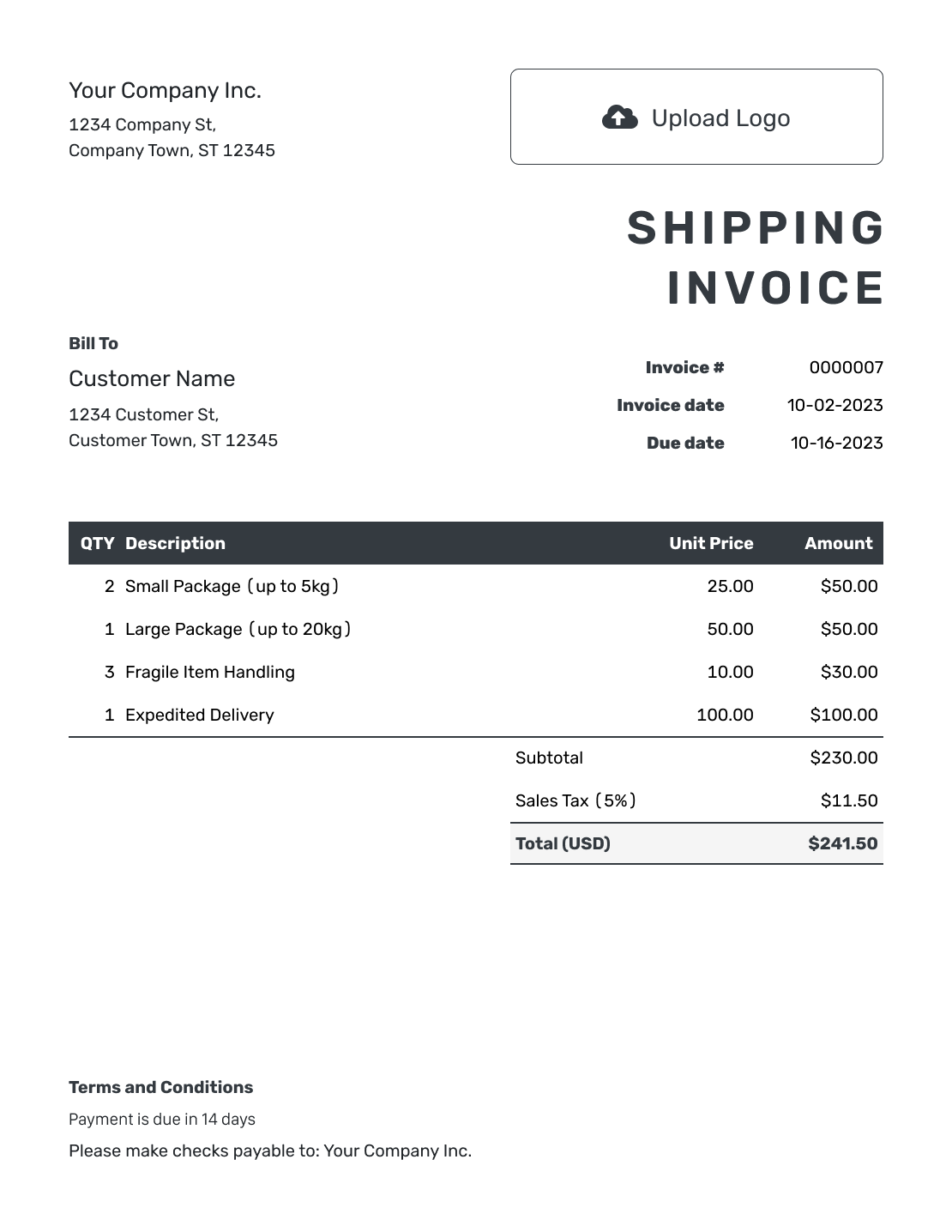
Hourly Shipping Invoice Template
Create Free Invoice
Bill for Moving the Shipment
A shipping-service invoice asks the customer to pay for transport, handling or related delivery work. Identify the job and explain the charges, whether you bill for a parcel delivery or a freight shipment.
Selling goods across a border? A commercial invoice records the goods sold. Do not confuse the goods’ value with the amount charged to move them.
How to Create a Shipping Invoice
Use the booking details and agreed shipping rates. Check who should pay, the shipment reference and the total before sending.
- Add Your Shipping Business: Enter your business name and billing contact details.
- Add Your Logo: Use your logo and keep the invoice design easy to read.
- Choose the Paying Customer: Use the billing details for the customer responsible for payment.
- Set the Number and Dates: Check the invoice number, invoice date and payment due date.
- List the Shipping Charges: Show the shipment reference, pricing units and agreed service charges.
- Check Tax and Totals: Review fees and applicable tax. Docelf calculates the total.
- Add the Payment Instructions: State how to pay and reference the route or booking details.
How to Fill In Shipping Invoice Line Items
Show how you priced the job: by package, pallet, distance or weight. Name any separately charged handling or packing service instead of adding one unexplained fee.
This fictional local delivery uses USD and bills for two pallets, liftgate service and packing materials. For this illustration only, all charges are taxable at 6%.
| QTY | Description | Unit Price | Amount |
|---|---|---|---|
| 2 | Local pallet delivery — pallets | $75.00 | $150.00 |
| 1 | Liftgate service at delivery | $45.00 | $45.00 |
| 1 | Packing materials for this shipment | $25.00 | $25.00 |
| Subtotal | $220.00 |
| Sales Tax (6% example) | $13.20 |
| Total | $233.20 |
The prices and 6% tax rate are examples. Check which taxes apply to your service and route. This example does not calculate customs duties or the value of the goods being shipped.
What to Include in Shipping Invoice Terms
Use Terms and Conditions to connect the payment to the shipment. Give the booking reference, the payment deadline and the contact for billing questions.
Use the rates and extra charges agreed for the booking. Check the agreement and local requirements before adding late fees or other conditions. These payment terms do not replace your shipping agreement.
Example: Terms and Conditions
- This invoice covers shipment [Shipment Reference] from [Pickup Location] to [Delivery Location].
- The listed service charges follow booking [Booking Reference].
- Payment is due within 14 days of the invoice date by [Accepted Payment Method].
- Please include [Invoice Number] with your payment. Send billing questions to [Billing Contact].
Keep the Shipment Reference With the Bill
Add the delivery charges and the reference your customer knows. Docelf calculates the invoice total. Send it with a supporting PDF or image when needed.
Explain How You Reached the Shipping Price
The invoice should let the customer compare the bill with the booking.
Who Pays
Check whether the sender, recipient or another business is responsible for the bill. Use the billing details of whoever is paying.
Which Shipment
Add the booking or tracking reference and service date. Put pickup and delivery details in the description or terms when needed.
Which Rate
Show the unit used to calculate the price. For weight-based charges, show the billed weight and its unit. Do the same for distance or package count.
Which Extra Services
List agreed fuel, handling, waiting-time or special-delivery charges separately. For a percentage surcharge, state the rate and the amount you apply it to.
Keep Billing Separate From Shipment Tracking
You can copy a carrier’s tracking reference into the invoice description or terms. Use the carrier’s tracking service to check where the shipment is and whether it arrived.
Docelf’s delivery and opening information refers to the emailed invoice, not the parcel or freight. It does not confirm that the goods arrived or replace a carrier’s delivery record.
Attach a relevant PDF or image of the delivery record when it helps the customer check the bill. Supported attachments include PDF, JPG, GIF, PNG and WebP, up to 5 MB each.
Need Paperwork for Goods Crossing a Border?
A transport bill is not a substitute for the seller’s commercial invoice or other required shipment paperwork. The International Trade Administration’s export-document guide explains the different roles of a commercial invoice, packing list and transport documents.
Confirm the documents with your carrier, freight forwarder or customs broker. Use the export invoice page for guidance on billing the goods rather than the shipping service.
Reuse the Billing Details for Regular Customers
Save customer and service details for the next delivery. You can duplicate a previous invoice, but review the shipment reference, rate and charges before sending the new draft.
Add your logo, colors and fonts, and use the footer for your billing contact. Choose USD, EUR, GBP, CAD or AUD as agreed with the customer. An optional industry name can appear before “Invoice.”
After You Send the Shipping Invoice
After emailing the invoice from Docelf, check whether it was delivered and opened. Keep any billing follow-up separate from questions about the goods in transit.
Follow the Shipping Bill Through to Payment
- Use the booking reference when answering questions about the billed service.
- Record the payment amount and date on the matching invoice.
- Create a receipt after recording payment and keep any unpaid balance clear.
Shipping Invoice File Formats
Choose a document or spreadsheet format for the way you prepare shipping bills. Keep the shipment reference and pricing units visible when you edit the file.
Shipping Invoice FAQs
-
What should a shipping invoice include?
Show your business, the paying customer and the shipment or booking reference. Add the service date, route when useful, pricing units and agreed charges. Include the invoice number, payment due date and payment instructions.
-
Is a shipping invoice the same as a commercial invoice?
They serve different purposes here. A shipping invoice bills for transport or handling. A commercial invoice records the goods sold and may be used for customs. Confirm which documents your shipment needs.
-
How do I show charges based on weight or distance?
Name the unit in the description and show the billed quantity with its rate. For example, a distance-based line should identify the miles or kilometers used for the charge. Use the unit and rate you agreed for the booking.
-
Can I include a carrier tracking number?
Yes. Add the reference to the description or terms so the customer can match the invoice to the shipment. Use the carrier’s tracking service to check the goods’ movement.
-
Does Docelf track delivery of the goods?
Docelf shows delivery and opening information for the emailed invoice, not the physical shipment. Use the carrier’s tracking service or transport records to check whether the goods arrived.
-
Should fuel or handling charges be separate?
List them separately when they are separate charges under the booking agreement. Name each service or surcharge clearly. Do not add another charge for a service already covered by the base rate.
-
Can I attach proof of delivery to the invoice?
You can attach an existing delivery record as a PDF or supported image, up to 5 MB per file. The recipient can download it with the invoice. Use the carrier’s service to track the shipment itself.
Ready to Send the Shipping Bill?
Send a bill the customer can match to the shipment and agreed charges.
- Identify the shipment and paying customer
- List the agreed transport and handling charges
- Email the invoice with supporting details




