Free Trucking Invoice Template
Create a professional trucking invoice in minutes
Bill for a completed haul and show the route, mileage or delivery service. A clear due date tells the customer when to pay and helps you collect payment.
Email, print or download your invoice as a PDF.
14-day free trial. No credit card required.

Create the invoice. Send it. Get back to work.
Trucking Invoice Previews
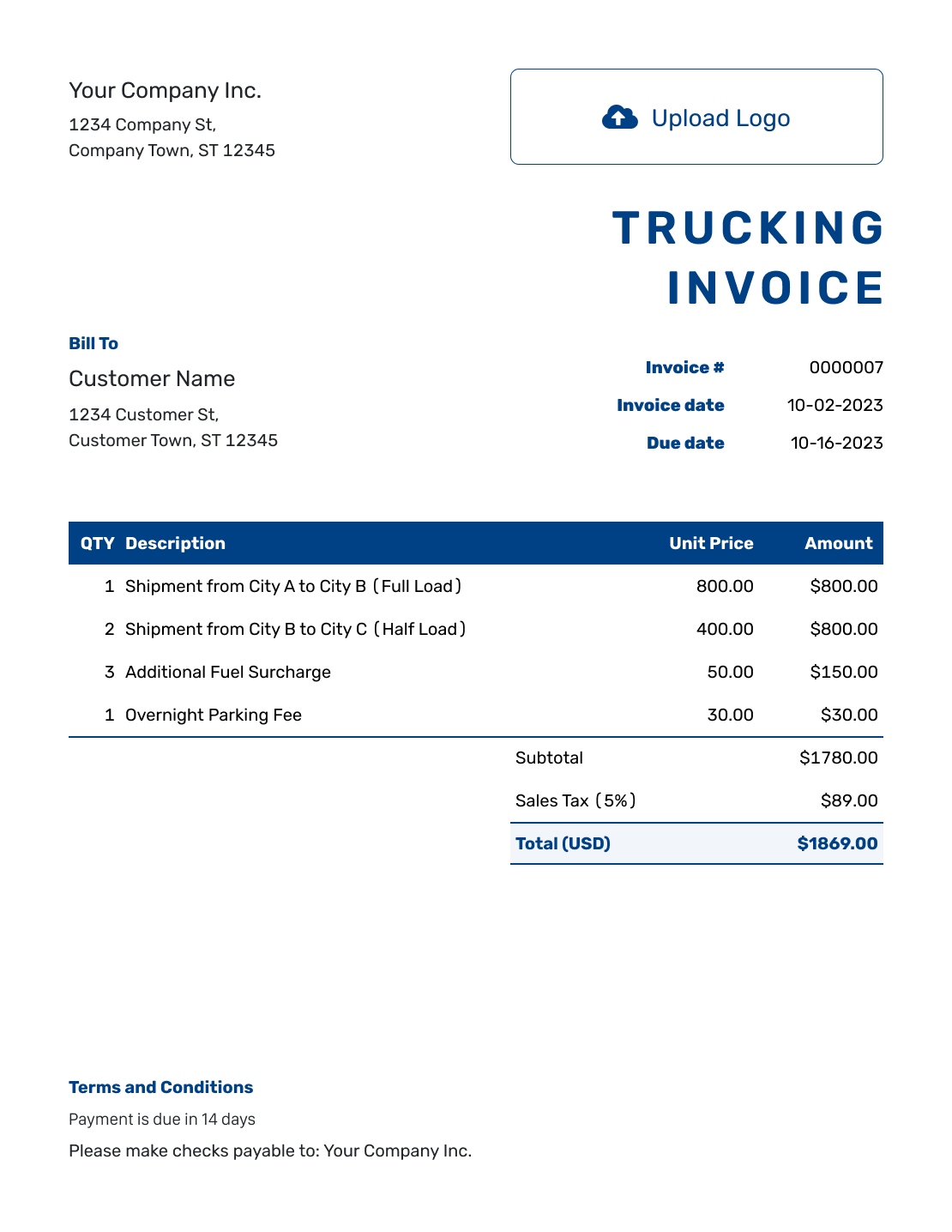
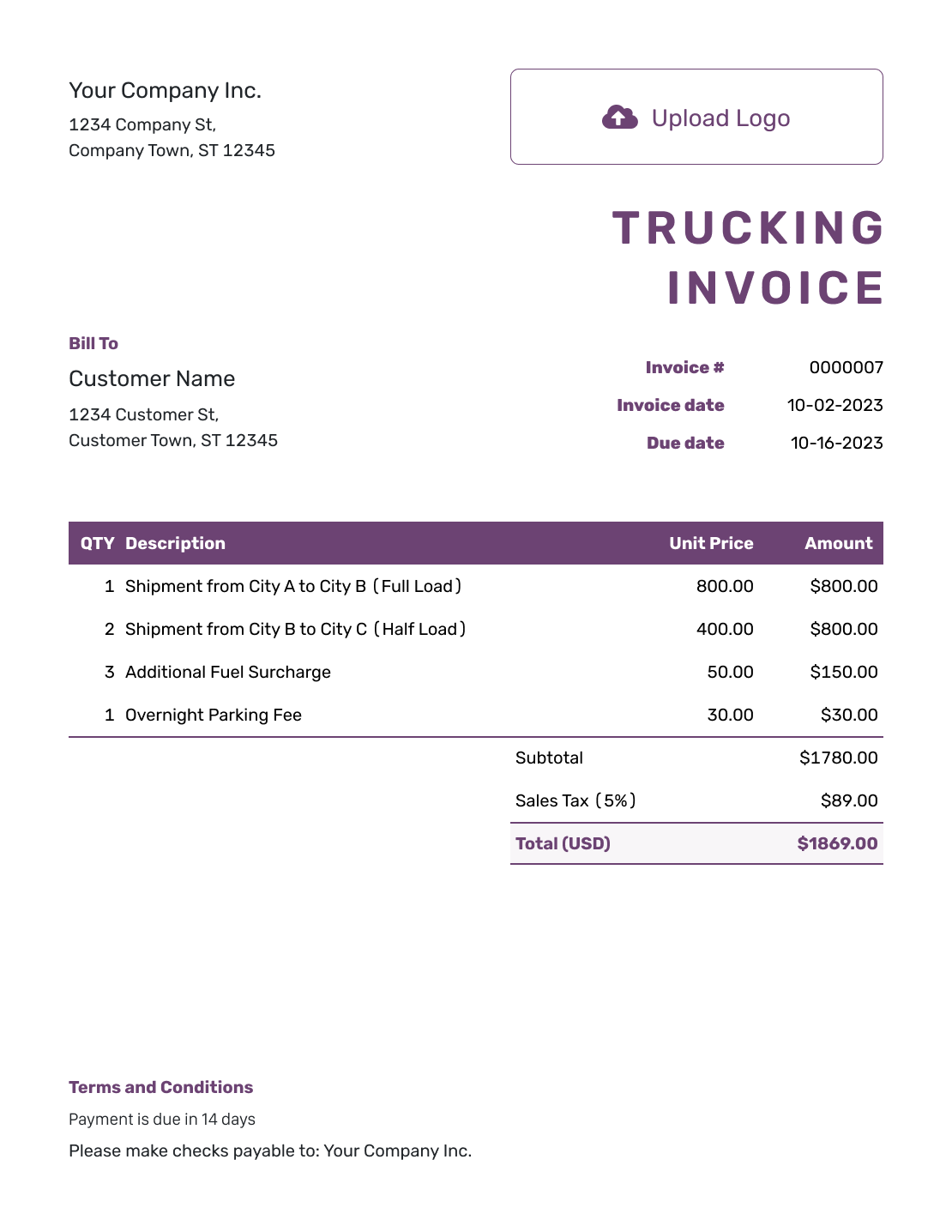
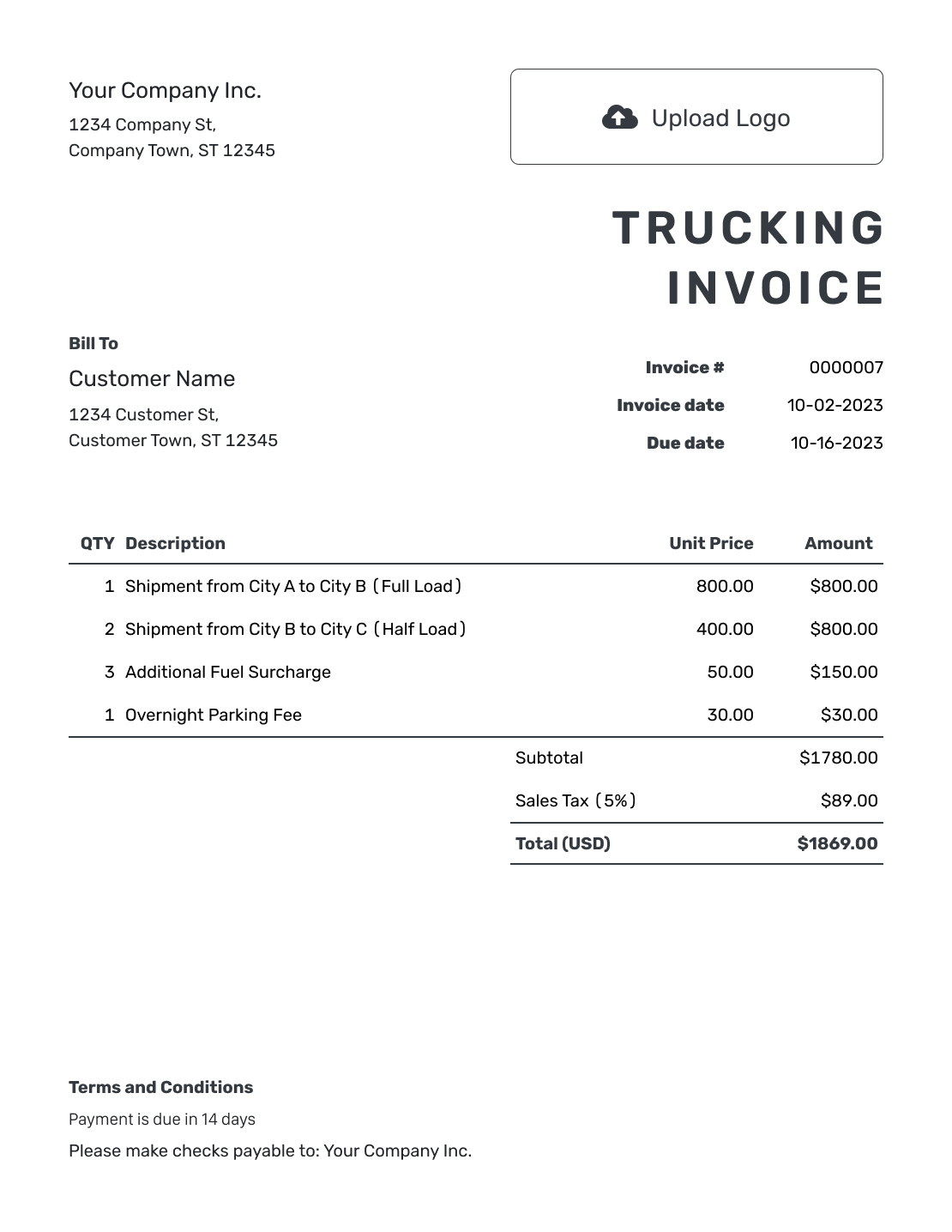
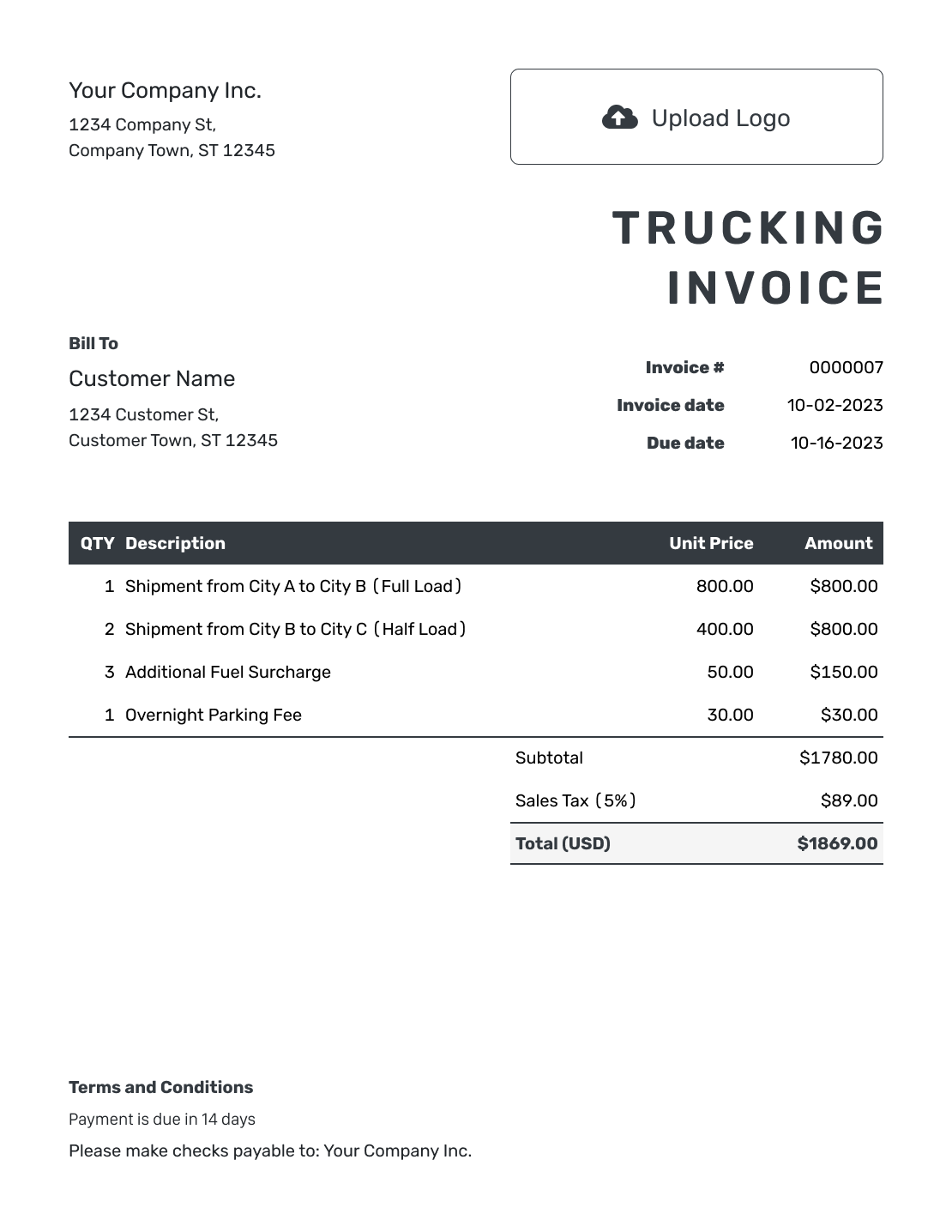
Browse invoice layouts for owner-operators and trucking fleets. Each preview opens the same invoice editor, where you can enter the haul details.
Bill for a Completed Haul
A trucking invoice requests payment for hauling a load. Use it to show the route and the rate you agreed with the customer.
Before you send the invoice, confirm who is paying you. The delivery address may differ from the billing address. Include the load reference so the customer can match the invoice to the job.
How to Write a Trucking Invoice
Have the load details and agreed rates ready.
- Add Your Trucking Business: Enter your business name and the contact details customers should use for billing questions.
- Add Your Logo: Add your logo to match your other business documents.
- Add the Paying Customer: Enter the billing details for the shipper, broker, or other customer responsible for payment.
- Set the Number and Dates: Check the invoice number, invoice date, and agreed payment due date.
- Describe the Completed Haul: Add the load reference, route, and delivery date. Enter the miles, loads, or hours and the agreed rates.
- Check the Total: Add any tax or discount that applies. Docelf updates the total.
- Explain How to Pay: Add payment instructions and the payment reference in Terms and Conditions. Review the invoice, then email it or download the PDF.
How to Fill In Trucking Invoice Line Items
In each description, say whether you're billing for miles, loads, or hours. List fuel surcharges and waiting time separately when they are not included in the haul price.
This example uses US dollars. The 6% tax on all three charges shows how the total is calculated, not which taxes apply to your haul.
| QTY | Description | Unit Price | Amount |
|---|---|---|---|
| 240 | Load TR-204: warehouse-to-depot haul (miles) | $2.75 | $660.00 |
| 240 | Fuel surcharge for TR-204 (miles) | $0.40 | $96.00 |
| 1.5 | Waiting time at unloading for TR-204 (hours) | $60.00 | $90.00 |
| Subtotal | $846.00 | |
| Sales Tax (6% example) | $50.76 | |
| Total | $896.76 |
The 1.5 hours shown here exclude any free waiting time in the example agreement. Use your own rates and check the taxes that apply to the haul.
What to Include in Trucking Invoice Terms
Use Terms and Conditions to explain when and how the customer should pay, including the invoice or load reference to use. Match the payment deadline to the due date set on the invoice.
The sample below uses a 30-day payment period for load TR-204. Adapt it to your haul and agreement, including any fuel or waiting-time conditions your business uses. Check local requirements before adding fees.
Example: Terms and Conditions
- This invoice covers completed load TR-204 on [Delivery Date].
- Payment is due within 30 days of the invoice date by [Payment Method].
- Mileage, fuel, and waiting time are billed at the rates in [Rate Agreement Reference].
- Include [Invoice Number] and TR-204 with payment. Send billing questions to [Billing Contact].
Create the Invoice for This Haul
Turn the load details and agreed charges into a bill your customer can check. Docelf calculates the total, ready for you to review and send.
Match Each Charge to the Agreed Rate
Make it clear whether the main haul is priced by distance, load, or time. Add extra services only when they are outside that price.
Per Mile
Enter the miles you agreed to bill and the rate per mile.
Per Load
Enter a quantity of 1 and the agreed price for the load. Check what that price includes before adding delivery, loading, or unloading fees.
Per Hour
Show the billed hours and hourly rate. For waiting time, exclude any time allowed at no charge. In the example, 90 billable minutes become 1.5 hours at $60.00 per hour.
Fuel Surcharges
Use the surcharge agreed for this load: a per-mile rate, fixed amount, or percentage of a stated charge. Keep fuel within the haul price when that price already includes it.
Send the Load Paperwork With the Invoice
Attach the rate confirmation and an existing proof-of-delivery record when your customer needs them to check the invoice. Include a time record to support any waiting-time charge.
Docelf accepts PDF or image attachments up to 5 MB each. Supported images are JPG, GIF, PNG, and WebP. Your customer can download them with the invoice.
Customize the Trucking Invoice
Add your logo and choose fonts and colors that match your business. Put your billing contact in the footer. The optional industry name lets you add “Trucking” before “Invoice.”
Save your customer and service details for the next haul. To reuse a past invoice, duplicate it. Docelf creates a new draft with a new invoice number. Update the load details and rate before you send it.
Choose the currency agreed with your customer. Docelf supports USD, EUR, GBP, CAD, and AUD.
Record Payment for Each Load
Check whether Docelf delivered the emailed invoice and whether your customer opened it. These updates describe the document, not the truck or freight.
Record the payment amount and date on the invoice for that load. Docelf shows the remaining balance. After you record the payment, create a receipt from the invoice.
More Trucking Invoice Previews
These six previews open the same invoice editor. Add your own load details and agreed rates to create the bill.
-
Blank Trucking Invoice Template
Create Free Invoice -
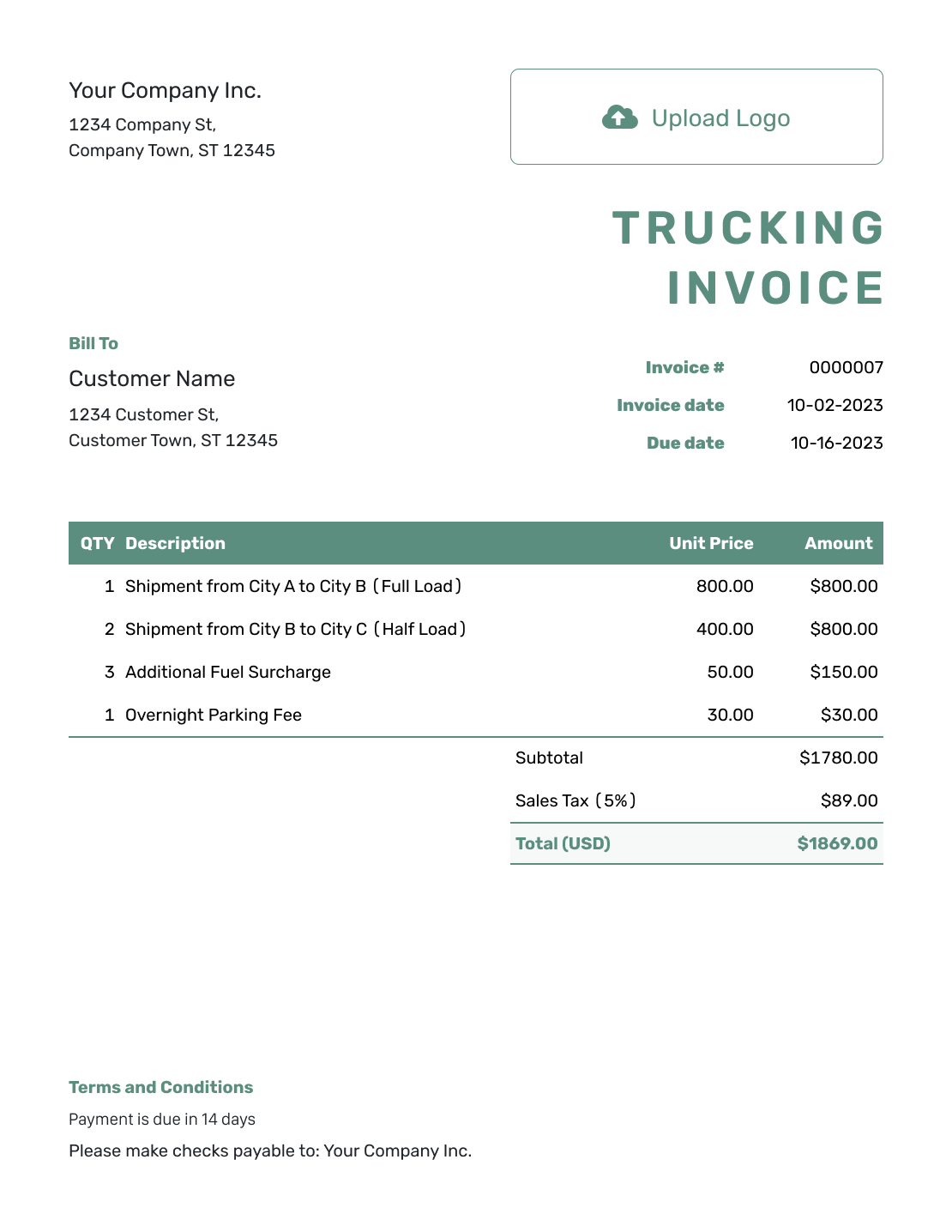
Simple Trucking Invoice Template
Create Free Invoice -
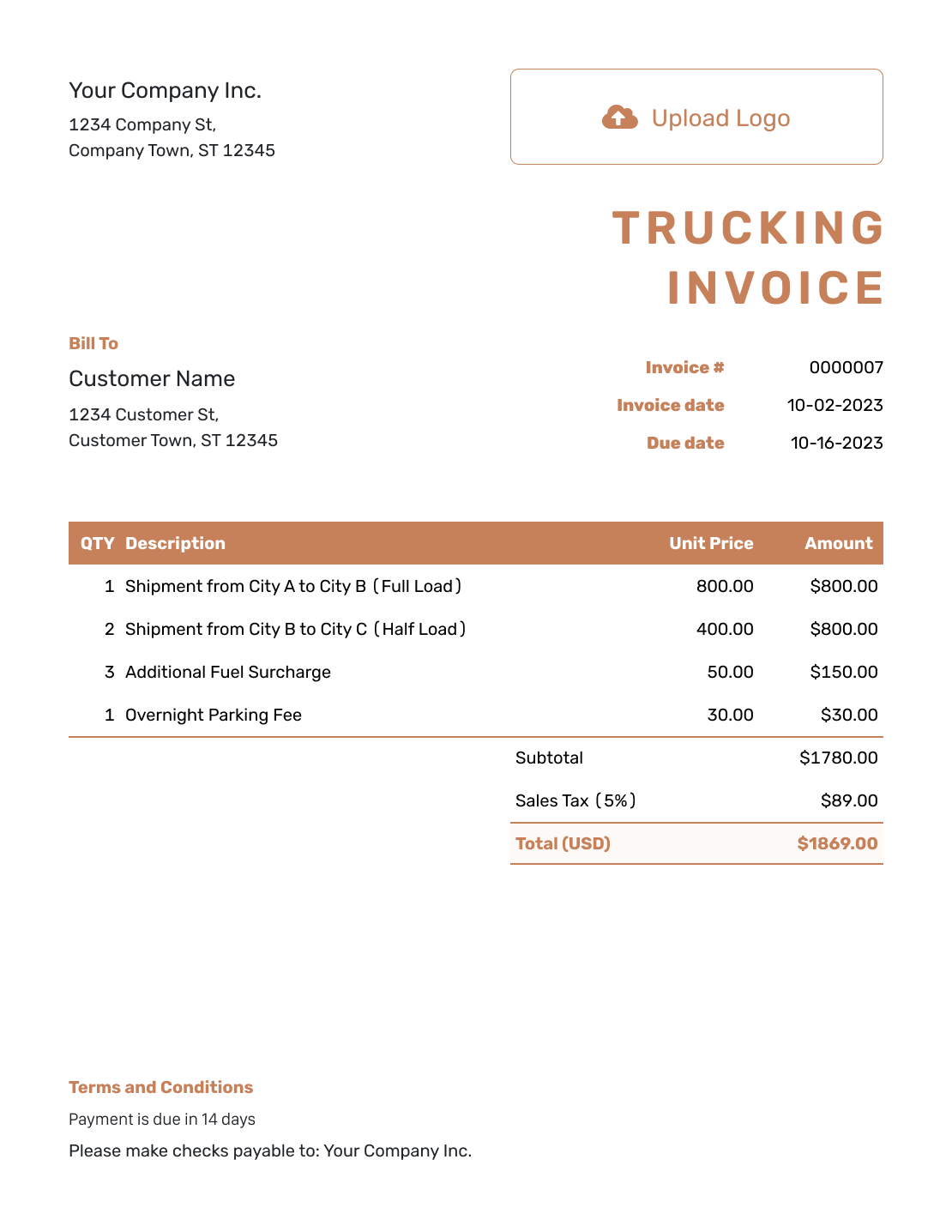
Standard Trucking Invoice Template
Create Free Invoice -
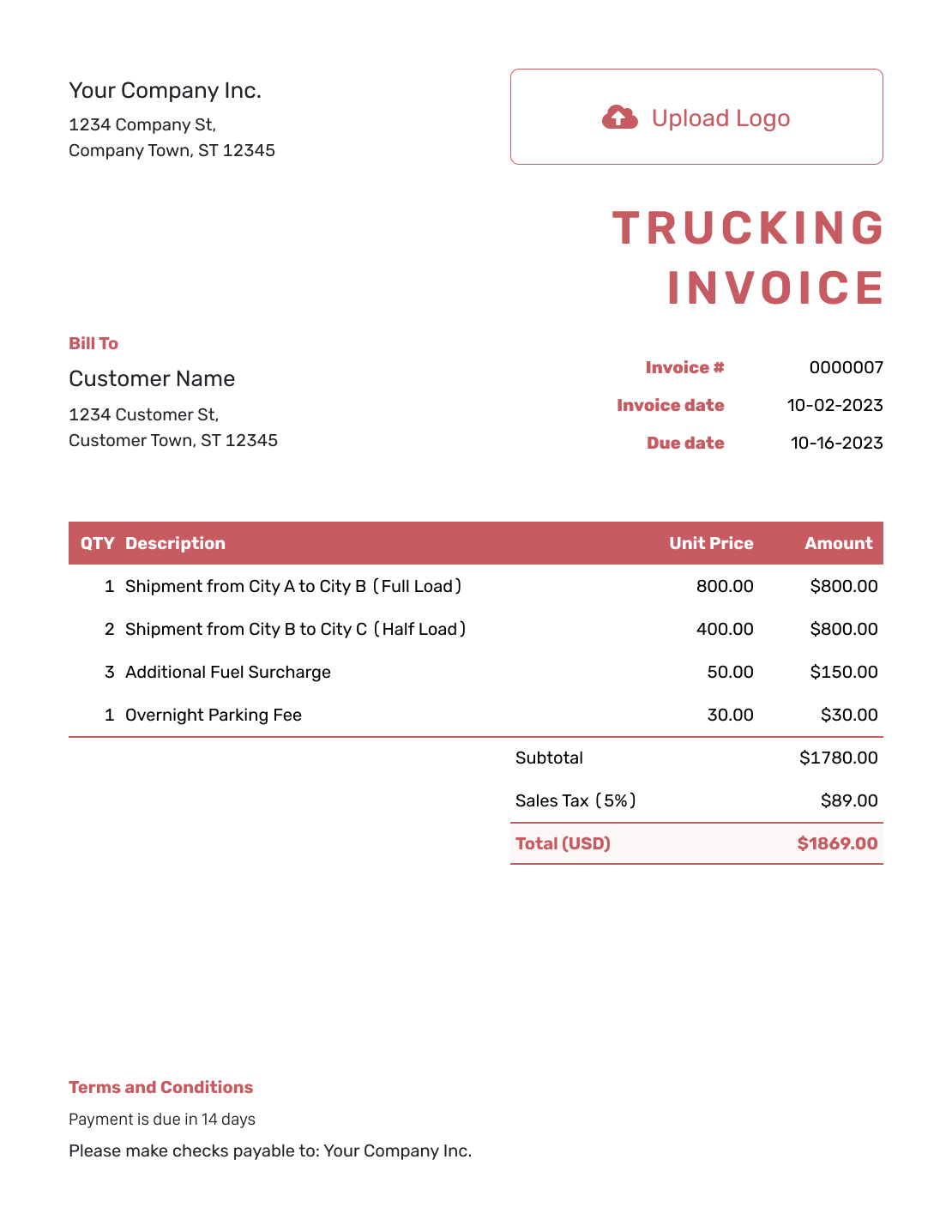
Itemized Trucking Invoice Template
Create Free Invoice -
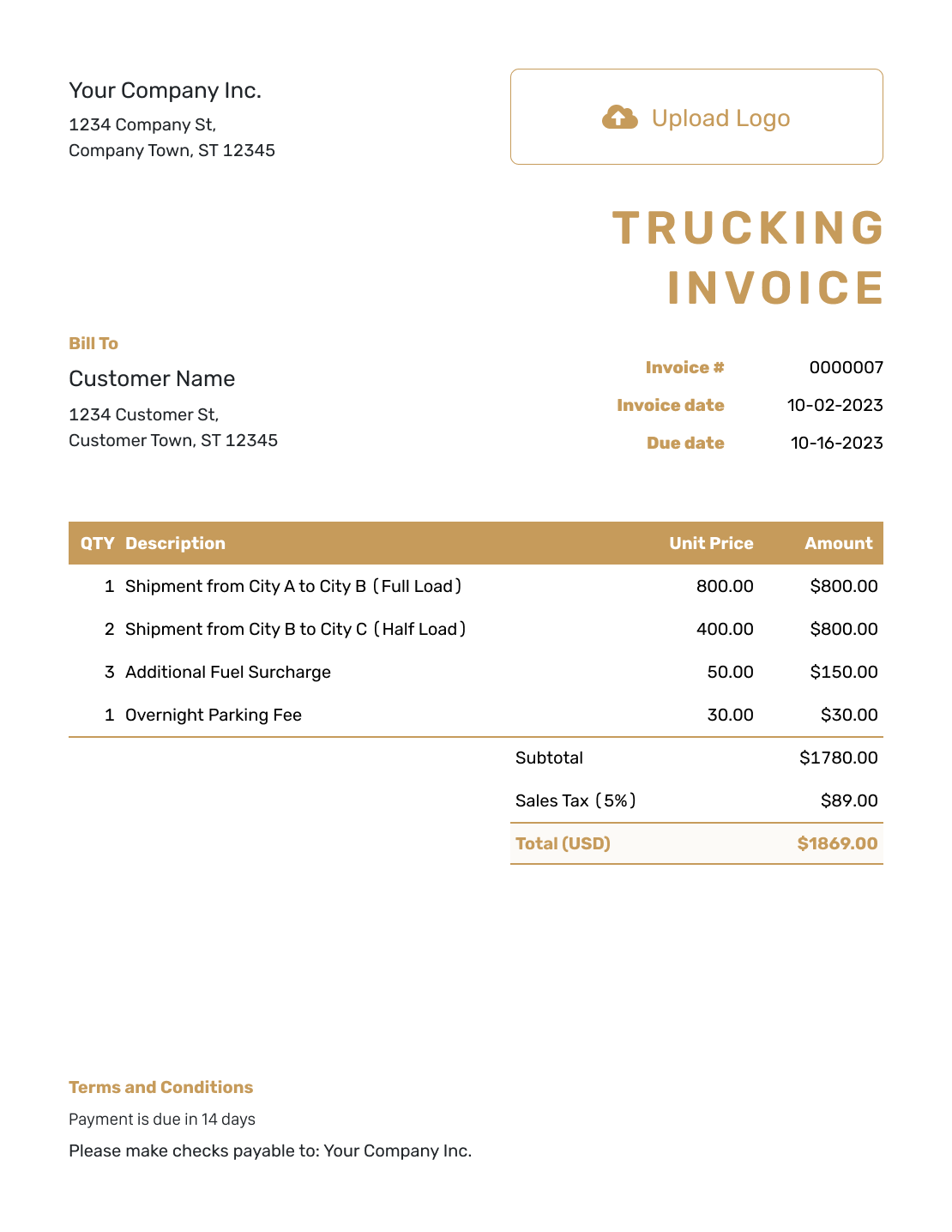
Basic Trucking Invoice Template
Create Free Invoice -
Hourly Trucking Invoice Template
Create Free Invoice
Prefer Another Invoice Format?
Use Word or Google Docs to edit a document layout. Excel and Google Sheets give you a spreadsheet for quantities and rates. Check your totals when you add fuel or waiting-time rows.
Trucking Invoice FAQs
-
What should an owner-operator include on a trucking invoice?
Add your business and customer details. Include the invoice number, invoice date, and payment due date.
Use the load reference, route, and delivery date to identify the job. List the quantities and agreed rates for each charge. Finish with the total and payment instructions.
-
How do I bill one load at a flat rate?
Use a quantity of 1 and enter the agreed load price. Put the route, load reference, and delivery date in the description. Do not also bill the same haul by mileage unless the agreement calls for a separate charge.
-
How should I show a fuel surcharge?
For a per-mile surcharge, enter the billed miles and fuel rate on their own line. For a fixed or percentage-based surcharge, use quantity 1 and enter the calculated charge as the price. State the percentage and base amount in the description when relevant. Add a surcharge only when your agreement charges fuel separately.
-
How do I invoice for waiting time?
List the hours you're charging for and the agreed hourly rate. Leave out any waiting time your agreement allows at no charge. Identify the delay with the load reference and date. Attach the time record that supports the charge.
-
Should I bill the delivery site or the customer who booked the haul?
Bill the customer responsible for payment under your agreement. That may be a shipper, broker, or another business. The delivery site and billing customer may be different.
-
Can I send the load paperwork with my invoice?
Yes. Attach an existing rate confirmation or proof-of-delivery record as a PDF or supported image. Each file can be up to 5 MB. Your customer can download the attachments with the invoice. Docelf does not create the delivery record.
Ready to Send Your Trucking Invoice?
Finish your invoice while you have the load details in front of you.
- Keep the route and load reference with the charges
- Let Docelf calculate the invoice total
- Email the invoice or download a PDF




