PDF of Your Document
Want to save or share a copy of your invoice, estimate, quote, receipt, or purchase order? In Docelf, it's easy to download any document as a PDF.
Save Your Document
Start by clicking Save in the toolbar. This makes sure your latest edits are included in the PDF.
Double-check that everything looks good before moving on.
Download as PDF
Click the PDF button in the right-hand menu. On mobile, this option appears just below your document.
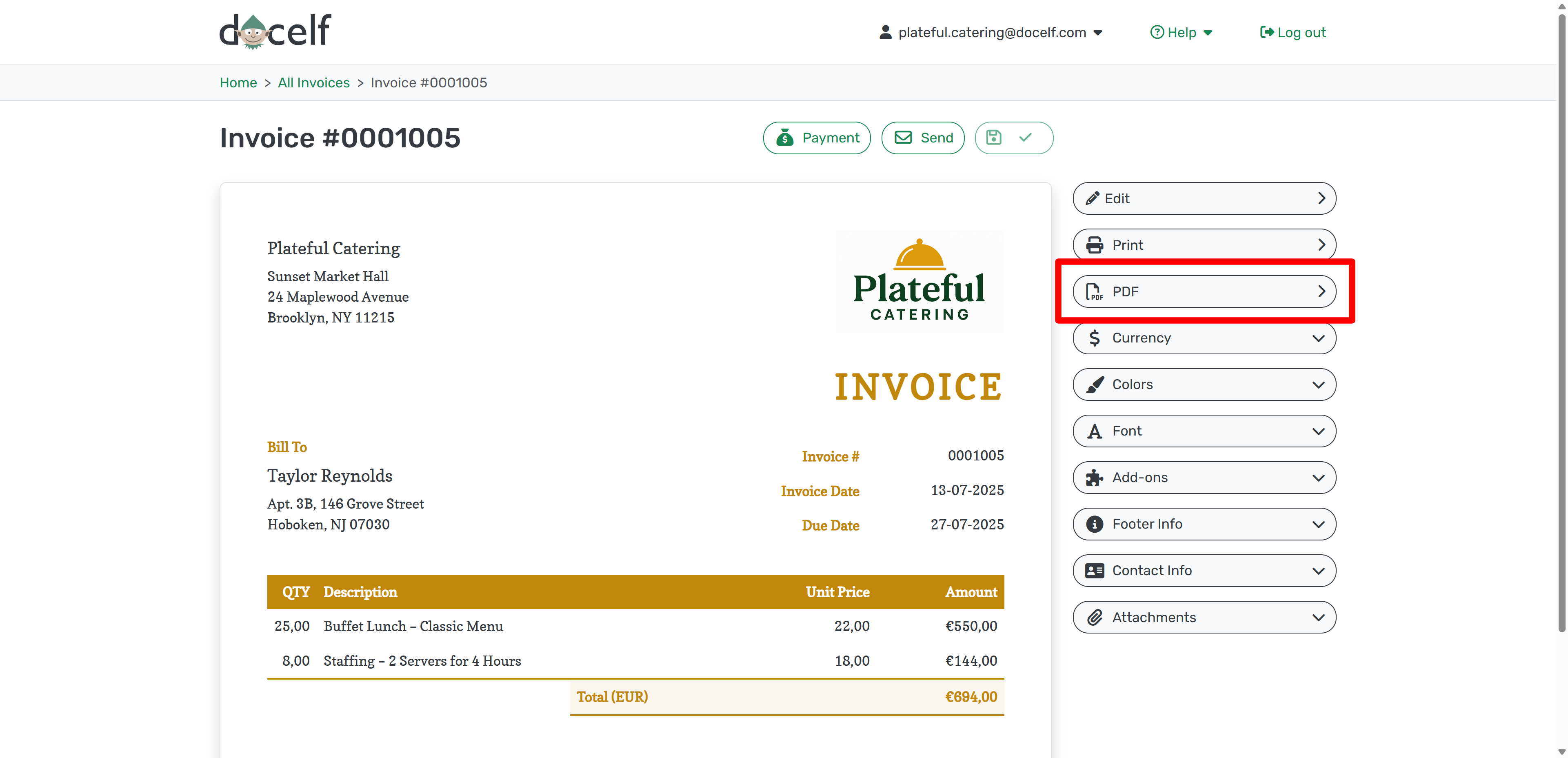
The file downloads automatically. You’ll usually find it in your device’s Downloads folder:
- 📁 Windows: File Explorer → Downloads
- 🖥️ Mac: Finder → Downloads
- 📱 iPhone/iPad: Files app → Downloads
- 📱 Android: My Files app or browser’s download list
Now you’re ready to print, email, or upload your PDF wherever it needs to go.




